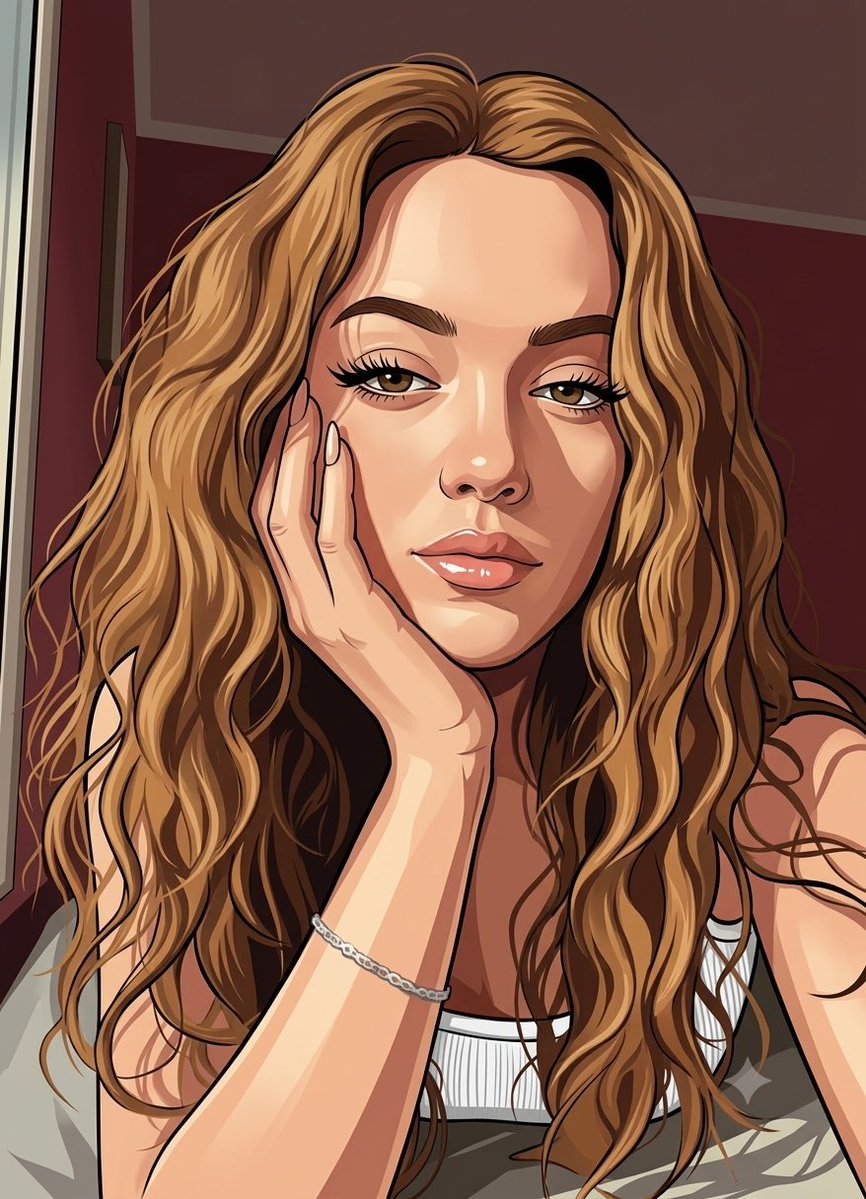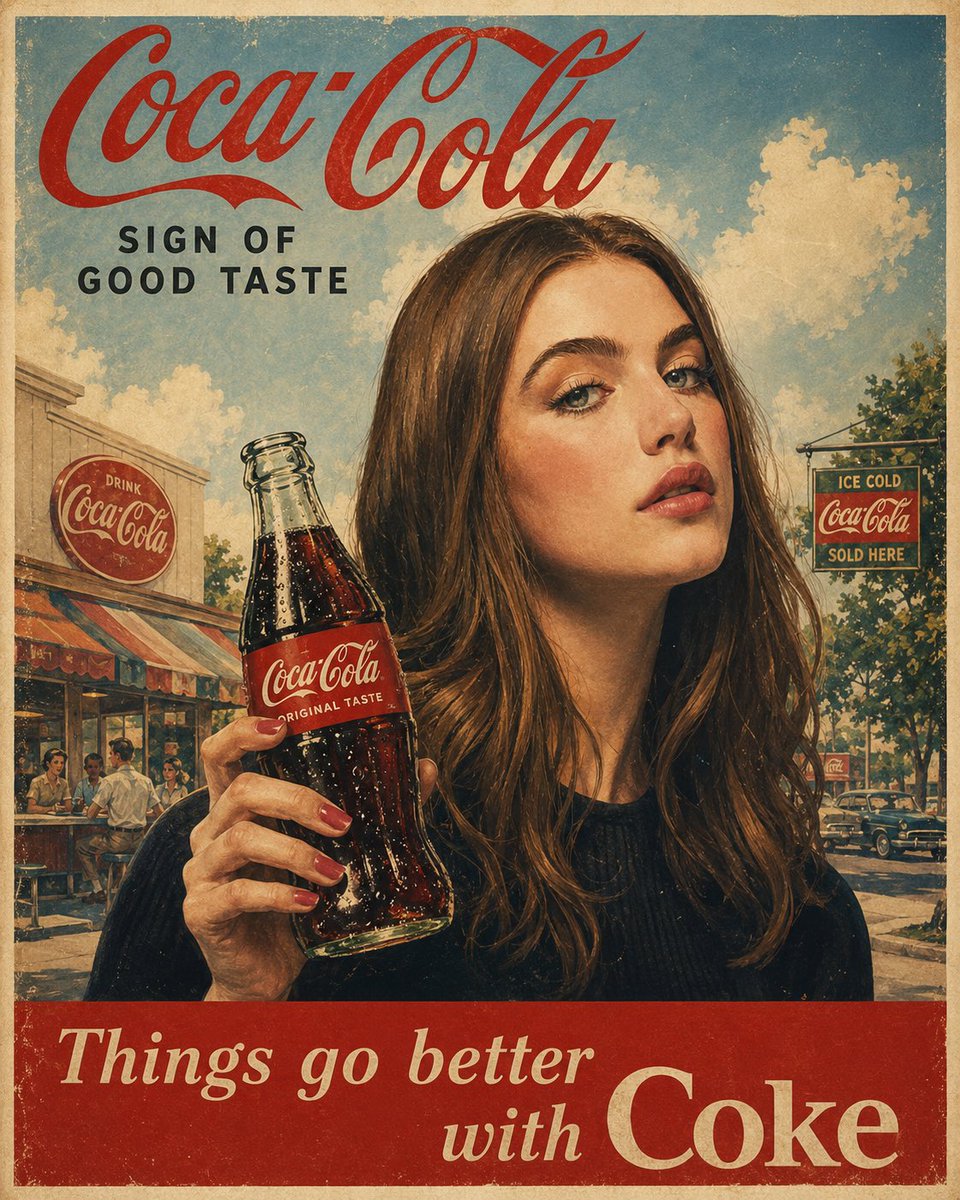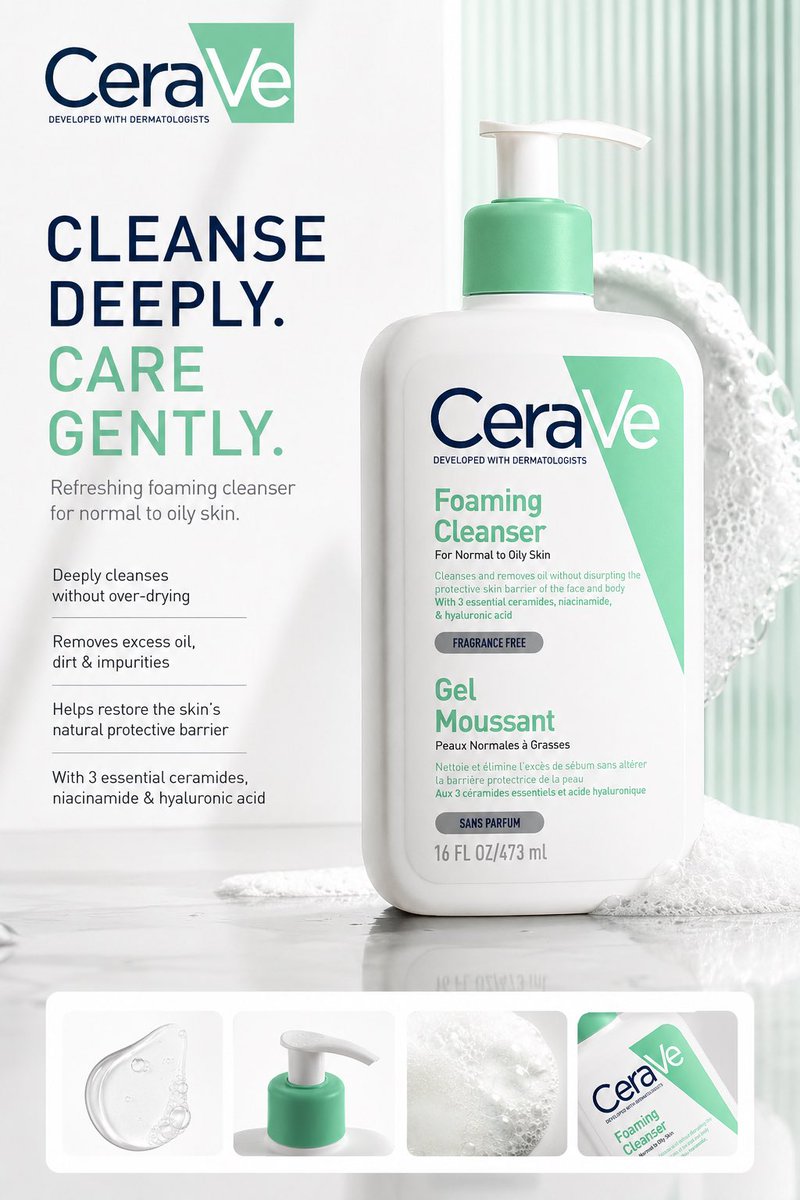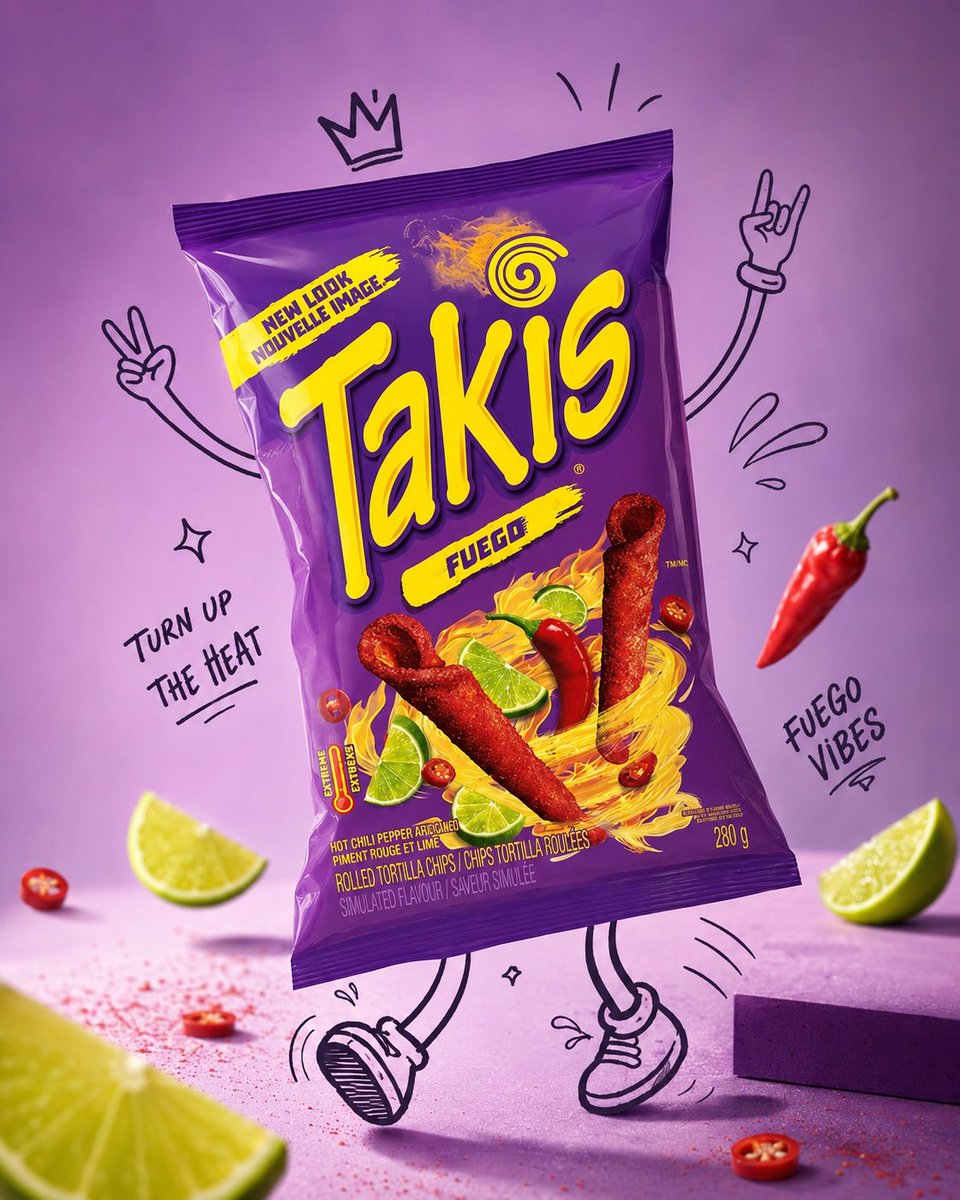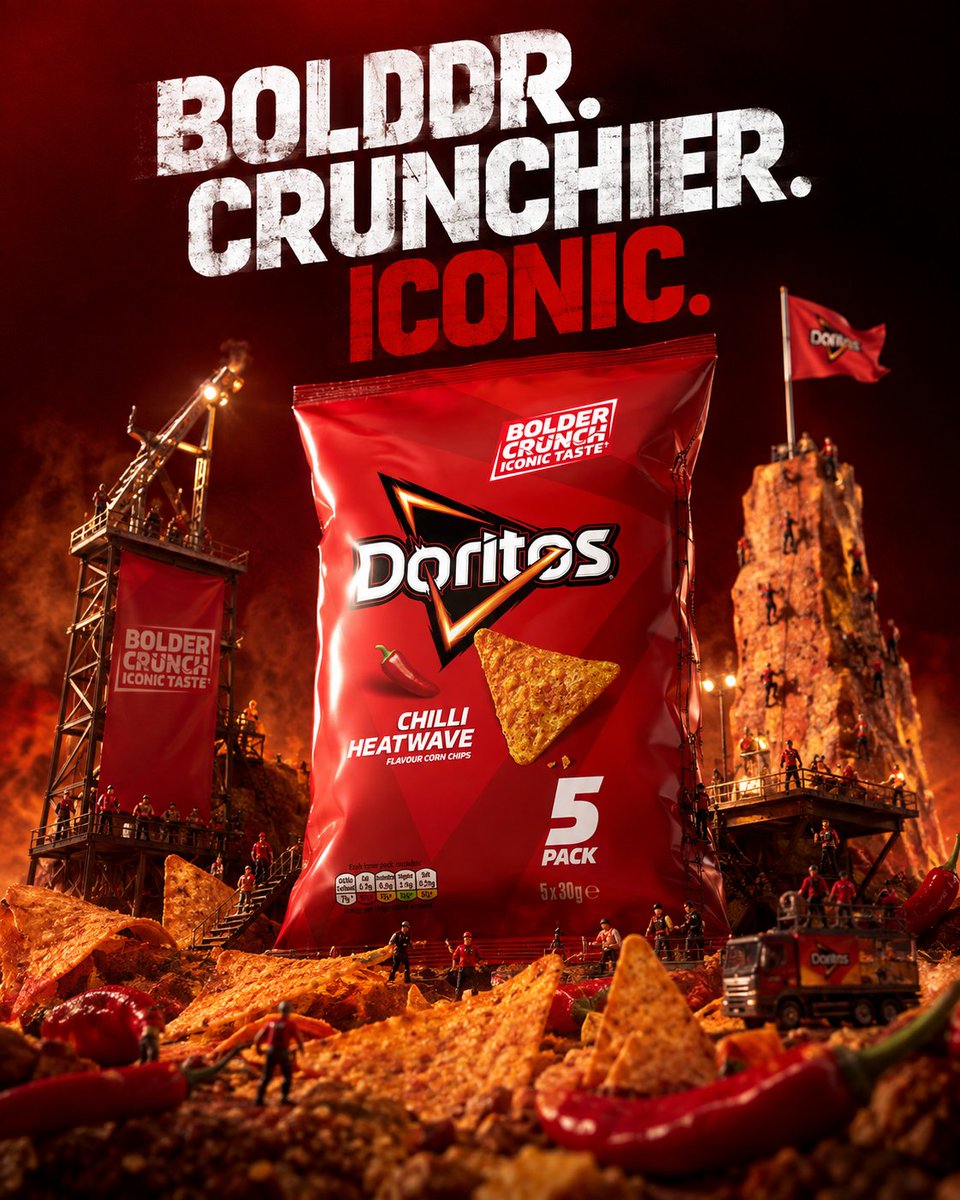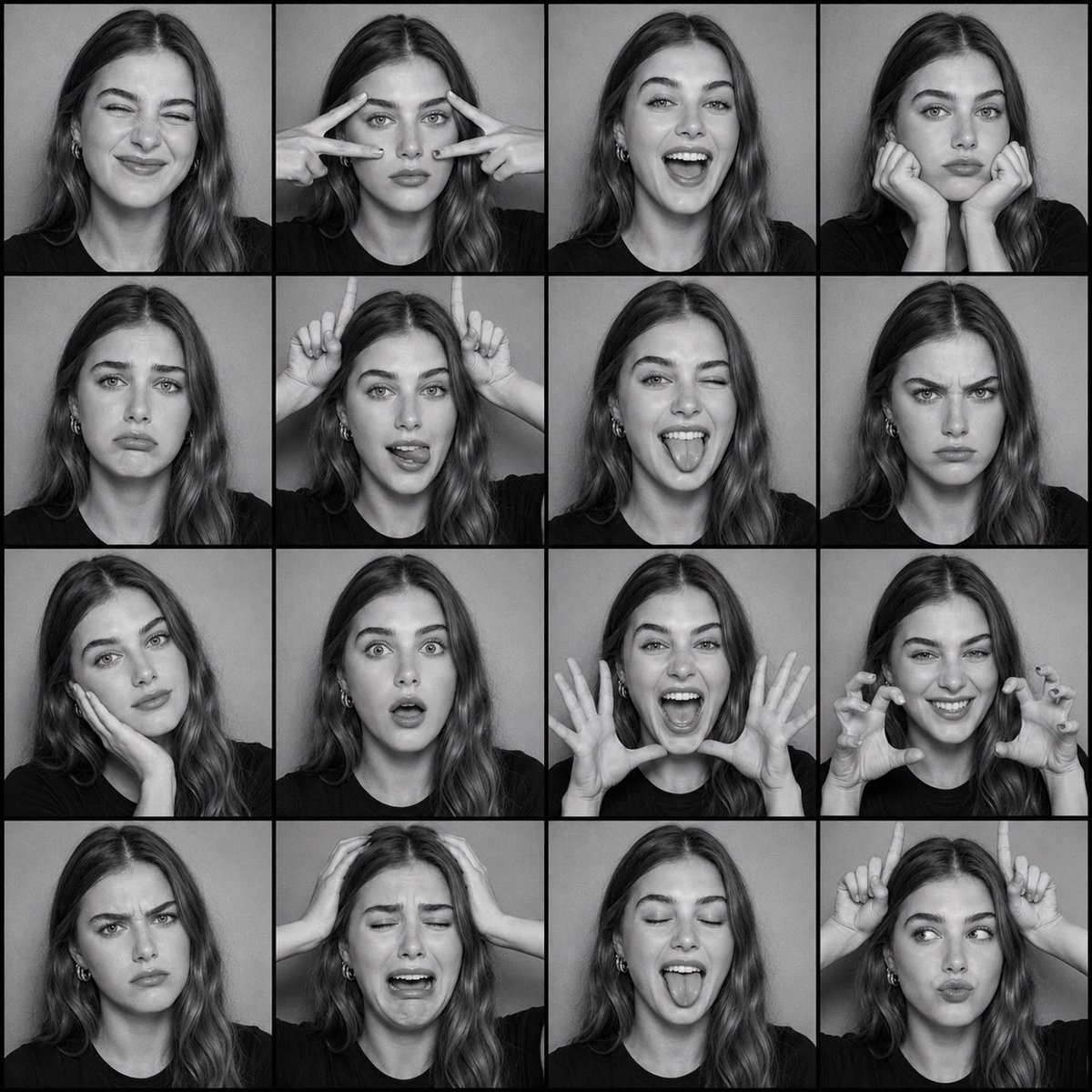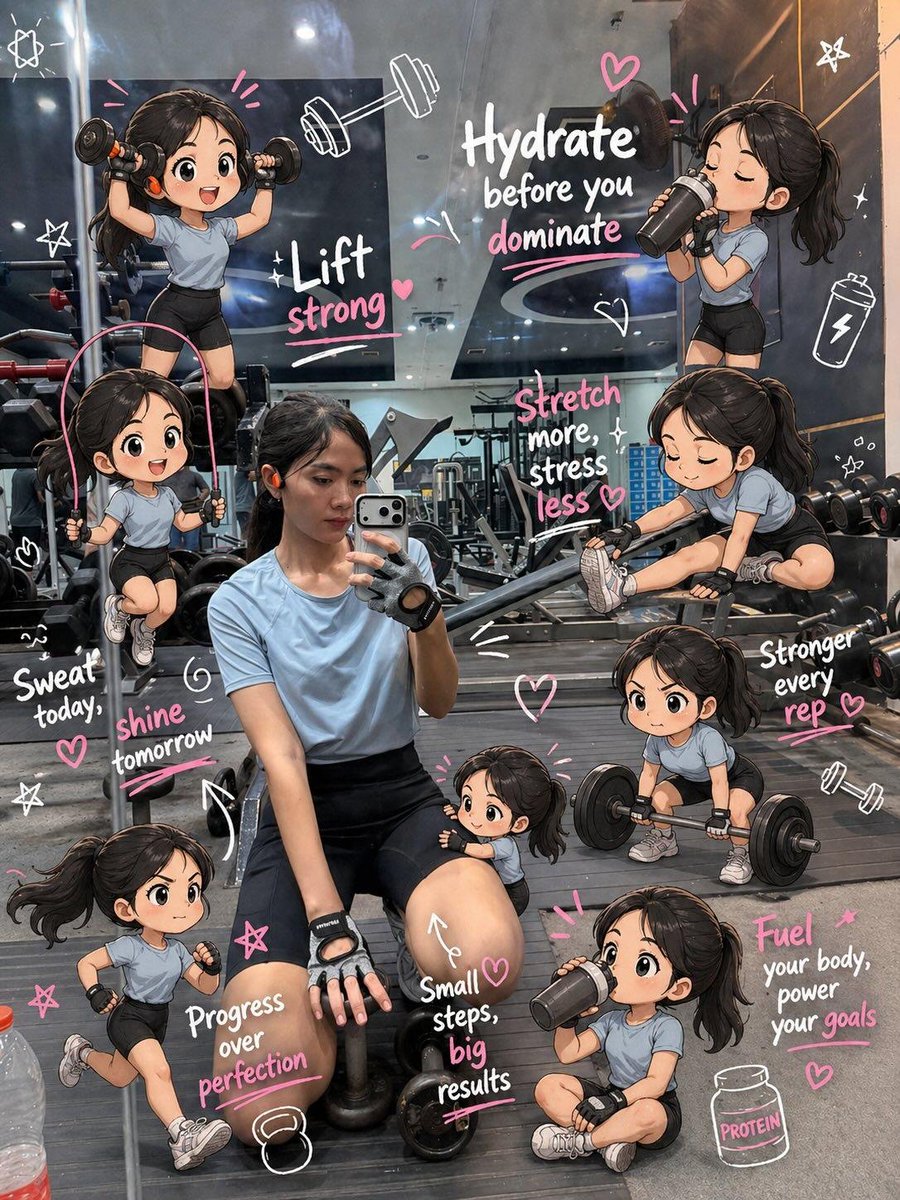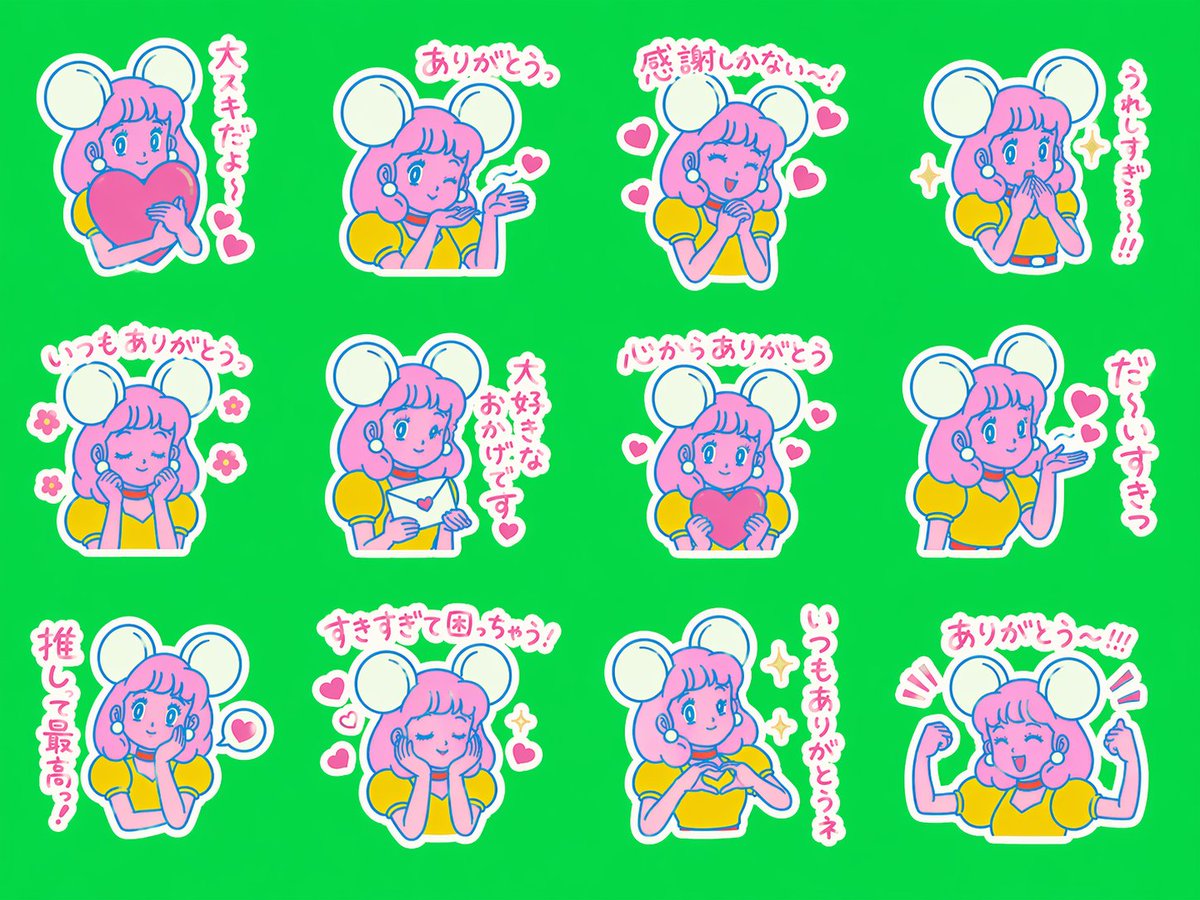
Image prompt Illustration & Characters Customizable Add your photo
Pixar-Style 3D Chibi Good Morning Scene
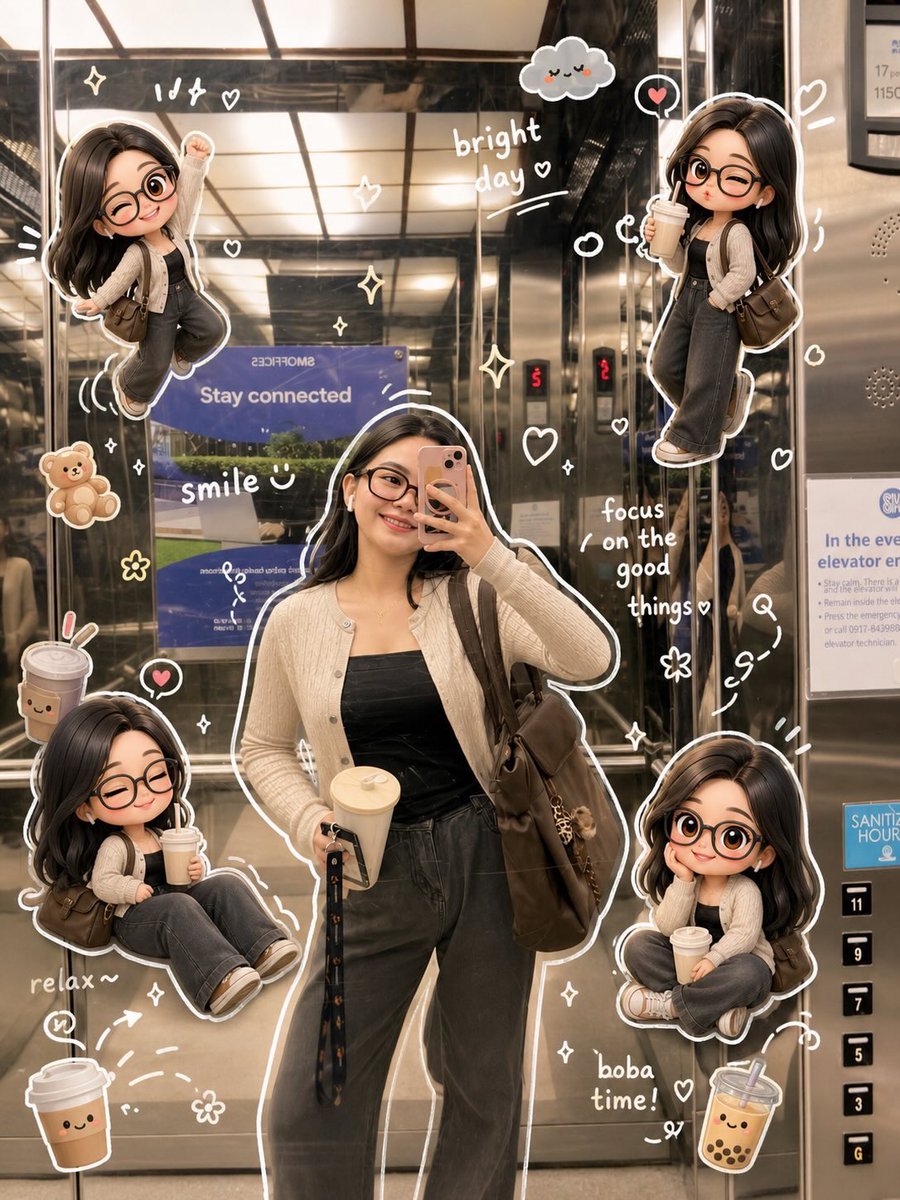
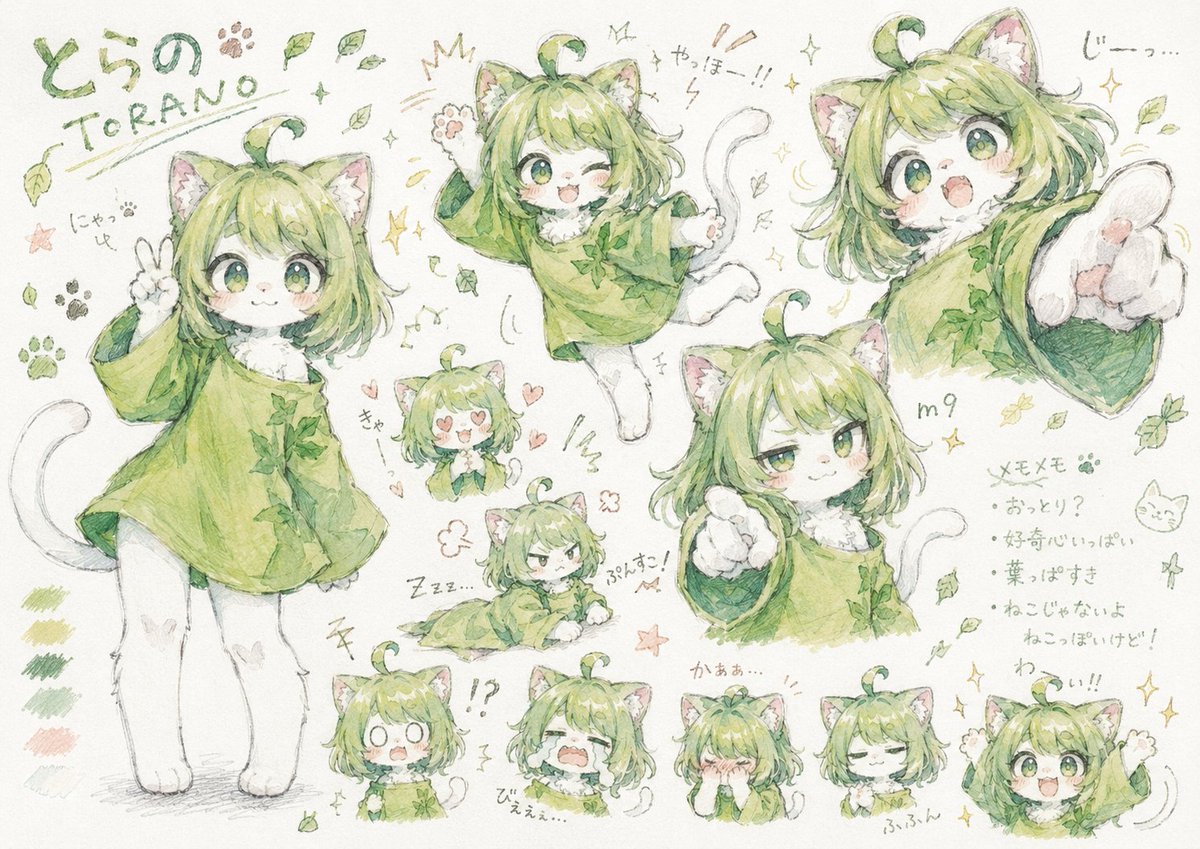
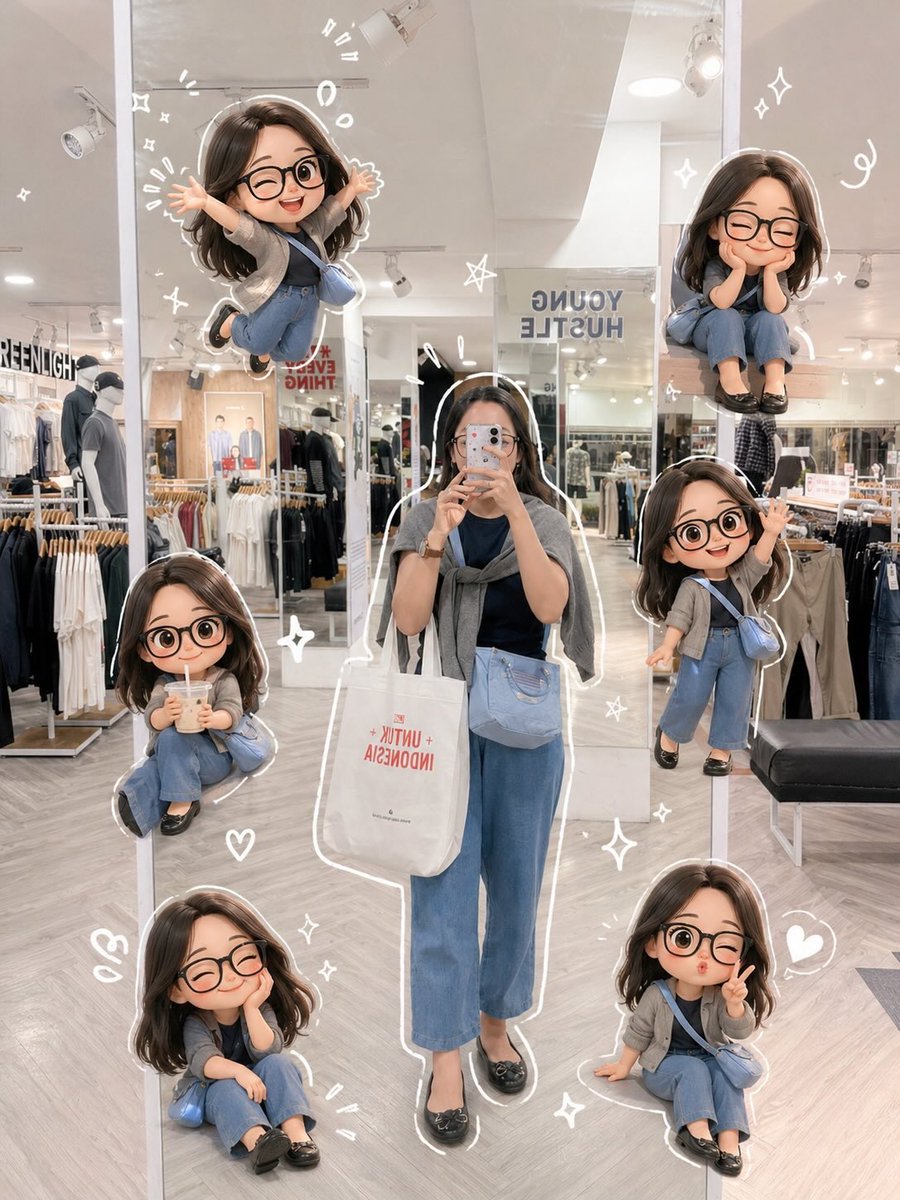
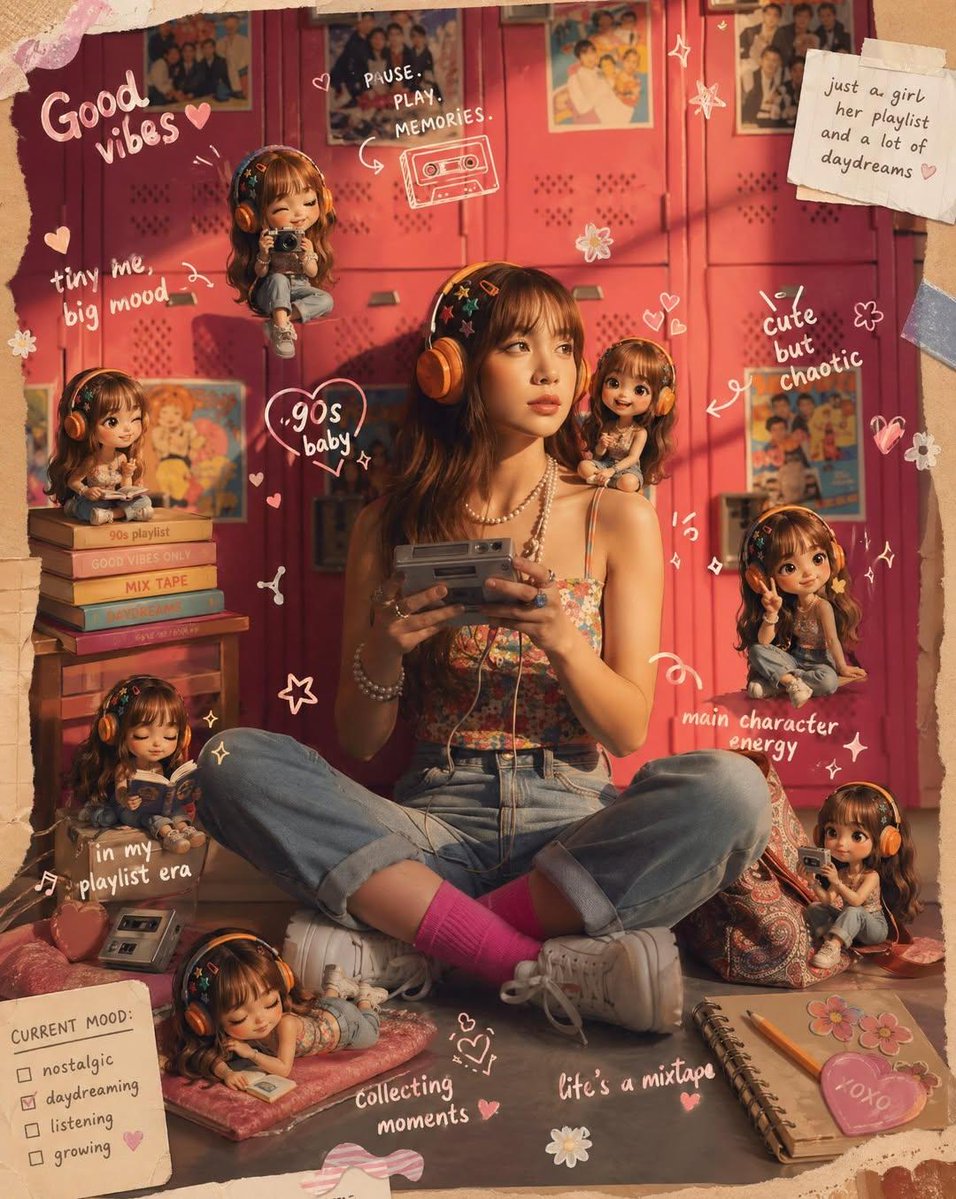
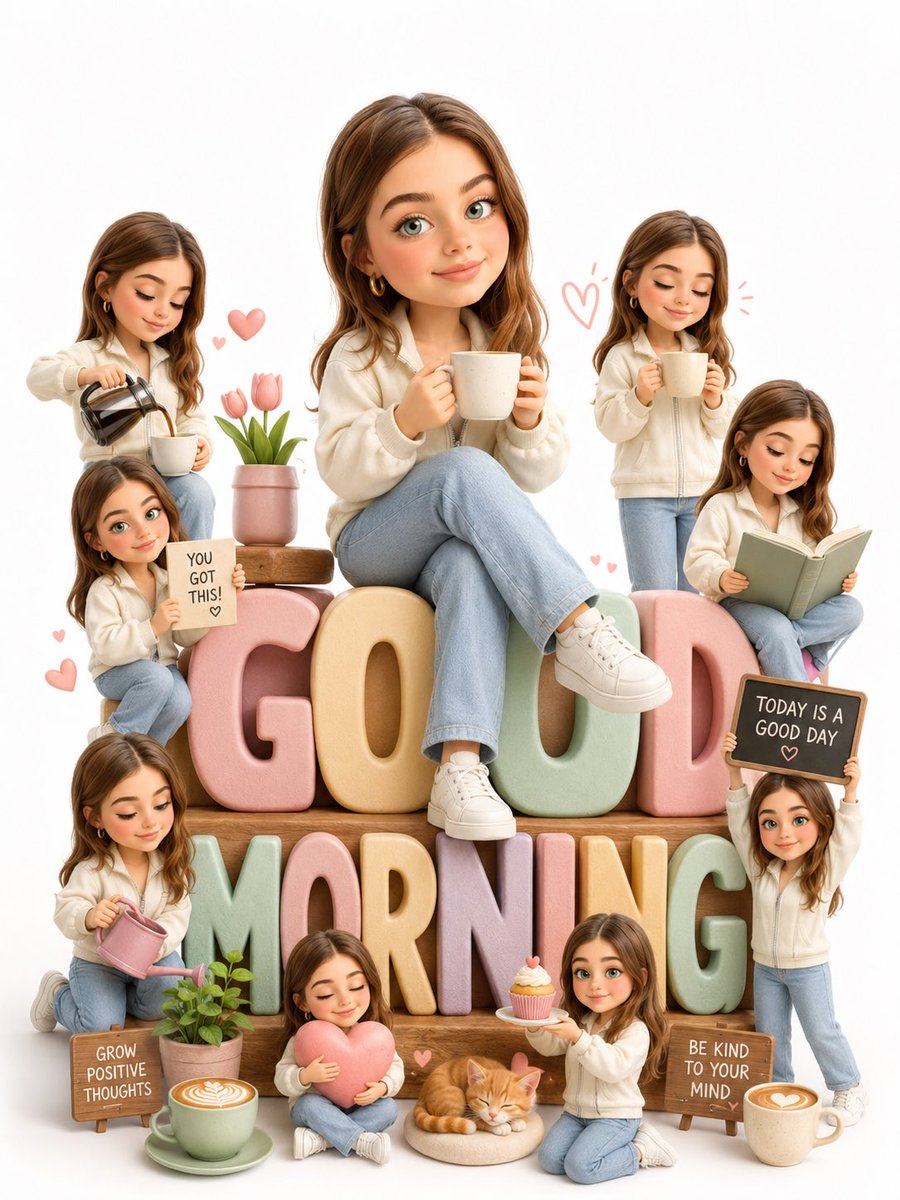
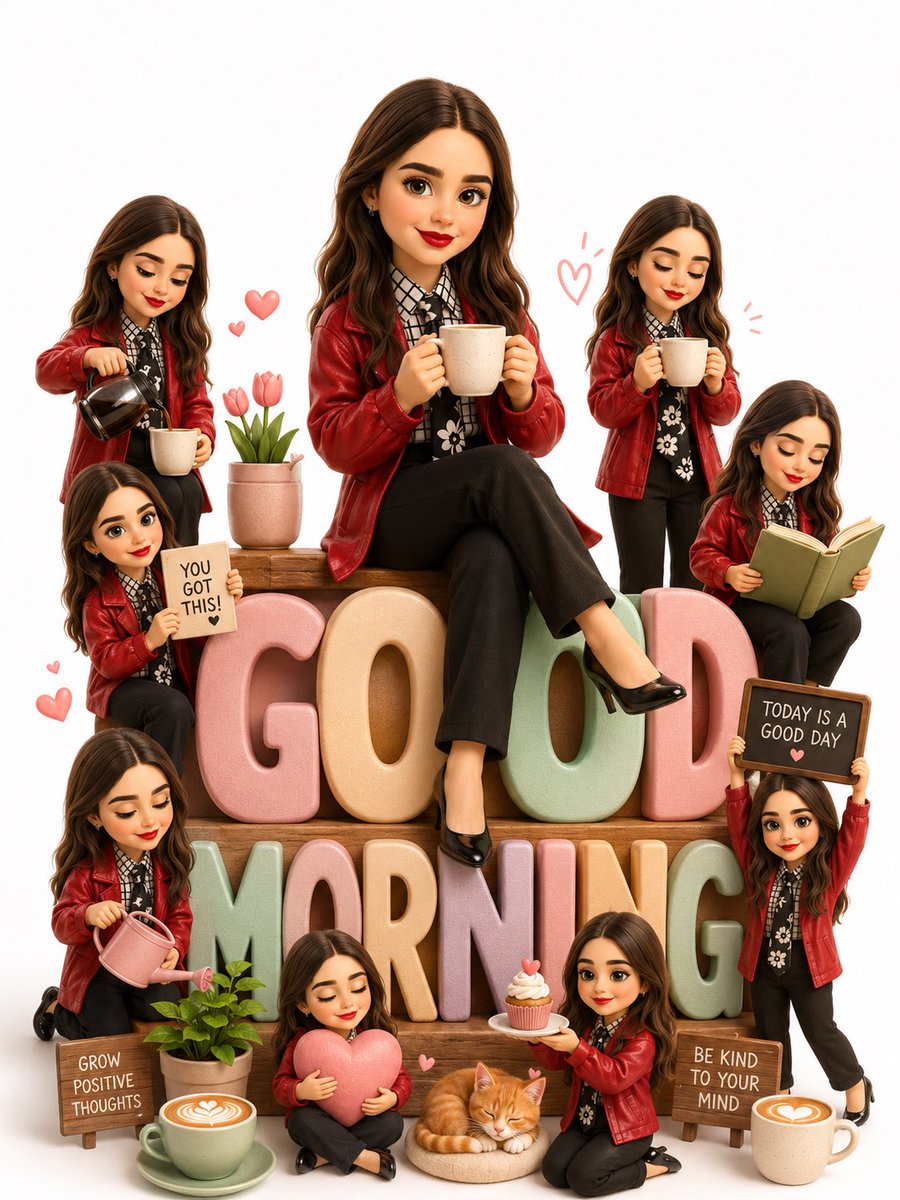
A cheerful 3D chibi version of a person sits atop giant pastel "GOOD MORNING" letters, surrounded by tiny copies of themselves doing small morning rituals. The soft studio light and warm palette give it a cozy greeting-card feel.

- Model
- GPT Image 2
- Type
- 2 images
- Aspect ratio
- 3:4
- Shared
- 31 Jul 2026
- Likes on X
- 79
Headline textPet or animalLetter style
Image prompt
2,219 charactersTransform the uploaded person into a heartwarming Pixar-inspired 3D chibi scene while preserving the exact facial identity, facial structure, hairstyle, skin tone, expression, outfit, colors, and recognizable appearance from the reference image. FORMAT LOCK Vertical 3:4 composition. Clean white seamless studio background. Bright centered composition. Premium greeting-card aesthetic. The giant text remains the central structure of the scene. IDENTITY LOCK Preserve the exact facial features, hairstyle, skin tone, body proportions, outfit, shoes, and overall identity from the uploaded image. Do not redesign the face or change the clothing. MAIN CHARACTER Create a premium Pixar-style 3D chibi version of the uploaded person sitting comfortably on top of giant pastel 3D letters spelling "GOOD MORNING." The character should have a warm smile and relaxed pose while holding a ceramic coffee mug. The mug should remain simple with no visible text or logo. MINI CHARACTERS Surround the main character with multiple adorable miniature versions of the same person, each performing a different cheerful morning activity: pouring coffee, holding an encouraging sign, enjoying a coffee, reading a book, watering a small plant, hugging a pink heart, serving a cupcake, and raising a motivational chalkboard. Every mini character must preserve the same recognizable facial identity in a playful Pixar-style design. DECORATION Include cute coffee cups, latte art, tiny plants, tulips, a small orange kitten, wooden signs with positive messages, soft hearts, subtle doodles, and cozy decorative elements. Keep the scene balanced, clean, and uncluttered. LIGHTING & STYLE Soft natural studio lighting. Warm pastel color palette. Premium Pixar-inspired 3D character design. Expressive faces. High-quality textures. Cozy morning atmosphere. Minimal yet vibrant composition. Luxury animated-film aesthetic. Ultra-detailed 8K rendering. NEGATIVE PROMPT Avoid low quality, blurry details, distorted face, changed identity, altered outfit, extra limbs, duplicate main character, bad anatomy, plastic textures, cluttered composition, dark lighting, harsh shadows, logos, watermarks, text artifacts, or unrealistic 3D rendering.
How to use it
This prompt needs an uploaded photo of a person, since it is written to keep the face, hair, outfit and skin tone from that reference. It was shared as a GPT Image 2 prompt. Keep the format lock and the identity lock lines, which carry the look, and swap the activities or decor items to suit your mood. The result works well as a morning greeting card or a cheerful profile image.
Featured inPixar style 3D character promptsGreeting card and invitation prompts
Shared publicly on X on 31 Jul 2026. All credit for this prompt and its result goes to its creator. Is this yours? Ask for an update or removal.