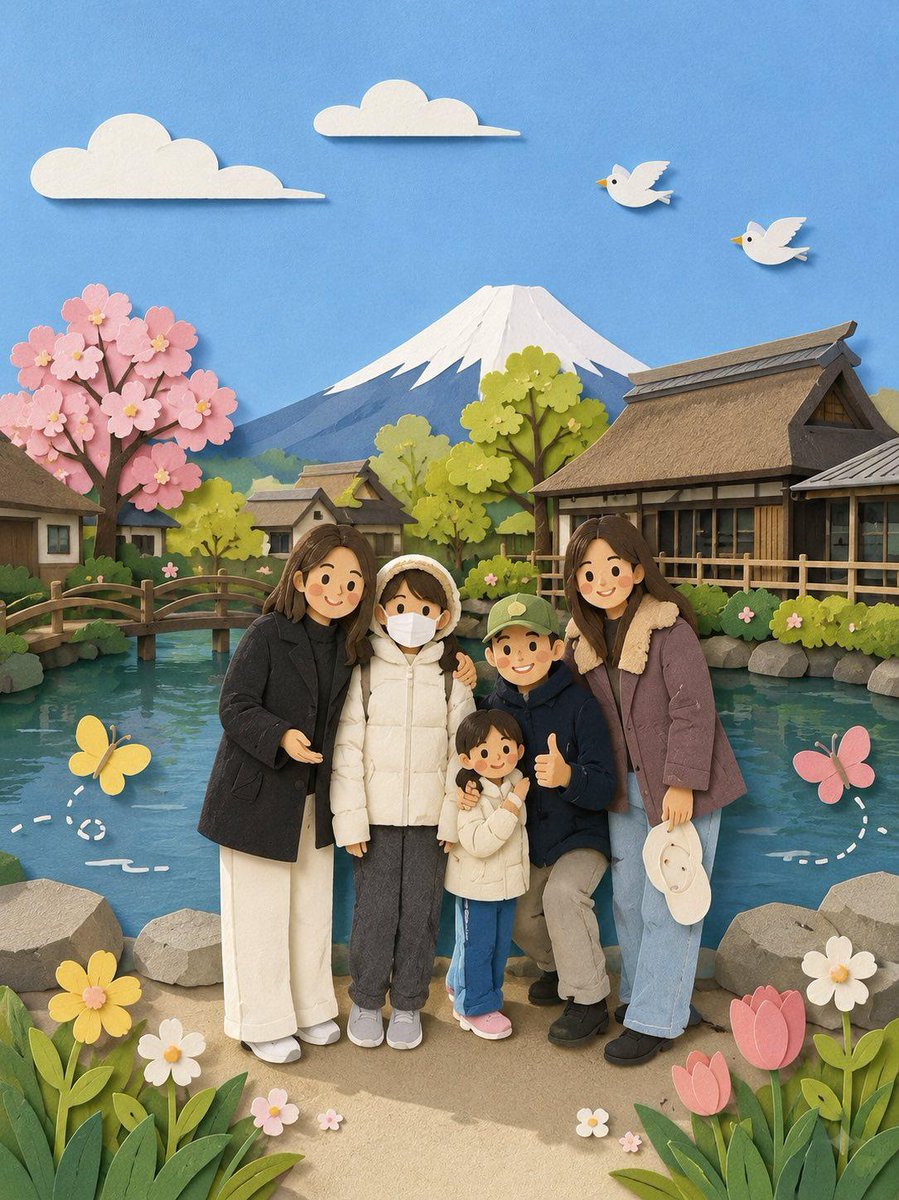

Image prompt Illustration & Characters Customizable
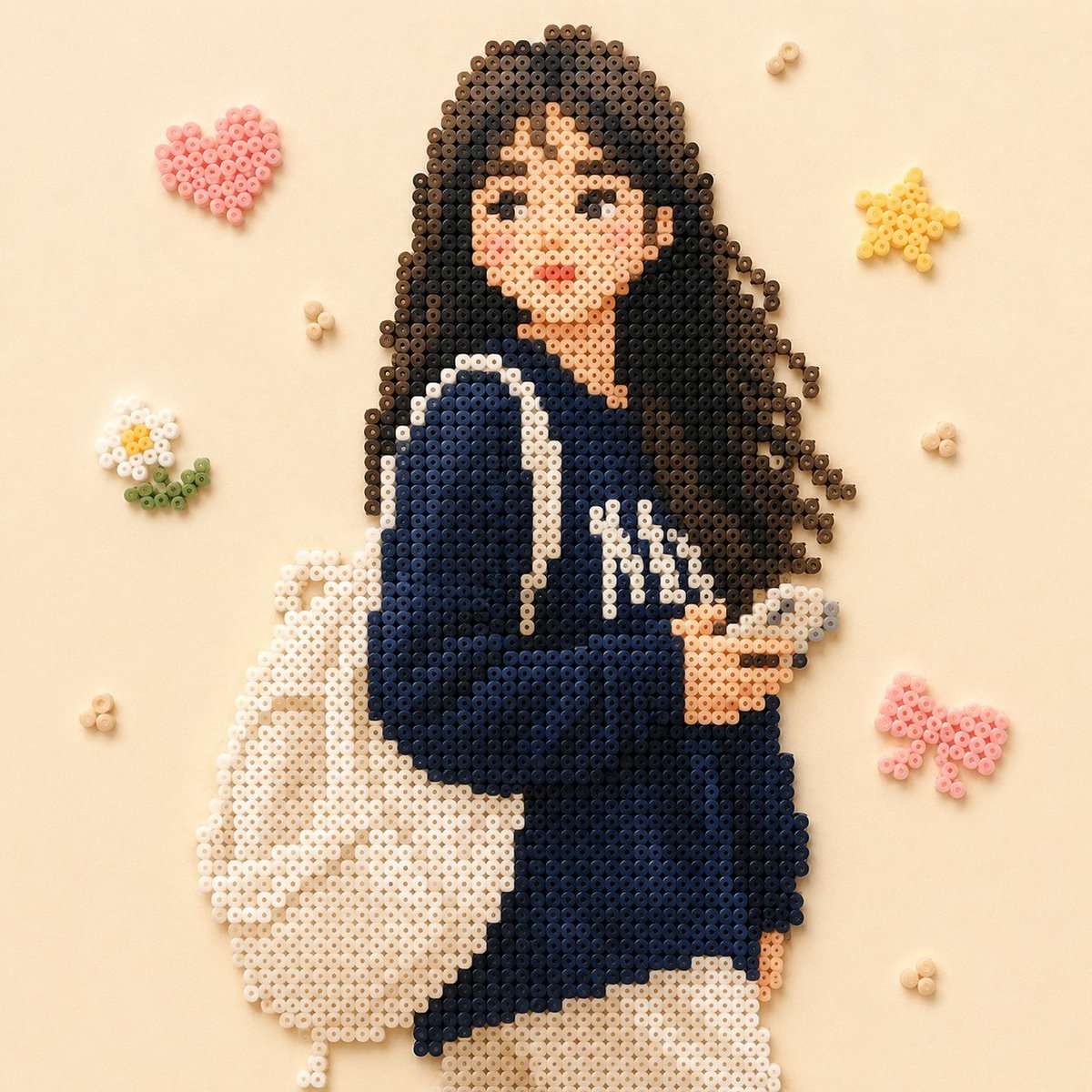
Perler Bead Portrait From Your Photo
The main figure from a photo turns into a pixel-grid mosaic built from small fused beads, with colors kept close to the original. The background is swapped for a plainer decorative setting, so the warm, cozy feel stays with the person.

- Model
- GPT Image 2
- Type
- 2 images
- Aspect ratio
- 1:1
- Shared
- 14 May 2026
- Likes on X
- 318
Image prompt
205 charactersDraw the main character from the image in perler bead (fuse bead) style, with colors close to the original, replace the background with a simpler decoration, and make the overall composition warm and cozy.
How to use it
This prompt needs an uploaded photo, since it asks the model to redraw the main character from the image. It was shared as a GPT Image 2 prompt. Keep the phrase about perler bead style and close colors, because those carry the look; change the background wording to a scene you like, such as a window with plants or a simple pattern. The result works well as a printable bead-craft template or a cozy profile picture.
Featured inProfile picture and avatar prompts
Shared publicly on X on 14 May 2026. All credit for this prompt and its result goes to its creator. Is this yours? Ask for an update or removal.