Image prompt Illustration & Characters Customizable
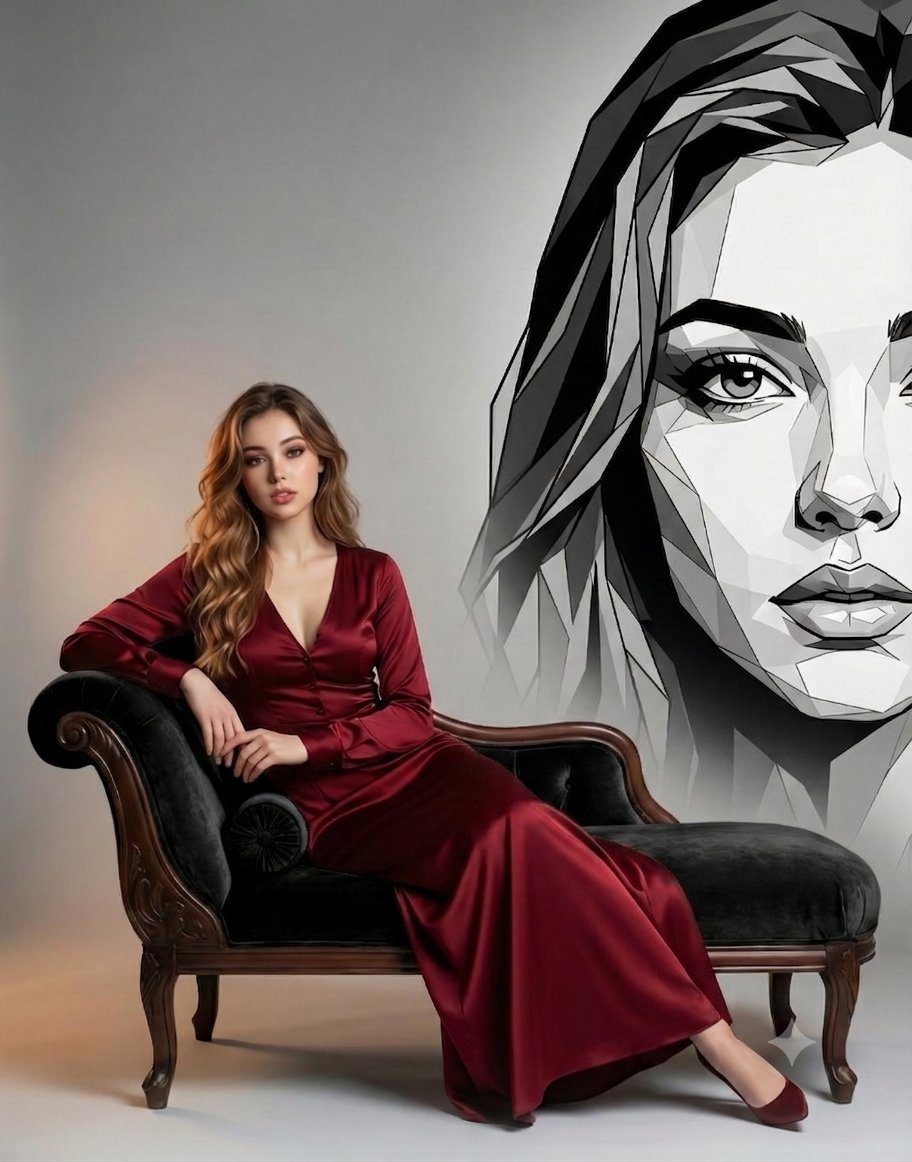
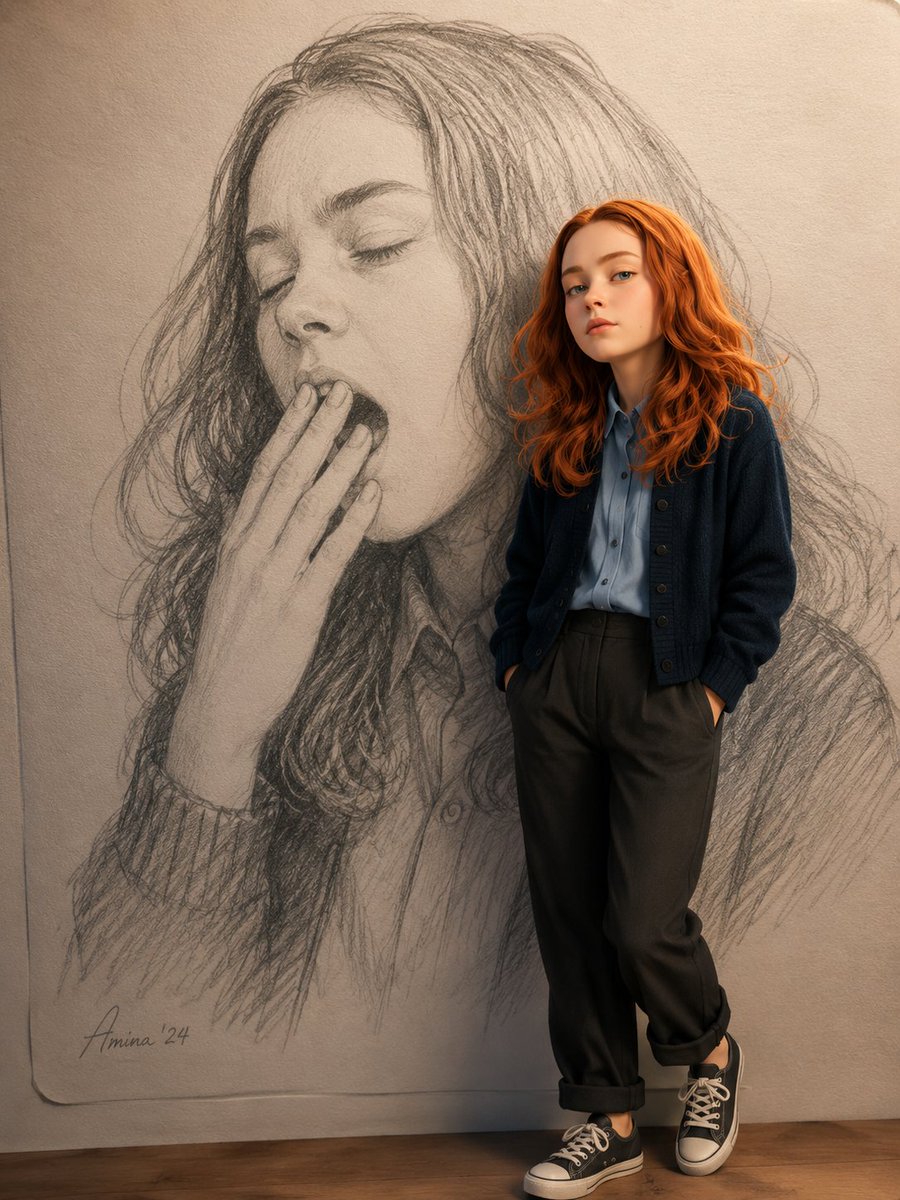
Pencil Sketch Background with Pixar Figure
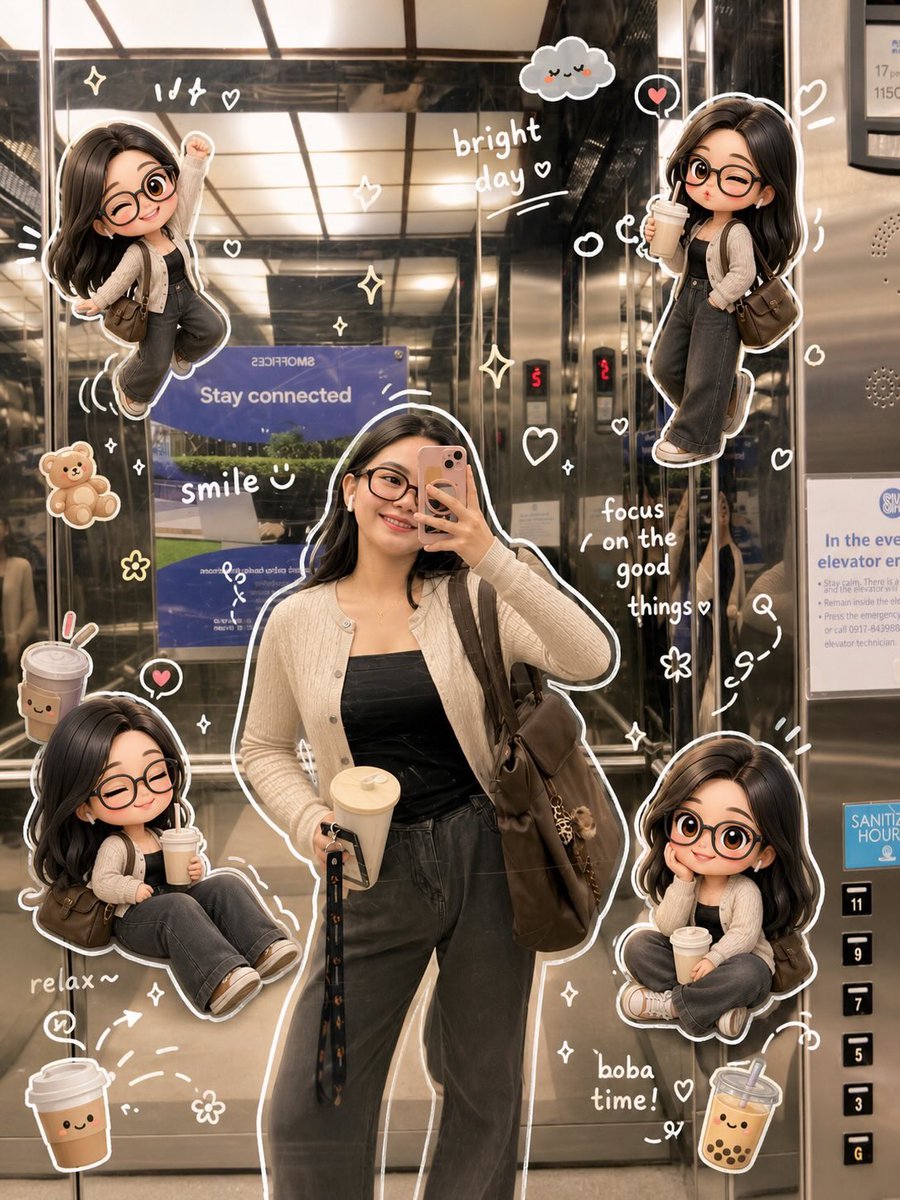
A 3D Pixar-style figure stands in front of a giant hand-drawn pencil illustration of a yawning subject, so the sketch reads as the backdrop. The contrast between graphite lines on paper and a glossy rendered character gives the image its charm.

- Model
- GPT Image 2
- Type
- Image
- Aspect ratio
- 3:4
- Shared
- 4 Jun 2026
- Likes on X
- 141
Image prompt
239 charactersCreate a handrawn pencil illustration of [image] yawning on paper, as background. Add a 3D Pixar style render of [foto] standing casually infront of the giant handrawn pencil illustration. Soft cinematic lighting. 8K resolution. 3:4 ratio
How to use it
This prompt needs two uploaded images: one for the subject of the pencil sketch and one for the person who appears in the 3D render, placed in the [image] and [foto] slots. It was shared as a GPT Image 2 prompt, and keeping the phrases about soft cinematic lighting and the 3:4 ratio helps hold the look together. Use a tall, expressive photo for the sketch and a clear, front-facing shot for the render, then use the result as a poster or social post.
Shared publicly on X on 4 Jun 2026. All credit for this prompt and its result goes to its creator. Is this yours? Ask for an update or removal.