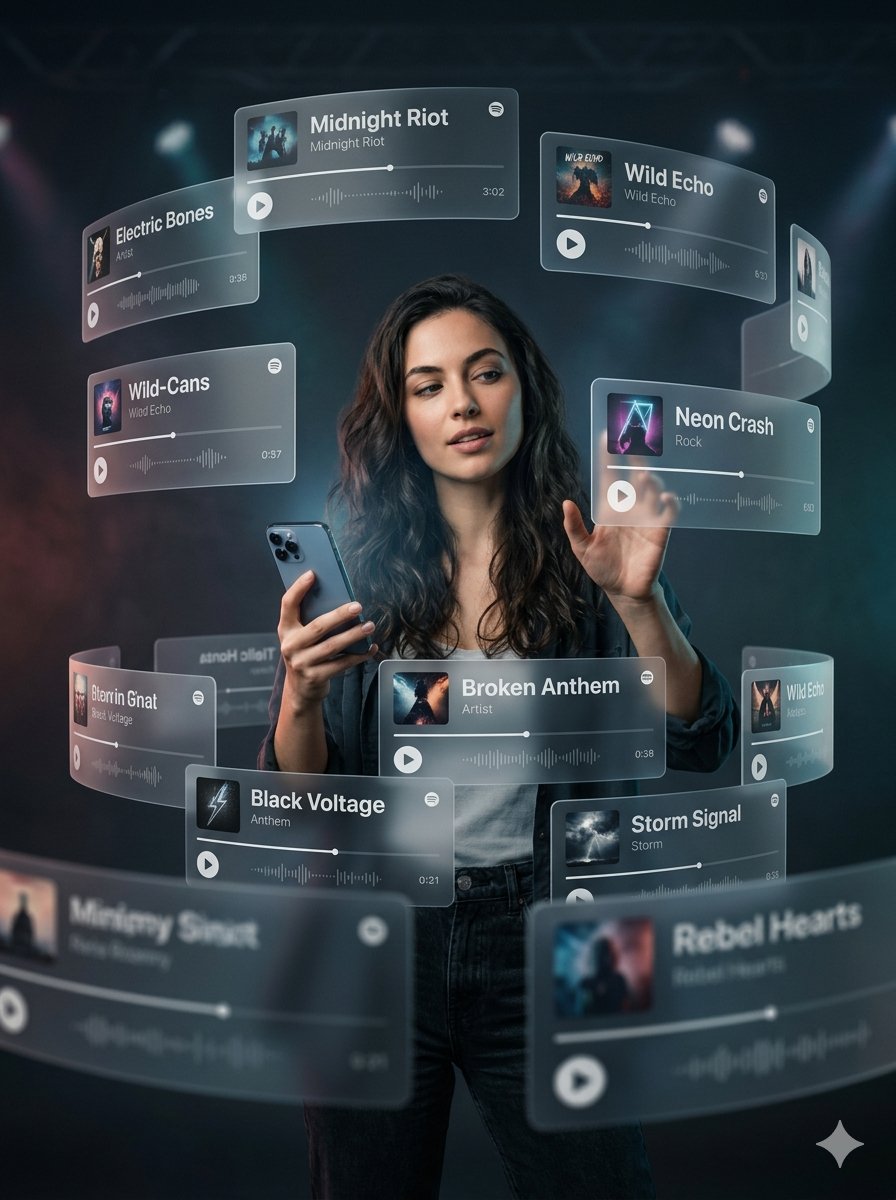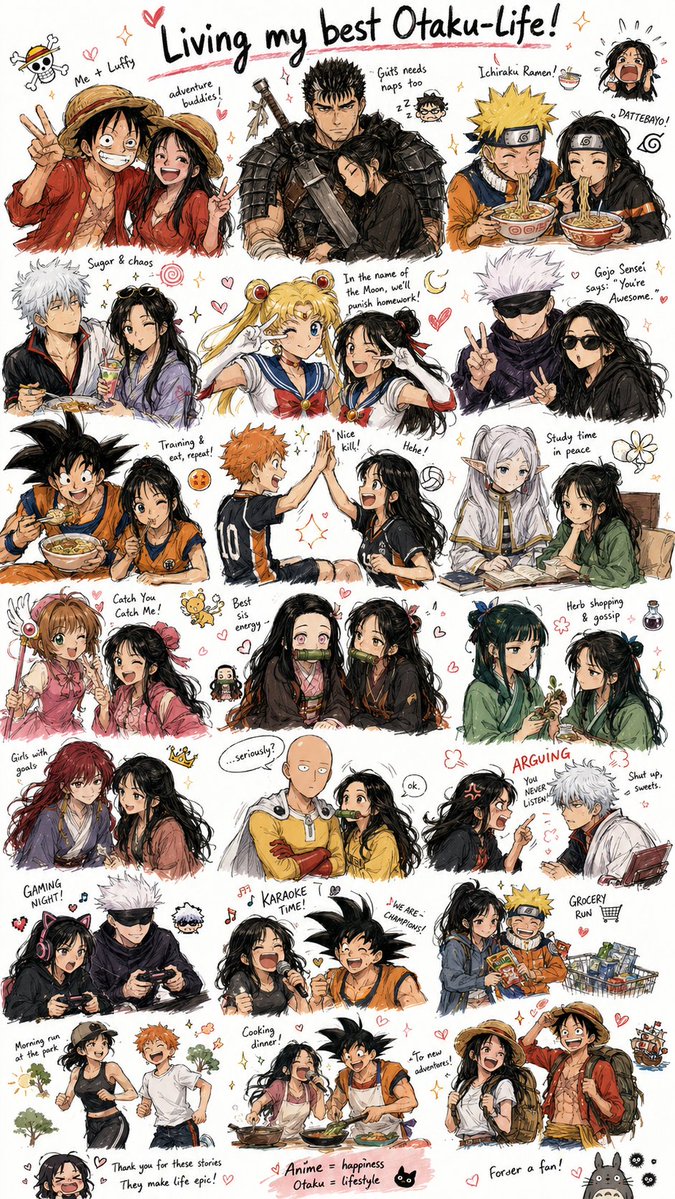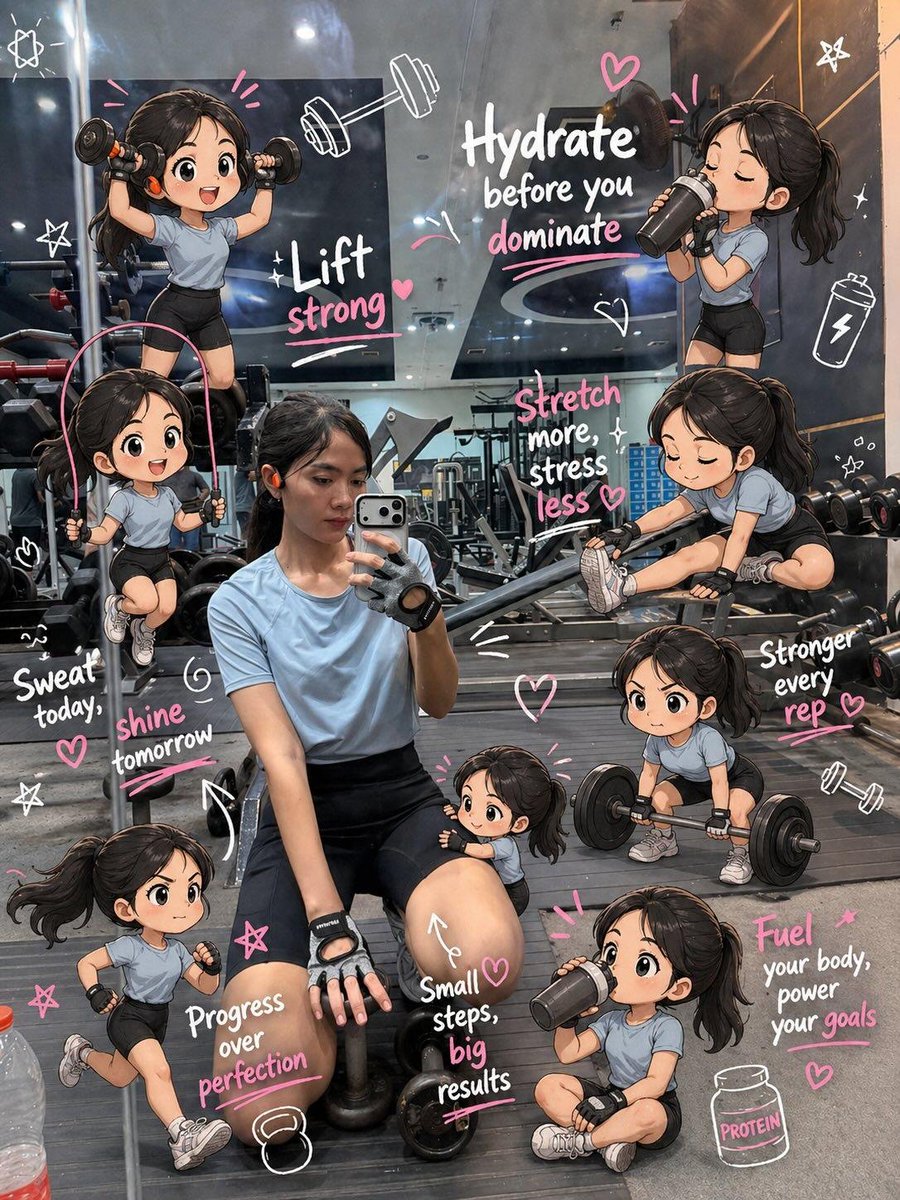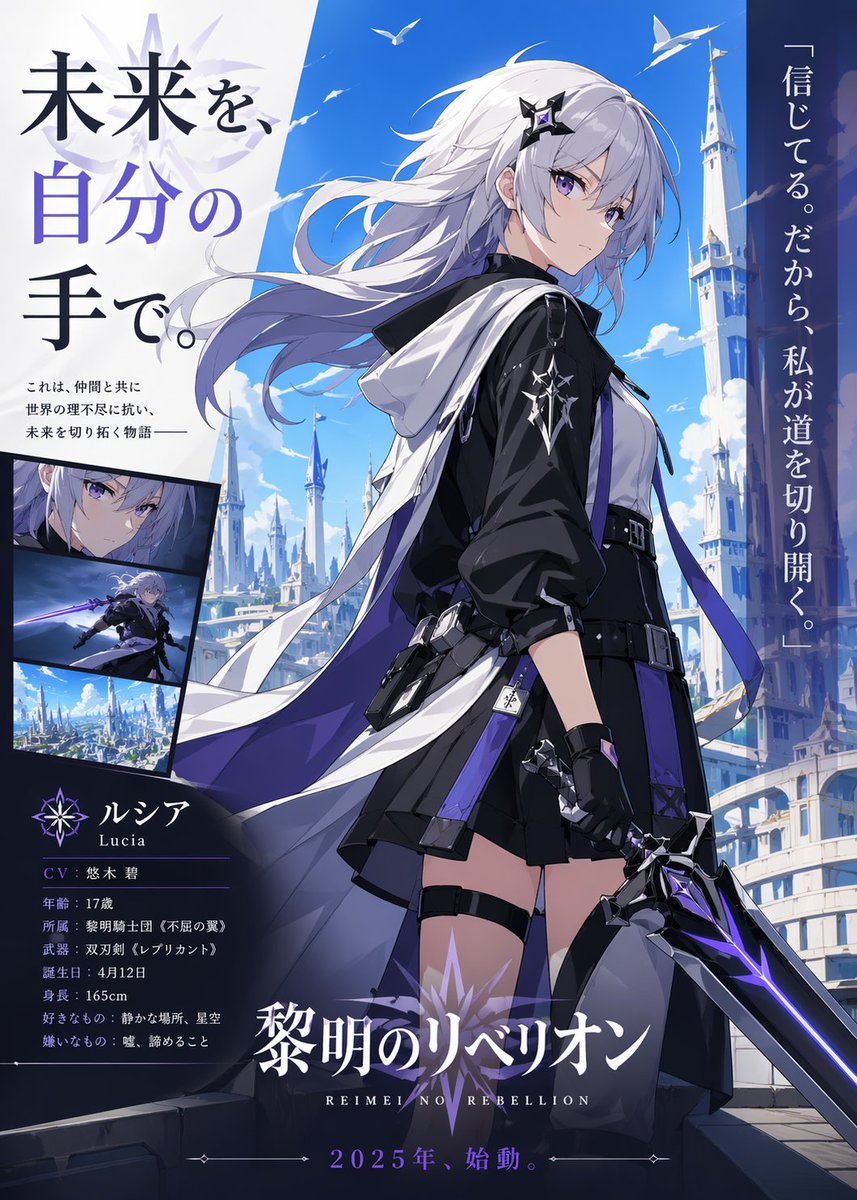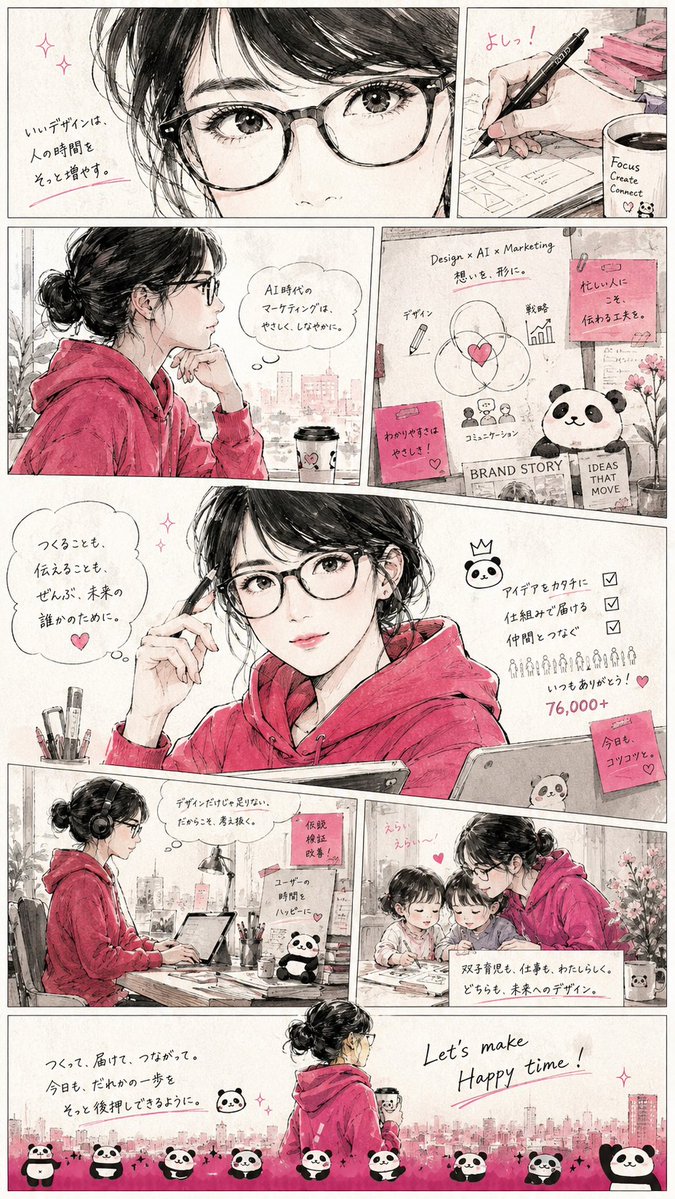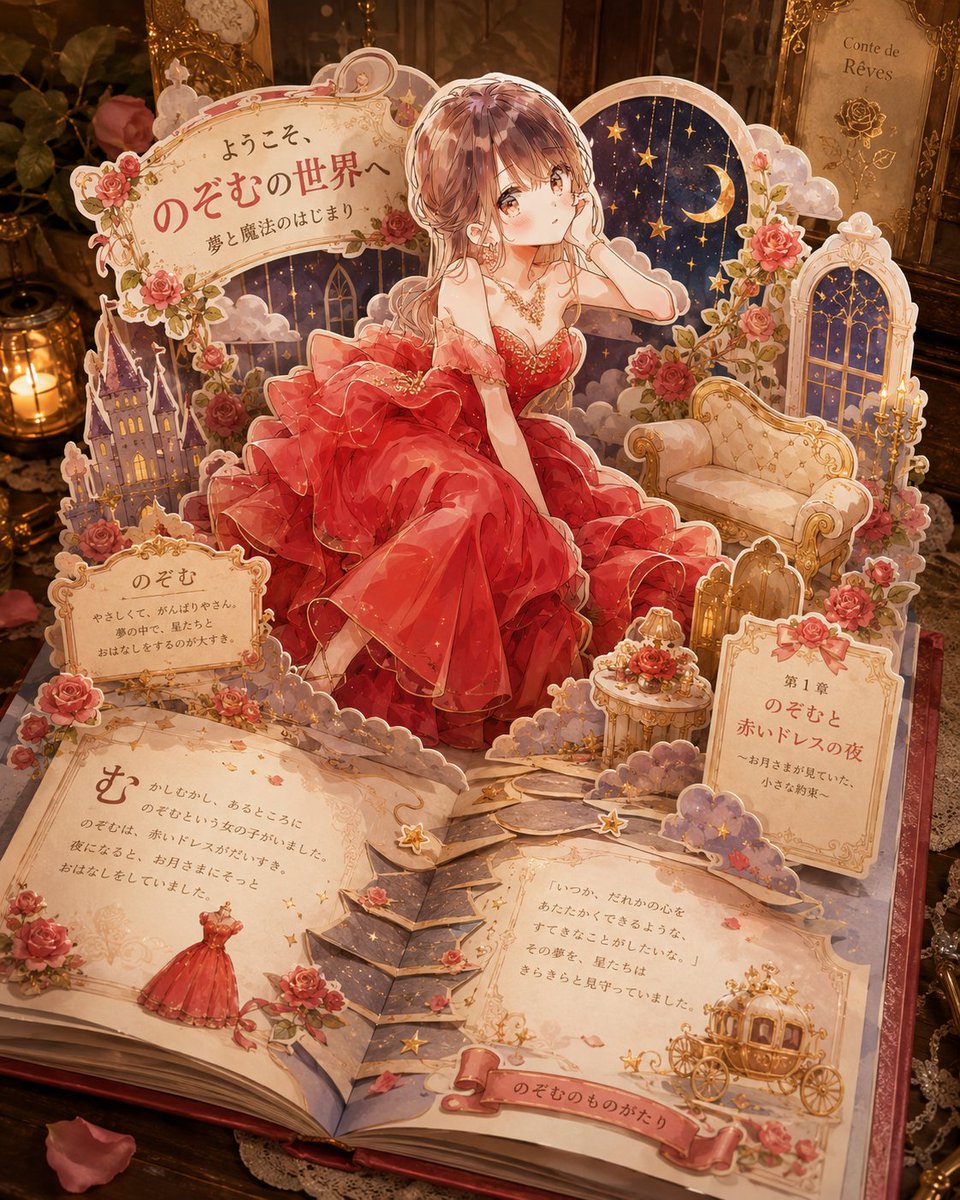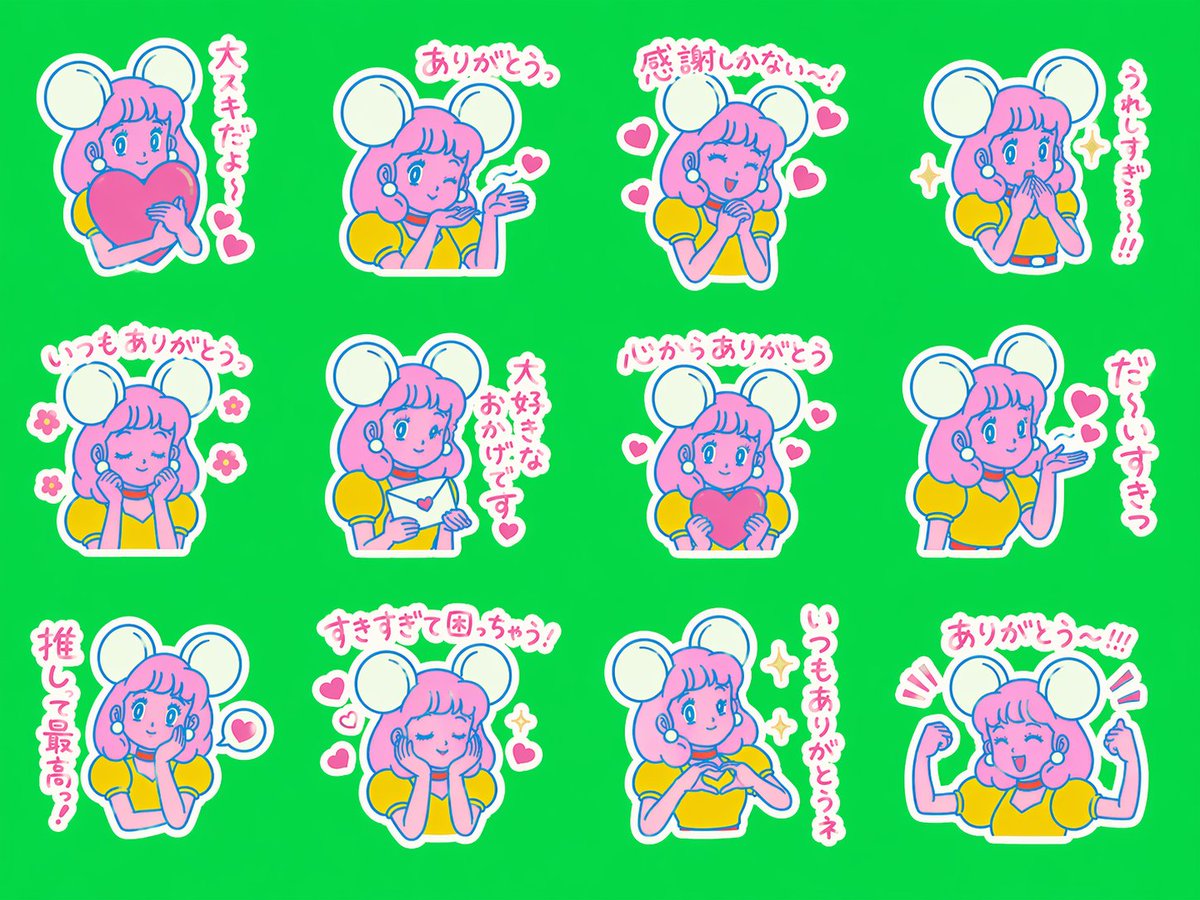
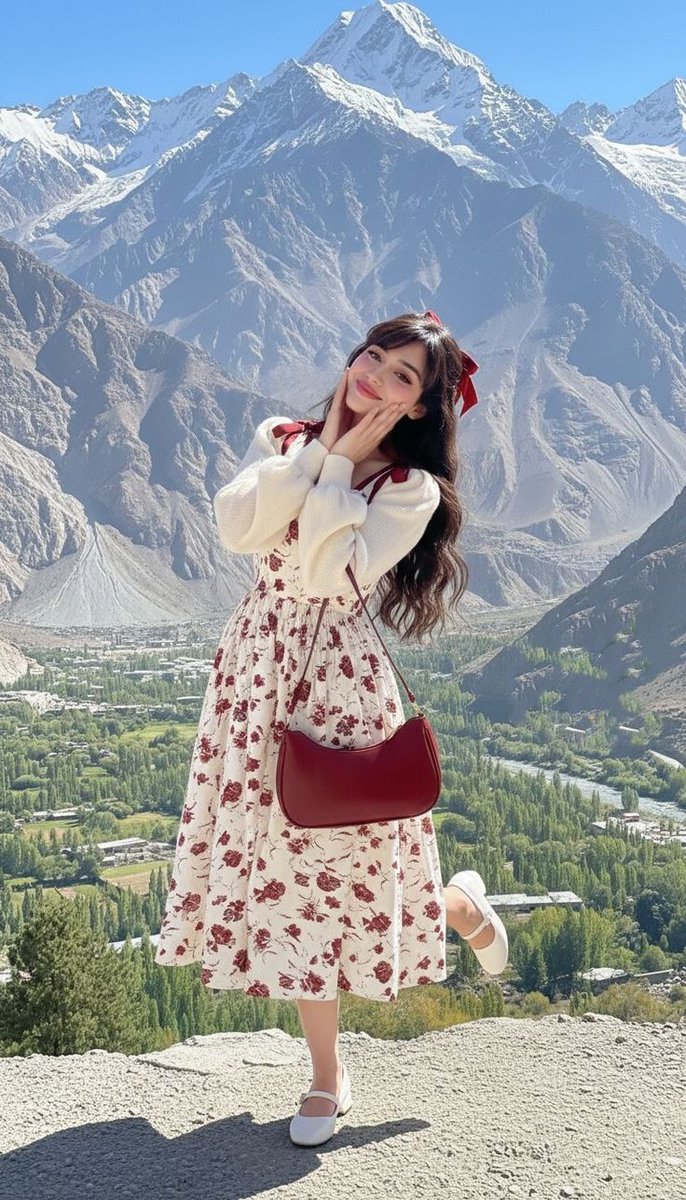
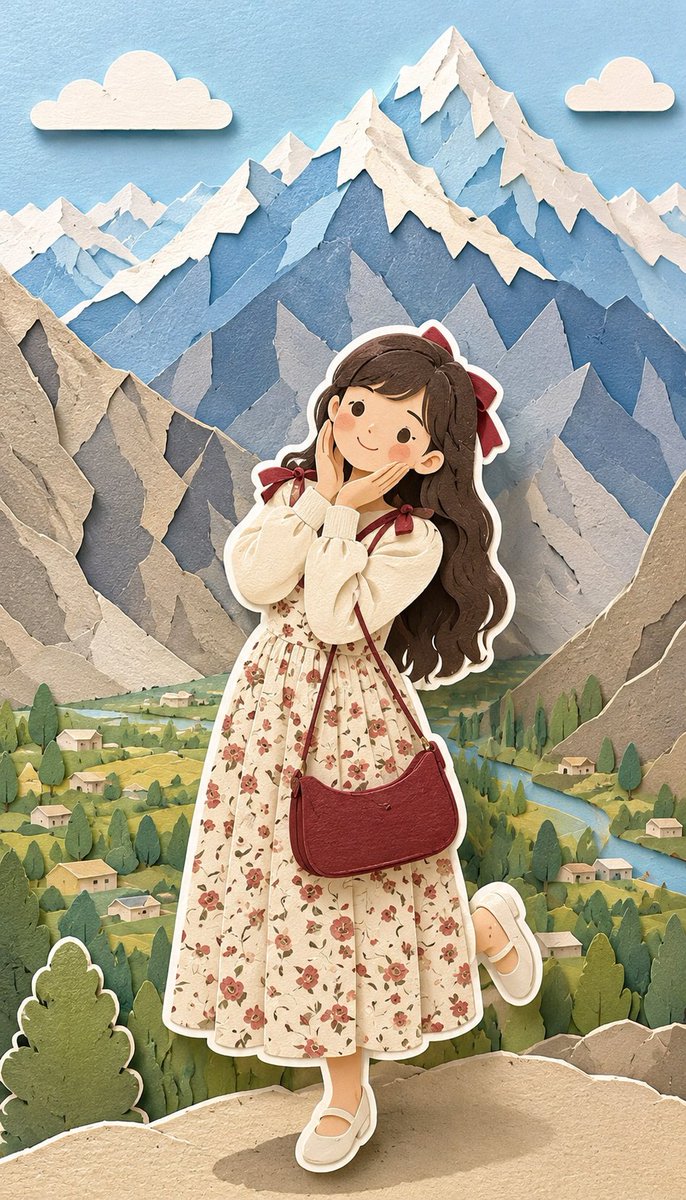
Image prompt Illustration & Characters Customizable Add your photo
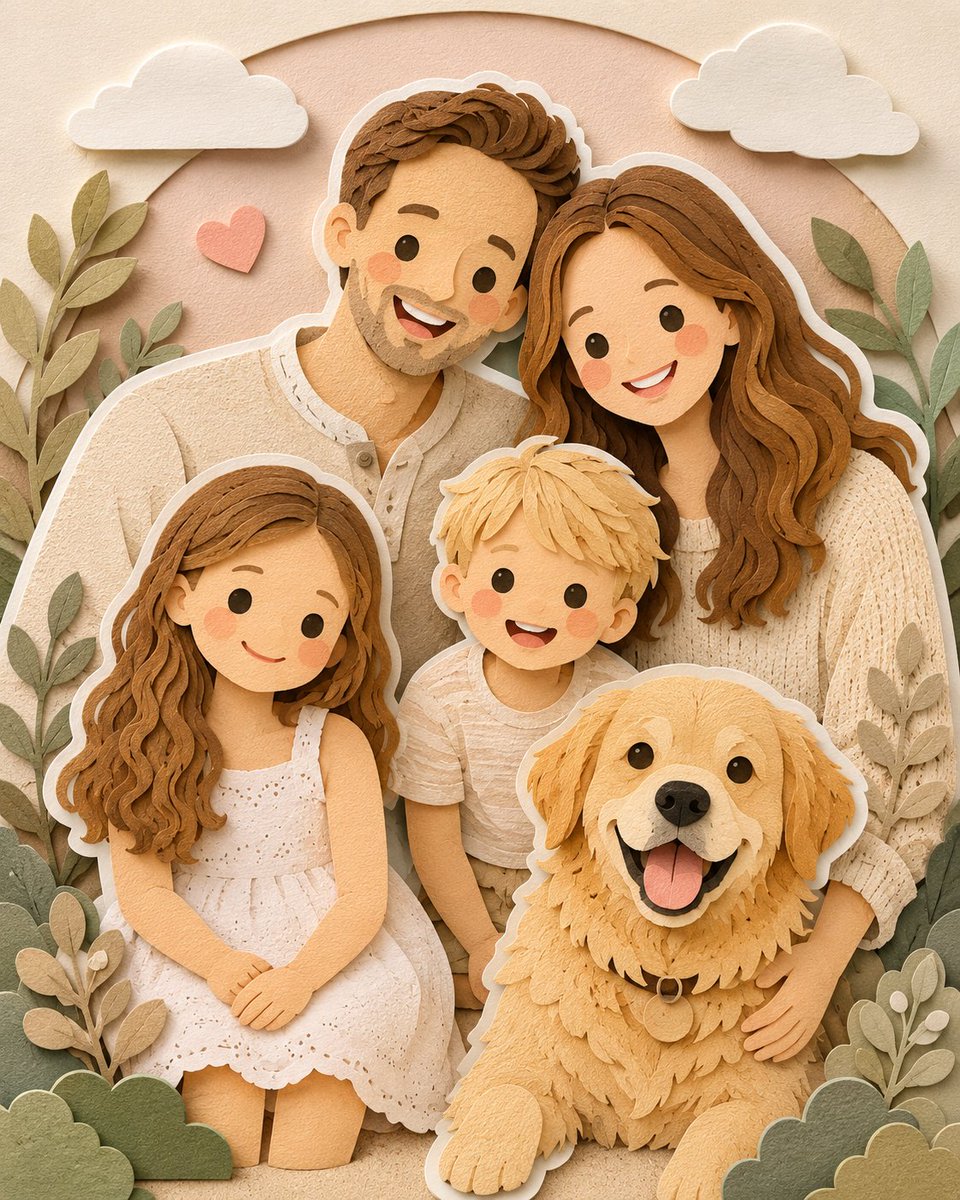
Paper-Cut Diorama Illustration From a Photo
Your picture is reshaped into layered cardstock scenes with rounded forms, pastel blues and greens, and thick white sticker-style borders around each figure. The result feels handmade, soft, and easy to hang on a wall.

- Model
- GPT Image 2
- Type
- 4 images
- Aspect ratio
- 2:3
- Shared
- 23 May 2026
- Likes on X
- 207
Image prompt
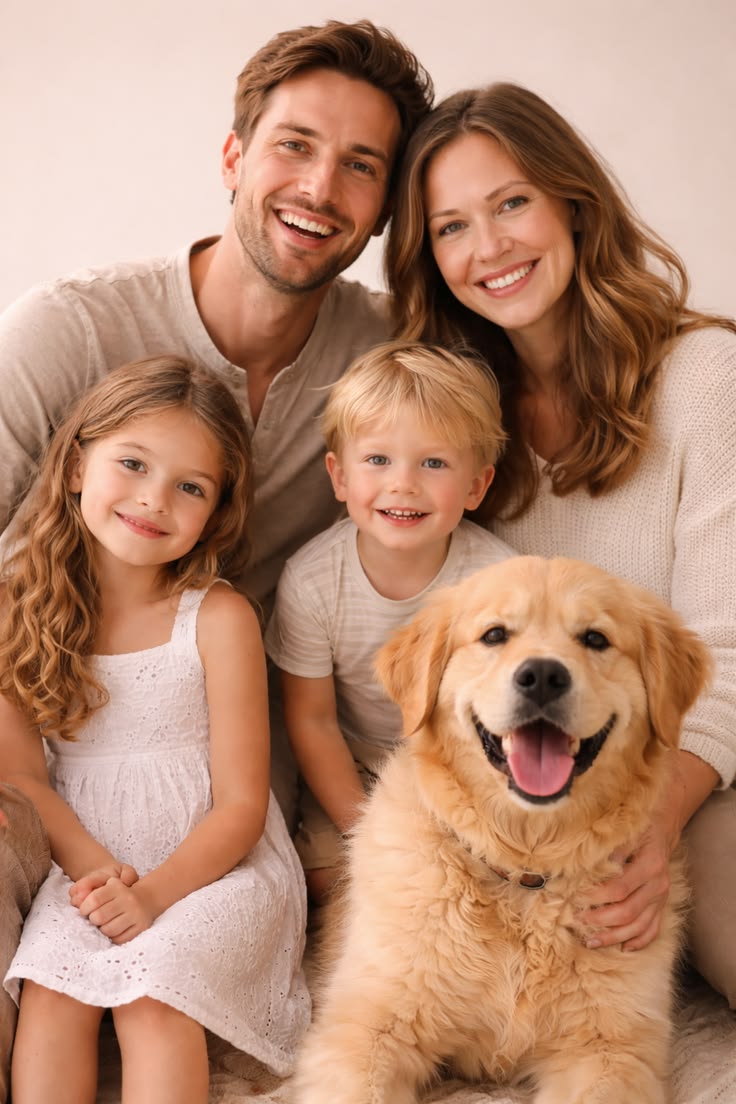
891 charactersConvert the provided image into a soft handcrafted paper-cut diorama illustration. Use layered paper depth with smooth rounded shapes and simplified cute proportions. Keep facial details minimal (dot eyes, soft blush cheeks). Add stacked paper layers with visible separation and gentle shadows between layers, resembling laser-cut cardstock. Include a distinct thick white paper-cut outline around each main character, like a sticker border made of matte paper (not glow), clearly separating subjects from the background. Use a pastel palette with muted blues, soft greens, and warm neutral tones. Lighting should be soft, diffused, and even to enhance depth without harsh contrast. Textures should look like matte craft paper or foam with a tactile feel. Overall mood: cozy, wholesome, storybook-style, charming and polished, suitable for modern children's illustration and decorative art.
How to use it
This prompt needs an uploaded photo, since it converts an existing image into the paper-cut style. It was shared as a GPT Image 2 prompt. To make it yours, swap the palette or the mood words, such as trading muted blues for warm terracotta, but keep the layered depth, the white outline, and the matte paper texture, which carry the look.
Shared publicly on X on 23 May 2026. All credit for this prompt and its result goes to its creator. Is this yours? Ask for an update or removal.