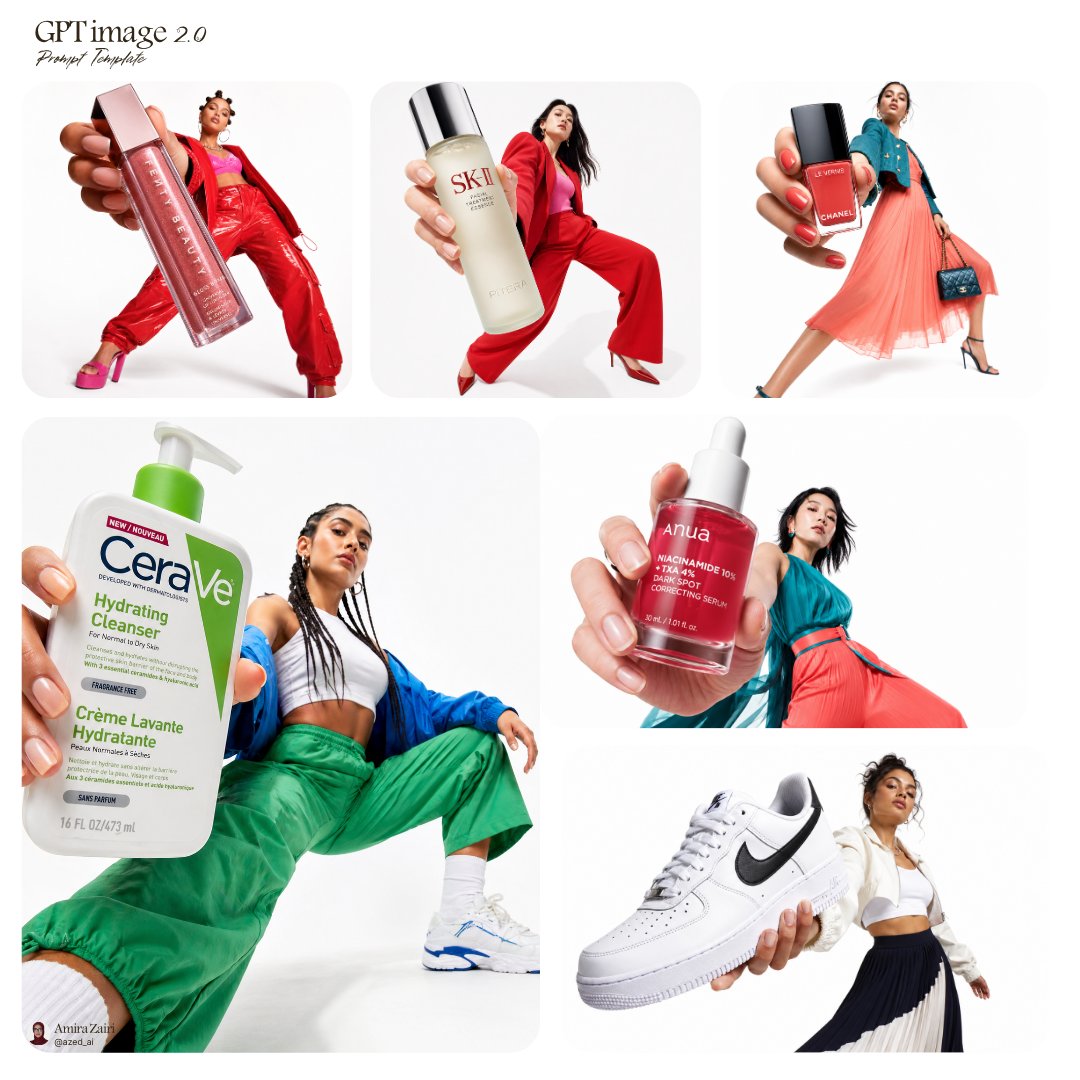
Image prompt Product & Ads Customizable
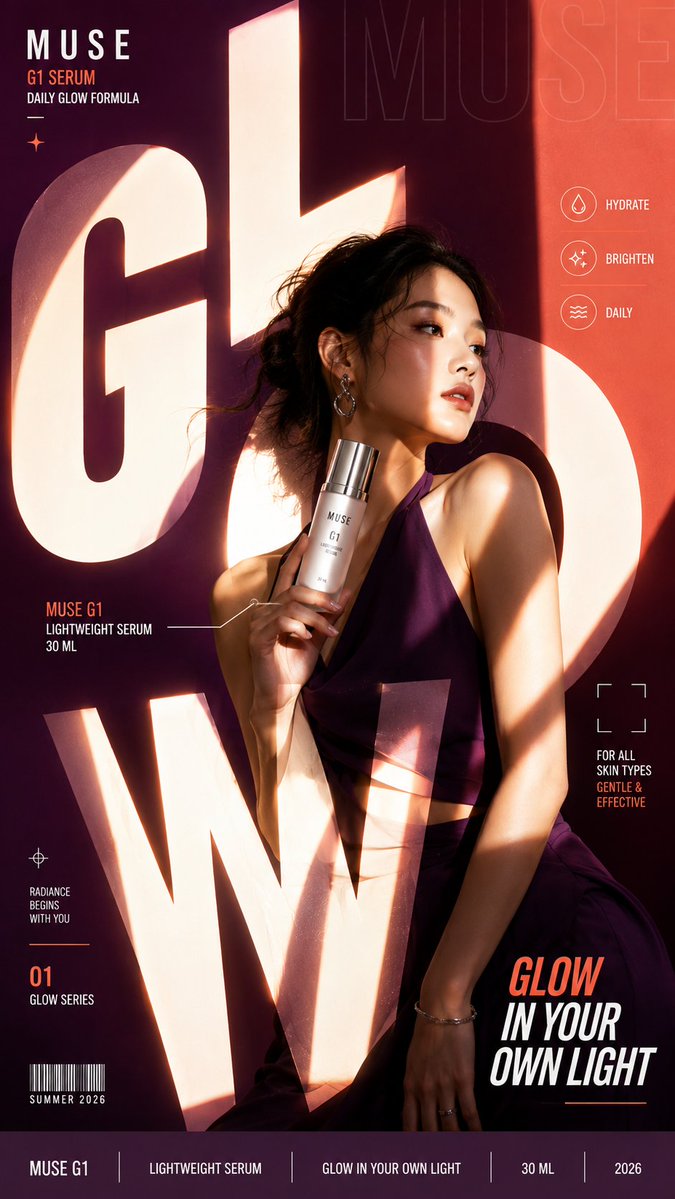
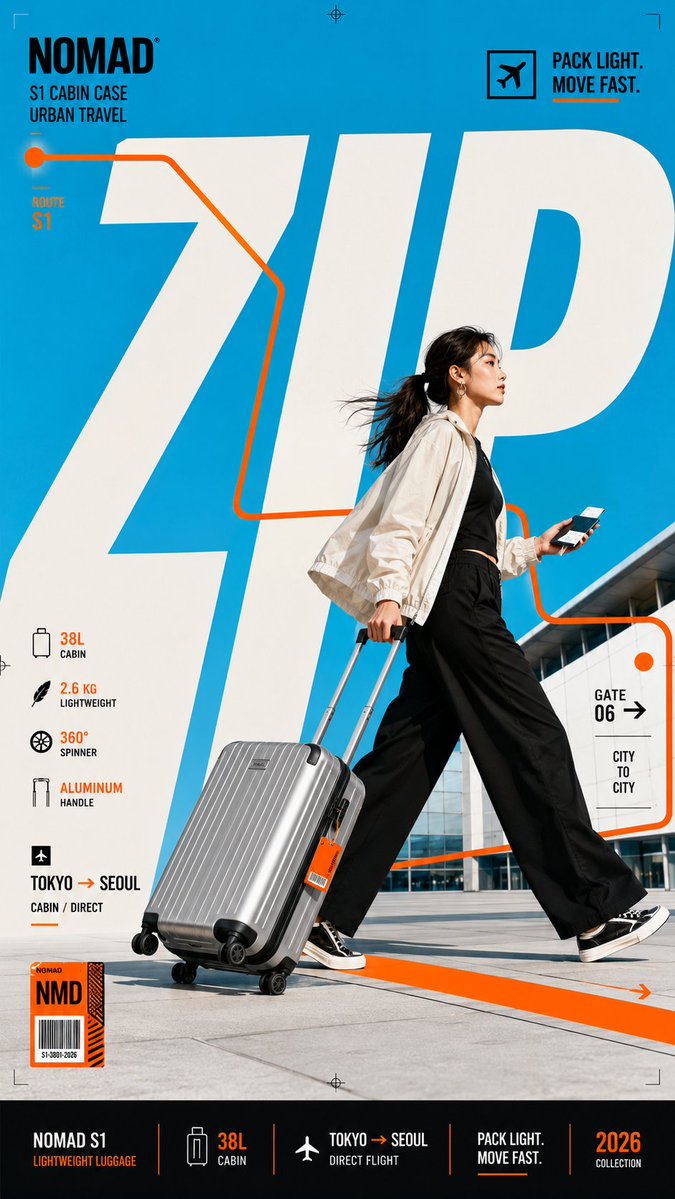
Oversized Typography Editorial Campaign Poster
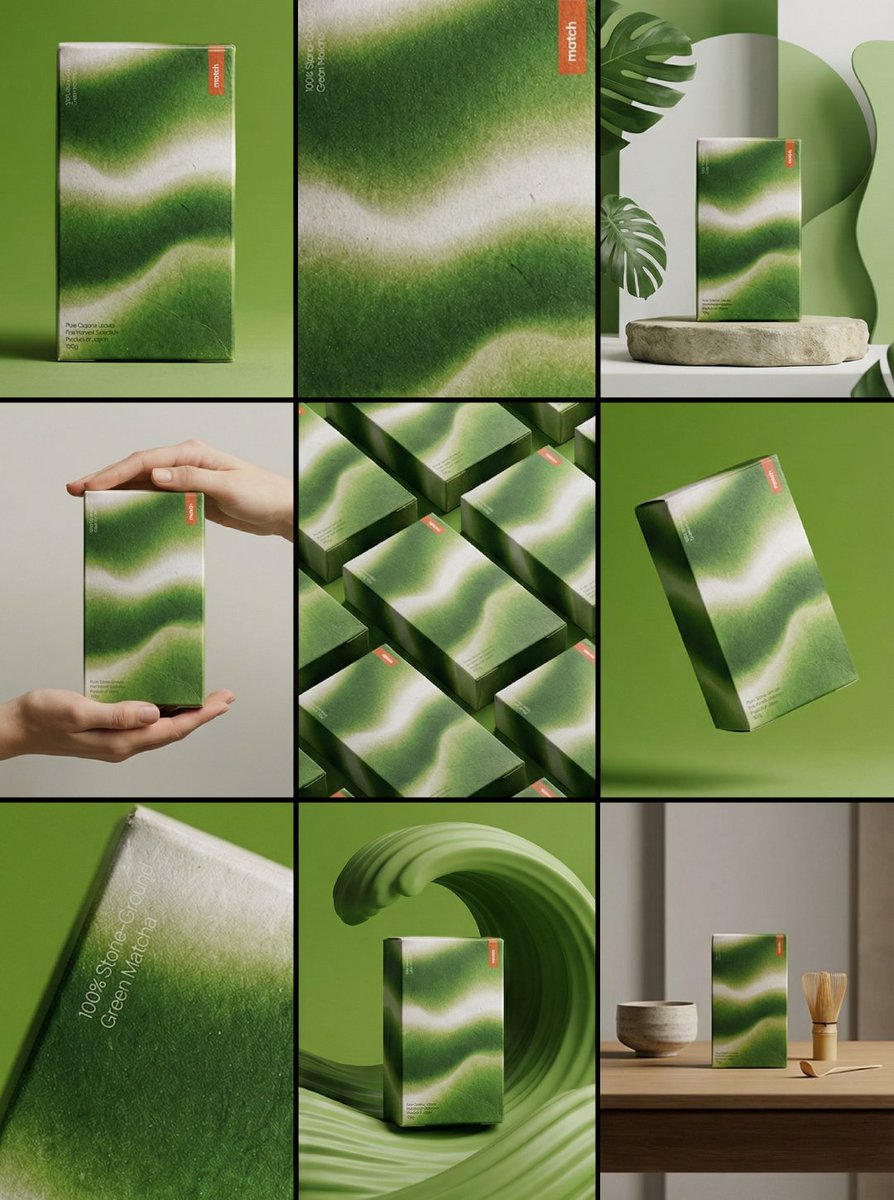
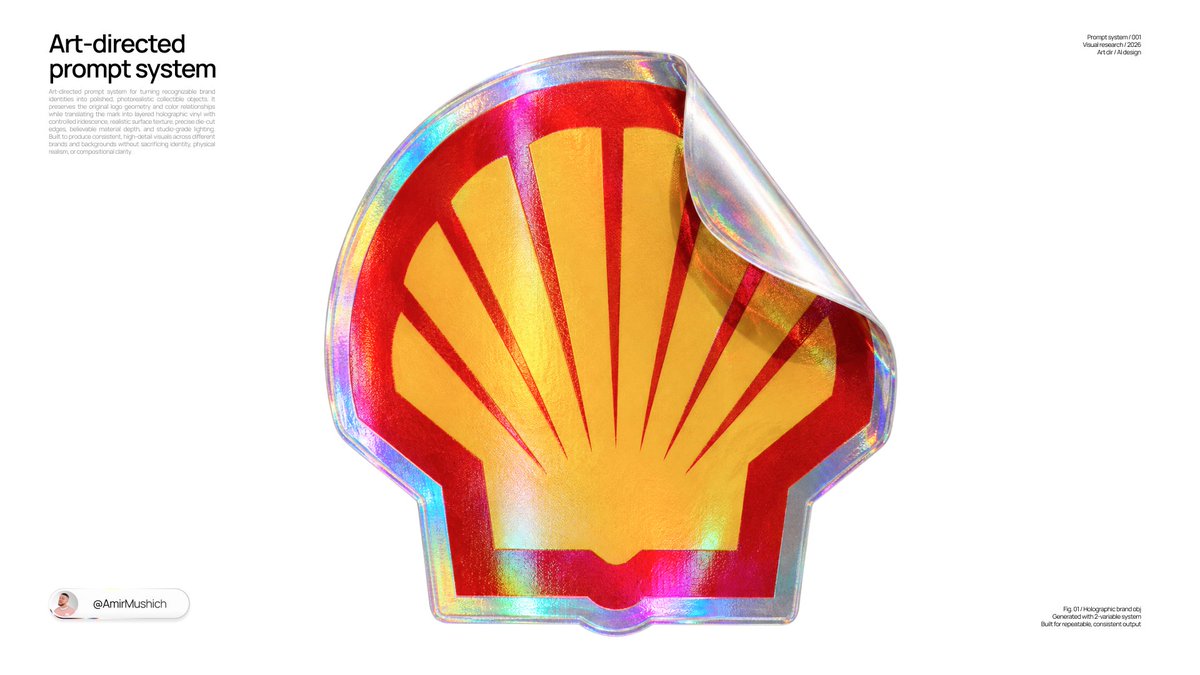
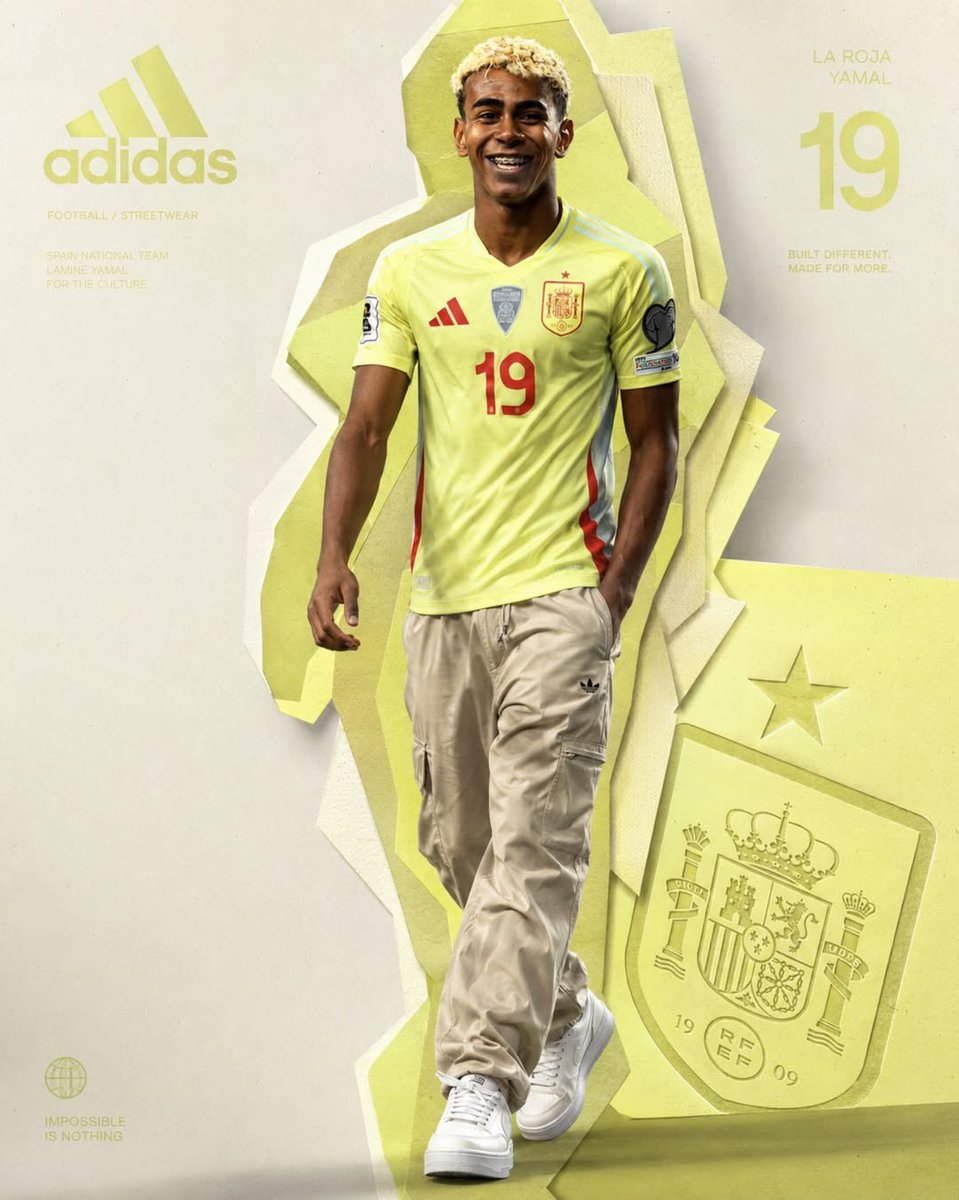
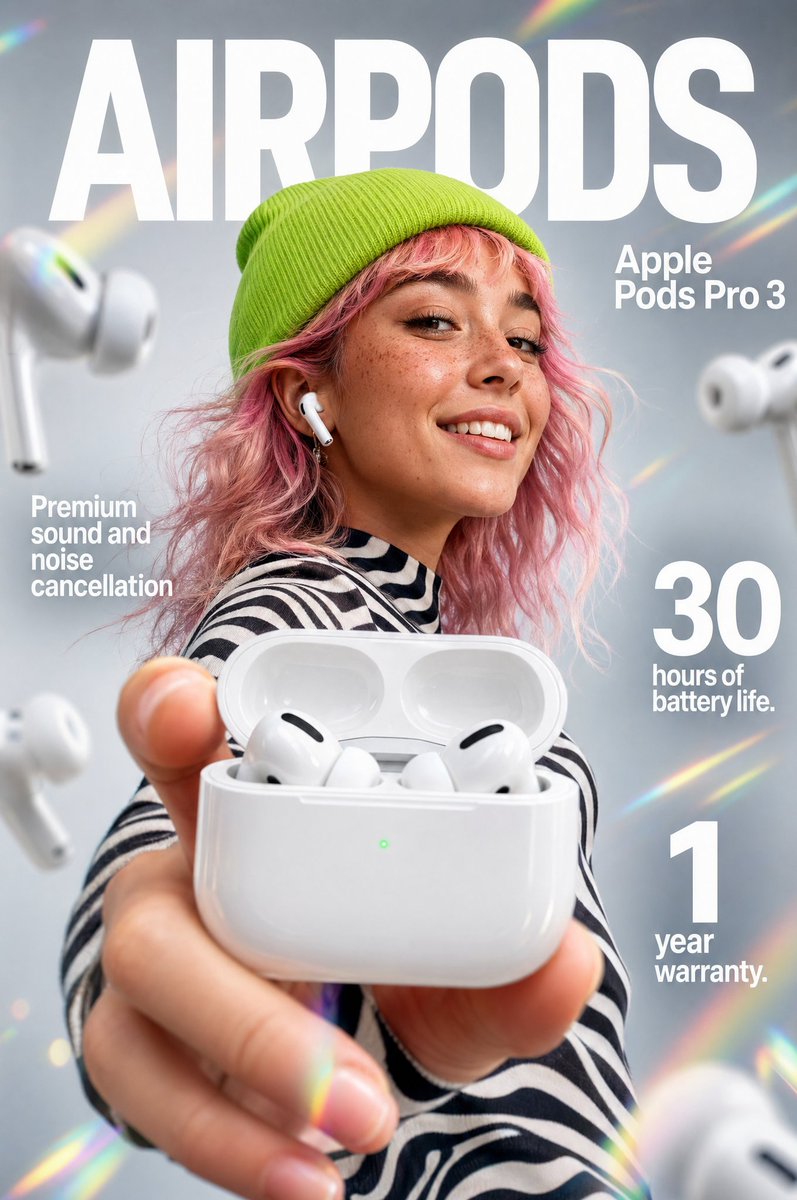
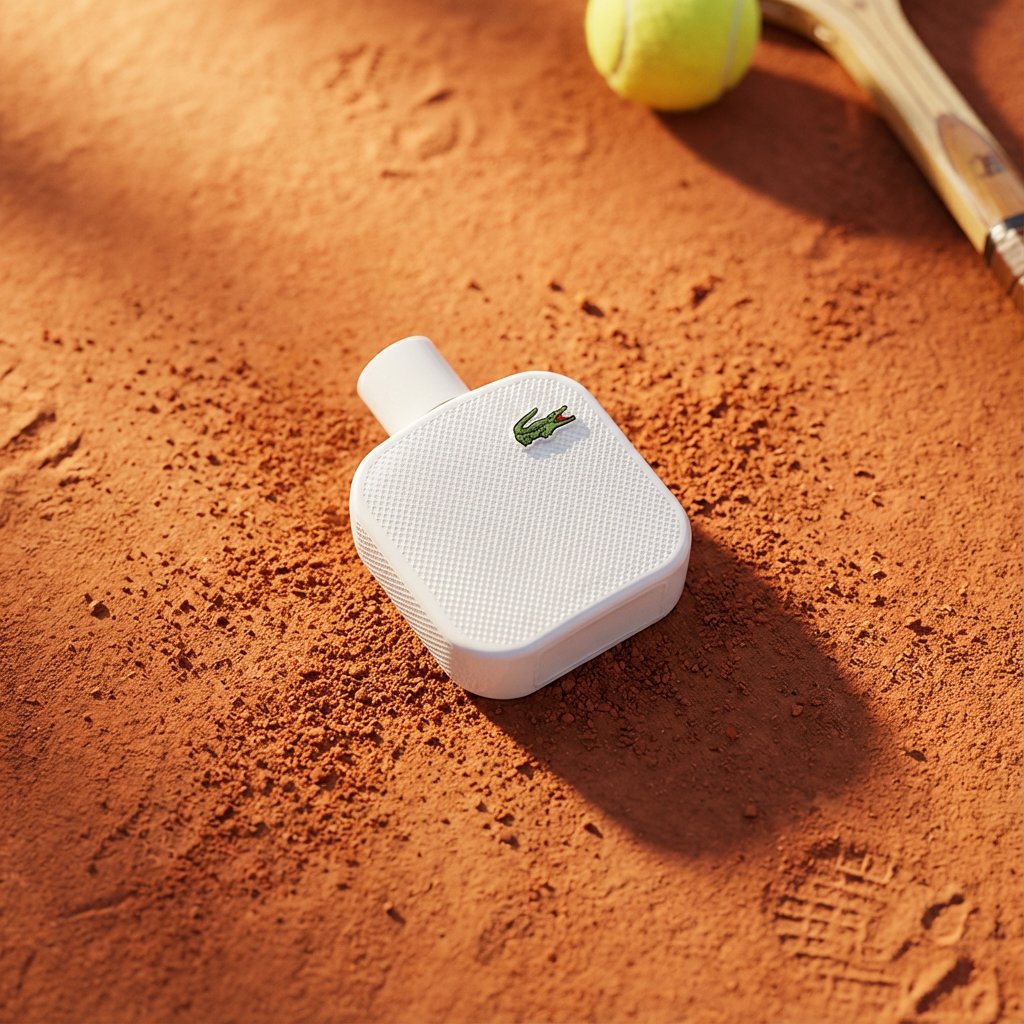
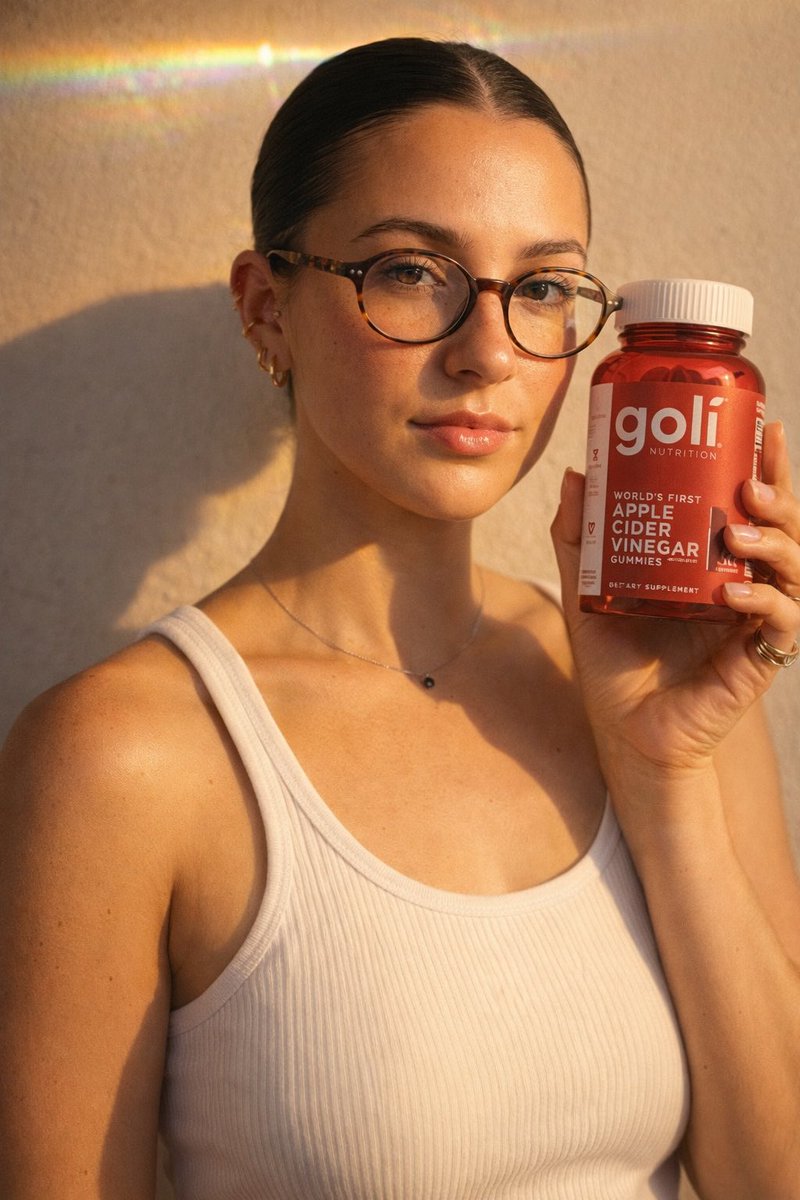
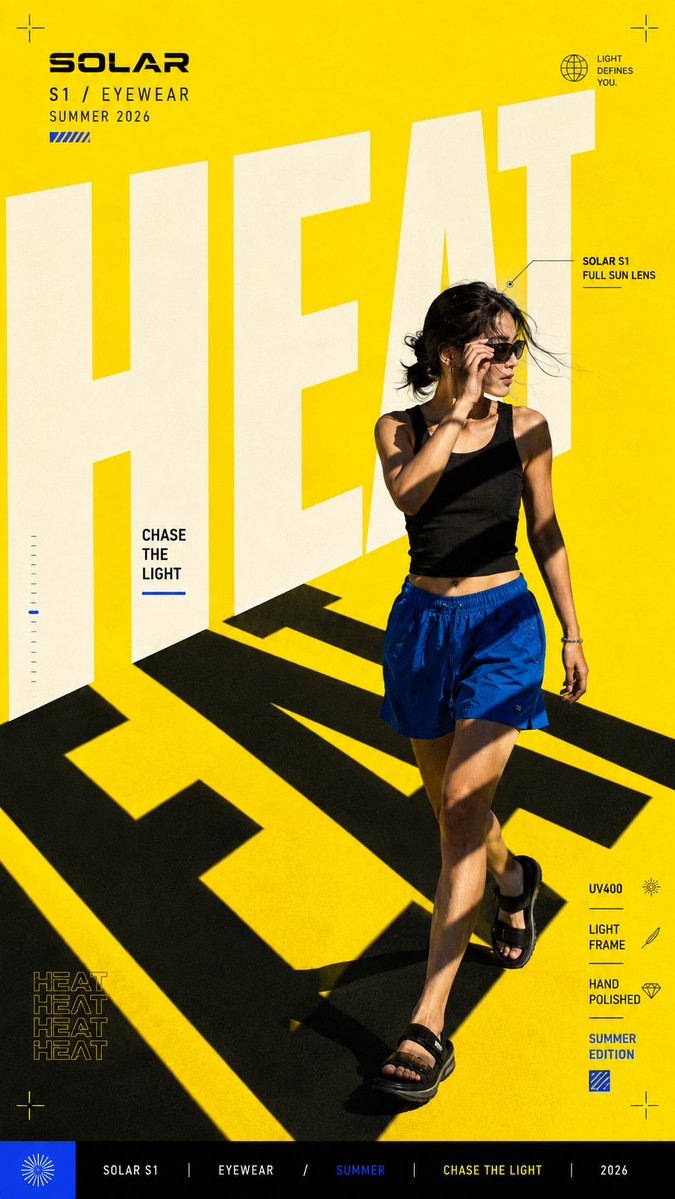
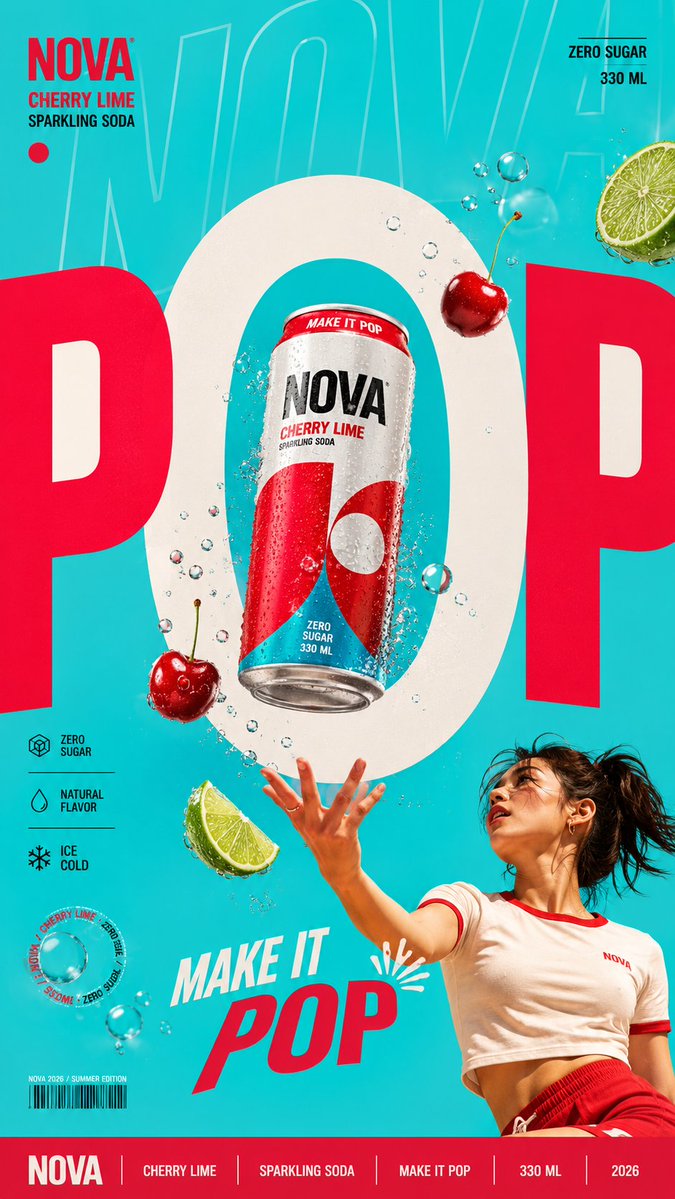
A tall editorial key visual where a huge main word works as a shadow, frame or light source, with the product or model tucked into its shapes. Bold color blocking and crisp commercial lighting make it feel finished.

- Model
- GPT Image 2
- Type
- 4 images
- Aspect ratio
- 9:16
- Shared
- 24 Aug 2026
- Likes on X
- 61
Brand nameProduct or campaignShort wordPerson / product / bothShadow / frame / light / route / other+2 more
Image prompt
1,762 charactersCreate a bold editorial campaign poster where oversized typography actively shapes the visual concept instead of simply sitting in the background. Brand: [BRAND NAME] Product / Campaign: [PRODUCT OR CAMPAIGN] Main Word: [SHORT WORD] Subject / Product: [PERSON / PRODUCT / BOTH] Typography Function: [SHADOW / FRAME / LIGHT / ROUTE / OTHER] Main Color: [COLOR] Accent Color: [COLOR] Campaign Details: [SLOGAN / SPECS / DATE / OTHER] Aspect Ratio: [9:16] Use contemporary editorial design, realistic commercial photography, bold oversized typography, and a strong high-contrast color system. Make the main word extremely large, filling roughly 50–75% of the composition. Allow letters to extend beyond the canvas, be cropped, overlap the subject, or use their negative space as part of the layout. Most importantly, give the typography a clear visual function. For example, let the letters cast shadows across the subject, frame a product, shape the lighting, create a movement path, or organize the scene in another meaningful way. The subject or product should interact naturally with this typography system so the text, photography, and graphic elements feel designed as one composition. Use one dominant color with a contrasting secondary color, black, white, and only a small amount of accent color. Add a few meaningful campaign details such as the brand name, product name, slogan, specifications, labels, route information, or small editorial text. Keep them organized and relevant to the actual concept instead of using random filler words. Keep people, products, materials, lighting, and shadows realistic and polished. The final image should feel like a finished commercial campaign key visual — bold, colorful, editorial, and visually complete.
How to use it
Start by replacing the brand, product, main word and color fields with your own, keeping the words short so they stay huge and readable. Keep the instruction that the type must do a visual job, since that idea is what makes the poster feel designed. It was shared as a GPT Image 2 prompt, so the bracketed fields make a clear checklist. Use the result as a campaign key visual for social stories, a product drop or a shop window.
Shared publicly on X on 24 Aug 2026. All credit for this prompt and its result goes to its creator. Is this yours? Ask for an update or removal.