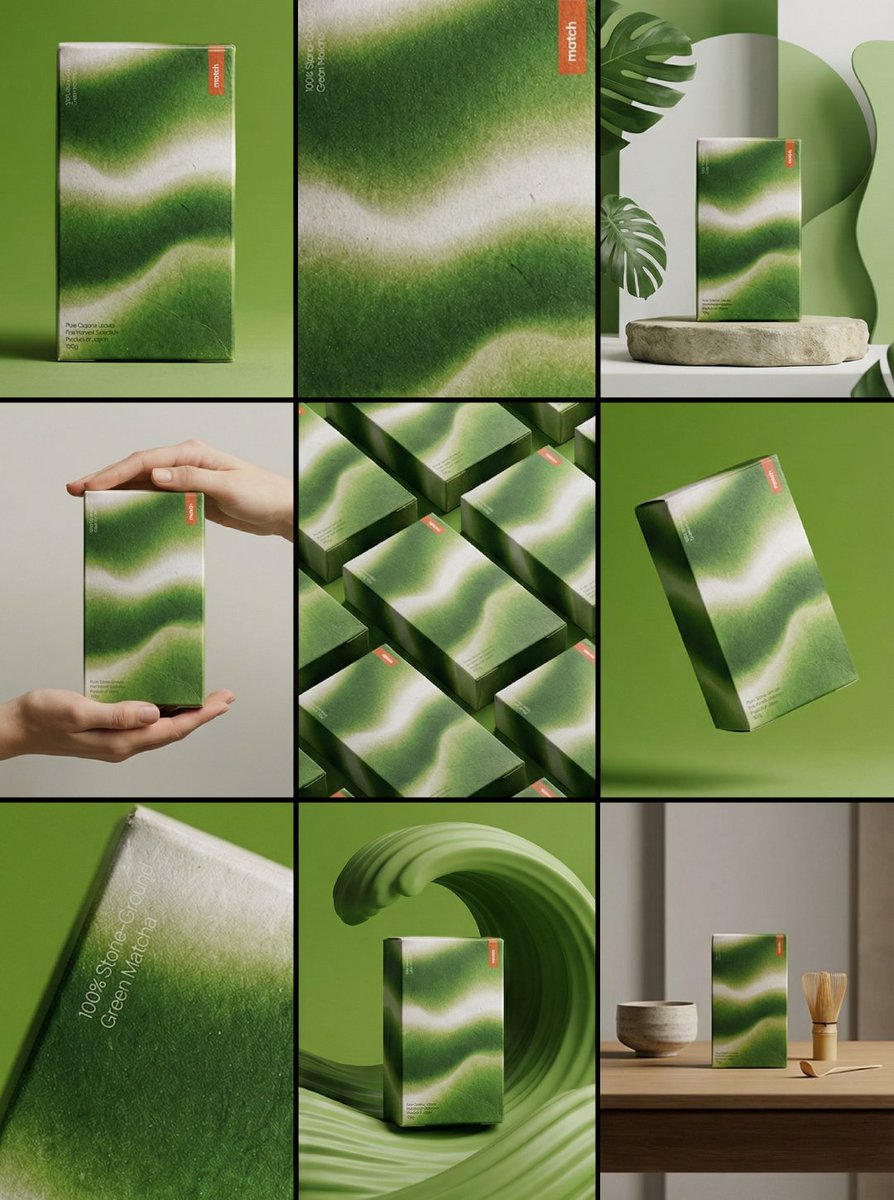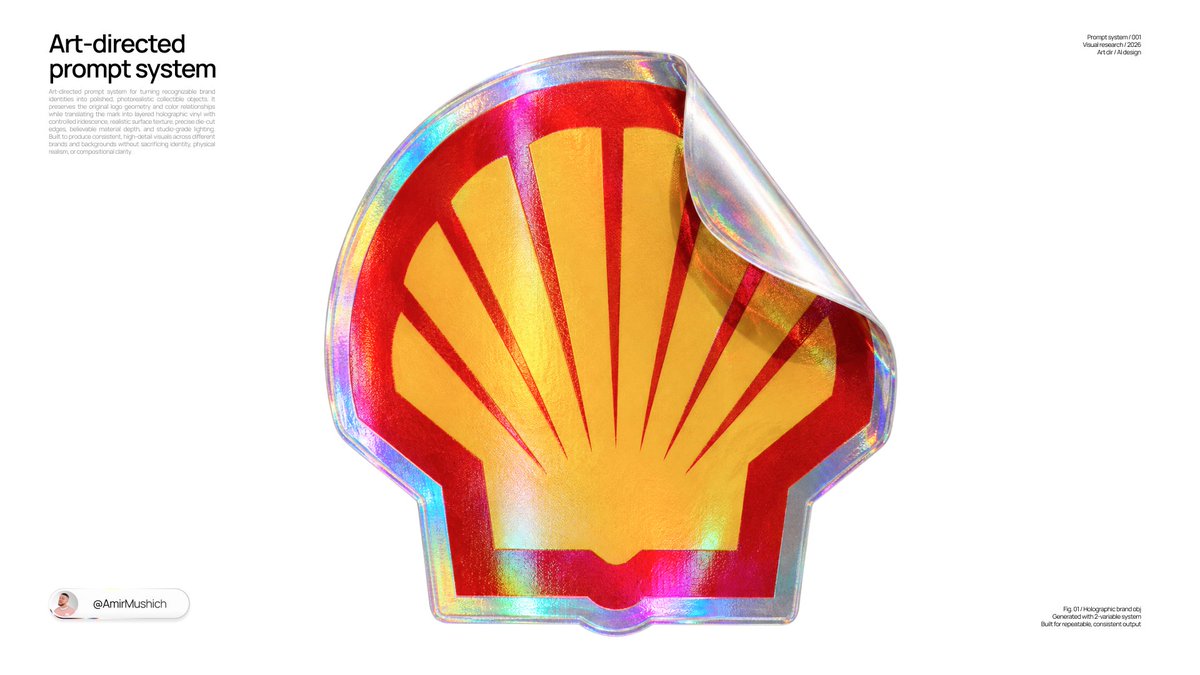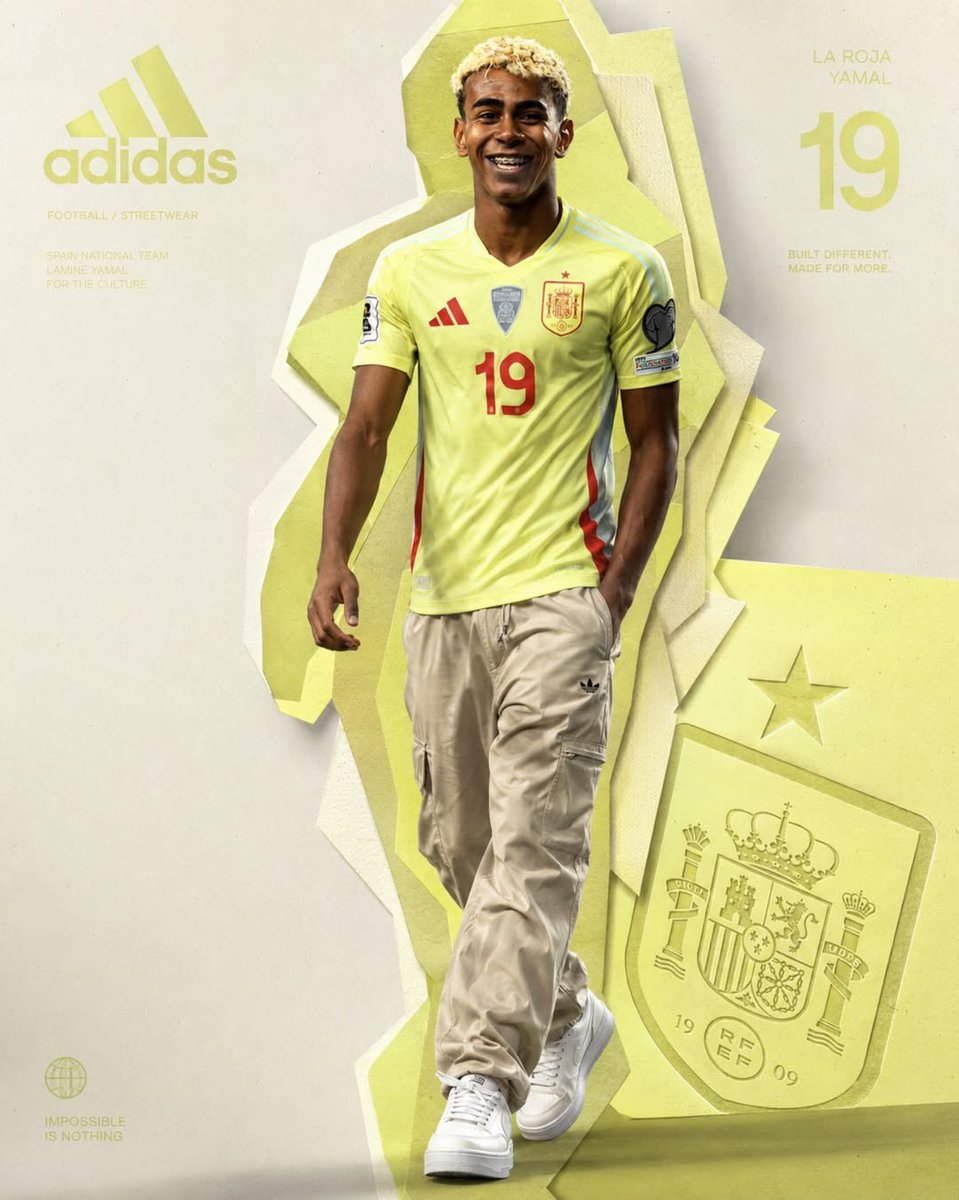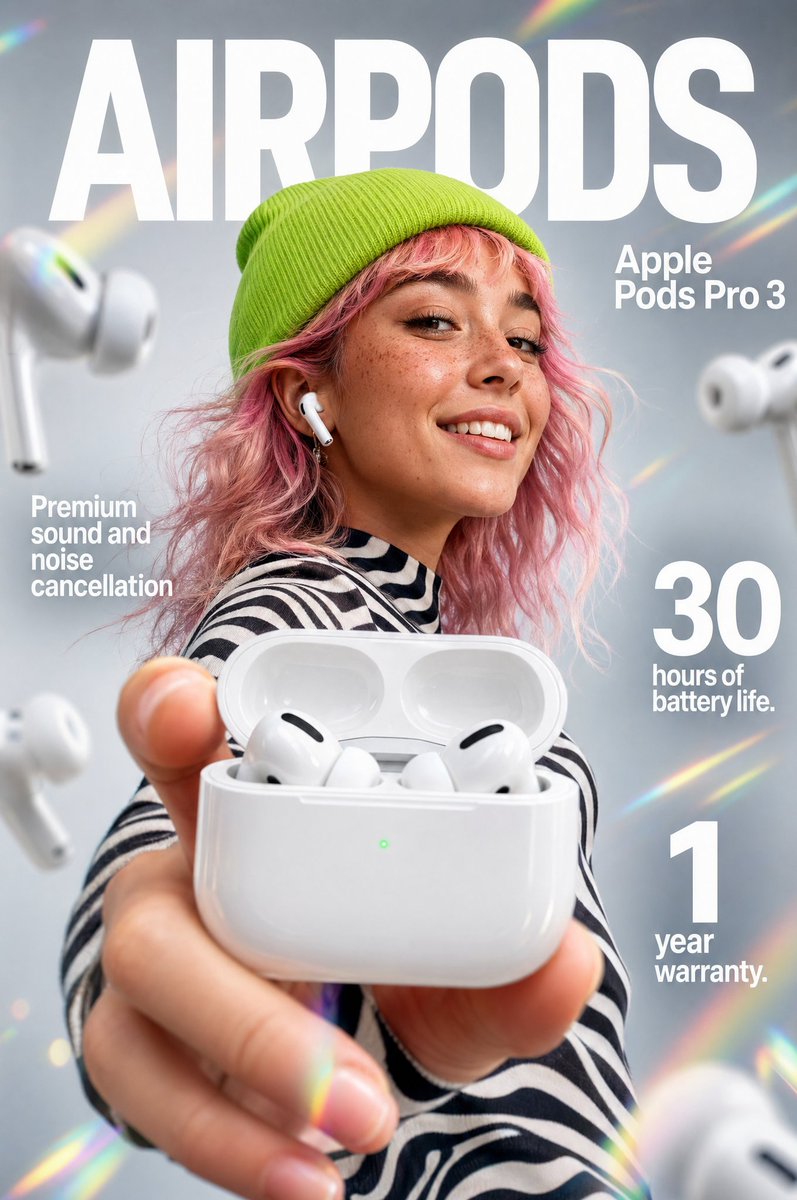
Image prompt Product & Ads Customizable
Oversized Perspective Product Ad Poster
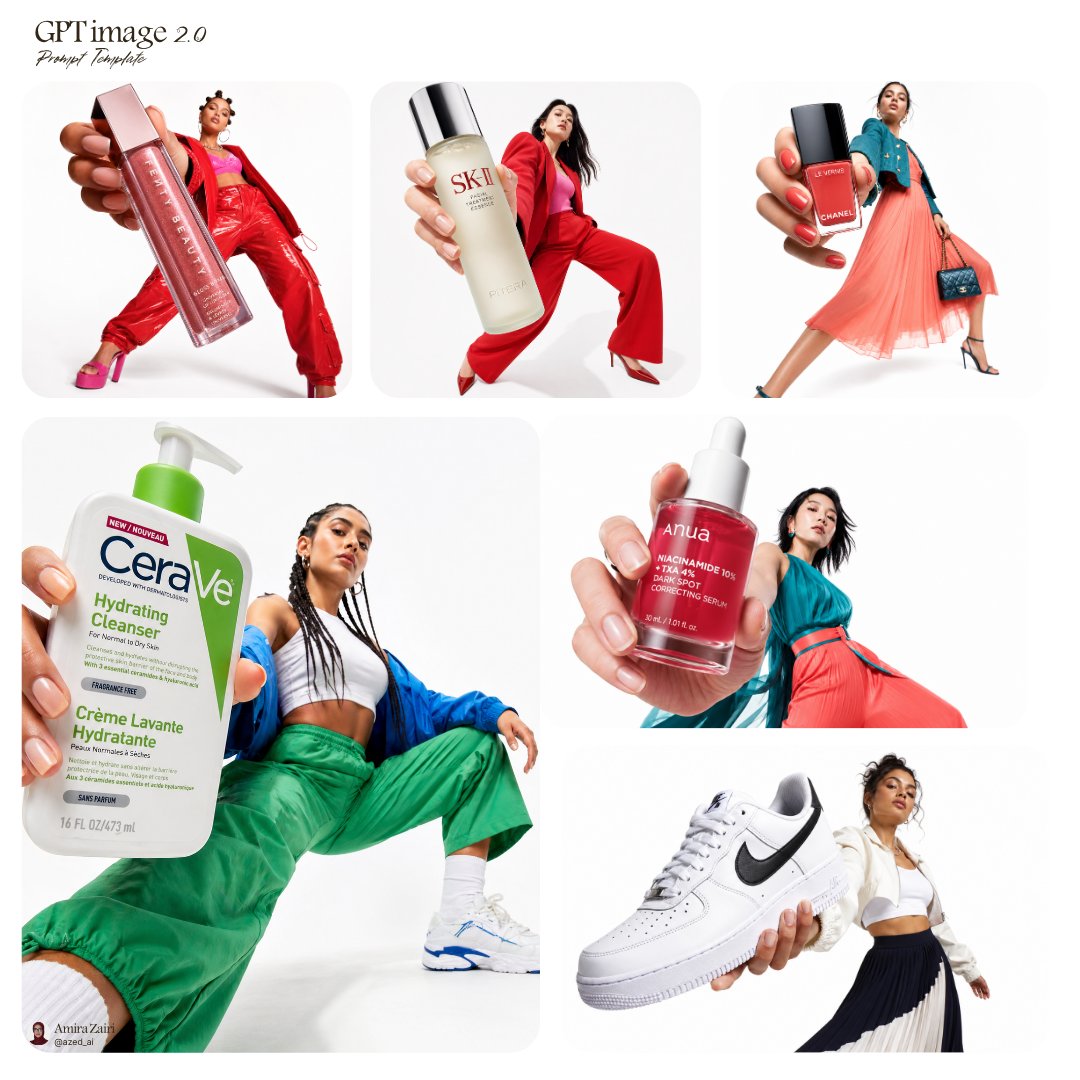
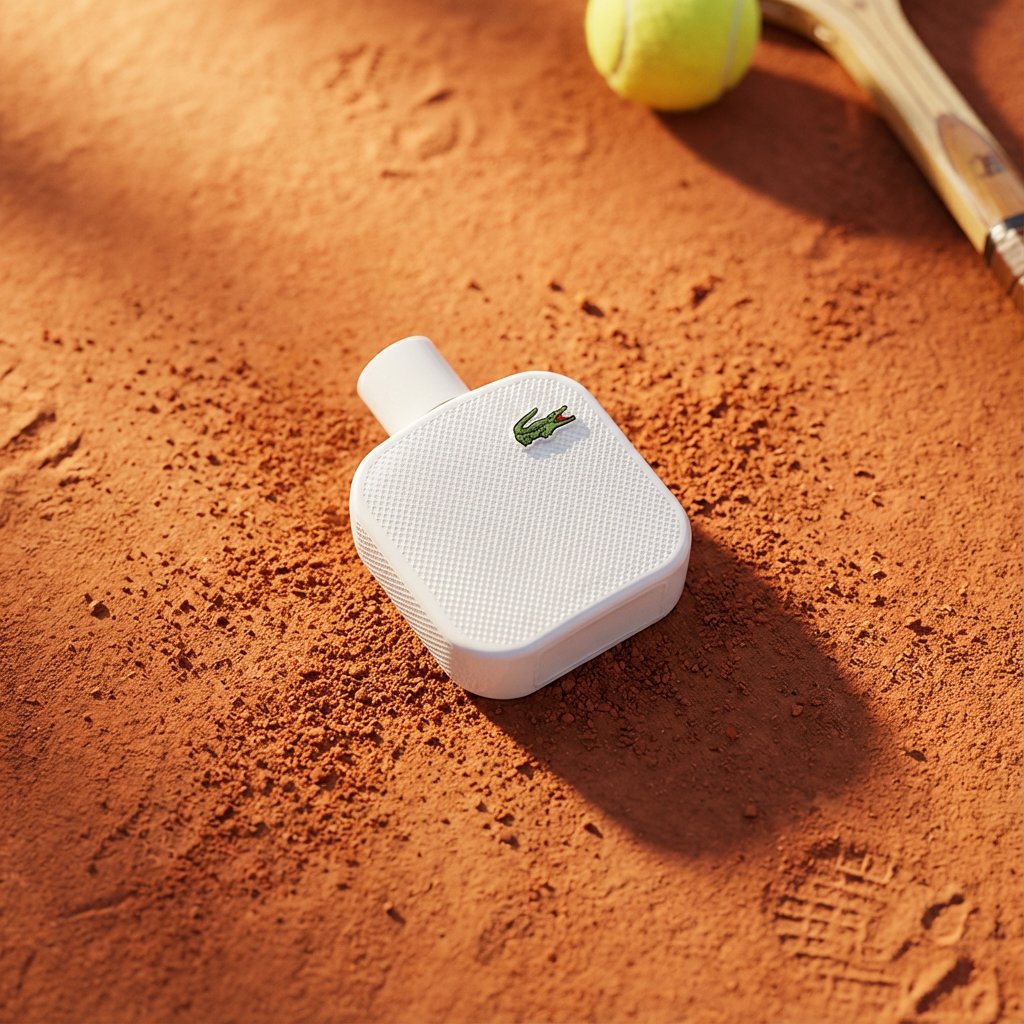
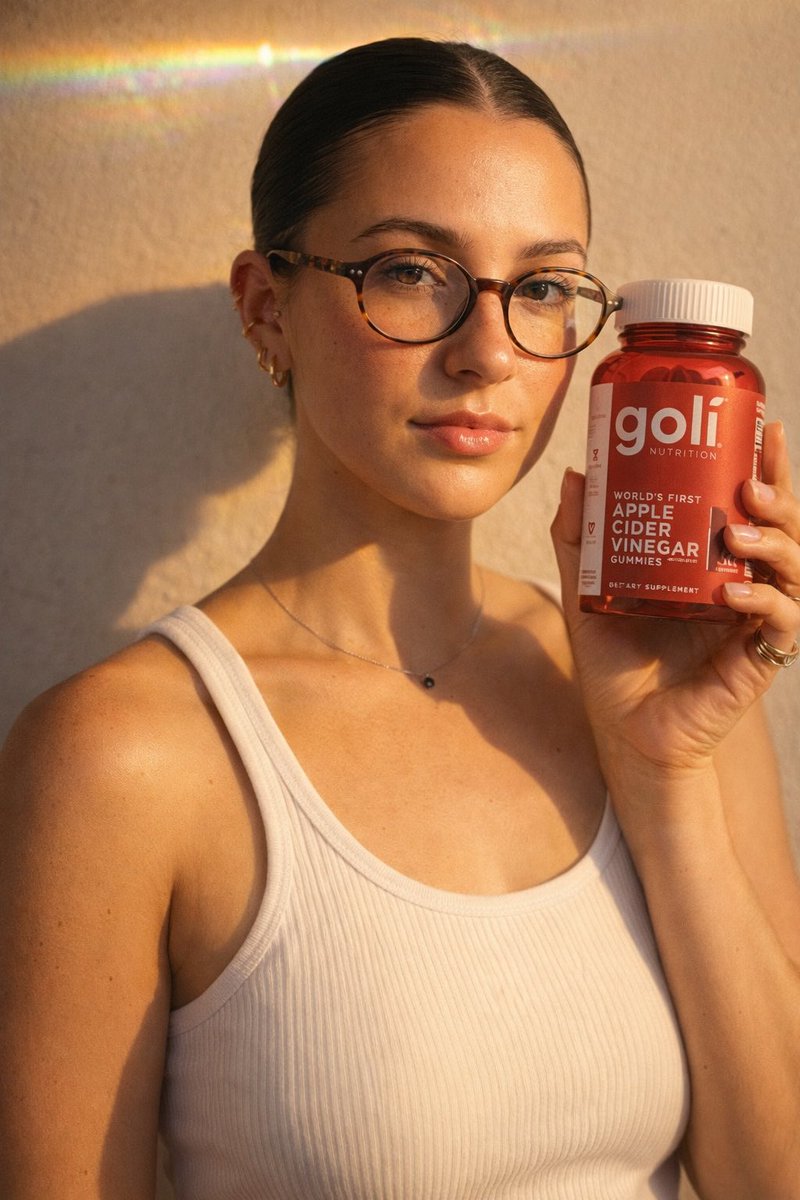
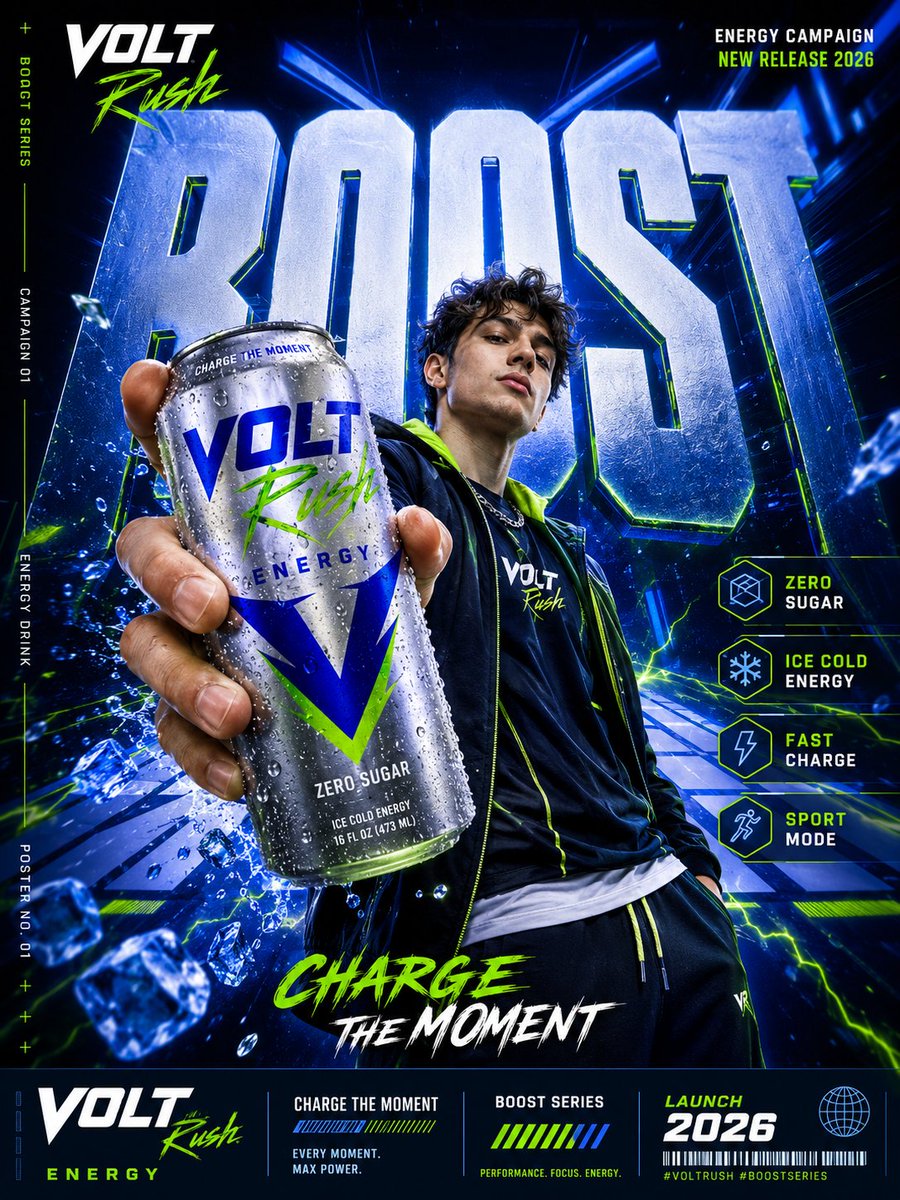
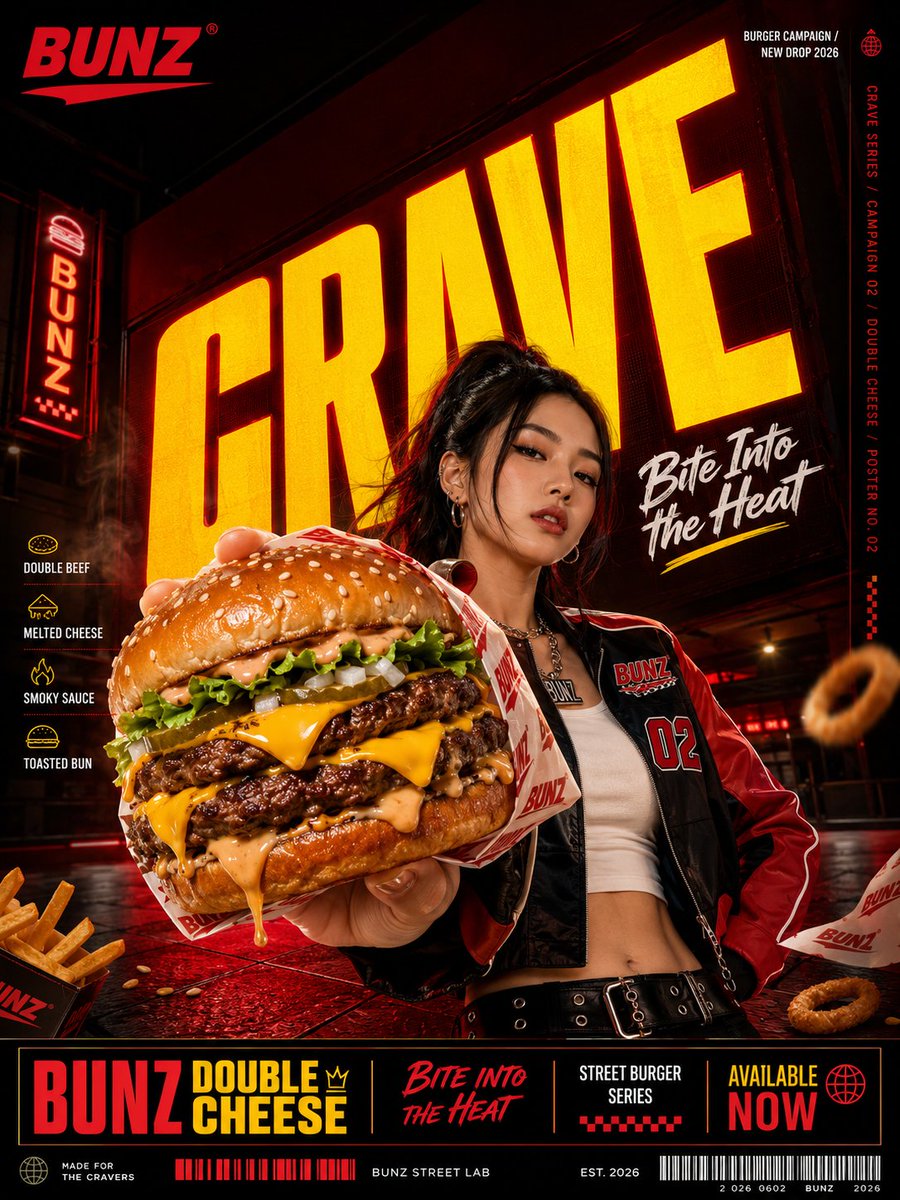
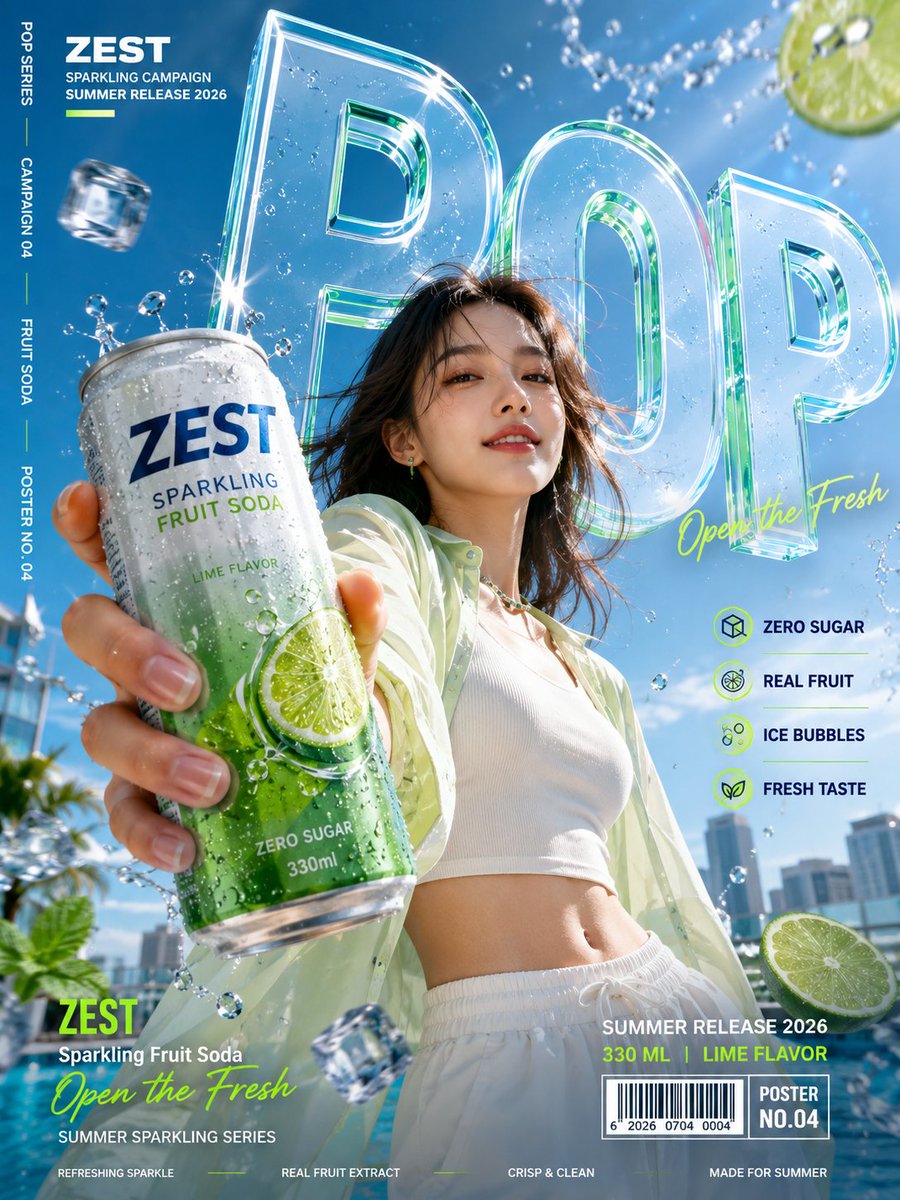
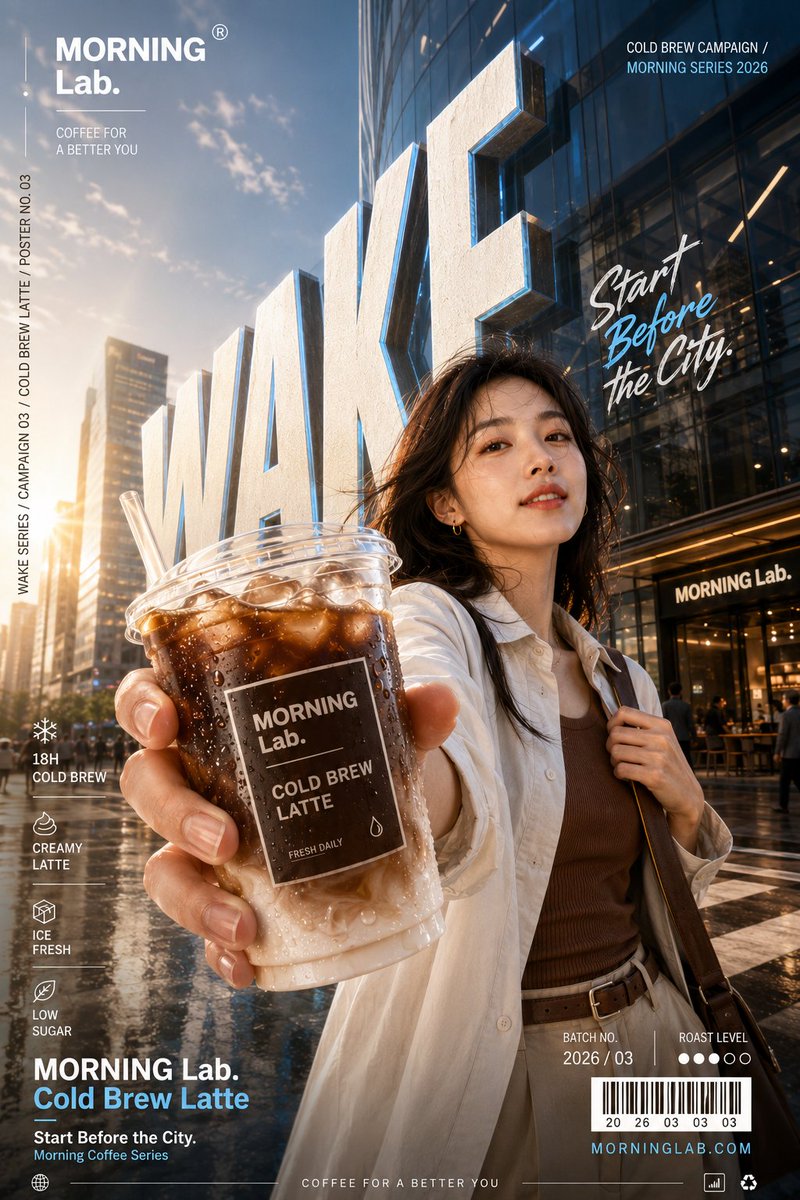
A vertical campaign poster where giant bold letters recede into the distance while a character thrusts the product toward the viewer. The wide-angle depth makes the bottle or can feel like it is stepping out of the page.

- Model
- GPT Image 2
- Type
- 4 images
- Aspect ratio
- 3:4
- Shared
- 31 Jul 2026
- Likes on X
- 42
Brand nameProduct nameMain wordTagline
Image prompt
1,612 charactersCreate a vertical 3:4 commercial campaign poster for a fictional 【product category】 brand. Brand: 【brand name】 Product: 【product name】 Main word: 【BOOST / CRAVE / POP / WAKE】 Tagline: 【short slogan】 Color palette: 【primary + secondary + accent colors】 Model: 【male / female / athlete / lifestyle character】 Key features: 【feature 1】, 【feature 2】, 【feature 3】, 【feature 4】 Use oversized bold typography with a strong one-point or diagonal perspective. The main word must feel integrated into the scene as a giant wall, corridor, street, stage, or spatial structure, with clear depth and readable letterforms. Place the character near the center of the composition. The character must hold the product and extend that hand toward the camera, creating an exaggerated foreground and a strong 3D wide-angle effect. The product should be the closest, largest, and sharpest element, followed by the character in the midground and the giant typography in the background. Keep the product shape accurate, realistic, and clearly branded. Add appropriate details such as condensation, ice, bubbles, fruit, sauce, steam, or packaging elements, but keep them controlled and secondary. Include a complete campaign layout with brand name, feature icons, vertical side text, campaign number, release date, product details, barcode, and micro typography. Avoid a thick footer bar that covers the character; distribute the information across the lower corners and side margins. High-resolution commercial photography, realistic skin and materials, strong perspective, dynamic pose, polished brand design, high visual impact.
How to use it
Start by replacing the bracketed fields with your own brand, product, main word, tagline and palette, and keep the phrase about the product being the closest, largest and sharpest element, since that instruction drives the 3D effect. It was shared as a GPT Image 2 prompt, so the layout instructions for the lower corners and side margins are the part to keep if you want the info to stay clear of the character. Use the result for a social post, a shelf poster or a launch banner.
Shared publicly on X on 31 Jul 2026. All credit for this prompt and its result goes to its creator. Is this yours? Ask for an update or removal.