Image prompt Product & Ads Customizable
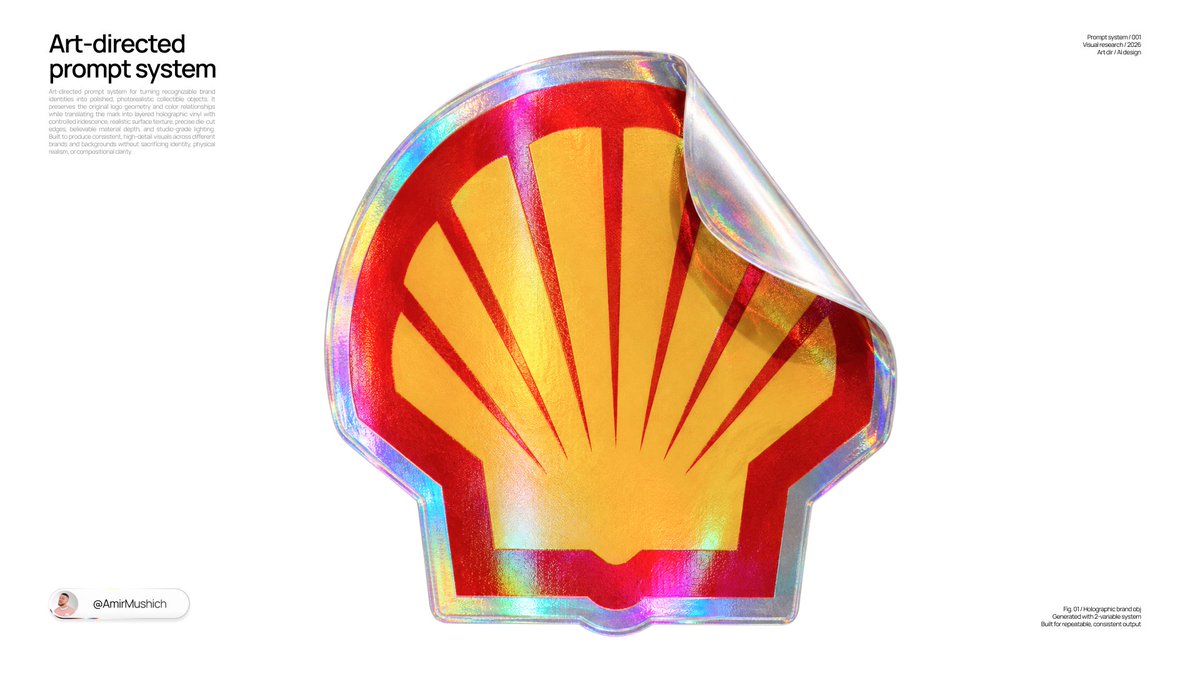
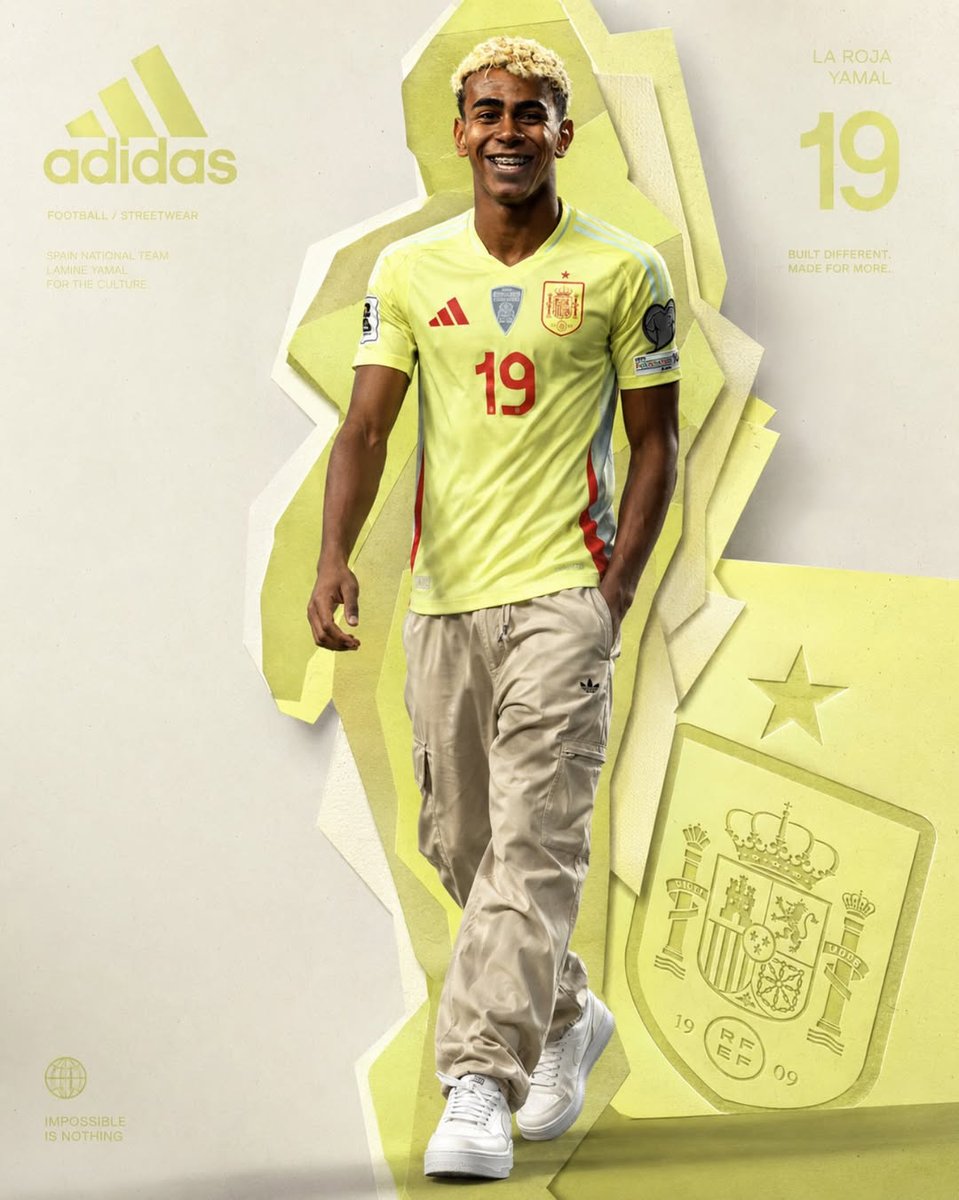
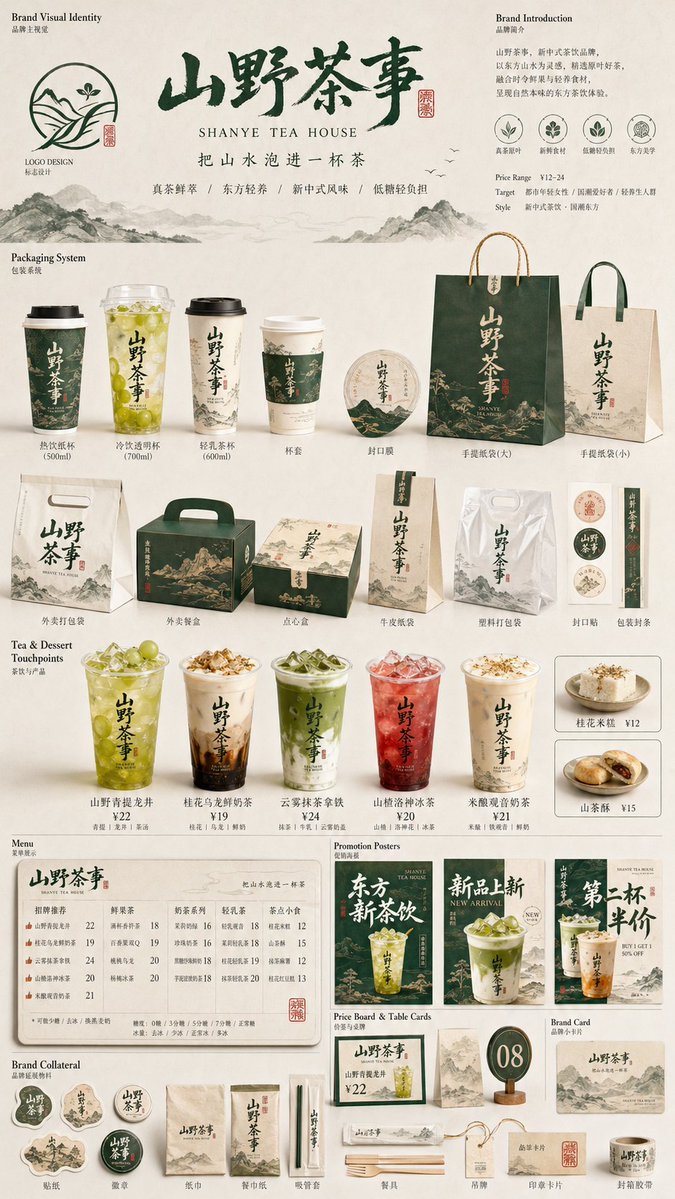
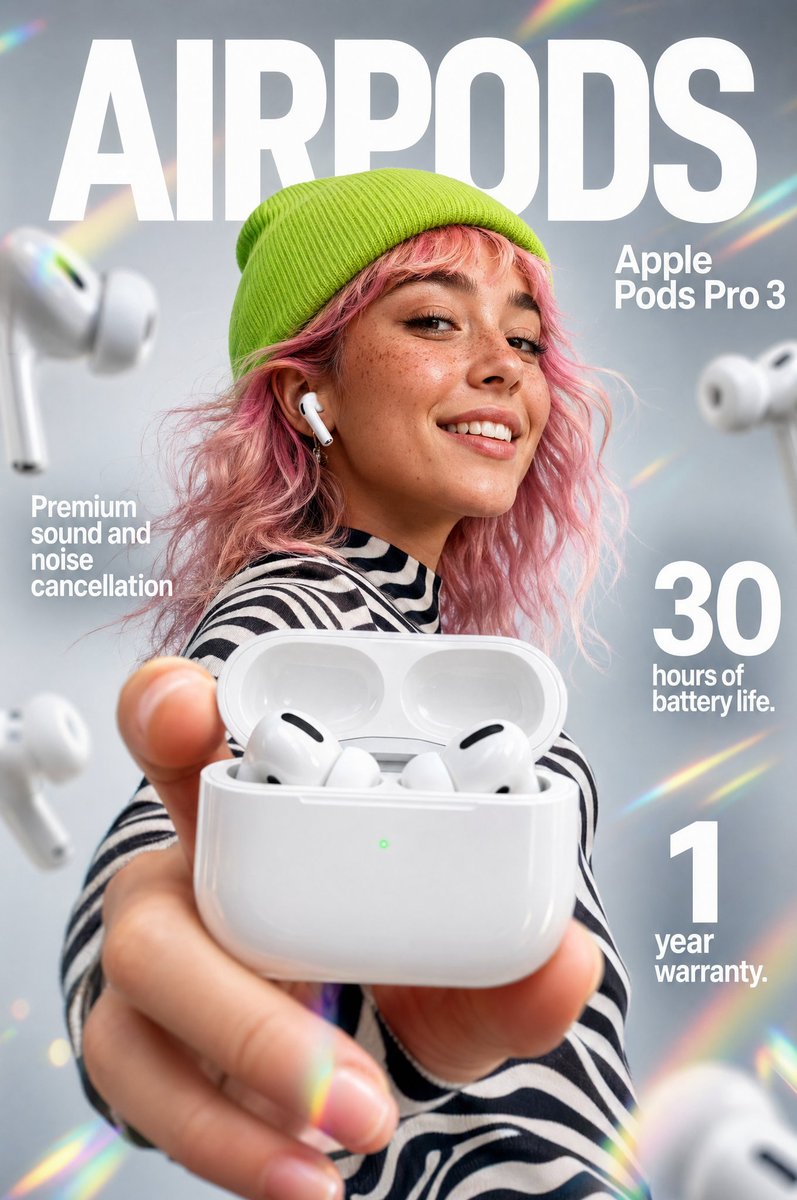
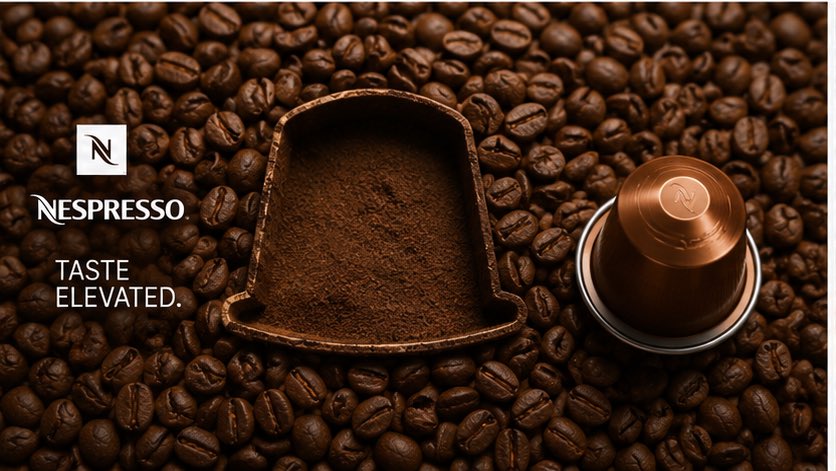
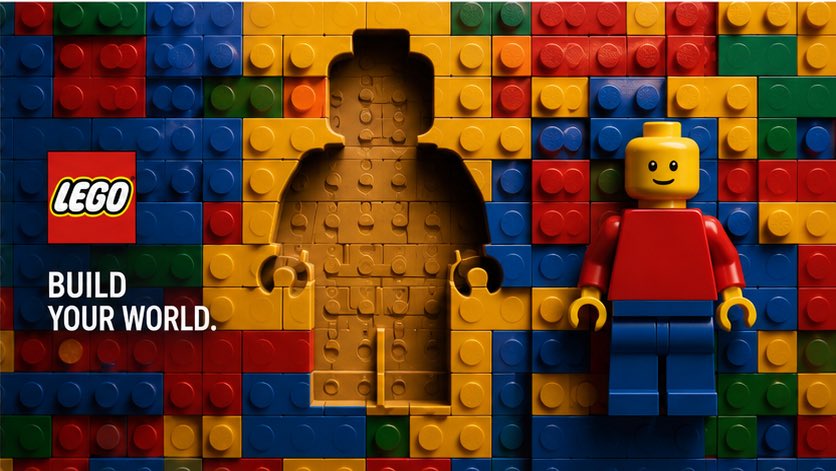
Negative Space Product Carved From Material Ad
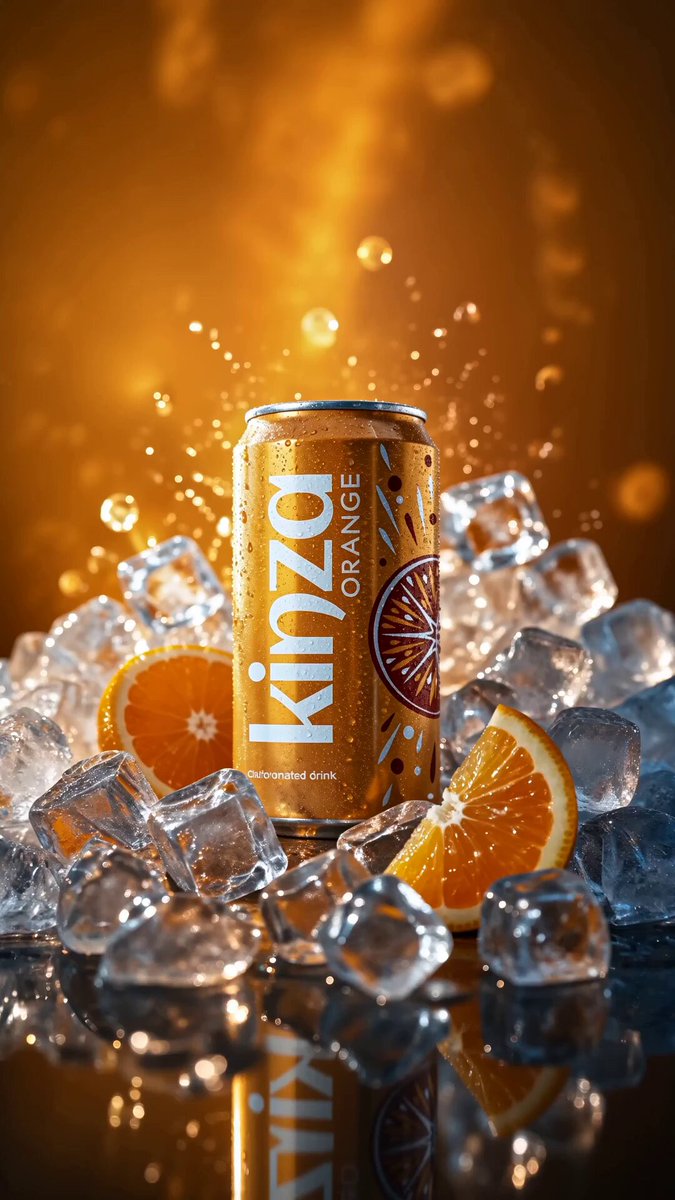
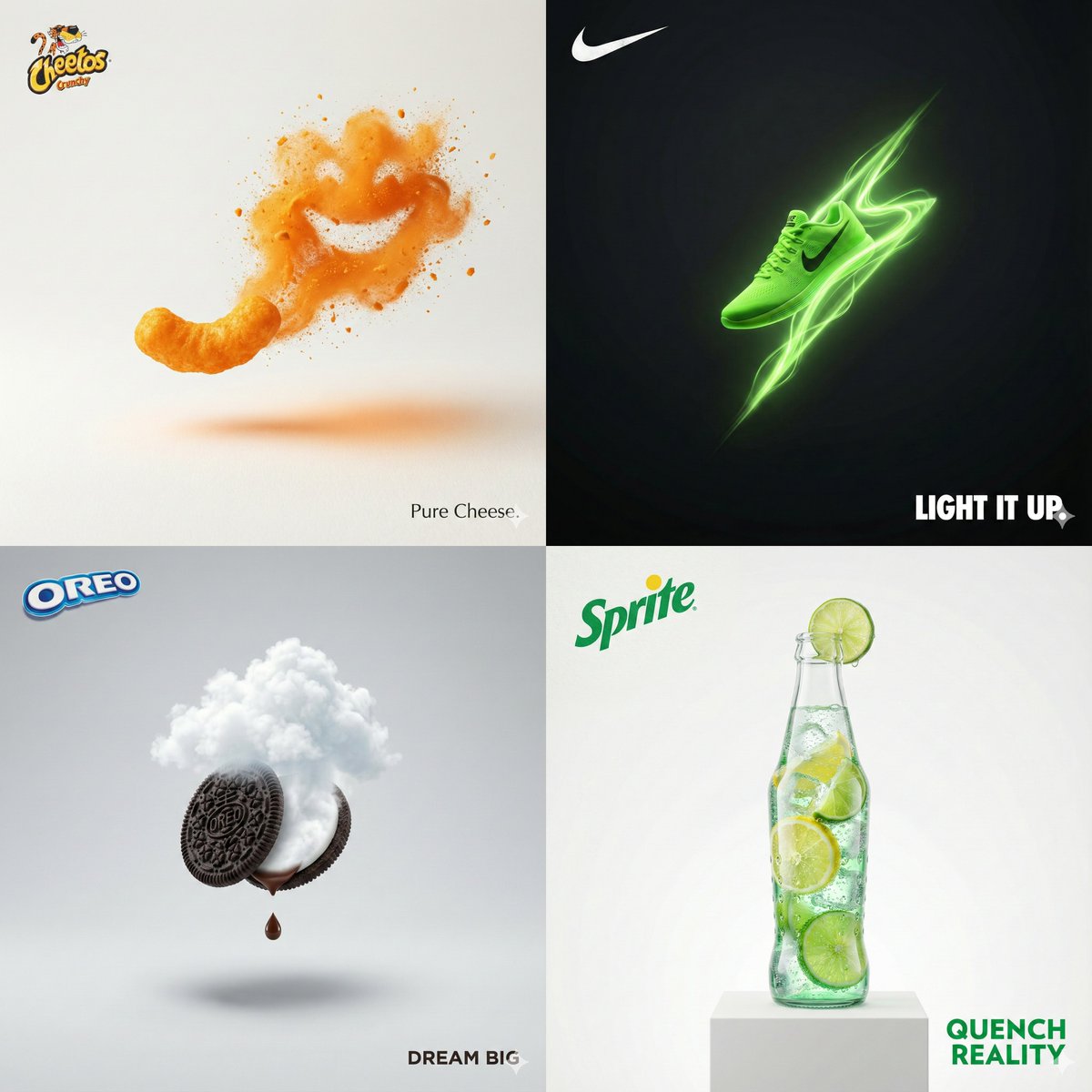
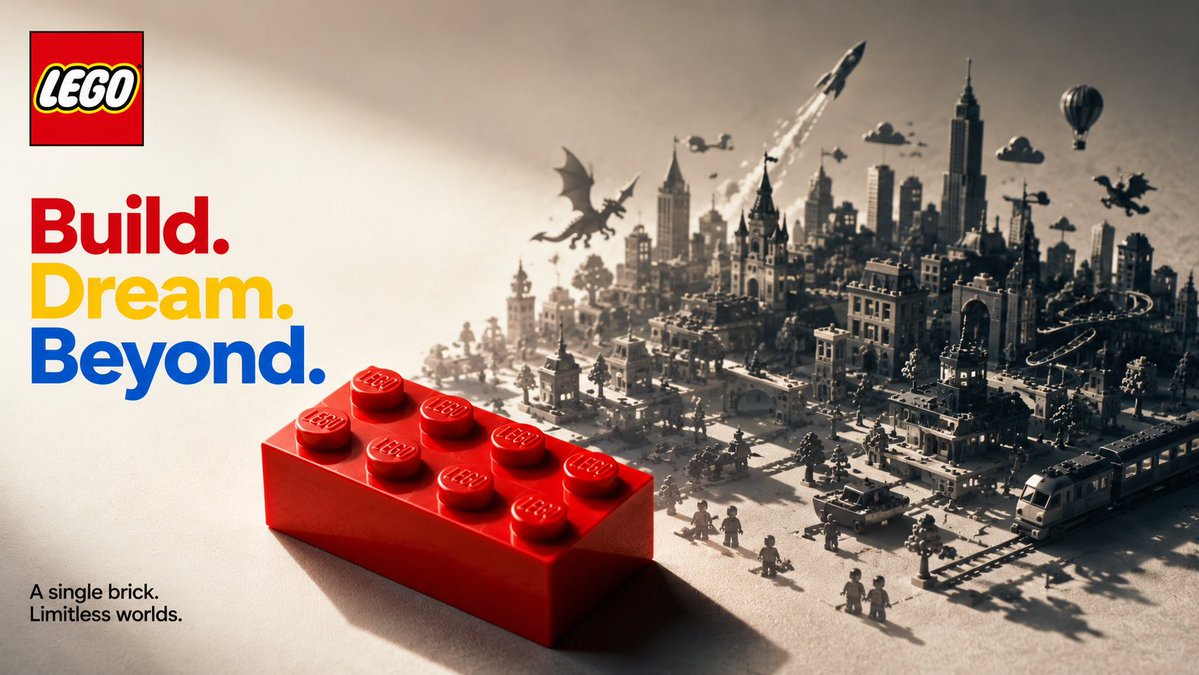
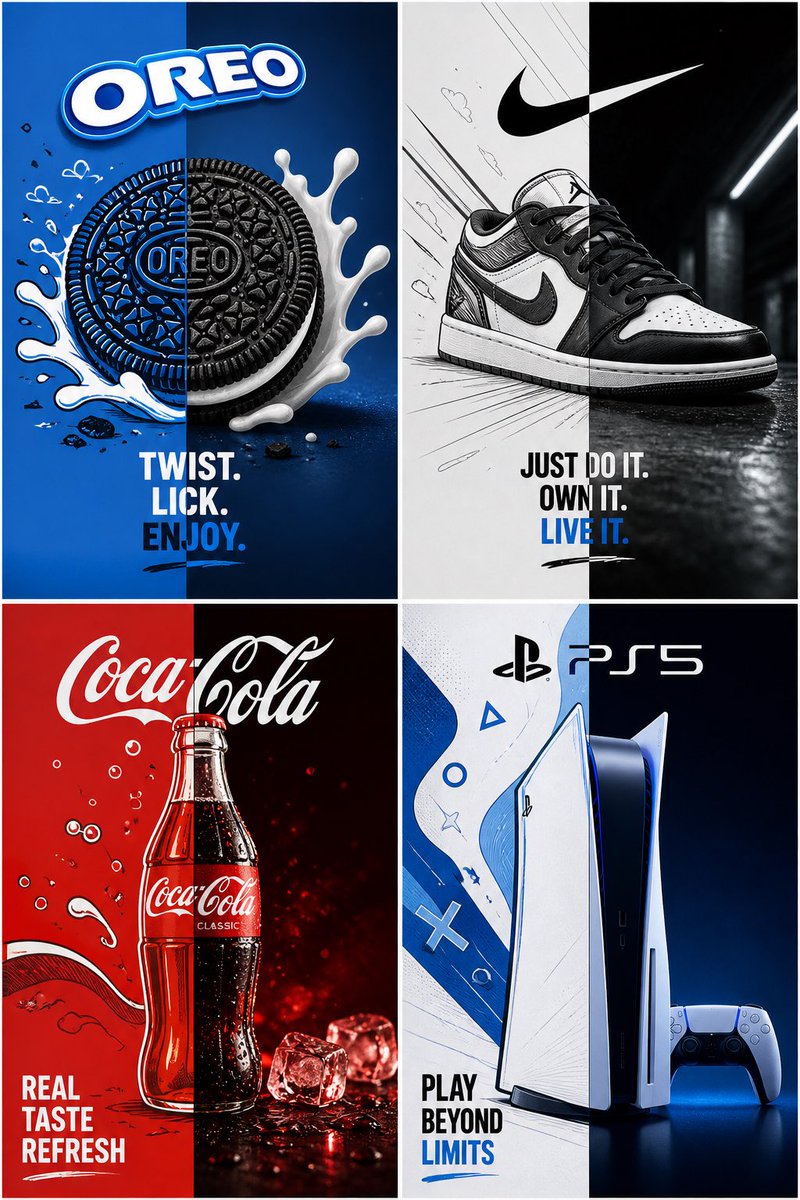
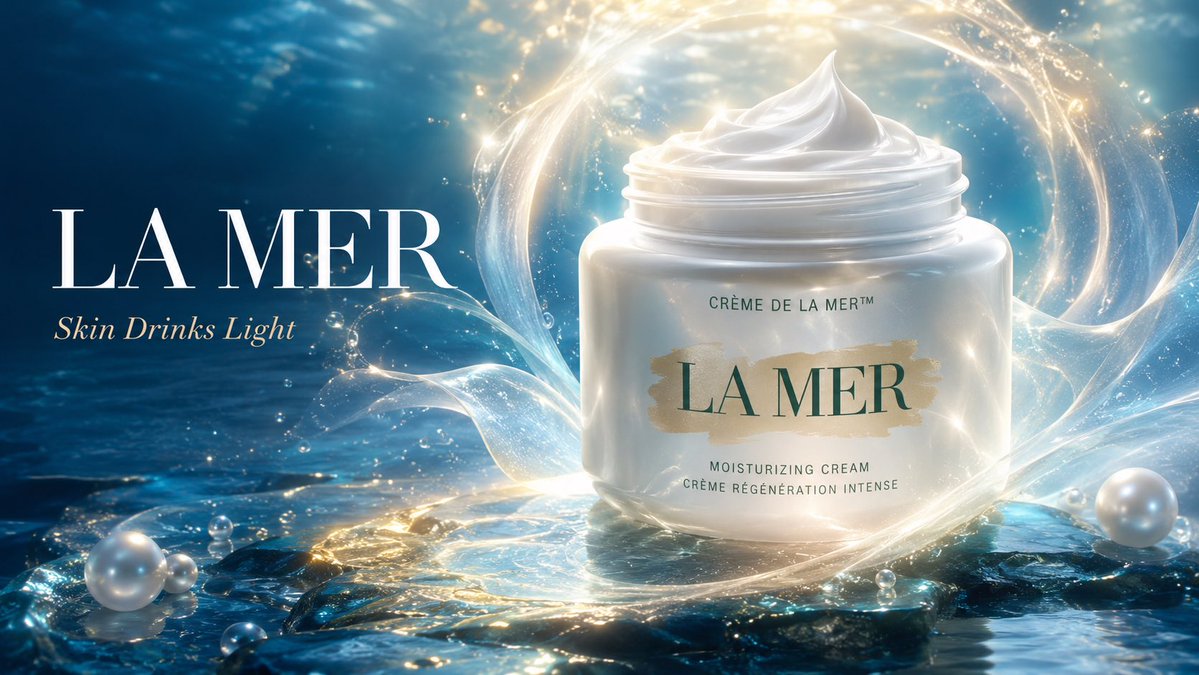
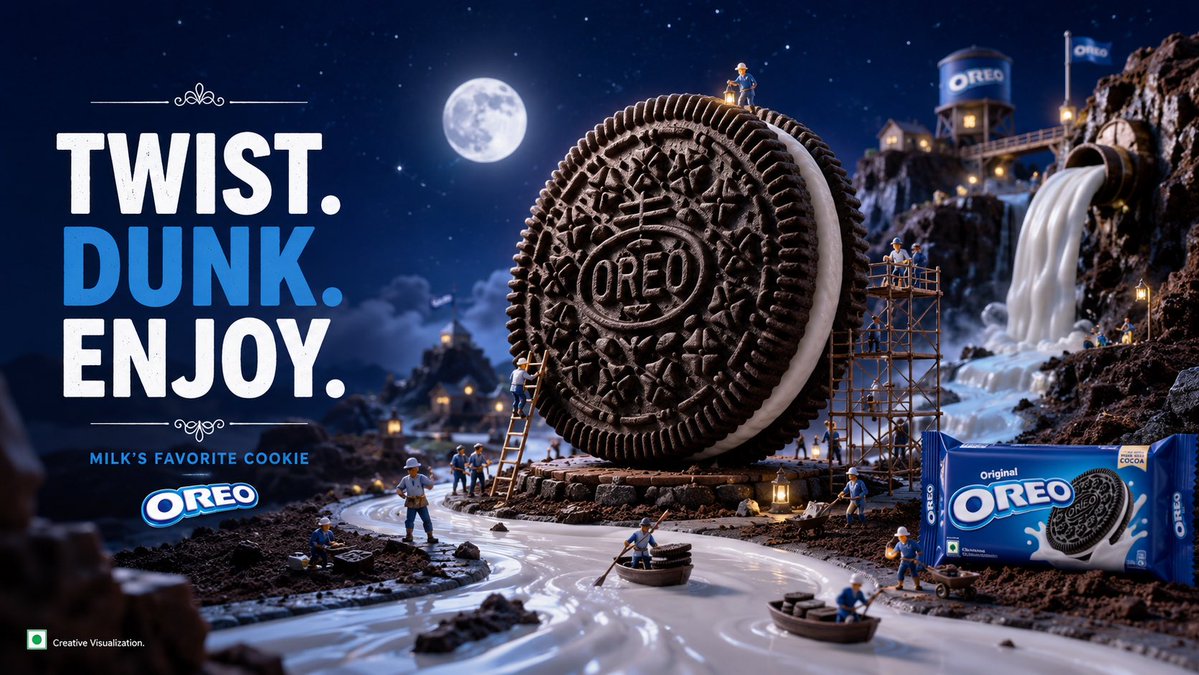
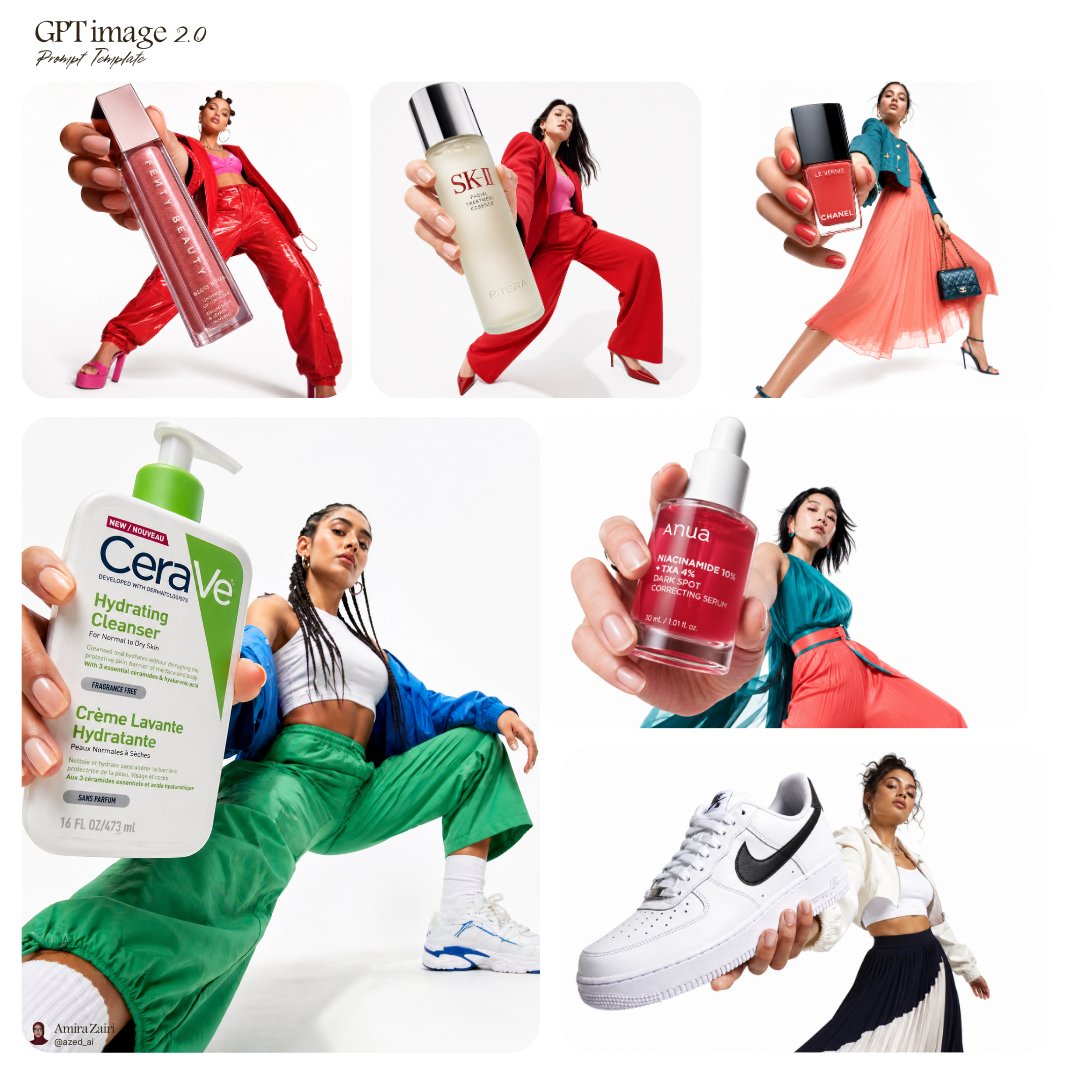
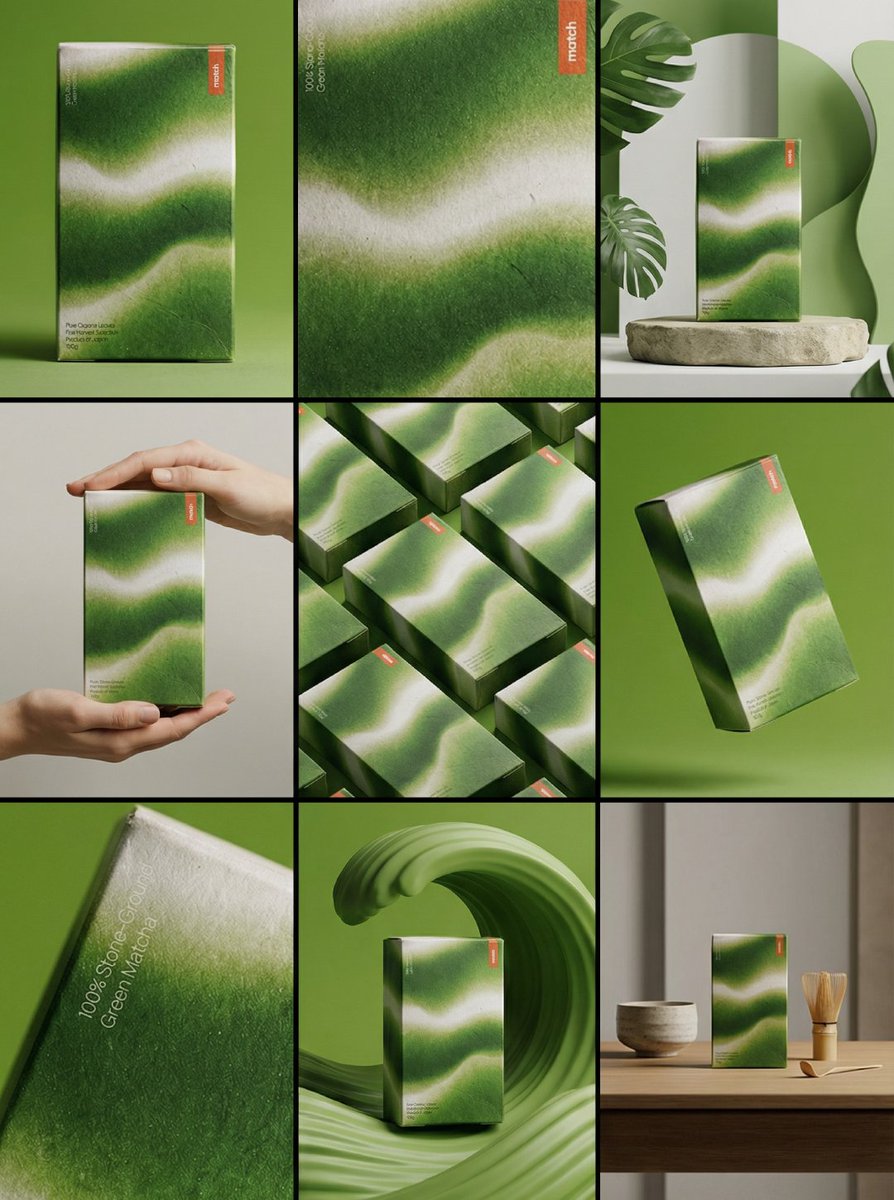
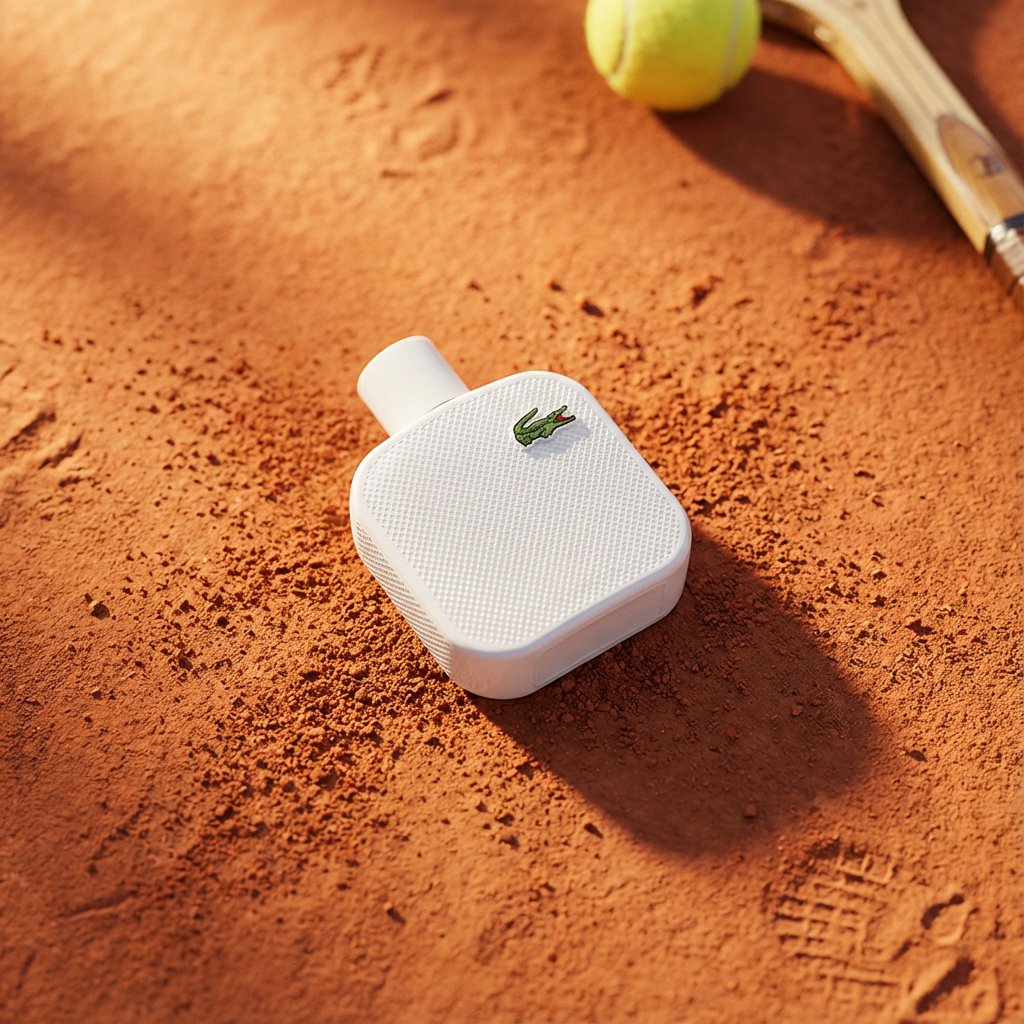
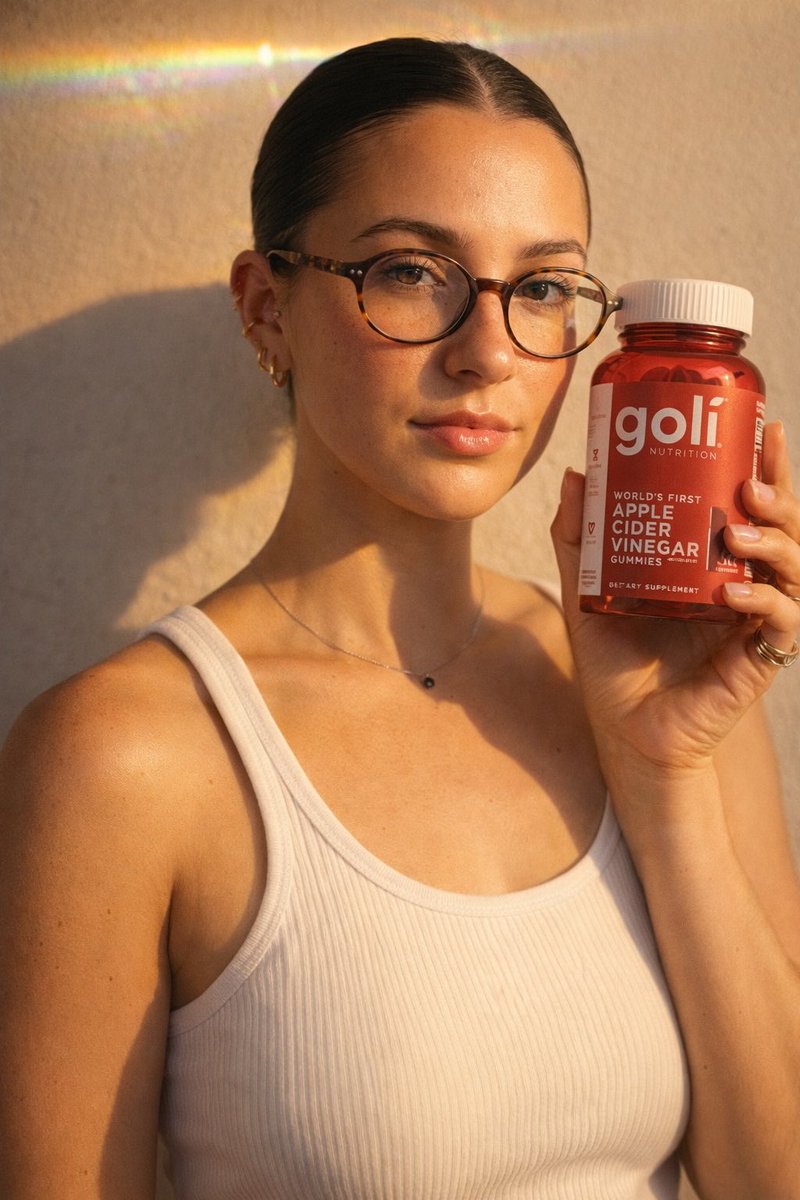
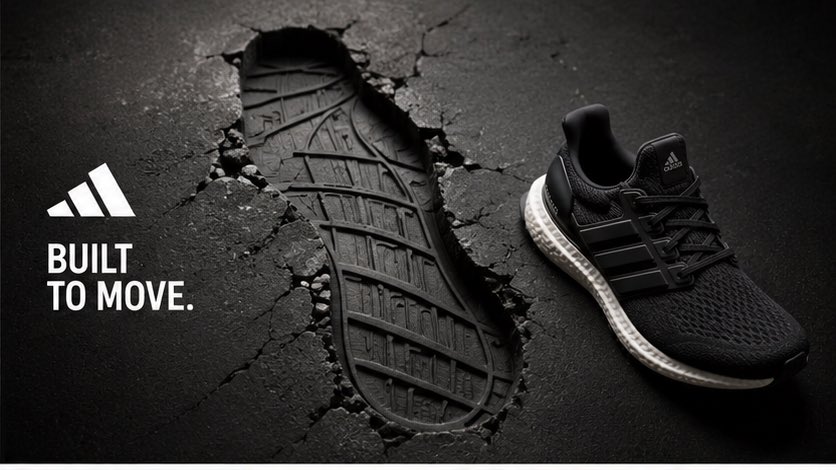
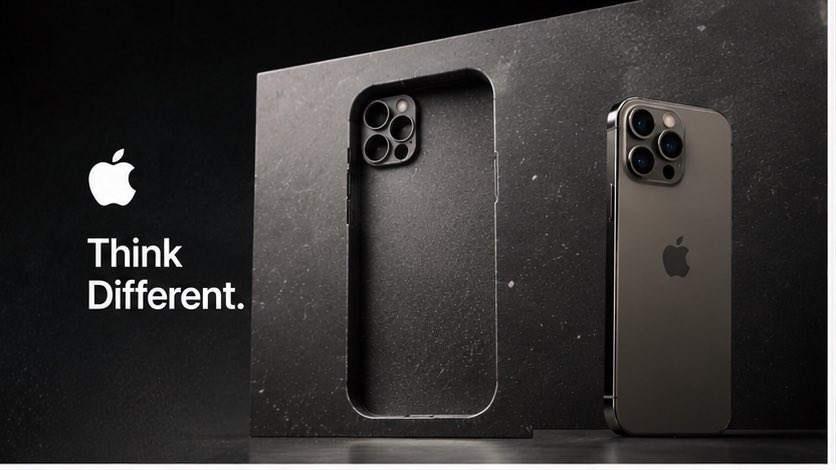
A real product sits beside a large surface with a cavity cut to its exact outline, as if it was pulled out of the material. The void's inner edges show depth and texture, turning the product itself into the message.

- Model
- GPT Image 2
- Type
- 4 images
- Aspect ratio
- 16:9
- Shared
- 24 Jul 2026
- Likes on X
- 33
Image prompt
2,292 charactersUse the uploaded product image as the single source of truth. Silently analyze the product’s category, function, audience, emotional promise, brand personality, shape, materials, colors, packaging, typography, logo behavior, and most ownable visual attribute. Create a premium campaign image built around negative space. Show one real, physically accurate hero product beside a large material surface containing a perfectly recognizable product-shaped void—as though the product has been cleanly extracted from it. The surrounding material must be chosen from the brand’s real DNA and communicate its promise without explanation. Examples: — technology carved from seamless precision glass — sportswear extracted from compressed kinetic rubber — coffee emerging from sculpted roasted beans — construction toys removed from a modular colored structure The cavity must match the product’s exact silhouette, proportions, perspective, and important design features. Its inner edges should reveal believable depth, thickness, texture, debris, pressure, folds, or fractures appropriate to the selected material. PRODUCT DNA LOCK: Preserve the real product exactly: shape, proportions, structure, packaging, logo, label, typography, colors, materials, textures, finishes, reflections, and visible details. Do not redesign, recolor, relabel, distort, simplify, duplicate, or invent product features. Silently generate five material-and-void concepts. Score each for visual hook, originality, brand fit, instant readability, realism, product focus, and commercial strength. Reject anything generic or below 9/10. Produce only the strongest concept. Create a unique two-word slogan grounded in the selected brand and concept. Do not reuse the prompt title as the slogan. Match the brand’s real language, typography, scale, and visual tone. Composition: one hero product, one dominant negative-space cavity, refined empty space, bold editorial framing, premium commercial lighting, tactile material detail, realistic contact shadows, controlled highlights, and clean hierarchy. 16:9. One standalone campaign image. No grid, no collage, no miniature world, no infographic icons, no arrows, no floating labels, no repeated products, no unrelated props, no mockup presentation, no random text.
How to use it
Upload a clear photo of your product first, since the prompt builds everything around that image and keeps its shape, label and colors intact. Swap the material to one that fits your brand, such as glass, rubber or roasted beans, and keep the phrasing about the cavity matching the silhouette so the void still reads clearly. It was shared as a GPT Image 2 prompt, and the result works well as a hero visual for a product launch or store banner.
Shared publicly on X on 24 Jul 2026. All credit for this prompt and its result goes to its creator. Is this yours? Ask for an update or removal.