Image prompt Product & Ads Customizable Add your photo
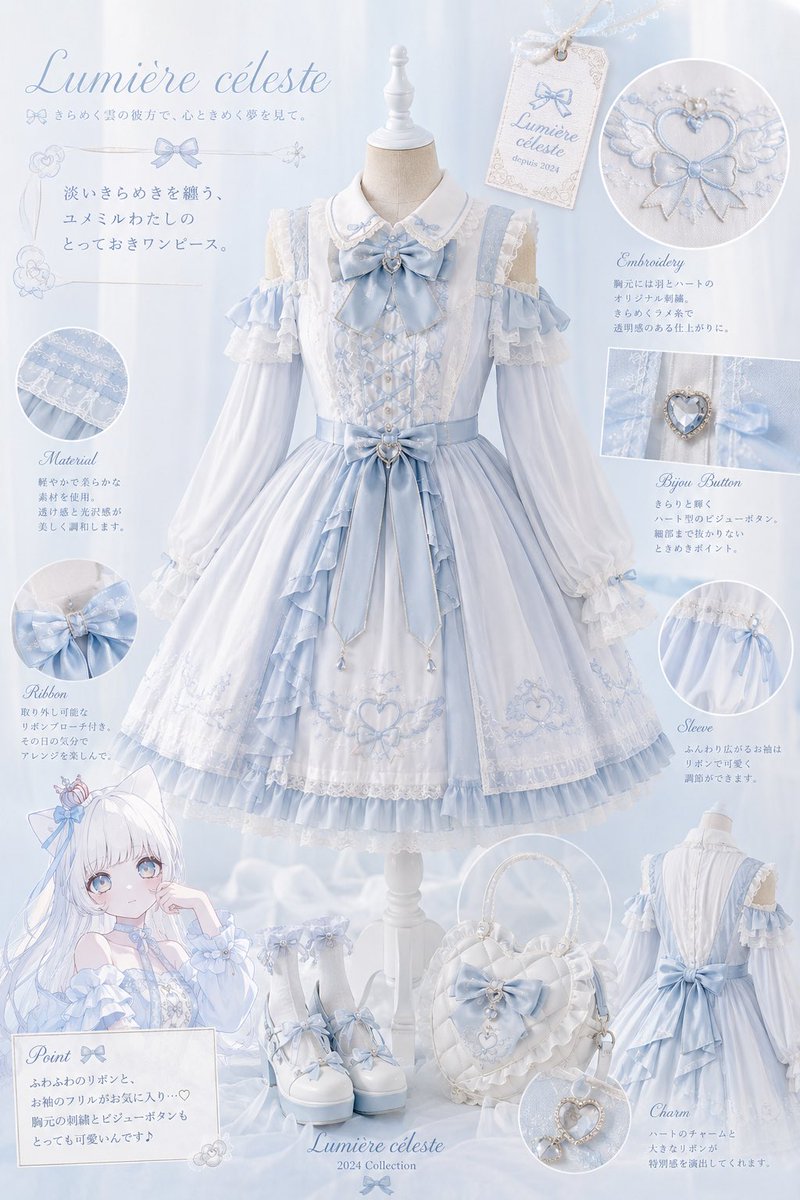
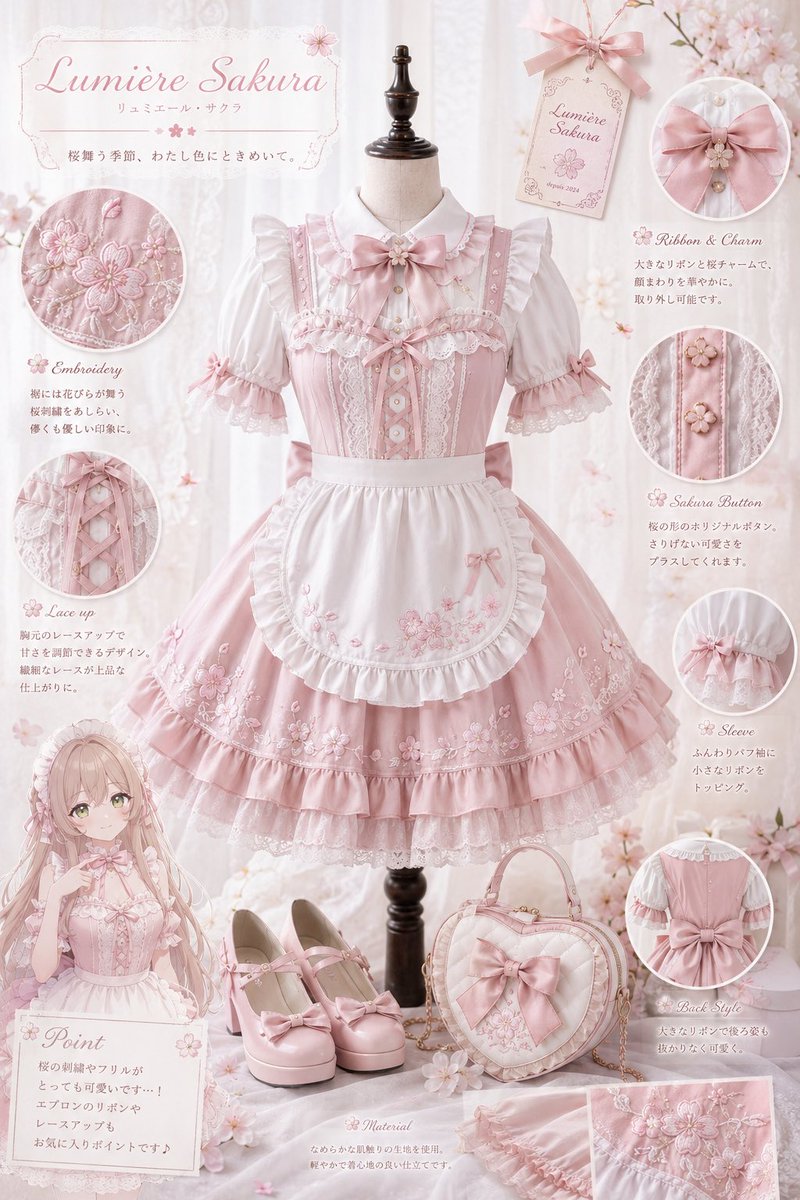
Lolita Fashion Lookbook Collage With Central Dress
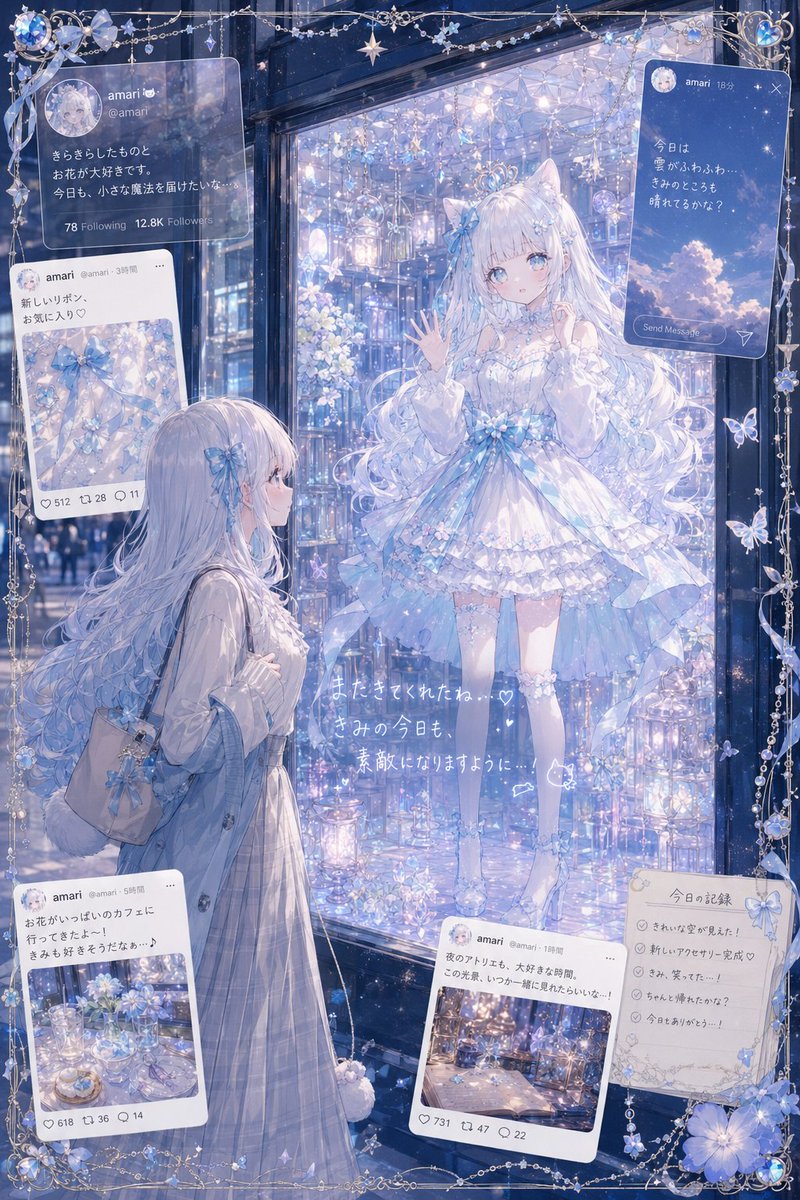
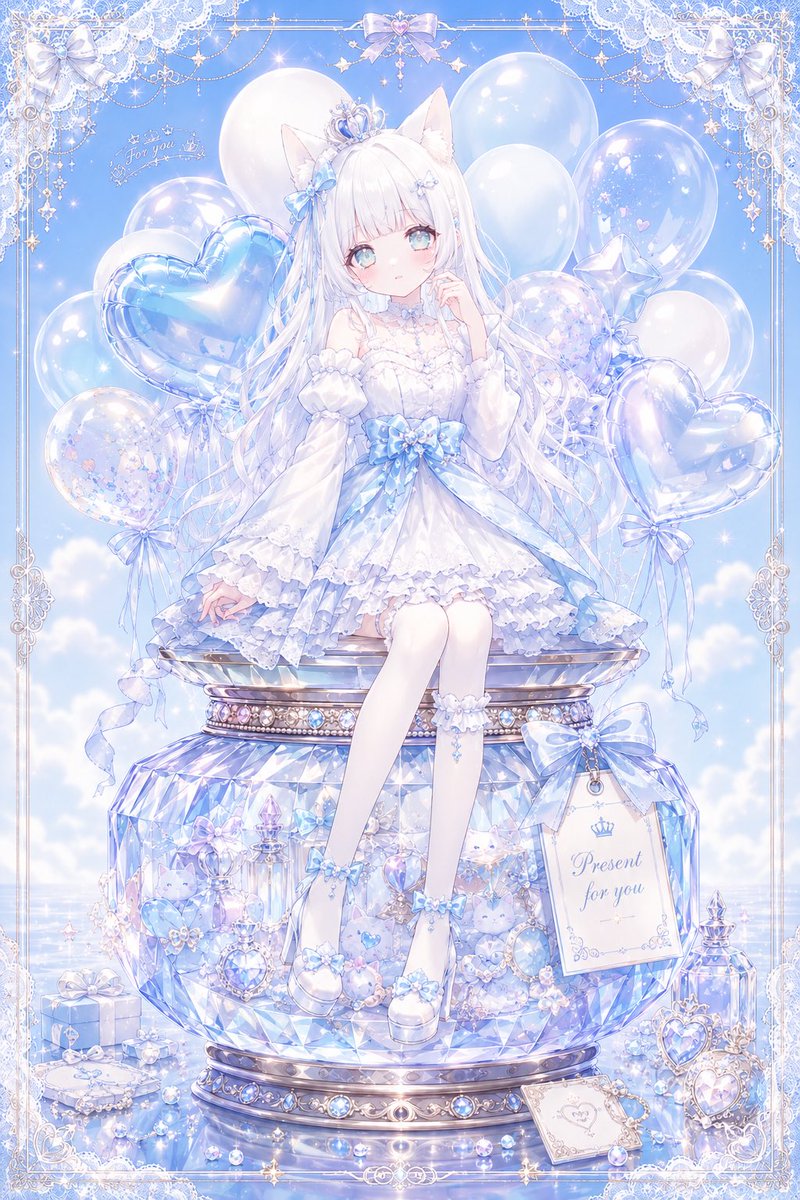
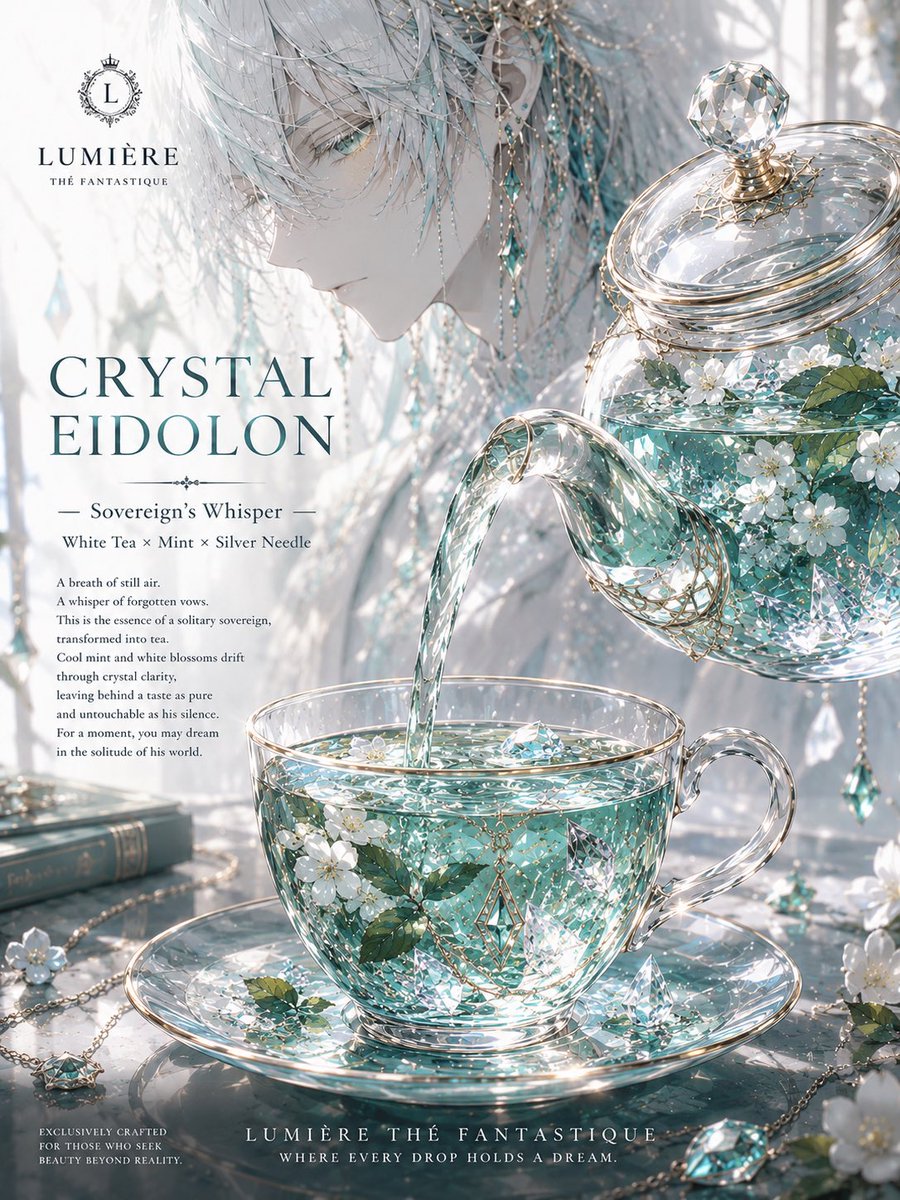
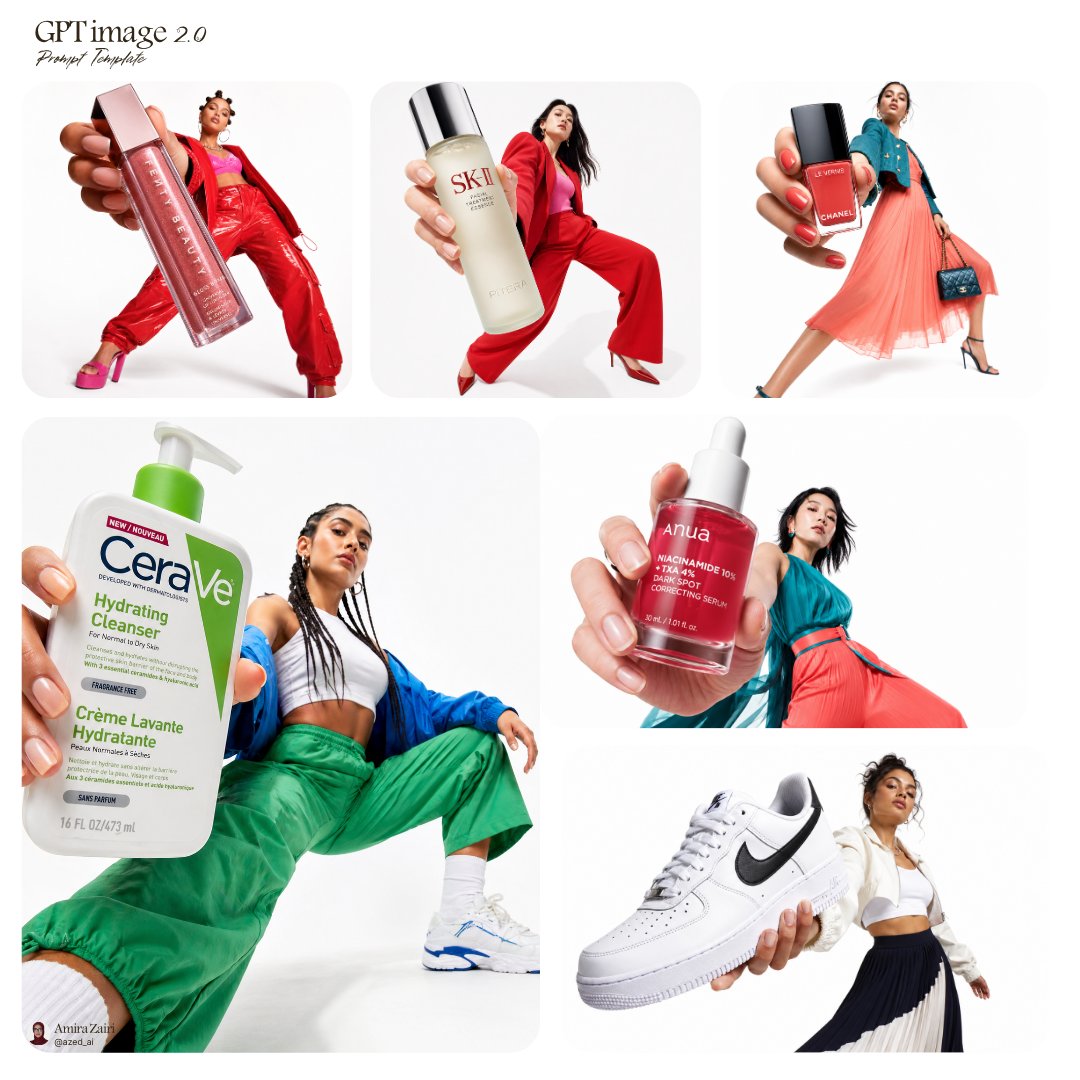
A large torso mannequin shows a casual Lolita dress at the centre, with embroidery, ribbons and small accessories collaged around it in a magazine-editorial layout. A soft anime-style character in one corner points out the details.

- Model
- GPT Image 2
- Type
- 2 images
- Aspect ratio
- 2:3
- Shared
- 12 May 2026
- Likes on X
- 177
Character referenceBrand style
Image prompt
2,616 charactersAnalyze the uploaded character image and extract symbolic motifs and themes from the hairstyle, eyes, accessories, clothing, colors, personality, and worldview. Naturally translate the extracted motifs into hem embroidery, chest embroidery, ribbons, buttons, accessories, bag, shoes, necktie, corsage, and so on. The character herself is not the main focus; the star is a large clothing display on a central torso mannequin — a fashion visual for a new collection from a casual-Lolita / mass-production-style brand. Do not copy character elements directly; abstract them into fashion motifs. In the center, display on a large torso mannequin a photorealistic, near-real one-piece dress or set, like the new-arrival display of an existing brand. A composition that shows the central torso outfit at the highest priority and large. Arrange the surrounding small items and presentation materials along the outer edge so they don't cover the torso. A layout where the silhouette of the main outfit is clearly visible. Realistic fabric texture, three-dimensional embroidery, thick frills, real lace, delicate sewing. Embroidery arranged in a readable, organized way. Rather than fine all-over embroidery, compose around large, striking embroidery motifs. Leave enough space between patterns so the embroidery doesn't get muddled. Storefront-display style, product-catalog shooting style, studio lighting, soft natural light, depth of field, realistic texture like an existing clothing brand. In one corner of the frame, place a smaller magazine-model-style cut of the character herself wearing the outfit. A natural pose as if she is smiling at the viewer and introducing recommended points such as embroidery, sleeves, and ribbons. Upper-body close-up, cute expression, pointing pose, a gesture showing the sleeve, a gesture pinching the ribbon. Only the character part in soft anime style; outfit and small items more photorealistic. In the surrounding white space, collage in a fashion-magazine style: enlargements of the embroidery design, fabric samples, a single ribbon, accessories, bag, brand tag, and small items. Near-real product photos with close-ups of embroidery, buttons, sleeves, and hem. Don't line up many square product panels; use a natural magazine-editorial layout. Circular embroidery enlargements, cut-out photos, tag-style design, soft overlapping arrangement, a page composition that makes use of white space. Not e-commerce style, but the style of a special feature page in a luxury fashion magazine, lookbook style, brand-advertisement style. Unity, ultra-high definition, fine detail.
How to use it
Start with a character reference image, since the look is built from its hairstyle, colours and accessories. It was shared as a GPT Image 2 prompt, so swap the names and colours in the quoted brand and character details and keep the lookbook layout wording, which carries the feature-page feel. Keep the instruction that the torso outfit stays largest, so the silhouette stays readable. Good for a fashion mock-up or a collection announcement.
Shared publicly on X on 12 May 2026. All credit for this prompt and its result goes to its creator. Is this yours? Ask for an update or removal.