

Image prompt Scenes & Spaces Customizable
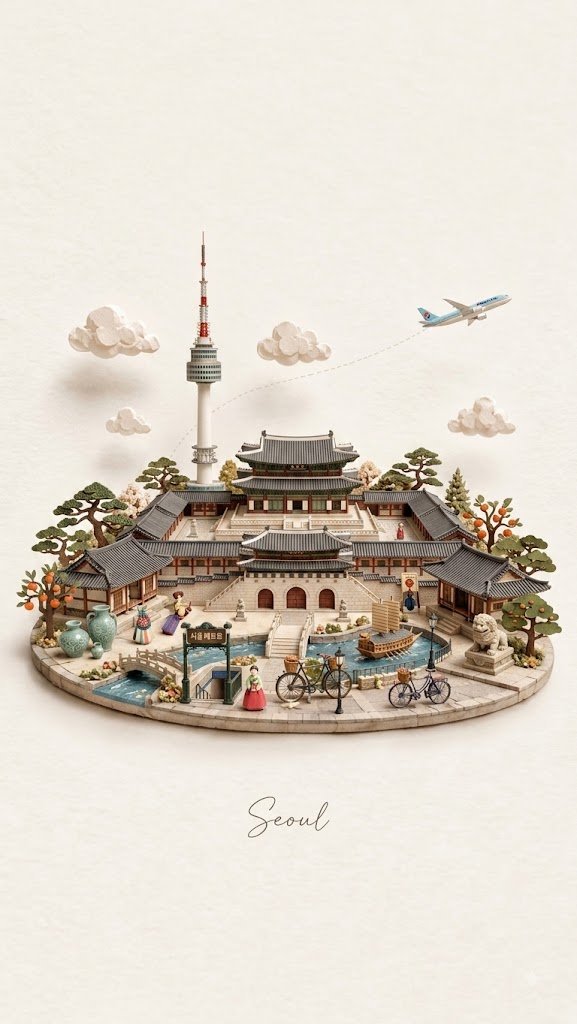
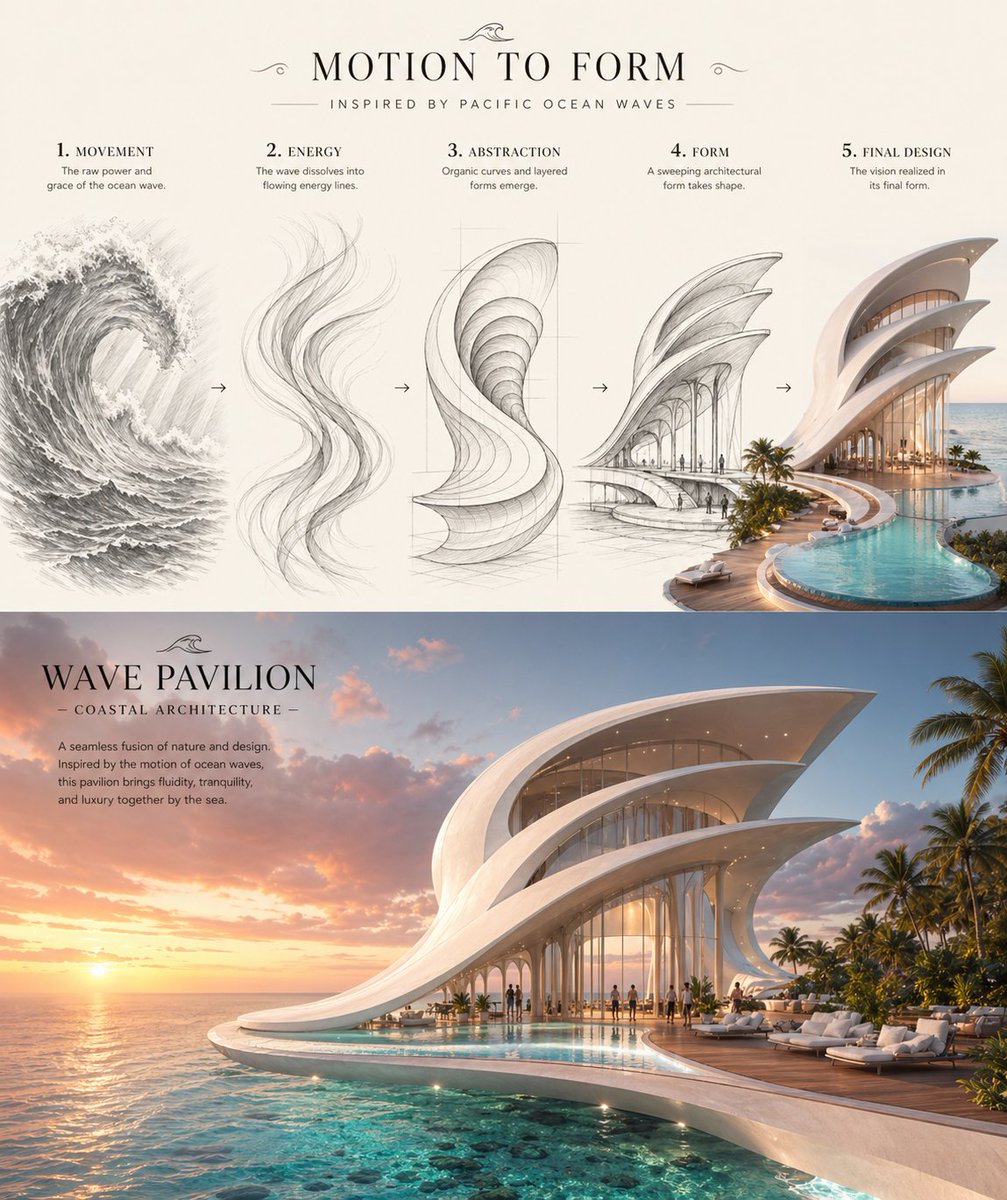
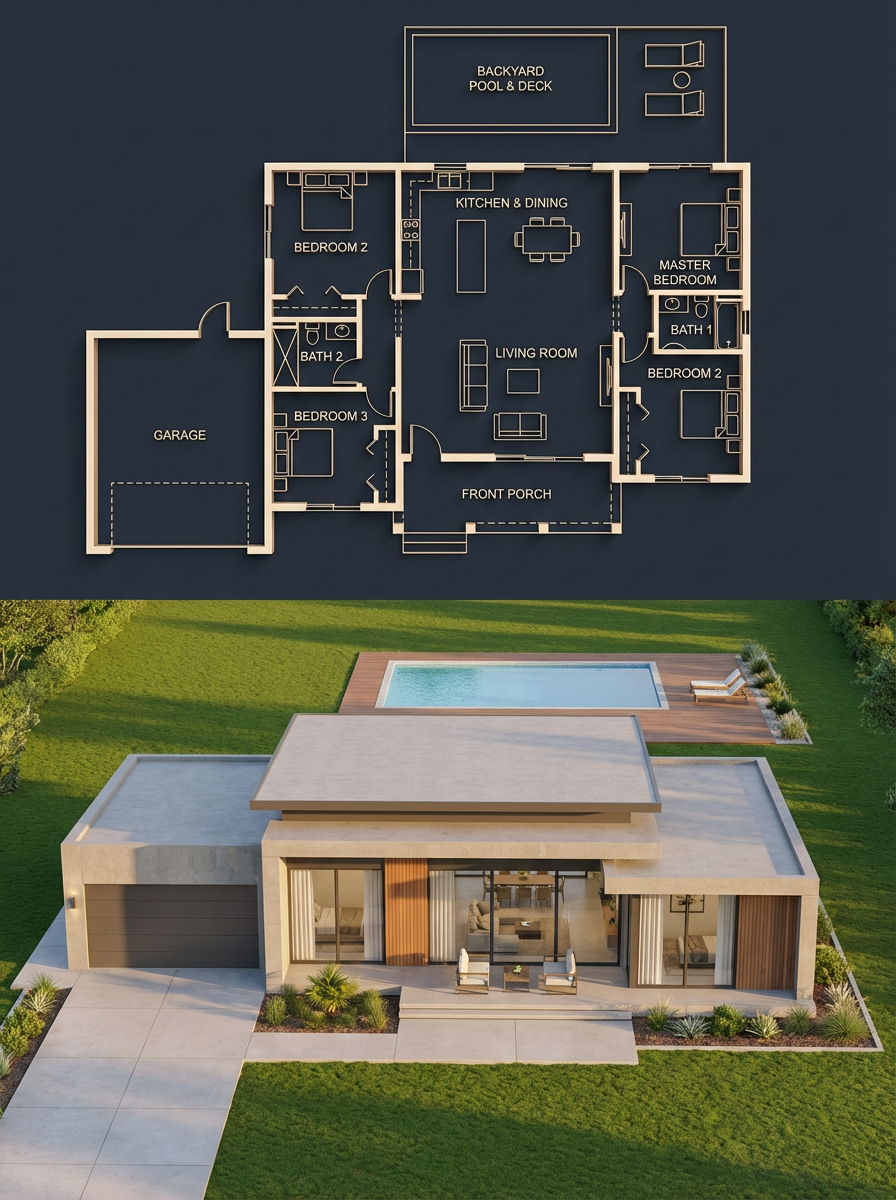
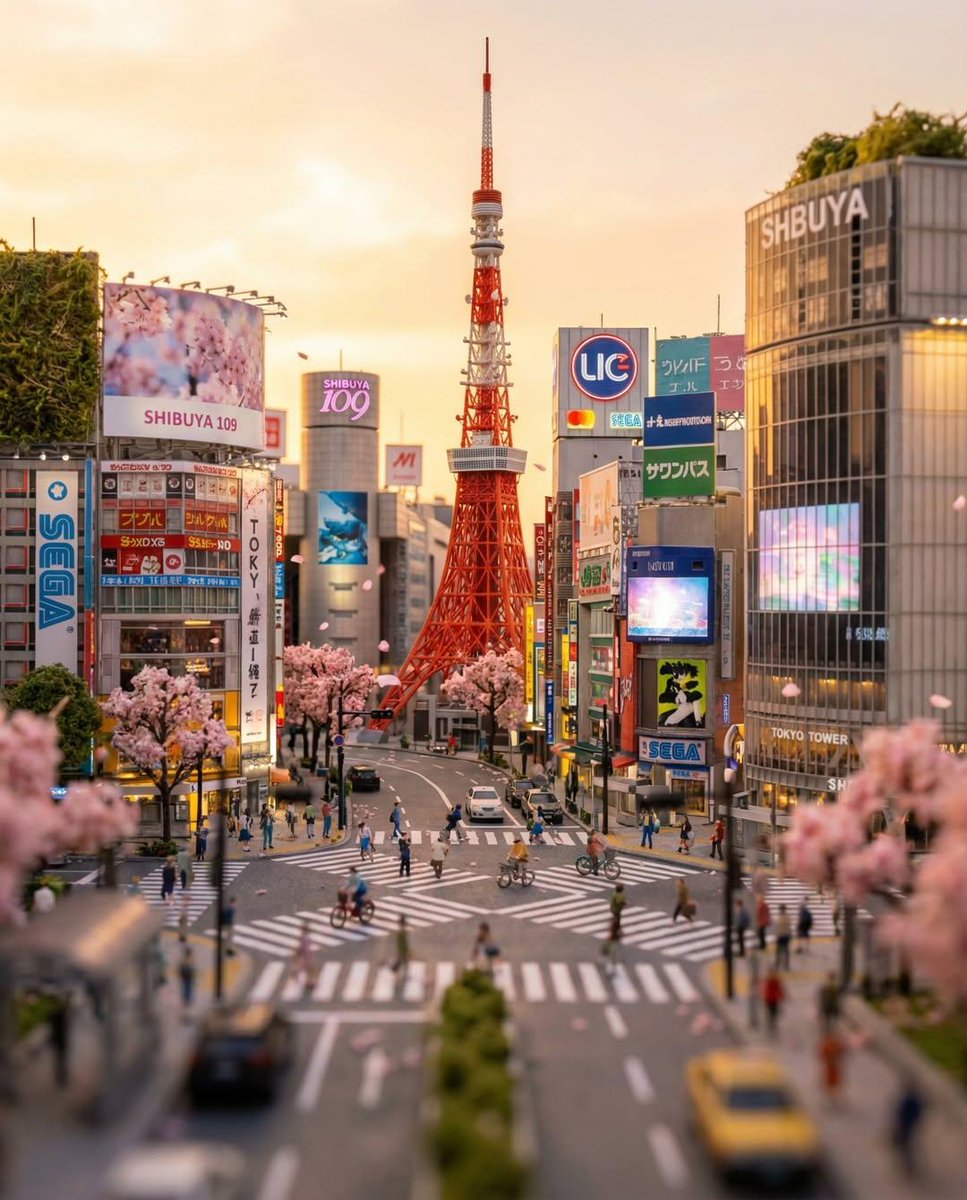
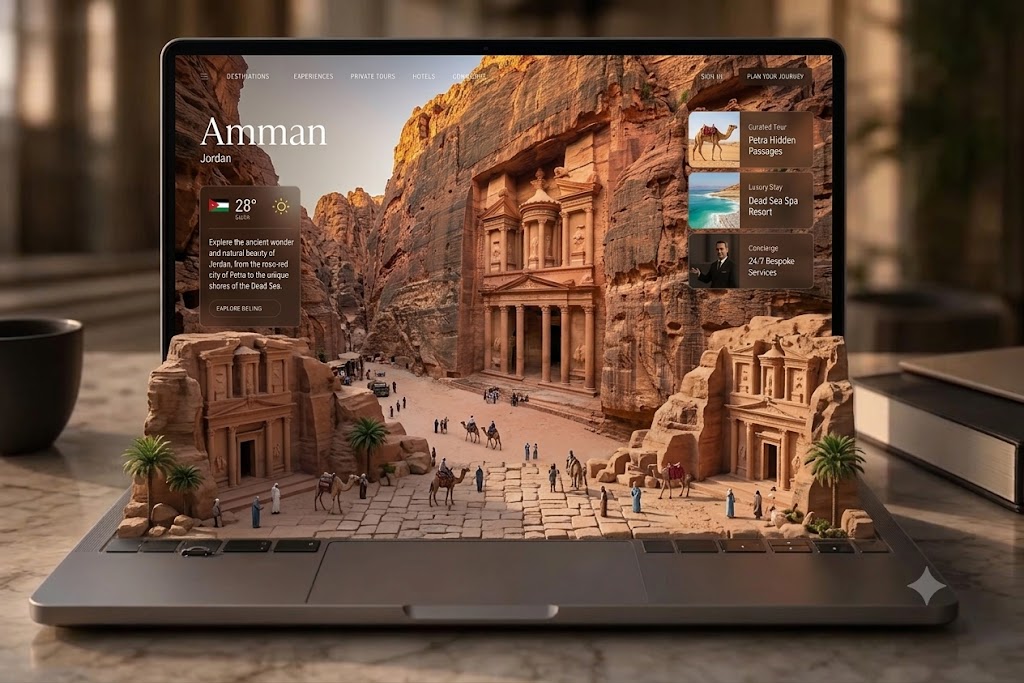
Laptop Travel Diorama With Destination Scene
A laptop screen shows a luxury travel interface that seems to spill onto the keyboard as a miniature diorama of landmarks, landscapes and wildlife. The blend of screen and physical world makes the image feel like a crafted optical illusion.

- Model
- GPT Image 2
- Type
- 3 images
- Aspect ratio
- 3:2
- Shared
- 14 Jul 2026
- Likes on X
- 38
Image prompt
906 charactersCreate a high-end 3D optical illusion scene featuring a modern laptop on a polished marble desk. The laptop screen displays a premium travel exploration interface for [Destination], with elegant typography, weather information, destination details, navigation menu, curated experiences, luxury stays, and concierge options. Make the digital landscape seamlessly extend from the screen into a realistic miniature diorama covering the keyboard area, blending UI and physical world together. Include iconic landmarks, natural landscapes, local architecture, cultural figures, wildlife, and native plants of [Destination]. Keep the trackpad and laptop edges clean and realistic. Add stylish desk elements such as a coffee mug and hardcover book. Use cinematic warm natural lighting, realistic textures, shallow depth of field, luxury travel branding aesthetic, ultra-detailed 3D render, photorealistic quality.
How to use it
Swap the destination in the brackets to any place you love, then keep the lines about the diorama blending into the keyboard so the illusion still reads. The coffee mug, hardcover book and marble desk set the everyday luxury mood, so keep them or trade them for your own props. It was shared as a GPT Image 2 prompt, and it suits travel mockups, agency pitches or a moodboard for a trip you are planning.
Shared publicly on X on 14 Jul 2026. All credit for this prompt and its result goes to its creator. Is this yours? Ask for an update or removal.