Image prompt Branding & UI Customizable
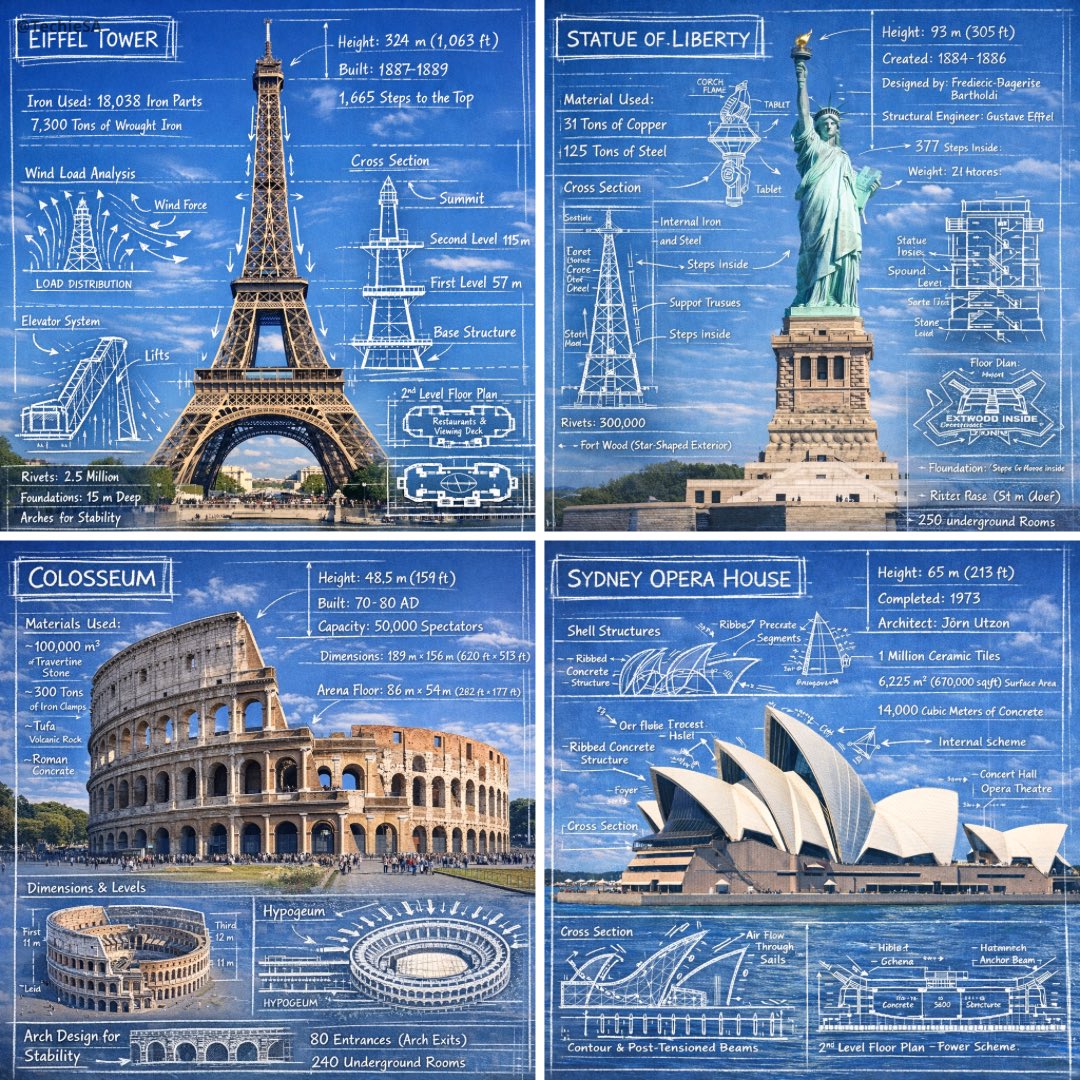
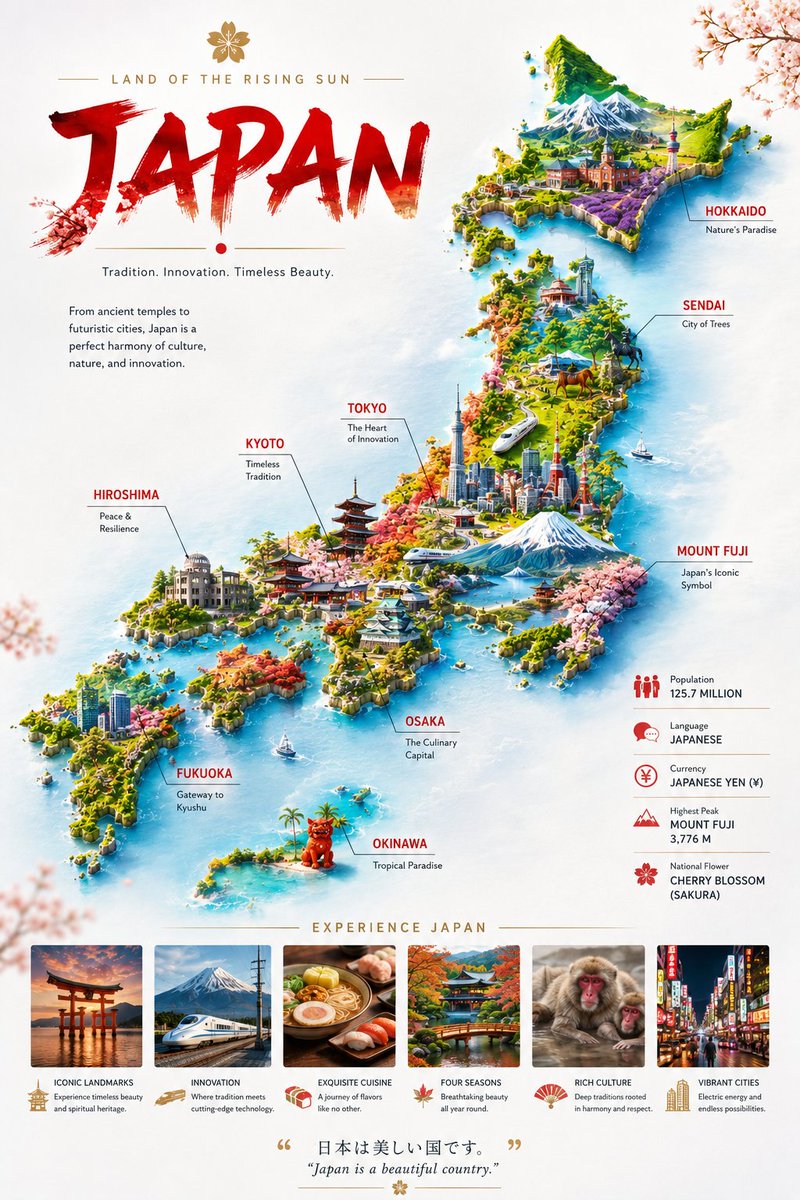
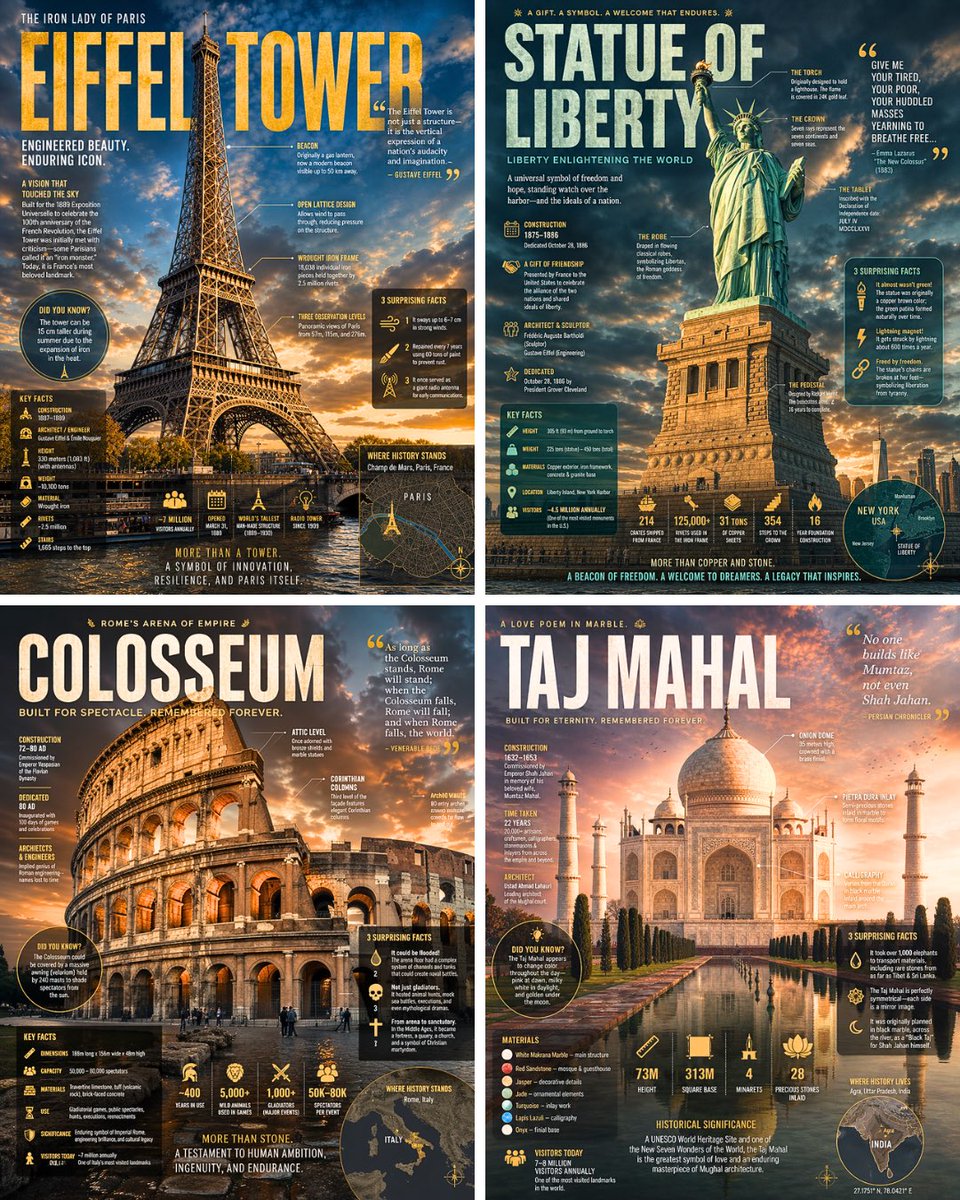
Landmark Architecture Editorial Infographic Poster
A full-bleed photorealistic landmark fills the frame while oversized type, callout lines and floating data panels layer over it like a magazine spread. The palette comes from the building's own stone, metal and sky, so each poster feels rooted in its place.

- Model
- GPT Image 2
- Type
- Image
- Aspect ratio
- 4:5
- Shared
- 9 May 2026
- Likes on X
- 340
Image prompt
1,380 charactersSearch the web for detailed information about [LANDMARK] including its history, construction, architectural features, key facts, and surprising lesser-known details. Then create a dramatic editorial infographic poster about [LANDMARK] in the style of a National Geographic wildlife feature — but for architecture. The [LANDMARK] is the full-bleed atmospheric hero: a photorealistic render filling the entire poster top to bottom, dramatically lit, with depth and mood. Text and graphic panels float naturally over the image like editorial overlays — not boxed magazine layouts. Oversized bold typography for the landmark name dominates the upper portion. Annotated callout lines point directly onto architectural details of the image itself. Floating data panels with semi-transparent dark or colored backgrounds cover: construction date, dimensions, materials, historical significance, visitor numbers, and 3 surprising facts. Include a small location map inset, an icon-based stats row, and a bold pull quote. Color palette and lighting mood drawn entirely from the natural colors, materials, and atmosphere of [LANDMARK] itself — let the landmark dictate the palette. No white background, no magazine grid layout, no boxed sections. Everything layered organically over the full-bleed image like the best National Geographic spreads. Aspect ratio 4:5. Dense, tactile, cinematic.
How to use it
Replace the bracketed placeholder with the landmark you want, since the prompt asks the model to research its history first. It was shared as a GPT Image 2 prompt, so keep the instruction to pull facts and the layout rules together, which is what gives the spread its editorial structure. Keep the requests for overlaid panels and callout lines, but feel free to change the stats or the pull quote to suit your subject. The result works well as a showcase or a city guide cover.
Shared publicly on X on 9 May 2026. All credit for this prompt and its result goes to its creator. Is this yours? Ask for an update or removal.