

Prompt studio
Make “Ghost-Scan Fashion Poster in Cool Gray Tones” yours
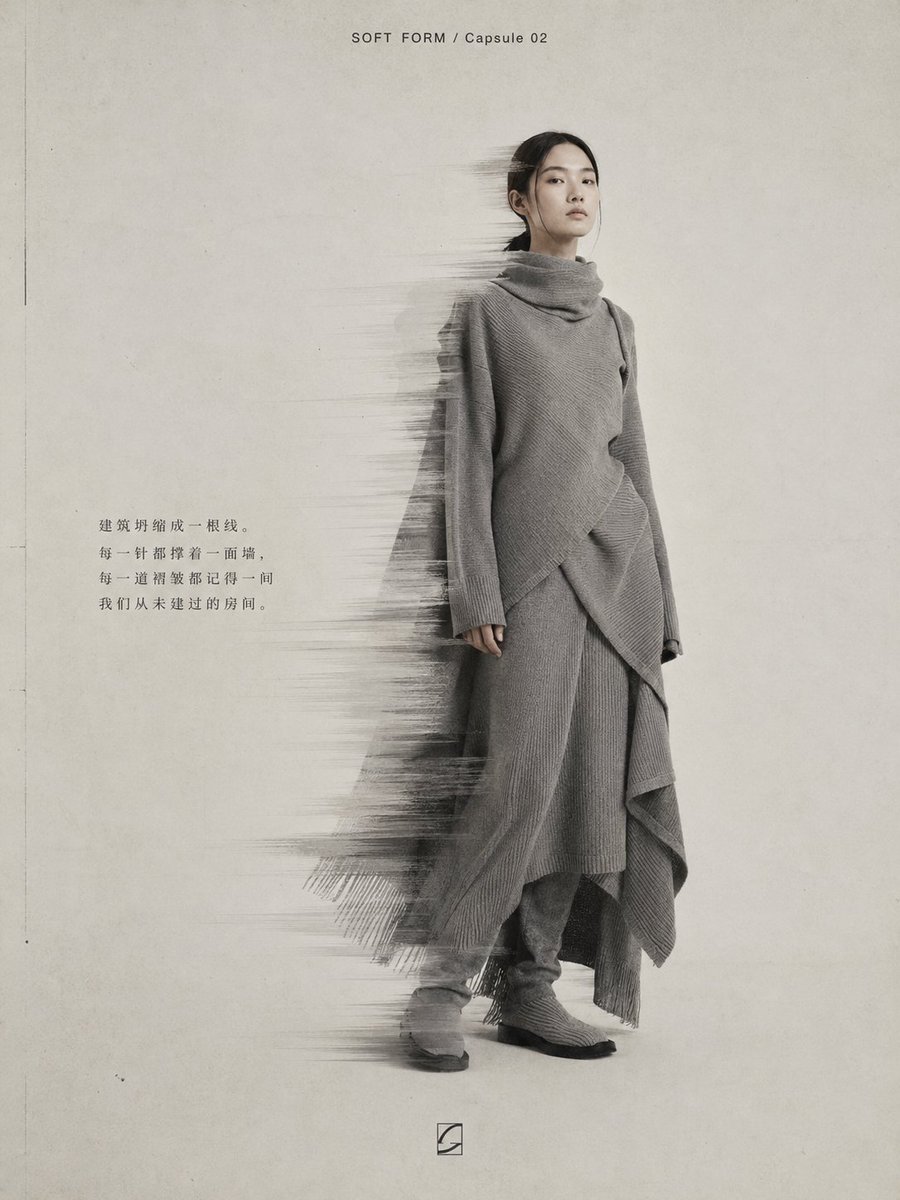
A quiet, cool-toned editorial poster with a sharp face and upper body while the clothing edges dissolve into ghosted motion trails. Large pale negative space and paper grain give it the feel of a printed magazine page.
 Prompt by @YangOnchain
- Fill in the blanks below.
- Watch the prompt update on the right.
- Copy it, or open it in an image tool.
Image prompt
Create a vertical high-resolution experimental fashion poster. Theme: [your theme] Brand name: [your brand name] Collection title: [Archive 01 / 24FW / Capsule 02] Garment direction: [specific garment + fabric + structure + texture] Main color: [gray-white-black / cool blue-gray / warm beige-gray / dark red-black] Model direction: [Asian woman / Asian man / Asian duo] Editorial copy: [20-40 character Chinese copy] The overall image should look like a high-end, cool-toned experimental fashion magazine poster, with a large light gray-white negative-space background, paper grain texture, low-contrast noise, and a print feel. Place the subject slightly to the right, full-body or near full-body, with a quiet, restrained, detached pose, carrying the air of an independent designer lookbook. The garment must have clear contours and rich fabric details, such as transparent tulle, leather reflections, knit texture, structured tailoring, and natural folds. Add a controlled "ghost-scan blur" effect: motion trails, semi-transparent afterimages, stretched scan lines, slight glitch displacement, and soft dissolving blur. The effect appears only on the left side of the body, the hem, arms, shoes, or product edges. Important: keep the face and upper body sharp; do not blur the entire figure. Place a small English brand title at the top, a short Chinese editorial caption near the body, and a small abstract logo at the bottom. Overall: low saturation, cool-toned, quiet, high-end, experimental, editorial, archival.
Prompt shared on X by @YangOnchain. All credit goes to its creator.
More prompts you can customize
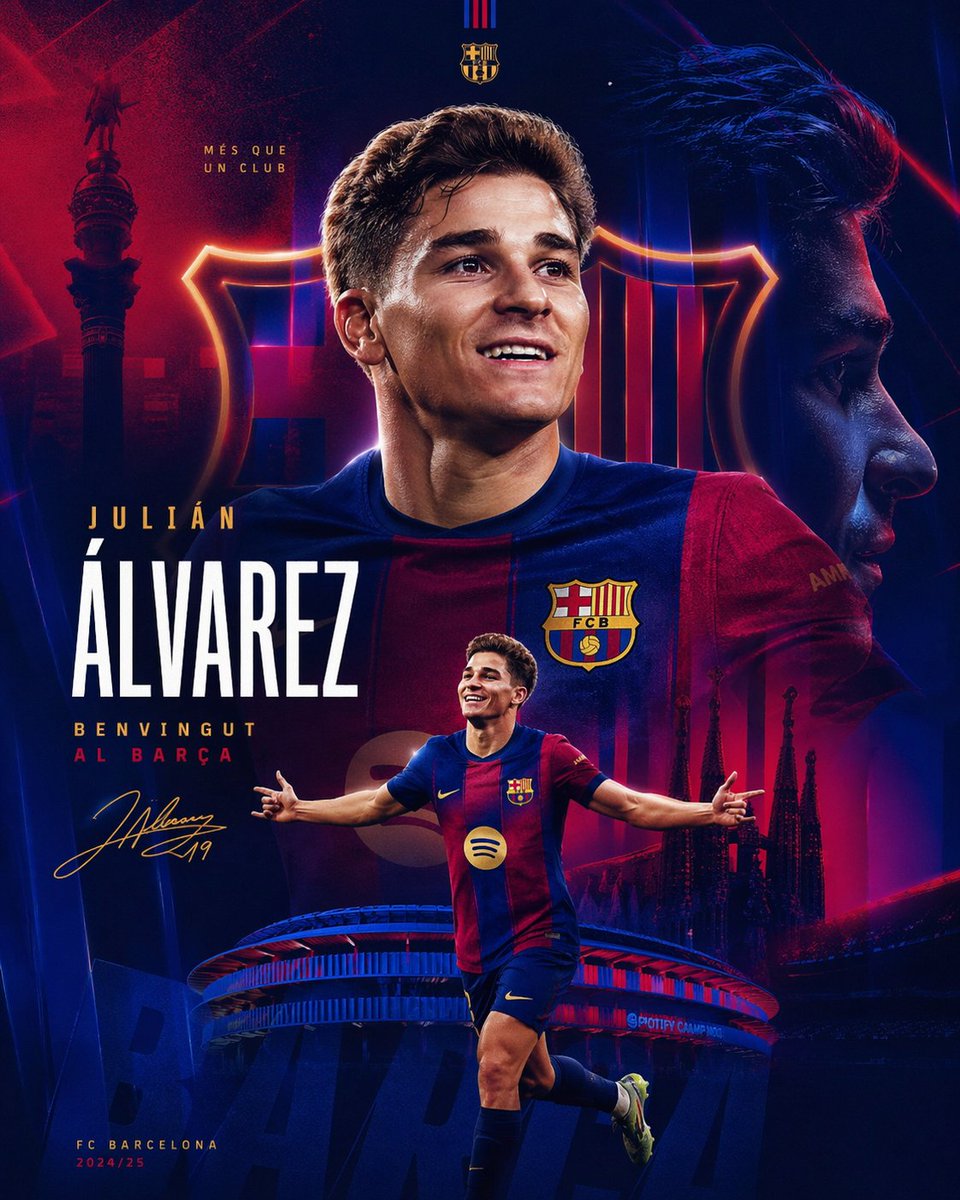 Julián Álvarez Barça Signing Sports Poster
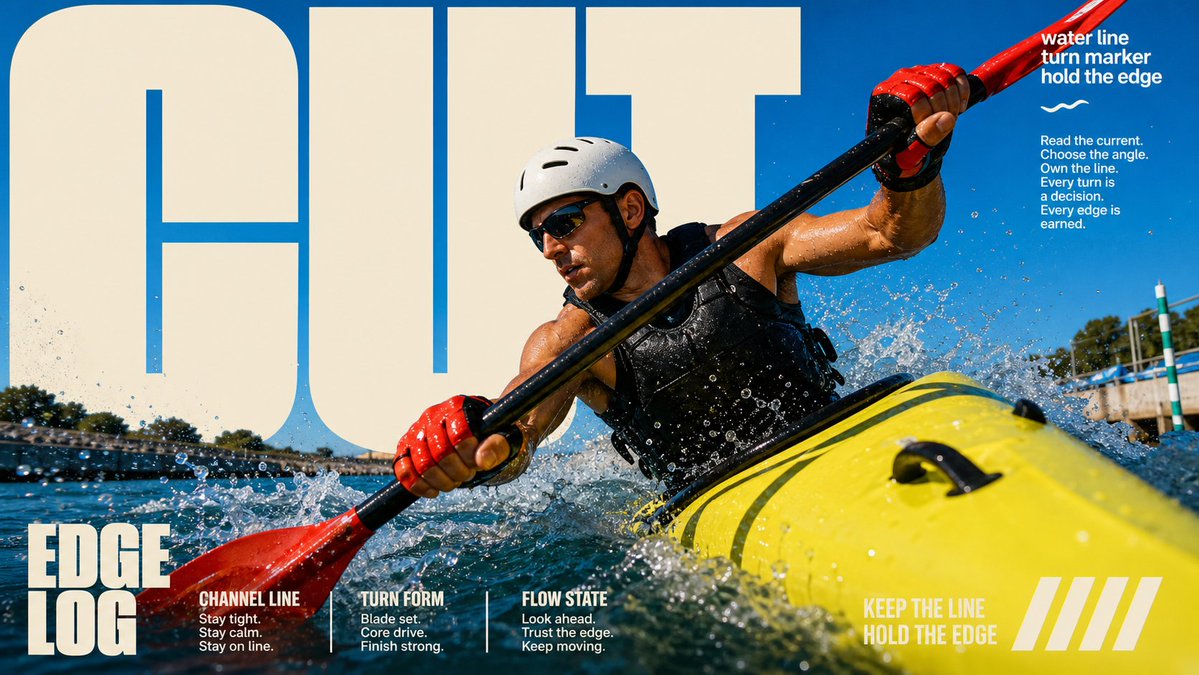 Sunlit Block Type Photo Poster Template
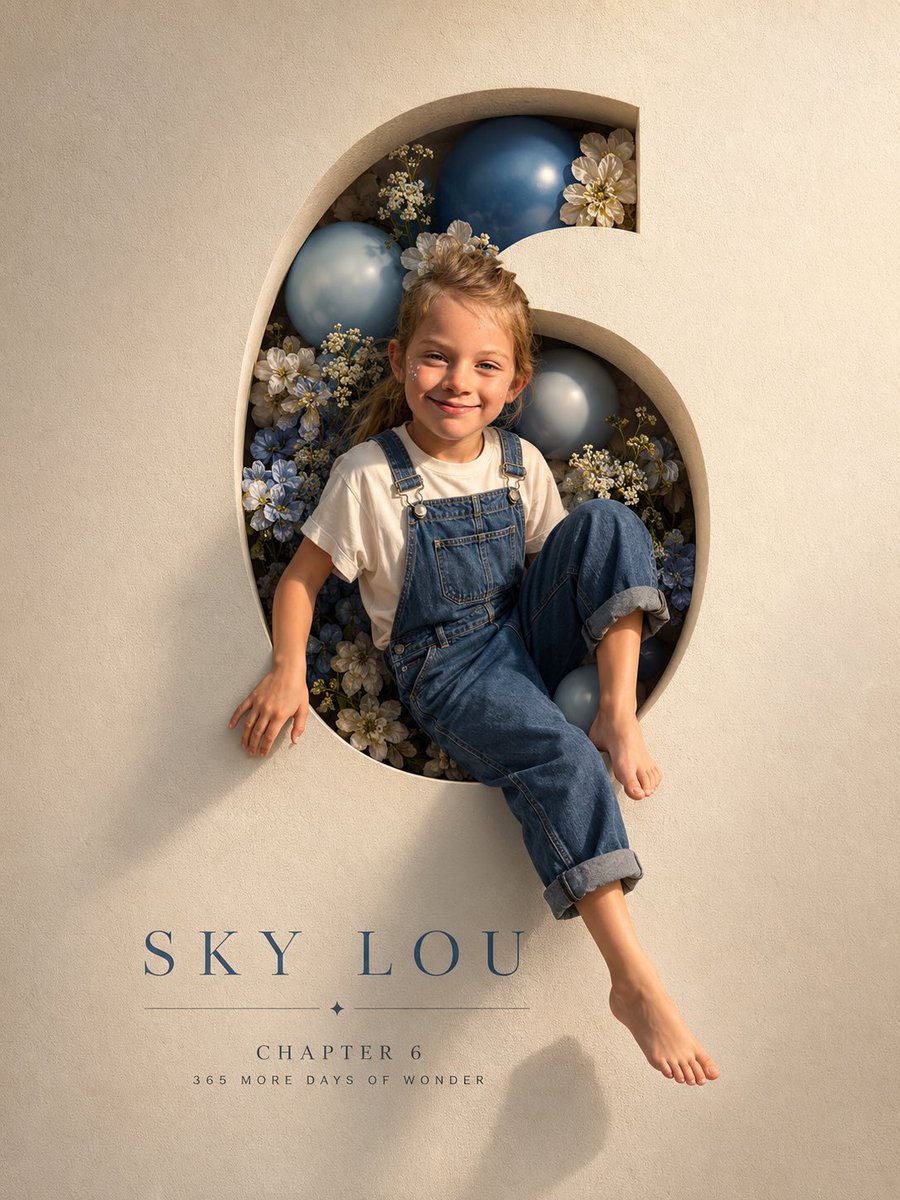 Carved Birthday Number Poster with Child Emerging
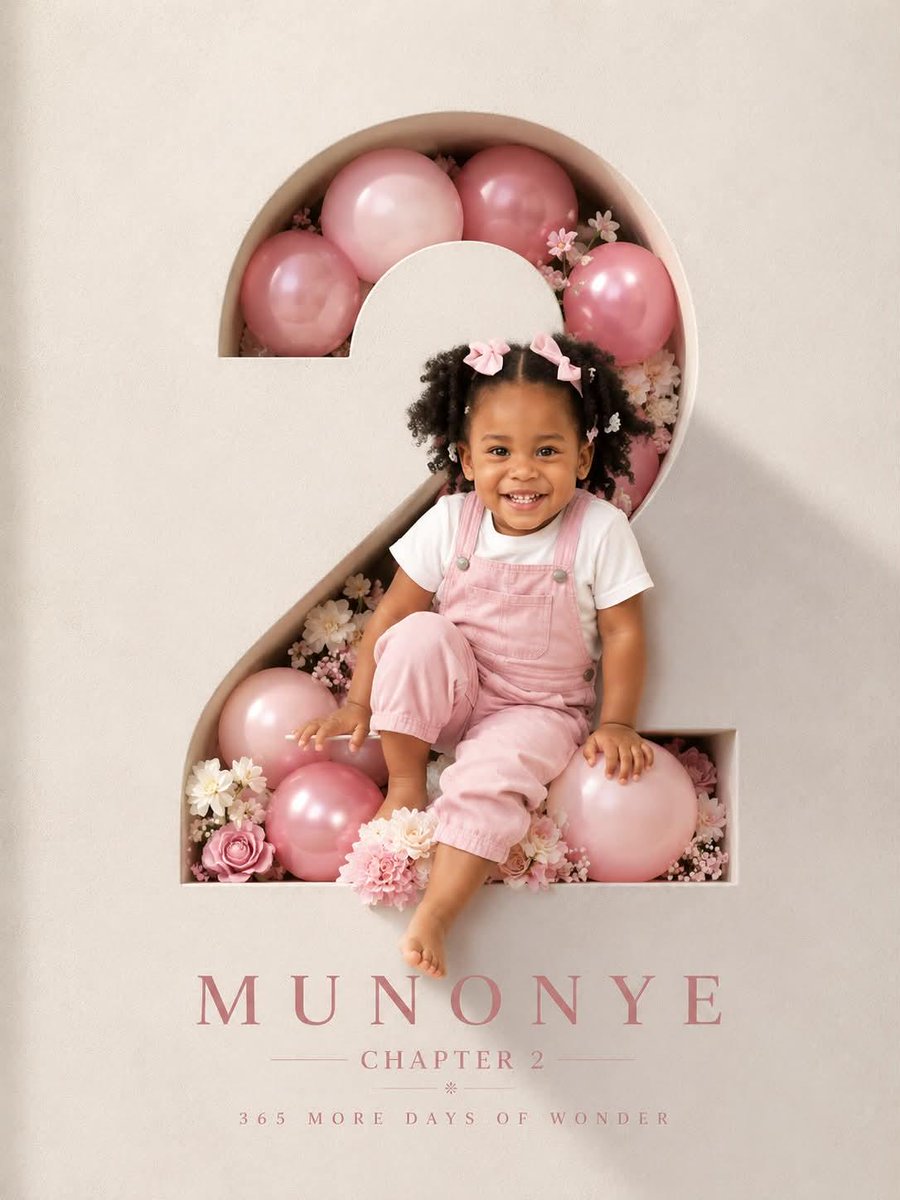 Carved Number Birthday Poster With Child Breaking Out
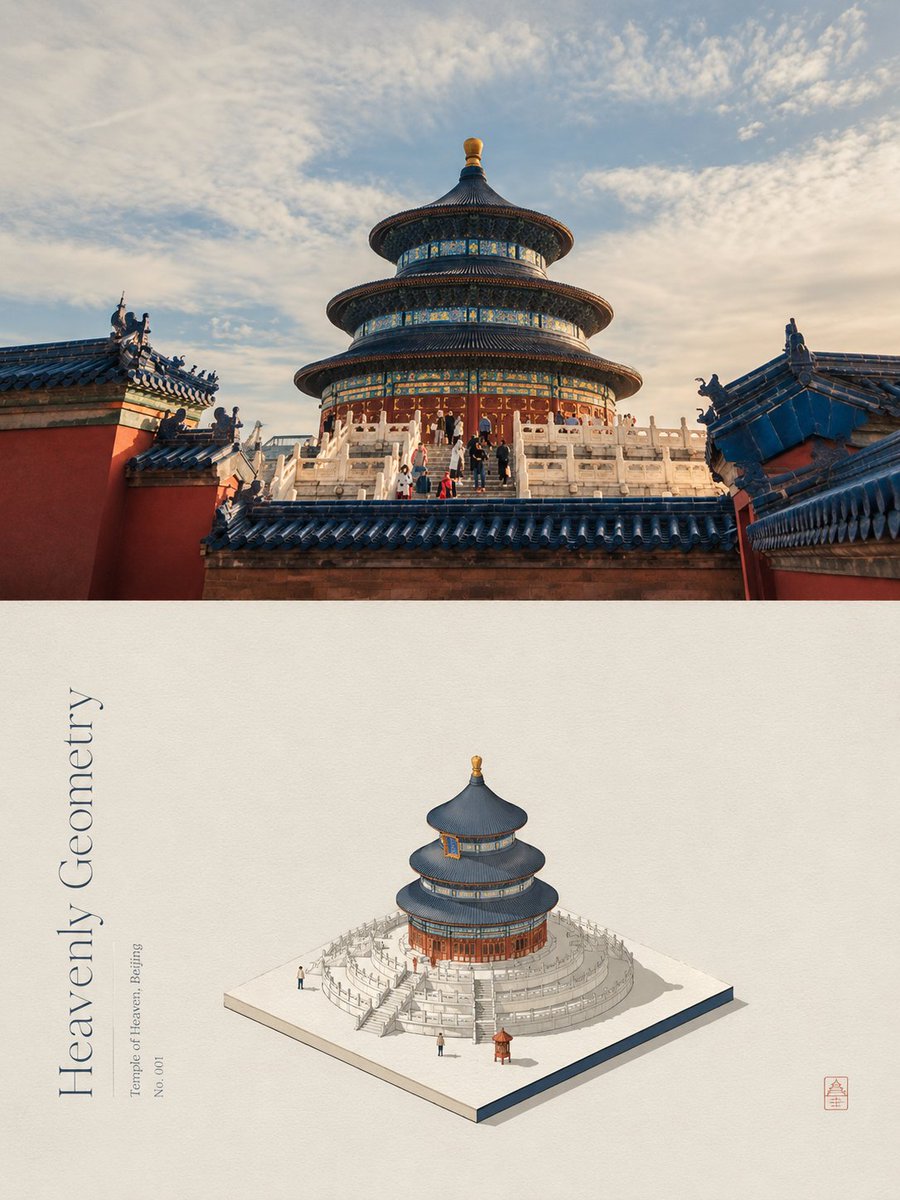 Add your photoSplit Poster with Photo and Paper Isometric Miniature
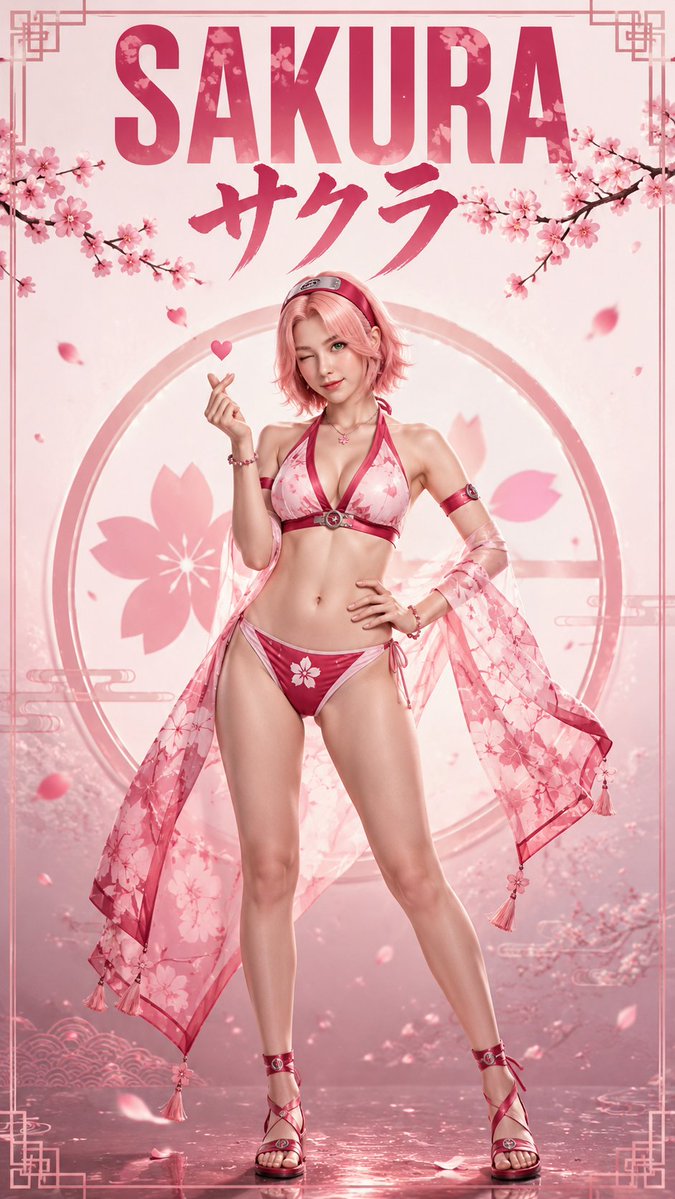 Anime Heroines Become Real Fashion Posters
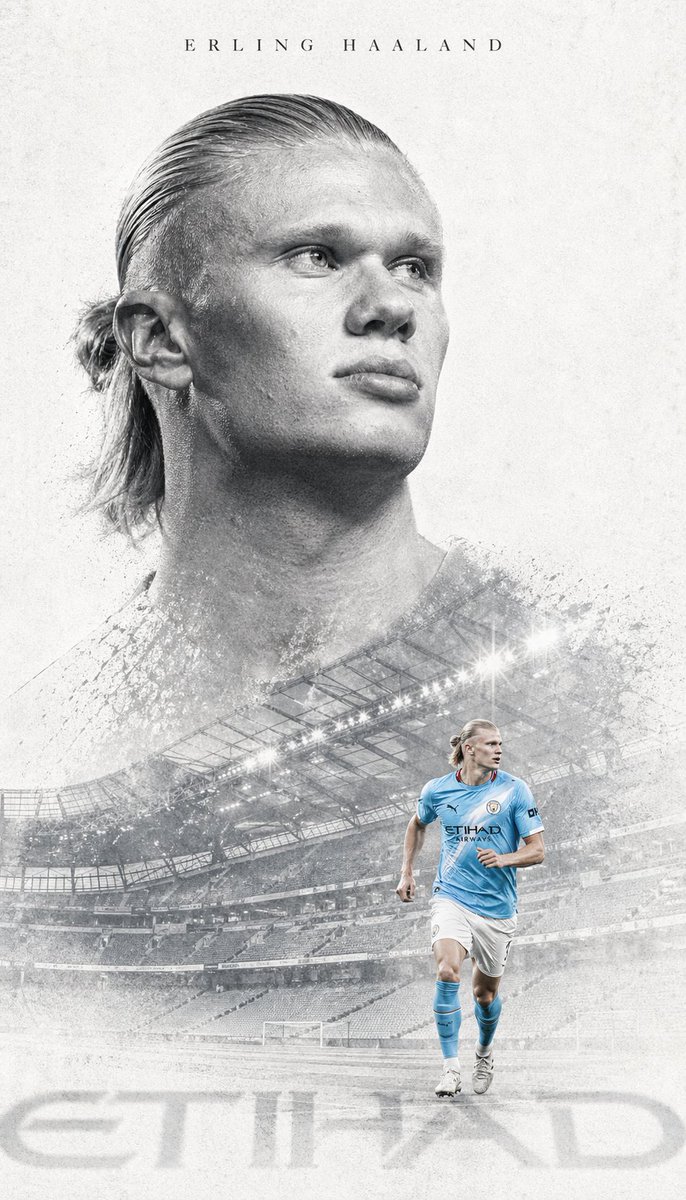 Double-Exposure Striker Editorial Poster in Grey
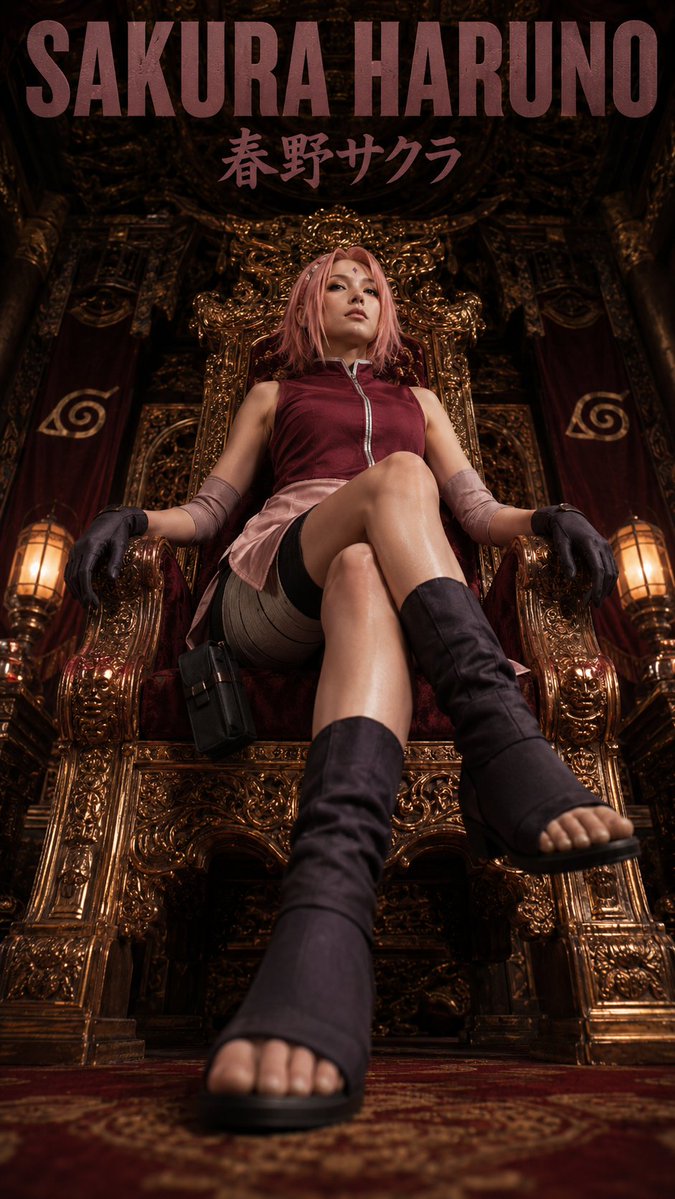 Anime Character Throne Fashion Poster