Image prompt Food & Drink Customizable
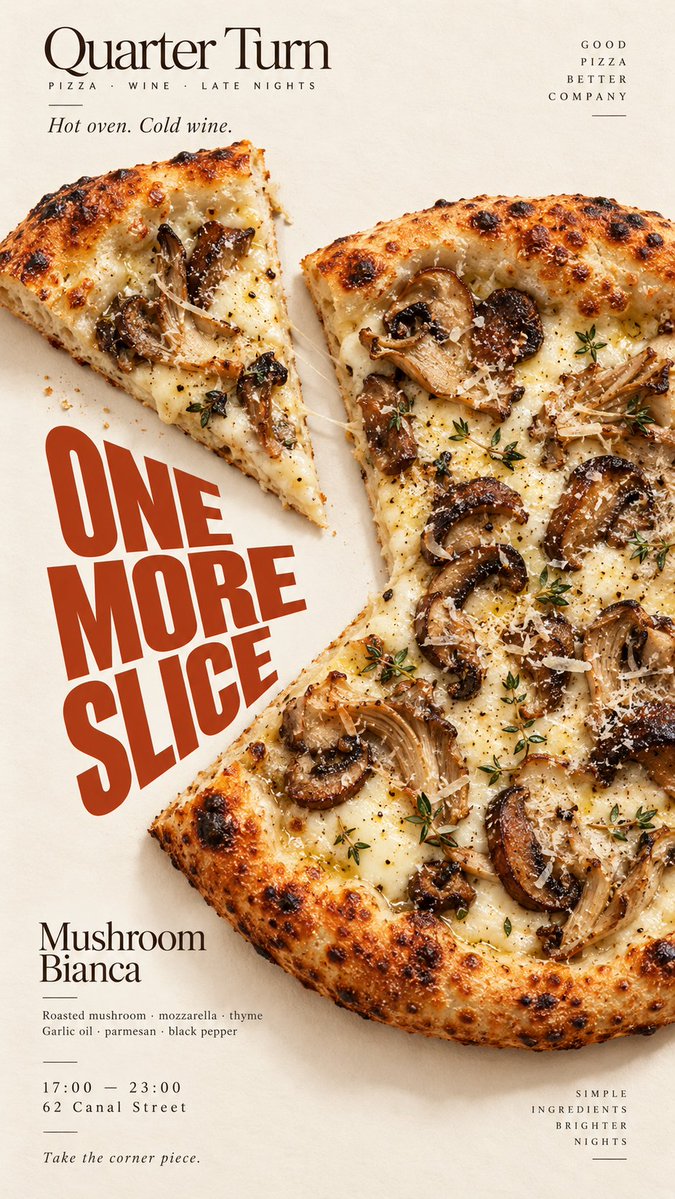
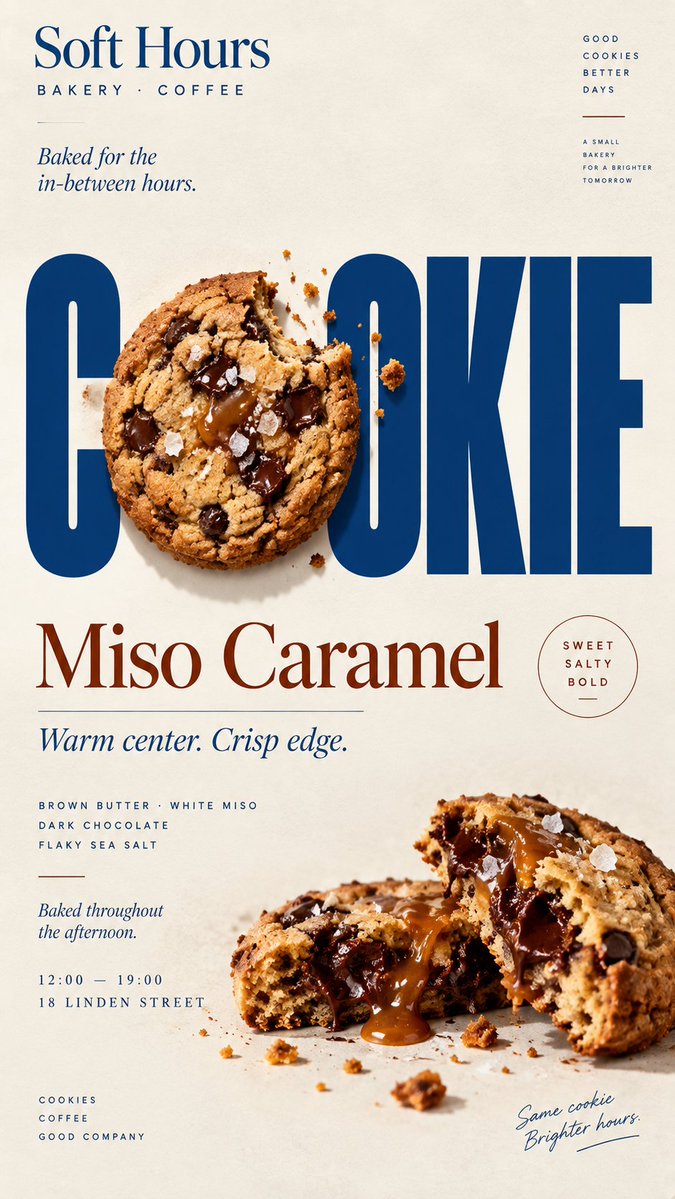
Food Interacting With Bold Type Poster
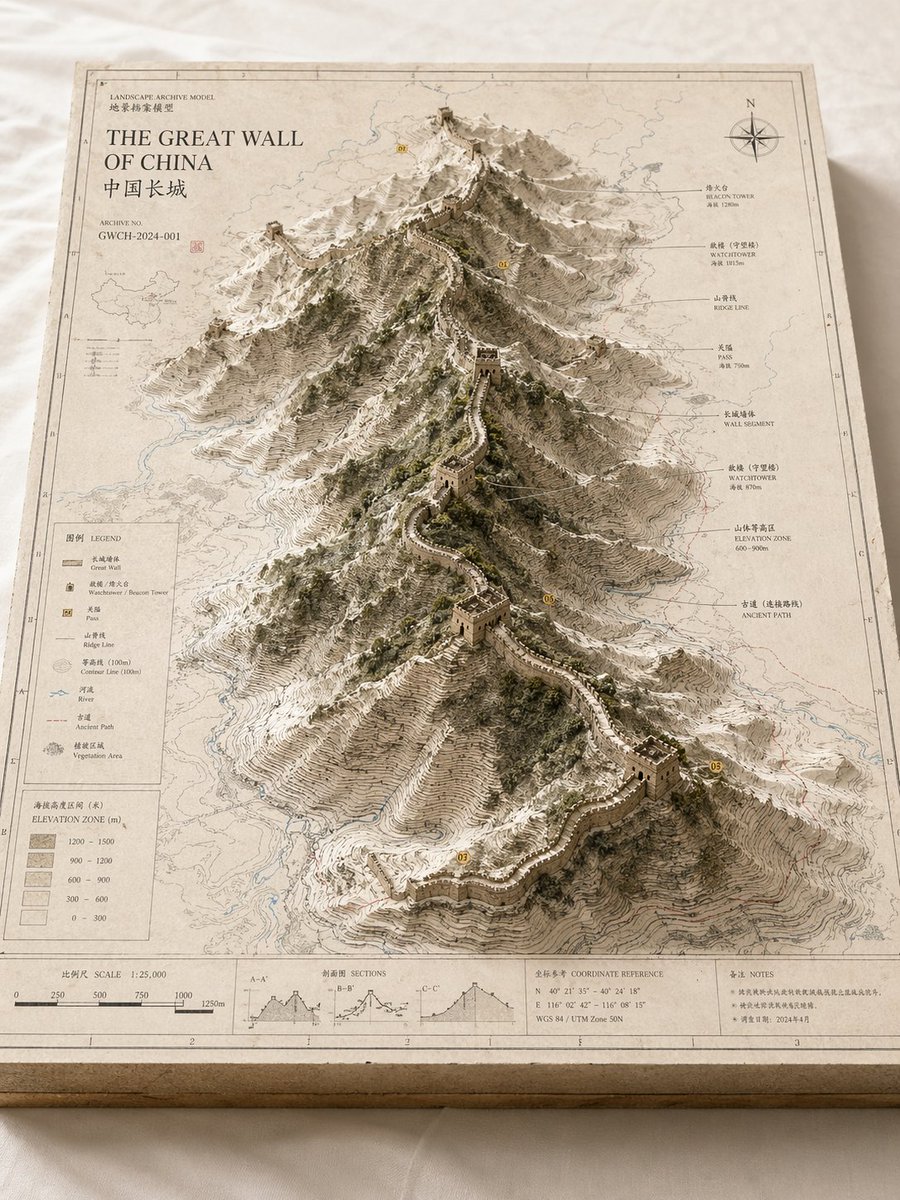
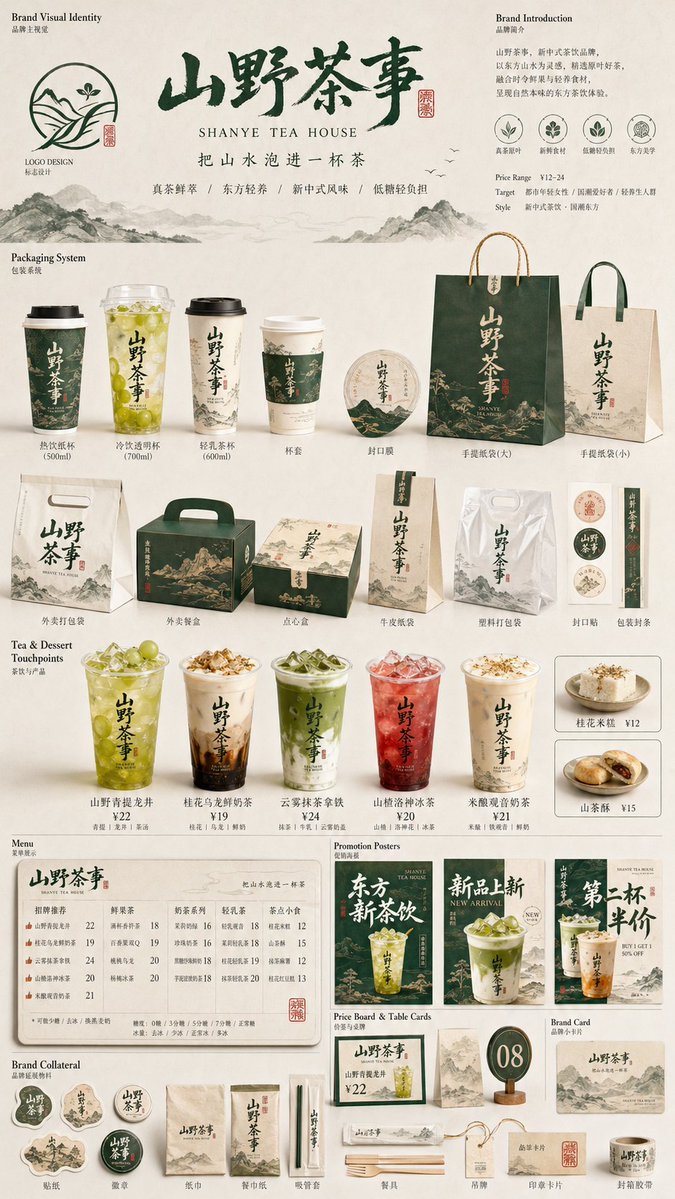
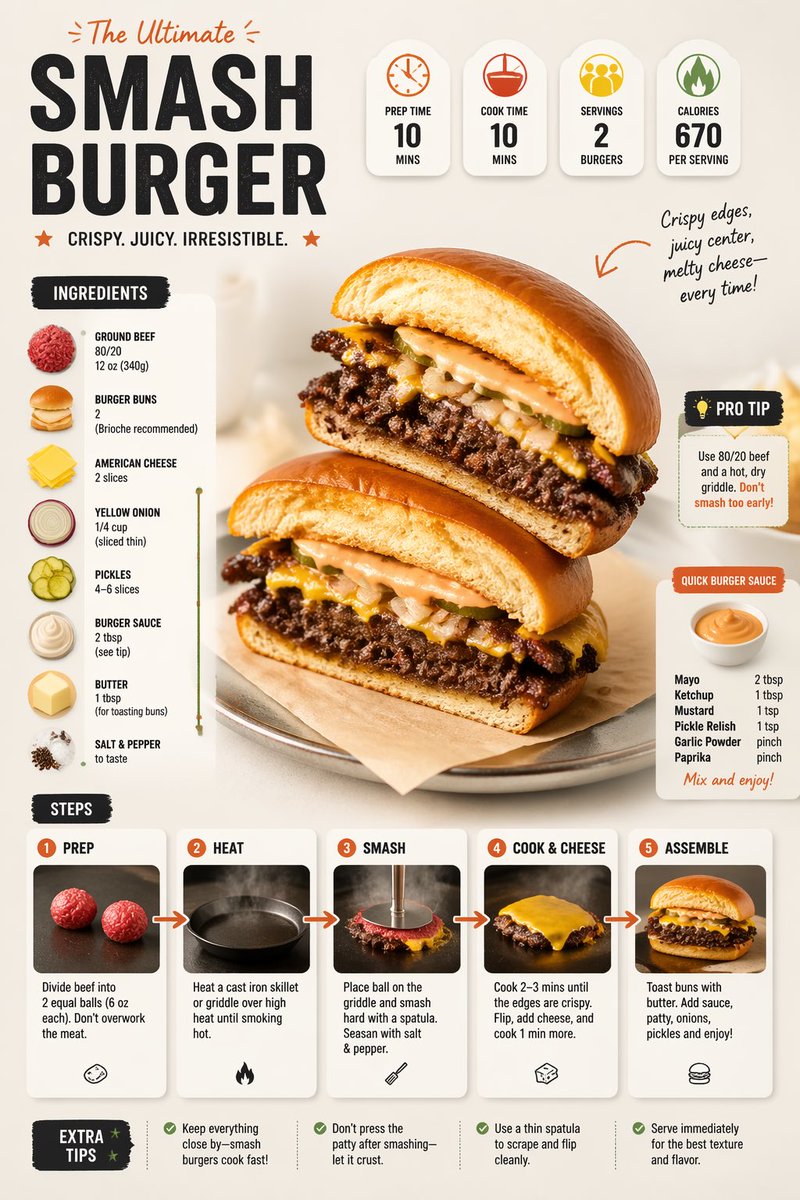
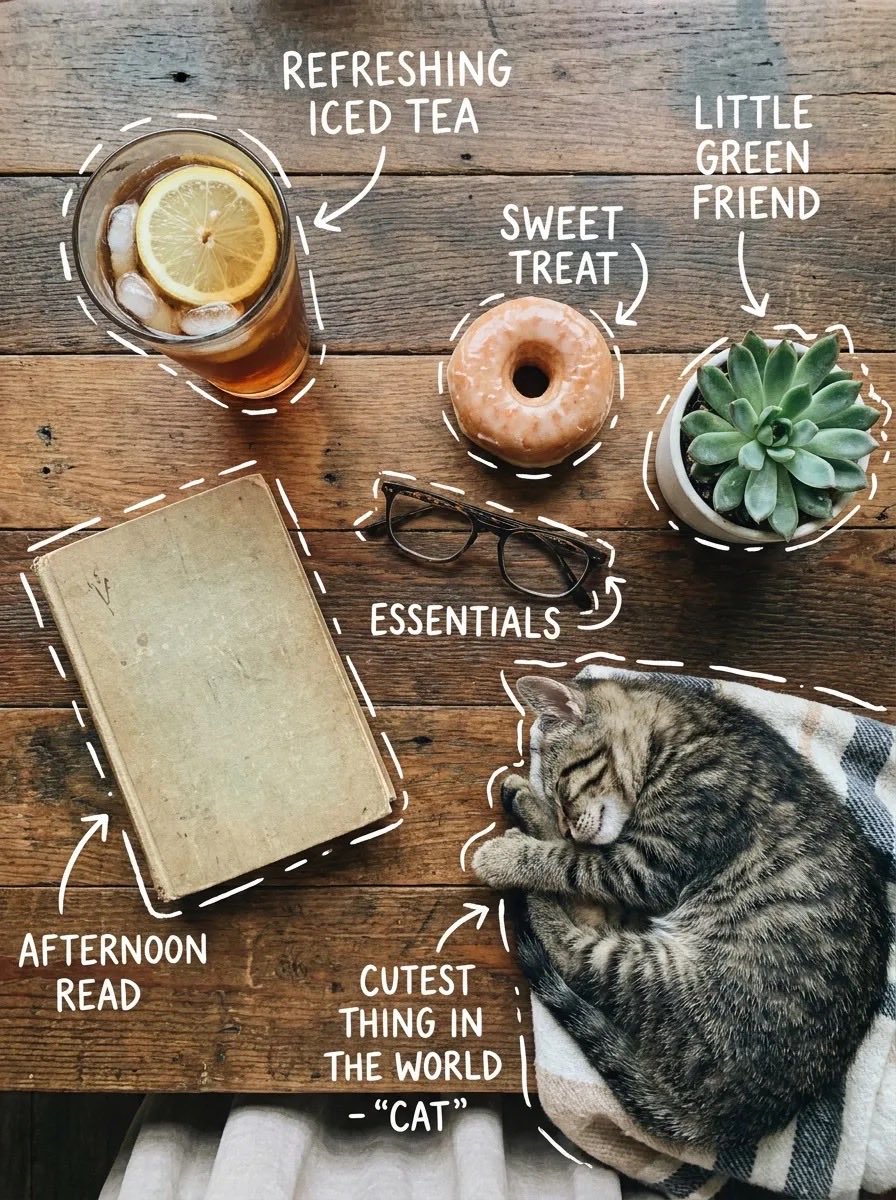
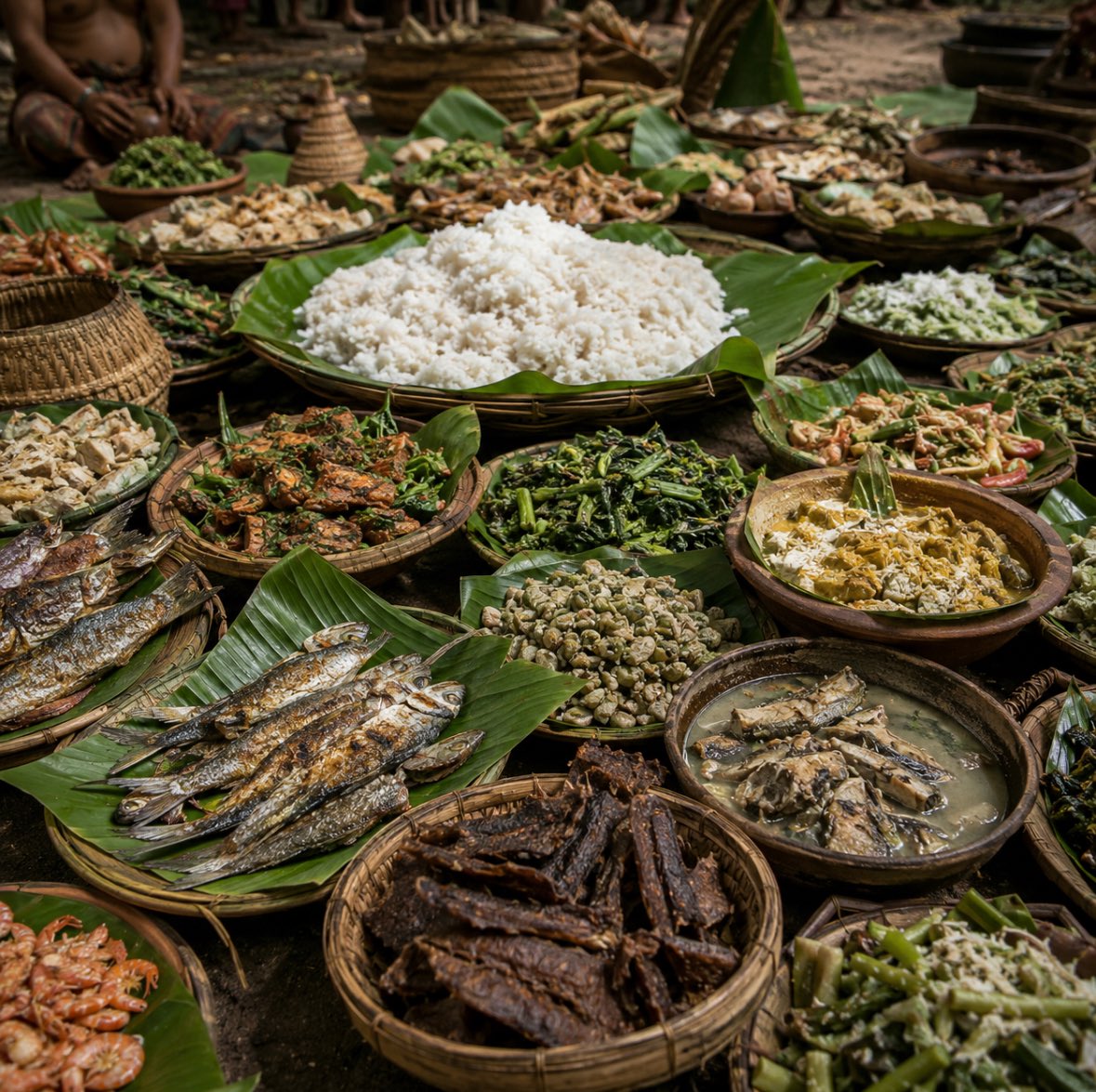
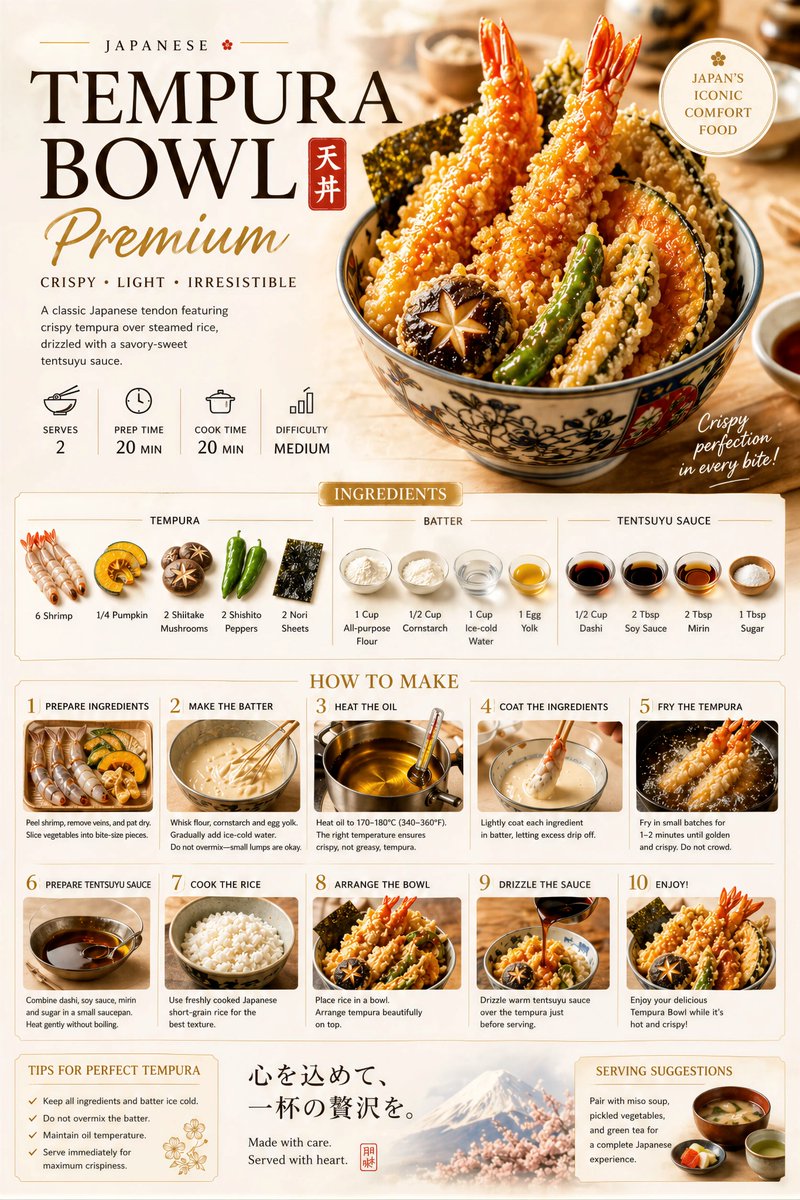
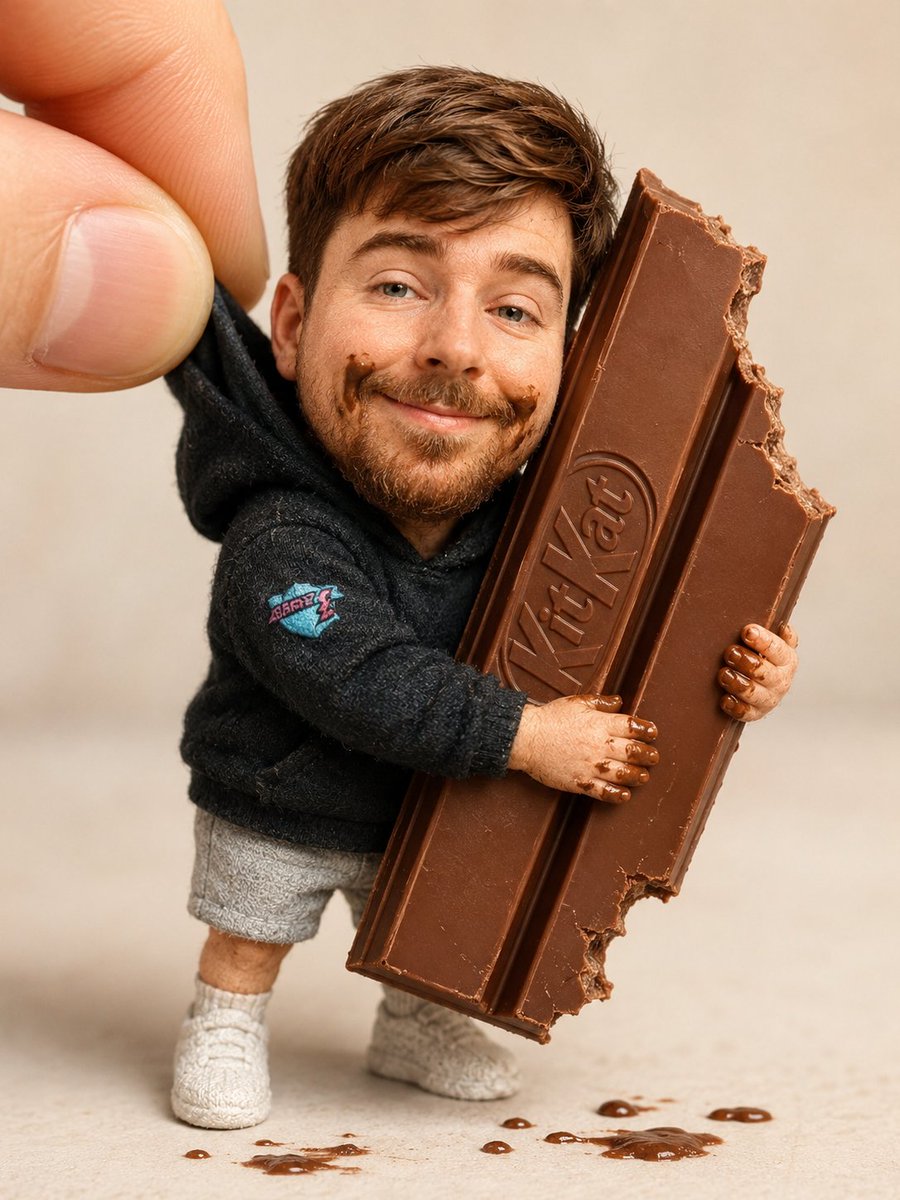
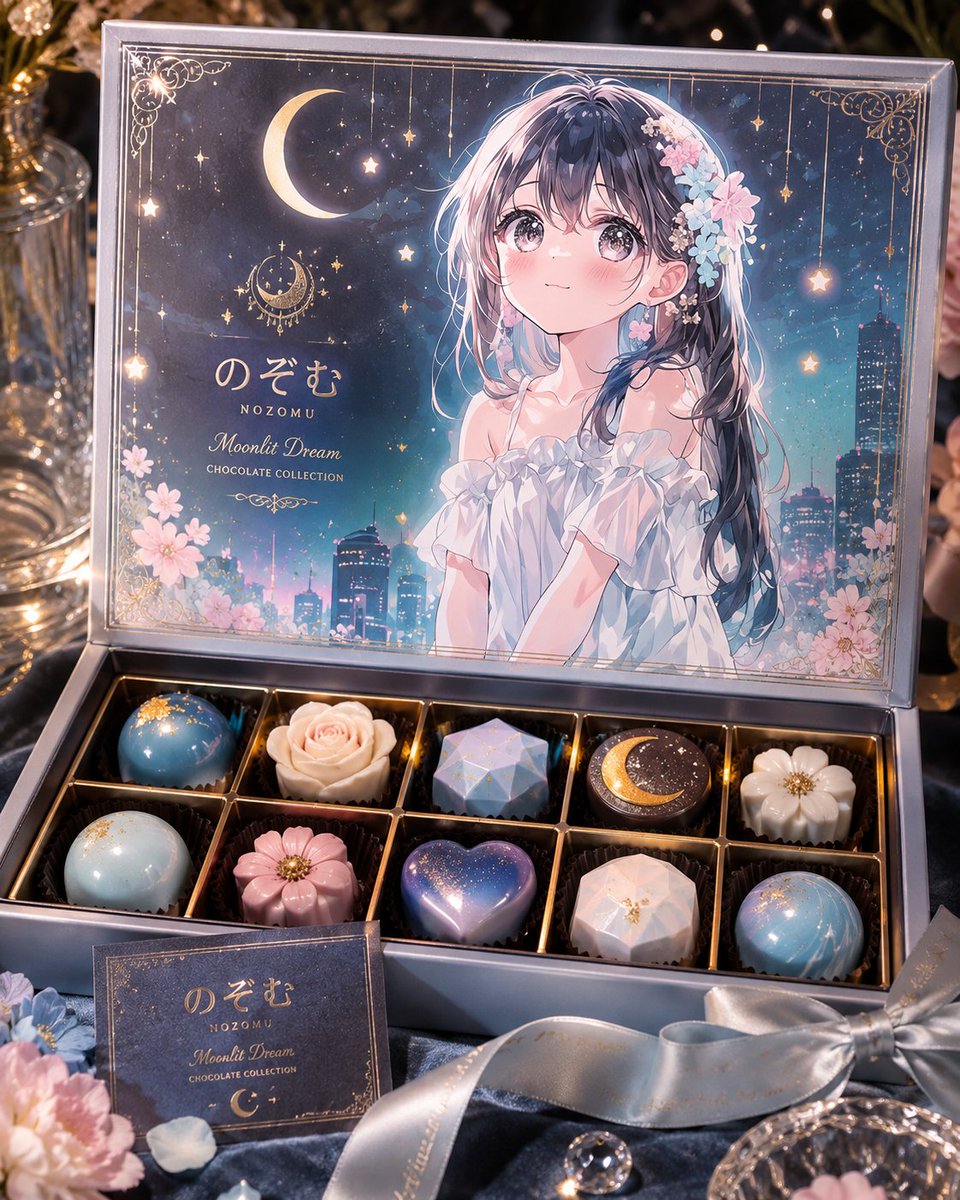
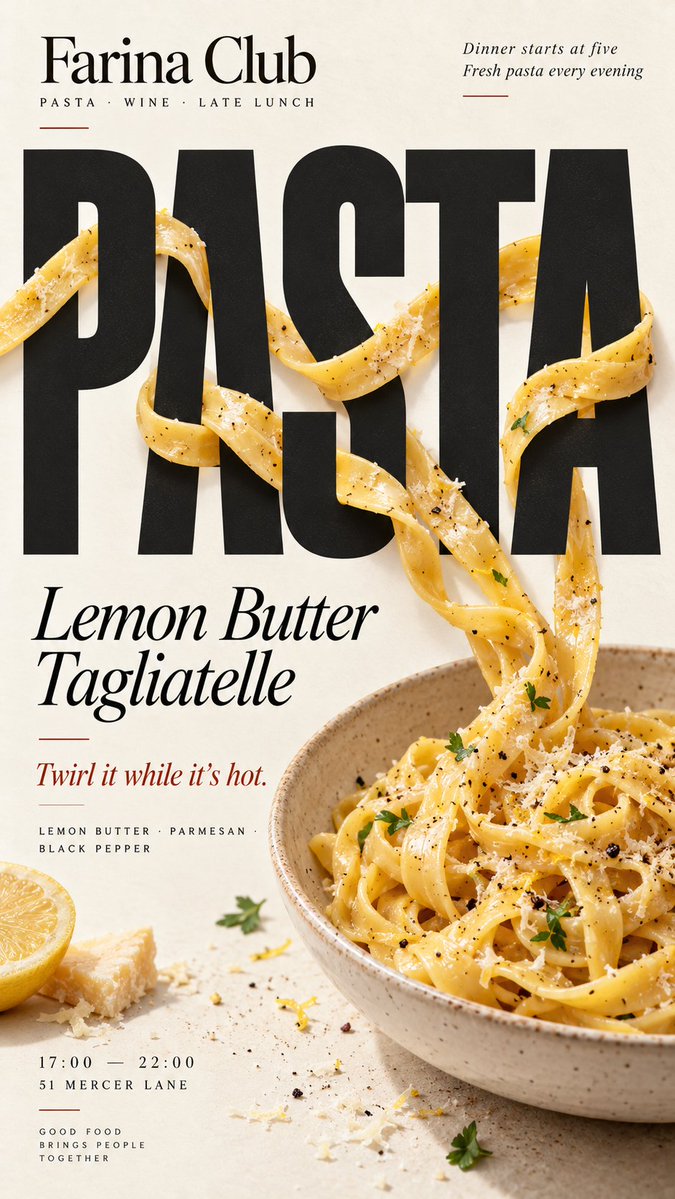
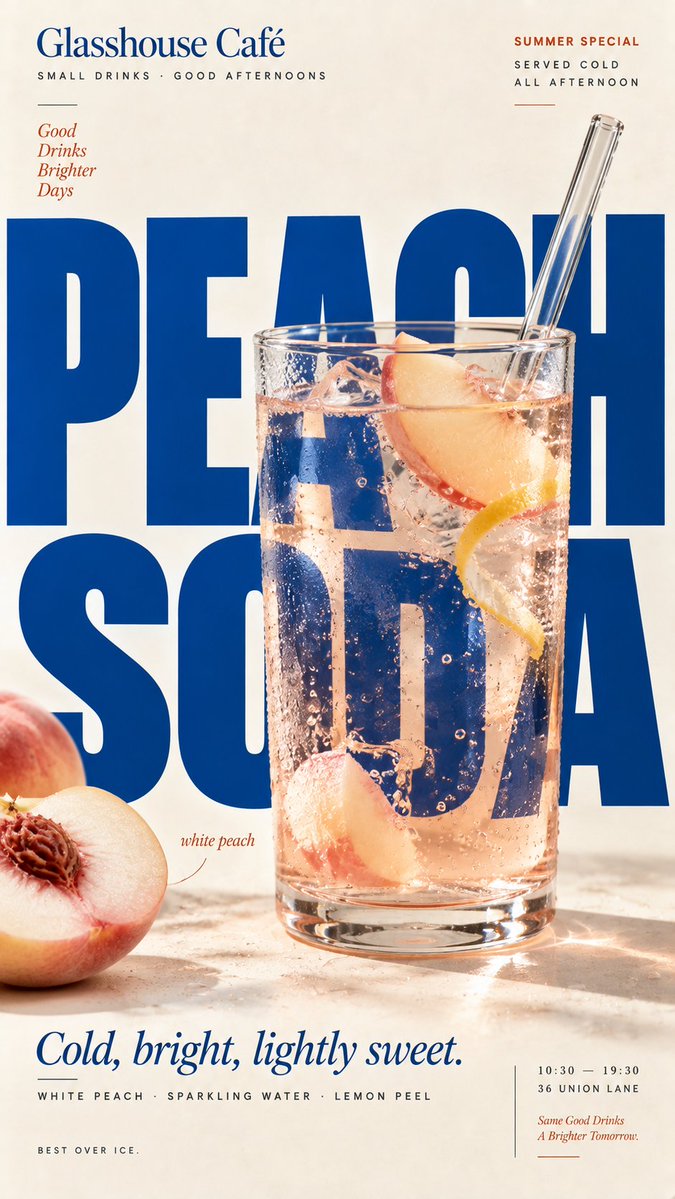
A vertical editorial poster where realistic food sits inside the lettering itself, with elements moving in front of and behind large letters. The result reads as a café or restaurant campaign where the dish and the headline depend on each other.

- Model
- GPT Image 2
- Type
- 4 images
- Aspect ratio
- 9:16
- Shared
- 6 Sep 2026
- Likes on X
- 22
BrandBrand nameFood / drinkMain productHeadline+5 more
Image prompt
2,299 characters[BRAND]: {brand name} [FOOD / DRINK]: {main product} [HEADLINE]: {main word or short title} [INTERACTION]: {weave through type / refract type / create negative space / replace a letter} [ACCENT COLOR]: {main typography color} [DETAILS]: {ingredients / short copy / hours / address} Create a 9:16 vertical food editorial poster combining highly realistic food photography with bold, expressive typography. Use a warm cream or ivory paper background with subtle natural texture. Keep the food or drink realistic, appetizing and materially believable, with natural highlights, shadows, texture and proportions. Avoid CGI, plastic surfaces, floating cutouts or overly polished commercial rendering. The key concept is that the food must physically interact with the typography according to [INTERACTION], rather than simply sitting beside the text. For “weave through type,” let a few continuous food elements move naturally in front of and behind large letters with clear, believable depth. For “refract type,” place transparent glass or liquid in front of the headline so only the letters seen through it are naturally shifted, enlarged or distorted by real optical refraction. For “create negative space,” let the shape or missing portion of the food create a clean empty area where the headline naturally fits. For “replace a letter,” use the food itself as one recognizable letter inside the headline while keeping the full word immediately readable. Make [HEADLINE] one of the strongest visual elements using bold editorial typography. Integrate type and food into the same composition with clear hierarchy, strong negative space and intentional cropping. Add only a few useful brand details such as [BRAND], ingredients, flavor notes, opening hours or address. Keep all copy short and meaningful. Use [ACCENT COLOR] as the main typographic accent alongside cream, natural food colors and dark neutrals. Keep the palette controlled. Avoid numbered labels, 01/02, Vol., sparkles, generic filler copy, unnecessary decoration, UI-style cards or template-like layouts. The final poster should feel like a real café, bakery or restaurant campaign: visually striking at thumbnail size, detailed up close, and built around one clear idea where food and typography genuinely affect each other.
How to use it
Swap in your brand name, main dish or drink, headline word and accent color, and keep the interaction line as it is, since that choice decides how the food meets the type. Keep the warm cream paper and the realistic lighting details, because they stop the image from looking like a rendered mockup. It was shared as a GPT Image 2 prompt, and the result suits a menu board, window poster or social post for a café or bakery.
Shared publicly on X on 6 Sep 2026. All credit for this prompt and its result goes to its creator. Is this yours? Ask for an update or removal.