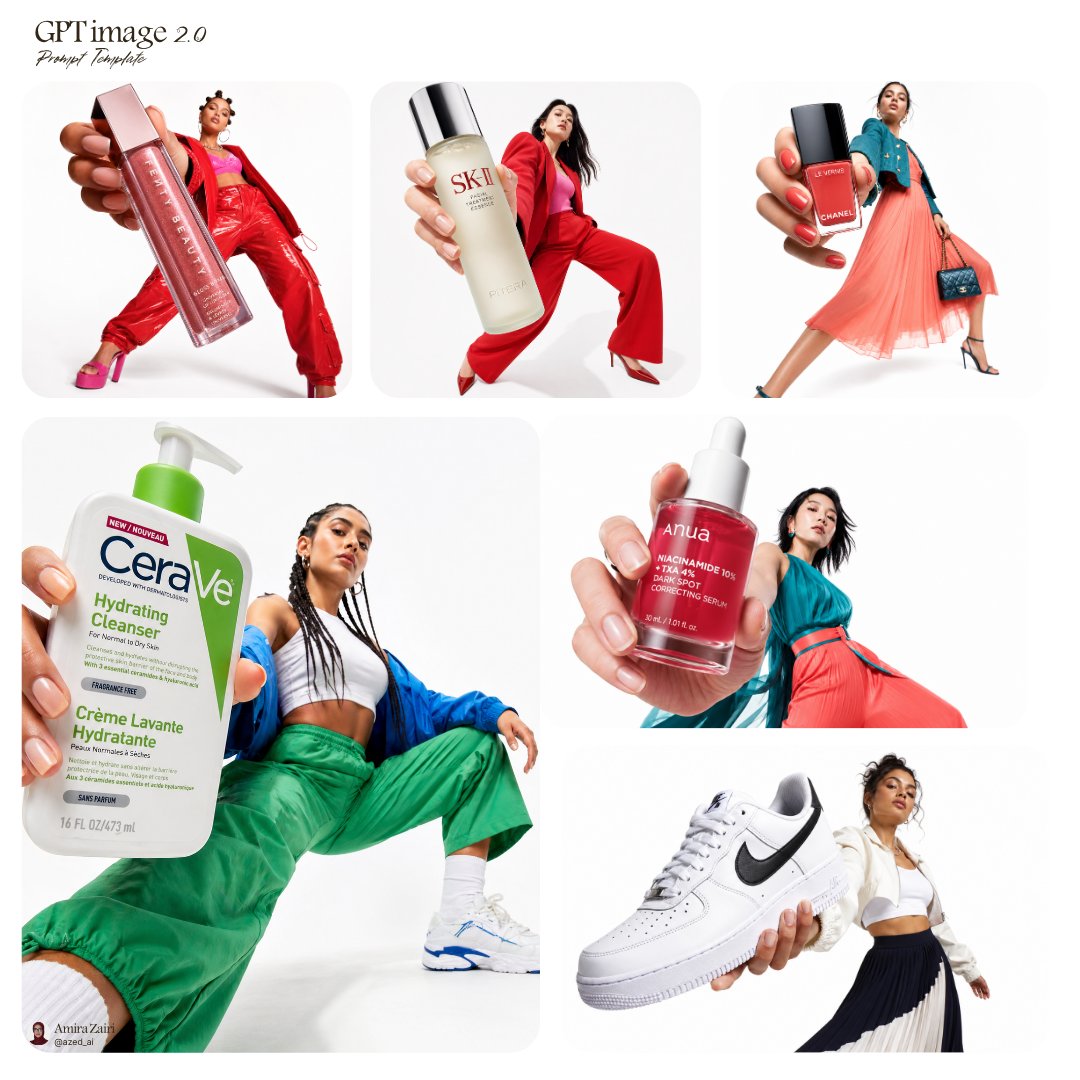


Image prompt Product & Ads Customizable
Food Editorial Poster Template for Cafés and Bakeries
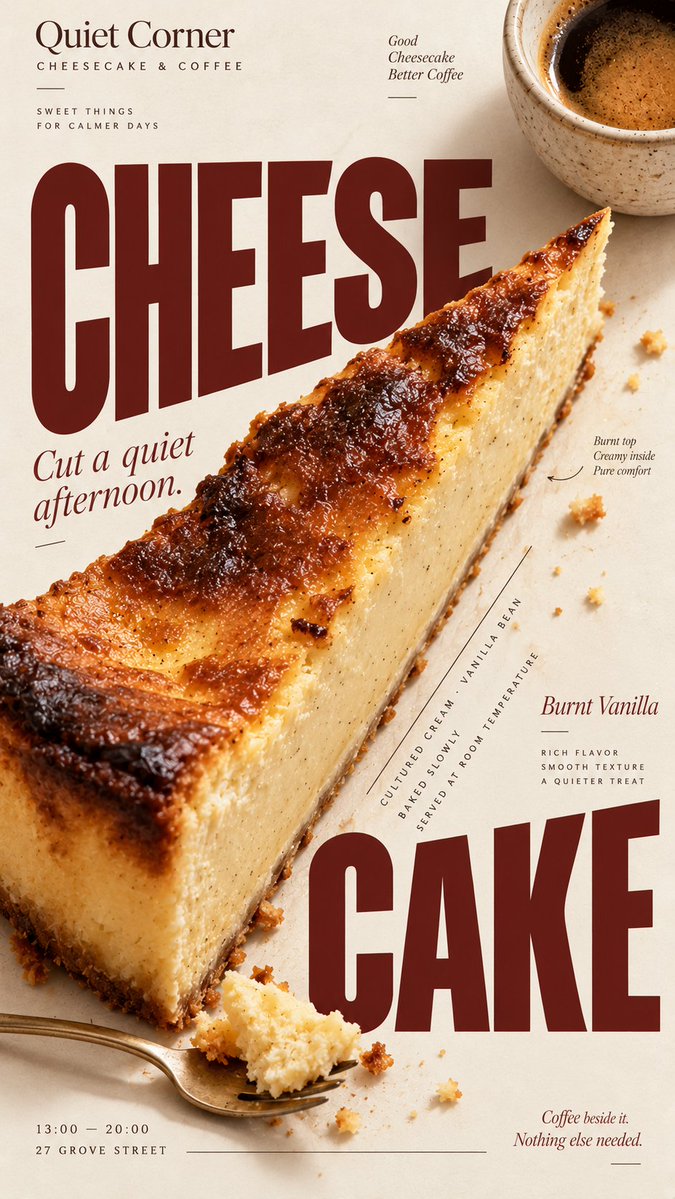
A vertical poster that pairs realistic food photography with bold magazine-style type. The food itself shapes the layout, so the headline, photo and details feel built together rather than stacked on a template.

- Model
- GPT Image 2
- Type
- 4 images
- Aspect ratio
- 9:16
- Shared
- 5 Sep 2026
- Likes on X
- 2
BrandBrand nameFood / drinkMain productHeadline+6 more
Image prompt
2,417 characters[BRAND]: {brand name} [FOOD / DRINK]: {main product} [HEADLINE]: {main headline} [SUBHEAD]: {short supporting line} [DETAILS]: {ingredients / flavor / hours / address / short brand copy} [ACCENT COLOR]: {burgundy / forest green / cobalt blue / etc.} [LAYOUT]: {diagonal split / annotated flat lay / circular typography / oversized type / other editorial composition} Create a 9:16 vertical food editorial poster that combines highly realistic food photography with expressive magazine-style typography. Use a warm ivory or cream paper background with subtle natural paper texture. The food or drink should be the main visual anchor, photographed with realistic texture, natural highlights, contact shadows, appetizing materials and believable proportions. Avoid CGI, plastic-looking surfaces, overly polished commercial rendering or floating cutout objects. Build the composition around the actual shape, direction or arrangement of the food rather than placing the product in a fixed template. Let the selected [LAYOUT] determine how photography and typography interact. The subject may crop beyond the frame, overlap with type, divide the page, create a circular structure, form a diagonal axis, or leave intentional negative space for editorial information. Typography should be a major part of the composition. Use one expressive display typeface for the main [HEADLINE] and one restrained supporting typeface for secondary information. Allow changes in scale, orientation, cropping and placement so the text feels integrated with the food rather than simply placed above or below it. Keep a clear visual hierarchy: large headline and food first, short supporting copy second, then a few useful details such as ingredients, flavor notes, opening hours or address. Use [ACCENT COLOR] sparingly alongside cream, food-derived natural colors and dark neutral typography. Keep the palette controlled and cohesive. Small editorial elements such as thin rules, dots, curved lines or subtle annotations may be added when useful, but avoid decorative clutter, numbered labels, 01/02, Vol., four-point sparkles, generic filler copy or meaningless microtext. The final image should feel like a real café, bakery or food brand campaign: visually bold at thumbnail size, detailed when viewed closely, practical enough for branding or menu use, and designed as a complete poster rather than a reusable-looking template.
How to use it
Start by swapping the brand, food, headline and accent color placeholders, and choose a layout that suits your item, such as a diagonal split or an annotated flat lay. Keep the cream paper background and the instruction to build around the real shape of the food, since that is what makes the poster feel editorial. It was shared as a GPT Image 2 prompt, and the result works well as a menu cover, window poster or social post.
Shared publicly on X on 5 Sep 2026. All credit for this prompt and its result goes to its creator. Is this yours? Ask for an update or removal.