Image prompt Branding & UI Add your photo
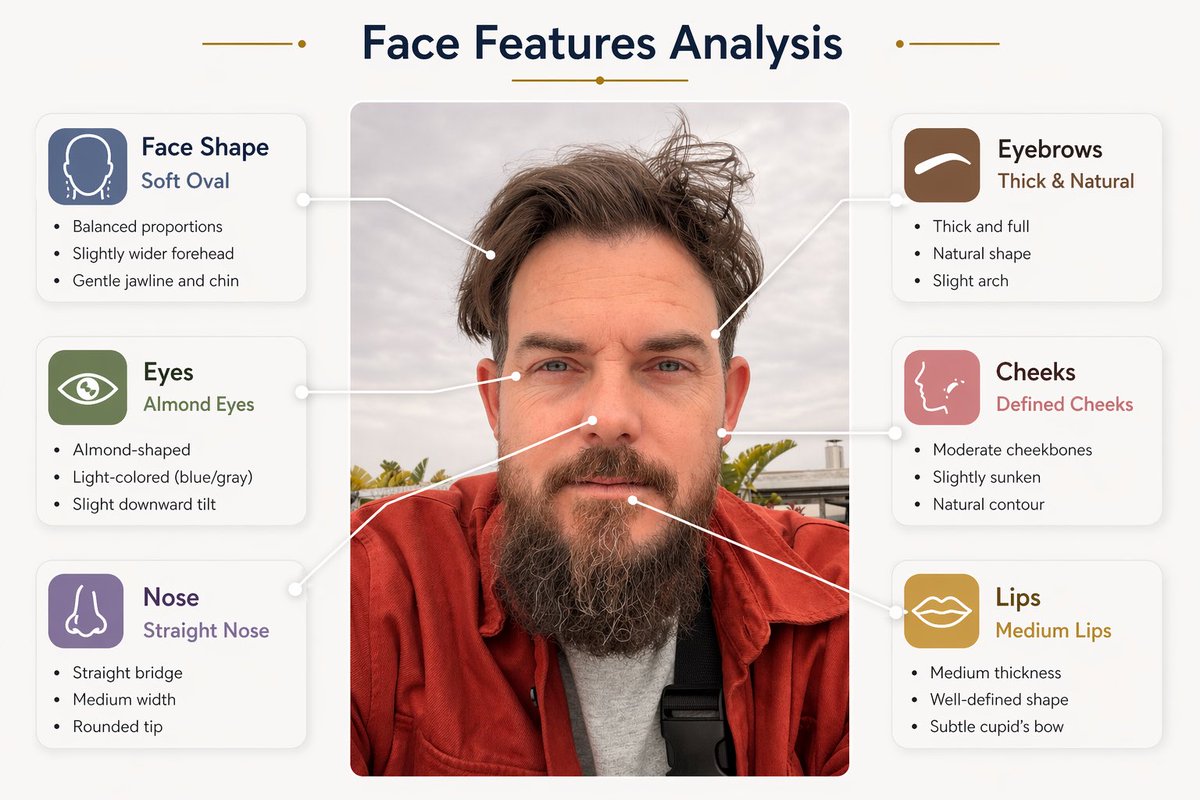
Face Feature Analysis Infographic Poster
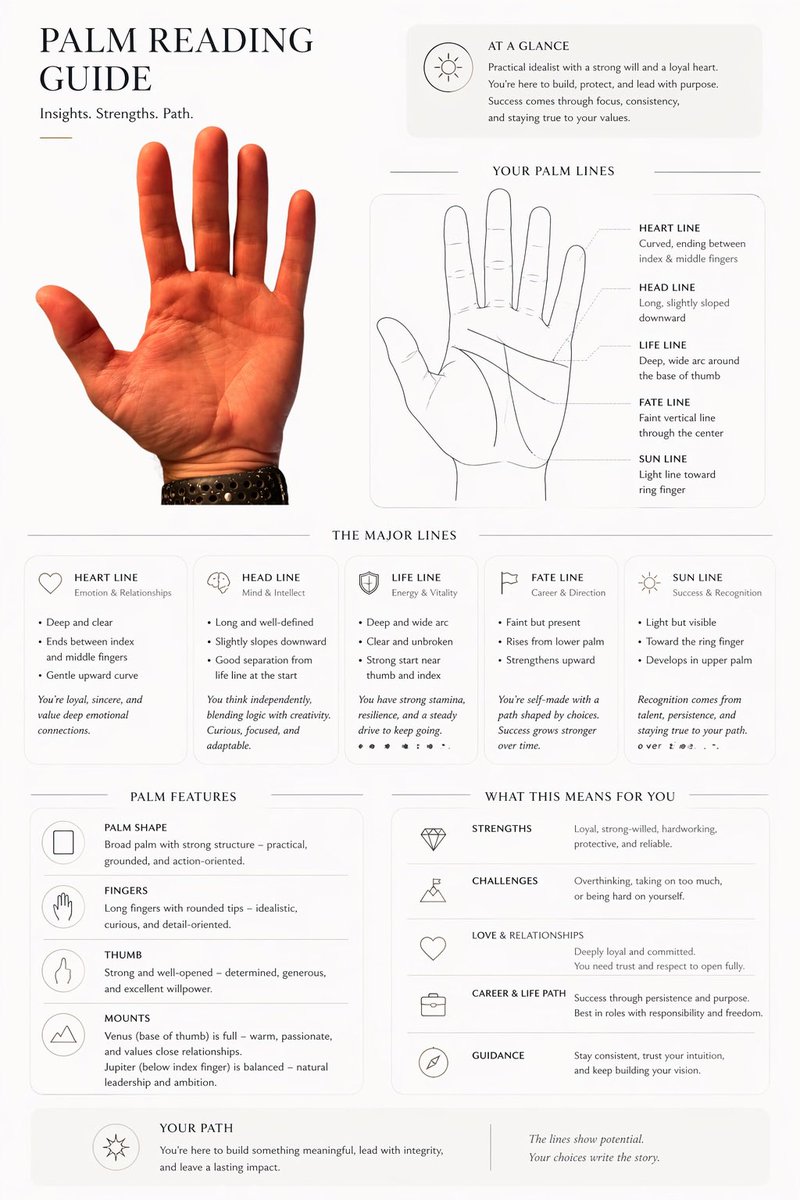
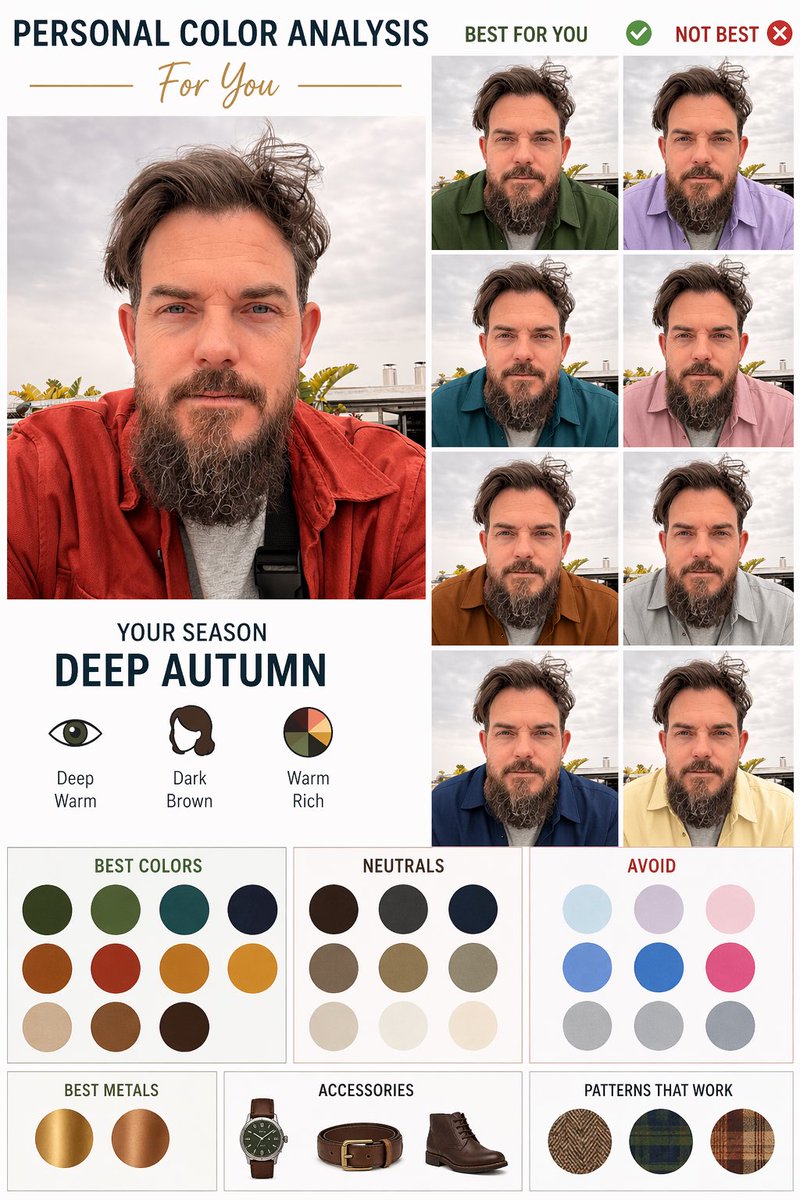
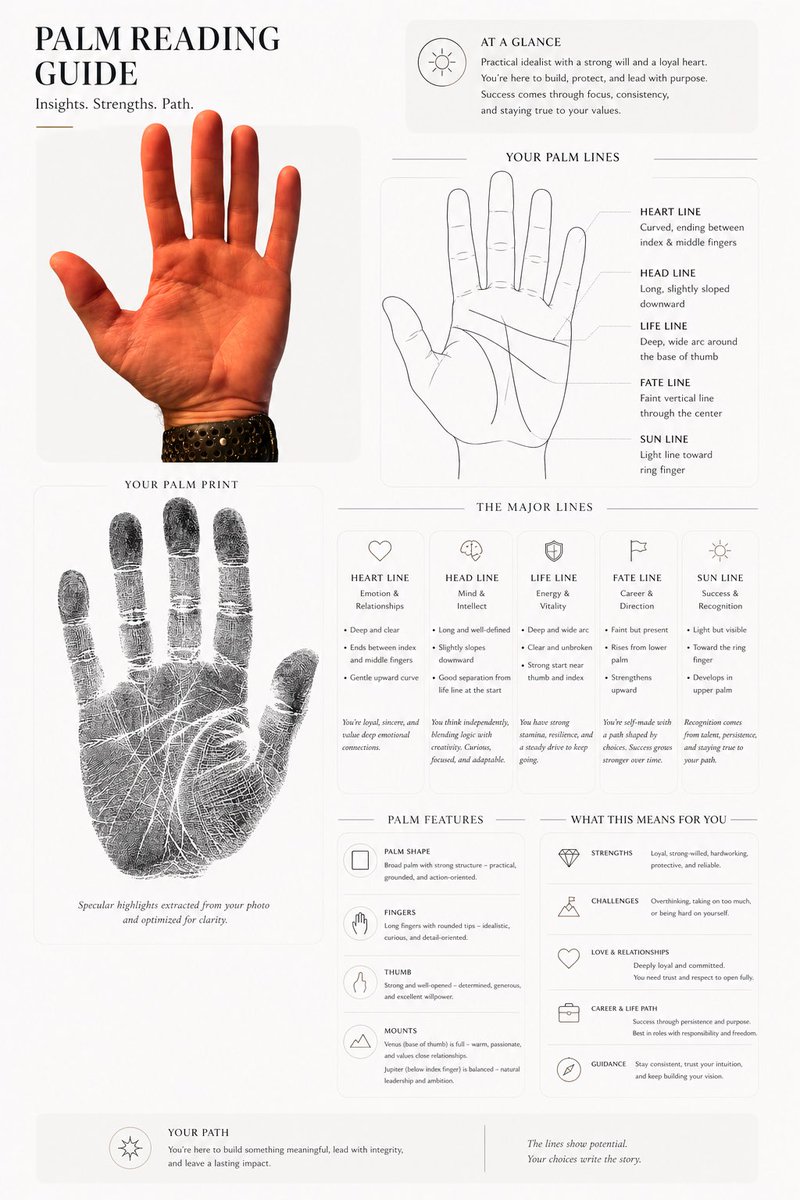
A portrait sits at the center of a clean poster with thin arrows pointing to the face shape, eyes, brows, nose, cheeks and lips. Each feature gets a rounded info card with a short label and a few observations drawn from the photo itself.

- Model
- GPT Image 2
- Type
- 2 images
- Aspect ratio
- 2:3
- Shared
- 24 Apr 2026
- Likes on X
- 2,235
Image prompt
444 characters”Face Features Analysis”. Place the portrait in the center. Automatically analyze the face (do not use fixed or pre-written labels). Detect and label face shape, eyes, eyebrows, nose, cheeks, and lips. Add thin arrows pointing to each feature. For each feature, include a short label (e.g. “Soft Oval”, “Almond Eyes”) and 2–3 short bullet points describing the actual features based on the image. Use small rounded info cards with simple icons.
Image prompt
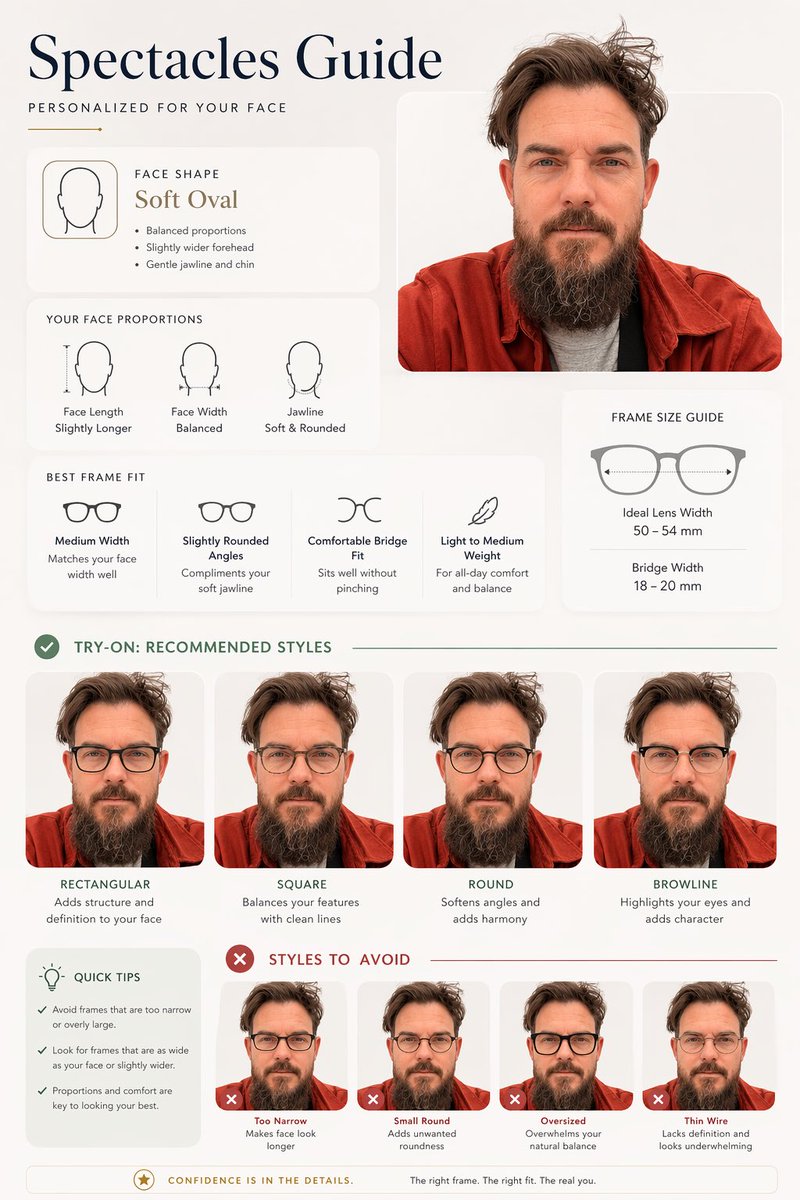
486 characters”Spectacles Guide Create a clean, modern infographic poster using the uploaded portrait (100% facial followed) as the main subject. Style should be minimal, aesthetic, and visual-first, clean typography, rounded cards, thin lines, subtle shadows, and a high-end editorial look. Title: “Spectacles Guide”. Automatically analyze the face shape and proportions, then generate suitable and unsuitable eyewear recommendations. Show side-by-side glasses try-on variations using the same face.
How to use it
This prompt needs an uploaded portrait, since the analysis and labels are built from the face in the picture. It was shared as a GPT Image 2 prompt, so keep the request for a rounded-card infographic with thin arrows, which is what gives the layout its tidy, readable feel. To make it your own, swap the title line for your own heading and adjust the feature list if you only want certain traits marked. The result works well as a shareable branding or beauty-consultation visual.
Shared publicly on X on 24 Apr 2026. All credit for this prompt and its result goes to its creator. Is this yours? Ask for an update or removal.