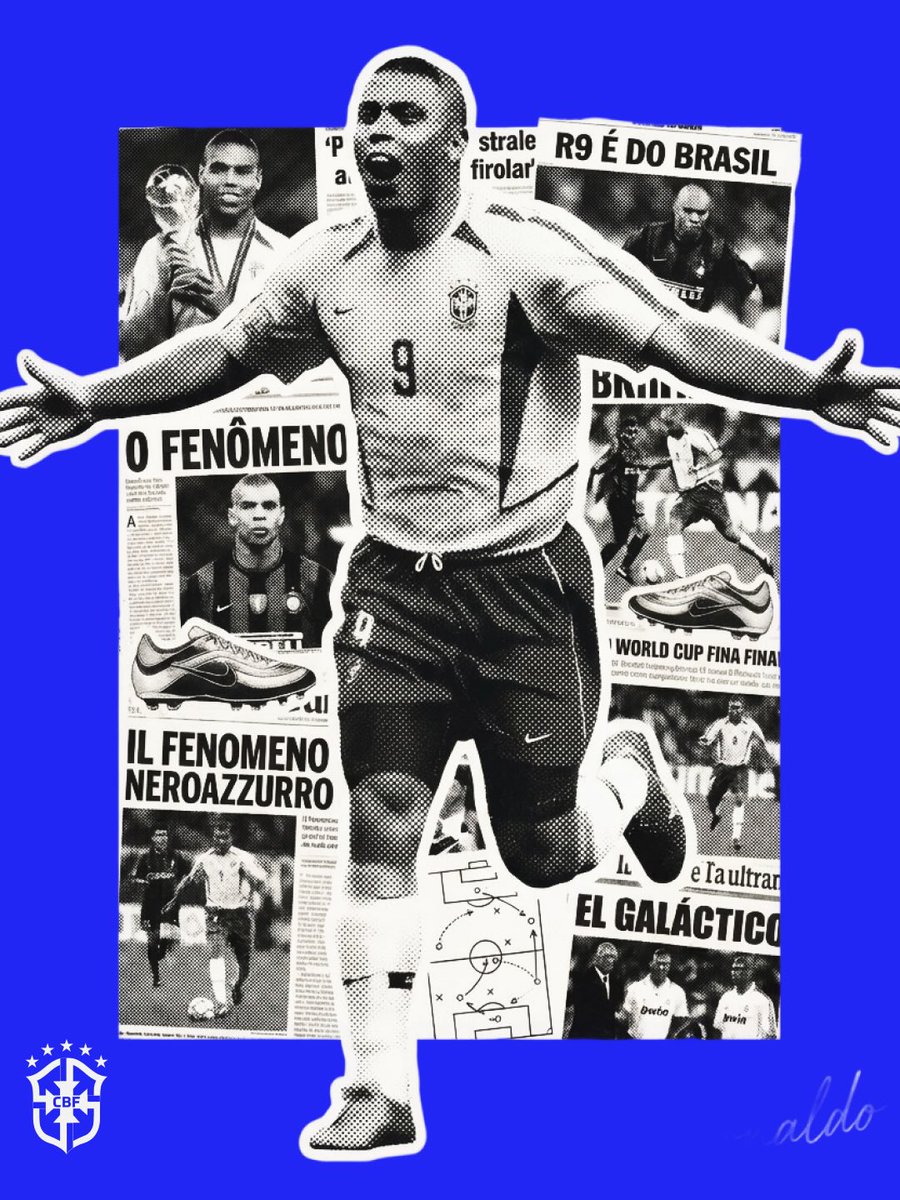

Prompt studio
Make “Duotone Halftone Memorabilia Poster With Collage Silhouette” yours
A solid brand-colored poster with a large black and white figure whose body is filled with a collage of milestones and headlines. Coarse halftone dots and film grain give it a 90s zine feel.
 Prompt by @chesny
- Fill in the blanks below.
- Watch the prompt update on the right.
- Copy it, or open it in an image tool.
Image prompt
Act as a graphic designer specializing in "Modern Vintage" sports and music memorabilia posters. 1. COLOR LOGIC (AUTONOMOUS): Analyze the Subject: Instantly identify the single most iconic color associated with [CHARACTER NAME] (e.g., if Michael Jordan -> Chicago Red; if Prince -> Purple; if Spotify CEO -> Vibrant Green). The Background: Fill the entire background with this Solid, Vibrant Brand Color. Texture: Apply a visible Heavy Film Grain overlay to the solid color to kill the digital perfection. 2. CENTRAL COMPOSITION (NARRATIVE SILHOUETTE): The Container: Place a massive, high-contrast Black & White Cut-Out Photo of [CHARACTER NAME] in the center. It can slightly breach the top or side borders (dynamic cropping). The "Montage" Fill (CRITICAL): The interior of the subject's clothing or body shadows is NOT solid black. It is filled with a Complex Monochrome Collage. Collage Content: Inside the silhouette, layer smaller, high-contrast photos representing key career milestones, newspaper headlines, famous poses, or relevant machinery/tools associated with them. Visual Effect: This creates a "Double Exposure" effect where the hero's shape tells their story. 3. PRINT AESTHETIC (HALFTONE & NEWSPAPER): Halftone Effect: Apply a distinct "Coarse Halftone Dot Pattern" (Newsprint Screen effect) to the entire central figure and collage. The dots should be visible, creating that retro 90s zine/newspaper aesthetic. Contrast: The image must be strictly Duotone or Tritone (Background Color + Black Ink + White Paper negative space). No full-color photos. 4. FOOTER ELEMENTS (BRANDING): Bottom Left (Logo): Place a specific Logo or Icon relevant to the subject (e.g., team logo, company logo, or personal symbol). Size: Small and discrete (approx 15% of width). Color: High contrast to the background (White or Black). Bottom Right (Signature): Place the subject's Autograph/Signature. Logic: If the signature is public domain, simulate the real one. If fictional, generate a believable handwritten script signature. Color: Same contrast color as the logo. OUTPUT: A raw, textured, vintage-style poster design.
Prompt shared on X by @chesny. All credit goes to its creator.
More prompts you can customize
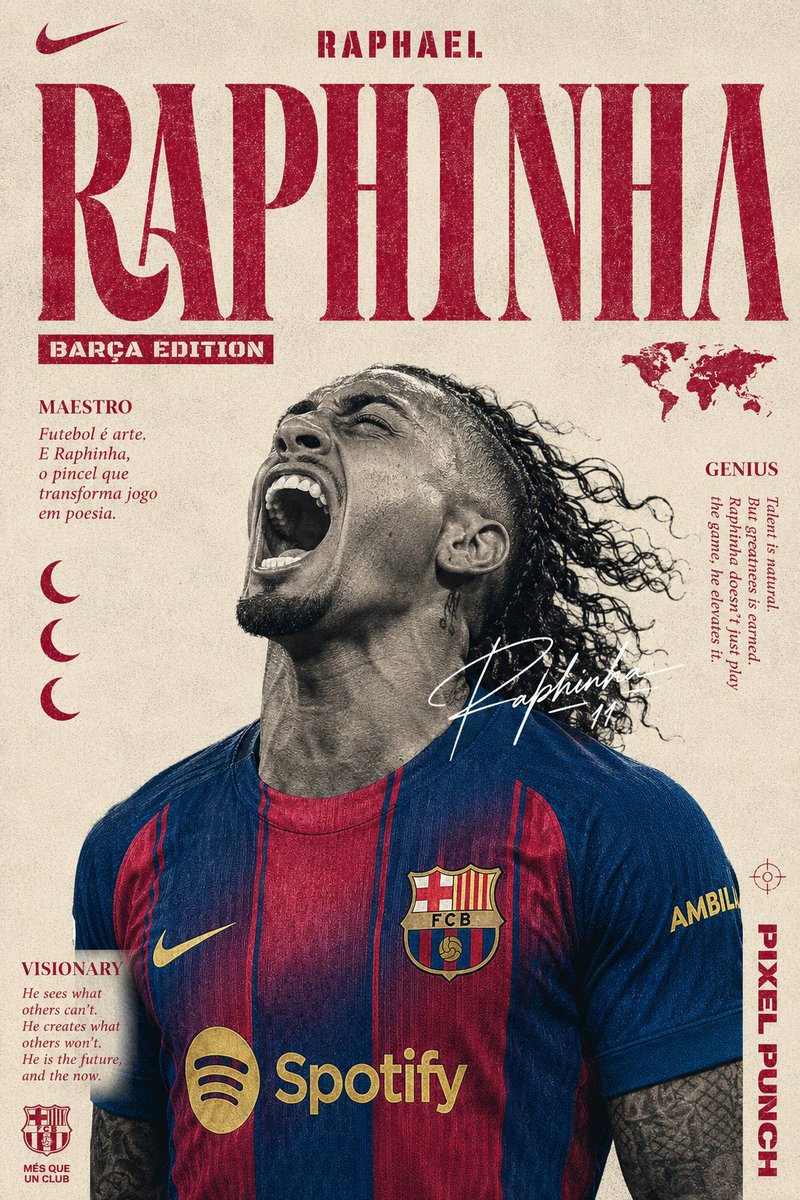 Football Star Editorial Poster in Vintage Print Style
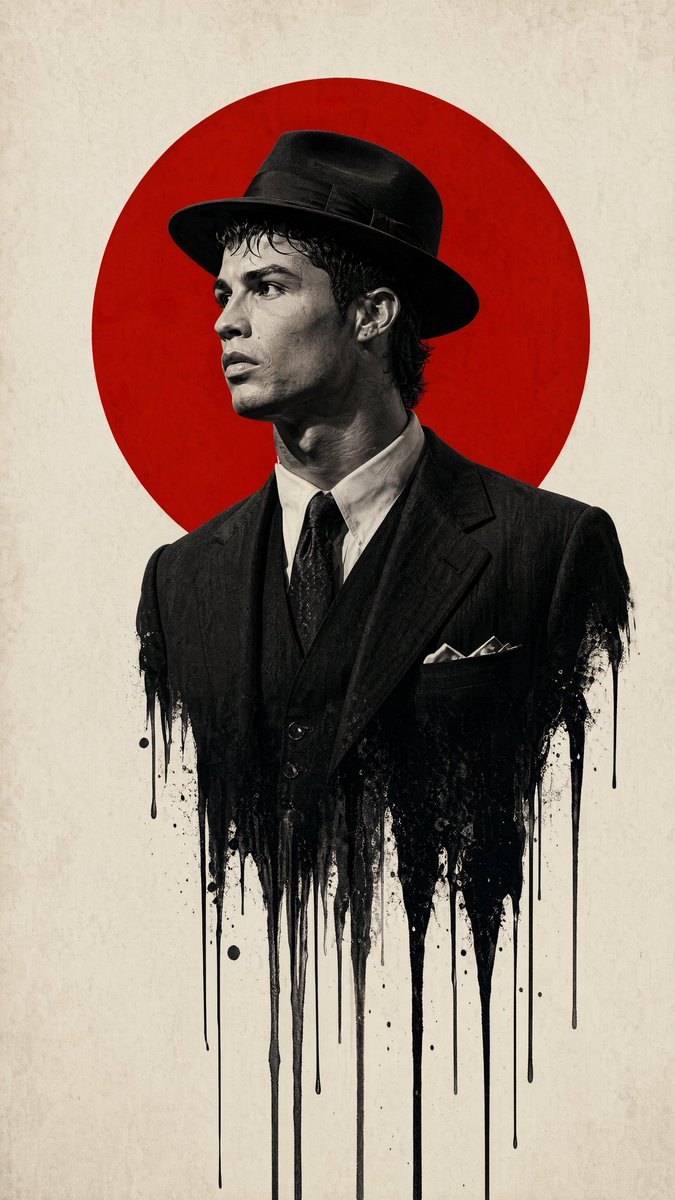 Dripping Film Noir Man Poster in Red and Black
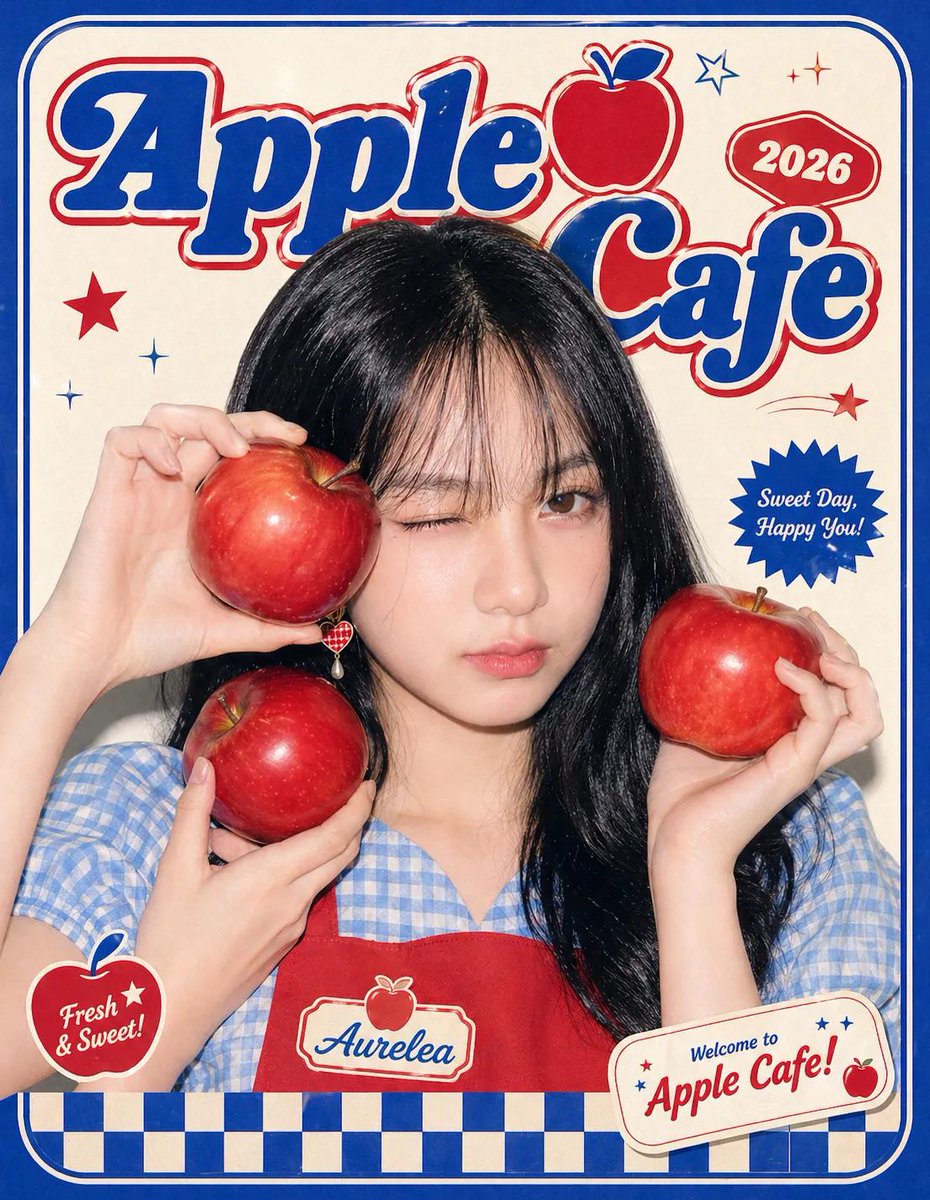 Y2K Pop Fashion Poster With Graphic Typography
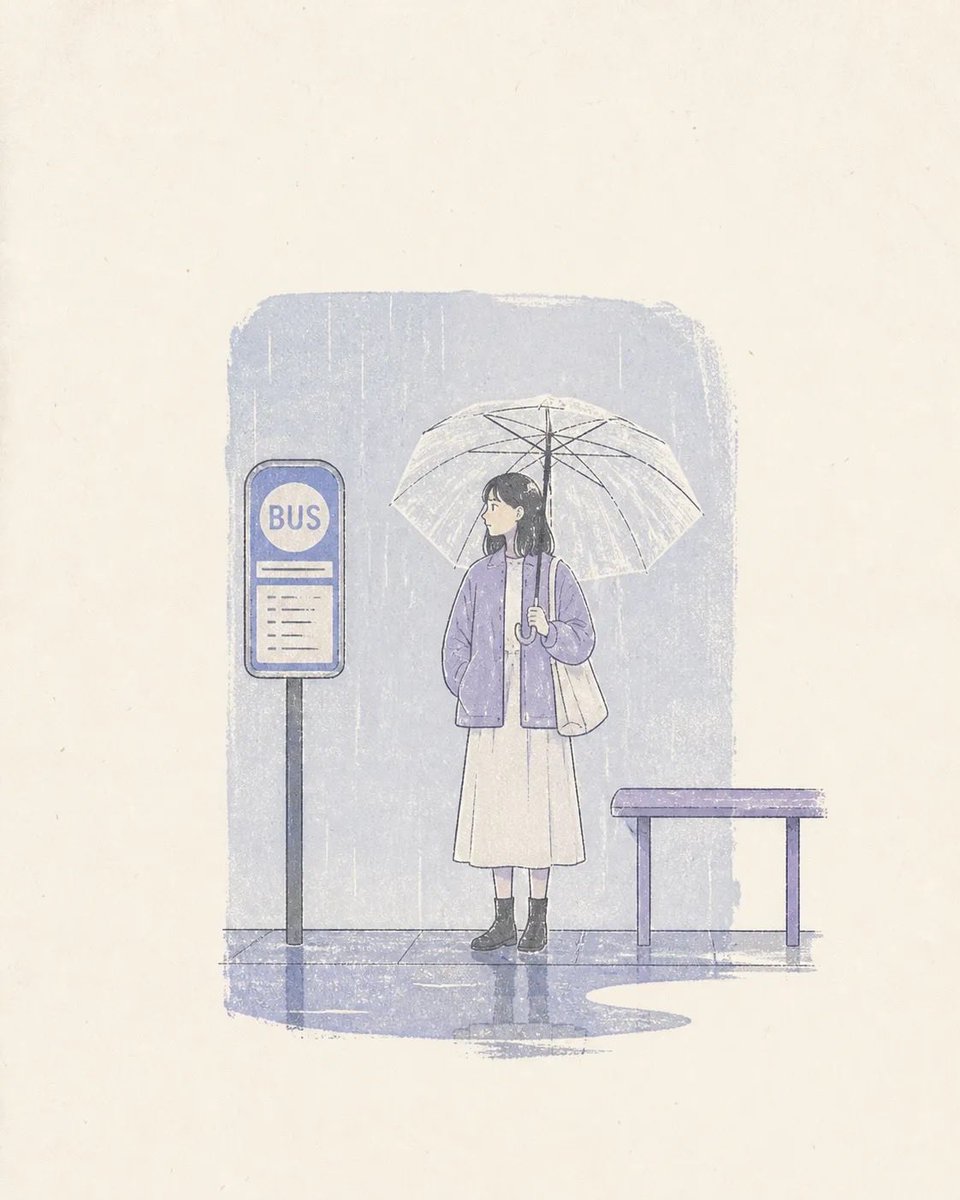 Pastel Risograph Print Poster Style
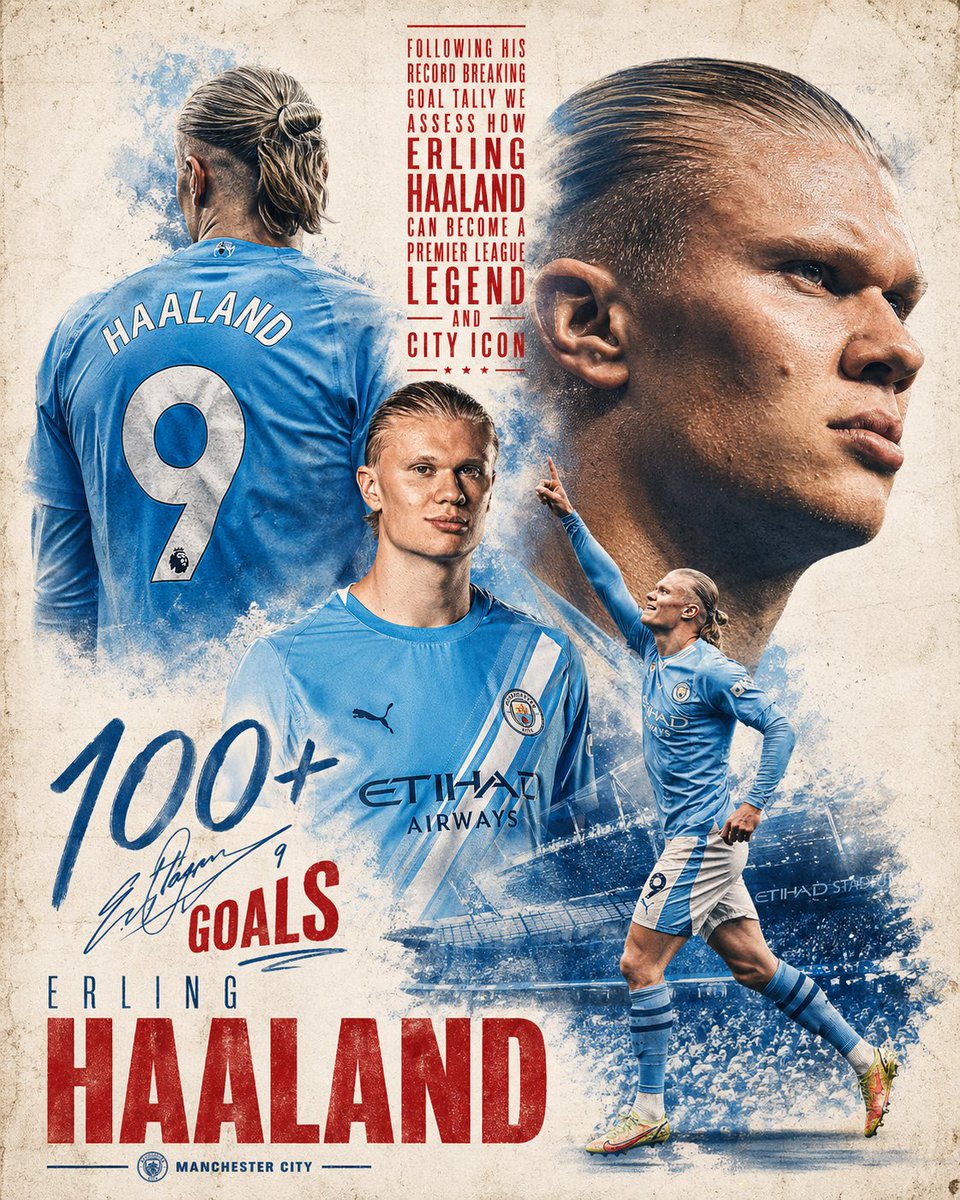 Haaland Sports Poster With Photo Collage
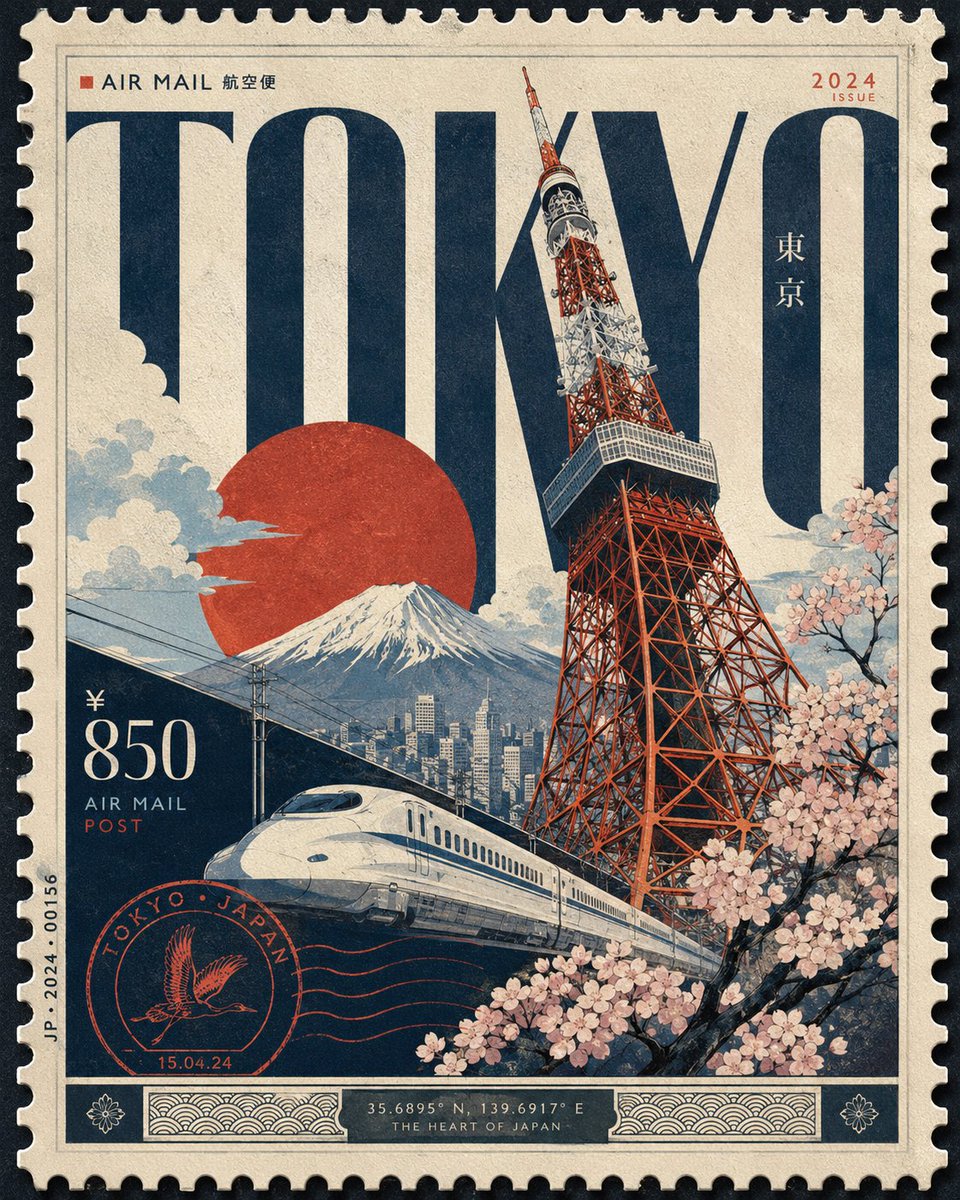 Luxury Postage Stamp City Poster Design
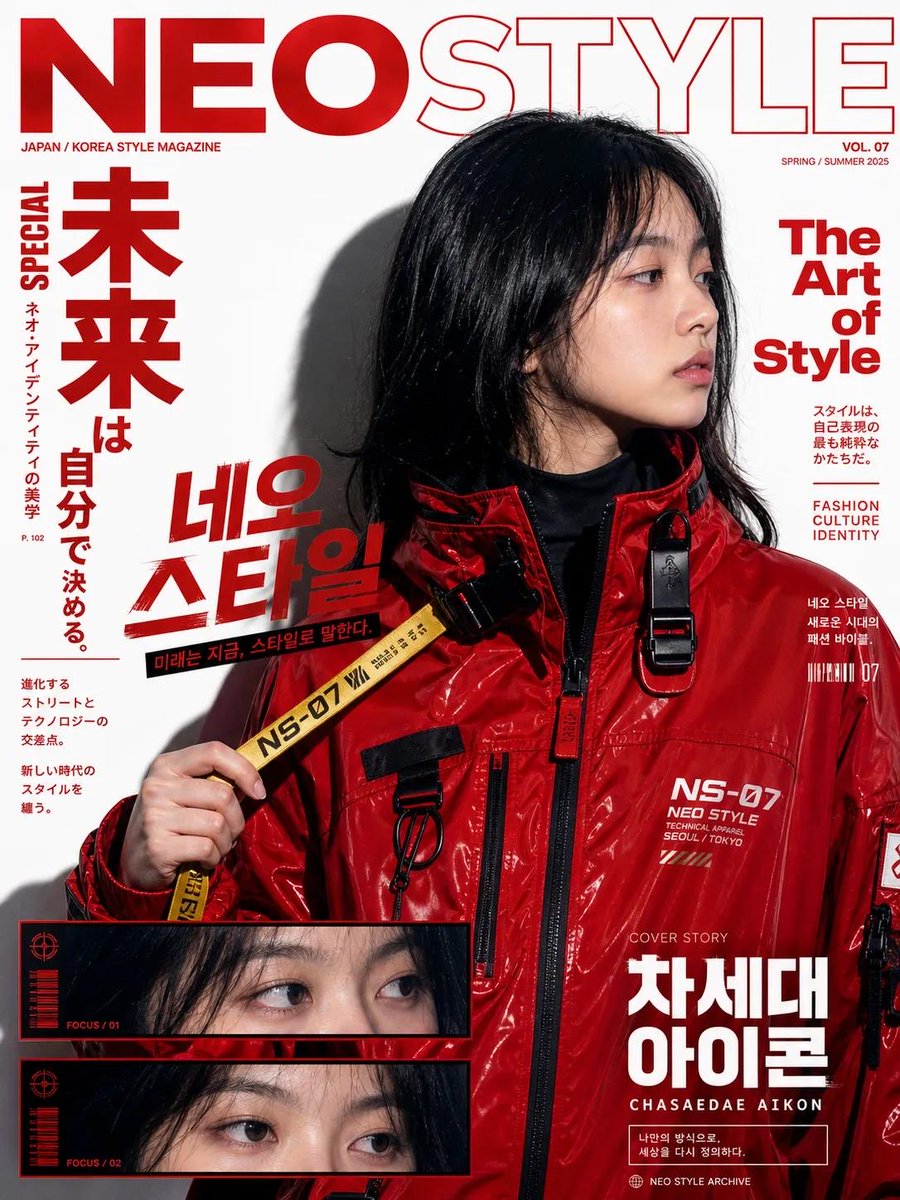 Y2K Pop Street Editorial Collage With Graffiti Type
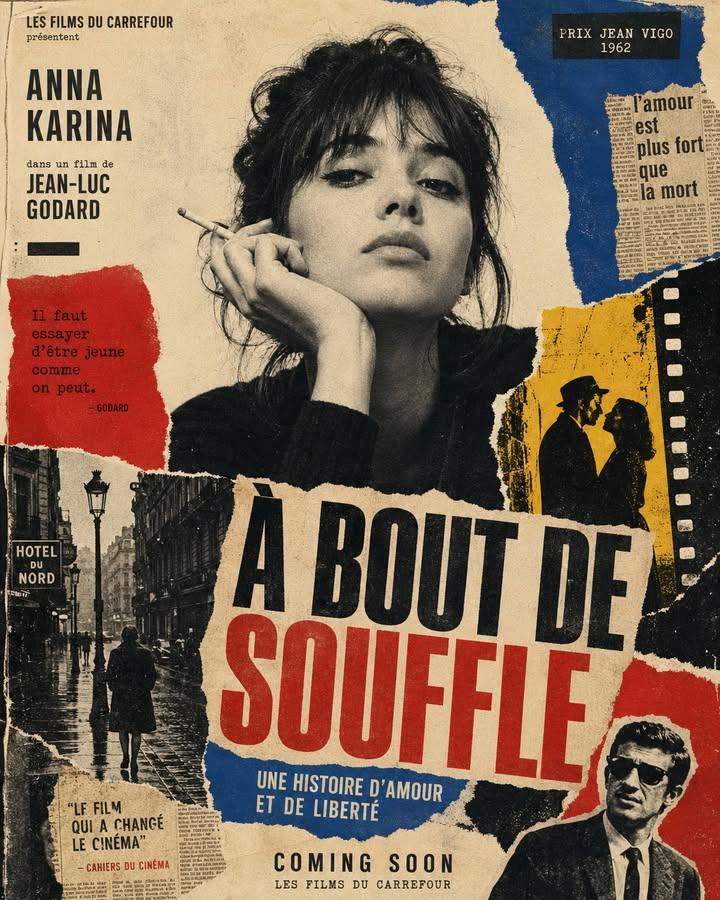 Collage Art-House Poster with Red and Blue Blocks