Image prompt Illustration & Characters Customizable
Doodle Ink Pastel Character Portrait
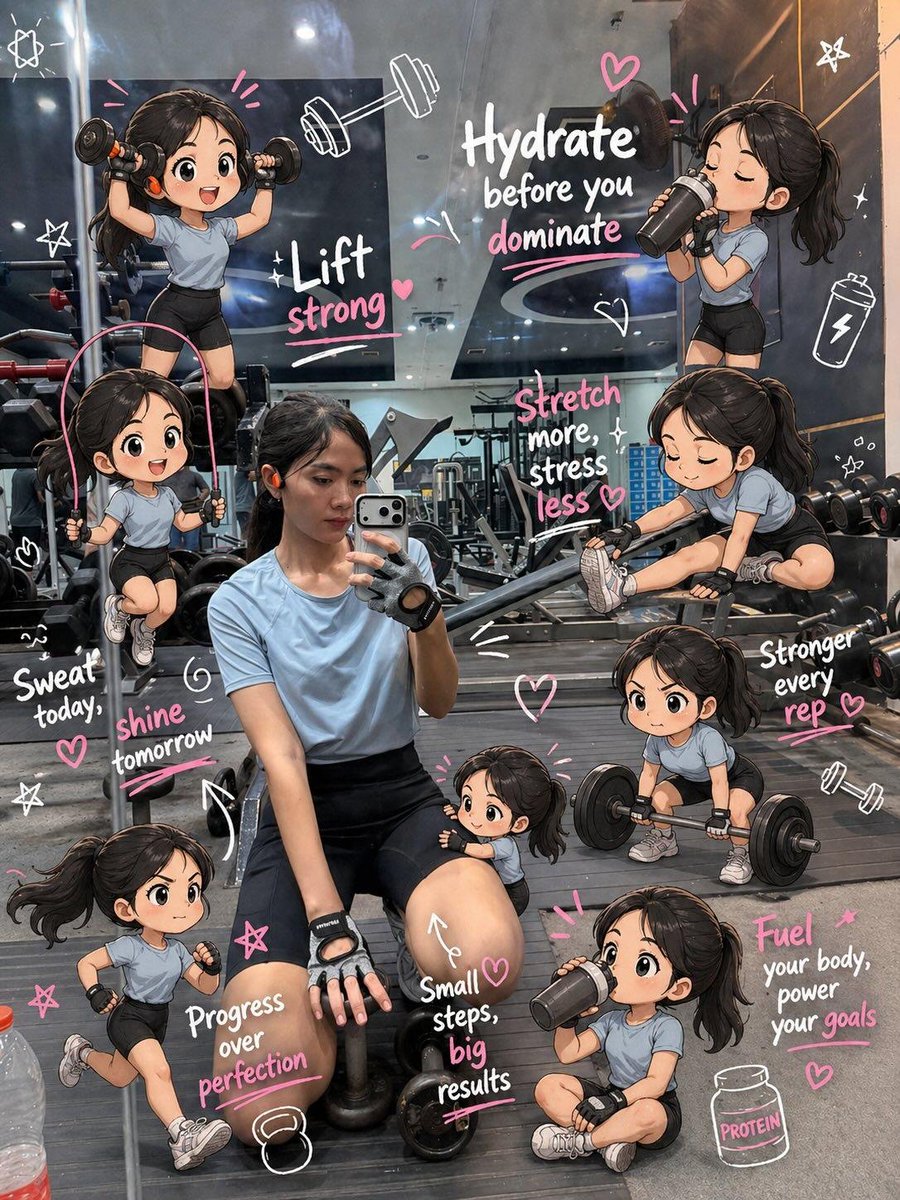
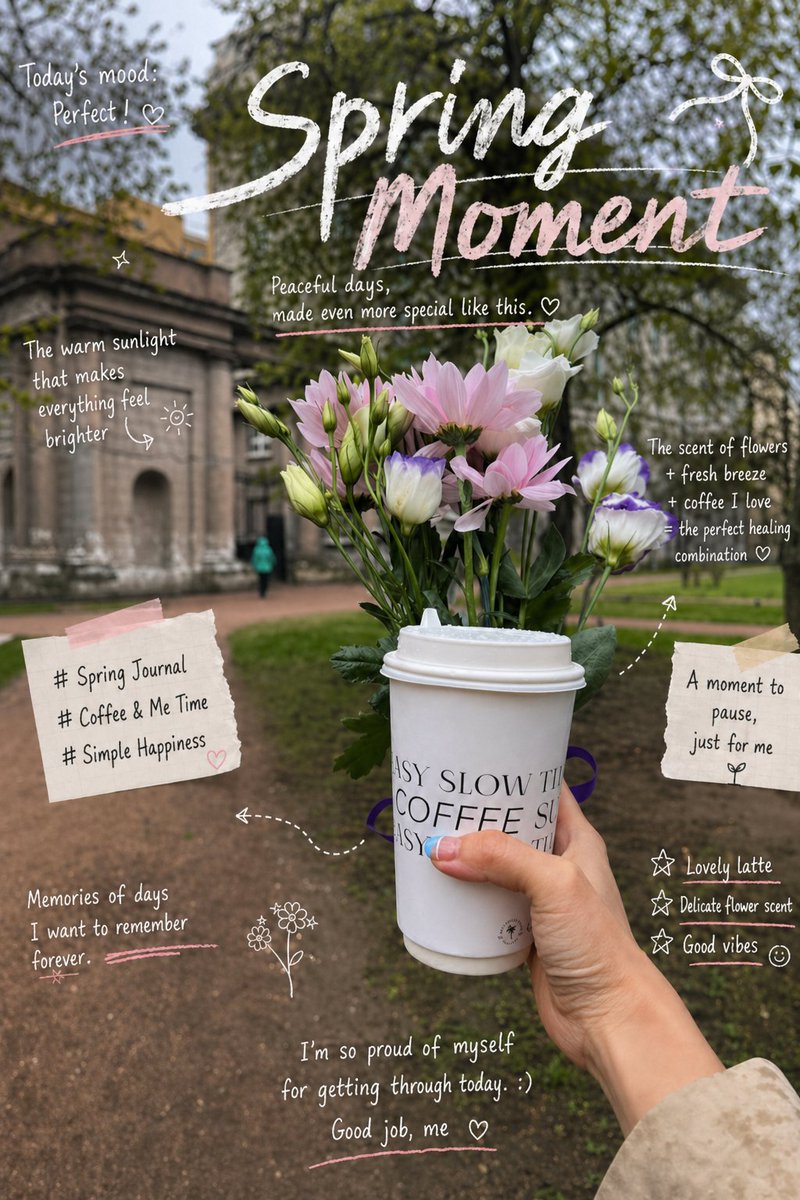
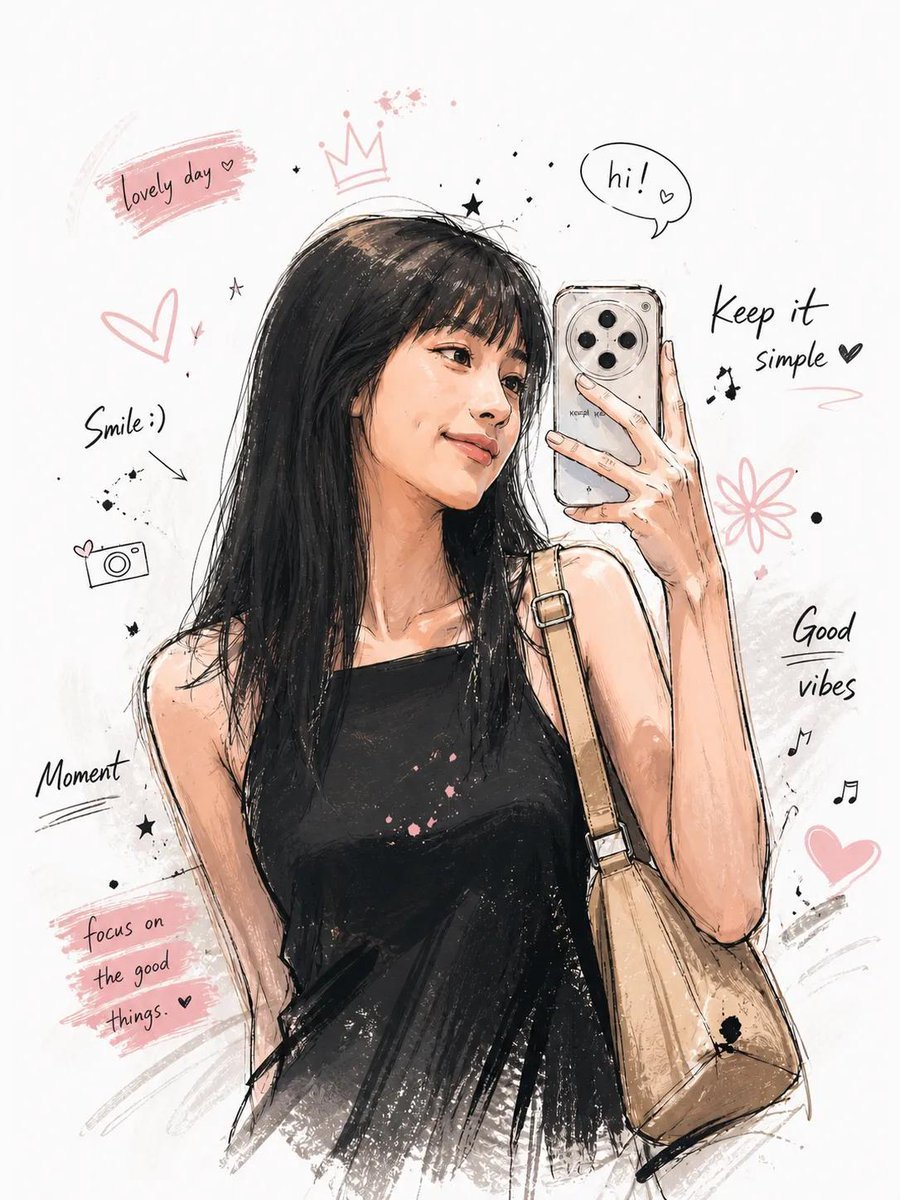
A half-body character drawn in loose doodle linework with ink splashes and soft pastel shading. The pose feels animated, and the scattered symbols around the figure turn a simple white page into a personal, storybook-like portrait.

- Model
- GPT Image 2
- Type
- Image
- Aspect ratio
- 3:4
- Shared
- 4 May 2026
- Likes on X
- 683
Image prompt
614 charactersCreate an illustration of how you imagine “me”: Korean-style illustration, with a distinct and memorable character design, natural and expressive facial emotions, half-body composition, and a dynamic pose. The clothing should feature intricate, refined details. Use a hand-drawn doodle style with ink splashes, loose and spontaneous linework, and a mix of pastel tones with ink shading. Aim for a comic sketch texture. Keep the background minimal and white, with symbolic decorative elements scattered around the character. The overall atmosphere should be strong and evocative, with high detail and high quality.
How to use it
The prompt asks for a self-portrait, so describe yourself or a made-up persona in the text where it says "me" and keep the style wording as it is, since the ink, pastel and doodle terms carry the look. It was shared as a GPT Image 2 prompt. Use the result as a profile picture, a sketchbook page or a character sheet starting point.
Shared publicly on X on 4 May 2026. All credit for this prompt and its result goes to its creator. Is this yours? Ask for an update or removal.