Prompt studio
Make “Doodle Cartoon Photo Transformation” yours
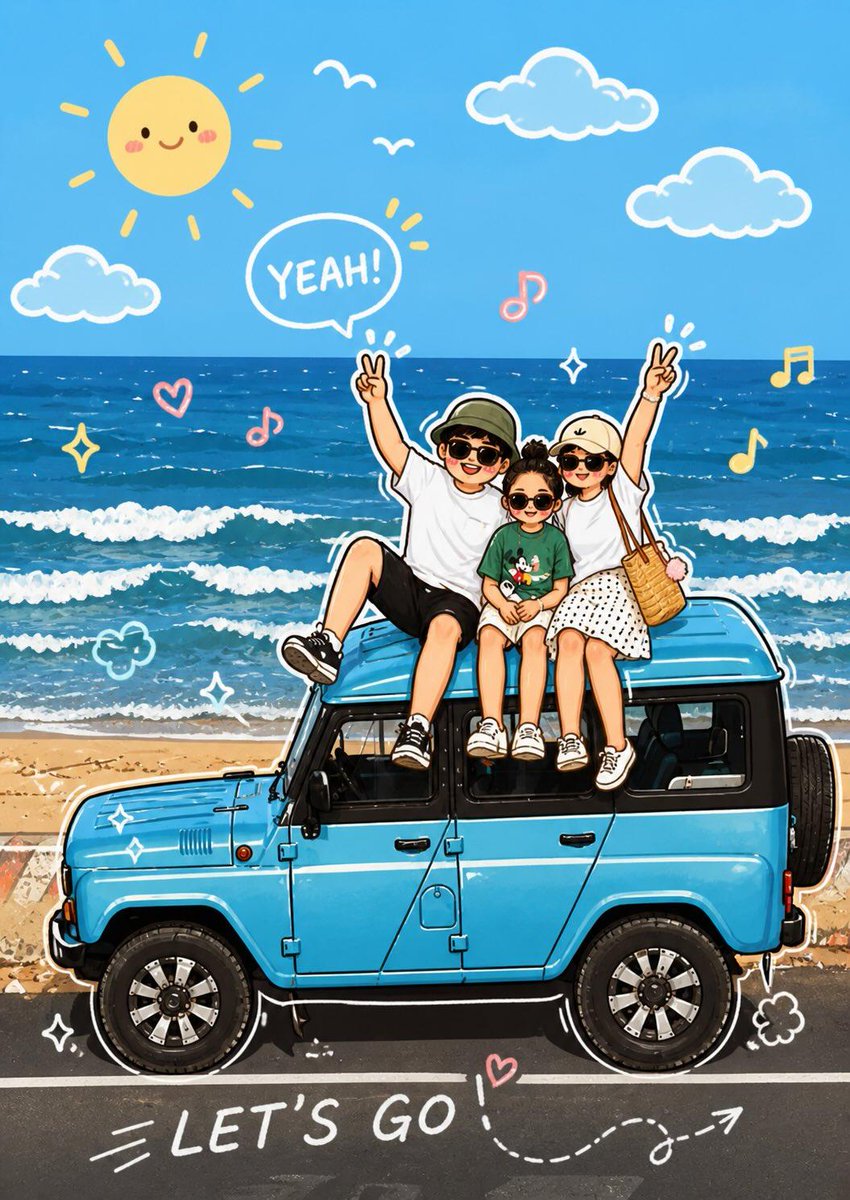
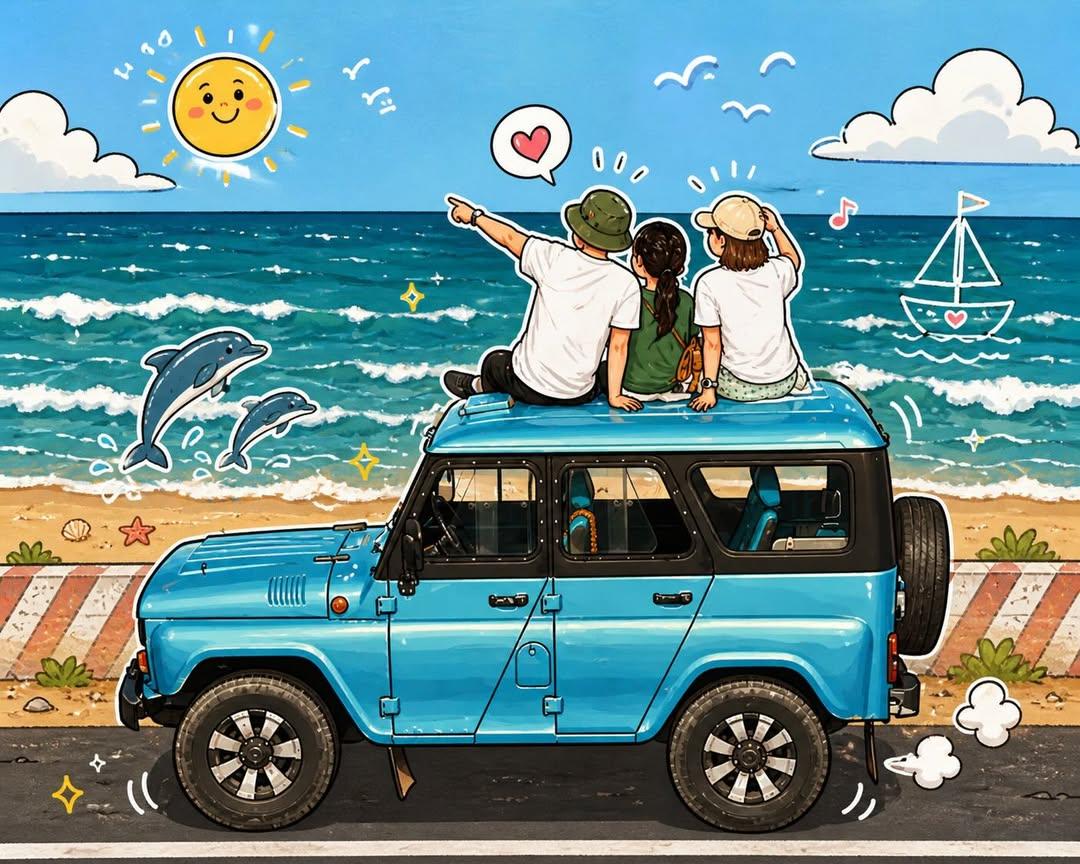
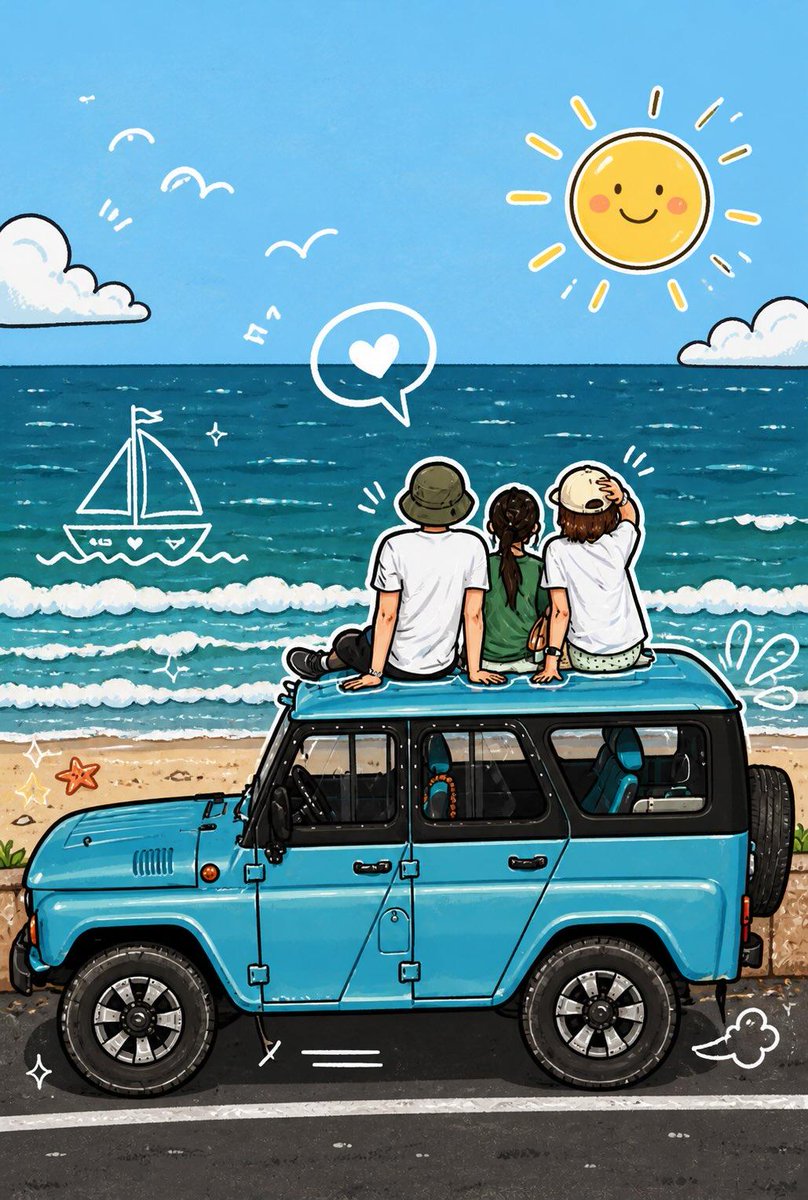
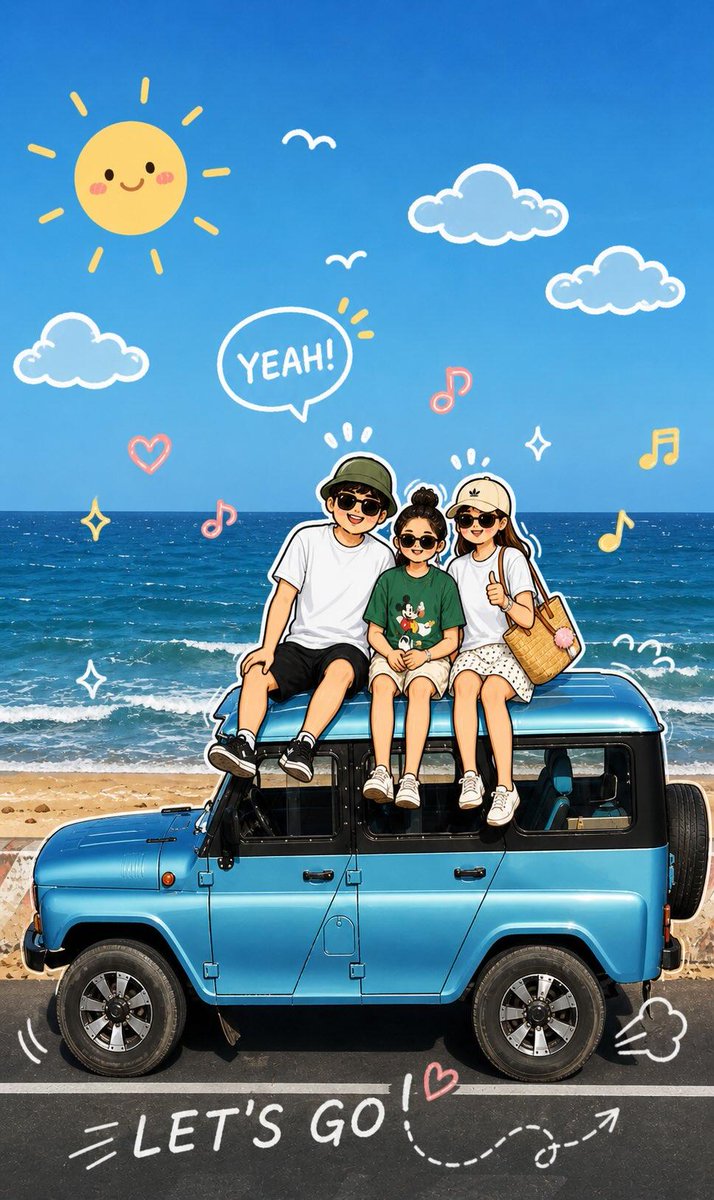
A real photo gets hand-drawn doodles that react to the subject, from outlined poses to motion lines and playful extras. The whole scene then turns into a soft, vibrant cartoon while the original person and composition stay recognizable.
 Prompt by @Kashberg_0
- Fill in the blanks below.
- Watch the prompt update on the right.
- Copy it, or open it in an image tool.
Image prompt
Analyze the uploaded image and preserve the original subject, composition, and lighting. Do not alter the identity or facial structure of the main character. Add playful hand-drawn doodle elements that interact directly with the subject in the photo. The doodles should mimic, follow, or exaggerate the existing shapes, gestures, or movements — such as outlining the pose, extending arms or legs, adding motion lines, or creating imaginative elements that “react” to the subject. Step 2: Transform the entire image into a cute cartoon-style illustration with adorable doodle aesthetics. Maintain the original scene and character details while applying a vibrant, soft, and playful cartoon look.
Prompt shared on X by @Kashberg_0. All credit goes to its creator.
More prompts you can customize
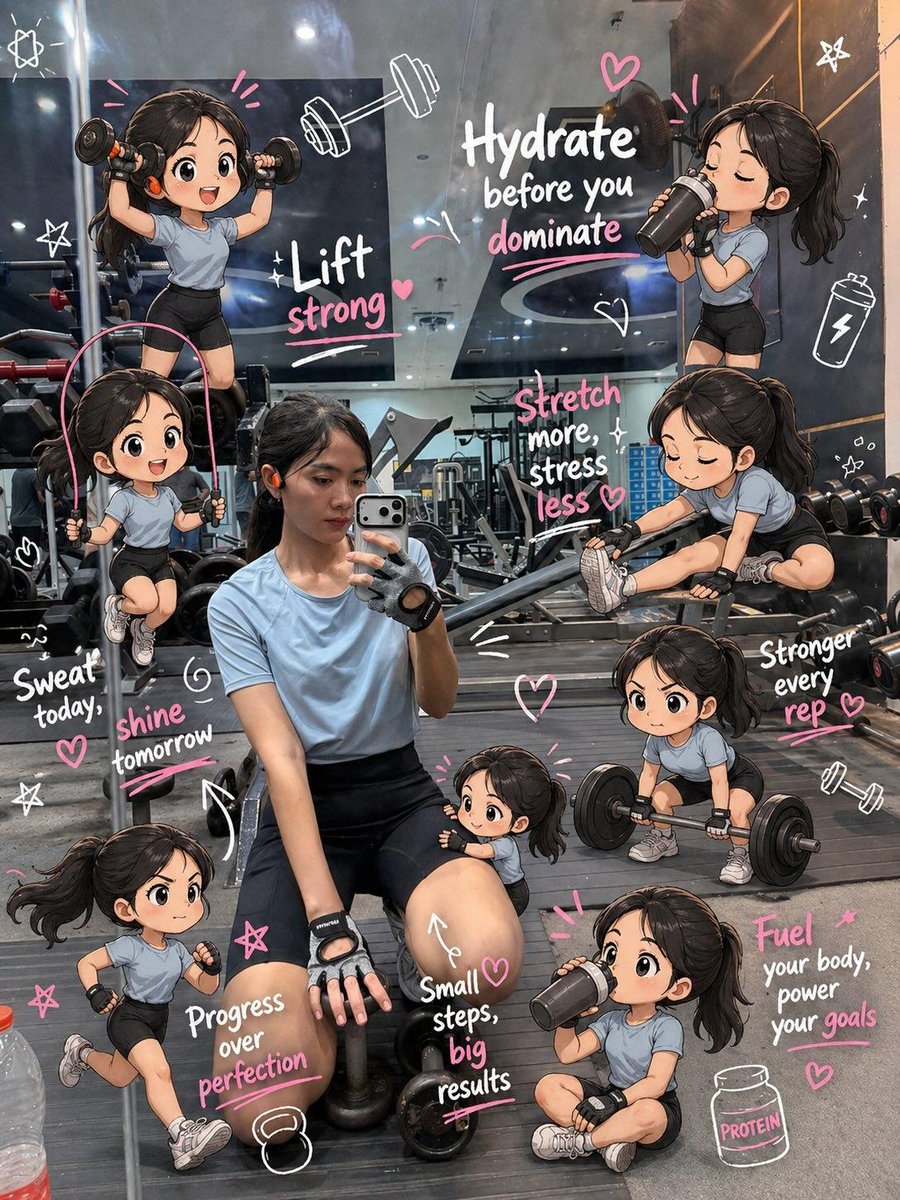 Chibi Mini-Versions Gym Scrapbook Edit
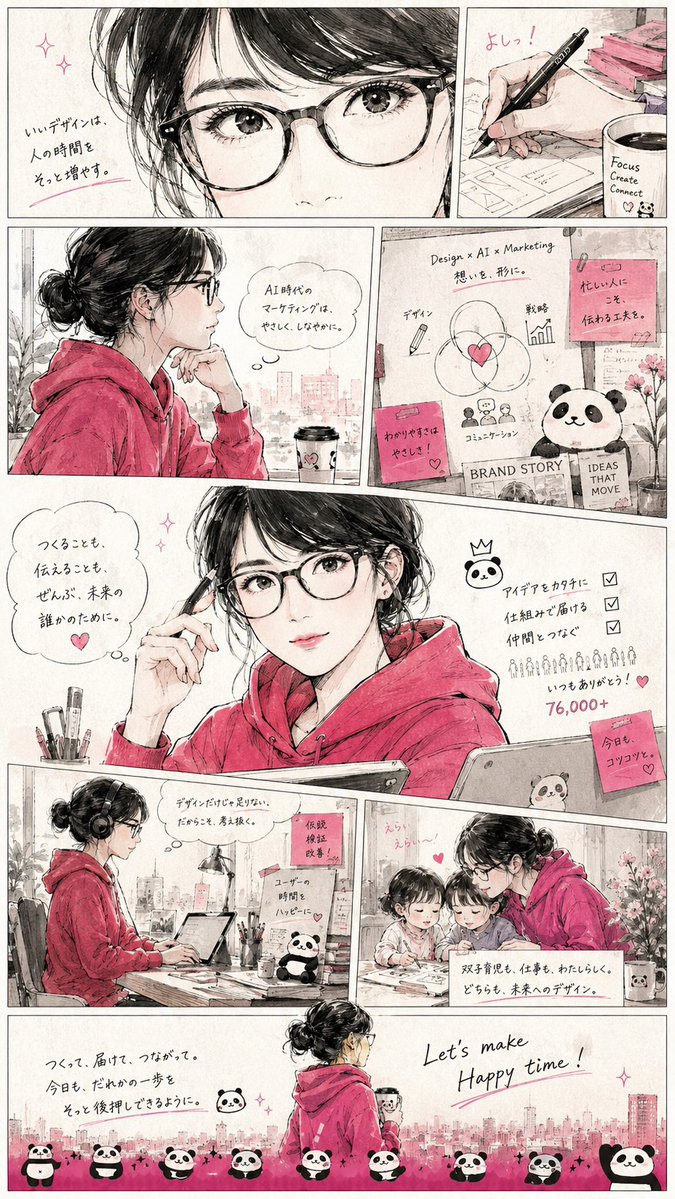 Manga Page From a Profile Screenshot in Watercolor
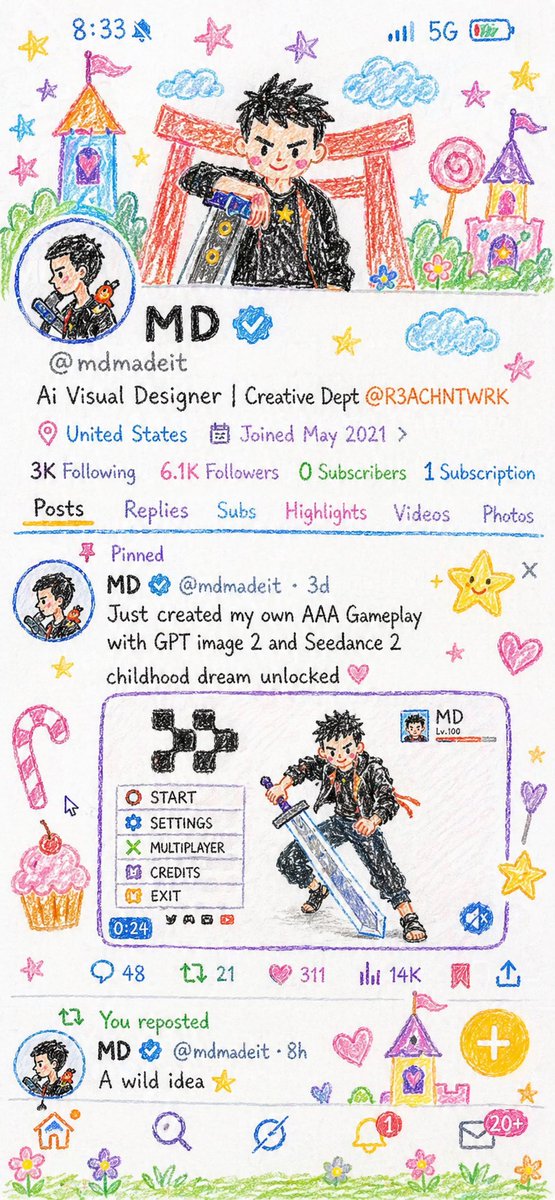 Childlike Crayon Drawing Illustration From Photo
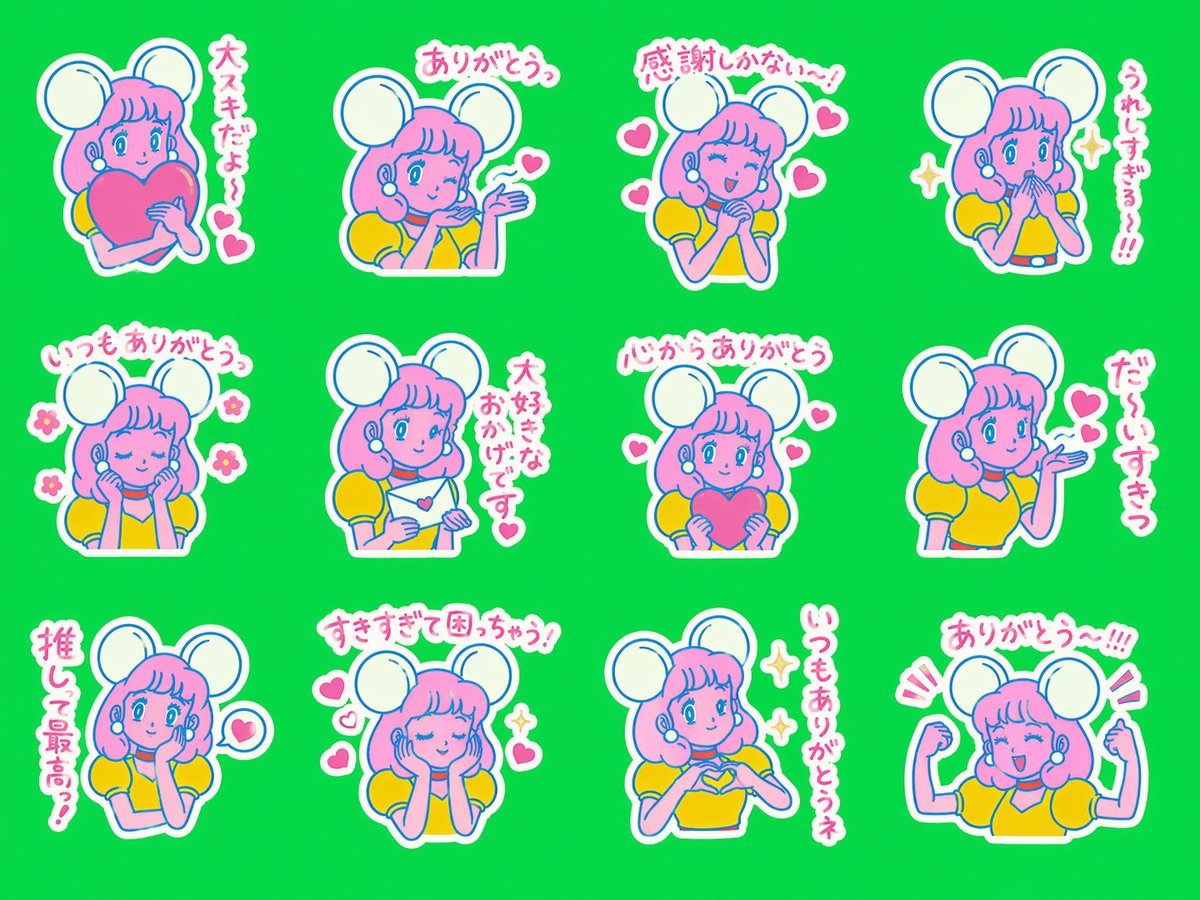 Twelve Suki Character Stickers With Handwritten Lettering
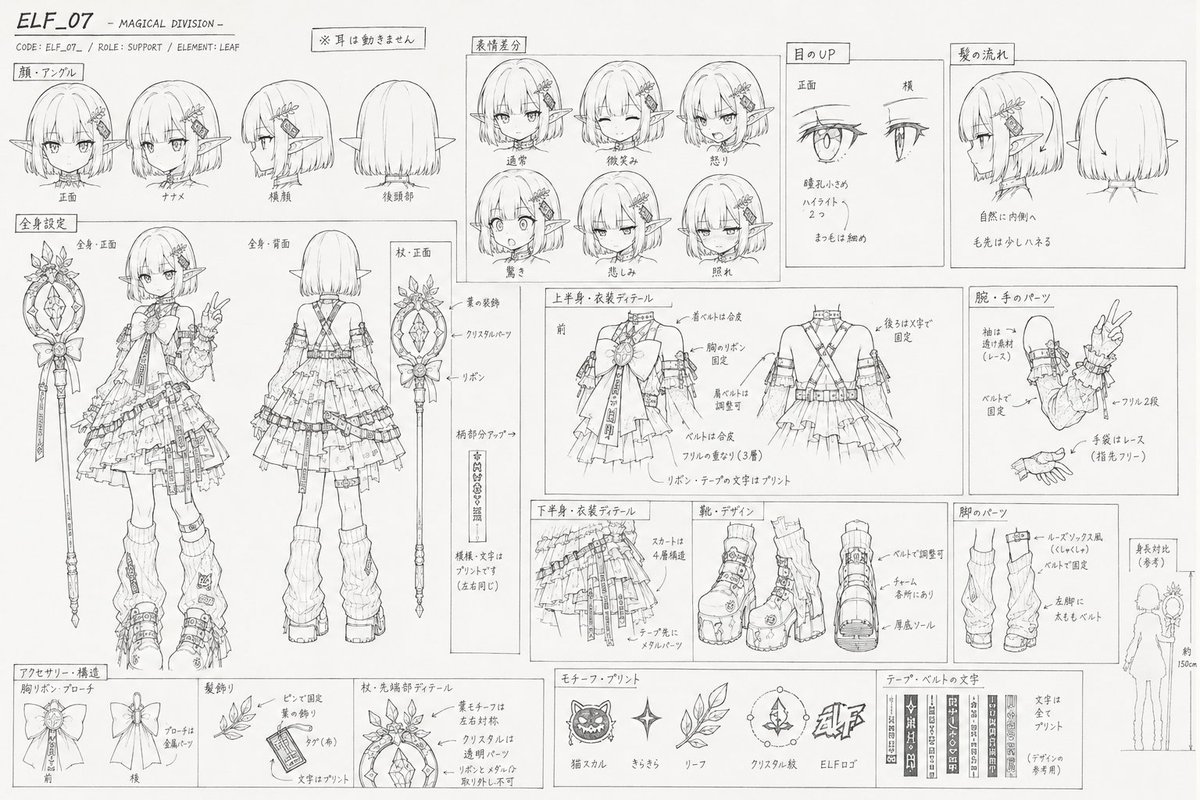 Add your photoAnime Settei Lineart Sheet With Views and Notes
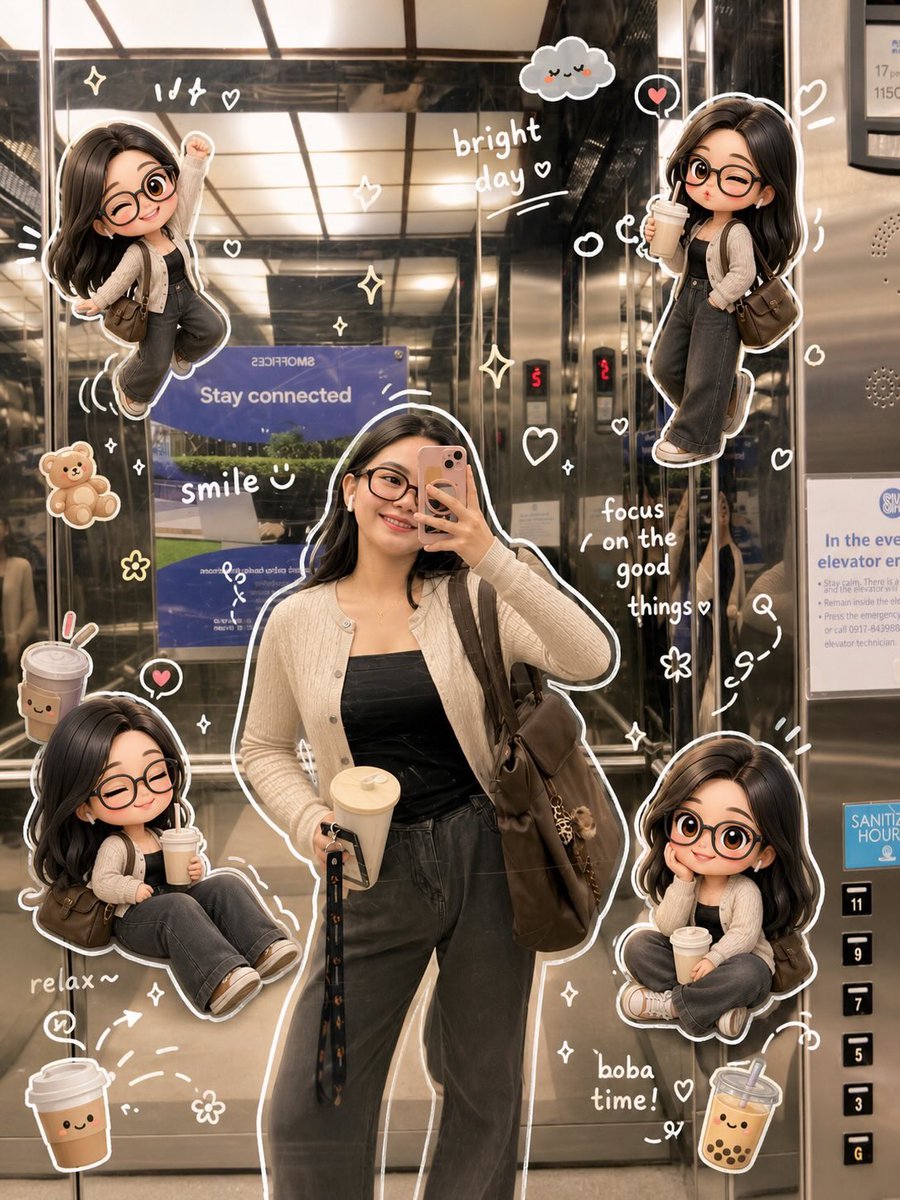 Add your photoDoodle Photo Edit With Mini 3D Chibi Characters
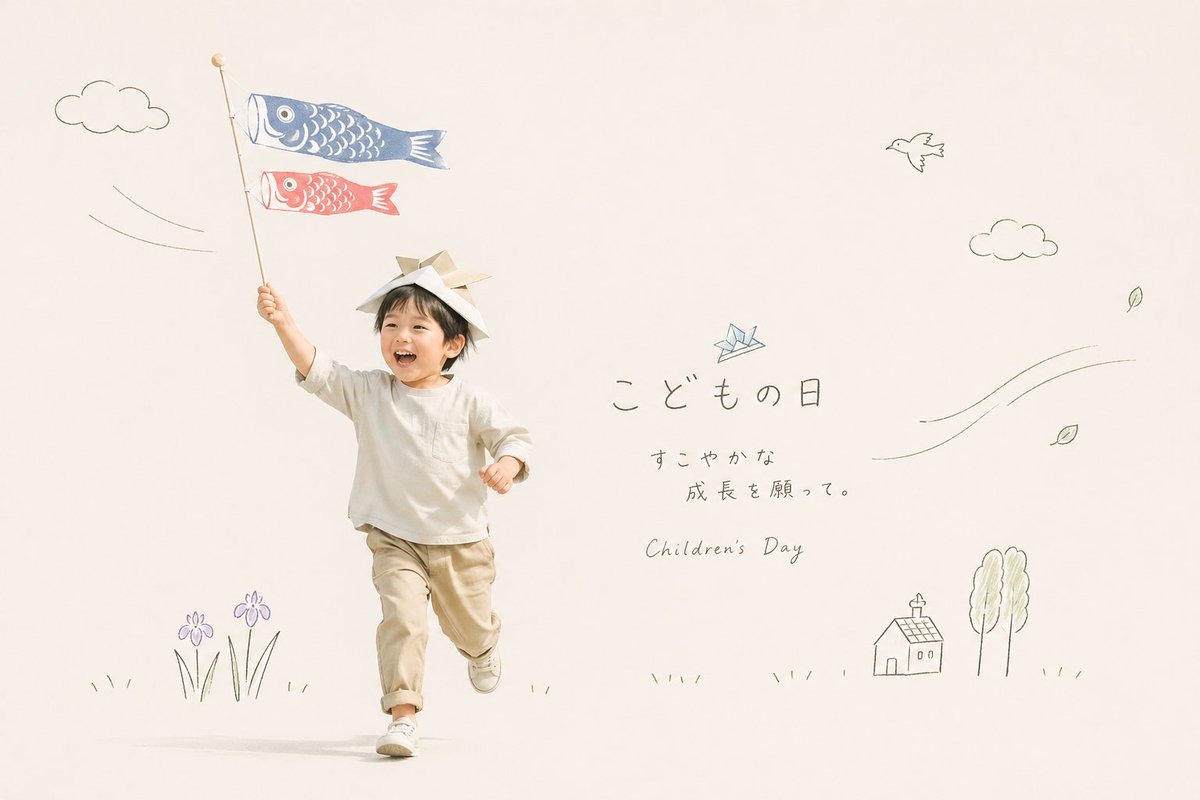 Add your photoCut-Out Photo With Hand-Drawn Doodle Overlay
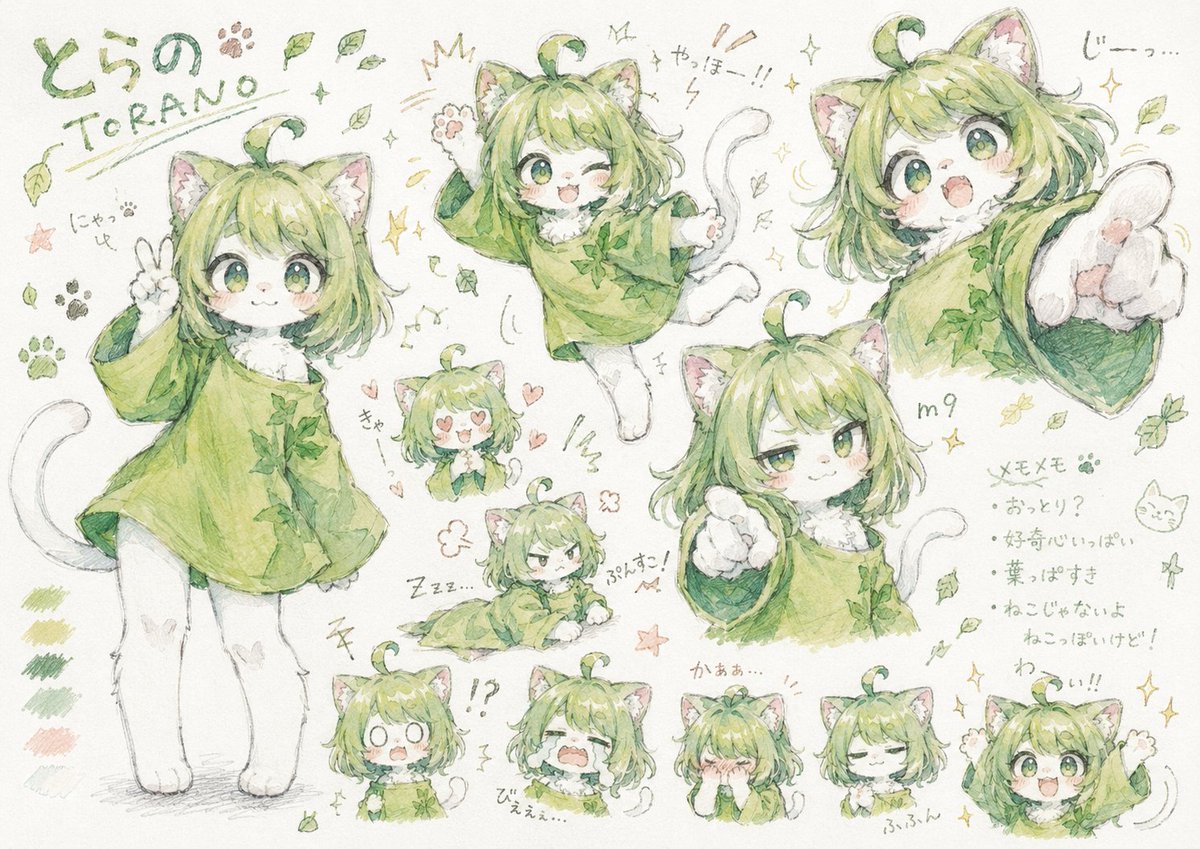 Hand-Drawn Messy Character Sheet in Pastel Doodle Style