Image prompt Illustration & Characters Customizable
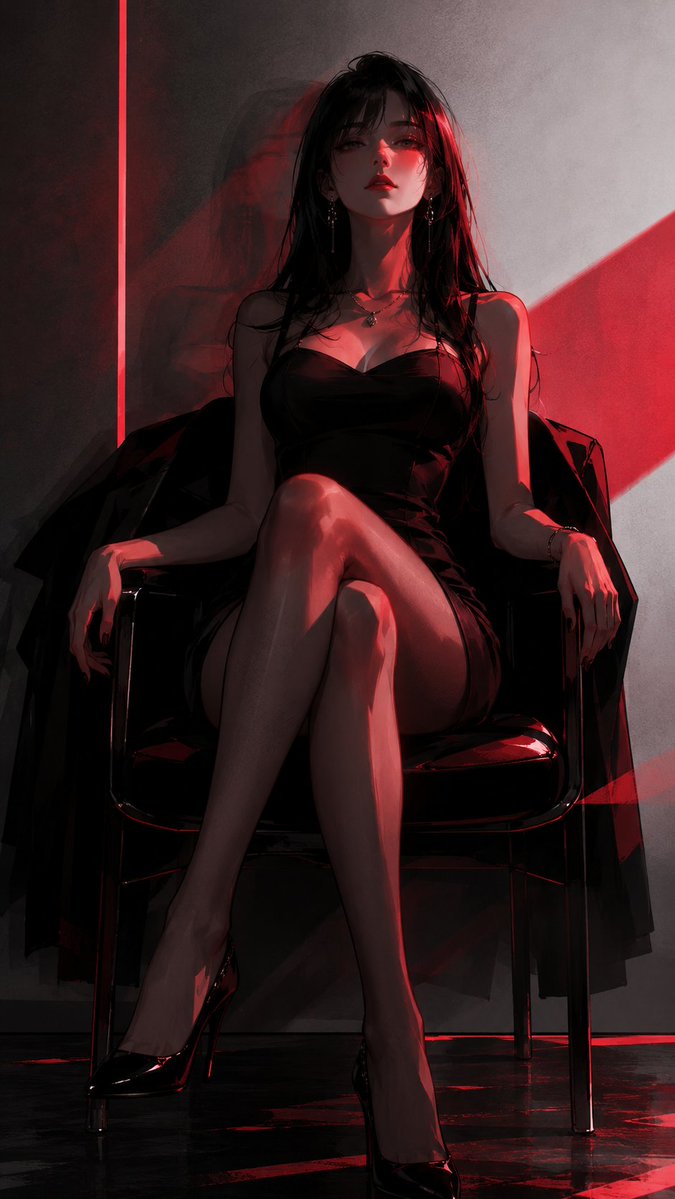
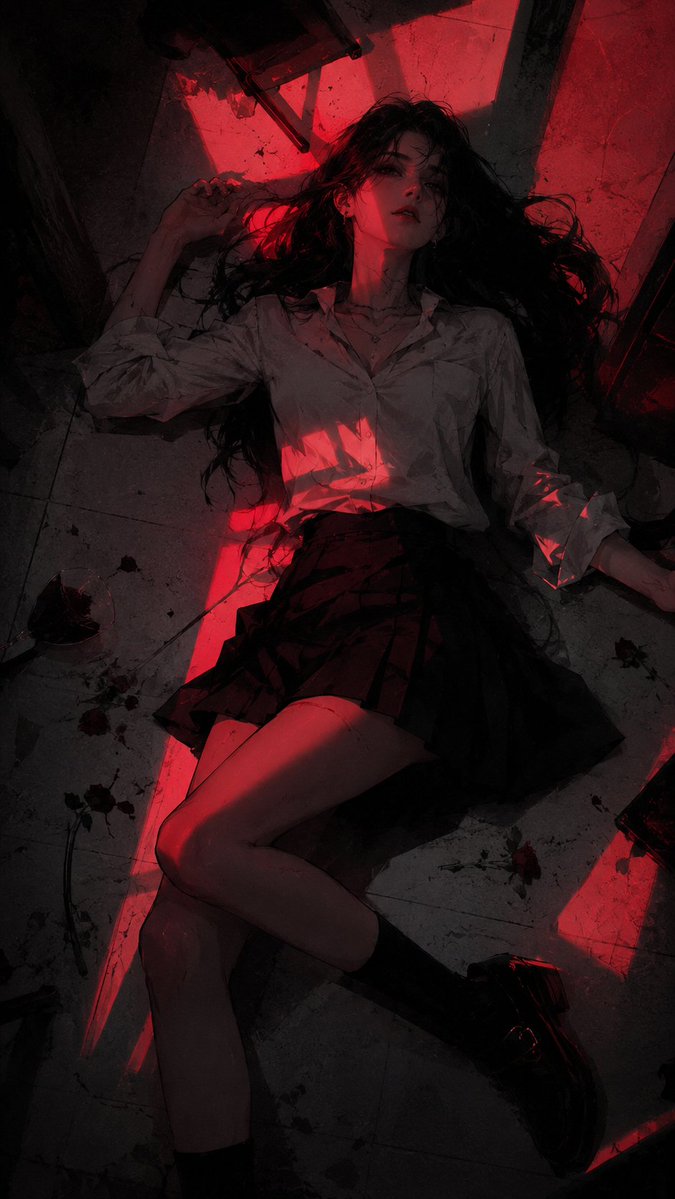
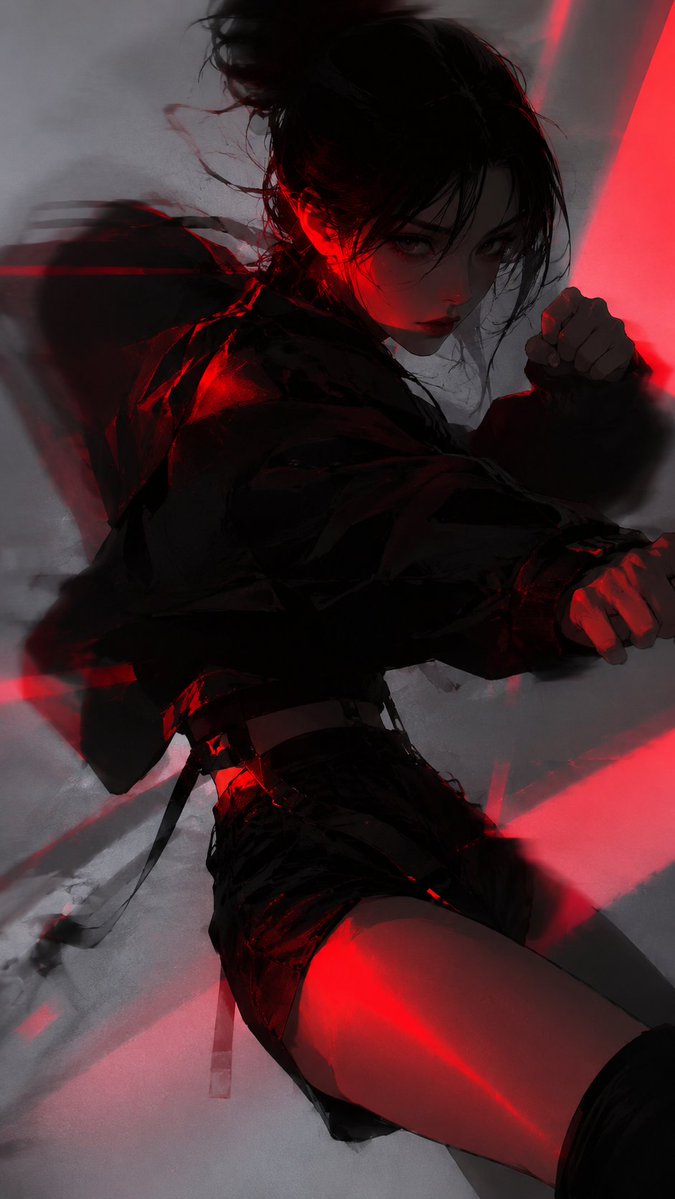
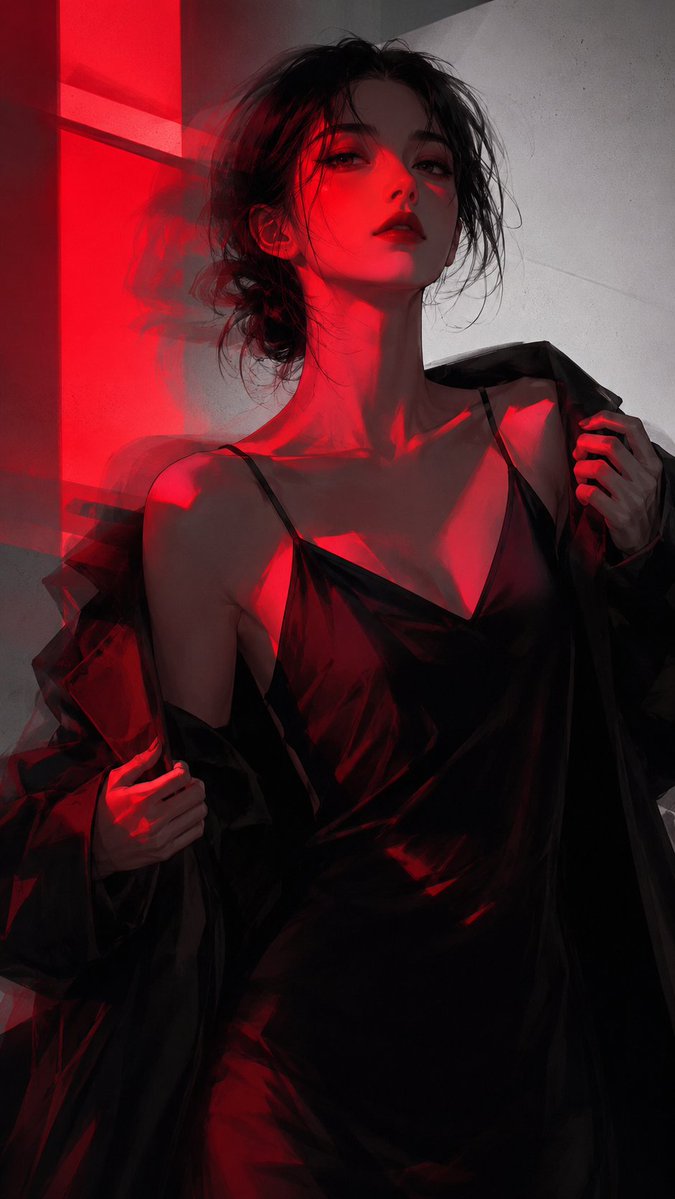
Dark Red Neon Anime Portrait Illustration
A semi-realistic anime figure sliced by hard scarlet neon light against near-black shadows and a cool gray-white ground. Sharp geometric light spots, motion ghosting and grain give it a cold, hazy, slightly dangerous edge.

- Model
- GPT Image 2
- Type
- 4 images
- Aspect ratio
- 9:16
- Shared
- 8 Jun 2026
- Likes on X
- 149
Image prompt
596 charactersDark red-lit semi-realistic anime illustration, subject【xxx】, sophisticated Korean trend-fashion poster feel, main colors black, dark gray, dark wine red, scarlet, cool gray-white background, large dark areas near pure black, intense red neon hard light slicing the subject, sharp geometric light spots, high contrast and low illumination, cel-shaded hard-edge shadows blended with light impasto, slightly blurred edges, motion trails, ghosting, grain noise, cold, hazy, dangerous, aloof, free composition, prominent subject, restrained detail, digital illustration texture, no text no watermark.
How to use it
Replace the bracketed placeholder with the character you want, such as a name, a role or a short description of their look. Keep the red neon lighting, the large dark areas and the grain, because those carry the mood more than the subject does. It was shared as a GPT Image 2 prompt, and it suits a 9:16 phone wallpaper or a moody poster for a music or fashion project.
Shared publicly on X on 8 Jun 2026. All credit for this prompt and its result goes to its creator. Is this yours? Ask for an update or removal.