Image prompt Branding & UI Customizable
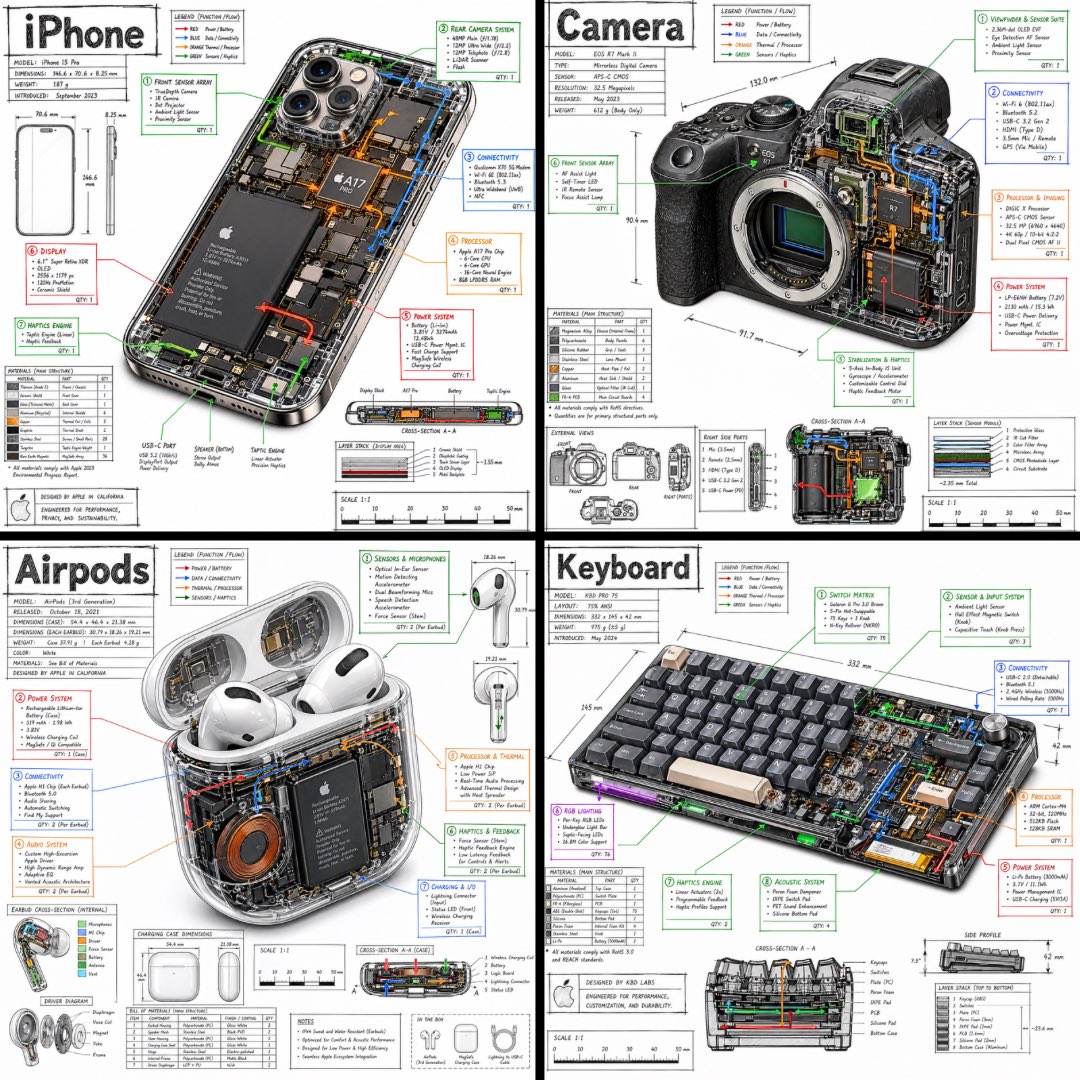
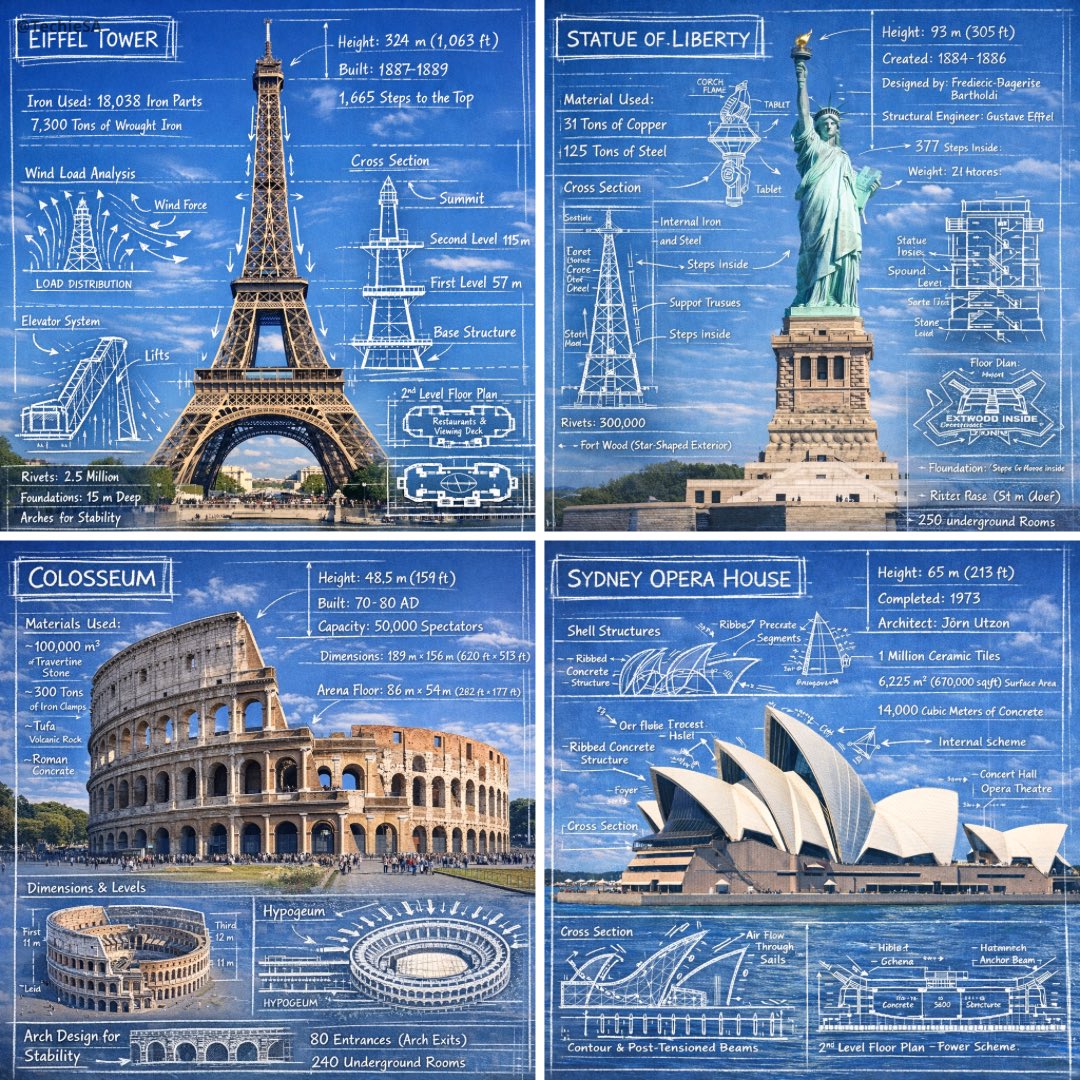
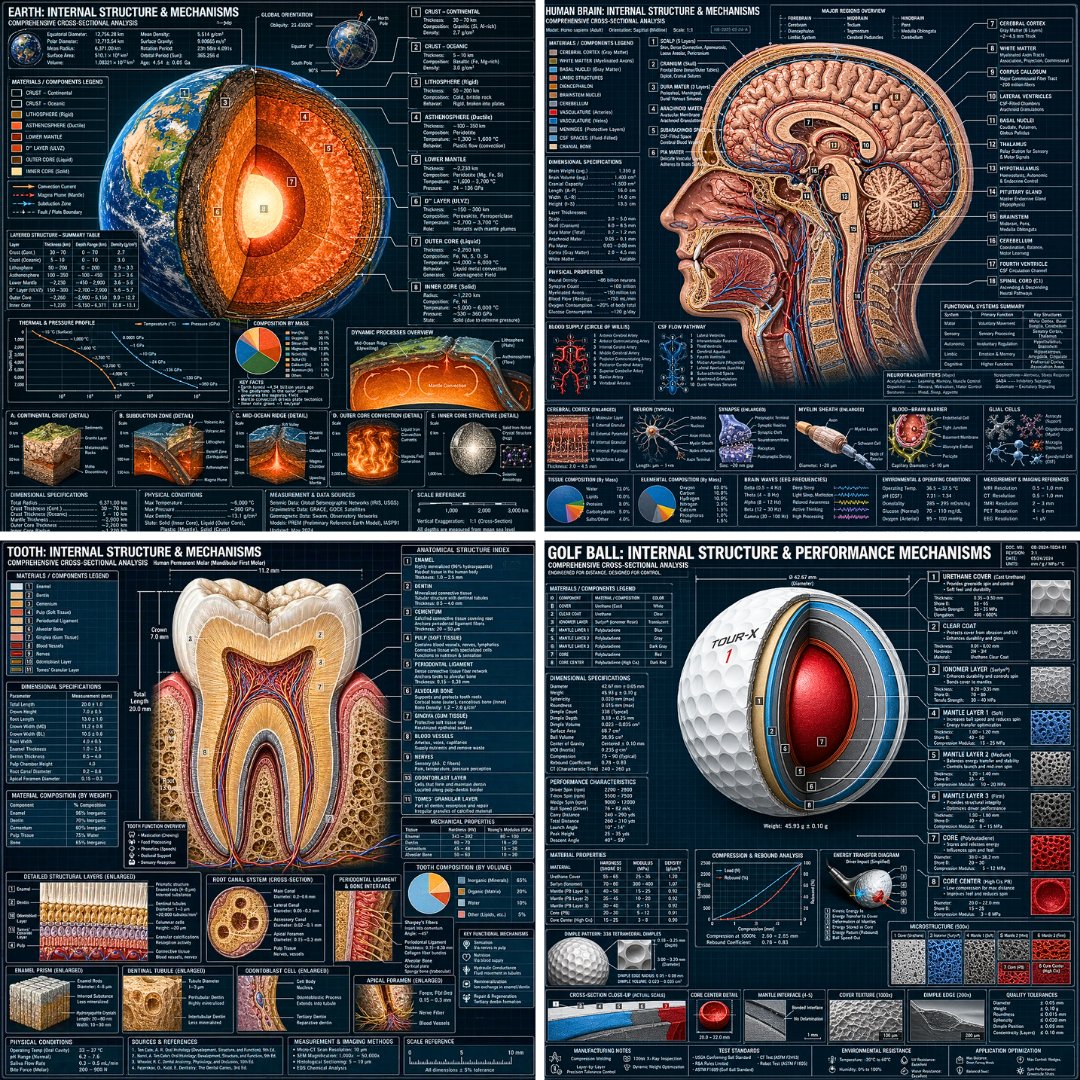
Dark Blueprint Cross-Section Diagram Layout
A dense, labeled cutaway of an object drawn like an engineering sheet: white callout lines, dimension marks, a legend, and small detail insets. The mix of technical drawing and realistic rendering gives it a precise, collectible look.

- Model
- GPT Image 2
- Type
- Image
- Aspect ratio
- 1:1
- Shared
- 29 Apr 2026
- Likes on X
- 228
Image prompt
598 charactersHyper-detailed technical cross-section diagram of a [OBJECT] rendered in a dark engineering blueprint style. The cutaway view reveals all internal components, layers, and mechanisms with precision. Every part is labeled with clean white annotation lines, callout boxes, and technical measurements. Include a title header at the top, a materials/components legend, dimensional specifications, and small detail insets showing close-up views of key sections. Style: professional technical illustration mixed with photorealistic rendering. Dense, information-rich layout. No empty space. 1:1 dimension.
How to use it
Replace the bracketed [OBJECT] with the item you want dissected, such as a mechanical watch, a coffee grinder or a camera. Keep the words about dark blueprint style, labeled callouts and detail insets, since those carry the look. It was shared as a GPT Image 2 prompt, and the 1:1 square format suits social posts and product cards.
Shared publicly on X on 29 Apr 2026. All credit for this prompt and its result goes to its creator. Is this yours? Ask for an update or removal.