Image prompt Portraits & Fashion Customizable
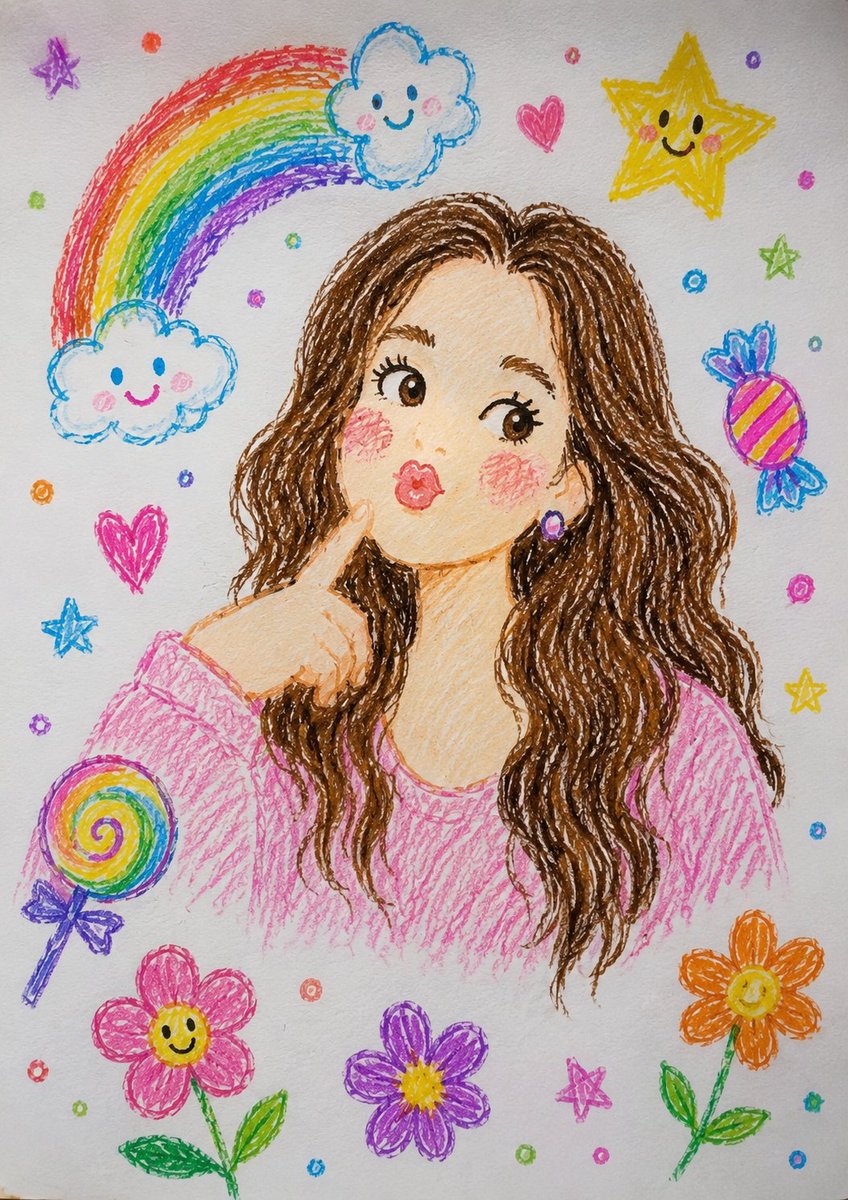
Crayon Sketch to Photorealistic Portrait
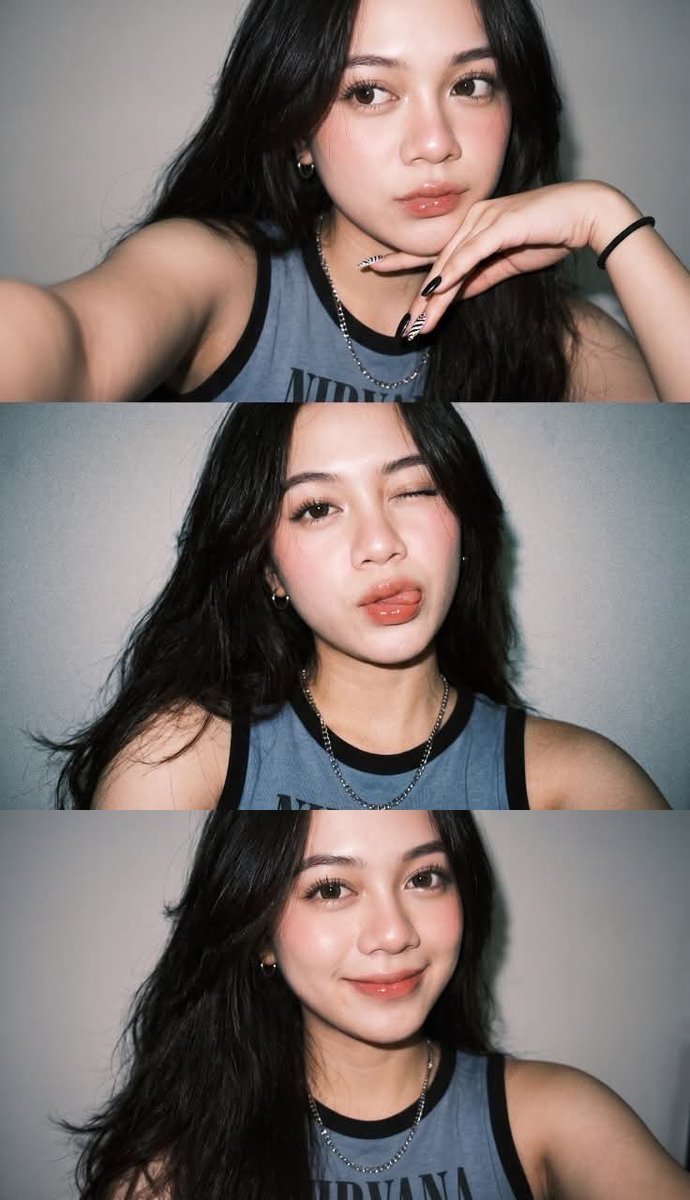
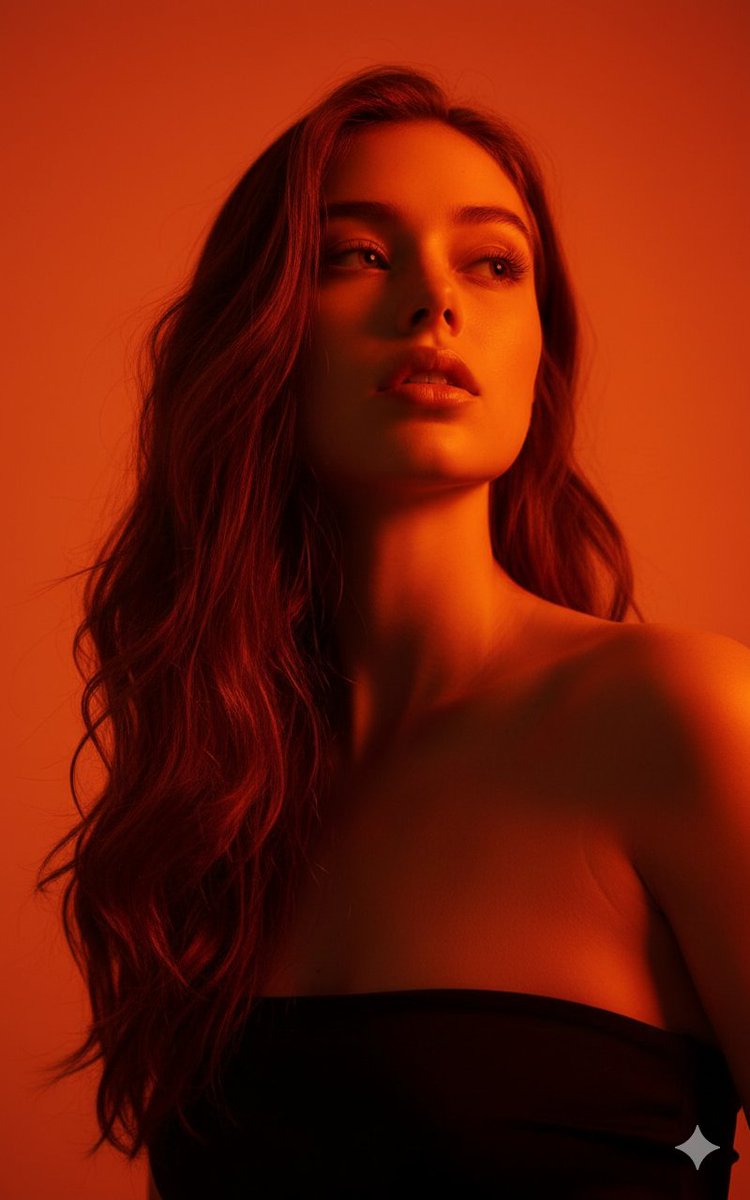
A crayon-style doodle of a figure is turned into a lifelike photograph of a young woman, with the same pose, gesture and framing kept intact. Soft outdoor light and a blurred real-world background give it the feel of a professional DSLR portrait.

- Model
- GPT Image 2
- Type
- Image
- Aspect ratio
- 2:3
- Shared
- 20 Jun 2026
- Likes on X
- 127
Image prompt
680 charactersTransform this crayon-style illustration into a highly realistic professional photograph. Keep the same pose, facial expression, hand gesture, and composition. Convert the drawn character into a real young woman with natural skin texture, realistic eyes, detailed hair, and authentic facial features. Replace the doodle background with a real-life outdoor setting featuring soft natural light, realistic depth of field, and a clean environment. Maintain the overall mood and character while making the result look like it was captured with a high-end DSLR camera. Ultra-realistic, photorealistic, natural colors, high detail, 85mm lens, shallow depth of field, realistic lighting.
How to use it
This prompt needs an uploaded crayon drawing or illustration to work, since it asks the model to keep that exact pose, hand gesture and composition. It was shared as a GPT Image 2 prompt. To make it your own, keep the instruction to preserve the pose and expression, then change the outdoor setting or the camera details, such as the lens length, to suit your look.
Shared publicly on X on 20 Jun 2026. All credit for this prompt and its result goes to its creator. Is this yours? Ask for an update or removal.