Image prompt Posters & Typography Customizable
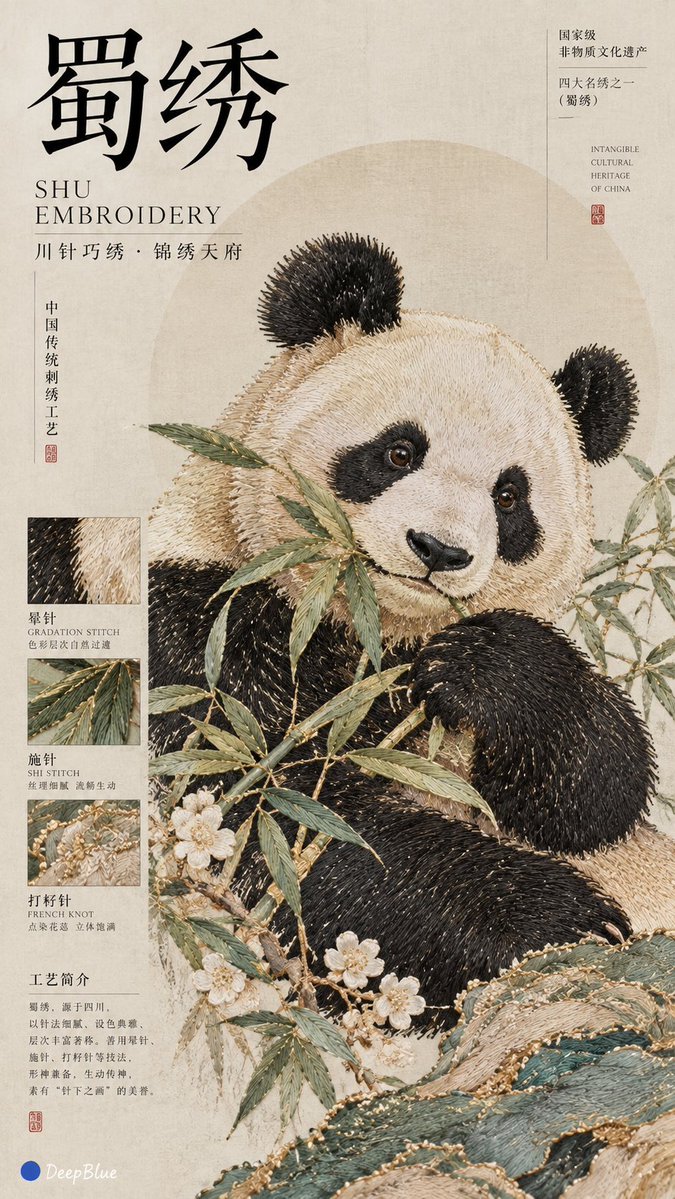
Chinese Embroidery Editorial Cover Poster
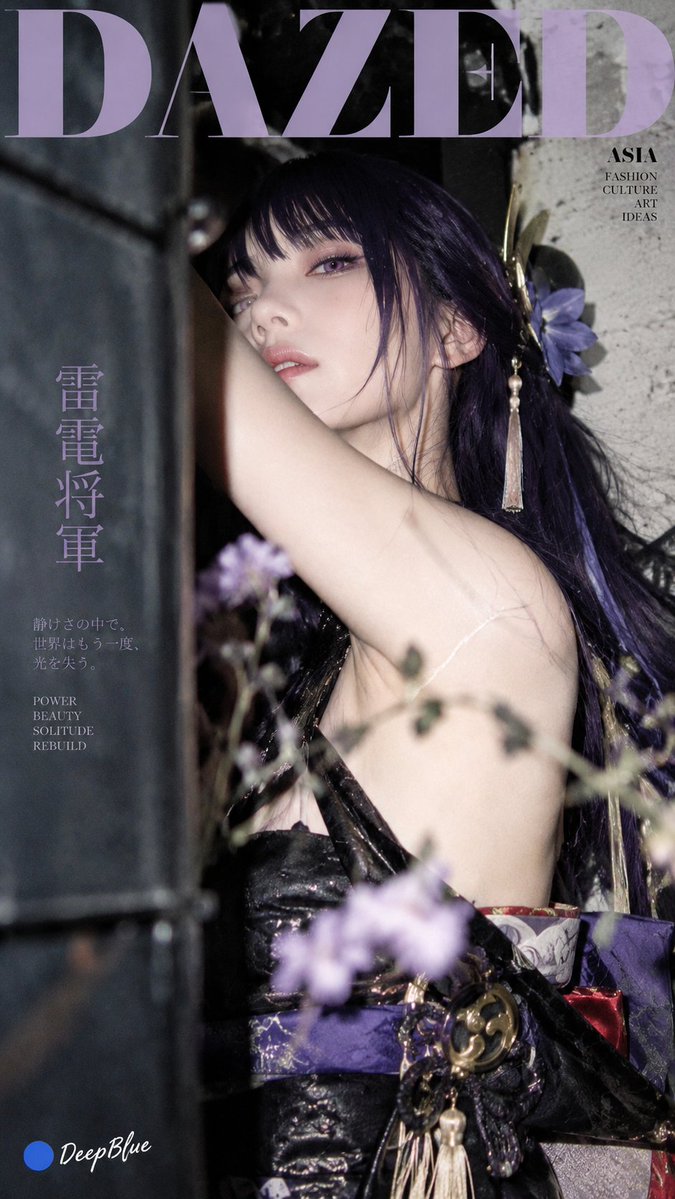
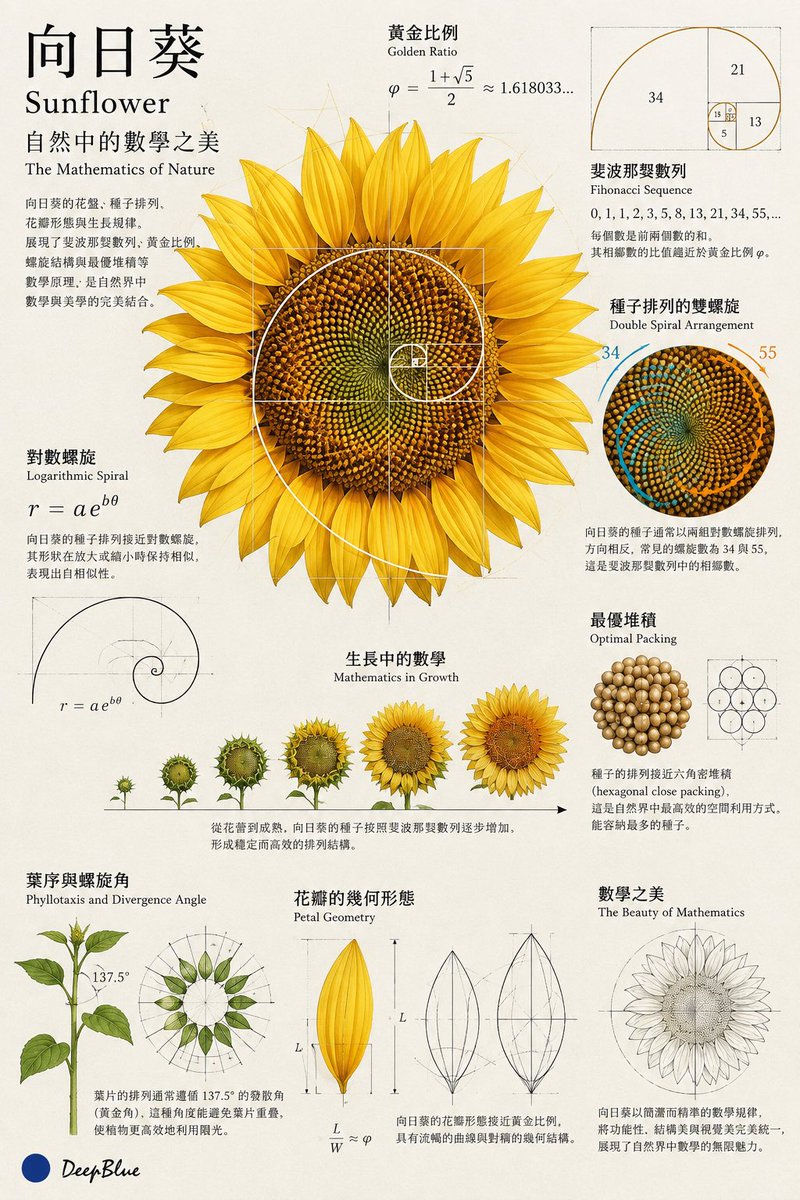
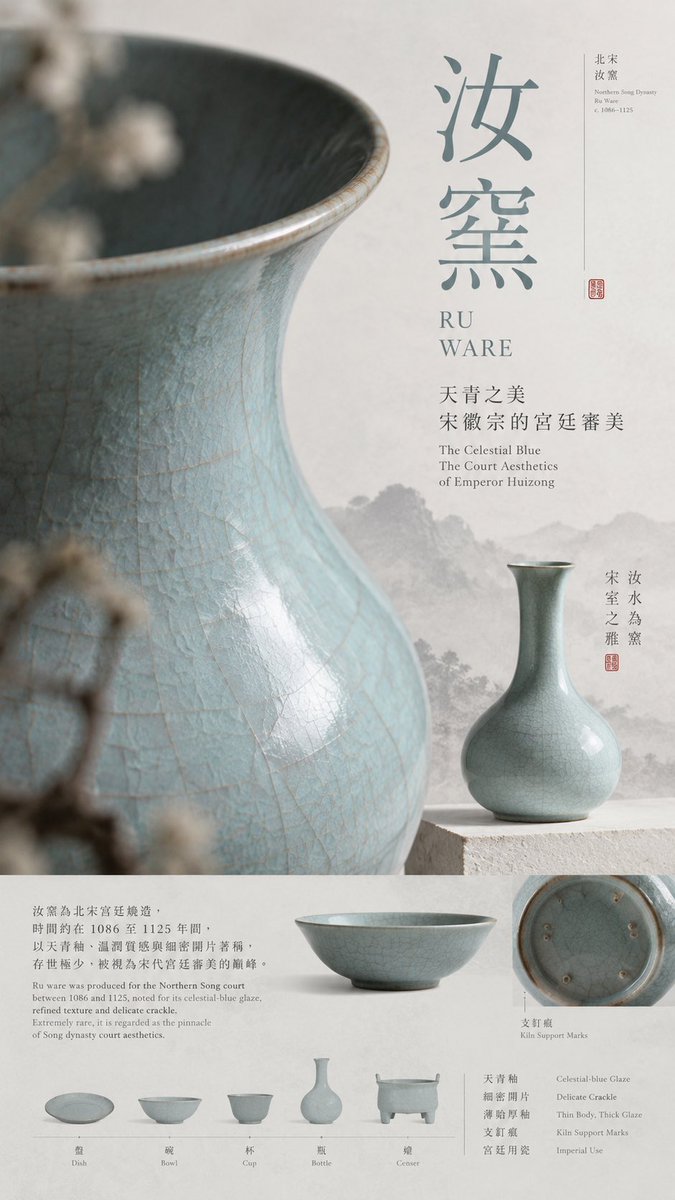
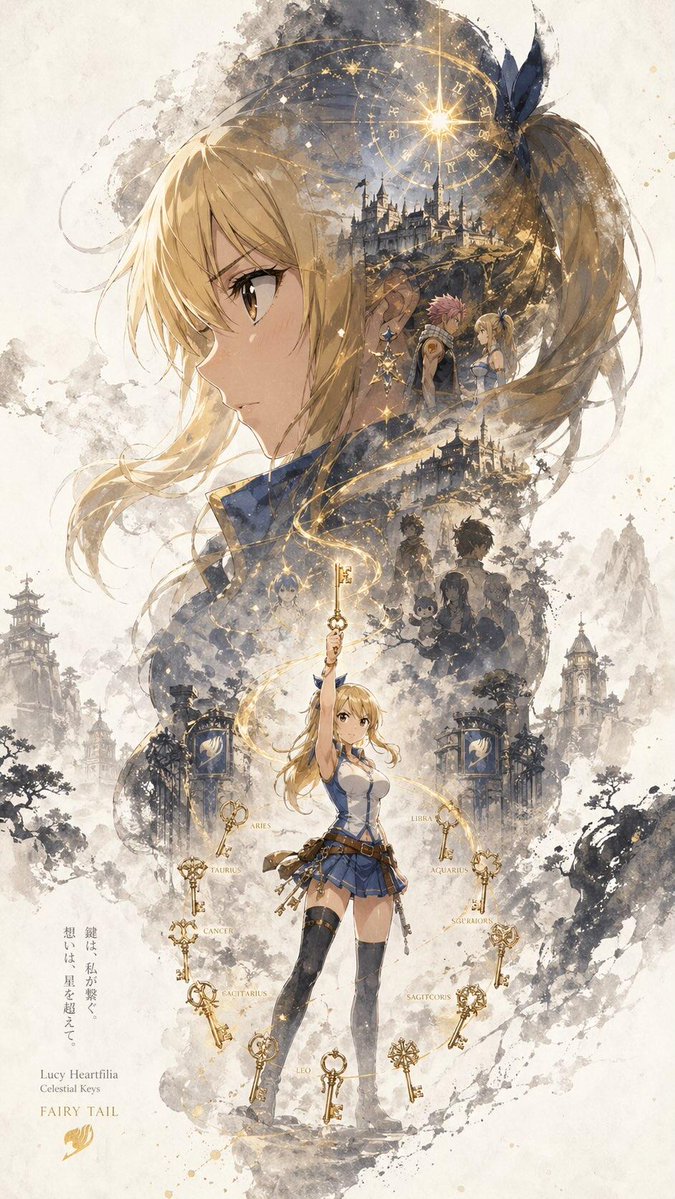
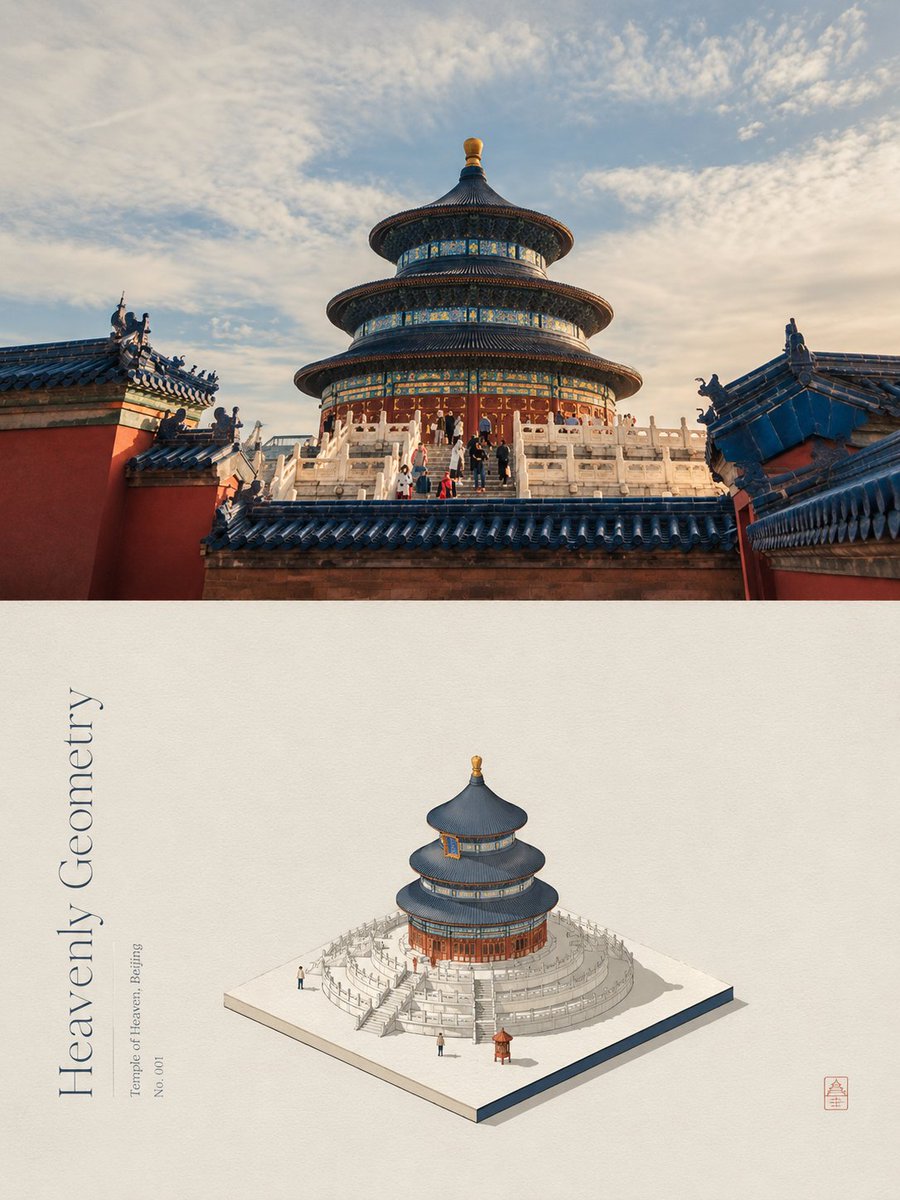
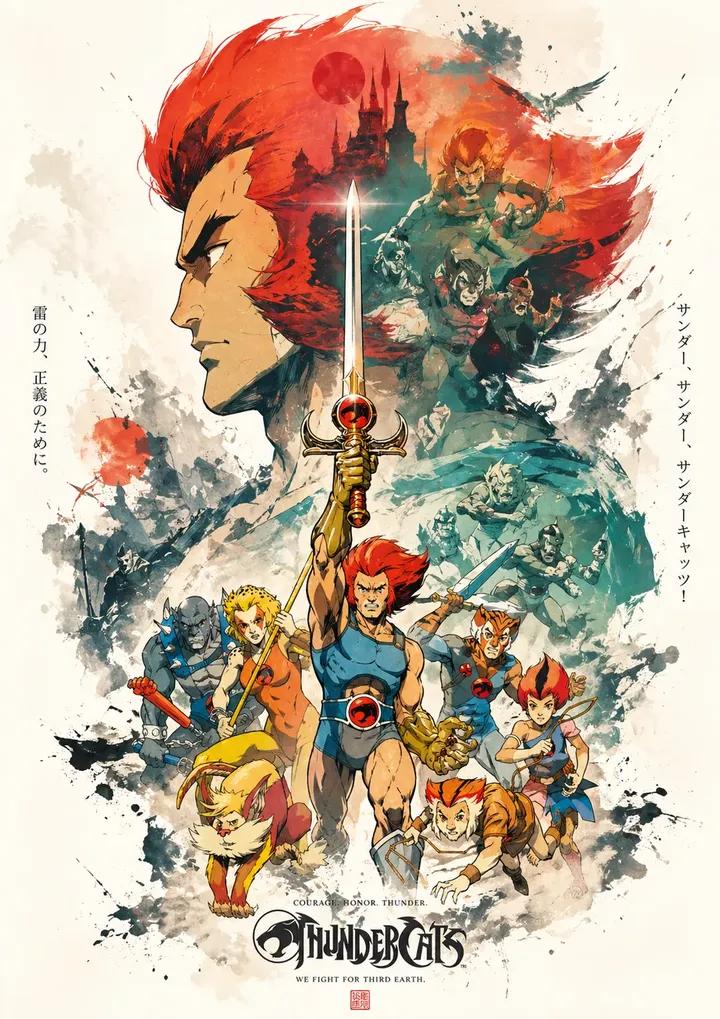
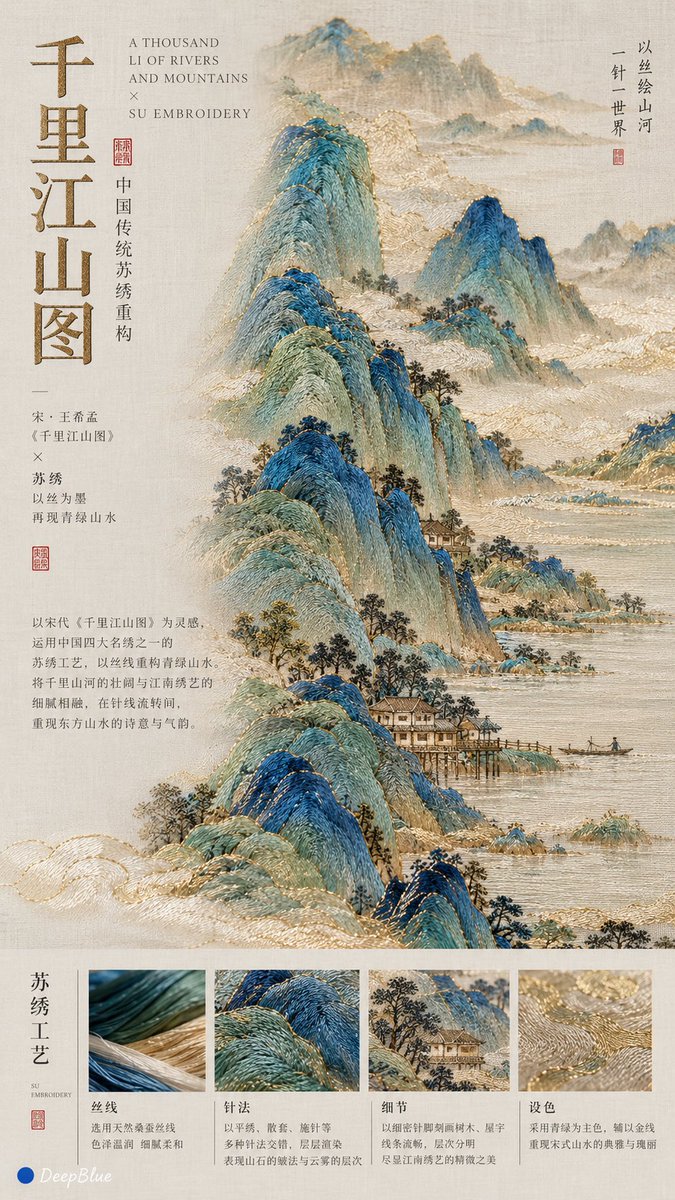
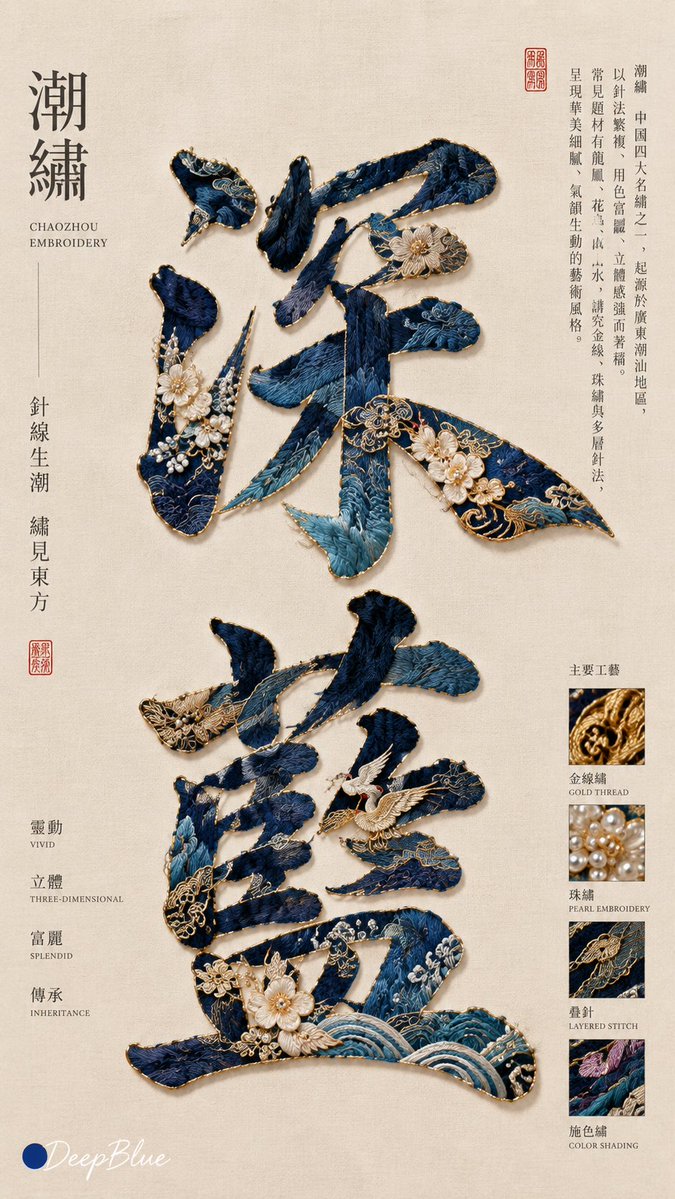
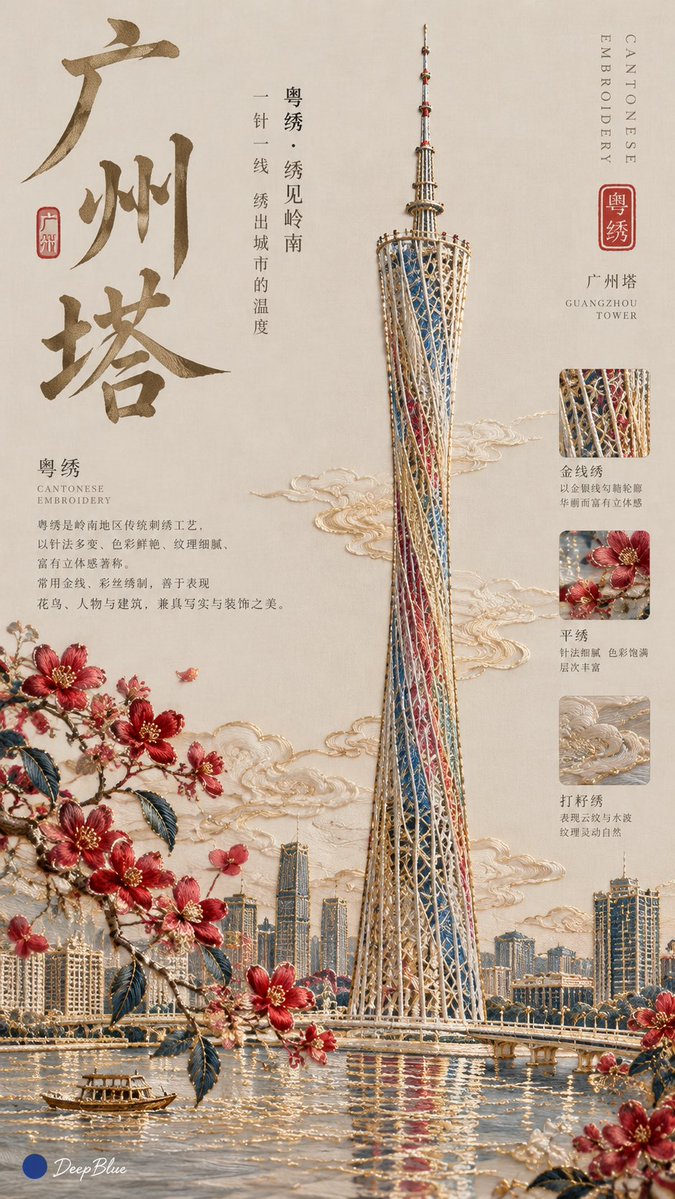
A minimalist poster that reimagines any subject as traditional Chinese embroidery, styled like a Song dynasty editorial cover. Clean negative space, fine stitched texture, and small craft notes give it a quiet, museum-catalogue feel.

- Model
- GPT Image 2
- Type
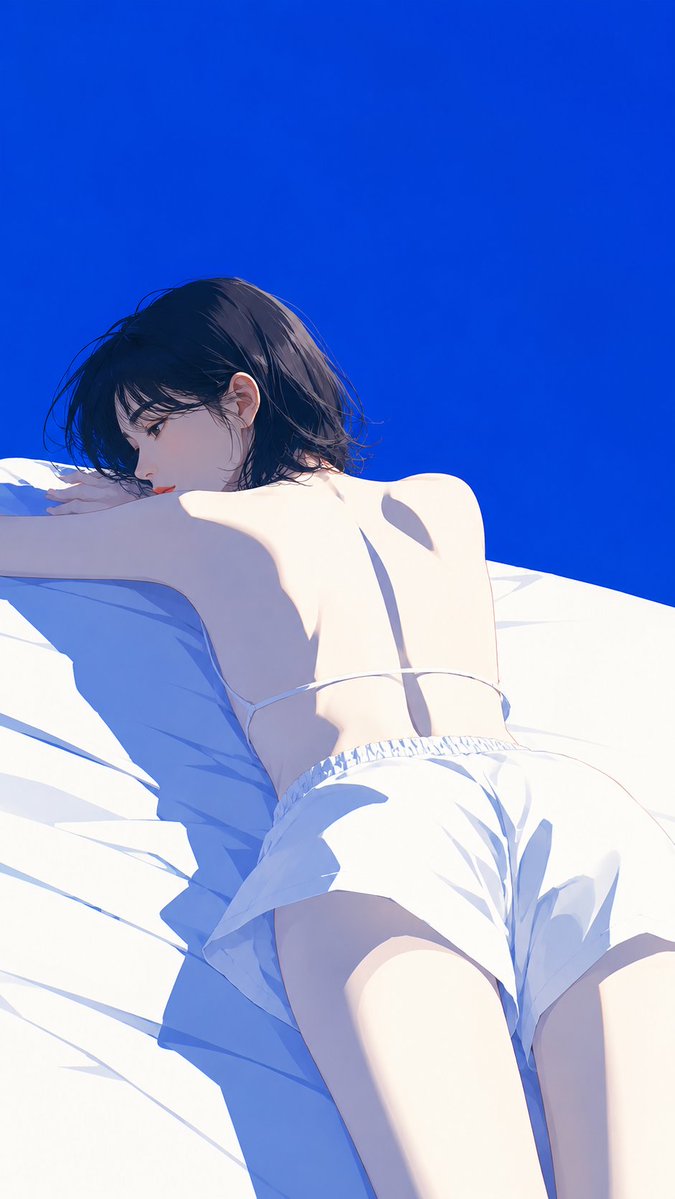
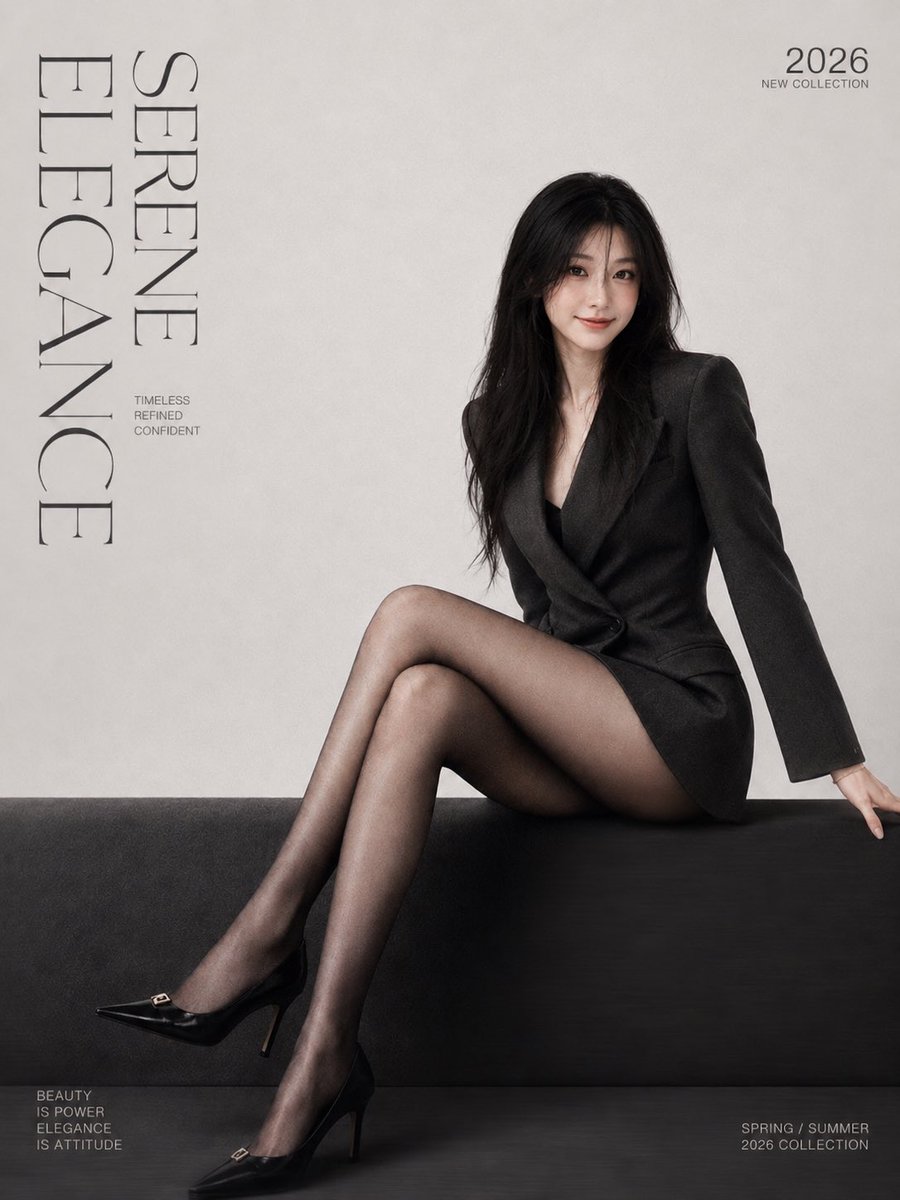
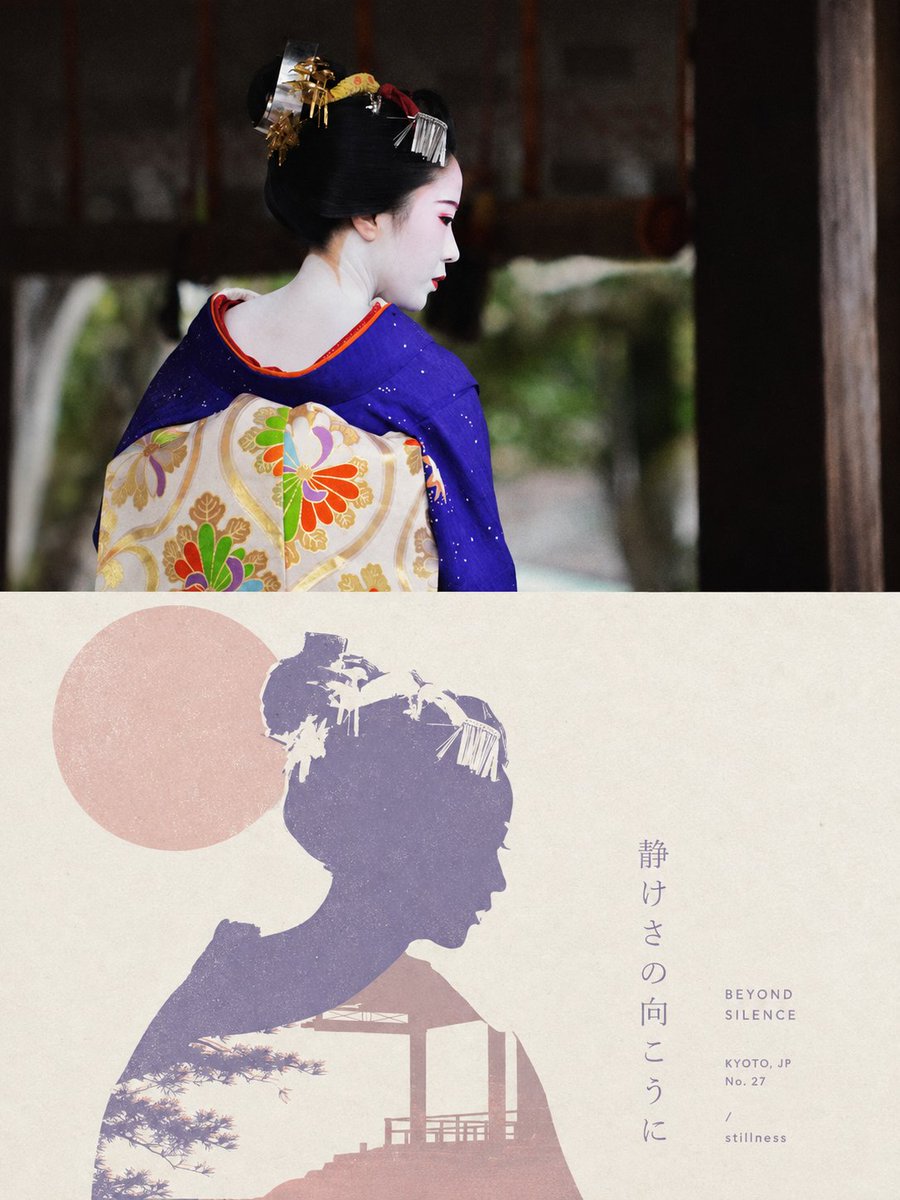
- 4 images
- Aspect ratio
- 9:16
- Shared
- 6 Oct 2026
- Likes on X
- 54
SubjectEmbroidery technique
Image prompt
182 characters【Subject】 × reinterpret the subject through traditional Chinese 【embroidery technique】 × Song-style minimalist editorial cover × craft annotations and a concise technique description
How to use it
The prompt is a template, so the bracketed Subject and embroidery technique slots are the main things to fill in: swap in a person, animal, object or place, and name a stitch style such as silk satin or couching. Keep the Song-style editorial cover and the craft annotations, since those phrases carry the restrained layout that makes the result read as a poster. It was shared as a GPT Image 2 prompt, and the 9:16 format suits a phone wallpaper or a printed cover.
Shared publicly on X on 6 Oct 2026. All credit for this prompt and its result goes to its creator. Is this yours? Ask for an update or removal.