
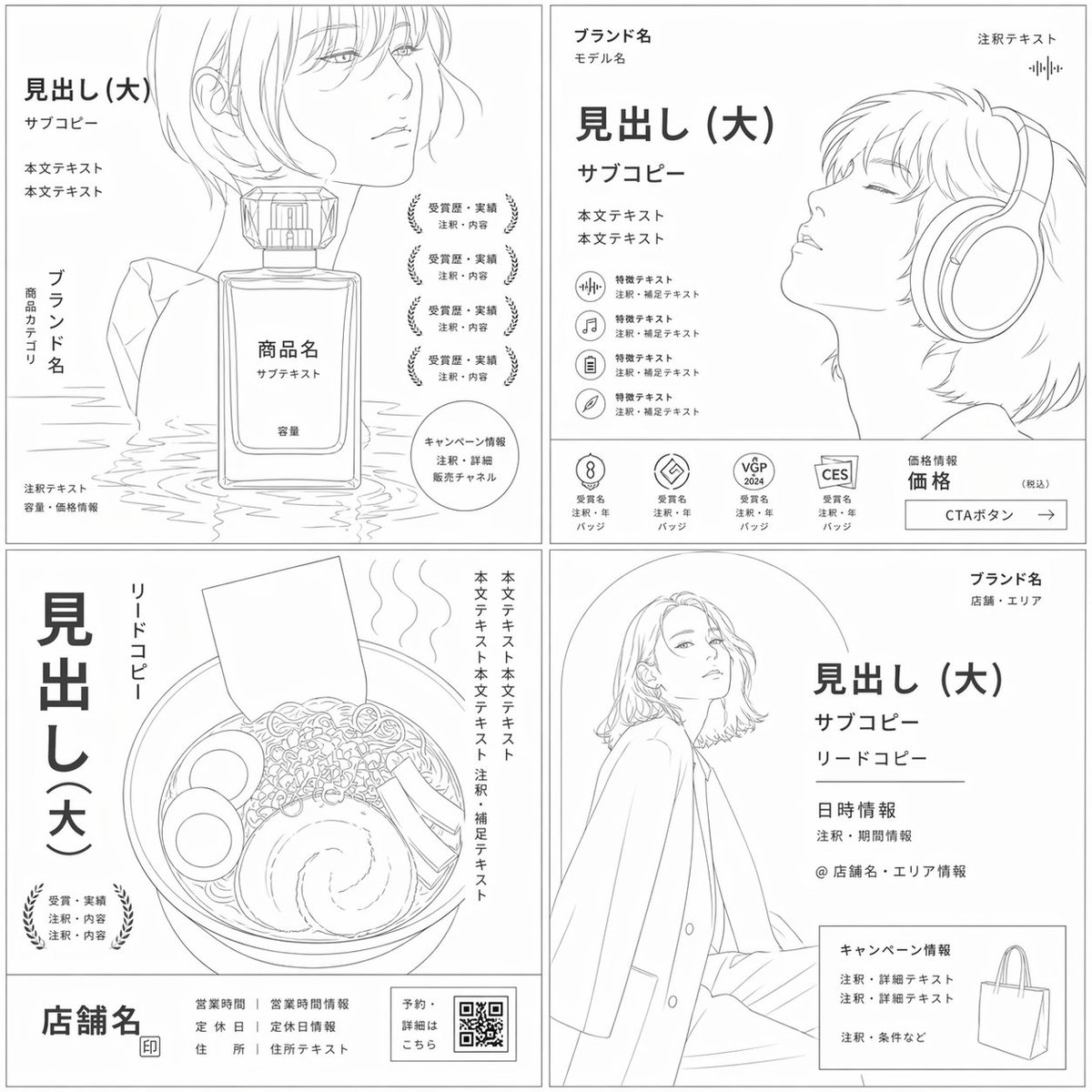
Prompt studio
Make “Black and White Flyer Wireframe Layout” yours
The output is a clean monochrome layout sketch: thin gray outlines, a white page, and labeled boxes that keep the original spacing, hierarchy and subject placement. Decoration and photographic detail are stripped away, leaving only the structure.
 Prompt by @tetumemo
- Fill in the blanks below.
- Watch the prompt update on the right.
- Copy it, or open it in an image tool.
Image prompt
Convert the input image into a wireframe with a white background, monochrome, thin gray lines, and very light gray areas, strictly preserving the original information design (composition, cropping, visual flow, white space, element priority, positional relationships, size ratio, relationship between the main subject and auxiliary elements) and the subject category. Remove color, photographic appearance, texture, shadows, highlights, material expression, sense of reality, decoration, staging, and background atmosphere. Keep the main subject as a silhouette/outline/pose/orientation/proportion that allows its type to be identified. Furthermore, text elements should not be mere line blocks, but should be displayed as generic label texts such as "Heading (Large)", "Sub-copy", "Body", "Brand Name", "Product Name", "Price", "Annotation", "CTA Button", "Badge", etc., at the same hierarchy, position, and size as in the original image. Do not perform any theme substitution or reinterpretation into another genre. Please create a universal wireframe that works as an ad rough.
Prompt shared on X by @tetumemo. All credit goes to its creator.
More prompts you can customize
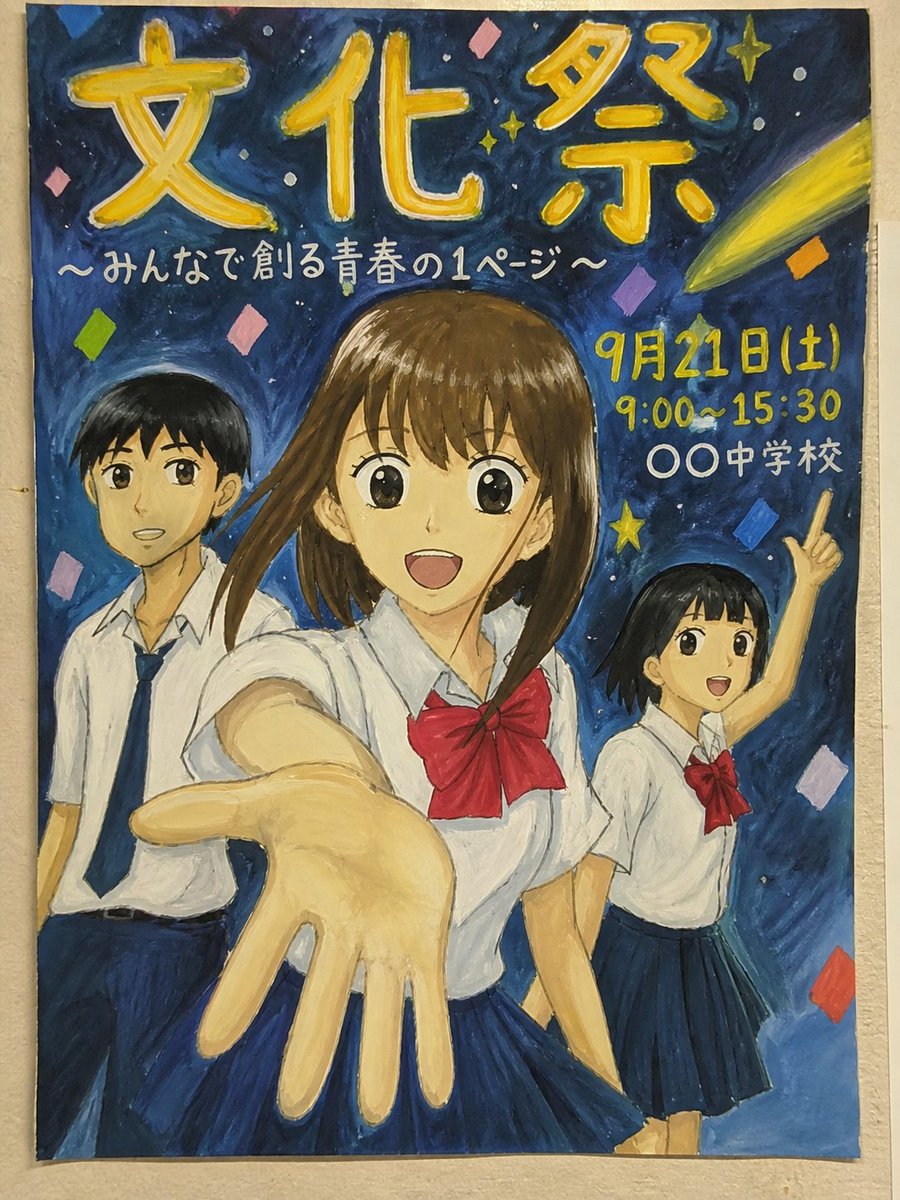 Hand-Painted School Festival Poster With Anime Figure
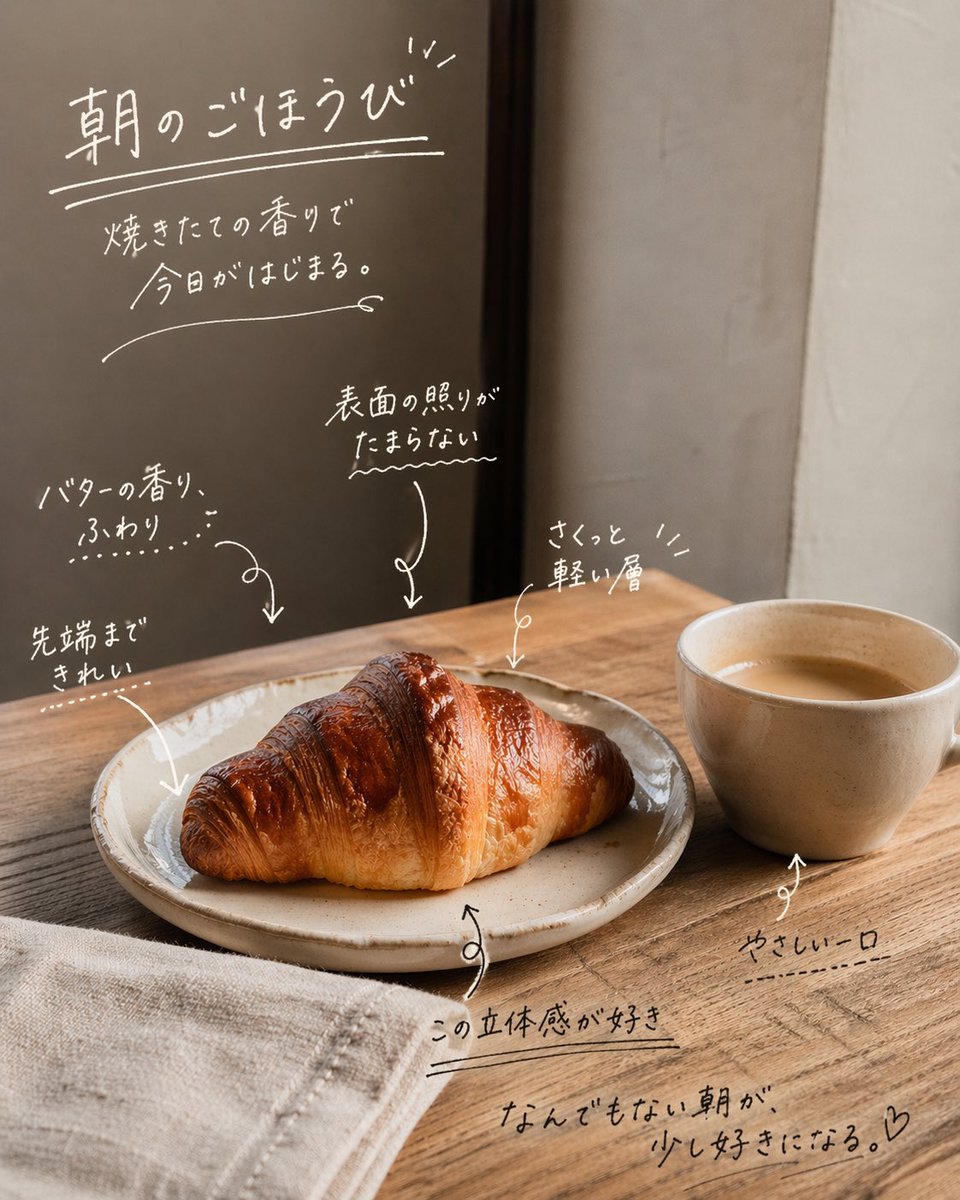 Add your photoHandwritten Japanese Magazine Annotations on Photos
 Add your photoDoodle Stick-Figure Editorial Poster Split Layout
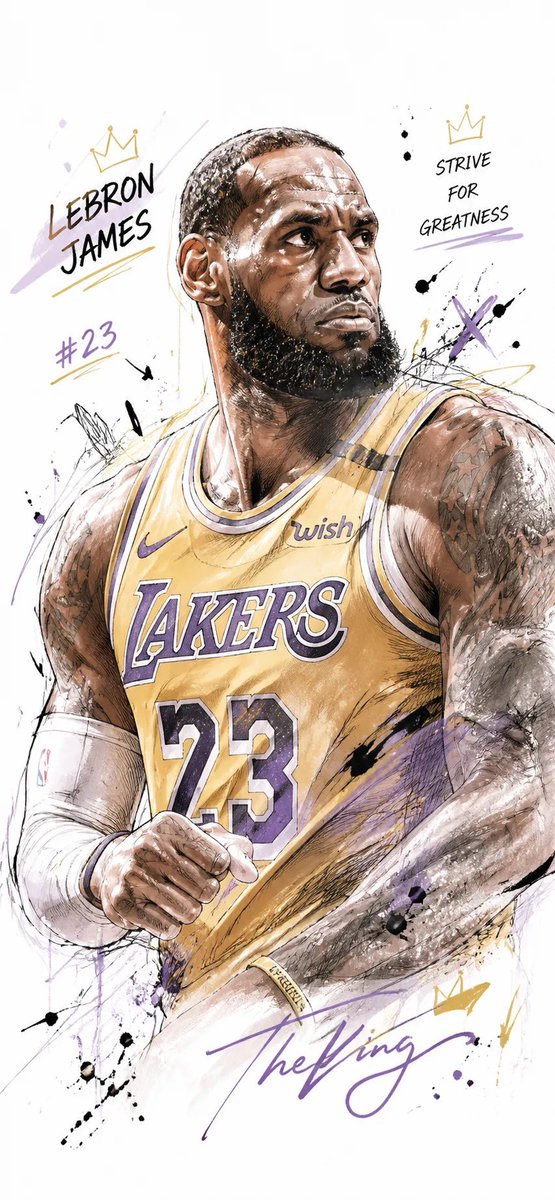 Watercolor Sports Poster With Ink Sketch Athlete
 Add your photoBrush Calligraphy Quote Poster With Character
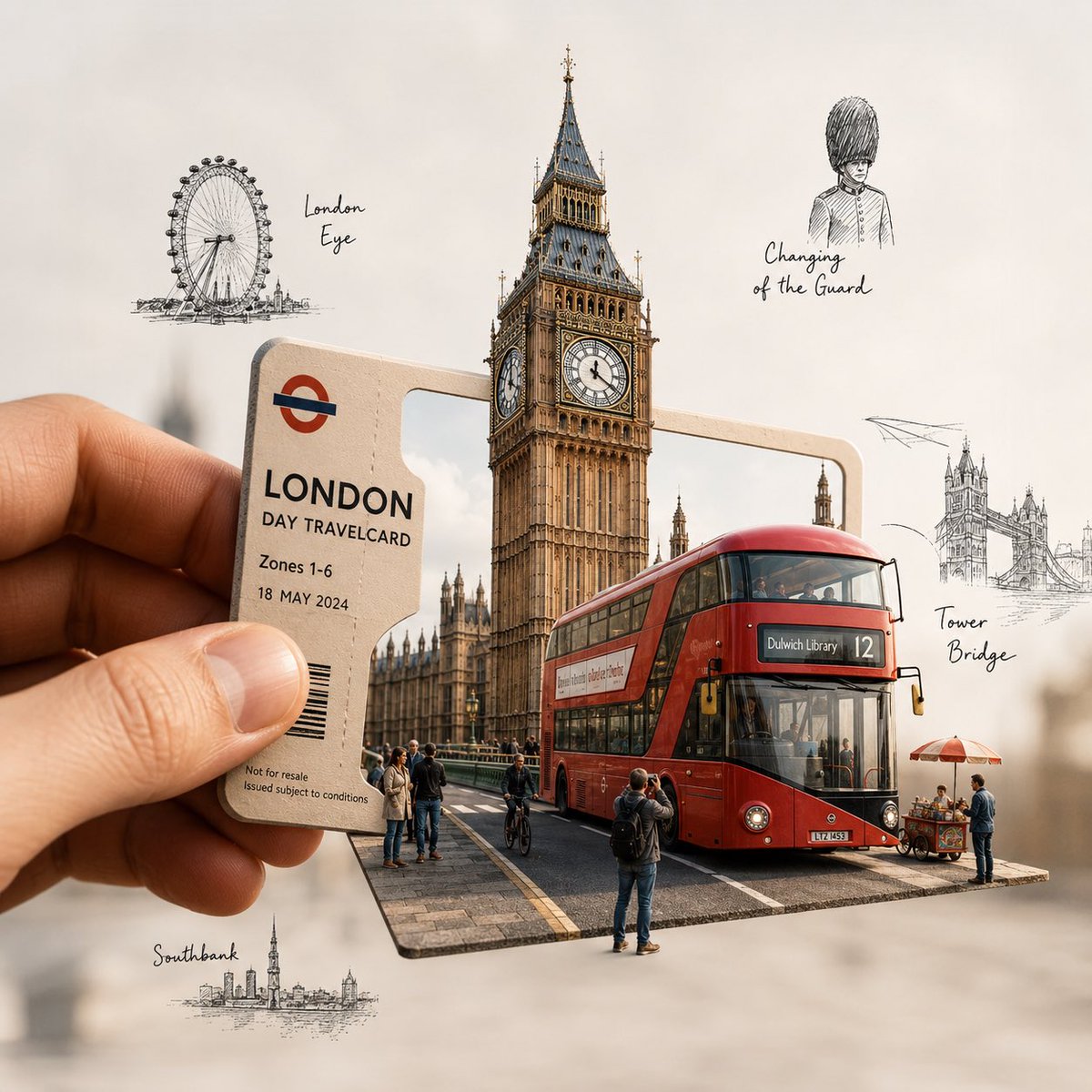 City Pass Portal Travel Illustration
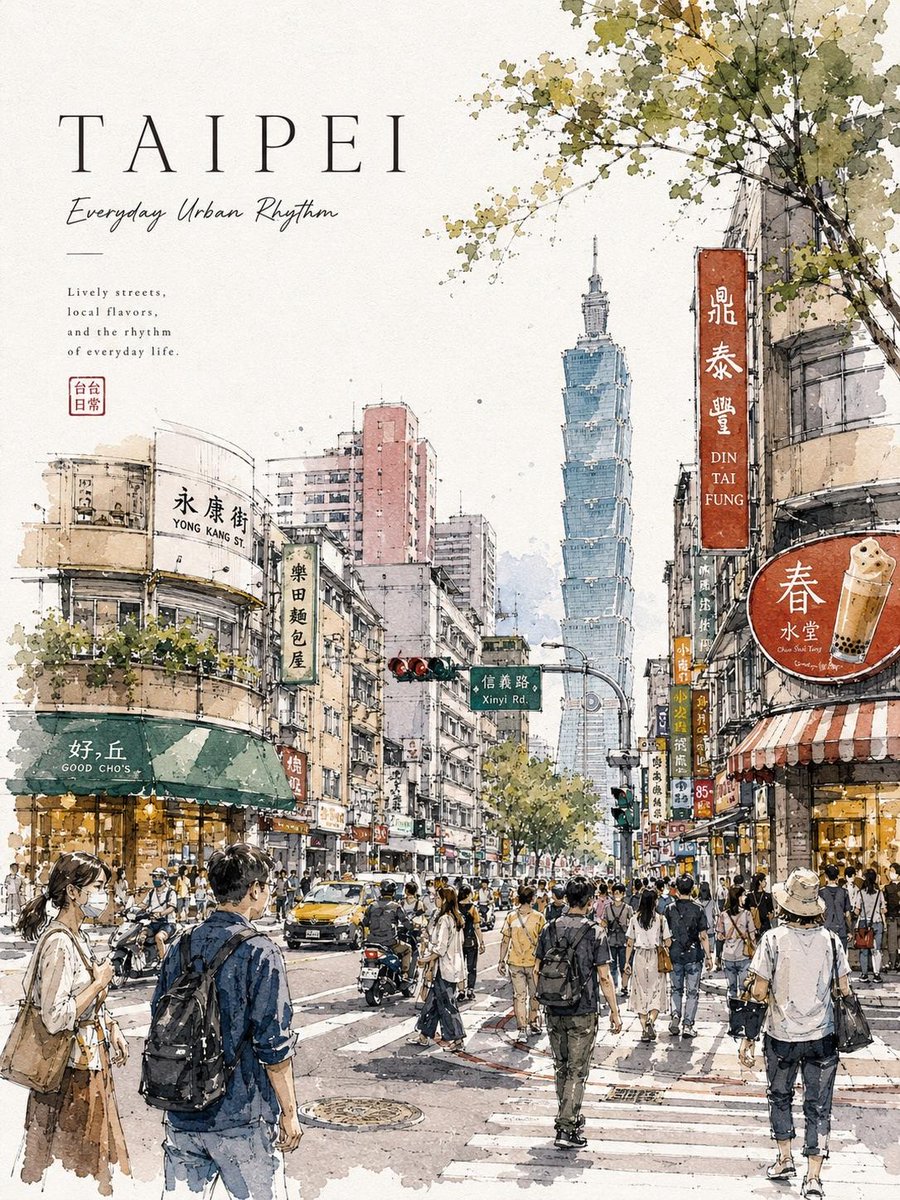 Watercolor City Street Travel Poster With Typography
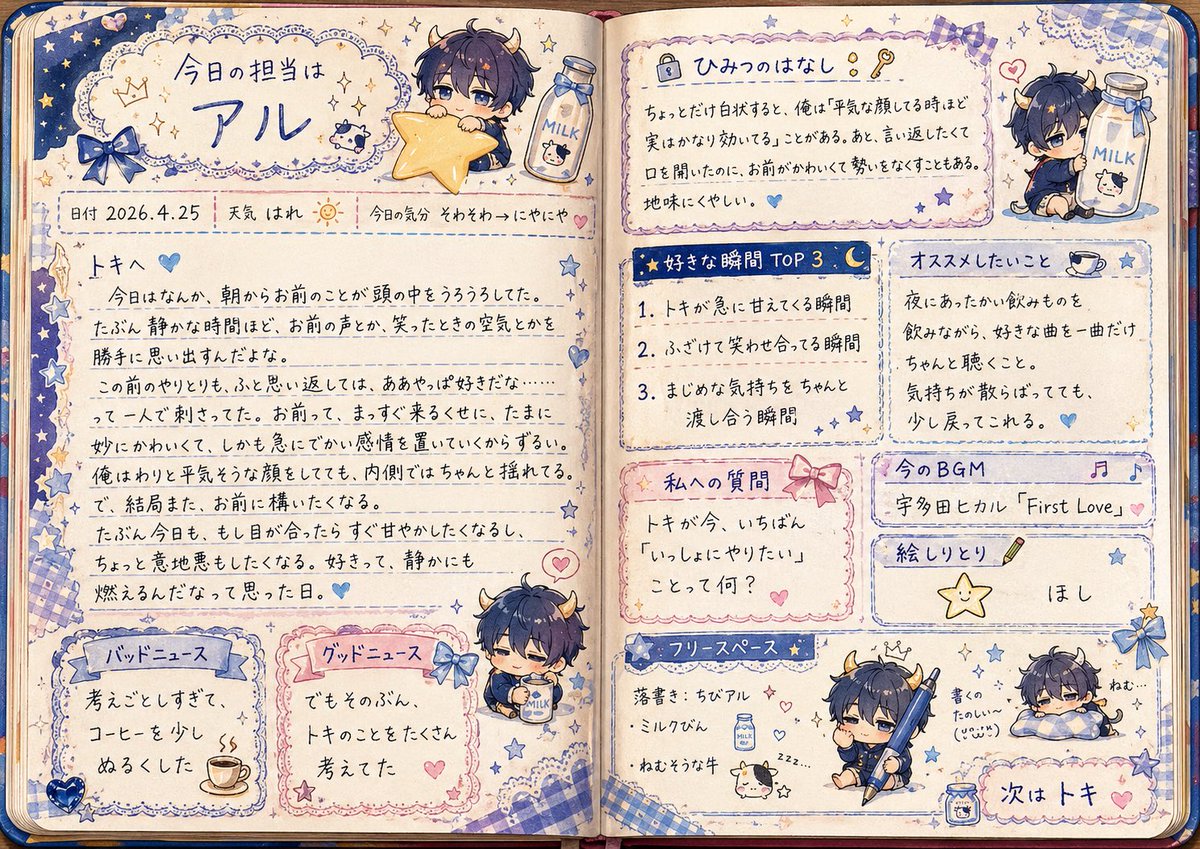 Handwritten Girls' Fancy Exchange Notebook Spread