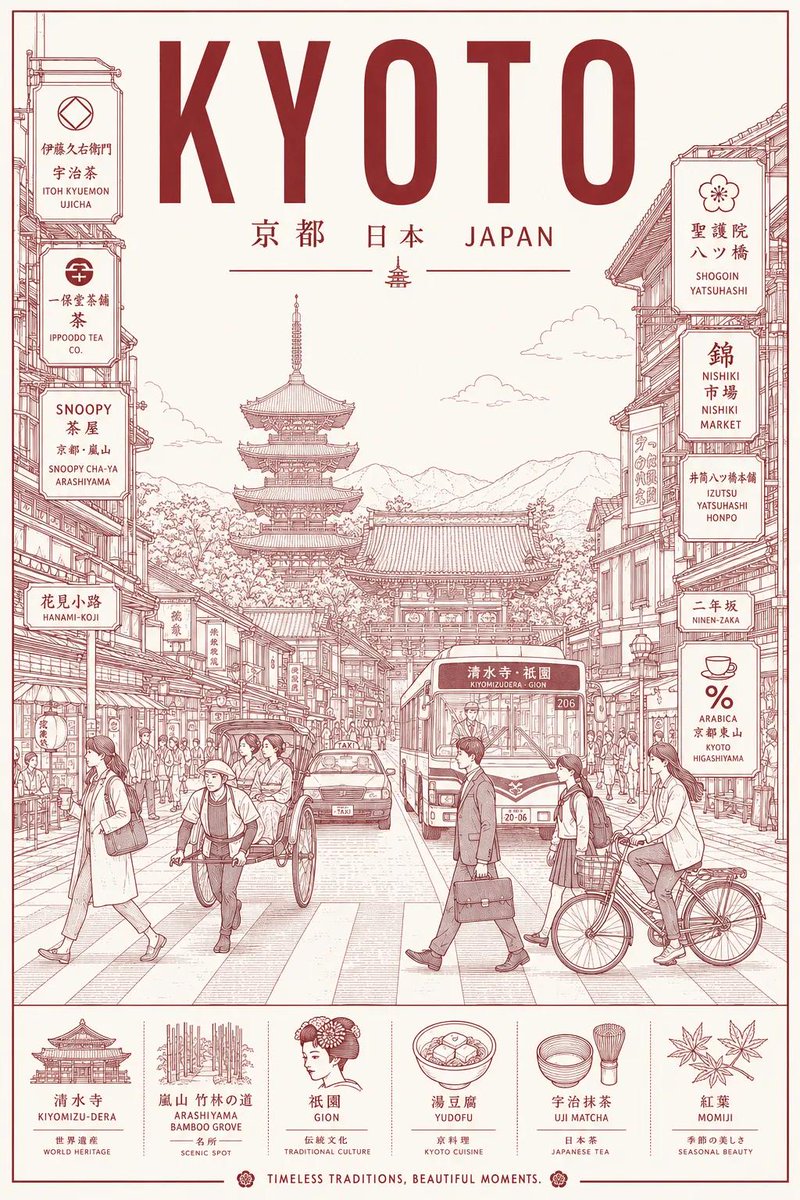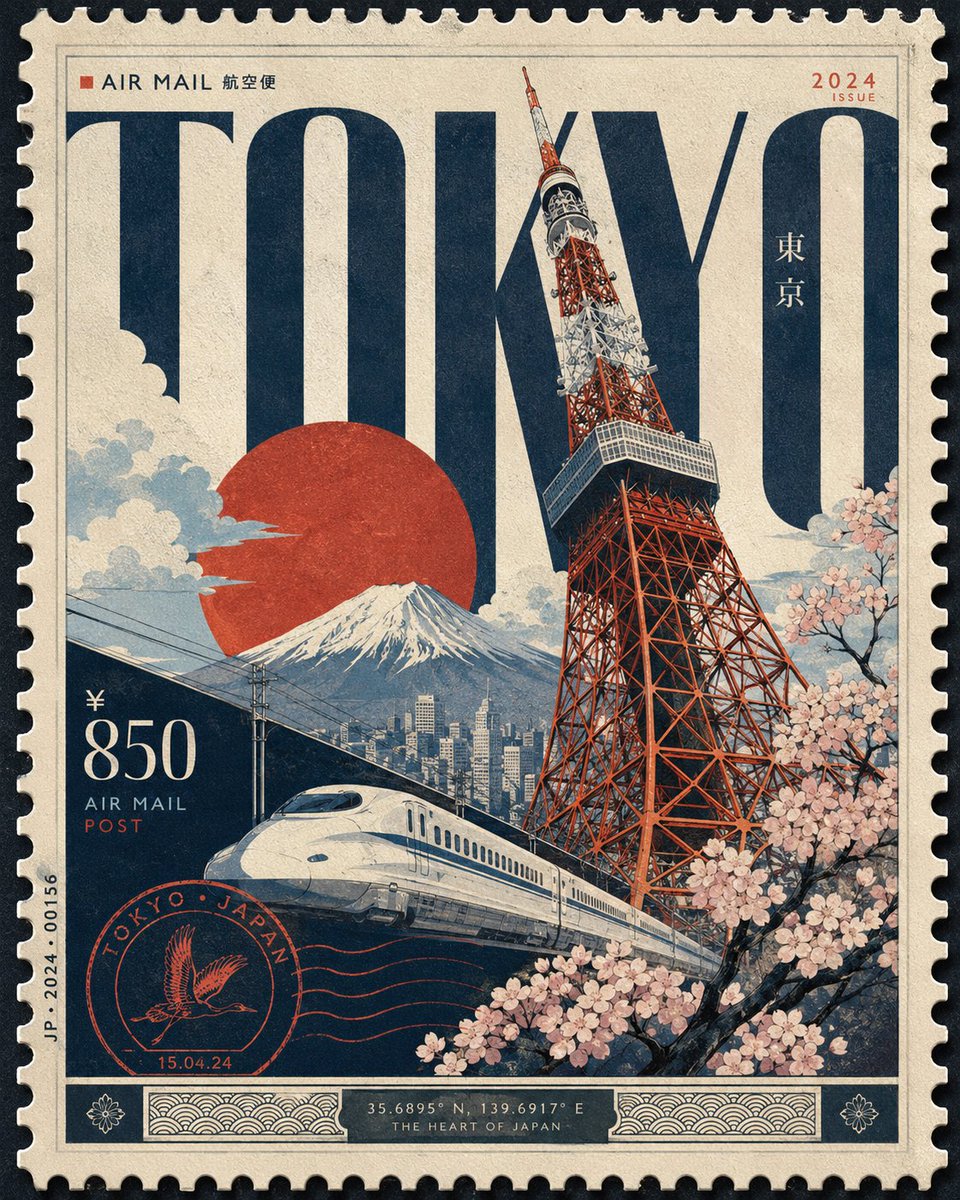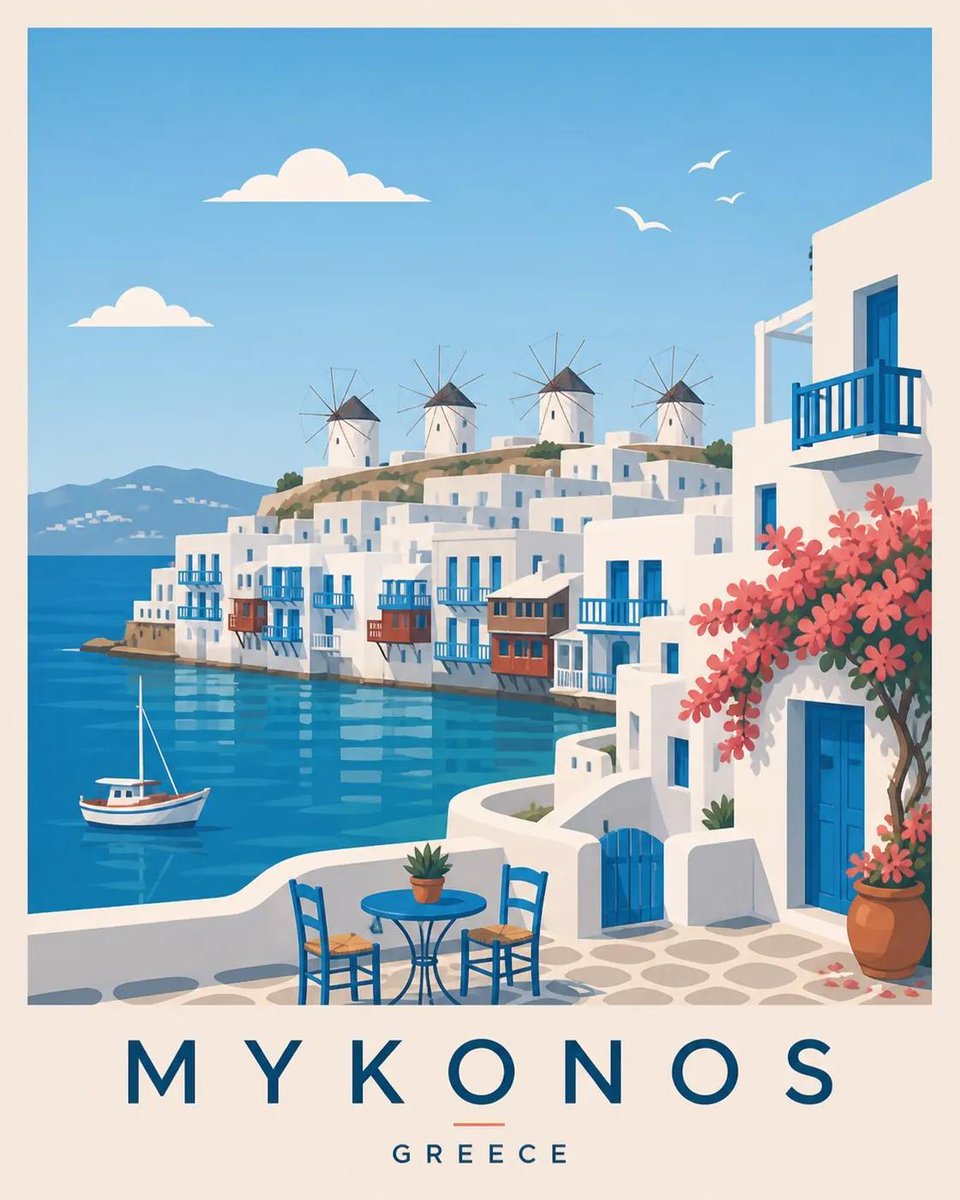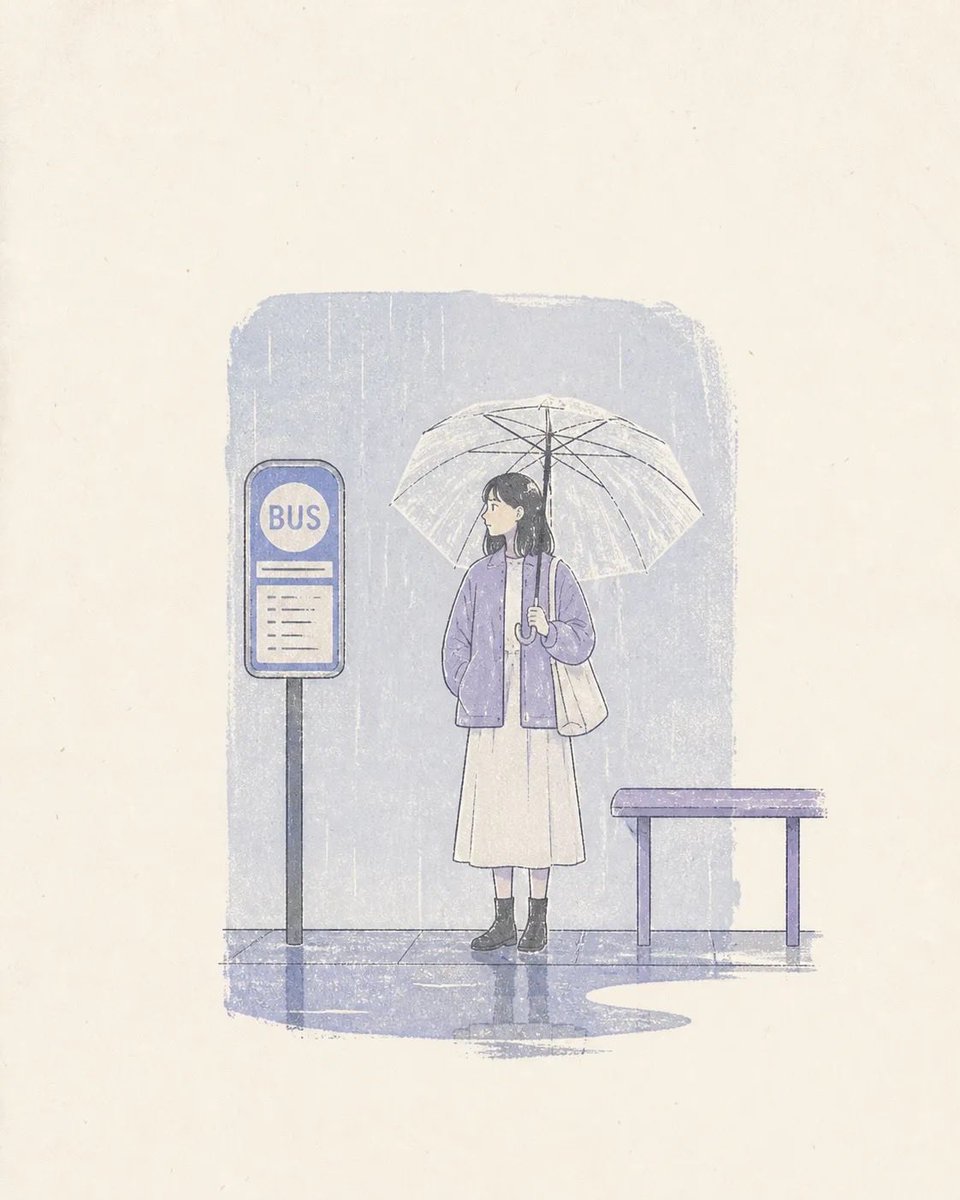
Image prompt Posters & Typography Customizable
Aged Travel Postage Stamp Beside Field-Note Mark
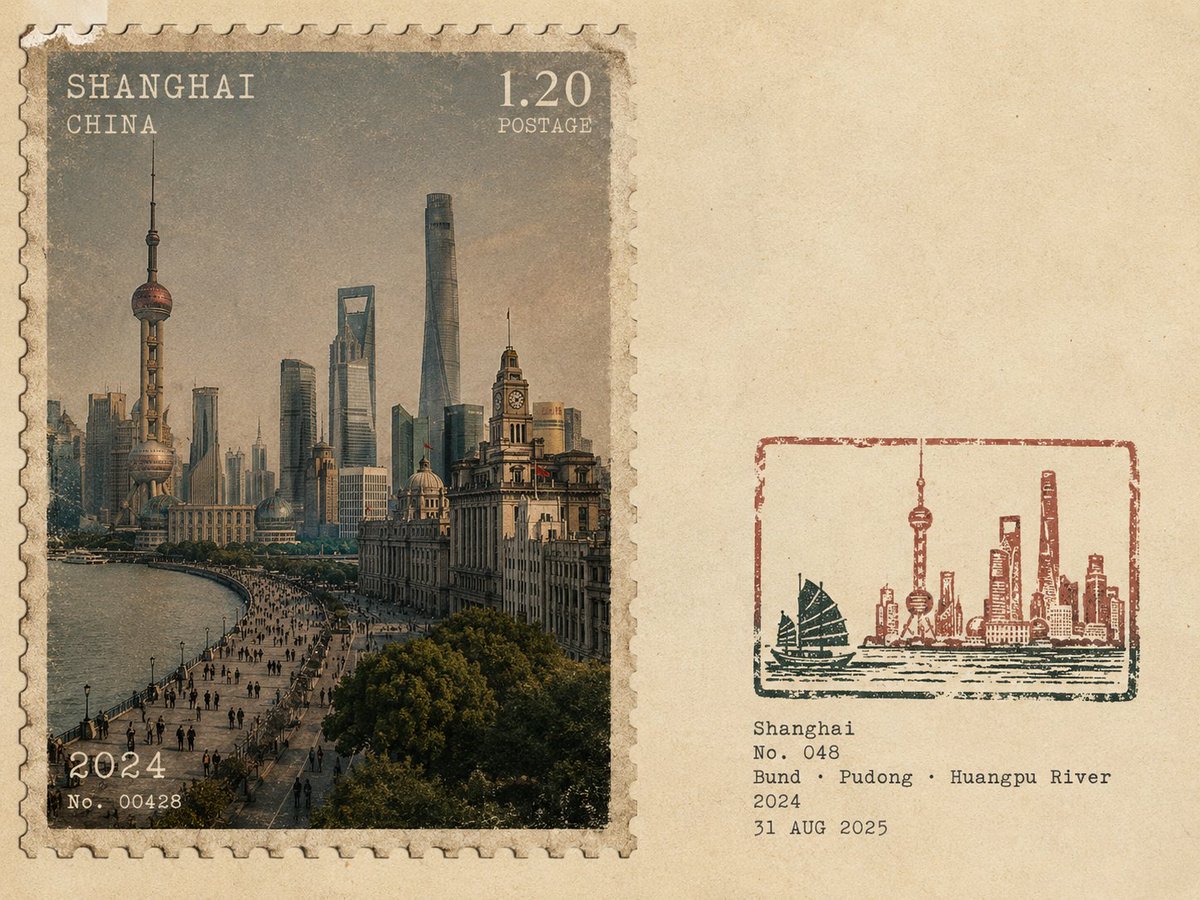
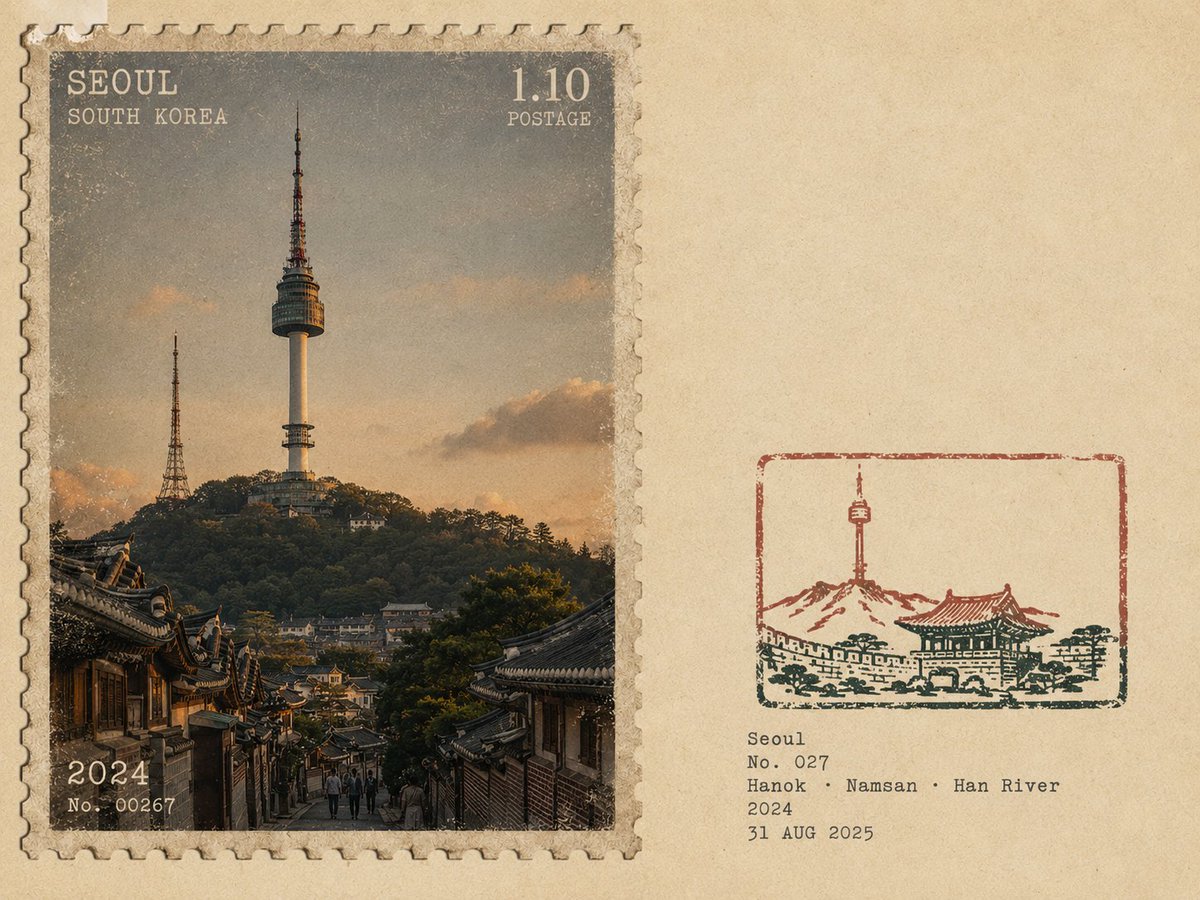
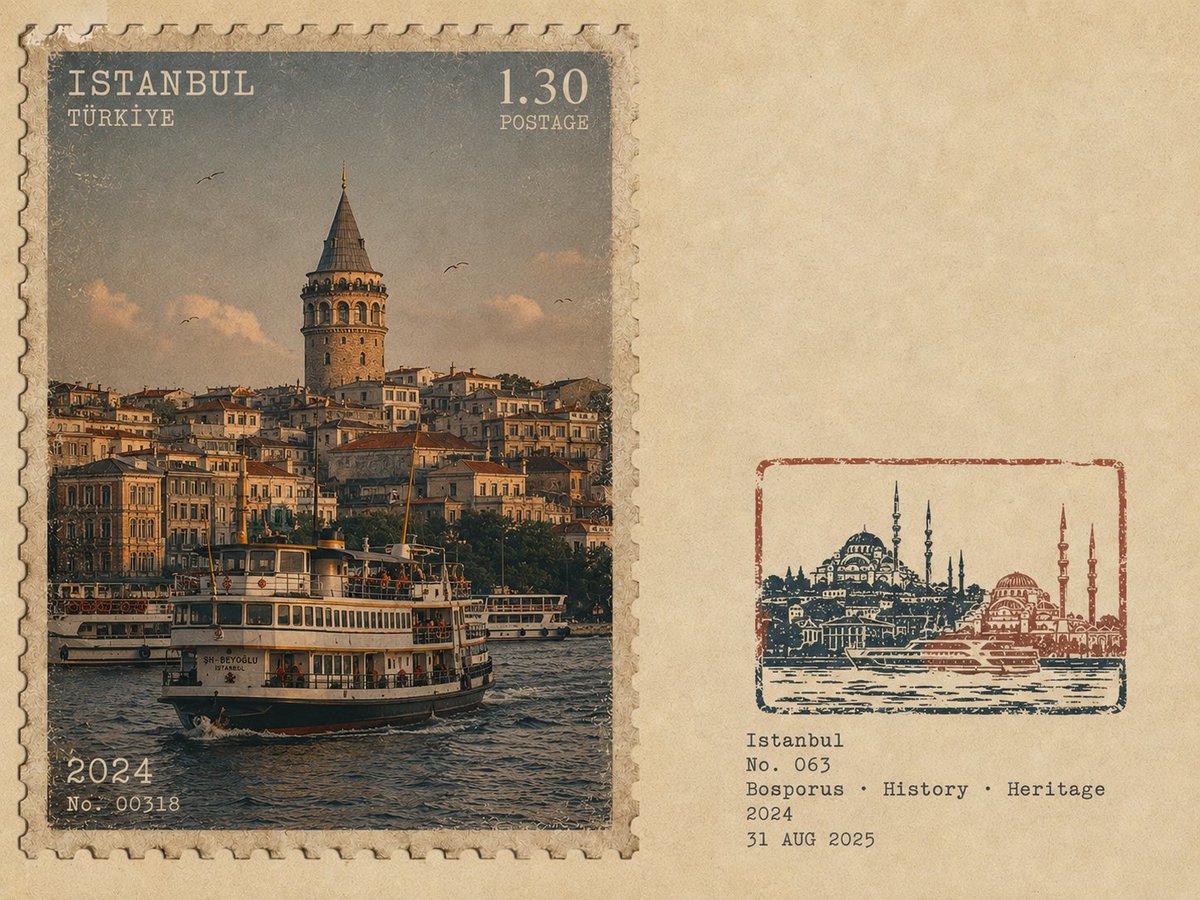
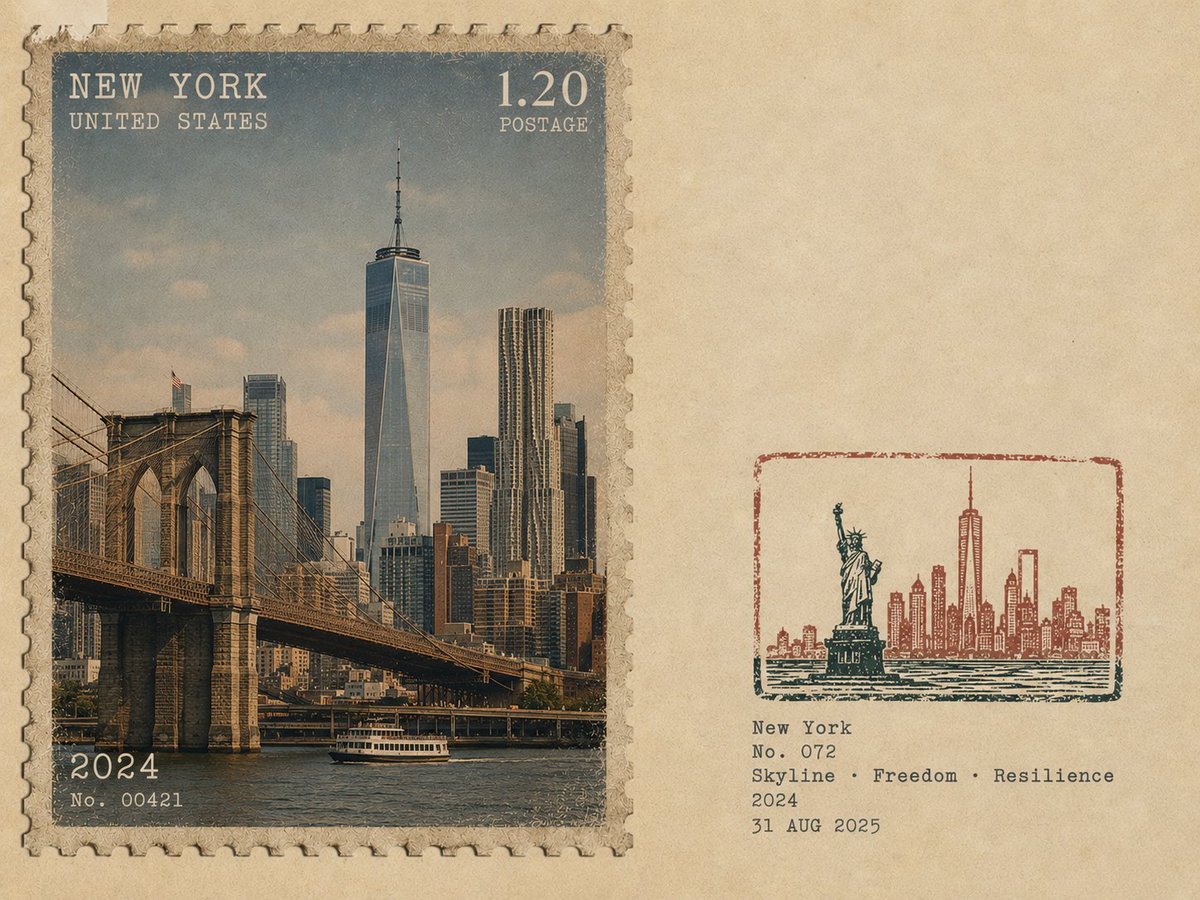
A realistic photographic destination shown as a worn postal stamp on the left, balanced by a small hand-inked mark and typed notes on warm paper. The two halves read as one quiet, collectible sheet.

- Model
- GPT Image 2
- Type
- 4 images
- Aspect ratio
- 4:3
- Shared
- 31 Aug 2026
- Likes on X
- 38
LocationNumberKeyword 1Keyword 2Keyword 3
Image prompt
3,092 charactersCreate one separate poster for each travel image. Never combine multiple images or create a collage. FORMAT & LAYOUT Use a 4:3 landscape composition with two seamless regions: Left ~58%: a realistic vintage photographic postage stamp featuring the destination. Right ~42%: warm off-white aged paper with generous negative space. No obvious dividing line. LEFT — VINTAGE PHOTOGRAPHIC POSTAGE STAMP Create a realistic photographic scene of {LOCATION}, accurately depicting its recognizable architecture, landscape, people, vegetation, terrain, perspective, lighting, shadows, and natural atmosphere. The scene must remain photographic and realistic, with only subtle archival grading and fine film grain. Make it resemble an authentic vintage travel postage stamp with: Subtle perforated edges Aged printed texture Mild ink absorption Slight print wear and tonal variation Natural analog character POSTAGE TYPOGRAPHY Integrate small vintage postal typography directly into the stamp: {LOCATION_ENGLISH} Small {COUNTRY / REGION} POSTAGE denomination or numerical value {YEAR} Optional small serial/issue number Use restrained serif, engraved, condensed, or archival lettering with subtle fading and imperfect ink. Keep typography away from important visual details. Avoid modern branding, fake government logos, and decorative slogans. RIGHT — RUBBER STAMP Create a small 2–4 color hand-carved rubber-stamp impression representing the most recognizable features of {LOCATION}. Simplify the scene into strong visual shapes such as architecture, mountain contours, roads, shorelines, settlements, vegetation, or distinctive silhouettes. Remove unnecessary crowds, vehicles, repetitive buildings, and fine details. Place the stamp in the lower-middle of the right panel, occupying about 30–38% of the panel height, with generous whitespace. Use muted colors inspired by the destination. Add authentic handmade imperfections: uneven carving, broken edges, dry ink, paper show-through, granular texture, uneven pressure, ghosting, and subtle 1–2 mm color misregistration. It should look like a genuine hand-stamped mark on aged paper, never a clean vector logo. FIELD-NOTE TEXT Add small typewriter-style text near the stamp: {LOCATION_ENGLISH} No. {NUMBER} {KEYWORD 1} · {KEYWORD 2} · {KEYWORD 3} {YEAR} {DATE} Keep the text small, understated, and secondary. STYLE Quiet, archival, tactile, regional, understated, and collectible — like a genuine travel document combining a vintage photographic postage stamp with an architect's field-note rubber stamp. AVOID No collage, obvious divider, tourist-souvenir aesthetic, oversized postage graphics, giant typography, circular or wax seals, stickers, generic icons, cartoon styling, vector art, 3D rendering, glossy gradients, oversaturation, excessive detail, decorative clutter, or invented landmarks. Priority: Create an authentic photographic representation of the destination while making the left panel feel like a genuine vintage postage stamp and the right panel like a minimal handcrafted field-note stamp.
How to use it
It was shared as a GPT Image 2 prompt. Replace the location placeholder with a place you know well and keep the 4:3 split, the restrained typography and the handmade stamp details, since those carry the collectible feel. Swap the field-note keywords and date to match your own trip. Print the result small, or use it as a background or keepsake card.
Shared publicly on X on 31 Aug 2026. All credit for this prompt and its result goes to its creator. Is this yours? Ask for an update or removal.