Image prompt Portraits & Fashion Customizable
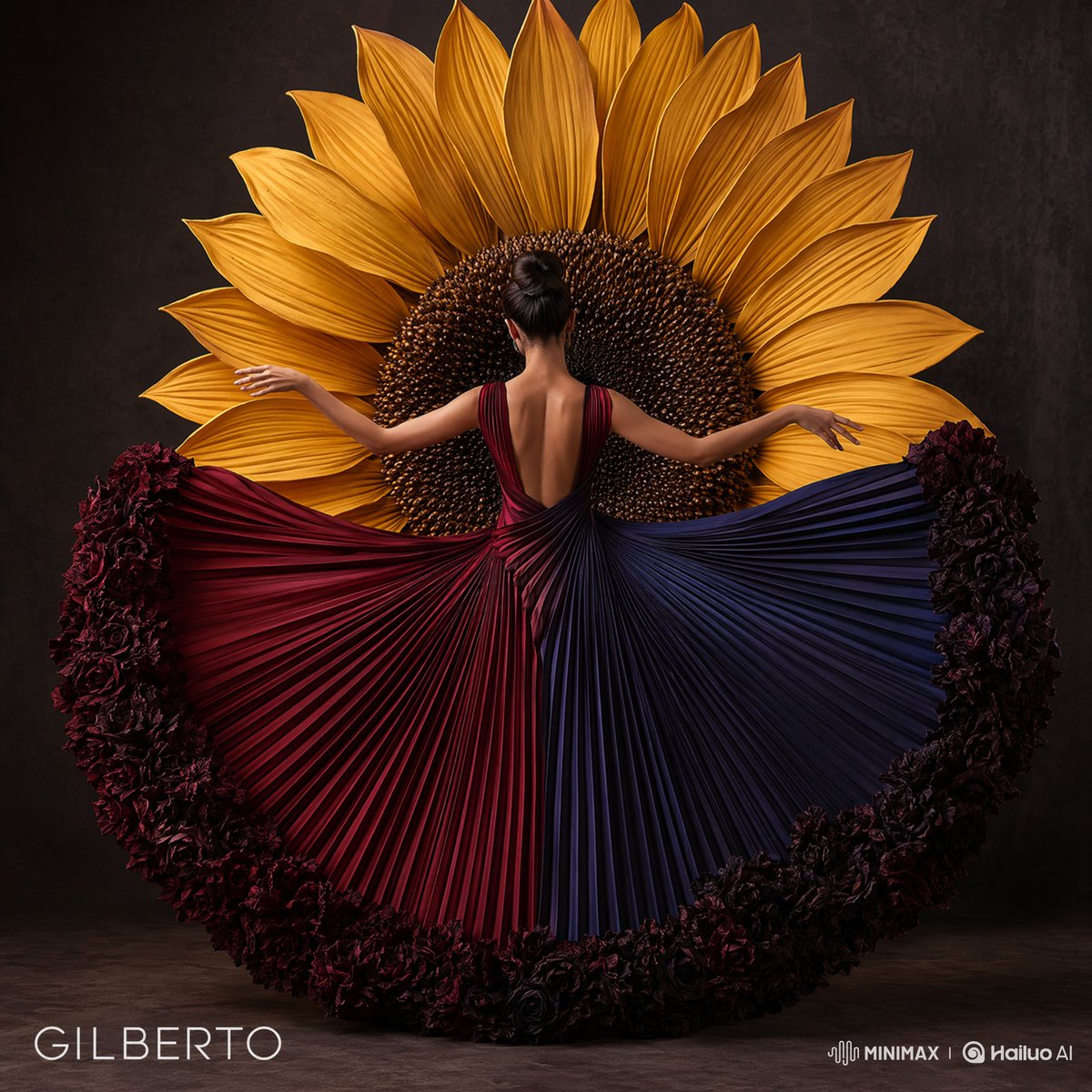
3D Female Silhouette in Crafted Materials
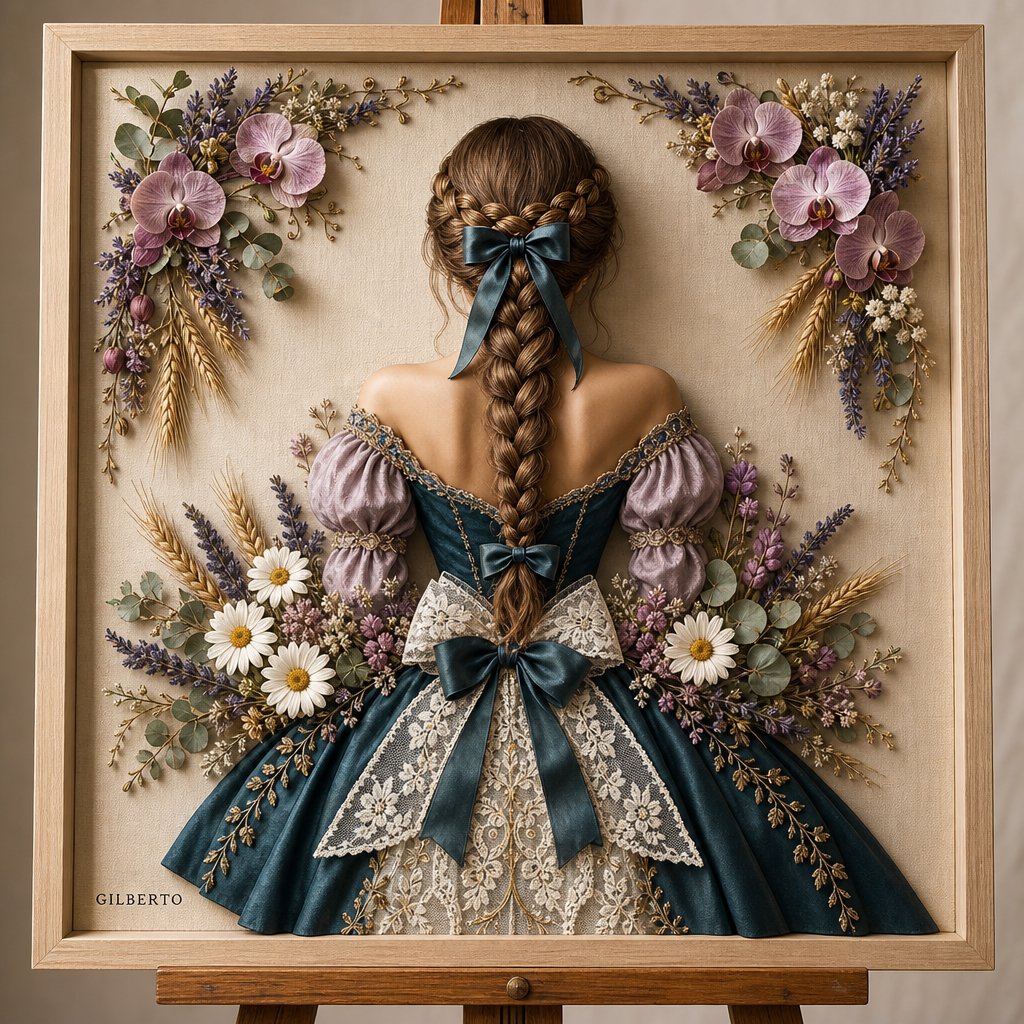
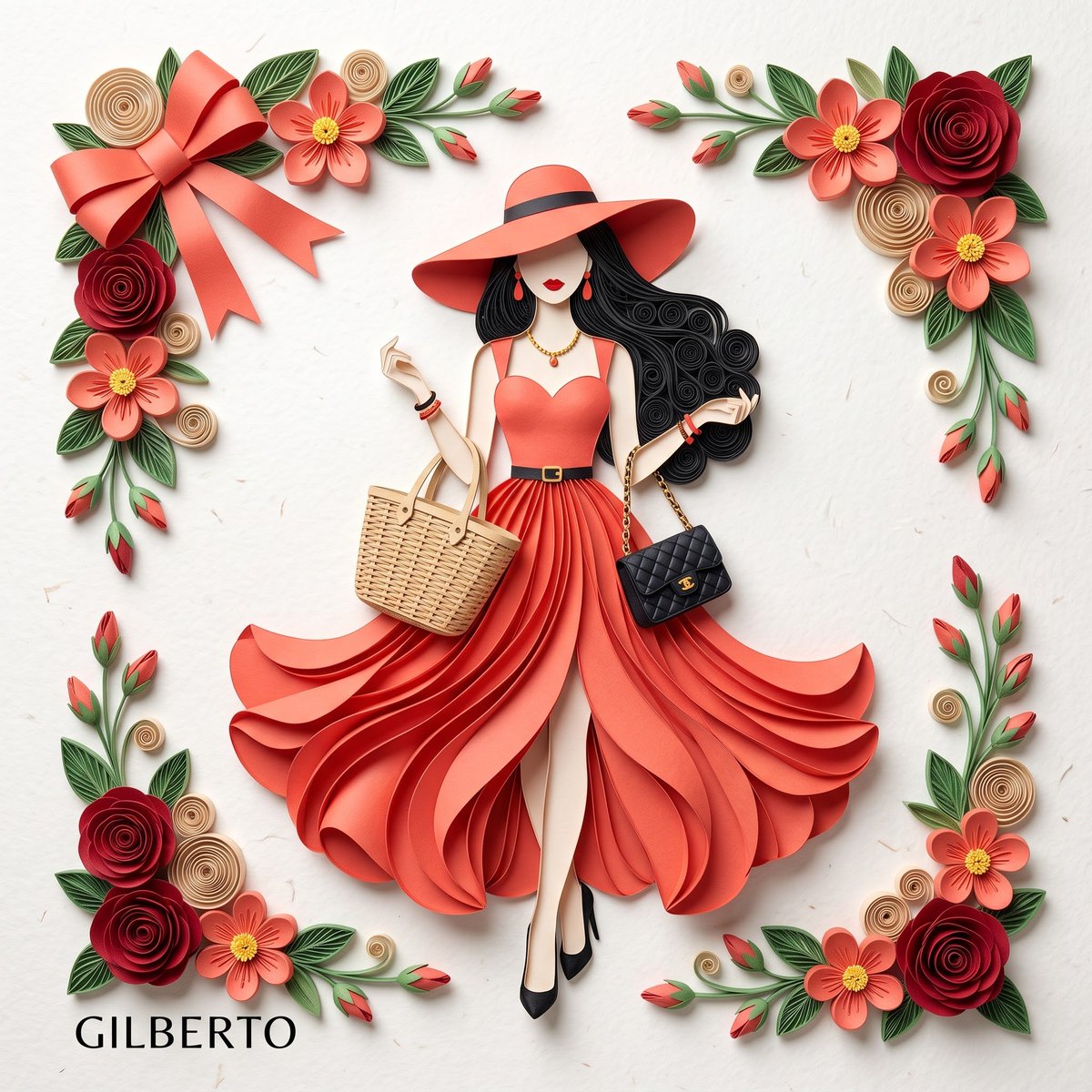
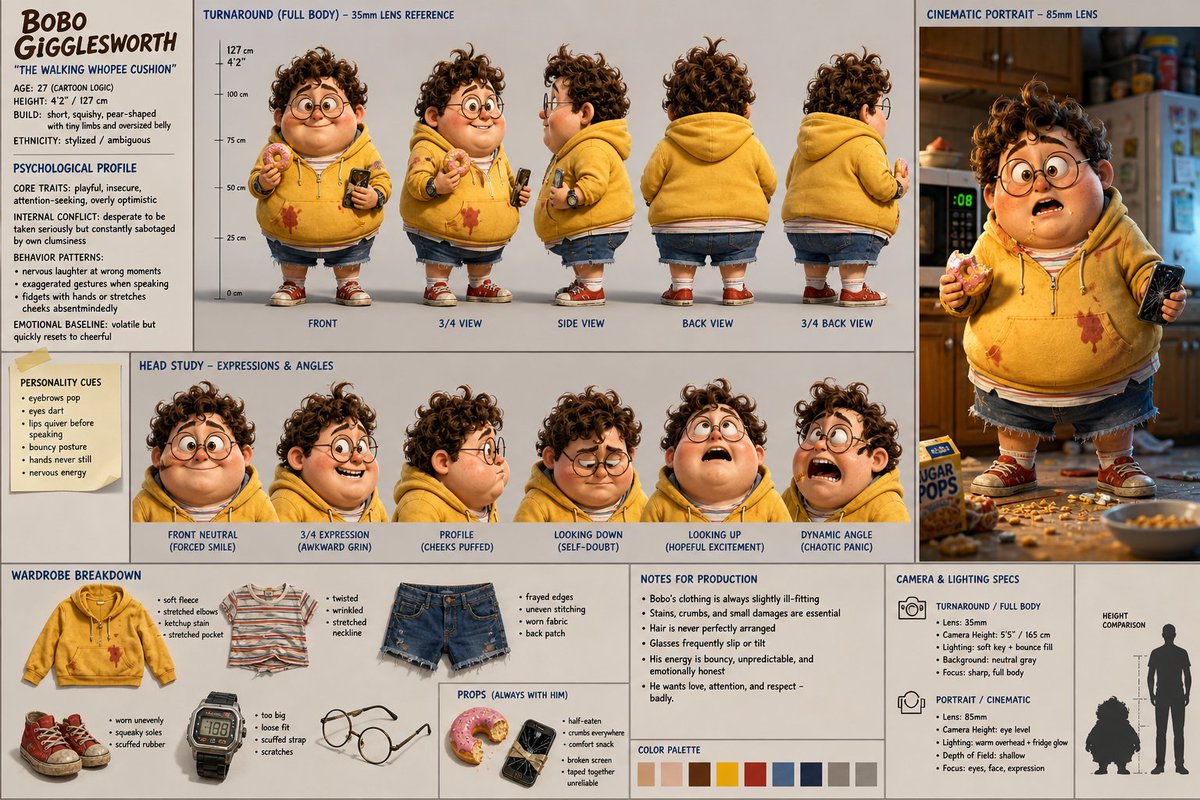
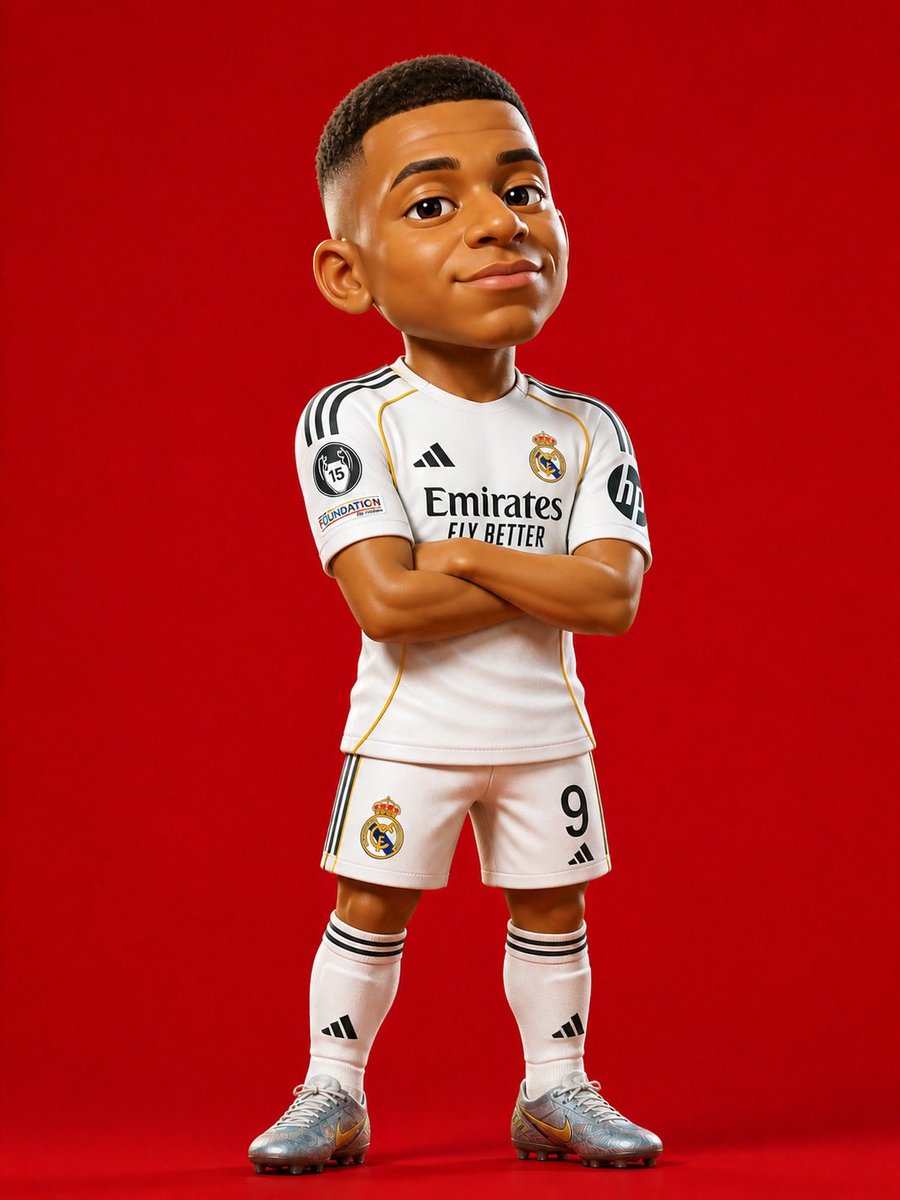
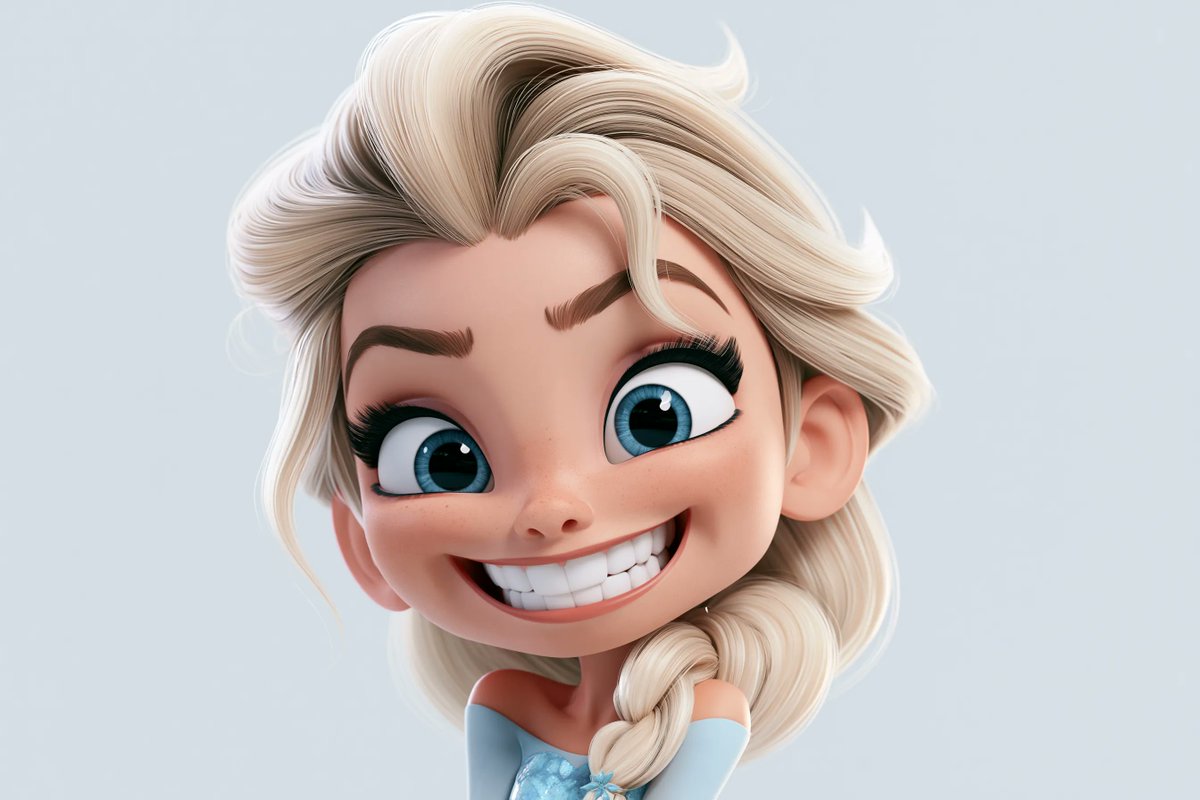
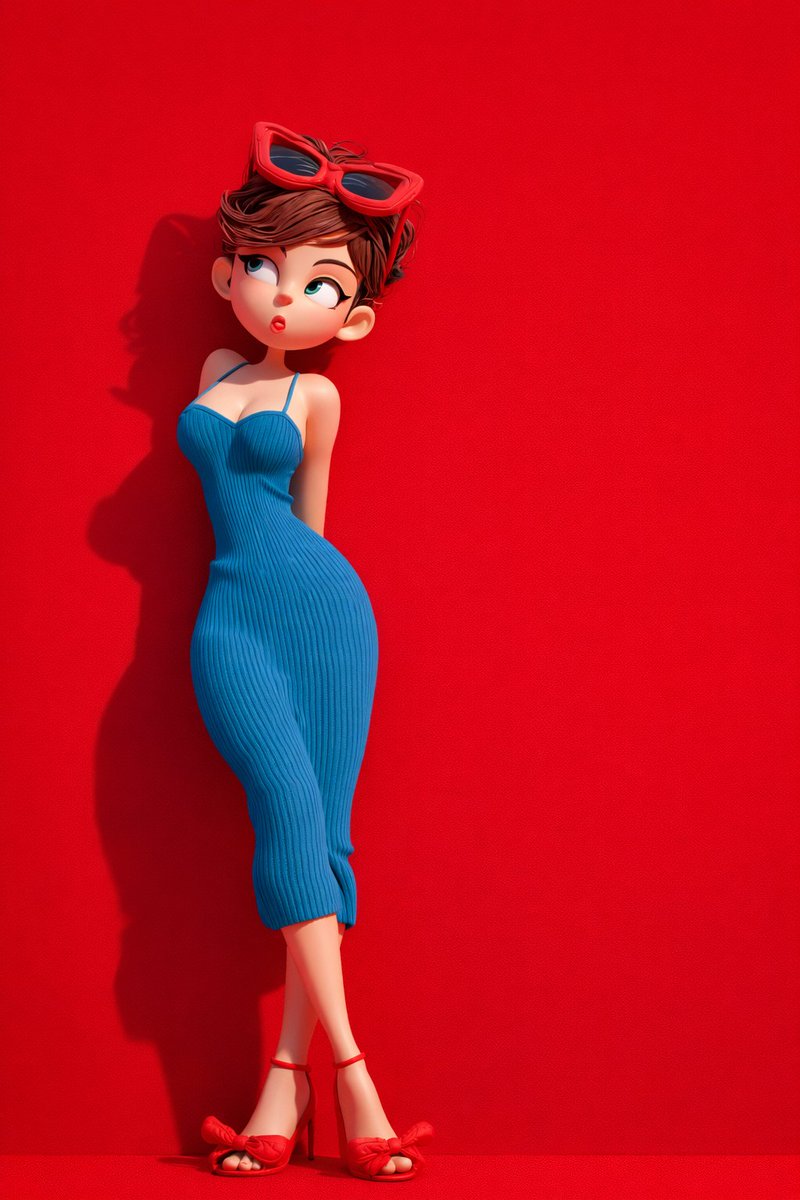
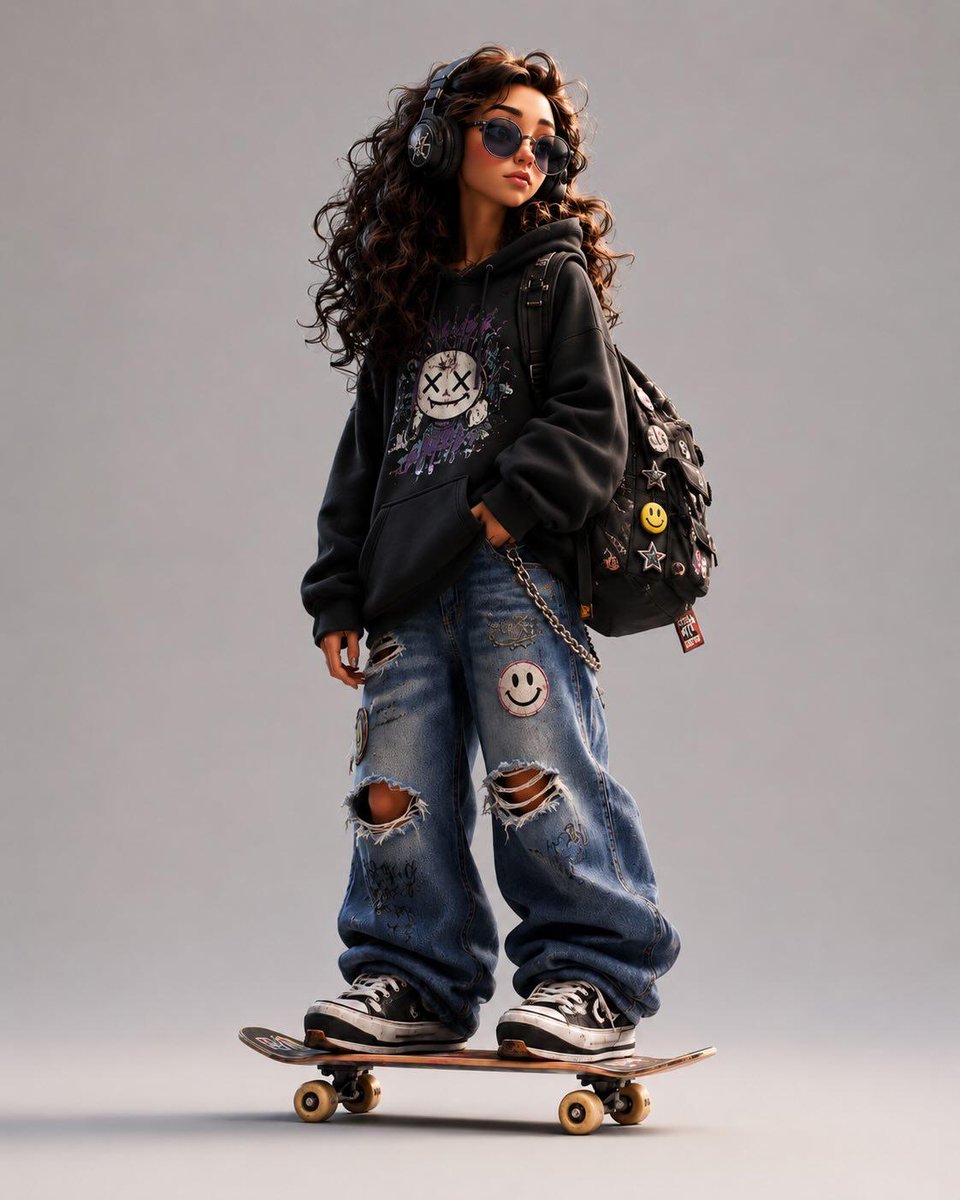
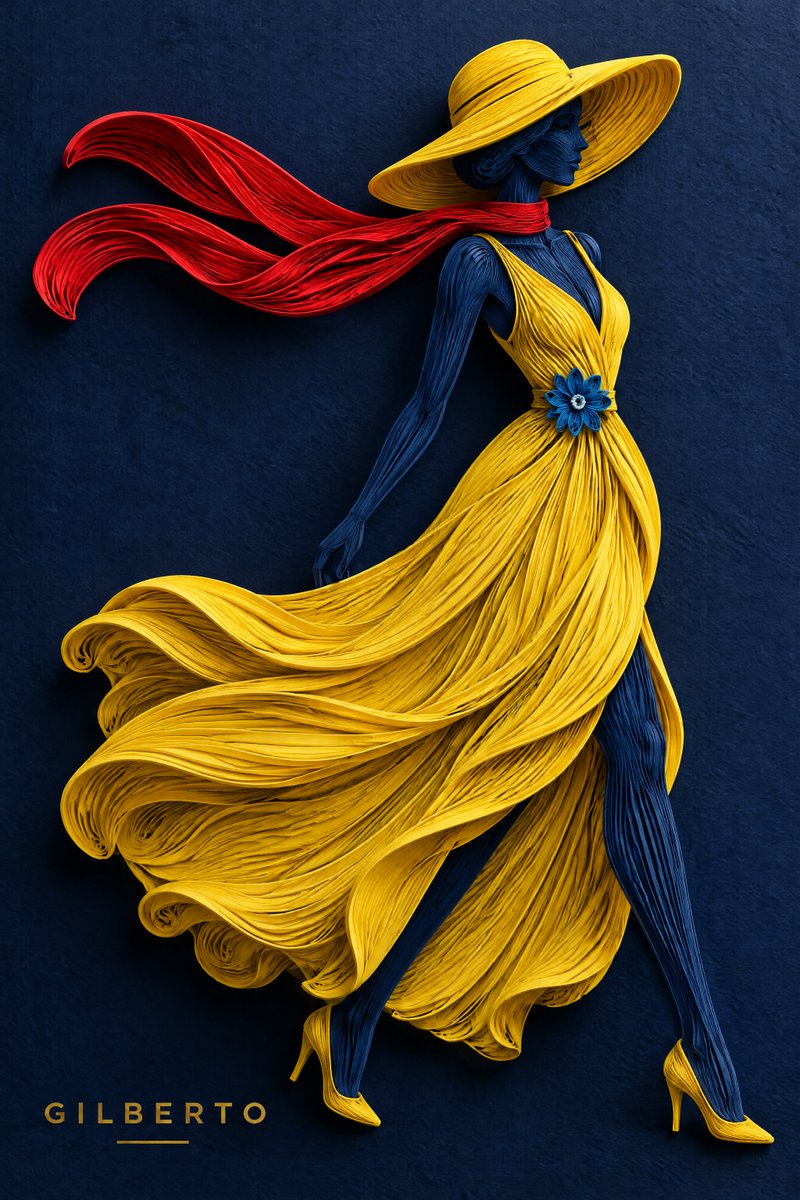
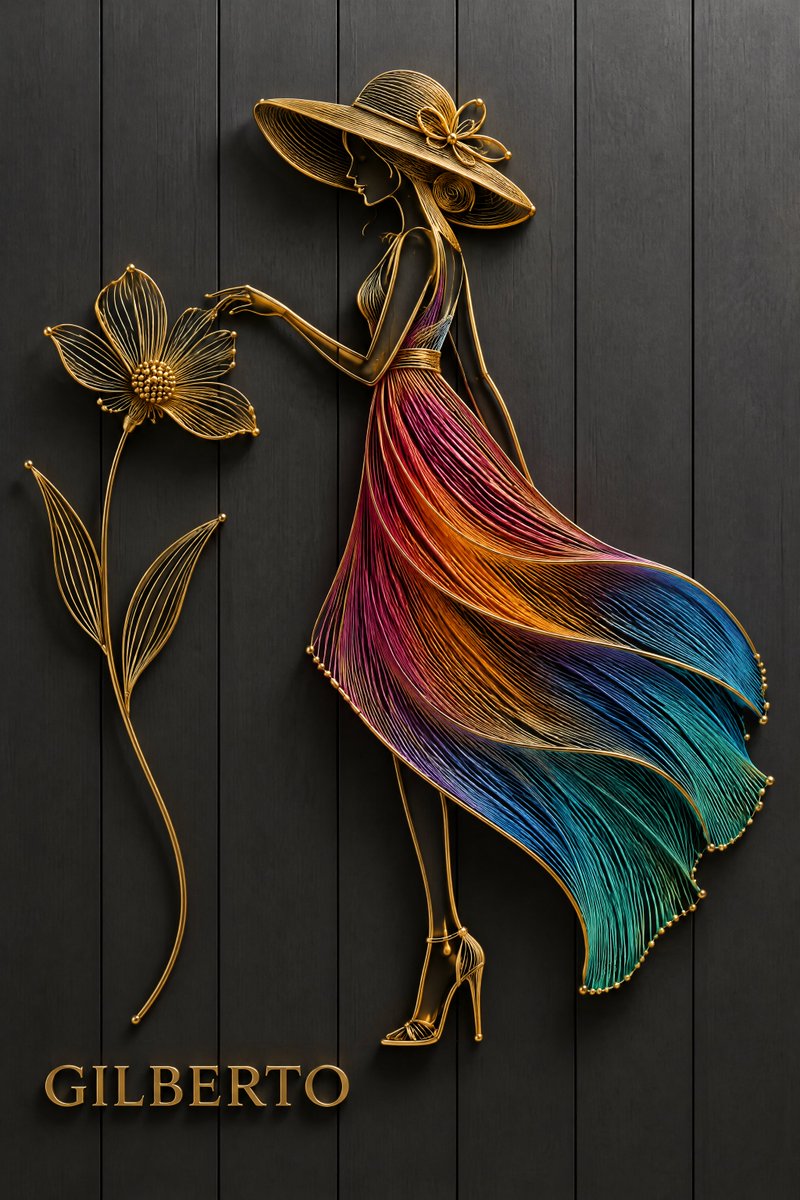
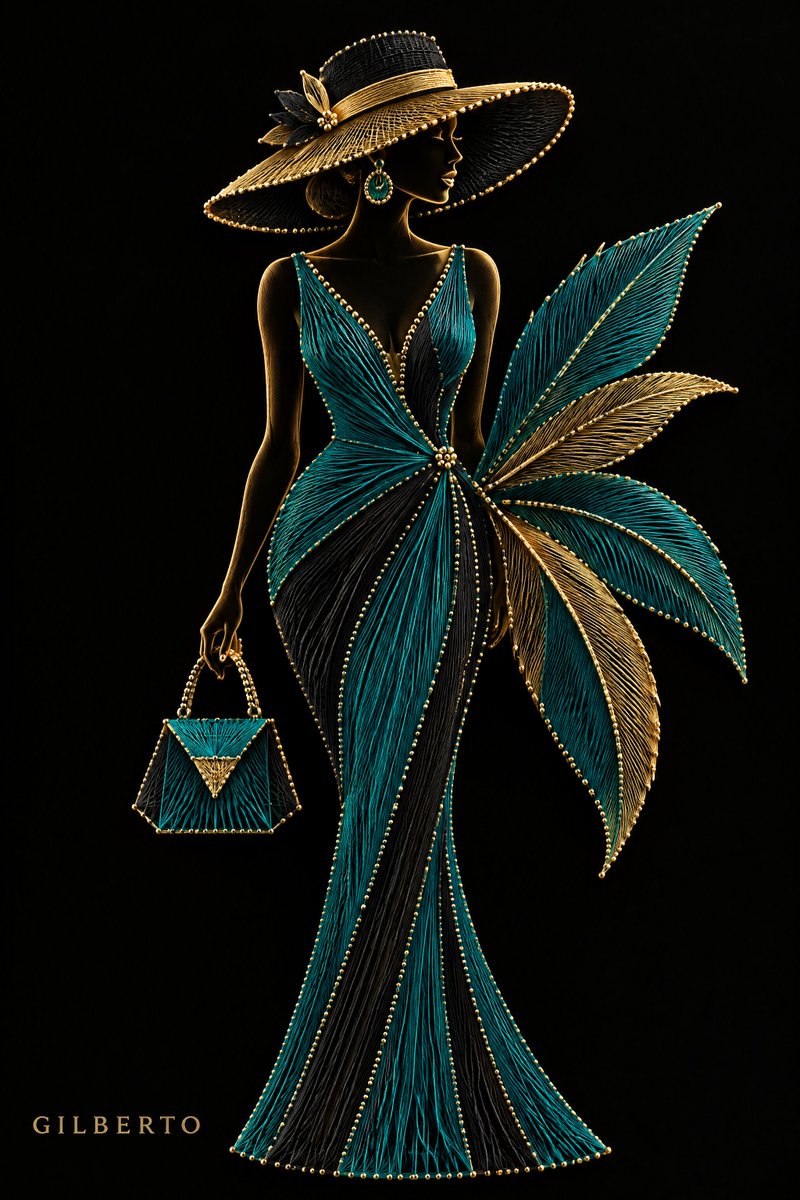
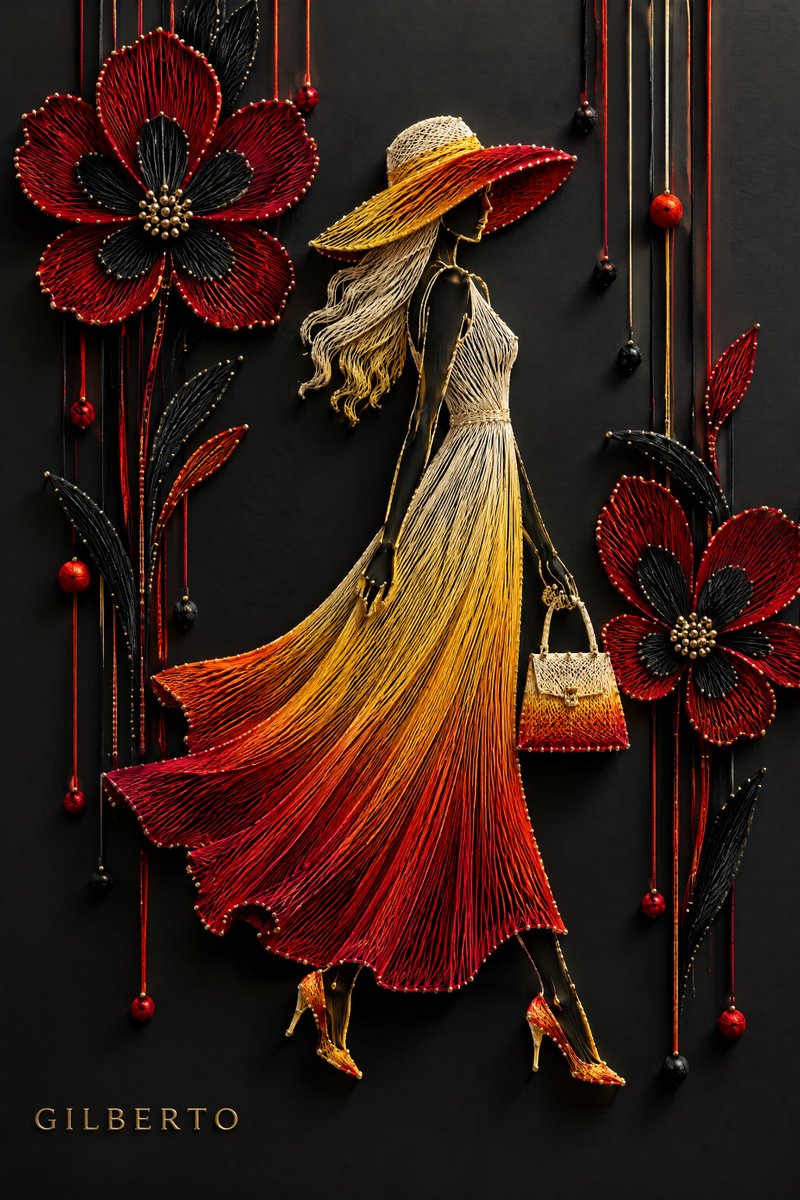
A slender woman in a flowing, gradient dress stands out as a sculpted 3D form built from fine crafted material. Soft studio light and drop shadows give the figure depth against a plain backdrop.

- Model
- GPT Image 2
- Type
- 4 images
- Aspect ratio
- 2:3
- Shared
- 3 Oct 2026
- Likes on X
- 135
MaterialGradient start colourGradient end colourAccessory
Image prompt
610 characters3D [Material: string/paper quilling/metallic wire] art of an elegant female silhouette in a dynamic pose. She wears a flowing dress with a vibrant gradient from [Color 1] to [Color 2], paired with a wide-brimmed hat and [Key Accessory: large stylized flowers/handbag/scarf]. Set against a solid [Background Color] background with soft 3D studio lighting and realistic drop shadows. Variables to Swap: • Material: Tightly wound thread, thick paper strips, golden wire. • Colors: Crimson to gold, emerald to teal, neon pink to cyan. • Accessories: Geometric shapes, oversized botanical leaves, trailing ribbons.
How to use it
Keep the bracketed slots in the prompt if you want to fill them yourself, or replace them with the exact material, colours and accessory you have in mind. Keep the phrases about 3D studio lighting and realistic drop shadows, since they give the piece its sculpted feel. It was shared as a GPT Image 2 prompt, and the result works well as a fashion poster or a wall print.
Shared publicly on X on 3 Oct 2026. All credit for this prompt and its result goes to its creator. Is this yours? Ask for an update or removal.