
Tableau
Business intelligence and analytics platform with AI agents, natural-language questions and cloud or self-hosted deployment.
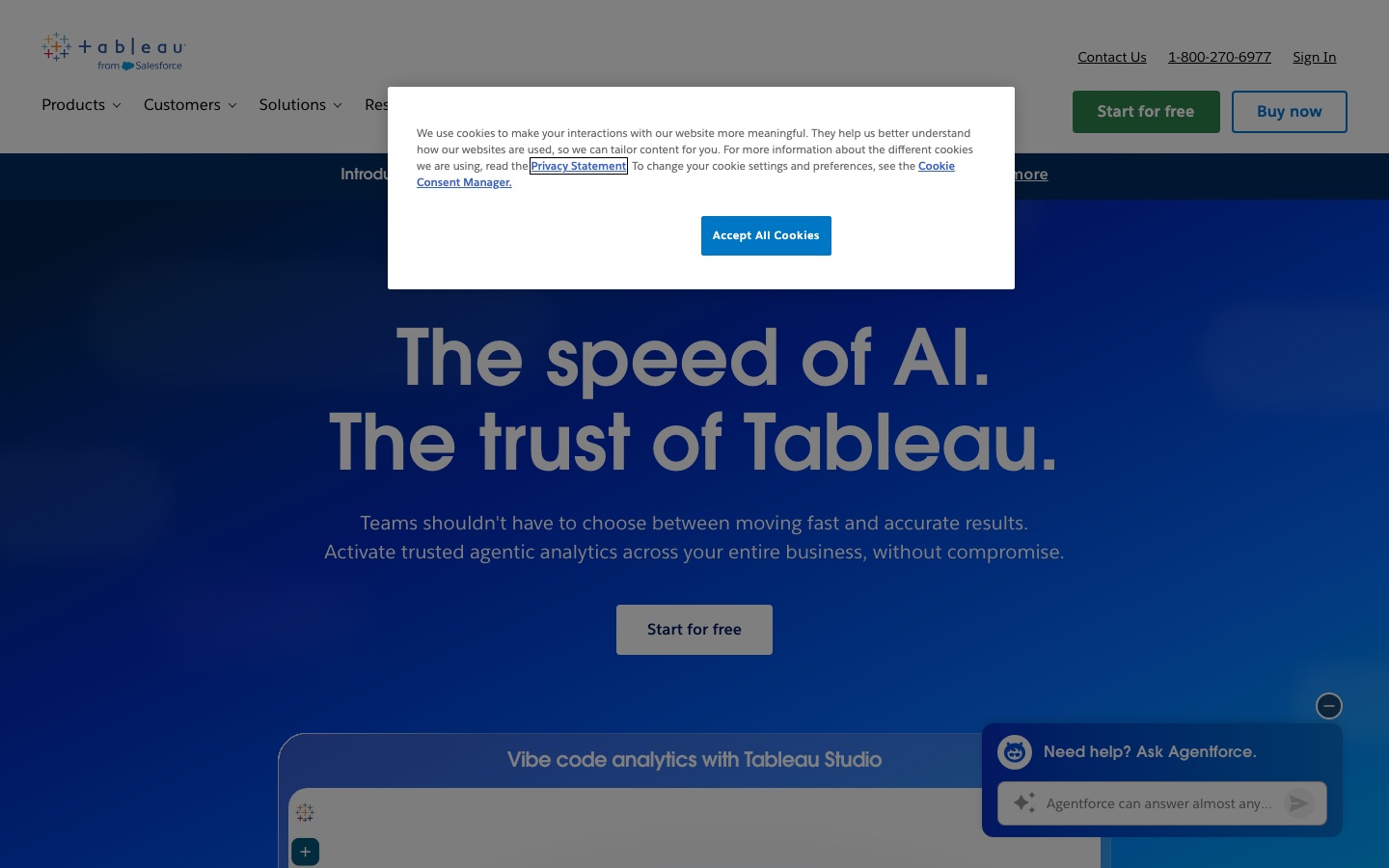
Tableau is a business intelligence and analytics platform from Salesforce for connecting to data, building visualisations and dashboards, and sharing insights. Tableau now adds agentic analytics, where people ask questions in natural language and receive AI-generated insights. Tableau is deployed as Tableau Cloud, self-hosted Tableau Server or Tableau Next for Salesforce customers.
Best for Organisations that need governed dashboards and metrics across many teams, with a choice between hosted and self-managed deployment.
- Listed in
- Data Analysis & Analytics
- Platforms
- Web
- Pricing model
- Subscription
- Free plan
- Yes
- Free trial
- Yes
- Made by
- Salesforce, Inc.
- Added
Last verified: . Information taken from tableau.com.
What is Tableau?
Tableau is an analytics and business intelligence platform owned by Salesforce. It lets people link up their data sources, build charts by dragging fields onto a canvas and publish dashboards, and it is being extended with what the company calls agentic analytics: conversational questions in plain language, proactive AI insights through Tableau Pulse and Tableau Agent, and a semantic layer meant to keep metrics consistent for both people and AI agents. Three deployment routes are offered. Tableau Cloud is fully hosted, Tableau Server is self-managed, either on the customer's own hardware or in a cloud instance, for organisations with residency or compliance requirements, and Tableau Next delivers analytics inside Salesforce CRM and Slack. Tableau Desktop has a free edition for analysing spreadsheets, CSV files and databases locally, and Tableau Public hosts visualisations shared by the community.
Key Features
Visual Analytics
Connects directly to data sources and builds charts and dashboards through drag-and-drop authoring.
Conversational Questions
Accepts questions typed in natural language and replies with AI-generated insights instead of requiring a dashboard.
Tableau Pulse and Agent
Delivers proactive metric updates and an AI assistant for authoring and data preparation in the higher editions.
Semantic Layer
Defines metrics once so that every person and agent in the organisation works from the same figures.
Flexible Deployment
Runs as a hosted cloud service, a self-managed server or a Salesforce-native product.
Reach Into Other Tools
Surfaces dashboards and data apps inside Slack, Teams, Claude and ChatGPT.
Use Cases
- Company Dashboards
- An analyst builds sales and finance views that managers open in the browser.
- Self-Service Questions
- A business user asks about a metric in plain language rather than waiting for a report.
- Regulated Environments
- A bank or public body hosts the server itself to keep control of where data resides.
- CRM Analytics
- A Salesforce customer surfaces insights inside CRM records and Slack conversations.
- Local Spreadsheet Analysis
- An individual explores Excel and CSV files with the free desktop edition.
Things to know
- Annual contracts
- The pricing page states that the listed editions require an annual contract that is billed annually.
- Creator license required
- Every deployment needs at least one Creator license; further users can hold Creator, Explorer or Viewer licenses.
- AI agent sits in higher tiers
- Tableau Agent is listed under Cloud+ and the Tableau+ bundle rather than the Standard edition.
- Prices shown in several currencies
- The pricing page has a currency converter; figures are not reproduced here because they were not captured in a single verified currency.
FAQs
What is Tableau?
Tableau is a business intelligence and analytics platform for connecting to data, visualising it and sharing insights, now with AI-driven analytics features.
What is Tableau used for?
Tableau is used to build dashboards, explore data visually, track metrics and, with its AI features, ask questions about data in natural language.
Is Tableau free?
Tableau Desktop has a free edition for analysing Excel, CSV and database files stored locally, and Tableau offers a free trial. Sharing and governance features require a paid product such as Tableau Cloud.
How much does Tableau cost?
Tableau is licensed per user per month on annual contracts, with separate editions for Cloud, Server and Tableau Next. See the official pricing page for current figures in your currency.
What is the difference between Tableau Cloud, Server and Next?
Tableau Cloud is fully hosted, Tableau Server is self-managed on your own infrastructure or cloud, and Tableau Next delivers analytics inside Salesforce CRM and Slack.
Does Tableau have AI features?
Yes. Tableau includes Tableau Agent, Tableau Pulse and conversational analytics; the pricing page places Tableau Agent in the Cloud+ and higher offerings.
Who makes Tableau?
Tableau is a Salesforce product; the site's copyright notice names Salesforce, Inc.
Who it's for
- Data analysts
- Business leaders
- IT and data teams
- Salesforce customers
- Enterprises
Comments
No comments yet. If you have used Tableau, tell other readers how it went.
Alternatives to Tableau
| Tool | Free plan | Starting price | API |
|---|---|---|---|
 ChartGen AIAI chart generator that turns uploaded CSV or Excel data and a plain-language request into finished charts. ChartGen AIAI chart generator that turns uploaded CSV or Excel data and a plain-language request into finished charts. |
Yes | — | — |
 AI Graph MakerWeb tool that turns typed descriptions or uploaded data into charts, flowcharts, mind maps and diagrams. AI Graph MakerWeb tool that turns typed descriptions or uploaded data into charts, flowcharts, mind maps and diagrams. |
Yes | — | — |
 Better AnalystAI analytics app, formerly Formula Bot, that turns connected data into analyses, dashboards and scheduled reports. Better AnalystAI analytics app, formerly Formula Bot, that turns connected data into analyses, dashboards and scheduled reports. |
Yes | — | — |
 CoefficientConnects Google Sheets and Excel to live business data and adds AI agents for analysis, dashboards and alerts. CoefficientConnects Google Sheets and Excel to live business data and adds AI agents for analysis, dashboards and alerts. |
Yes | — | — |
 DatabricksUnified data and AI platform for data engineering, warehousing, analytics, governance and building AI agents. DatabricksUnified data and AI platform for data engineering, warehousing, analytics, governance and building AI agents. |
Yes | — | — |
Listed in the same category as Tableau. A starting price appears only where we checked it on the maker’s pricing page; a dash means not checked or not published. All Data Analysis & Analytics tools