
Sprite AI
AI sprite generator that creates and animates pixel art game assets from a text prompt.
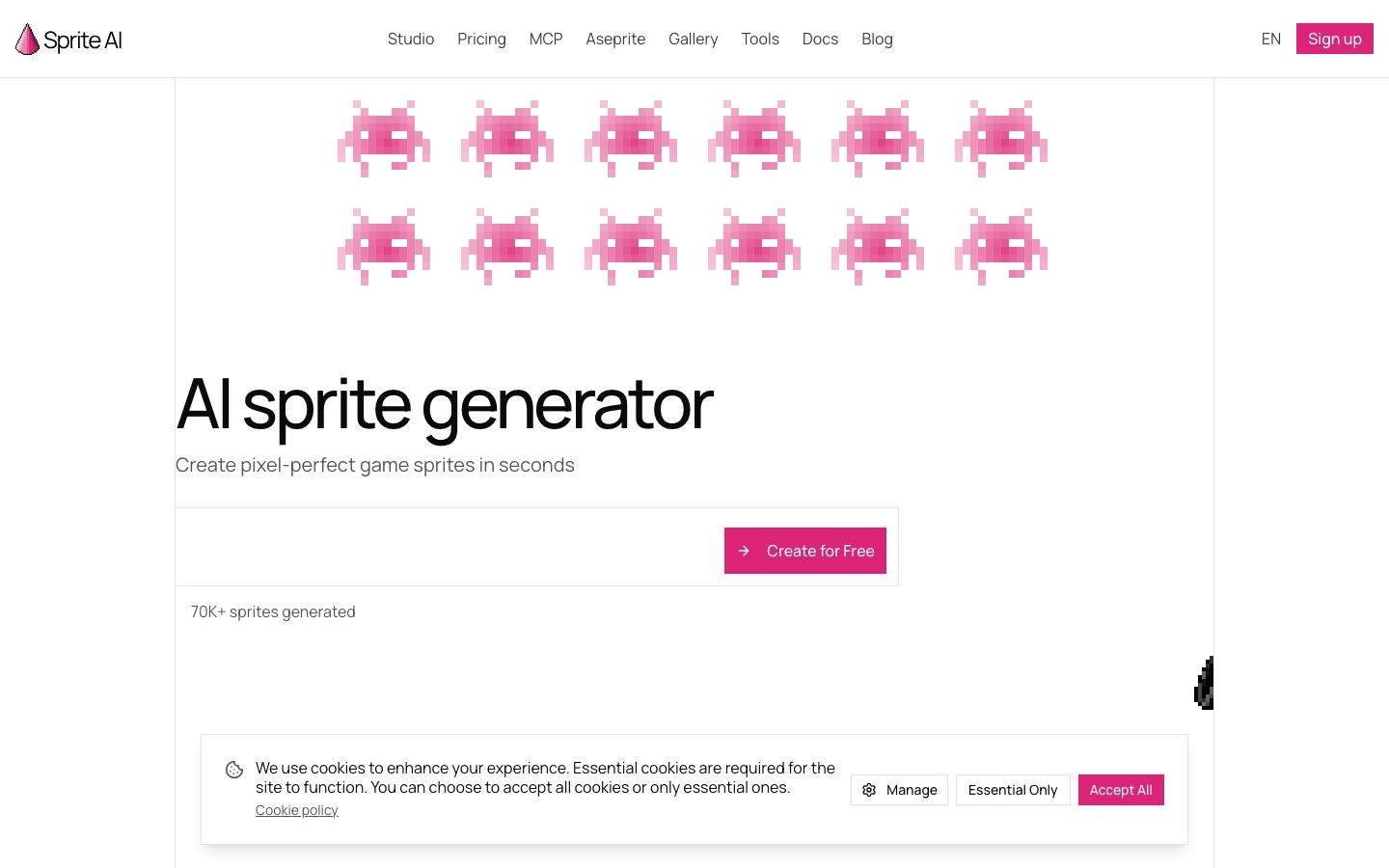
Sprite AI is an AI pixel art generator for 2D game assets. Sprite AI is used by describing a character, item or creature in text, optionally describing an animation, editing the result in a browser pixel editor and exporting a PNG, GIF or sprite sheet for a game engine.
Best for Indie and solo game developers who need consistent pixel art characters, items and animations without drawing every frame.
- Listed in
- AI Image GeneratorGames & Fun
- Platforms
- Web, API, MCP, Plugin
- Pricing model
- Subscription
- Free trial
- Yes
- API
- Yes
- Made by
- Sprite AI
- Added
Last verified: . Information taken from sprite-ai.art.
What is Sprite AI?
Sprite AI is a pixel art generator for 2D game assets. You describe a character, item or creature in plain text and receive a sprite within seconds, at sizes from 32 to 400 pixels. A sprite can then be animated by describing the motion, such as a walk cycle, attack or idle loop, without rigging or a timeline. Results are refined in a browser pixel editor where you paint, fill and adjust colours, and editing does not use tokens. Exports include transparent PNG, SVG, animated GIF and sprite sheets with a JSON atlas for engines such as Unity, Godot, GameMaker and Unreal. Generation is also reachable from code through an API and an MCP server that works with Claude Code, Codex and Cursor, and there is an Aseprite plugin. New accounts get 15 free generations, and paid plans carry a commercial license.
Key Features
Text-to-Sprite Generation
Produces a pixel art sprite of a character, object or creature from a written description.
Prompted Animation
Generates frame-by-frame animations of 8 to 16 frames from a plain-English description of the movement.
Browser Pixel Editor
Lets you repaint, recolour and fine-tune any generated sprite by hand at no token cost.
Game-Ready Exports
Downloads PNG with transparency, SVG, GIF, a ZIP of frames or a packed sprite sheet with JSON atlas.
API and MCP Server
Allows sprites to be generated and animated from a coding agent or your own scripts.
Free Utility Tools
Includes converters and editors, among them a PNG to SVG tool, tile editor and sprite sheet pivot editor.
How Sprite AI works
Describe the sprite
Type what you want, for example a knight carrying a sword and shield.
Animate it
Describe a motion to get a walk, attack or idle sequence.
Edit by hand
Adjust pixels and colours in the browser editor.
Export
Download a sprite sheet or GIF and import it into your engine.
Screenshots
Use Cases
- Prototyping a 2D Game
- Fill a prototype with placeholder or final characters and items without drawing each one.
- Game Jam Assets
- Create a weekend project's art set quickly, using a one-time token pack.
- Character Walk Cycles
- Animate a hero or enemy sprite and export the sheet to the engine.
- Generating Art From an Agent
- Ask a coding assistant connected over MCP to add sprites while it builds the game.
- Touching Up Existing Sprites
- Open a sprite in the editor and correct details pixel by pixel.
Things to know
- Tokens expire monthly
- Unused subscription tokens are not carried over; pack tokens bought one-time never expire.
- Animations cost more
- One animation uses 14 to 20 tokens, which is why 100 tokens equal roughly 7 animations.
- Launch pricing
- The site calls the current rates launch prices that will rise at full release, with existing subscribers keeping their rate.
- Privacy needs a plan
- The pricing page notes that keeping sprites private requires a subscription plan.
FAQs
What is Sprite AI?
Sprite AI is an AI pixel art generator that creates game sprites from text prompts and can animate them.
What is Sprite AI used for?
Sprite AI is used to make characters, items and creatures for 2D games, animate them and export sprite sheets for game engines.
Is Sprite AI free?
Sprite AI gives every account 15 free generations with no card required. After that it is paid, through a subscription or a one-time token pack.
How much does Sprite AI cost?
Sprite AI: a free trial is offered. Paid plan rates are published on sprite-ai.art. Check the official pricing page for current amounts.
What file formats does Sprite AI export?
Sprite AI exports transparent PNG, SVG, animated GIF, sprite sheet PNG and sprite sheets with a JSON atlas, and multi-frame work can be downloaded as a ZIP of PNGs.
Can I use Sprite AI sprites commercially?
Yes. Every paid Sprite AI plan includes a full commercial license covering games you sell.
Does Sprite AI have an API?
Yes. Sprite AI offers an API and an MCP server, so sprites can be generated from Claude Code, Cursor or custom code, and it also has an Aseprite plugin.
How do Sprite AI tokens work?
A basic Sprite AI generation costs 1 token and an animation 14 to 20 tokens depending on frame count. Subscription tokens reset each month and do not roll over.
Who it's for
- Indie game developers
- Solo developers
- Game studios
- Game jam participants
- Students
Used in these workflows
- Which AI tools help you develop a game, from design document to launch?Stage 3: 2D assets and pixel art
Each guide lists the stages of one job and the tools that help at each stage. All guides
Comments
No comments yet. If you have used Sprite AI, tell other readers how it went.
Alternatives to Sprite AI
| Tool | Free plan | Starting price | API |
|---|---|---|---|
 PixelLabAI generator for pixel art game assets: characters, animations, rotations, tilesets and UI, in the browser or in Aseprite. PixelLabAI generator for pixel art game assets: characters, animations, rotations, tilesets and UI, in the browser or in Aseprite. |
— | — | Yes |
 IdeogramImage models known for accurate text rendering, with task-focused apps and a unified API. IdeogramImage models known for accurate text rendering, with task-focused apps and a unified API. |
— | — | Yes |
 Kling AIAI video and image generator with a creative studio, agent-driven canvas, API and desktop and mobile apps. Kling AIAI video and image generator with a creative studio, agent-driven canvas, API and desktop and mobile apps. |
— | — | Yes |
 AI DungeonText adventure game in which an AI narrates open-ended stories that the player steers. AI DungeonText adventure game in which an AI narrates open-ended stories that the player steers. |
Yes | — | — |
 CanvaBrowser-based design suite for social posts, presentations, video and print, with built-in AI tools. CanvaBrowser-based design suite for social posts, presentations, video and print, with built-in AI tools. |
Yes | — | — |
Listed in the same categories as Sprite AI. A starting price appears only where we checked it on the maker’s pricing page; a dash means not checked or not published. All AI Image Generator tools