
Rabbit R1
Pocket AI device from rabbit that gives push-to-talk access to rabbit OS3 for questions, recordings and tasks.
Rabbit R1 is a pocket-sized AI device that acts as a physical channel into rabbit OS3. Rabbit R1 is used by pressing its button and saying a request; it answers questions, translates, records and summarises audio, and can start tasks on connected computers. The device is sold as a one-time purchase without a subscription.
Best for People who want a dedicated voice device for an AI agent, mainly for recordings, quick questions and handing off tasks to their computers.
- Platforms
- Web, macOS, Windows
- Pricing model
- One-time
- Made by
- rabbit inc.
- Added
Last verified: . Information taken from rabbit.tech.
What is Rabbit R1?
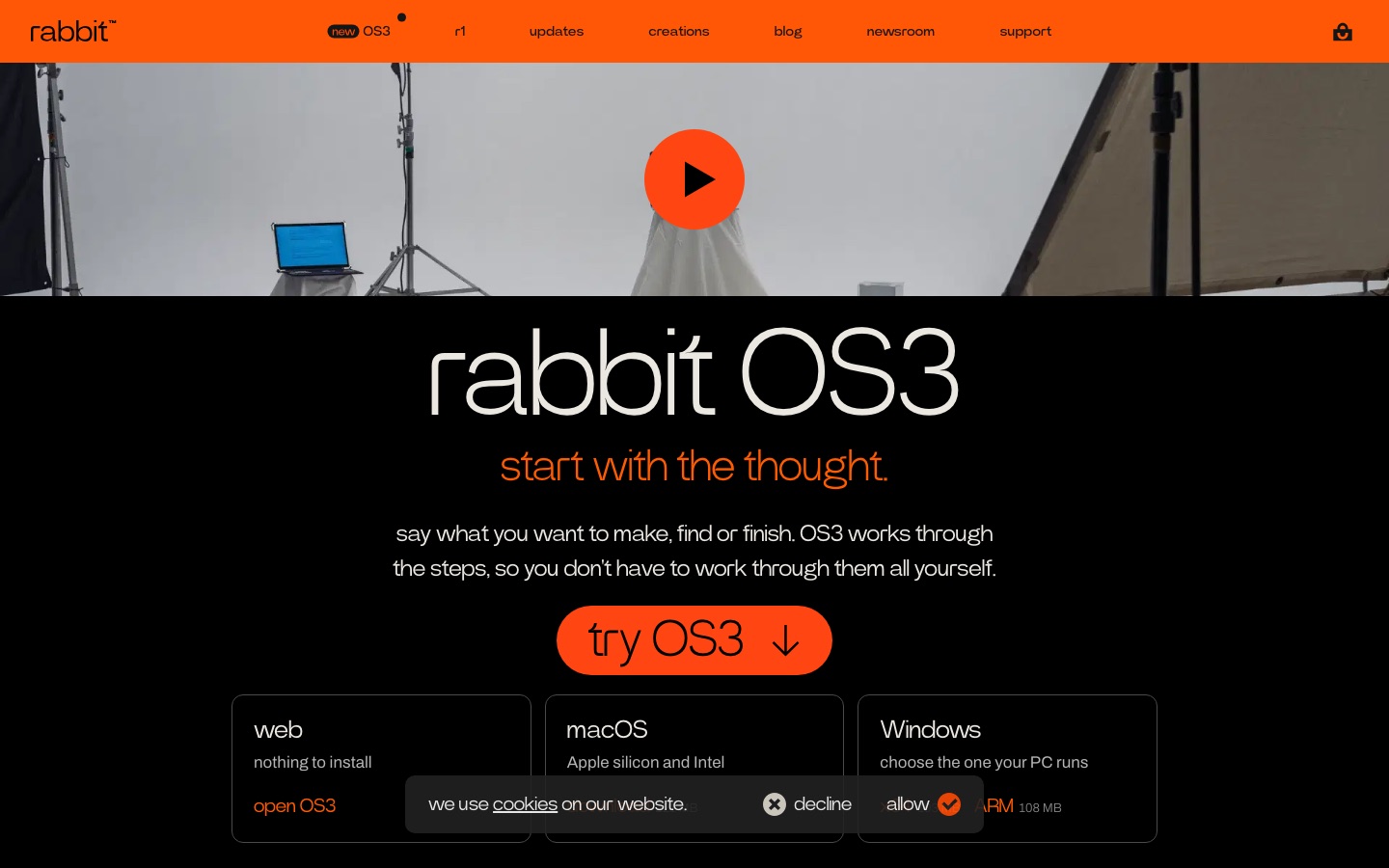
Rabbit R1 is a handheld AI device made by rabbit inc. and designed in collaboration with teenage engineering. It serves as a physical entry point to rabbit OS3, the company's agent system: the user presses the button, says what needs doing and OS3 works through the steps. On the device itself, r1 answers questions, translates, records audio and produces transcripts and AI summaries, and it can run small generated tools and games the company calls creations. OS3 is also reachable on the web, in Telegram and through desktop apps for macOS and Windows; each channel keeps its own thread while sharing memory and context. Connected computers let OS3 work with local files and software. Users may bring an API key from a supported model provider. The product page says no subscription is required.
Key Features
Push-to-Talk Requests
Press the button and speak a request, which is passed to OS3 without opening an app.
Magic Recorder
Records audio on the device and returns transcripts and AI summaries, with no cap on recordings.
Answers and Translation
Responds to spoken questions and translates conversations while you are out.
Creations
Generates small custom tools, games and experiences that run on r1 from a description.
Connected Computers
Starts jobs on a linked Mac or PC, such as sorting and renaming a folder of files.
Model Choice
Lets you supply your own API key and switch providers while memory and skills stay in place.
Use Cases
- Capturing Meetings and Lectures
- Record a session and read the summary afterwards.
- Starting Work Away From the Desk
- Tell OS3 to begin a task on your home computer while walking.
- Travel Translation
- Use the device to translate a conversation on the go.
- Quick Spoken Lookups
- Ask a factual question without unlocking a phone.
- Building a Personal Mini Tool
- Describe a small utility or game and have it generated for the device.
Things to know
- Output may be inaccurate
- rabbit states that answers from the device may not be accurate or complete and should not replace professional advice on health, legal, financial or similar matters.
- Third-party agents are at your own risk
- Agents not developed by rabbit must be set up by the user, and the company provides no support for them.
- Platforms listed refer to OS3
- Web, macOS and Windows are the other ways to reach OS3; r1 itself is separate hardware.
- Returns
- The product page mentions 30-day free returns and shipping in three business days.
FAQs
What is the Rabbit R1?
The Rabbit R1 is a pocket AI device from rabbit inc. that runs on rabbit OS3 and lets you make spoken requests with a button press.
How much does the Rabbit R1 cost?
Paid plan rates are published on rabbit.tech. Check the official pricing page for current amounts.
Does the Rabbit R1 need a subscription?
No. The Rabbit R1 product page says the device has no subscription, and that recordings, transcripts and AI summaries are included free.
What is rabbit OS3?
rabbit OS3 is the agent system behind the Rabbit R1. You describe a goal and it works through the steps, on the web, in Telegram, on r1 and on connected computers.
Do I need a Rabbit R1 to use OS3?
OS3 is also offered on the web and as desktop apps for macOS and Windows, so the Rabbit R1 is one of several ways to reach it.
Can I choose which AI model the Rabbit R1 uses?
rabbit OS3 supports bringing your own API key from providers it lists, and it keeps your memory, skills and connected computers when you change the model setup.
Who designed the Rabbit R1?
According to the product page, the Rabbit R1's industrial design was a collaboration between rabbit and teenage engineering.
Who it's for
- Early adopters
- Mobile professionals
- Makers
- Students
- Gadget enthusiasts
Read about it
Comments
No comments yet. If you have used Rabbit R1, tell other readers how it went.
Alternatives to Rabbit R1
| Tool | Free plan | Starting price | API |
|---|---|---|---|
 Home AssistantOpen source home automation platform with local control, automations, dashboards and the Assist voice assistant. |
— | — | — |
 Bland AIEnterprise voice AI platform for building, deploying and monitoring phone agents on the vendor's own models. |
— | — | — |
 DailyDeveloper platform for real-time voice, video and AI agents, built on WebRTC infrastructure and the open-source Pipecat framework. |
Yes | — | Yes |
FoloToyAI conversational toys for children, with plush and moving characters customised through an app. |
— | — | — |
 HappyRobotEnterprise platform for deploying, evaluating and governing AI agents, including voice agents, in operations. |
— | — | — |
Listed in the same categories as Rabbit R1. A starting price appears only where we checked it on the maker’s pricing page; a dash means not checked or not published. All AI Hardware & Devices tools