
PlotToFilm
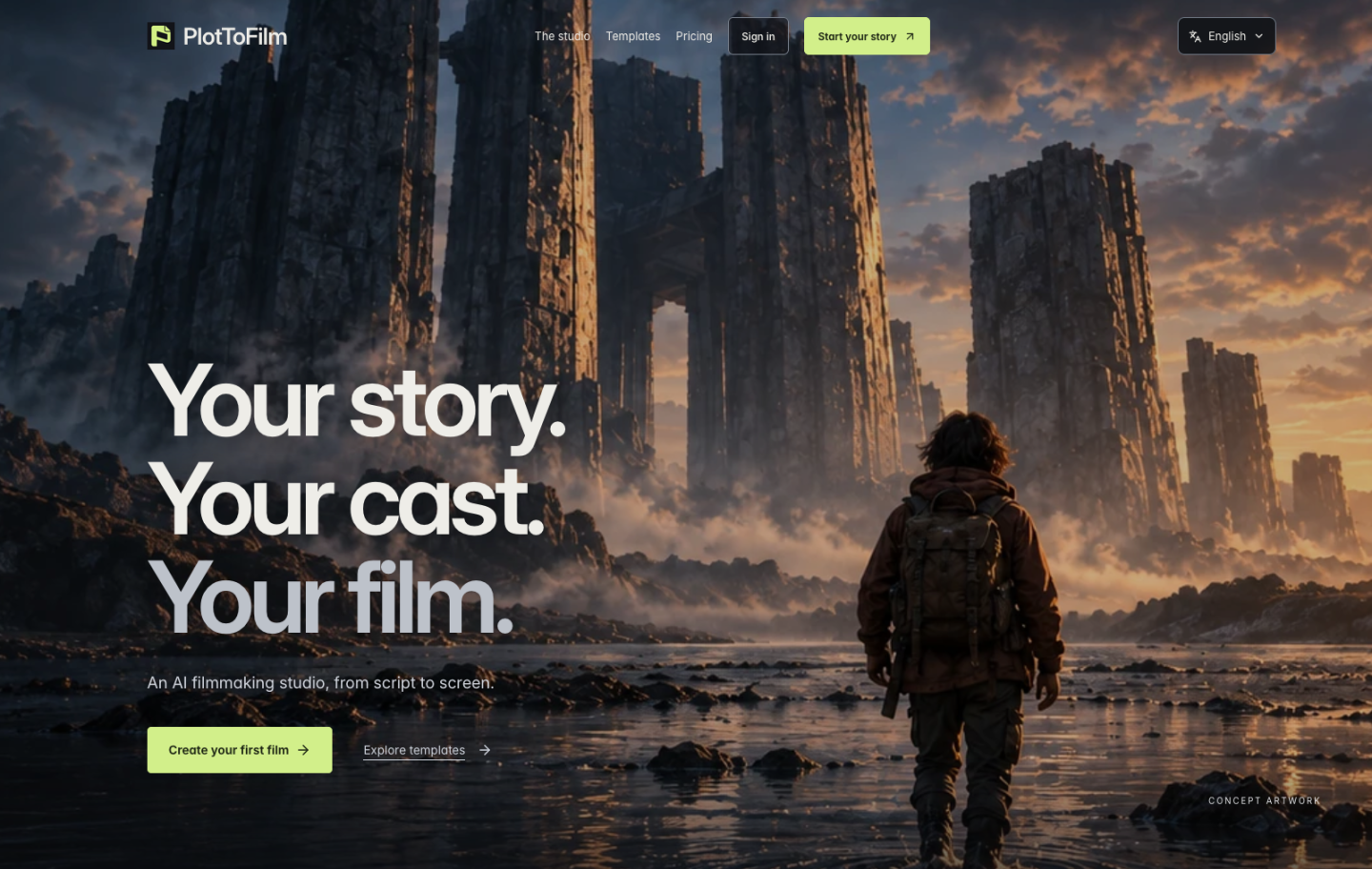
An AI filmmaking studio that takes a story from script and storyboard through image review to generated video clips.
PlotToFilm is an AI filmmaking studio for turning a story idea into short film clips. In PlotToFilm, users write a script, plan shots in a storyboard, pin cast and visual references, approve candidate images, and then generate video after accepting a credit quote. PlotToFilm runs on a credit system with optional monthly plans.
Best for Creators and small teams who want to plan and generate short AI films, such as trailers or story openings, while keeping control over cast, frames and cost.
- Platforms
- Web
- Pricing model
- Credits
- Starting price
- $20 per 1,000 credits Pay as you go
- Added
Last verified: . Information taken from plottofilm.com.
What is PlotToFilm?
PlotToFilm is an AI filmmaking studio that guides a project from a written idea to exported video clips. Work moves through four stages: shaping the script, planning shots on a storyboard, reviewing details, and producing the film. Users can lock in characters and visual references so that generated shots stay consistent, compare several candidate frames, and pick which ones get turned into video. Templates cover formats such as product trailers, anime openings, horror teasers and travel stories, each starting as an editable draft. Before any generation runs, PlotToFilm shows a credit quote that the user must approve, and images are approved before credits are spent on video. Source dimensions and costs stay visible through to the final export. The interface is offered in English, Simplified Chinese, Traditional Chinese and Spanish.
Key Features
Cast and reference pinning
Lets users fix characters and visual references so they guide how each shot is generated.
Candidate comparison
Produces multiple frame options per shot so users can choose which ones move forward to video.
Storyboard planning
Provides a stage for laying out individual shots before any video is produced.
Editable templates
Offers starting drafts for genres like horror teasers, product trailers, anime openings and travel stories.
Credit quotes before generation
Shows the exact credit cost for the chosen model, duration and candidate count, which the user approves before submitting.
Selective clip export
Allows users to pick which generated clips to export, with source dimensions and costs kept visible.
How PlotToFilm works
Create a project and write the script
Start a project, either blank or from a template, and develop the story idea into a script.
Plan the storyboard
Break the script into shots and pin the cast and visual references that should guide generation.
Review the quote and images
Choose a model, check the credit quote, and approve candidate images before spending credits on video.
Generate and export
Produce video for the approved frames and select which clips to export.
Use Cases
- Product trailer
- A marketer builds a short trailer that focuses on product details, starting from a template and refining shots.
- Anime-style opening
- A creator plans and generates an opening sequence introducing a fictional world with consistent characters.
- Horror teaser
- A filmmaker storyboards a suspense teaser and approves individual frames before paying for video.
- Travel video
- A travel creator turns a destination into a short narrative film using a travel story template.
- Pre-visualizing a script
- A writer converts a script into storyboarded shots to test how scenes might look on screen.
Pricing
Pay as you go
$20
per 1,000 credits, one-time purchase
1,000 credits
- No membership required
- Credits remain after membership ends
- Suited to a first film or occasional use
Creator
$29
per month, billed monthly
2,000 monthly credits
- Member top-up price of $15.00 per 1,000 credits
- Monthly credits do not roll over
Studio
$79
per month, monthly subscription; billing period shown at checkout
6,000 monthly credits
- Larger monthly credit allowance
- Member top-up pricing
Production
$199
per month, monthly subscription; billing period shown at checkout
16,000 monthly credits
- Highest monthly credit allowance
- Member top-up pricing
Monthly credits expire at the end of each billing period. Active members pay $15.00 per 1,000 top-up credits. Final charges, taxes and billing period are shown at checkout. Checked 26 Oct 2026 at plottofilm.com.
Things to know
- Monthly credits do not roll over
- Credits included with a monthly plan expire at the end of the billing period, while purchased top-up credits remain after membership ends.
- Variable generation cost
- Credit cost depends on model, duration, number of candidates and authorized retries, so credits do not equal a fixed number of films, and there is no unlimited generation.
- Free custom planning unavailable
- The site states that free custom planning is currently not available, though a labelled planning example can be viewed.
- Results can vary
- Reference versions guide generation, but model outputs may differ between runs; template cover art is illustrative, not generated video previews.
FAQs
What is PlotToFilm?
PlotToFilm is an AI filmmaking studio that takes a project from script through storyboard and image review to generated video clips.
What is PlotToFilm used for?
PlotToFilm is used to create short AI films such as product trailers, anime openings, horror teasers and travel stories, with control over cast and chosen frames.
How much does PlotToFilm cost?
PlotToFilm sells 1,000 credits for $20.00 as a one-time purchase, or offers monthly plans at $29.00 (Creator), $79.00 (Studio) and $199.00 (Production). Members can buy top-ups at $15.00 per 1,000 credits.
Do I need a subscription to use PlotToFilm?
No, PlotToFilm lets users buy credits without a membership. Subscriptions add monthly credits and a lower top-up price.
Do PlotToFilm monthly credits roll over?
No, PlotToFilm monthly plan credits expire at the end of each billing period. Purchased top-up credits stay available even after a membership ends.
How does PlotToFilm keep generation costs predictable?
PlotToFilm shows a credit quote for each generation that must be approved first, and images are approved before credits are spent on video.
What languages is PlotToFilm available in?
PlotToFilm offers its site in English, Simplified Chinese, Traditional Chinese and Spanish.
Who it's for
- independent filmmakers
- content creators
- marketers
- writers
- animators
- small studios
Comments
No comments yet. If you have used PlotToFilm, tell other readers how it went.
Alternatives to PlotToFilm
| Tool | Free plan | Starting price | API |
|---|---|---|---|
 Utopai StudiosFilm and series studio that develops PAI, an AI production engine with an agent, canvas and timeline for filmmakers. Utopai StudiosFilm and series studio that develops PAI, an AI production engine with an agent, canvas and timeline for filmmakers. |
— | — | — |
 LTX StudioBrowser-based AI video production suite that turns scripts, prompts and images into storyboards, shots and edits. LTX StudioBrowser-based AI video production suite that turns scripts, prompts and images into storyboards, shots and edits. |
Yes | — | — |
 MeliesAI filmmaking studio that combines image, video, voice and music models with a library of reusable AI actors. MeliesAI filmmaking studio that combines image, video, voice and music models with a library of reusable AI actors. |
— | — | — |
 invideoOnline video editor in which AI agents log footage, apply edits from plain-language directions and generate clips. invideoOnline video editor in which AI agents log footage, apply edits from plain-language directions and generate clips. |
— | — | — |
 AnimakerOnline animation maker that generates and edits animated videos with AI voices, subtitles and a character builder. AnimakerOnline animation maker that generates and edits animated videos with AI voices, subtitles and a character builder. |
Yes | — | — |
Listed in the same categories as PlotToFilm. A starting price appears only where we checked it on the maker’s pricing page; a dash means not checked or not published. All AI Video Generator tools