
OneCal
Syncs Google, Outlook and iCloud calendars in real time and adds scheduling links, a unified view and an AI assistant.
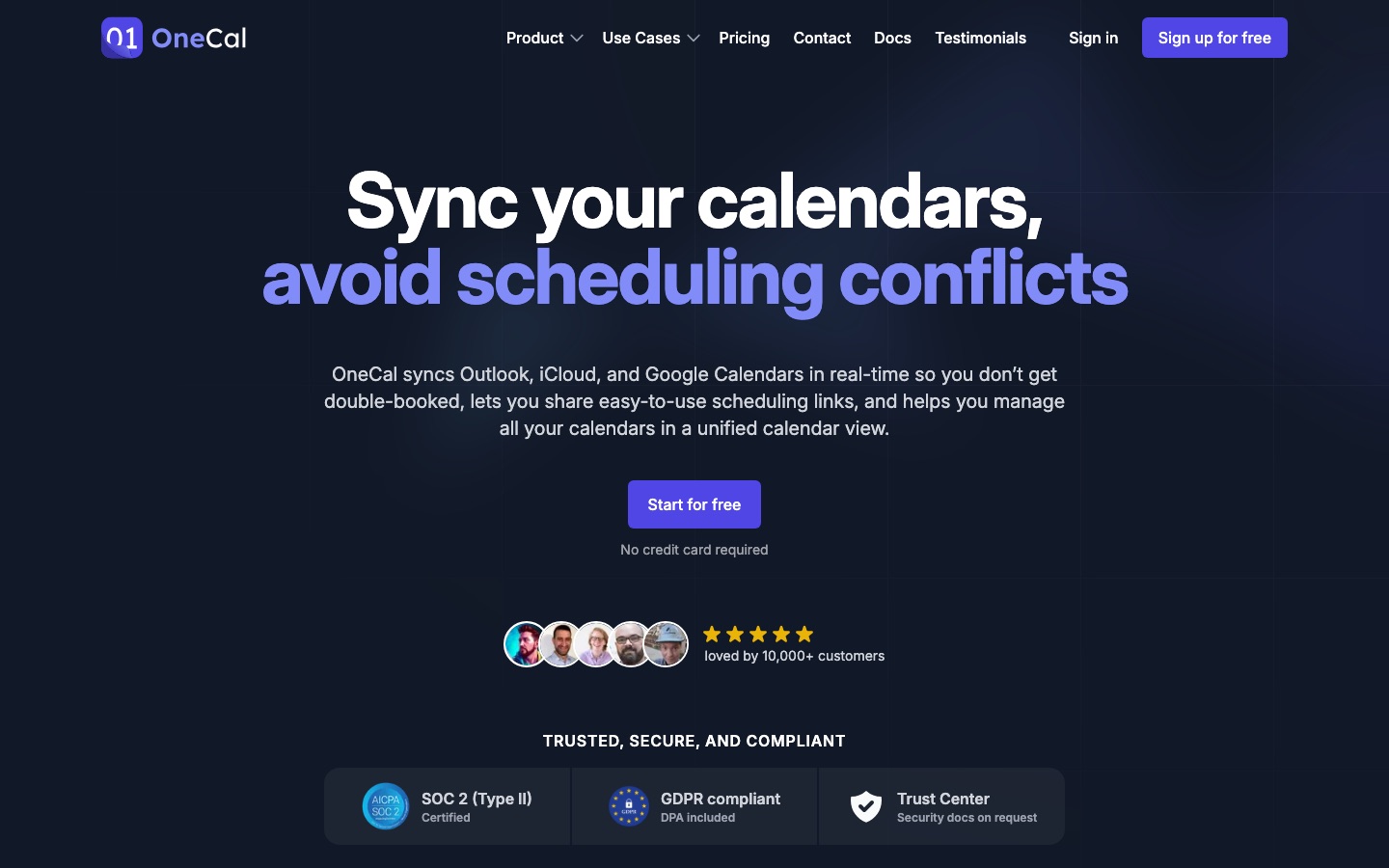
OneCal is a calendar tool that keeps Google, Outlook, iCloud and CalDAV calendars synchronised in real time so that a slot booked in one shows as busy in the others. OneCal also provides shareable scheduling links, a single view of every calendar and an AI assistant that changes calendars and syncs on request.
Best for Consultants, freelancers and employees who hold calendars at several organisations and need each one to reflect their true availability.
- Listed in
- Productivity & Team Work
- Platforms
- Web, iOS, Android, macOS, MCP
- Pricing model
- Subscription
- Starting price
- $5 per month Starter plan, per user, billed annually ($60 per year).
- Free trial
- Yes
- API
- Yes
- Made by
- OneCal
- Added
Last verified: . Information taken from onecal.io.
What is OneCal?
OneCal is a calendar synchronisation and scheduling service. It copies events between Google Calendar, Outlook, iCloud and any CalDAV server so that time blocked in one account appears in the rest, in one direction or several. The user decides how much of each event is replicated, from full details to a bare busy marker, and can exclude events by colour or category. Scheduling links let other people book one-to-one or collective meetings against availability read from all connected calendars. A unified view shows every calendar in one interface for creating, editing and joining meetings. An AI assistant accepts requests to change calendars, syncs and links, and an MCP server connects Claude, ChatGPT or other clients. Zoom, Google Meet, Microsoft Teams and Zapier are supported, and the company reports SOC 2 Type II certification.
Key Features
Real-time calendar sync
Mirrors events among Google, Outlook, iCloud and CalDAV calendars as changes occur, one-way or multi-way.
Privacy controls
Chooses which event fields are copied, so titles or details can be hidden from the destination calendar.
Scheduling links
Creates individual or team booking pages with buffers, notice periods, custom questions and manual confirmation.
Unified calendar view
Displays all connected calendars together and supports creating events, RSVPs and one-click meeting joins.
AI assistant
Carries out typed requests to modify calendars, sync configurations and scheduling links.
MCP server
Exposes calendars to Claude, ChatGPT or any MCP client so outside AI tools can work with them.
Screenshots
Use Cases
- Working for several clients
- Block time across each client's calendar when a meeting lands in any one of them.
- Separating work and personal life
- Show personal appointments as private busy slots in a work calendar.
- Booking without email chains
- Send a link that offers only times free in every calendar.
- Assistants managing executives
- Oversee multiple people's calendars from one interface.
- Team availability
- Offer a collective link that finds a slot when all required colleagues are free.
Pricing
Starter
$5
per user per month, billed annually ($60)
- 2 connected calendars
- Unlimited calendar syncs and scheduling links
- AI Assistant and MCP server
Essential
$10
per user per month, billed annually ($120)
- 5 connected calendars
- Everything listed for Starter
Premium
$25
per user per month, billed annually ($300)
- 50 connected calendars
- Dedicated Slack or Discord support
Per-user prices with annual billing, as listed in the text of the official pricing page, which states that all prices are in USD and that taxes may apply. A monthly billing option exists at higher rates not captured here. Every plan has a 14-day free trial. Checked 9 Oct 2026 at onecal.io.
Things to know
- Calendar limits per plan
- Each user can connect 2 calendars on Starter, 5 on Essential and 50 on Premium; syncs and scheduling links are unlimited on all three.
- iCloud and CalDAV delay
- Changes in iCloud and CalDAV calendars may take up to 10 minutes to reach the other calendars.
- Per-user billing
- Each team member added to a plan is charged at that plan's rate.
FAQs
What is OneCal?
OneCal is a service that synchronises multiple calendars in real time and adds scheduling links, a unified calendar view and an AI assistant.
Which calendars does OneCal support?
OneCal supports Google Calendar, Microsoft Outlook, Apple iCloud Calendar and any CalDAV server, such as Fastmail, Nextcloud or Zoho.
How much does OneCal cost?
OneCal costs $5 per user per month on Starter, $10 on Essential and $25 on Premium when billed annually, in USD. The plans differ mainly in connected calendars per user: 2, 5 and 50.
Is there a free trial of OneCal?
Yes. All OneCal plans include a 14-day free trial that does not require a credit card.
How fast does OneCal sync?
OneCal syncs Google and Outlook changes in real time. Updates from iCloud and CalDAV calendars can take up to 10 minutes to appear elsewhere.
Does OneCal store my calendar events?
OneCal says it does not store, analyse or sell calendar event data. It connects through OAuth2 and requests only calendar read and write permissions.
Does OneCal work with AI tools?
Yes. OneCal has a built-in AI assistant and an MCP server for connecting Claude, ChatGPT or another MCP client to your calendars.
Does OneCal have mobile apps?
Yes. OneCal lists iOS and Android apps alongside the web app, and a macOS app.
Who it's for
- Consultants
- Freelancers
- Executive assistants
- Agencies
- Teams with multiple calendars
Used in these workflows
- Running better meetings: where AI tools help before, during and afterStage 1: Scheduling the meeting
Each guide lists the stages of one job and the tools that help at each stage. All guides
Comments
No comments yet. If you have used OneCal, tell other readers how it went.
Alternatives to OneCal
| Tool | Free plan | Starting price | API |
|---|---|---|---|
 AkiflowTime-blocking planner that merges tasks, calendars and an inbox, with an AI assistant called Aki. AkiflowTime-blocking planner that merges tasks, calendars and an inbox, with an AI assistant called Aki. |
No | — | — |
 Cal.comOpen scheduling platform with booking links, team routing, an API and the Cal.ai phone agent. Cal.comOpen scheduling platform with booking links, team routing, an API and the Cal.ai phone agent. |
Yes | — | Yes |
 CalendlyMeeting scheduling software with an AI email assistant, a notetaker, contact profiles and built-in payments. CalendlyMeeting scheduling software with an AI email assistant, a notetaker, contact profiles and built-in payments. |
Yes | $10/mo | Yes |
 CapacitiesNote-taking and knowledge management app that stores ideas as linked objects instead of files and folders. CapacitiesNote-taking and knowledge management app that stores ideas as linked objects instead of files and folders. |
Yes | — | Yes |
 Google GeminiGoogle's AI assistant for chat, research, and image, video and music generation, tied into Google apps. Google GeminiGoogle's AI assistant for chat, research, and image, video and music generation, tied into Google apps. |
Yes | — | Yes |
Listed in the same category as OneCal. A starting price appears only where we checked it on the maker’s pricing page; a dash means not checked or not published. All Productivity & Team Work tools