
Logo Diffusion
AI logo generator that creates logo concepts from text, sketches or images and exports them as vector or transparent PNG.
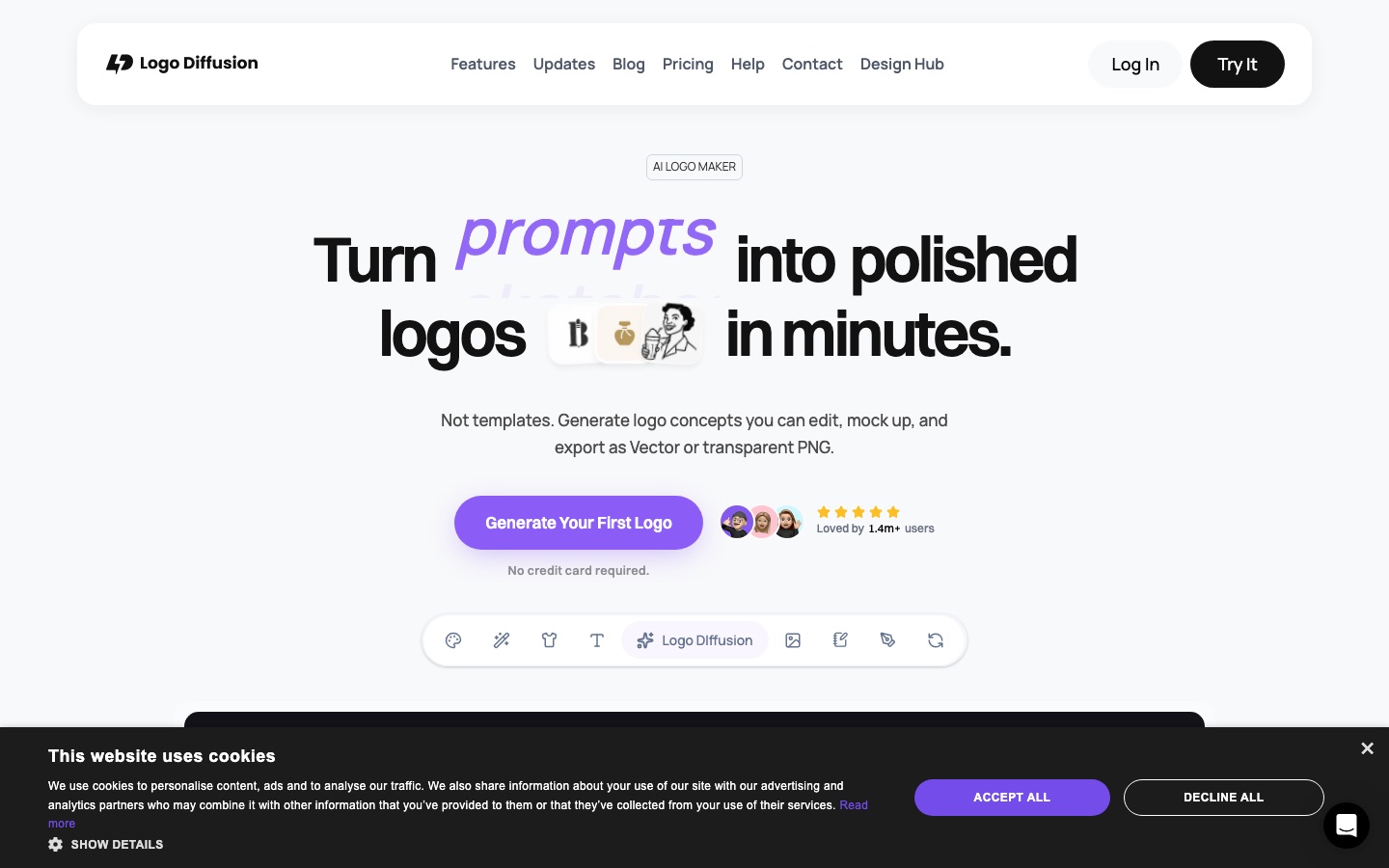
Logo Diffusion is an AI logo generator built on a model trained for logo design. Logo Diffusion creates up to four logo options from a prompt, sketch or image, and adds an editor, vectorizer, mockup generator and upscaler.
Best for Freelance designers, agencies and small businesses that want to move from a rough idea to an editable vector logo and presentation mockups in one tool.
- Listed in
- Vector & Logo DesignGraphic Design
- Platforms
- Web
- Pricing model
- Freemium
- Free plan
- Yes
- Made by
- Logo Diffusion
- Added
Last verified: . Information taken from logodiffusion.com.
What is Logo Diffusion?
Logo Diffusion is an AI logo maker that runs on a proprietary model trained specifically for logo design. A project can begin from a text description, a sketch drawn on the built-in canvas or an uploaded image, and each generation returns up to four options. Results are refined in the Magic Editor, which can replace the wording inside a logo while keeping its font and layout, produce variations, expand one logo into a system of lockups or derive a matching icon set. Finishing tools sit in the same app: a vectorizer that outputs layered SVG and keeps gradients, a background remover, an AI mockup generator that exports at up to 4K, a 2x or 4x creative upscaler and style transfer from any image. A free plan provides 24 credits a month with watermarked downloads and no commercial rights; paid plans add vector export, private generation and a commercial license.
Key Features
Three Starting Points
Begins a logo from a prompt, a hand-drawn sketch or an existing picture, and allows switching between them.
Magic Editor
Swaps the text in a logo, generates on-brand variations and builds a logo system or icon set from one design.
Vectorizer
Converts a logo into SVG built in layers with clean paths, in a standard or a higher-detail quality mode.
AI Mockups
Generates a presentation scene from a short prompt, with control over lighting, camera angle and material.
Creative Upscaler
Enlarges artwork two or four times, with a slider that sets how much the AI may reinterpret it.
Style Transfer
Applies the texture of an uploaded image or a library style to a logo while its structure stays the same.
How Logo Diffusion works
Choose how to begin
Select text, sketch or image as the input; the choice can be changed later.
Describe, draw or upload
Write the idea in your own words, sketch it on the canvas or supply a picture, optionally with a prompt.
Pick a logo style
Choose a look such as monogram, mascot, badge or line art.
Generate options
Each run returns up to four candidate logos.
Refine and export
Adjust the preferred result in the editor, then download it as a vector or a transparent PNG.
Screenshots
Use Cases
- Client Concept Rounds
- Produce a range of directions for a brief quickly, then refine the chosen one.
- Turning a Sketch into a Logo
- Draw a rough idea on the canvas and let the model develop finished options.
- Renaming an Existing Mark
- Change the wording in a logo without redrawing its lettering.
- Brand Systems
- Derive lockups, alternate marks and icons for apps, websites and social profiles.
- Presentation Mockups
- Show a logo on generated product or environment shots for a pitch deck.
Things to know
- Free plan limits
- Free output is public, watermarked, capped at 512x512 and may not be used commercially.
- Tools cost different credit amounts
- The pricing table lists 2 credits for a text-to-logo generation, 5 for image-to-logo and 5 or 8 for a vectorizer export.
- Parallel jobs vary by plan
- The pricing FAQ gives Pro three concurrent generation jobs and Elite four.
FAQs
What is Logo Diffusion?
Logo Diffusion is an AI logo generator and editor that creates logo options from text, sketches or images and exports them as vector or PNG files.
What is Logo Diffusion used for?
Logo Diffusion is used to explore logo concepts, refine a chosen design, vectorize it, and prepare mockups and brand assets such as icon sets.
Is Logo Diffusion free?
Yes, Logo Diffusion has a Free plan with 24 credits a month, roughly 12 logos. Its downloads are watermarked at 512x512, generations are public, and commercial use is not permitted.
How much does Logo Diffusion cost?
Logo Diffusion: a free plan is available. Paid plan rates are published on logodiffusion.com. Check the official pricing page for current amounts.
Can I use Logo Diffusion logos commercially?
Yes, on paid plans. Logo Diffusion includes a commercial use license with Basic, Pro and Elite, but not with the Free plan.
What file formats does Logo Diffusion export?
Logo Diffusion exports vector SVG files and transparent PNG images. Vector export is not part of the Free plan.
Is design experience required for Logo Diffusion?
No. Logo Diffusion is aimed at people without design experience as well as professionals; you pick a starting point and a style, then adjust the results with guided tools.
What do credits mean in Logo Diffusion?
Credits are Logo Diffusion's monthly usage allowance and are spent across all tools. As examples, the pricing page lists a text-to-logo generation at 2 credits and an image-to-logo generation at 5.
Who it's for
- Designers
- Freelancers
- Agencies
- Small businesses
- Startups
Comments
No comments yet. If you have used Logo Diffusion, tell other readers how it went.
Alternatives to Logo Diffusion
| Tool | Free plan | Starting price | API |
|---|---|---|---|
 SologoAIAI logo generator with traceable fonts and graphics and license options aimed at trademark use. |
Yes | $7.90/mo | — |
 AffinityFree desktop app that combines vector design, photo editing and page layout in a single document format. |
Yes | — | — |
 LogoAIAI logo maker that builds a logo from your brand name and extends it into a brand kit and design studio. |
— | — | — |
 LookaAI logo maker that also builds a brand kit with matching business cards, social assets and templates. |
— | — | — |
 QuiverAIAI models that generate, edit, vectorize and animate SVG graphics, offered as a web app and an API. |
— | — | Yes |
Listed in the same categories as Logo Diffusion. A starting price appears only where we checked it on the maker’s pricing page; a dash means not checked or not published. All Vector & Logo Design tools