Image prompt Scenes & Spaces Customizable
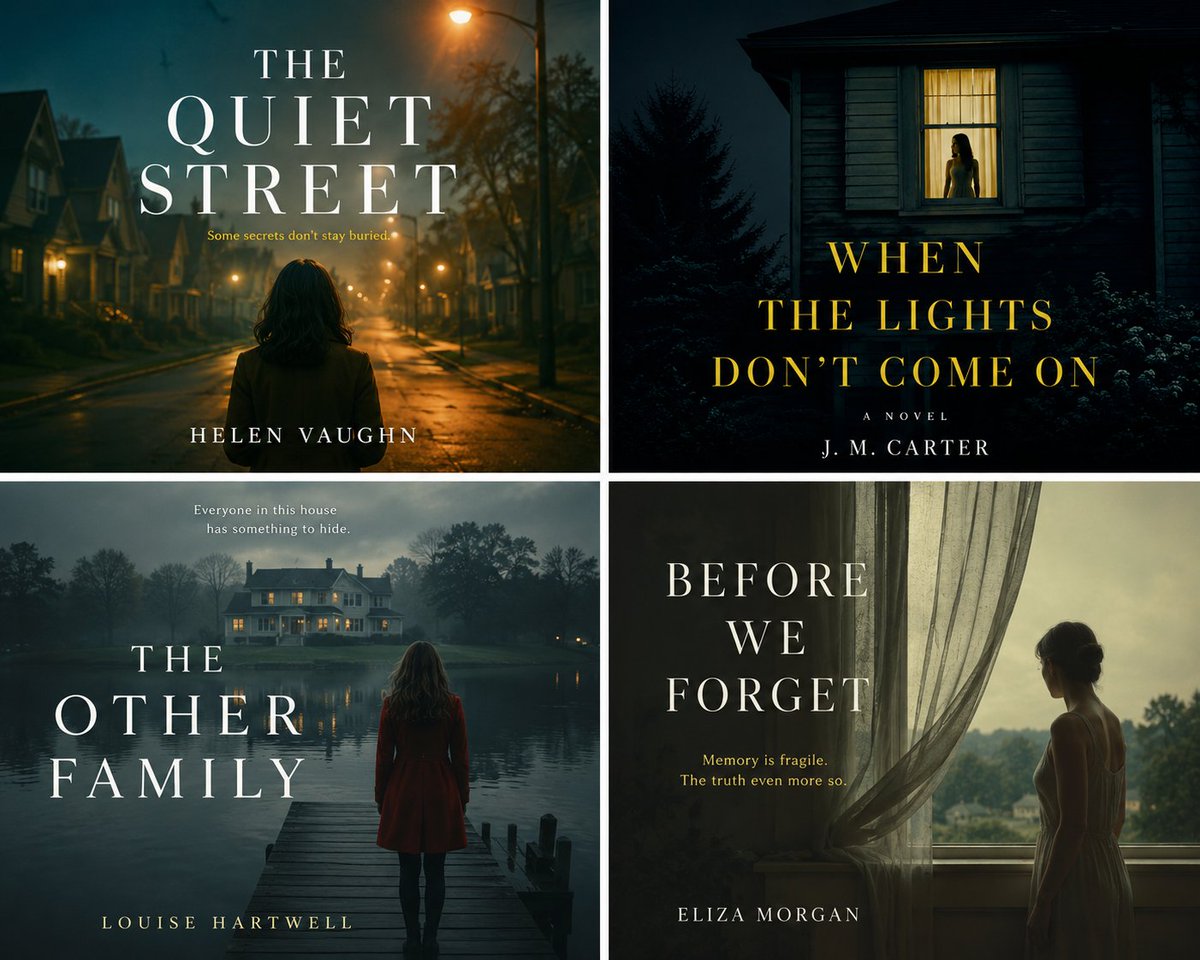
Moody Suburban Book Cover in Cinematic Style
A quiet, staged scene of an everyday suburban setting tinged with unease, with soft shadows and a sense that something is about to happen. It reads as a film still, which makes it suit slow-burn fiction well.

- Model
- GPT Image 2
- Type
- Image
- Aspect ratio
- 5:4
- Shared
- 11 May 2026
- Likes on X
- 50
Image prompt
443 charactersCreate cinematic book covers inspired by staged photographic storytelling, eerie suburbia, quiet tension, and emotional mystery. 🎬🌙 This prompt is ideal for literary fiction, psychological thrillers, domestic suspense, surreal drama, and slow-burn mystery novels. Customize the scene, setting, lighting, mood, and title to generate a polished publishing-quality cover with strong atmosphere, narrative ambiguity, and a moody photographic look.
How to use it
Keep the lighting, mood words and the cinematic framing, since they carry the unsettling calm that makes the cover work. Swap in your own setting, time of day and title so the scene matches your story. It was shared as a GPT Image 2 prompt, so check that the title text comes out spelled correctly before using it on a finished cover.
Featured inAI prompts for book covers
Shared publicly on X on 11 May 2026. All credit for this prompt and its result goes to its creator. Is this yours? Ask for an update or removal.