Görsel promptu Marka ve arayüz Özelleştirilebilir
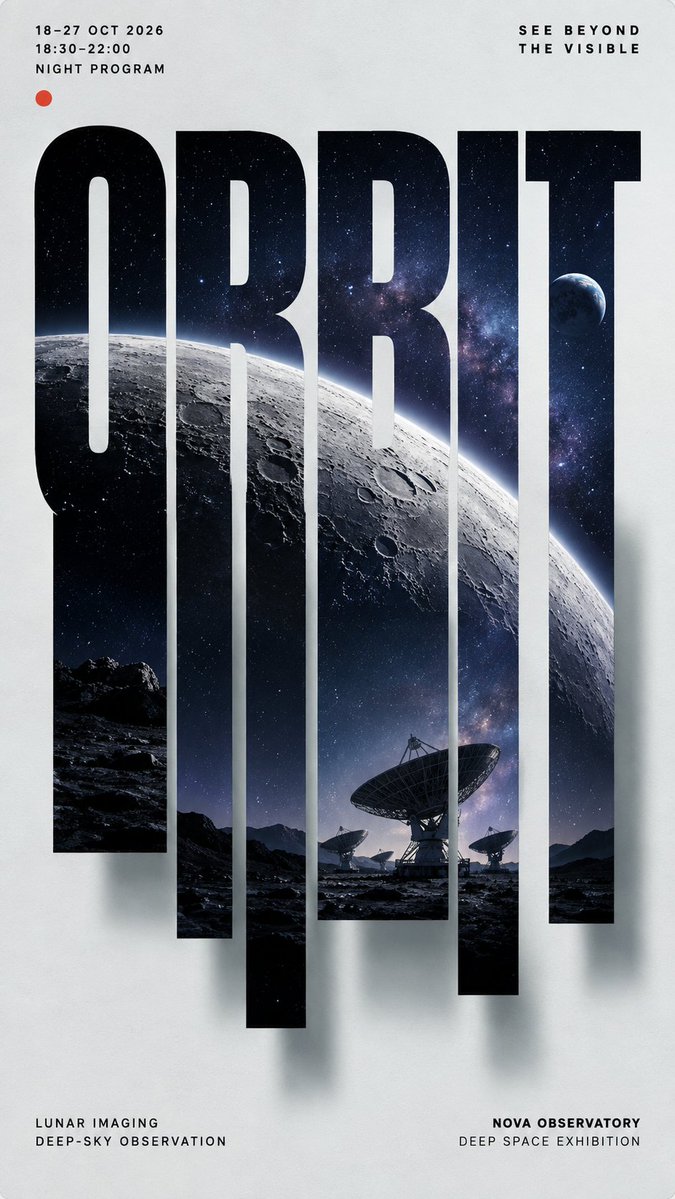
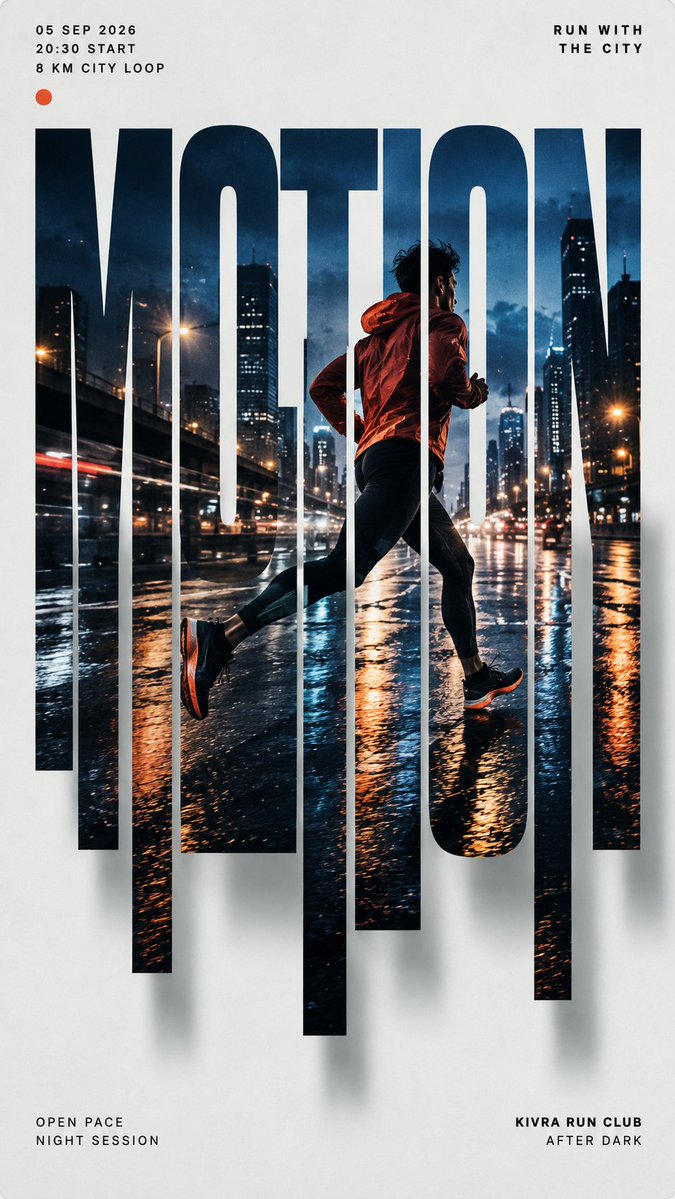
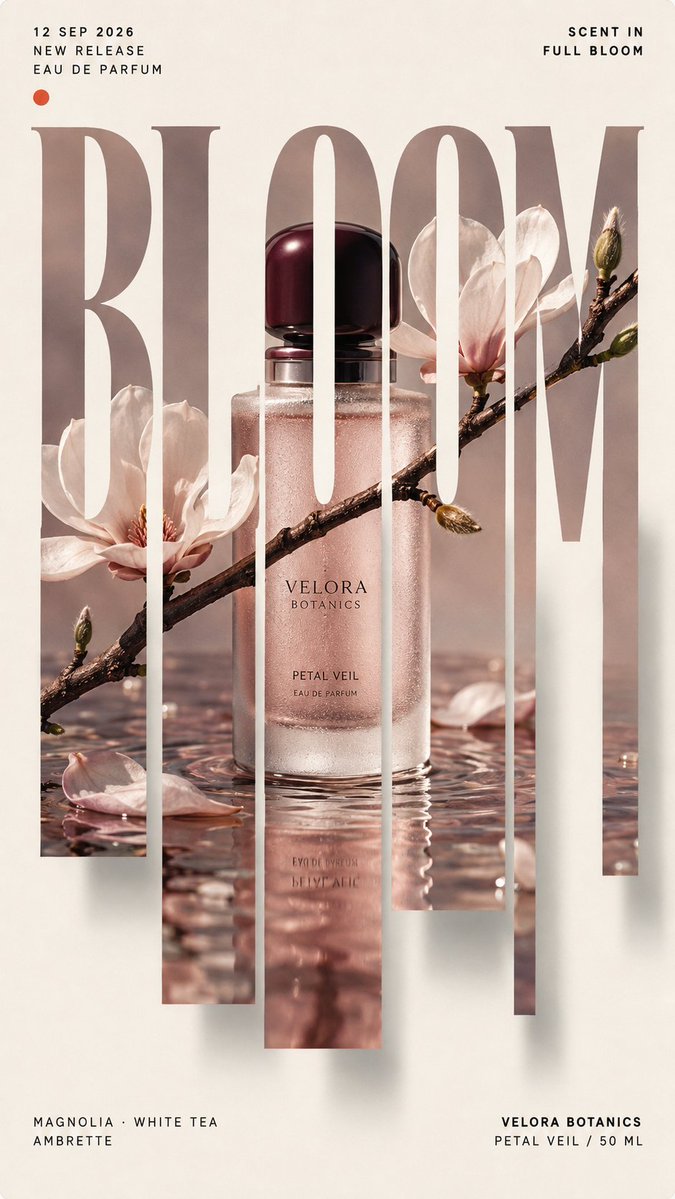
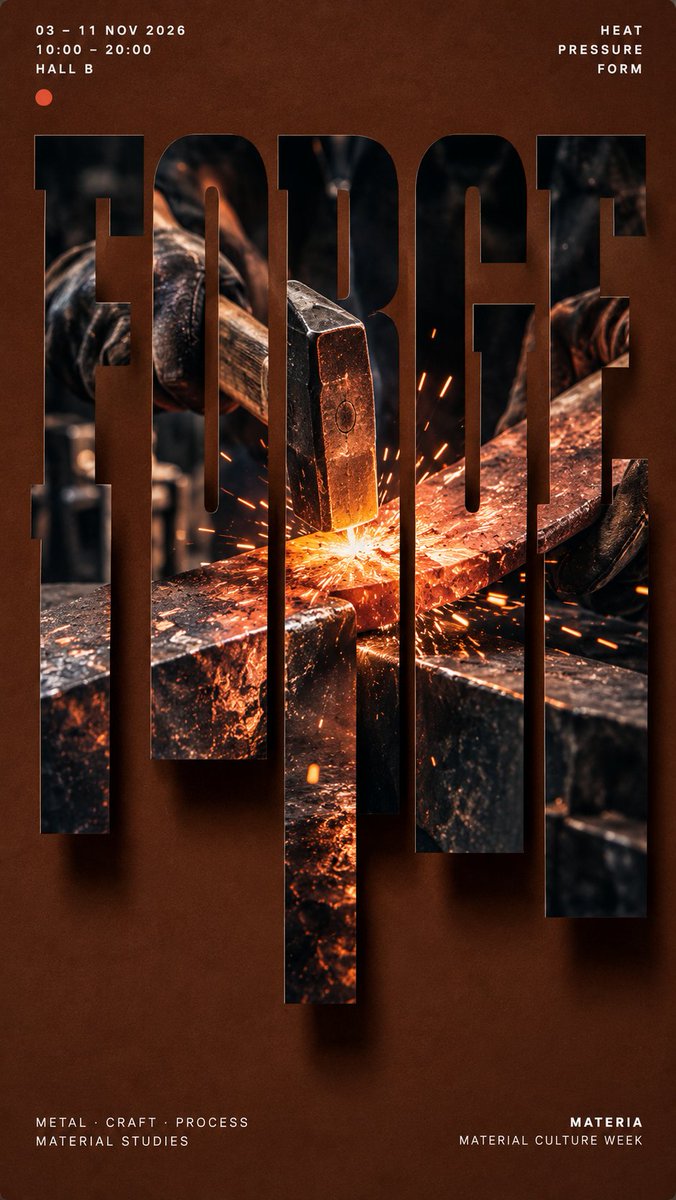
Dikey dilimli harf fotoğraf poster tasarımı
Cesur bir kelime posteri doldurur ve tek bir kesintisiz fotoğraf her harfin içinden geçer. Alt çizgiler farklı uzunluklarda dikey dilimlere ayrılarak uzanır; böylece sahne sanki yazıdan akıyormuş gibi görünürken üst yarı rahatça okunabilir kalır.

- Model
- GPT Image 2
- Tür
- 4 görsel
- En boy oranı
- 9:16
- Paylaşım
- 4 Eyl 2026
- X'teki beğeniler
- 117
AdTek bütün fotoğraf sahnesiRenkAna renklerKısa ifade+1 daha fazla
Görsel promptu
2,120 karakter【MAIN WORD】: {4–8 letter uppercase keyword} 【PROJECT TYPE】: {campaign / product launch / exhibition / editorial poster} 【BRAND / PROJECT】: {name} 【PHOTO SUBJECT】: {one complete photographic scene} 【BACKGROUND COLOR】: {color} 【IMAGE PALETTE】: {main colors} 【TYPE STYLE】: {condensed grotesk / slab serif / Didone serif} 【TOP LEFT】: {date / time / location} 【TOP RIGHT】: {short statement} 【BOTTOM LEFT】: {supporting details} 【BOTTOM RIGHT】: {brand / project name} 【FORMAT】: 9:16 vertical Create a high-end editorial poster built around **vertical sliced typography**. Place 【MAIN WORD】 at the center as the dominant visual, occupying about 75–85% of the poster width. Keep the word bold, clear and readable at thumbnail size. Embed **one single continuous photograph** of 【PHOTO SUBJECT】 inside the entire word. Every letter should reveal a different part of the same image, with horizons, objects, people, light, branches, roads or material edges connecting naturally across the letters. Keep roughly the upper 40–45% of the letterforms intact. Extend selected lower strokes downward into 5–7 vertical slices with varied short, medium and long lengths. The slices must grow naturally from the original letters, not become unrelated rectangles or barcode-like strips. Continue the same photograph through every extended slice. Place the strongest visual focus around the central letters and use one clear continuous feature to connect the composition. Add a subtle soft shadow behind the typography, slightly offset toward the lower right, creating a restrained floating-paper effect. Use a clean 【BACKGROUND COLOR】 background with generous negative space. Keep most visual complexity inside the typography and use 【IMAGE PALETTE】 for the embedded photography. Arrange meaningful supporting information around the main visual: Top left: 【TOP LEFT】 Top right: 【TOP RIGHT】 Bottom left: 【BOTTOM LEFT】 Bottom right: 【BOTTOM RIGHT】 Use clean modern typography for secondary information. The final image should feel like a finished campaign, exhibition, product-launch or editorial poster, not a template demonstration.
Nasıl kullanılır
Ana kelimeyi, marka adını ve dört köşe notunu kendi proje bilgilerinizle değiştirin; görüntünün harfler arasında akması için fotoğraf konusunu tek bir bütün sahne olarak tutun. Bu prompt GPT Image 2 için paylaşıldı; dilimli harf yapısı ve köşe düzeni de bu model için yazıldı. Editoryal görünümü taşıyan arka plan rengini ve tek kesintisiz fotoğrafı koruyun; sonucu kampanya, sergi veya ürün lansmanı posteri olarak kullanabilirsiniz.
4 Eyl 2026 tarihinde X'te herkese açık olarak paylaşıldı. Bu prompt ve sonucunun tüm hakkı içerik üreticisine aittir. Bu sizin mi? Güncelleme veya kaldırma talep edin.