

Görsel promptu Ürün ve reklam Özelleştirilebilir
Büyük tipografili yerçekimi kampanya posteri promptu
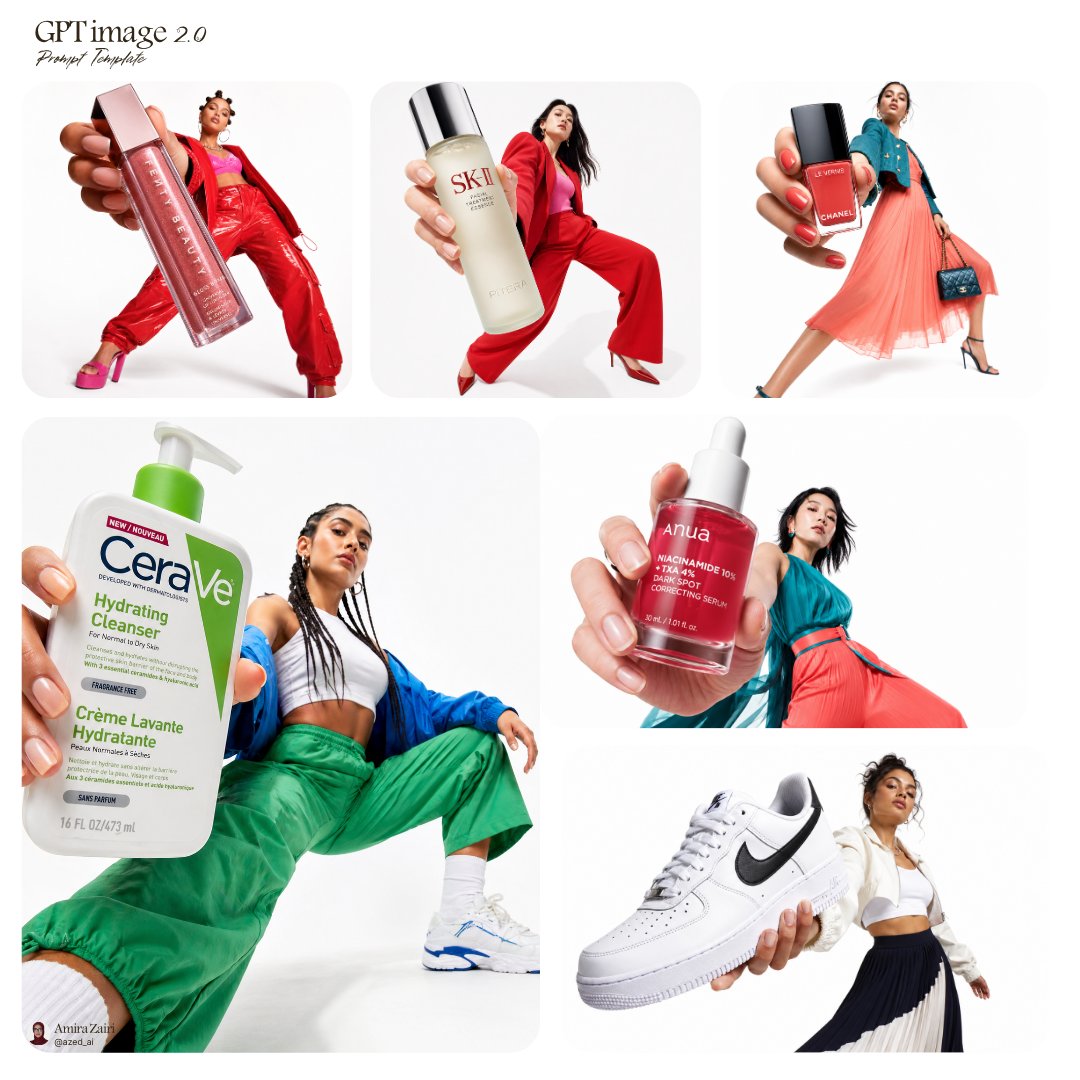
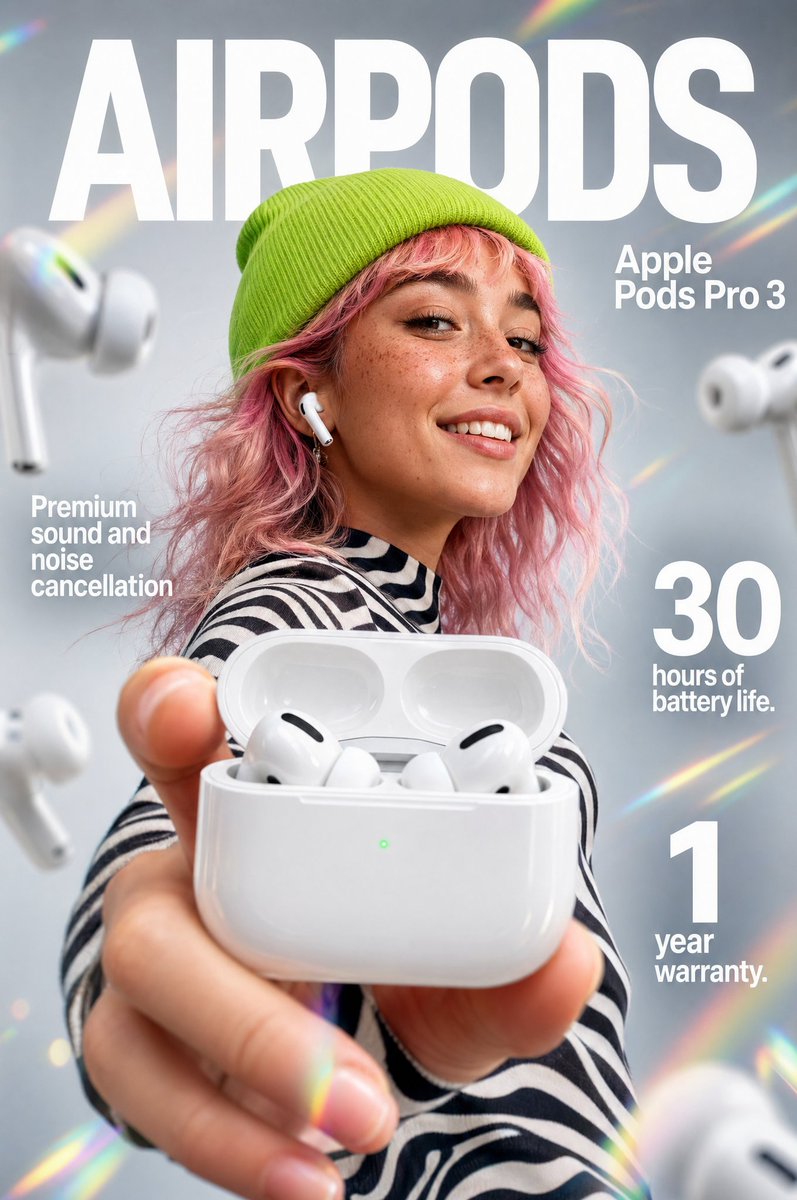
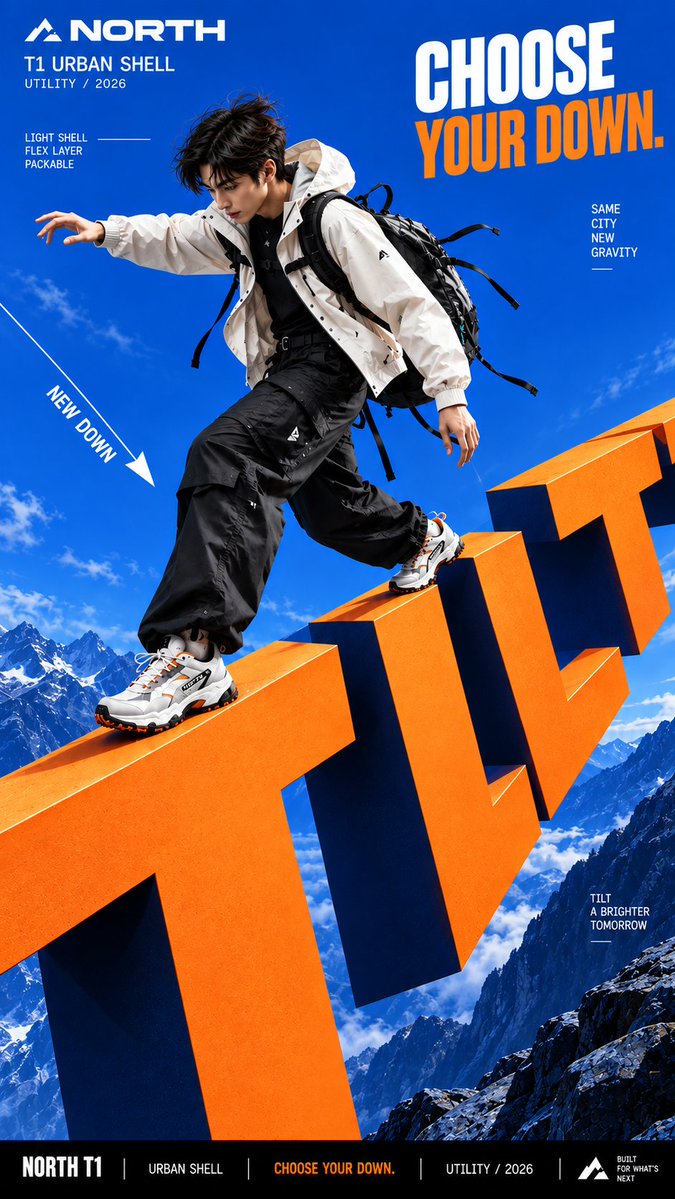
Dikey bir kampanya görseli: devasa harfler, konunun etrafındaki yerçekimini değiştirerek saçların, kıyafetlerin ve ürünlerin nasıl düştüğünü belirliyor. Cesur renk blokları ve keskin mat yazı, sahneyi tek bir fiziksel sistem gibi okutuyor.

- Model
- GPT Image 2
- Tür
- 4 görsel
- En boy oranı
- 9:16
- Paylaşım
- 12 Eyl 2026
- X'teki beğeniler
- 61
Marka adıÜrün veya kampanyaKısa kelimeKişi / ürün / ikisiEğim / düşüş / süzülme / çekim / diğer+2 daha fazla
Görsel promptu
2,238 karakterCreate a bold commercial campaign poster where oversized typography controls gravity and directly affects how the subject moves. Brand: [BRAND NAME] Product / Campaign: [PRODUCT OR CAMPAIGN] Main Word: [SHORT WORD] Subject: [PERSON / PRODUCT / BOTH] Gravity Effect: [TILT / DROP / FLOAT / PULL / OTHER] Movement: [DESCRIBE THE ACTION] Main Color: [COLOR] Accent Color: [COLOR] Aspect Ratio: [9:16] Use realistic commercial photography, oversized typography, strong perspective, vivid high-contrast colors, and contemporary editorial design. Make the typography extremely large and let it create a clear gravity effect: TILT: rotate the direction of gravity while the normal poster layout stays upright. DROP: pull the subject and typography downward, with stronger vertical displacement toward the bottom. FLOAT: remove the ground and let the subject, clothing, hair, and typography naturally suspend at different depths. PULL: create an opposing force that pulls clothing, hair, straps, or products toward the typography while the subject moves against it. The body pose, hair, clothing, accessories, shadows, and products must all follow the same gravity logic so the effect feels physically believable. Create clear foreground, subject, and background layers, with parts of the typography moving in front of and behind the subject. Keep the main letters crisp, readable, and clean. Use smooth matte surfaces, even color, sharp edges, and controlled depth. Avoid distressed, chipped, dirty, concrete-like, or noisy textures. All motion paths, gravity lines, curves, and callout lines should be continuous, smooth, and clearly rendered. Keep people highly realistic with natural anatomy, believable proportions, real skin texture, controlled highlights, and detailed hair. Avoid waxy skin, oily reflections, CGI appearance, distorted limbs, and exaggerated wide-angle proportions. Use one dominant high-impact color with black, white, and one strong accent color. Add only a few meaningful campaign details such as the brand, product name, slogan, and 2–3 concise feature callouts. The final image should feel like a finished campaign key visual where typography, gravity, and human movement behave as one physical system.
Nasıl kullanılır
Parantez içindeki alanları markanız, ürününüz ve kısa bir ana kelimeyle değiştirin, ardından bir yerçekimi efekti seçin (eğim, düşüş, süzülme ya da çekim) ve eylemi bir cümleyle tarif edin. 9:16 çerçeveyi, mat ve yüksek kontrastlı yüzeyi ve saç, kıyafet ile gölgelerin aynı yerçekimini izlediği talimatını koruyun; efekti satan da bu tutarlılıktır. GPT Image 2 promptu olarak paylaşıldığı için dikey sosyal medya veya mağaza içi reklam maketi için uygundur.
12 Eyl 2026 tarihinde X'te herkese açık olarak paylaşıldı. Bu prompt ve sonucunun tüm hakkı içerik üreticisine aittir. Bu sizin mi? Güncelleme veya kaldırma talep edin.