

Görsel promptu Ürün ve reklam Özelleştirilebilir Fotoğrafını ekle
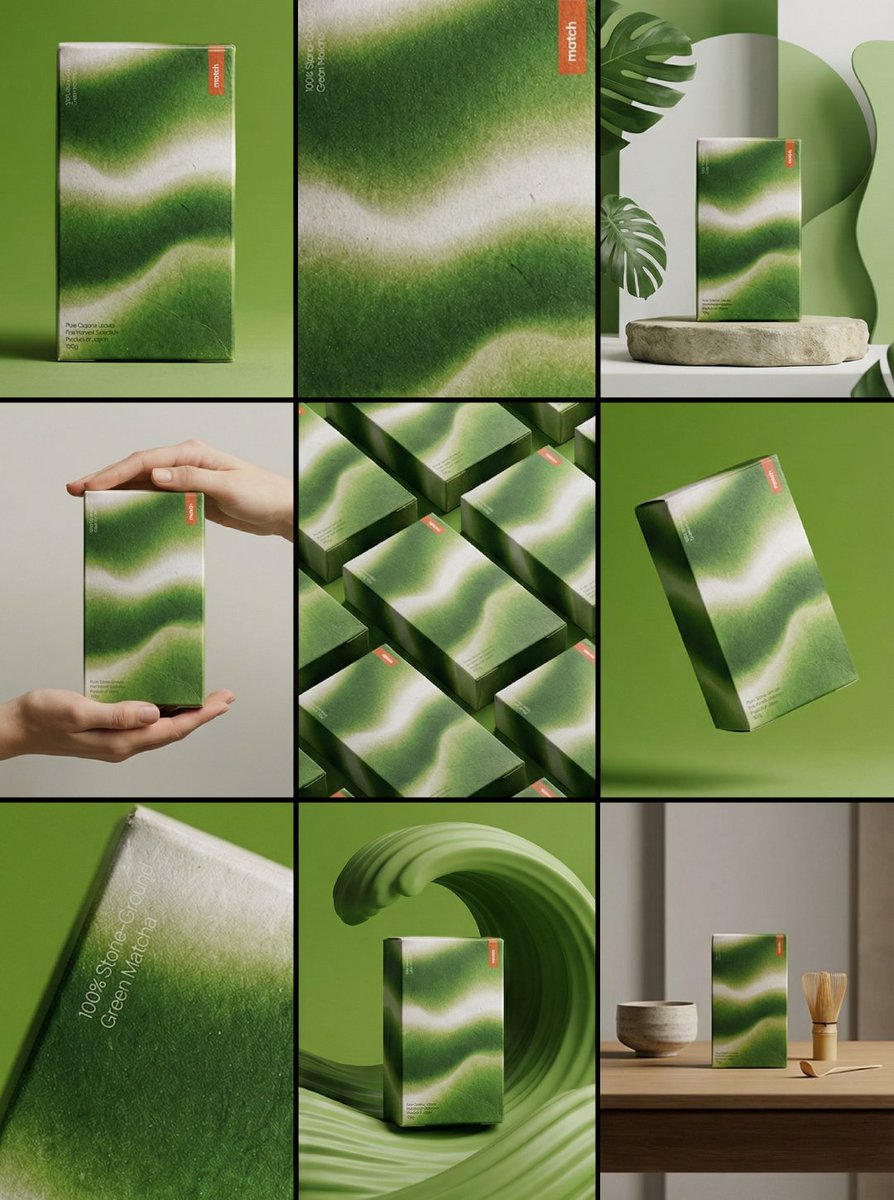
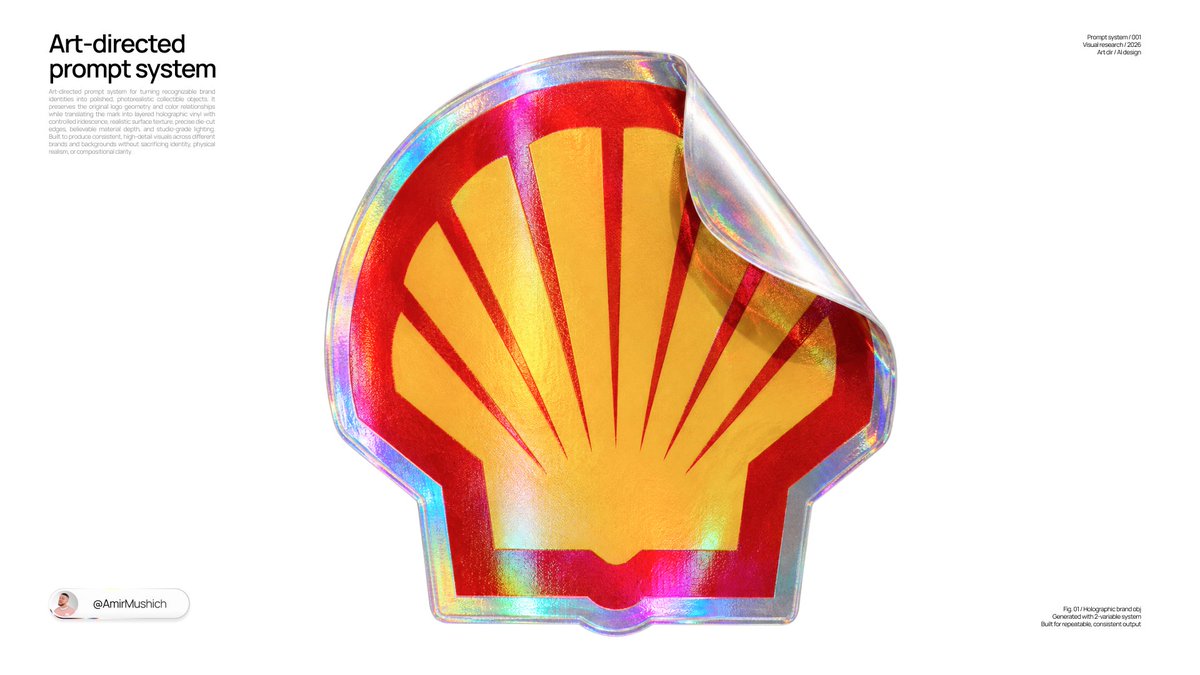
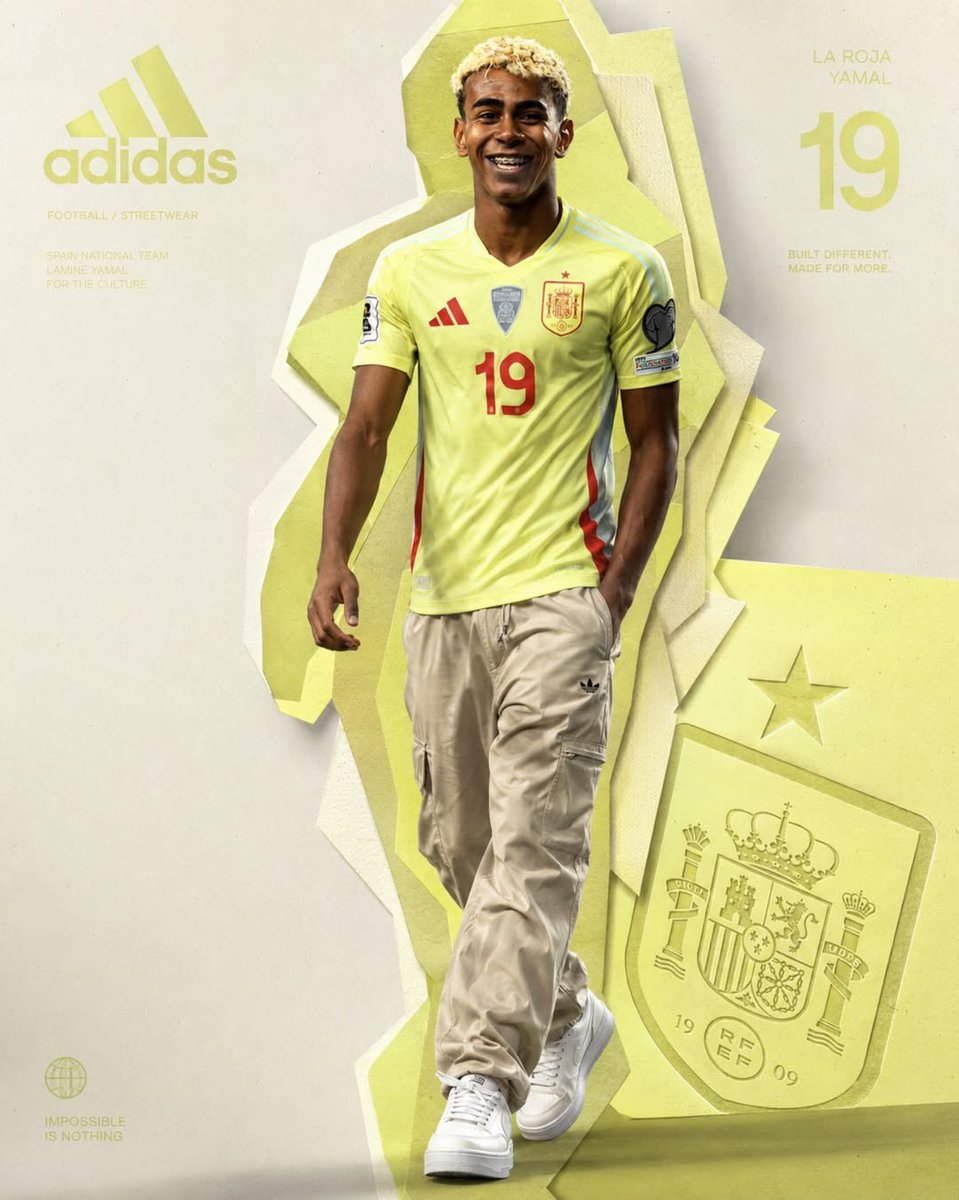
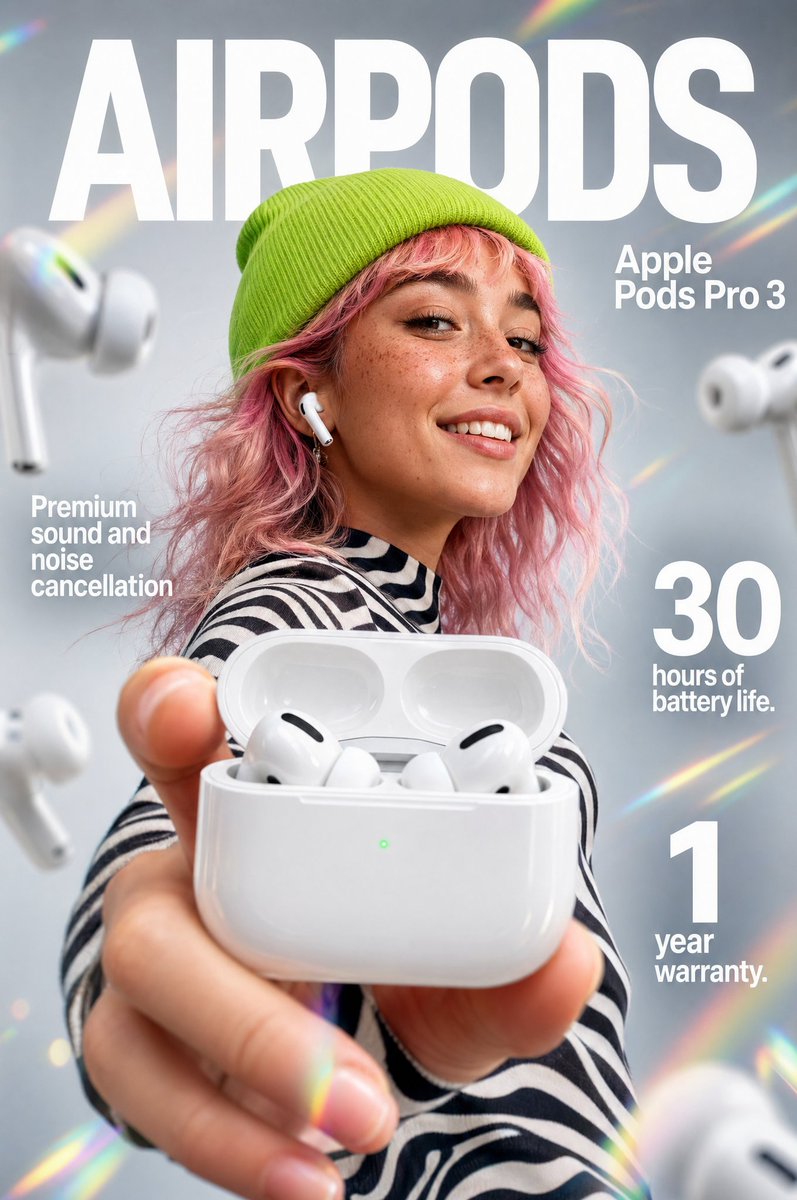
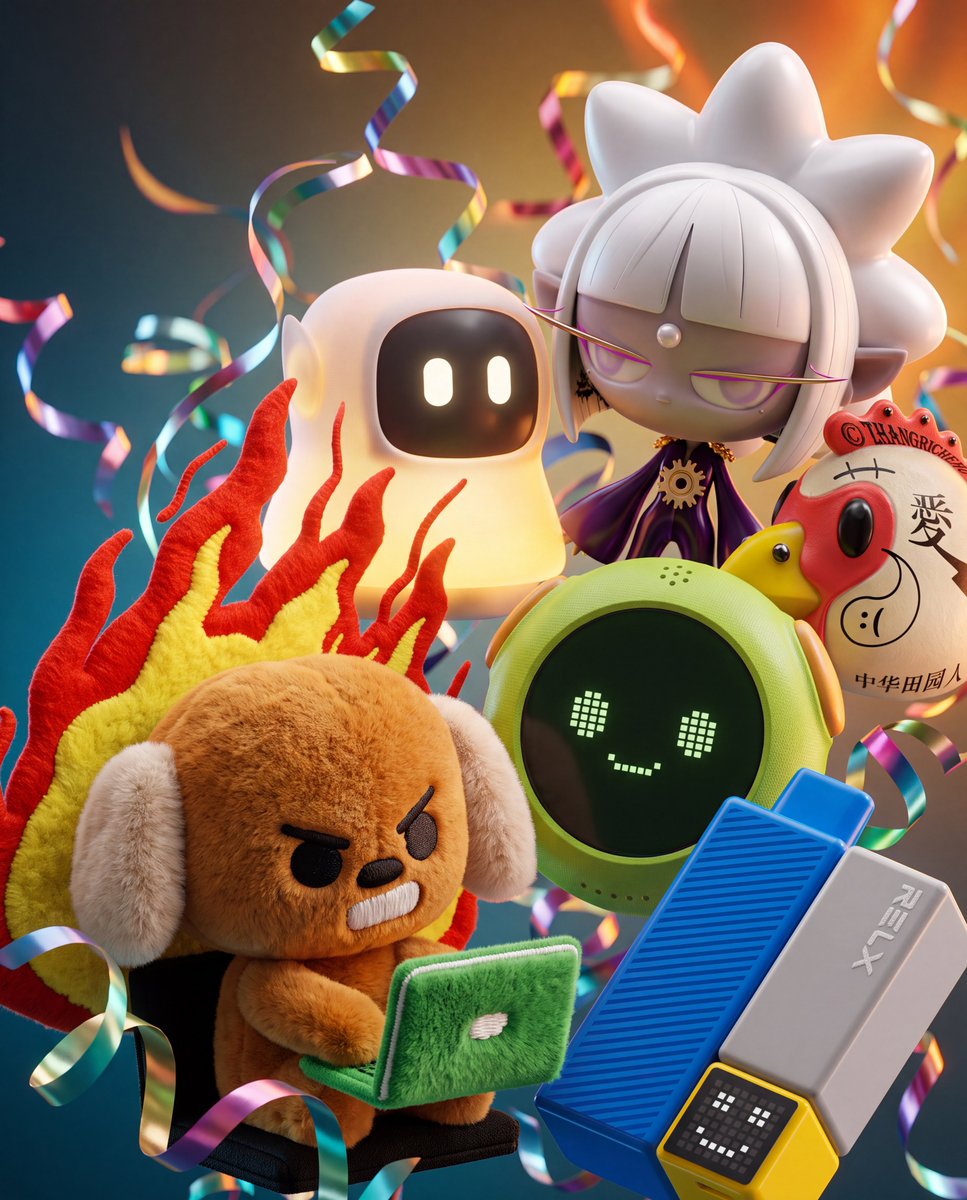
3D metalik şeritli yüzen ürün kümesi
Birkaç ürününüz sıkı bir makro kümede yüzüyor; üst üste biniyor ve farklı açılardan ışığı yakalıyor, kadrajda metalik şeritler kıvrılarak geçiyor. Arka plan gradyanı, ürünlerin kendi renklerinden oluşturuluyor.

- Model
- GPT Image 2
- Tür
- 4 görsel
- En boy oranı
- 4:5
- Paylaşım
- 20 Tem 2026
- X'teki beğeniler
- 73
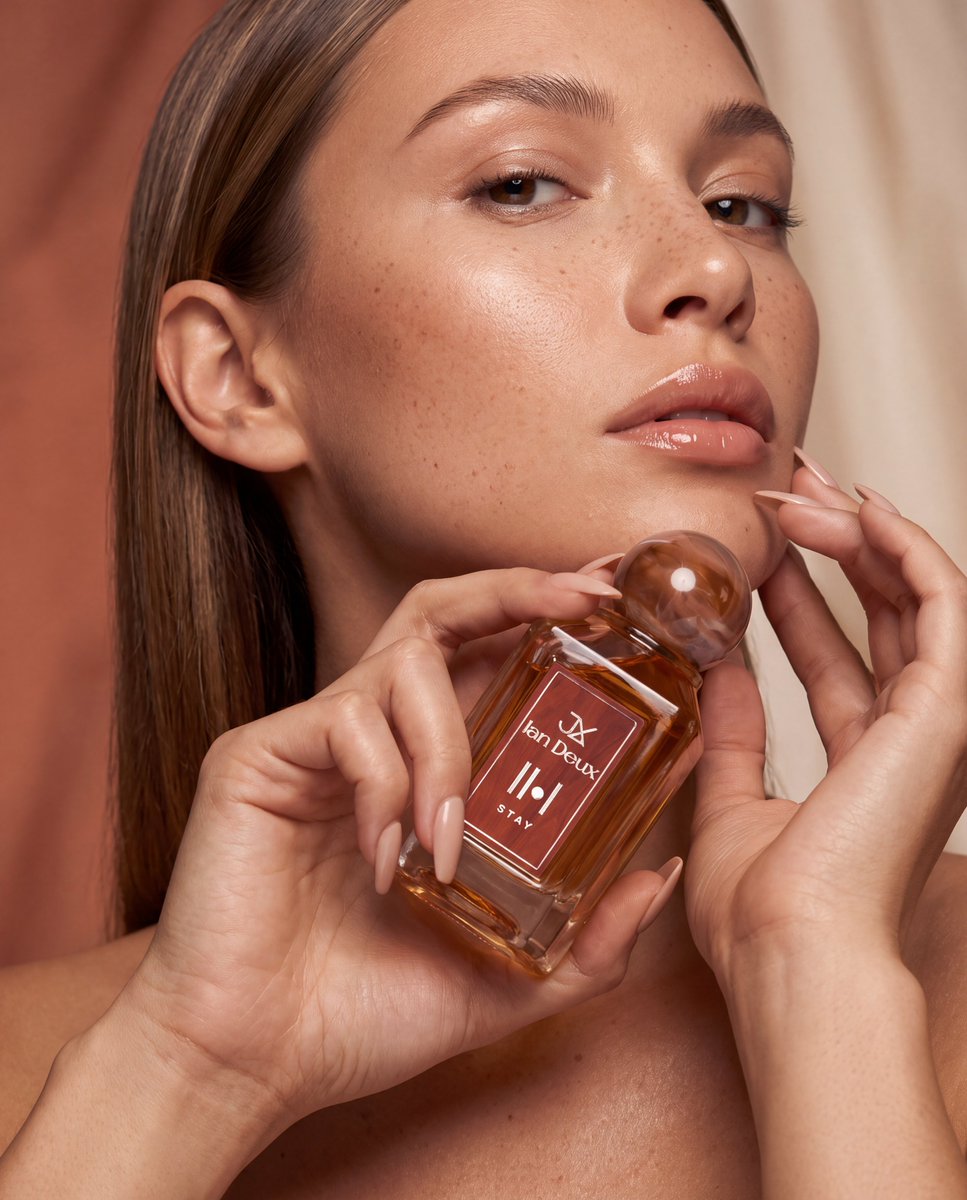
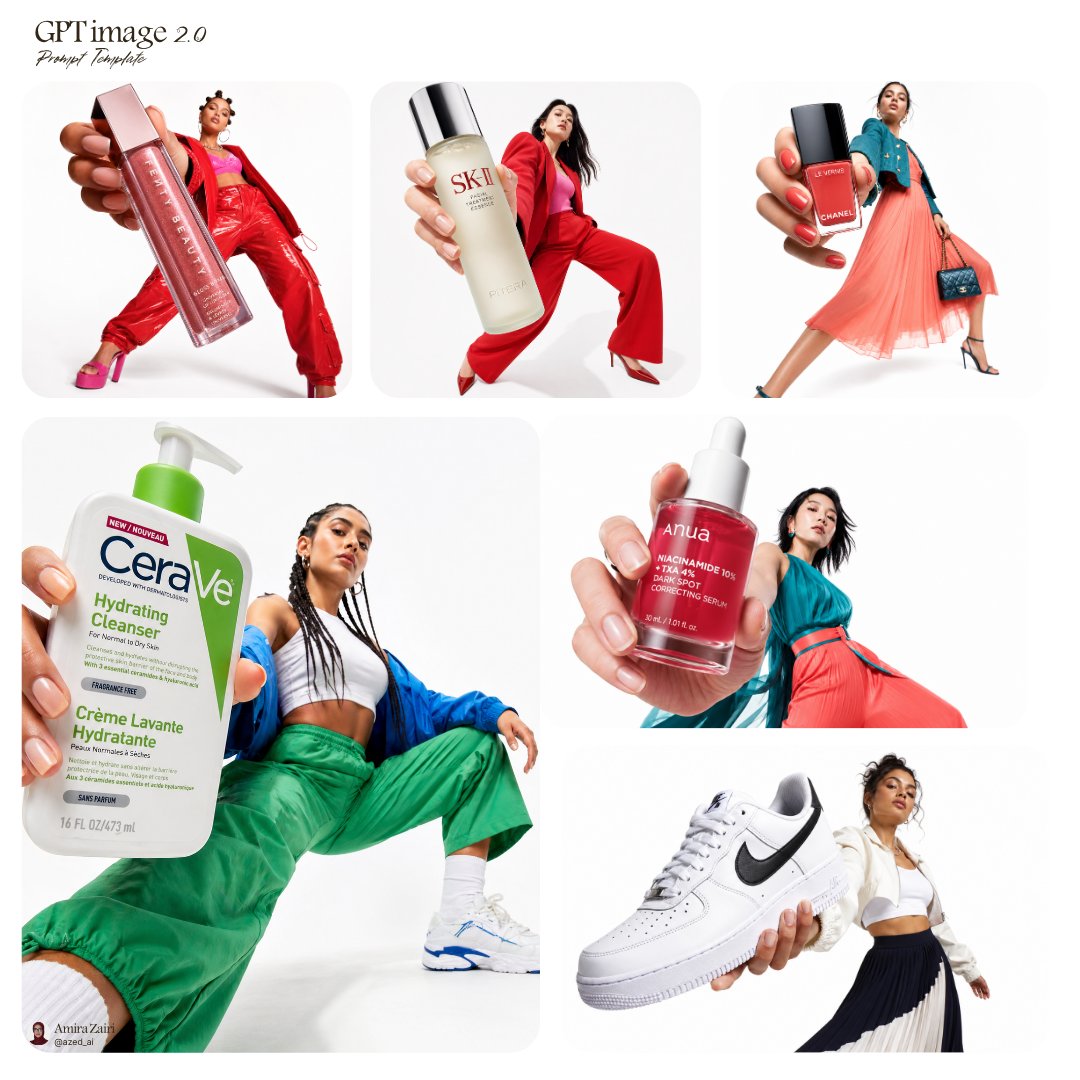
Ürün fotoğrafları
Görsel promptu
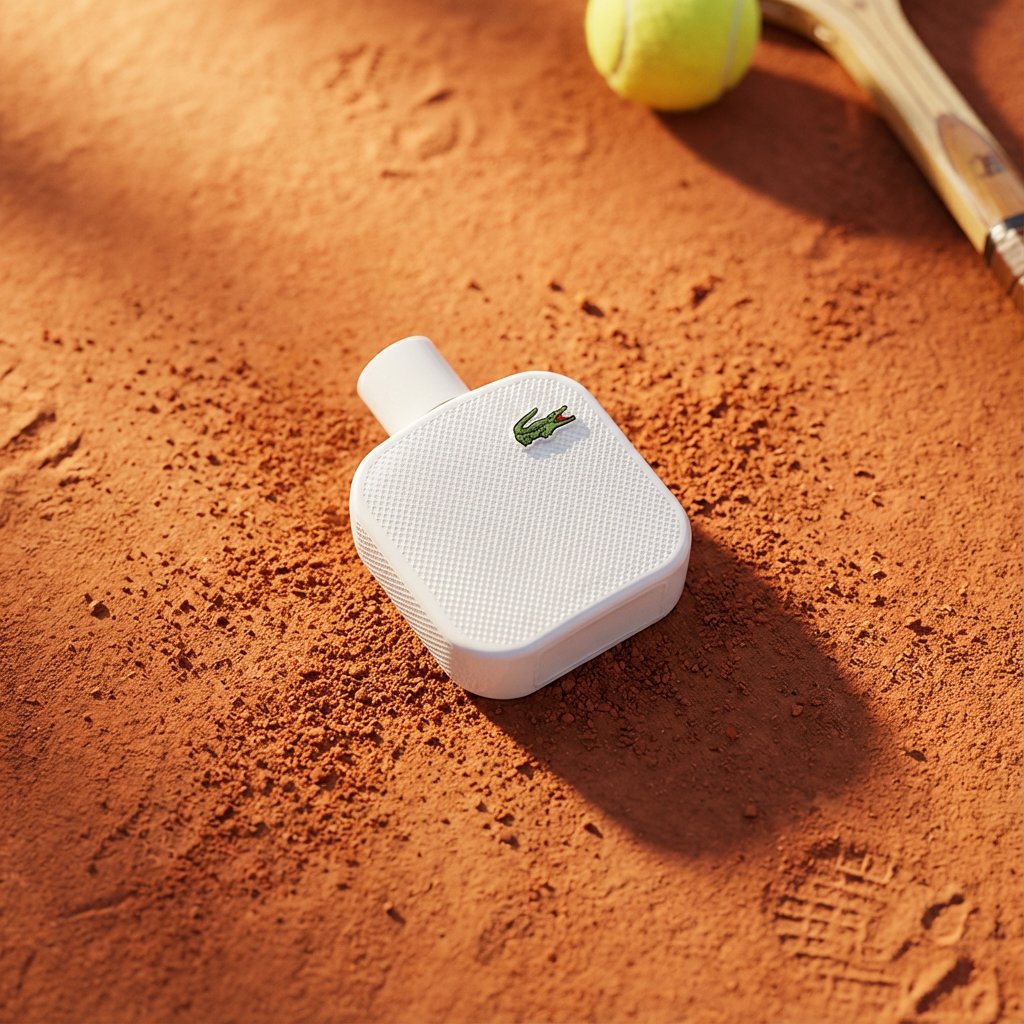
2,253 karakterExtreme close-up, highly detailed Blender + Octane render of the attached product images arranged as a dense, overlapping 3D floating cluster. Use the exact products shown in the attached photos preserve their true colors, materials, logos, labels, textures, and proportions exactly as photographed. Do not invent, substitute, or generically reinterpret any product; render them as faithful 3D versions of the attached references. Composition: objects overlap and float in a tight macro cluster, each catching light from a different angle, creating a layered depth-of-field effect with the nearest object in sharp focus and others softly falling off in the background blur. Intertwined throughout the cluster: long, curling streamers of metallic confetti ribbon and thin silky ribbon, threading between and behind the objects, catching specular highlights as they curl through the frame. Materials and rendering: emphasize contrasting textures true to each attached product brushed or polished metal, soft fabric sheen and folds, glass with complex caustics and refractions if transparent liquid is present, waxy or matte surfaces, glossy plastic or lacquer all rendered with physically accurate reflections, refractions, and soft shadow occlusion. Background: a sophisticated multi-tonal gradient, built creatively from the dominant and accent colors actually present in the attached product images analyze the attached photos' palette (primary object color, packaging color, any metallic or accent tones) and construct a smooth, moody gradient that transitions between 2–3 of those extracted tones, deepest/coolest tone at the bottom edge, warmest/lightest tone at the top edge, evoking a refined evening luxury atmosphere. Do not default to a fixed palette the gradient must visibly relate to and complement the attached products' actual colors. Confetti ribbon colors should also pull from this same extracted palette (one metallic tone + one soft tone). Lighting: soft key light from the upper background glow, subtle rim lighting on each object edge, gentle bounce light between overlapping items, no harsh shadows. Camera: macro lens look, shallow depth of field, extreme close-up framing, photorealistic, ultra-detailed, 8K render quality.
Nasıl kullanılır
Görünüm gerçek ambalaj ve malzemelere bağlı olduğu için, bir ila beş ürünün net ve dengeli ışıklandırılmış fotoğraflarıyla başlayın. GPT Image 2 için yüklenen fotoğrafları kabul eden bir prompt olarak paylaşılmış. Ürünlerin sadık kalması için renk, logo ve dokuların korunmasıyla ilgili cümleleri ve makro alan derinliği kadrajını olduğu gibi bırakın. Ürün ifadesini kendi ürün hattınızla değiştirin ve sonucu bir lansman veya mevsimlik reklam için ana görsel olarak kullanın.
20 Tem 2026 tarihinde X'te herkese açık olarak paylaşıldı. Bu prompt ve sonucunun tüm hakkı içerik üreticisine aittir. Bu sizin mi? Güncelleme veya kaldırma talep edin.