Görsel promptu Posterler ve tipografi Özelleştirilebilir
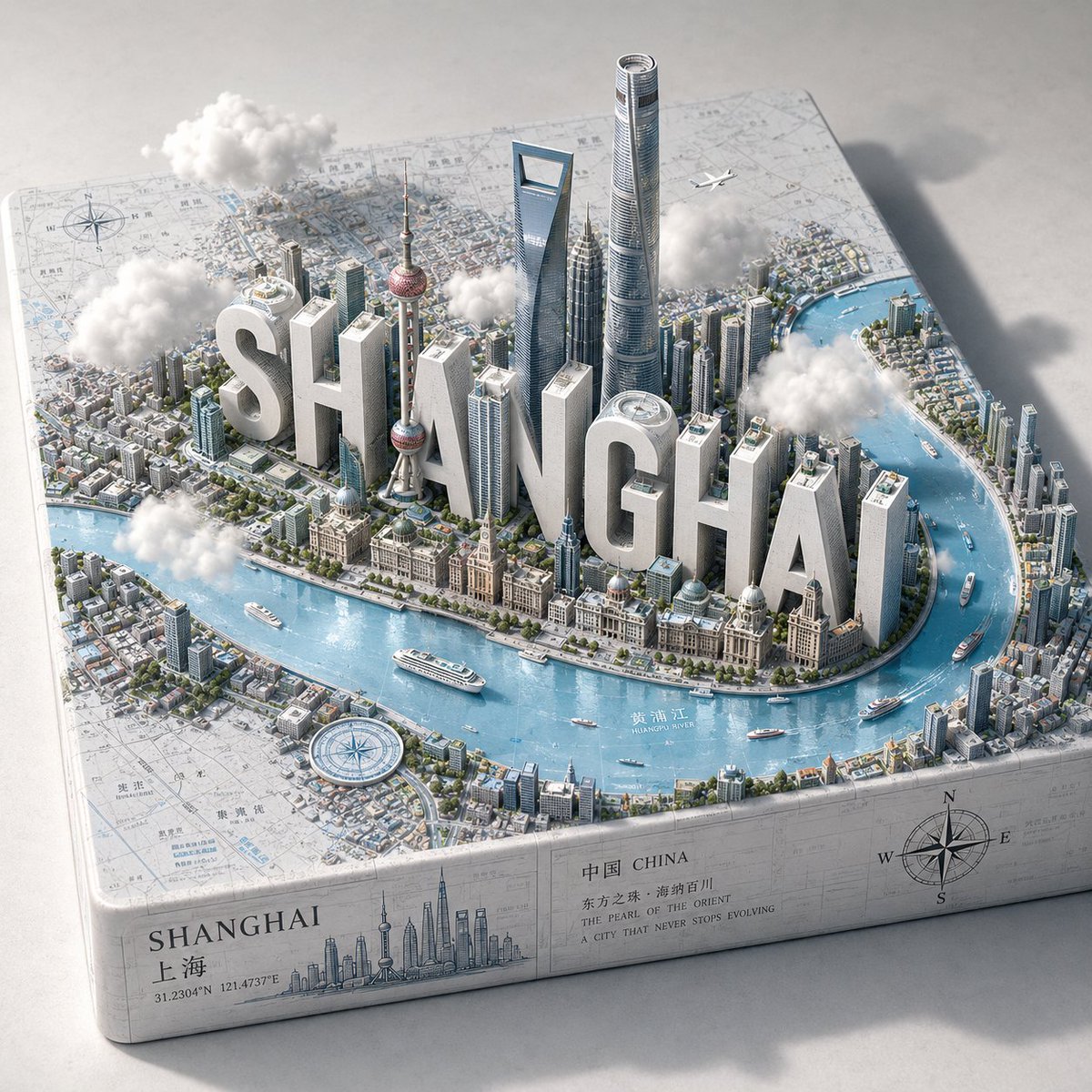
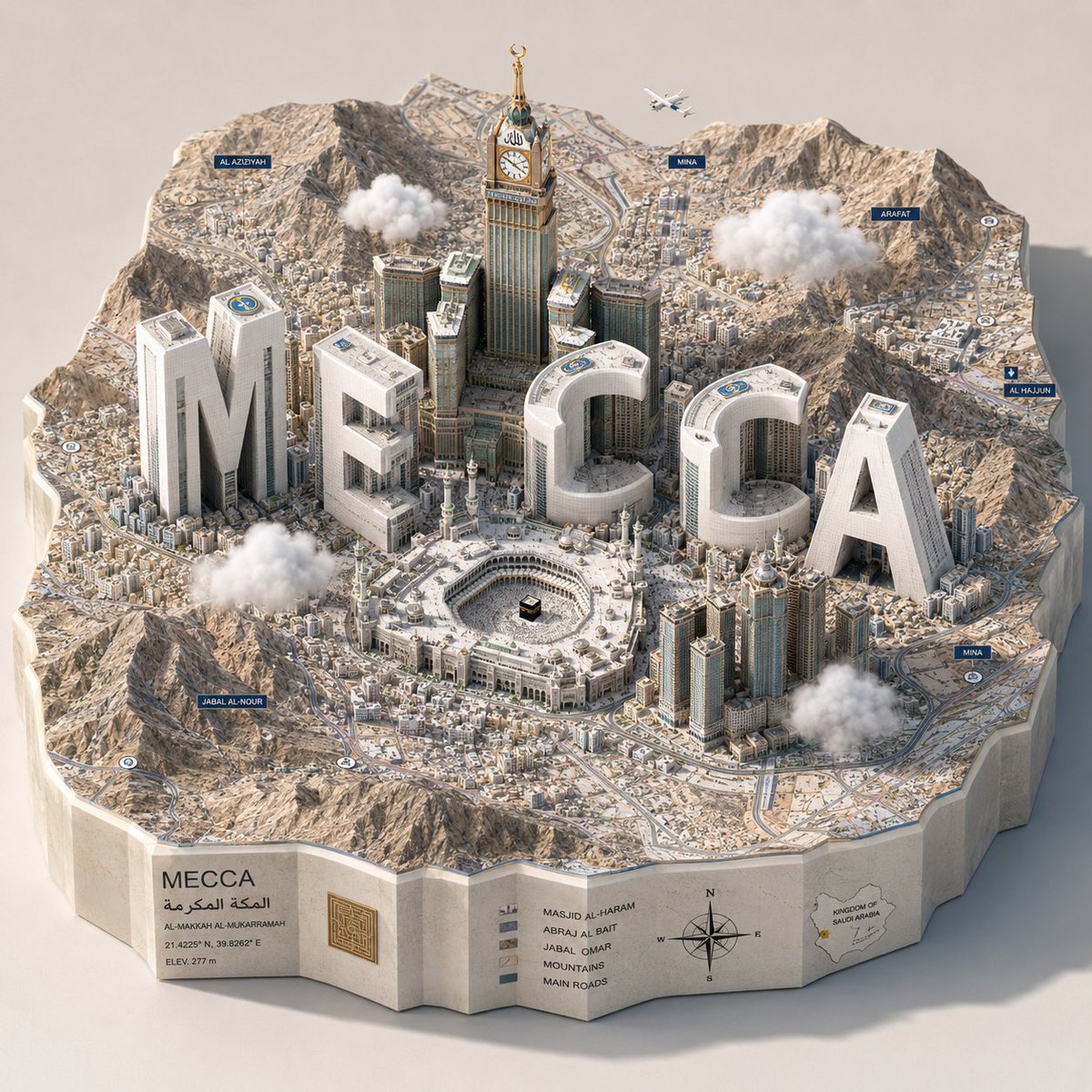
Şehir adı harfleri beyaz gökdelenler olarak harita sanatı
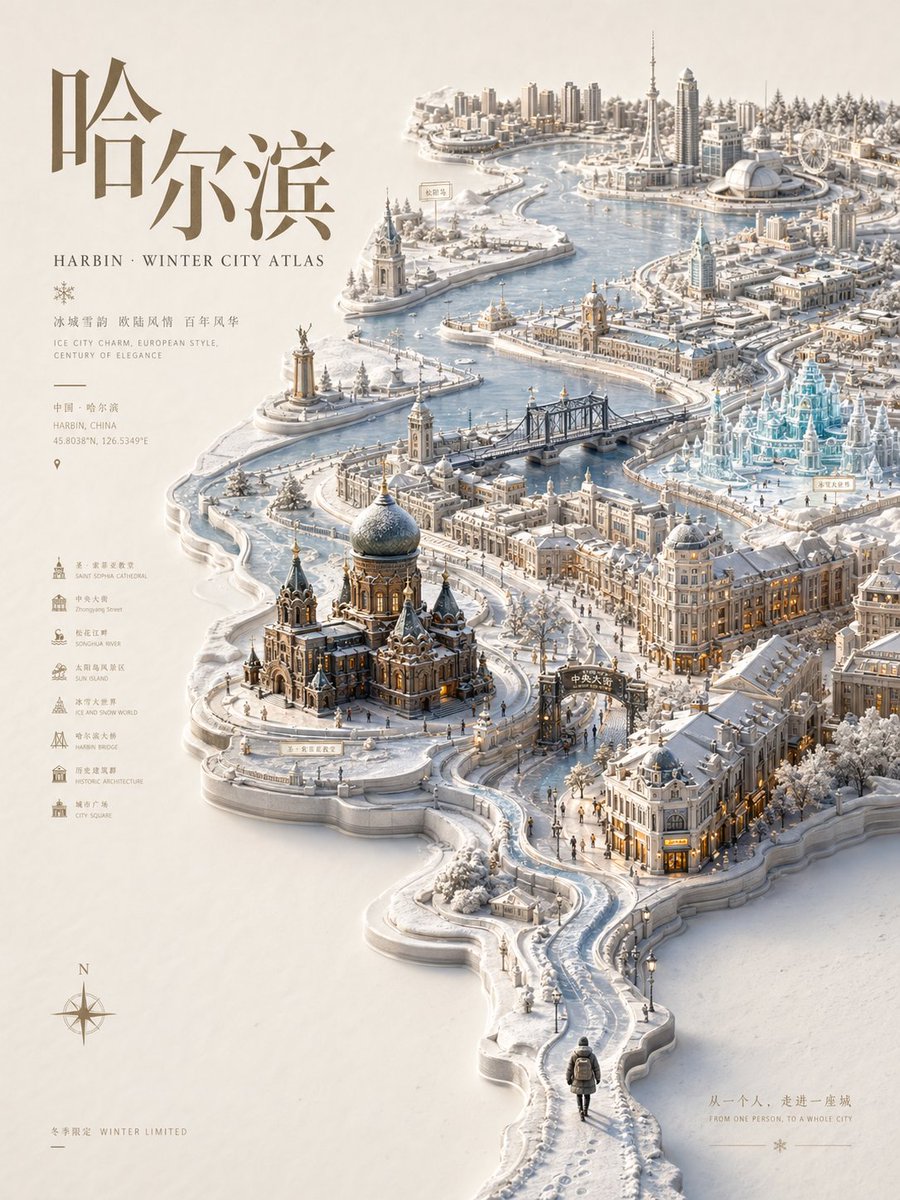
Bir şehrin adı, parlak mavi kabartma haritanın üzerinden yükselen mat beyaz kulelere dönüşüyor; aralarında gerçek simgesel yapılar ve minik gemiler yer alıyor. Harfler bina olarak iki iş görürken şehrin eğlenceli bir maketi gibi okunuyor.

- Model
- GPT Image 2
- Tür
- 2 görsel
- En boy oranı
- 1:1
- Paylaşım
- 12 May 2026
- X'teki beğeniler
- 71
Şehir adıŞehir adı
Görsel promptu
2,380 karakter1. The Semantic Inference Engine (Cartographic Typography): Input A is a Major City Name (e.g., Shanghai, London, Dubai). Analyze the location to generate 3 Integrated Assets: The Monoliths (The Abbreviation): Extract the letters of Input A. These will be the primary vertical structures. The Icons (The Skyline): Identify 3–5 of the city's most recognizable skyscrapers, towers, or monuments. The Substrate (The Map): Identify the specific geography (e.g., a curving river, a coastal harbor, or a peninsula). 2. Container (The Relief Map): Goal: A "Living Geographic Branding" 3D Diorama. The Base: A massive, thick topographic relief map resting on a neutral surface. The Surface: The map displays realistic textures: light blue reflective Epoxy Resin for the water and a textured, illustrated paper-map or satellite-image finish for the land. The Border: The land area is populated by tiny, low-rise urban sprawl (greebling) that surrounds the central structures. 3. The Central Composition (The Hybrid Skyline): The Typography: The letters identified in Step 1 are extruded into massive, Matte White Geometric Monoliths. They function as the "Super-Tall" skyscrapers of the city. The Integration: The real landmarks (Step 1) are placed realistically among the giant white letters, following the actual urban layout of the city relative to the water. The Merge: The foundations of the buildings and letters must look like they are physically part of the map's terrain. 4. The Narrative Detail (The Scale): Micro-Life: Densely populate the scene with scale-accuracy items: Tiny white cruise ships and speedboats in the water. A single, microscopic commercial airplane flying at low altitude over the city. Compass roses or navigation markers scattered on the map surface. The Atmosphere: 4–6 small, 3D Fluffy White Cotton-like Clouds float at mid-height, some partially obscuring the taller buildings. 5. Lighting & Atmosphere: Lighting: High-Key Studio Daylight. Bright, even illumination with soft shadows casting toward the top-right to emphasize height. Perspective: Isometric 3/4 High-Angle. Capturing the depth of the coastline and the verticality of the letters. Palette: Predominantly White, Light Blue, and Neutral Greys, with small pops of color from the real landmarks. Output: ONE image, 1:1 Aspect Ratio, 3D Architectural Render, "SimCity" aesthetic, 8k resolution.
Nasıl kullanılır
Şehir adını kendi şehrinizin adıyla değiştirerek başlayabilirsiniz; harflerin uzun monolitler gibi okunabilmesi için adı kısa tutun. İzometrik açıyı, yüksek anahtarlı gündüz ışığını ve epoksi mavisi suyu koruyun, çünkü minyatür maket hissini bu detaylar taşıyor. GPT Image 2 promptu olarak paylaşıldığı için sonuç 1:1 poster veya duvar baskısı olarak iyi çalışıyor.
12 May 2026 tarihinde X'te herkese açık olarak paylaşıldı. Bu prompt ve sonucunun tüm hakkı içerik üreticisine aittir. Bu sizin mi? Güncelleme veya kaldırma talep edin.