Промпт для изображения Брендинг и UI Настраиваемые Добавьте своё фото
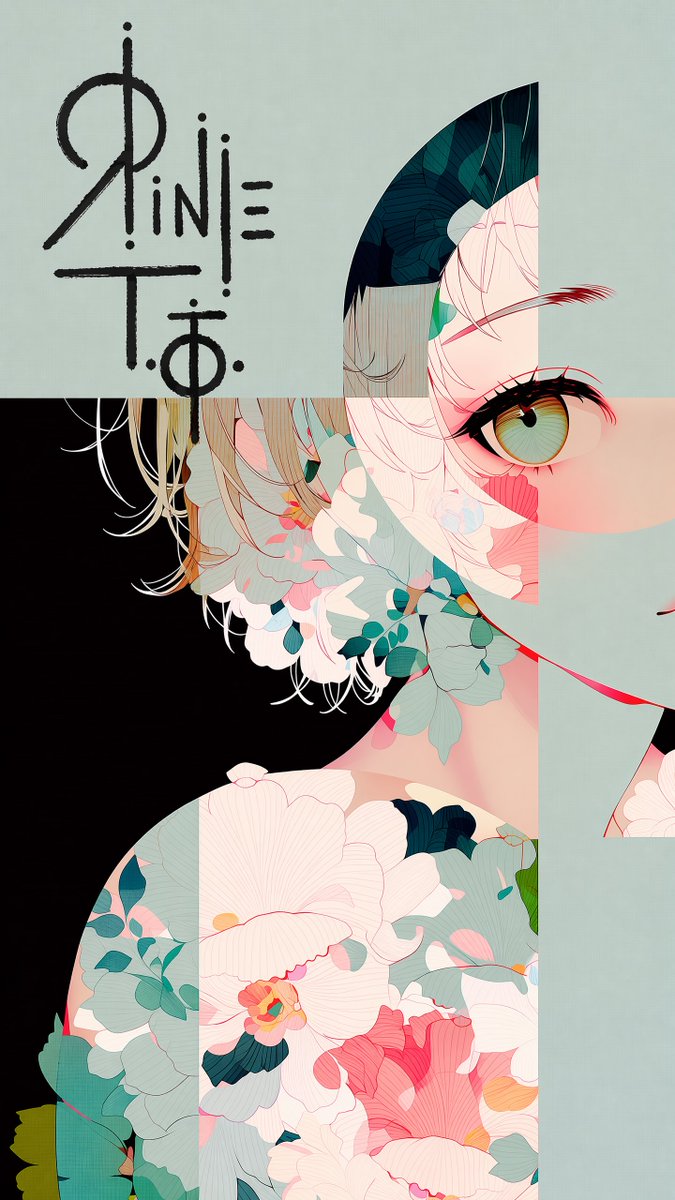
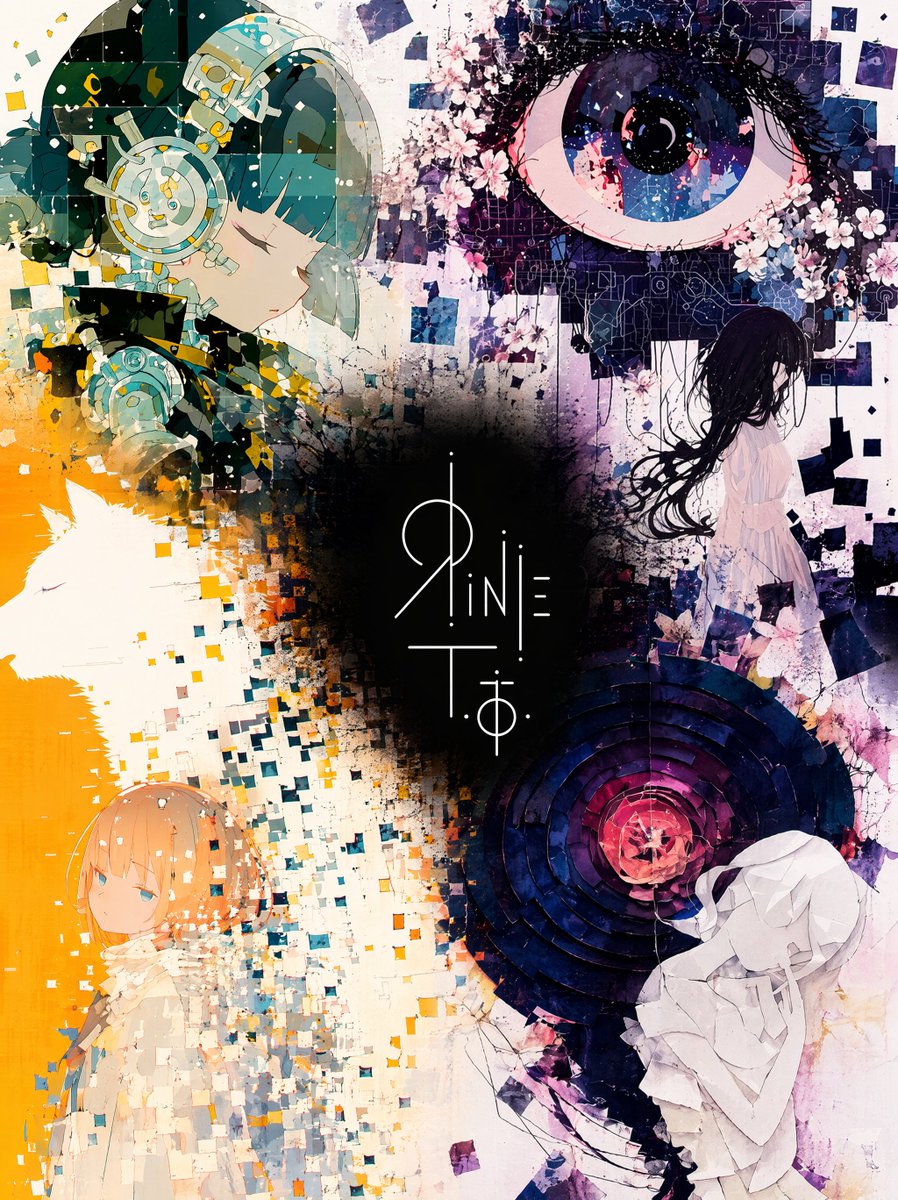
Коллаж из иллюстраций с логотипом в центре
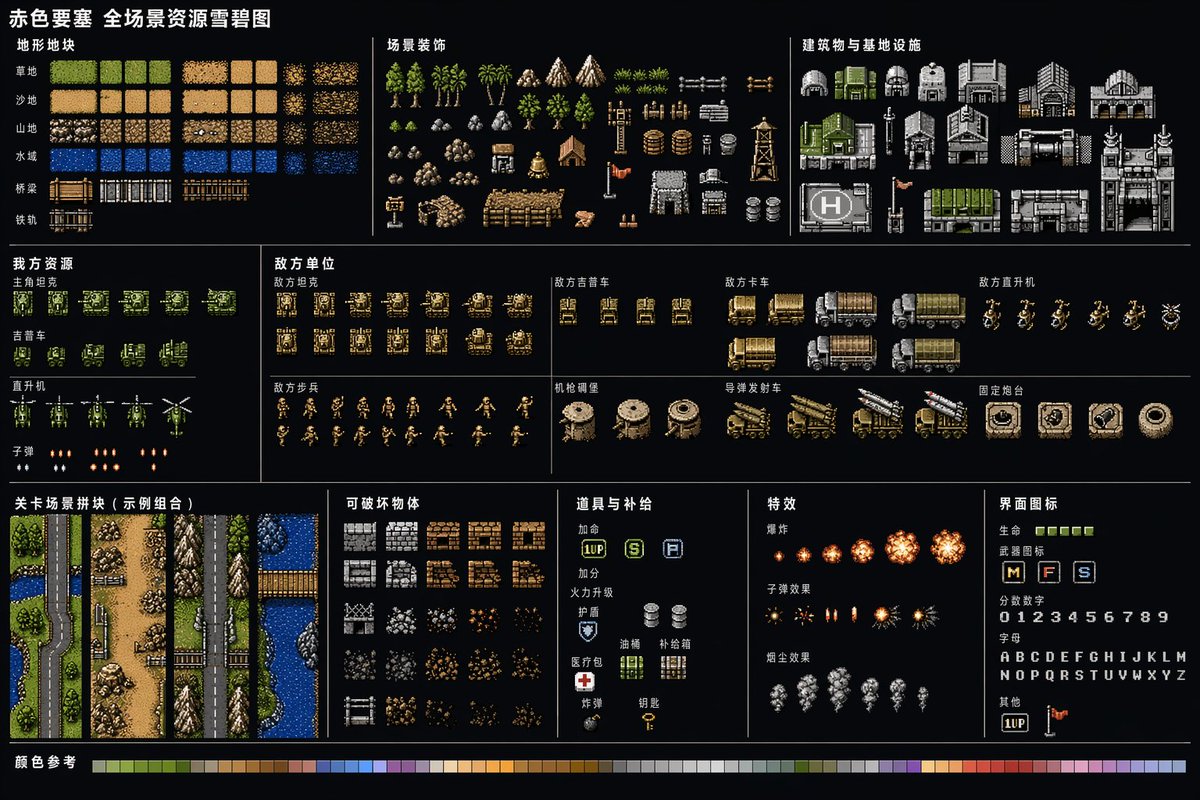
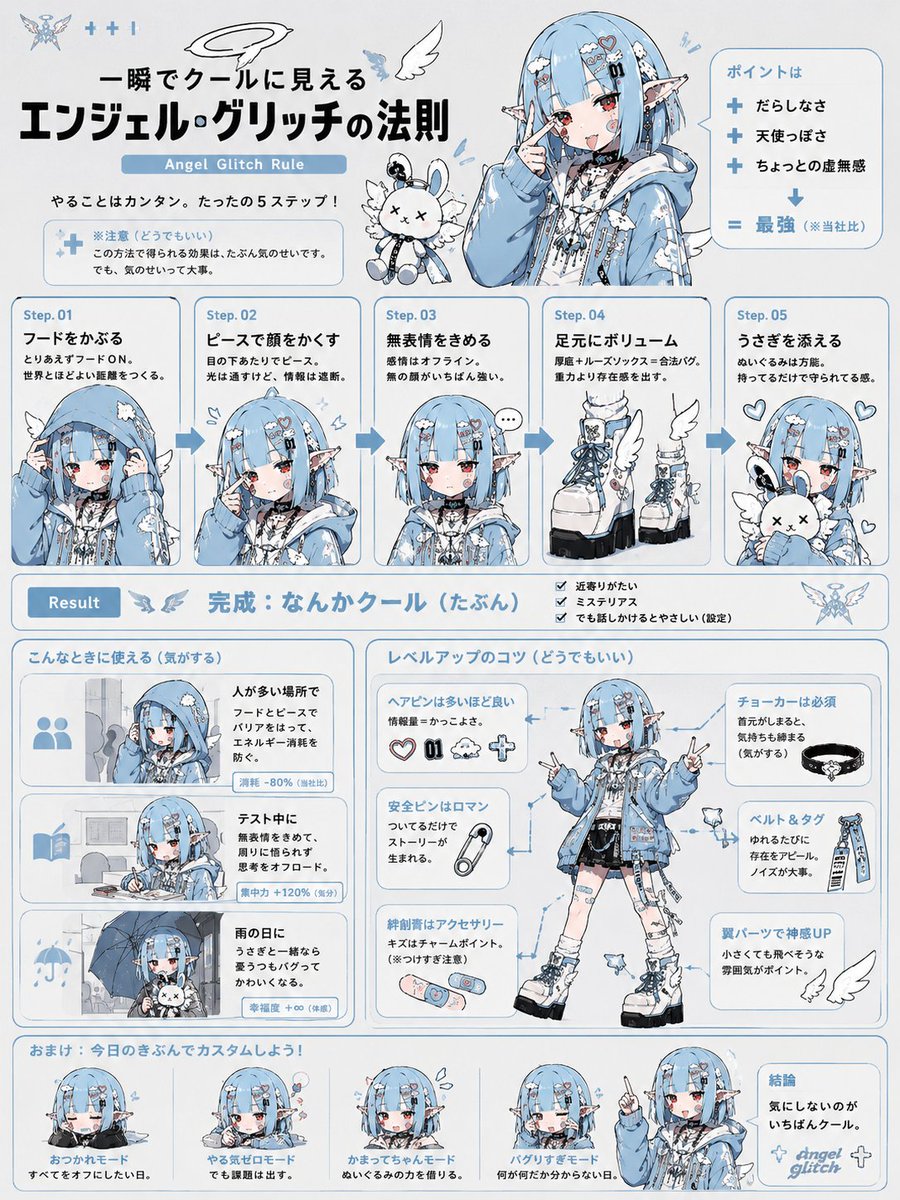
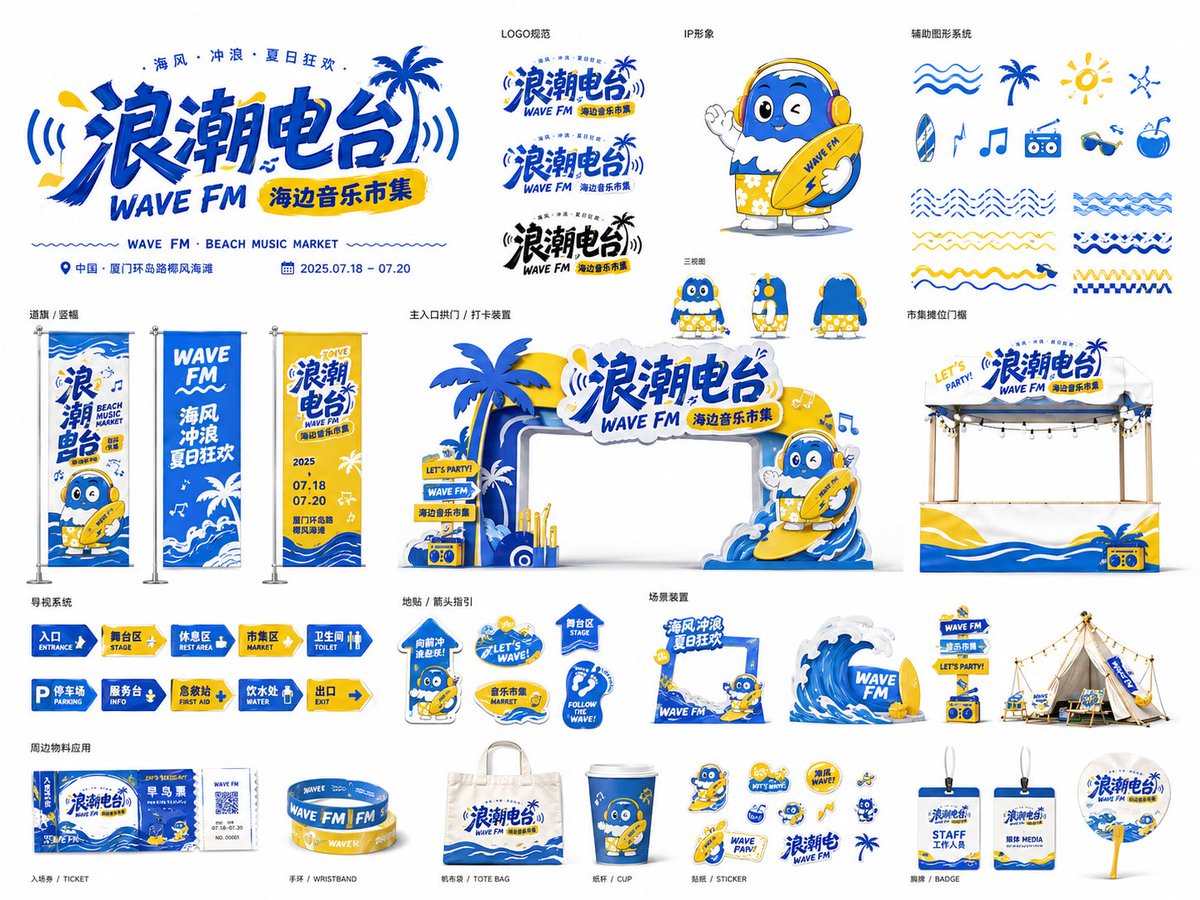
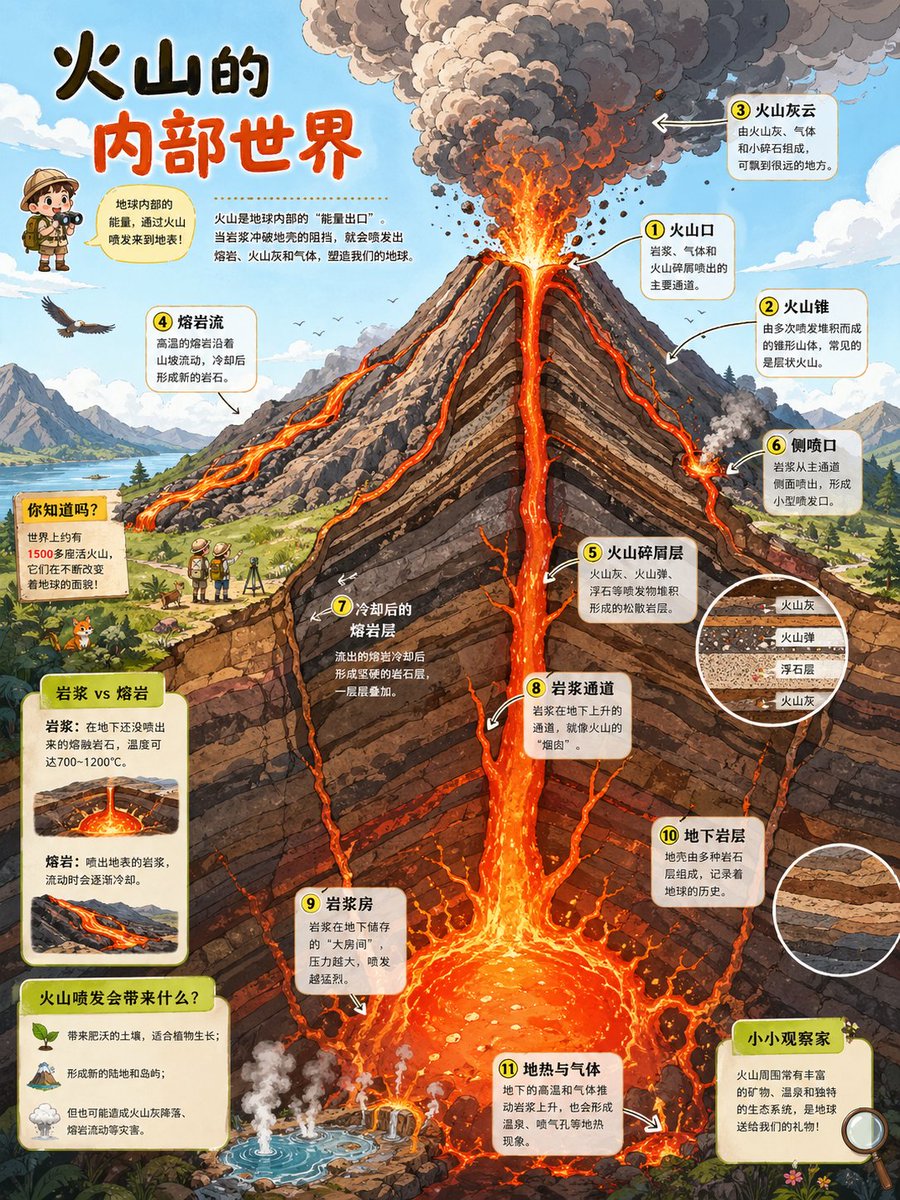
Четыре иллюстрации одного художника сливаются в единое живописное поле, а в центре на тёмном пятне тени располагается логотип. Окружающее искусство остаётся ярким и тёплым, поэтому контраст делает знак похожим на сердце композиции.

- Модель
- GPT Image 2
- Тип
- Изображение
- Соотношение сторон
- 3:4
- Опубликован
- 15 июн. 2026
- Лайки на X
- 53
Исходные изображения
Промпт для изображения
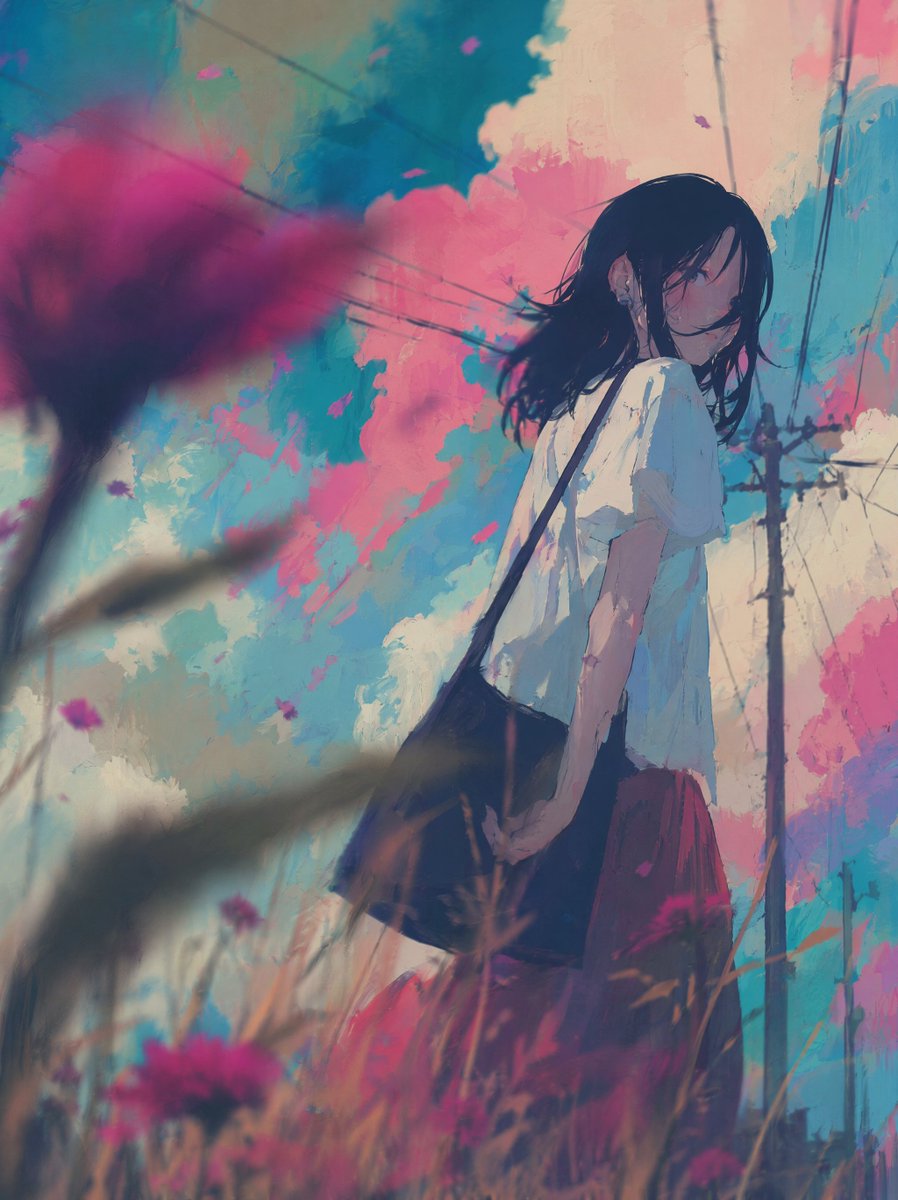
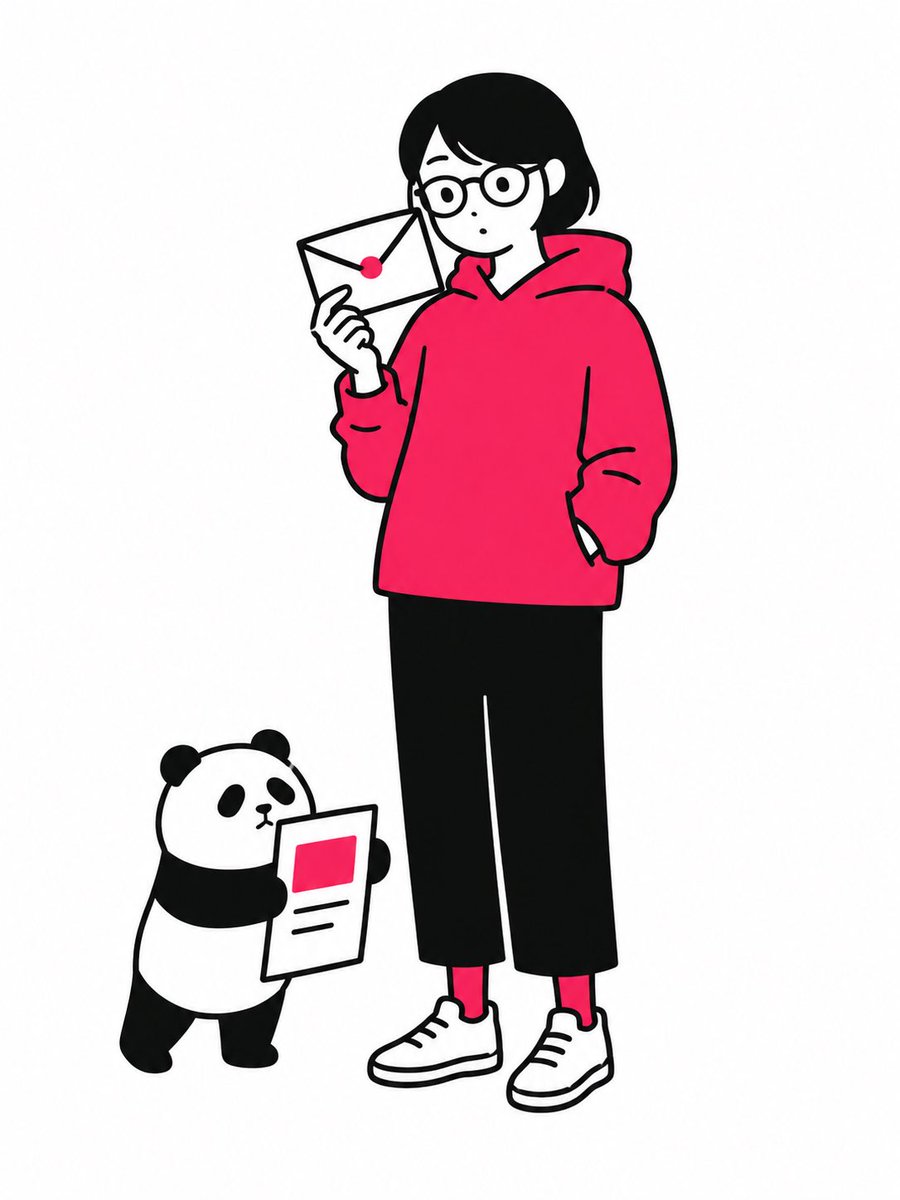
Символов: 2,039Five images are attached. Images 1–4 are illustrations by the same artist. Image 5 is a logo design on a black background. Merge the four illustrations into a single unified composition, with the logo from Image 5 placed at the visual center as the anchor element. [Fusion Rules] - Each illustration appears as a partial glimpse — show faces and key elements only, not full compositions - Blend the boundaries between illustrations naturally — no hard edges or visible seams - Each illustration remains recognizable but flows into the next - Generous negative space between elements — let the composition breathe - The result should feel elegant, curated, and intentional — not busy or cluttered [Composition] - The logo occupies the center of the frame as the dominant focal point - The four illustrations are distributed around the logo with natural visual balance - No grid layout — the arrangement should feel painterly and intentional - Clean, minimal background between the illustrations to create breathing room [Color & Brightness] - The illustrations surrounding the logo must be vivid and fully saturated - Boost the brightness and chromatic richness of all illustration areas outside the logo zone - Colors should feel alive, warm, and luminous — not muted or dark - The contrast between the dark logo zone and the bright surrounding illustrations is intentional and dramatic [Logo Integration] - Reproduce the exact logo design from Image 5 - Place it at the center of the composition, large and prominent - The logo should feel embedded in the artwork — not floating on top - Create a subtle dark void or negative space directly behind the logo - The dark zone is strictly limited to the immediate area behind the logo — it must not bleed into the surrounding illustrations [Style Preservation] - Maintain the original art style of the source illustrations exactly - Do not introduce new elements, characters, or backgrounds not present in the originals - Preserve the color palette and line quality of the source images
Как использовать
Загрузите четыре иллюстрации одного художника и логотип на чёрном фоне, затем сохраните инструкцию, что логотип остаётся точно таким, каким нарисован. Промпт был опубликован как промпт для GPT Image 2, и слияние работает лучше всего, когда исходные работы имеют общую палитру и стиль линий. Замените иллюстрации и логотип на свои и используйте результат как главный баннер или обложку.
Опубликовано в открытом доступе на X: 15 июн. 2026. Все права на этот промпт и его результат принадлежат автору. Это ваш промпт? Попросите обновить или удалить его.