Prompt per immagini Branding e UI Personalizzabili
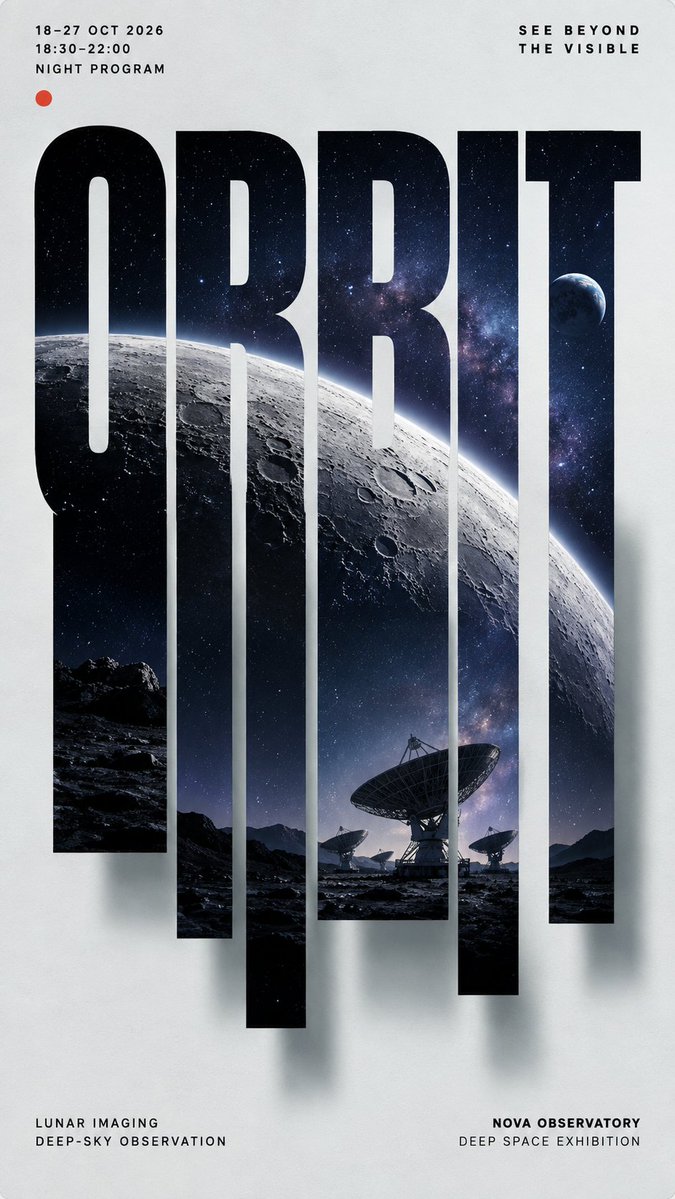
Design di poster con foto in lettere tagliate verticalmente
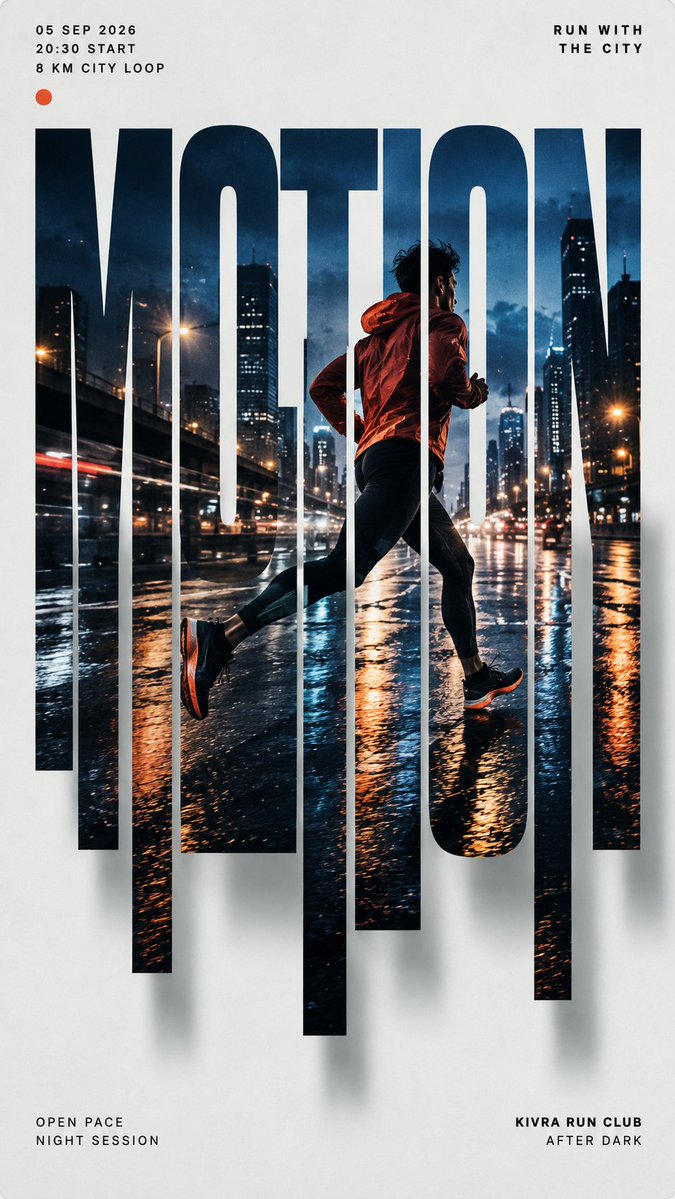
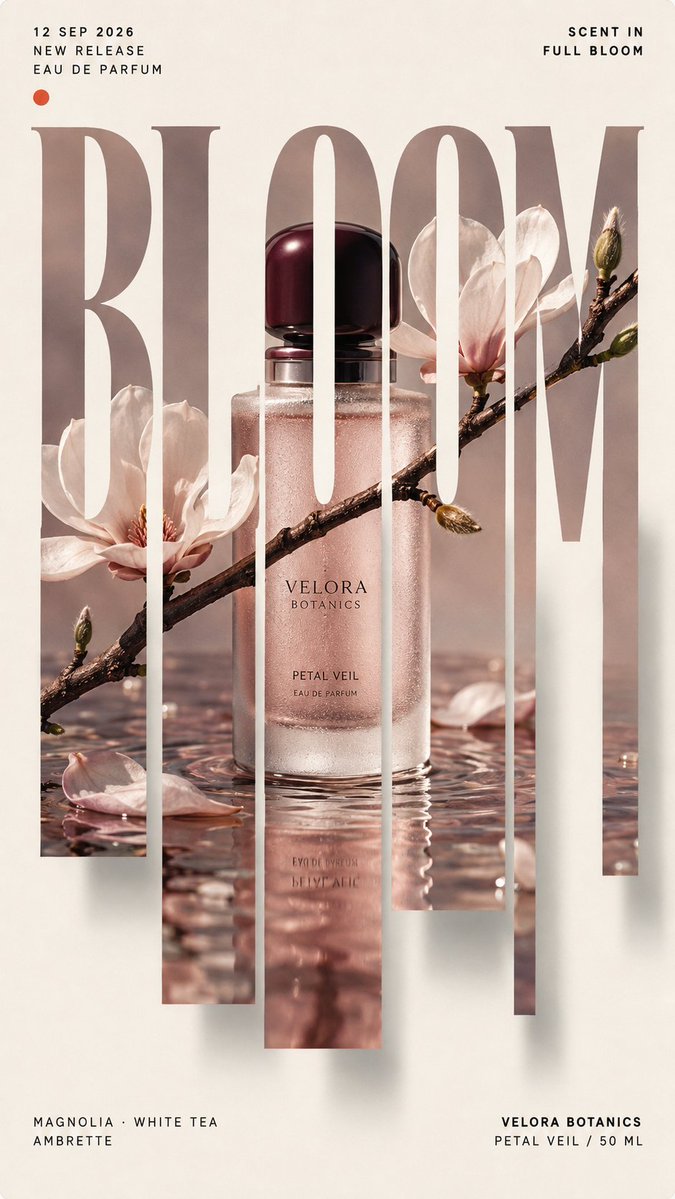
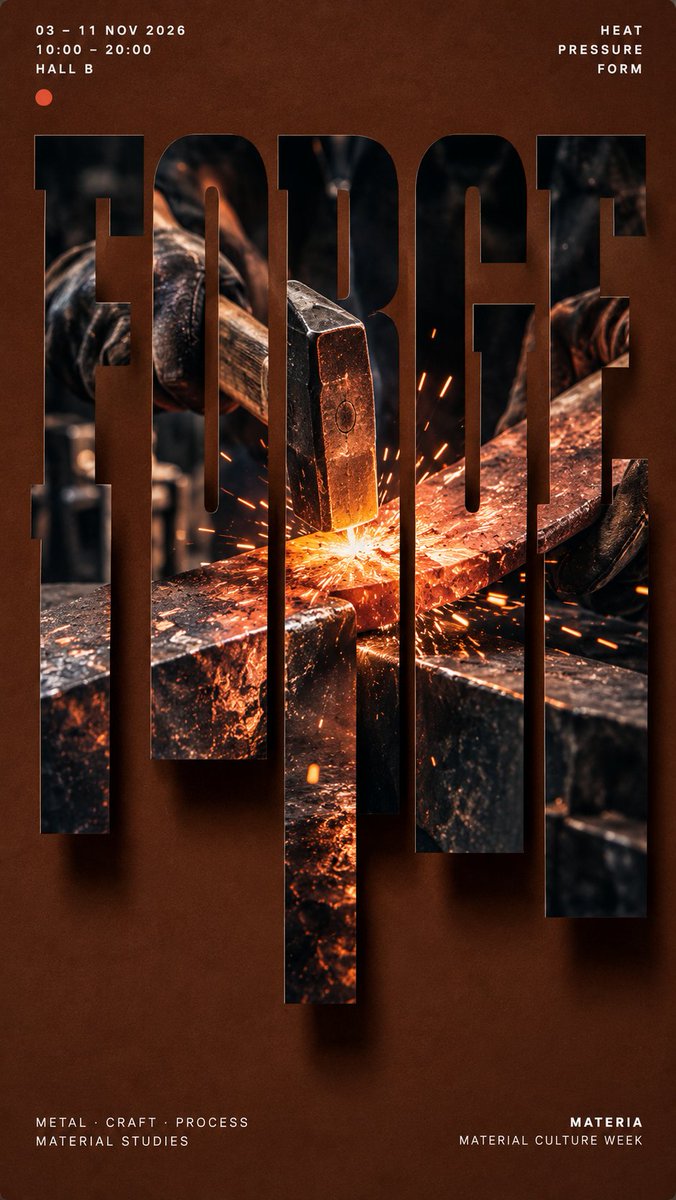
Una parola audace riempie il poster, e un'unica fotografia continua attraversa ogni lettera. I tratti inferiori si allungano in strisce verticali di lunghezza diversa, così la scena sembra colare dal carattere mentre la metà superiore resta leggibile.

- Modello
- GPT Image 2
- Tipo
- 4 immagini
- Proporzioni
- 9:16
- Condiviso
- 4 set 2026
- Mi piace su X
- 117
NomeUna scena fotografica completaColoreColori principaliFrase breve+1 altro
Prompt per immagini
2,120 caratteri【MAIN WORD】: {4–8 letter uppercase keyword} 【PROJECT TYPE】: {campaign / product launch / exhibition / editorial poster} 【BRAND / PROJECT】: {name} 【PHOTO SUBJECT】: {one complete photographic scene} 【BACKGROUND COLOR】: {color} 【IMAGE PALETTE】: {main colors} 【TYPE STYLE】: {condensed grotesk / slab serif / Didone serif} 【TOP LEFT】: {date / time / location} 【TOP RIGHT】: {short statement} 【BOTTOM LEFT】: {supporting details} 【BOTTOM RIGHT】: {brand / project name} 【FORMAT】: 9:16 vertical Create a high-end editorial poster built around **vertical sliced typography**. Place 【MAIN WORD】 at the center as the dominant visual, occupying about 75–85% of the poster width. Keep the word bold, clear and readable at thumbnail size. Embed **one single continuous photograph** of 【PHOTO SUBJECT】 inside the entire word. Every letter should reveal a different part of the same image, with horizons, objects, people, light, branches, roads or material edges connecting naturally across the letters. Keep roughly the upper 40–45% of the letterforms intact. Extend selected lower strokes downward into 5–7 vertical slices with varied short, medium and long lengths. The slices must grow naturally from the original letters, not become unrelated rectangles or barcode-like strips. Continue the same photograph through every extended slice. Place the strongest visual focus around the central letters and use one clear continuous feature to connect the composition. Add a subtle soft shadow behind the typography, slightly offset toward the lower right, creating a restrained floating-paper effect. Use a clean 【BACKGROUND COLOR】 background with generous negative space. Keep most visual complexity inside the typography and use 【IMAGE PALETTE】 for the embedded photography. Arrange meaningful supporting information around the main visual: Top left: 【TOP LEFT】 Top right: 【TOP RIGHT】 Bottom left: 【BOTTOM LEFT】 Bottom right: 【BOTTOM RIGHT】 Use clean modern typography for secondary information. The final image should feel like a finished campaign, exhibition, product-launch or editorial poster, not a template demonstration.
Come usarlo
Sostituisci la parola principale, il nome del brand e le quattro note agli angoli con i dettagli del tuo progetto, e mantieni il soggetto fotografico come un'unica scena completa in modo che l'immagine scorra attraverso le lettere. Il prompt è stato condiviso come prompt per GPT Image 2, per cui sono state scritte la struttura a lettere tagliate e la disposizione agli angoli. Conserva il colore di sfondo e l'unica fotografia continua, perché sono ciò che dà il look editoriale, e usa il risultato per un poster di campagna, mostra o lancio di prodotto.
Condiviso pubblicamente su X il 4 set 2026. Tutto il merito di questo prompt e del suo risultato va al creatore. È tuo? Chiedi un aggiornamento o la rimozione.