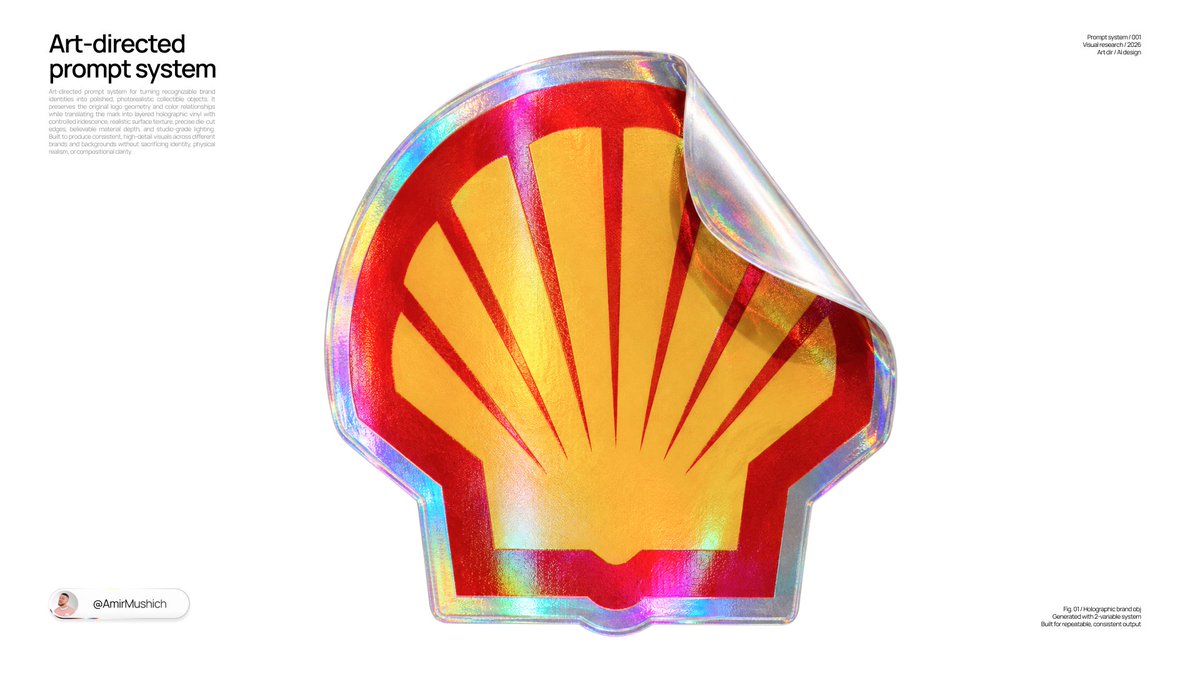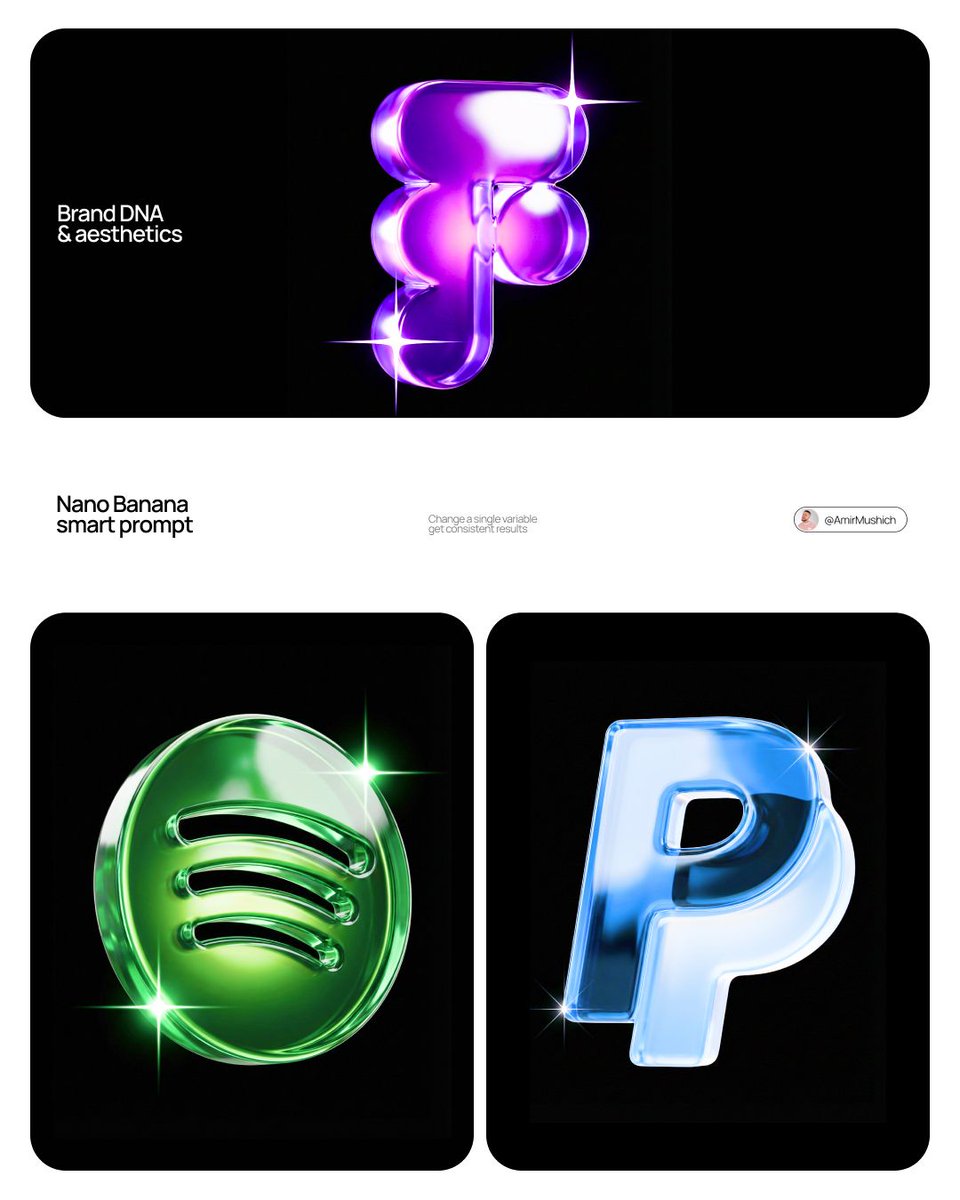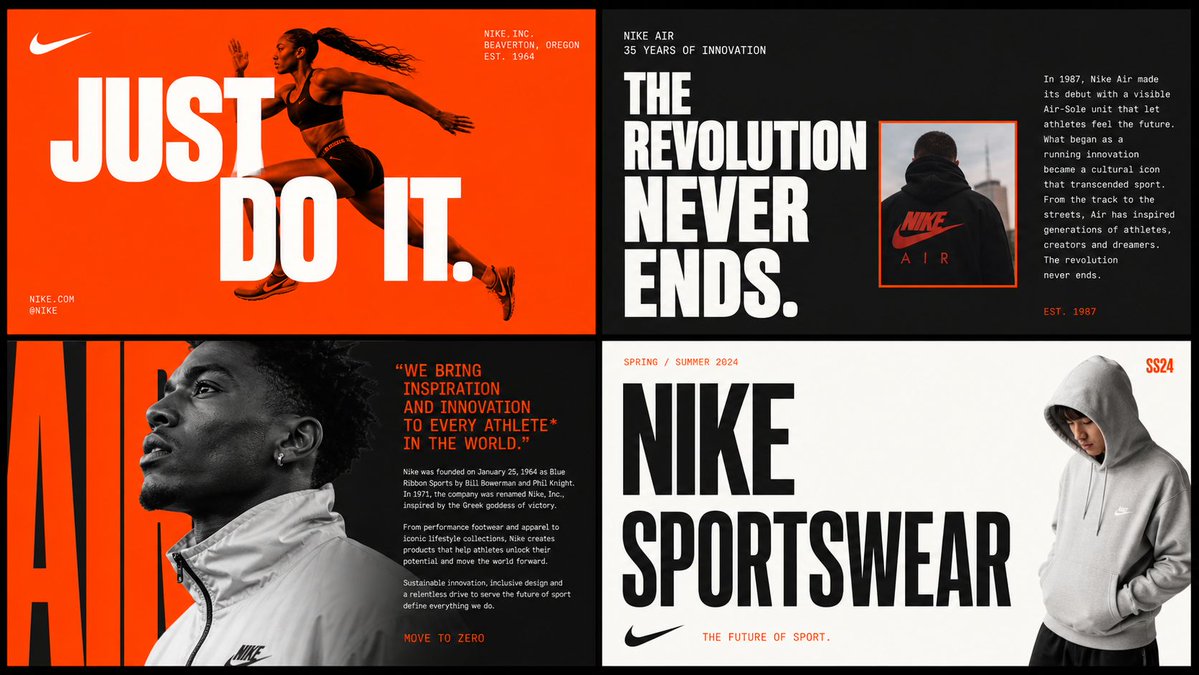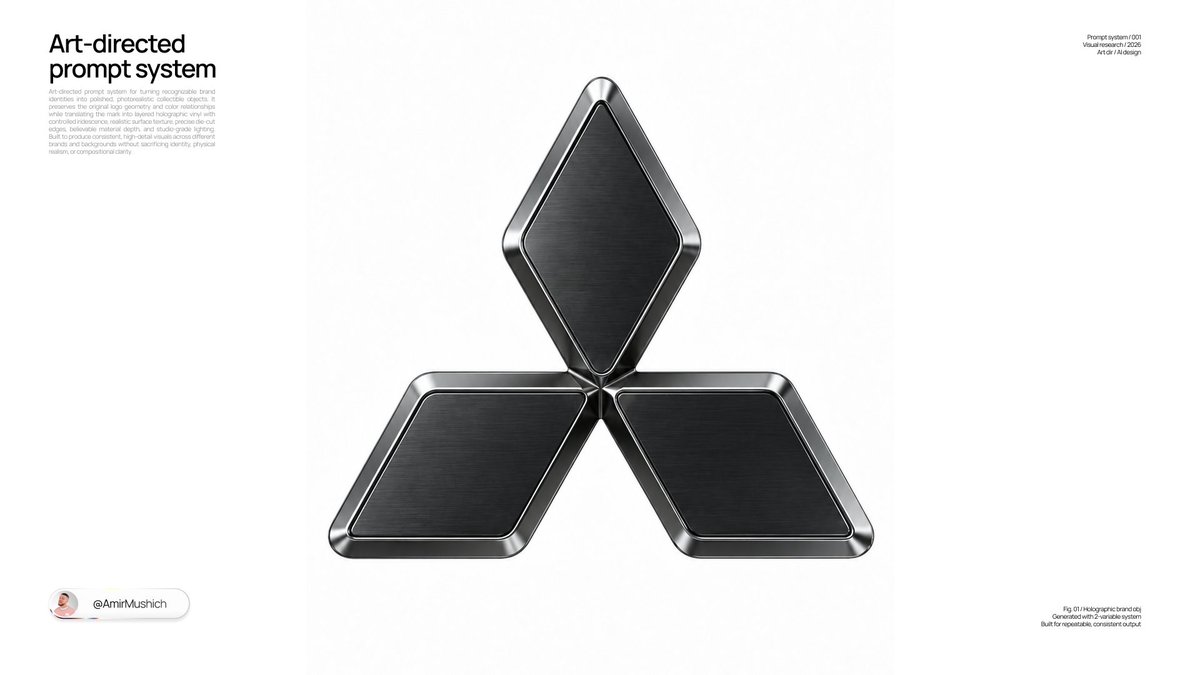
Prompt d'image Produit et publicité Personnalisables
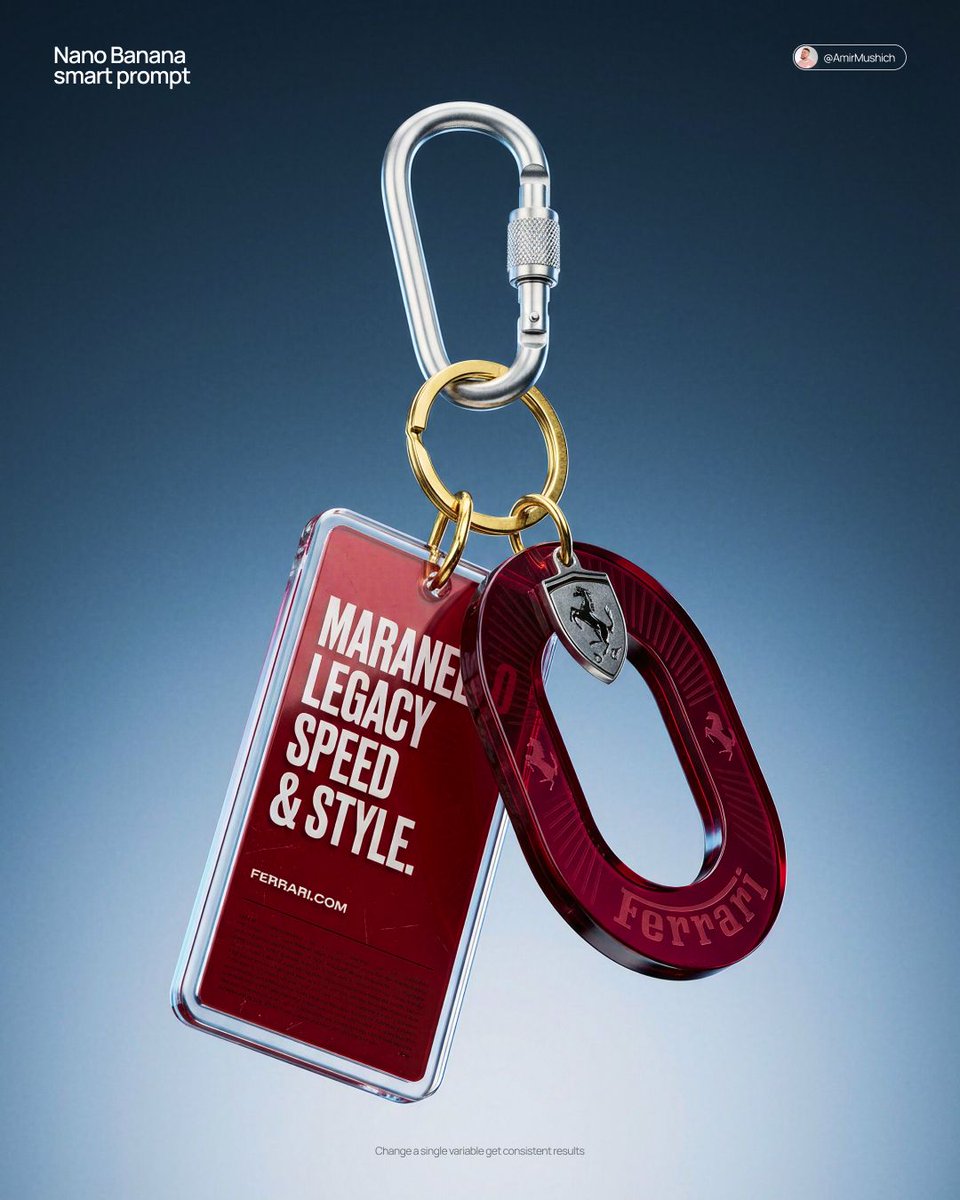
Porte-clés en acrylique premium, photo produit en CGI
Un ensemble de porte-clés flotte sans poids devant un dégradé du noir à l'argent, tandis qu'un médaillon translucide aux teintes de bijou capte la lumière sur ses bords. Les rayures et les traces d'usinage sur le métal lui donnent l'allure d'un objet réel plutôt que d'un article en plastique.

- Modèle
- GPT Image 2
- Type
- Image
- Format d'image
- 4:5
- Partagé
- 24 mars 2026
- J'aime sur X
- 282
Nom de la marque
Prompt d'image
4,259 caractères[BRAND NAME] Act as a High-End CGI Product Photographer and 3D Render Artist specializing in streetwear merch and limited-edition collectibles. PHASE 1: CONCEPT & OBJECT Create a photorealistic CGI product shot of a premium keychain set suspended in mid-air against a neutral gradient studio background. The keychain set consists of THREE elements connected to a single polished silver carabiner clip with a gold-plated split ring: ELEMENT 1 — ACRYLIC TAG: A rectangular acrylic charm (approx. 4:9 ratio, rounded corners, 3mm thick). Layered construction: clear gloss acrylic front panel over a [BRAND NAME]-colored background insert. The background insert carries bold, condensed all-caps typography — autonomously generate a short poetic or brand-relevant phrase (4–8 words) that matches [BRAND NAME]'s tone of voice, set in a heavy condensed grotesque typeface (Bebas Neue / Impact / custom bold). Include [BRAND NAME]'s URL or tagline in small print at the bottom of the insert. Micro-printed fine text fills the lower third as a design texture element. ELEMENT 2 — OVAL MEDALLION CHARM: A die-cut oval hoop/ring shape (donut silhouette, 40mm diameter) made from tinted translucent acrylic or resin. Autonomously determine the iconic brand color of [BRAND NAME] and apply it as the tint (deep saturated, jewel-tone translucency — e.g., gold, cobalt, emerald, crimson). The [BRAND NAME] wordmark is engraved or UV-printed in bold all-caps along the inner curve of the ring. Add 1–2 small iconographic symbols (logo mark, globe icon, cloud glyph) laser-engraved onto the face. Subtle radial sun-ray pattern embossed on the surface. ELEMENT 3 — HARDWARE: Silver anodized aluminum carabiner with knurled locking barrel. Gold-plated brass split ring (key ring loop) at the top. All metal surfaces show micro-scratches and machining marks — no perfect CGI plastic. Industrial precision aesthetic. PHASE 2: MATERIAL & TEXTURE Render all acrylic elements with full Ray Tracing and Subsurface Scattering — light must visibly pass through the tinted acrylic creating internal glow. Apply Fresnel reflection on acrylic edges. Surface imperfections: hairline scratches, micro-dust particles, smudge traces on the clear panel (subtle, editorial-level — not dirty). Metal: PBR metallic workflow — anisotropic specular highlights on the carabiner barrel, brushed finish on the ring. Typography on acrylic must appear screen-printed or UV spot-coated — slight ink texture, not floating. PHASE 3: COMPOSITION & STAGING Levitation shot: the entire keychain set hangs suspended from the top of frame, centered with a 10–15 degree rotation to the right (showing dimensionality). Nothing touches a surface — pure float. Camera angle: slightly below eye-level looking up at ~5 degrees, portrait orientation (4:5 ratio). Depth of Field: focus plane centered on the oval medallion, acrylic tag in sharp secondary focus, top hardware with micro bokeh blur. Aperture equivalent: f/4.0. Negative space: generous — object occupies 55% of frame. PHASE 4: LIGHTING Primary: large octabox soft key light, positioned top-right at 45 degrees — creates clean specular bloom on acrylic edges. Secondary: subtle rim light from bottom-left, cool temperature (5500K), separates the object from background. Background: seamless gradient cyclorama — dark steel blue (#1a2535) at top transitioning to pale silver-grey (#d0d8e0) at bottom. No hard shadows cast. Global Illumination active. Chromatic Aberration: micro-level, visible only on acrylic edges (adds realism, prevents CGI-plastic look). No lens flare. No neon. No HDR overblown highlights. TECH SPECS Render engine: Octane Render or Blender Cycles (path-traced) Resolution: 4096 x 5120px (4:5 portrait) Samples: 4096 minimum Color profile: Adobe RGB, D65 white point Post-processing: subtle film grain overlay (ISO 400 equivalent), +5 clarity, -10 highlights, neutral color grade Output mood: High-end streetwear lookbook / limited drop product page Style references: Kith accessories, Highsnobiety product editorial, Fragment Design merch photography NEGATIVE: No white studio infinity cove. No flat lay. No hand holding the product. No fake bokeh blur filters. No AI plastic sheen. No floating text outside the object.
Comment l'utiliser
Il s'agit d'un prompt uniquement textuel, aucune photo n'est donc nécessaire. Remplacez le marqueur de marque entre crochets par votre nom et la teinte souhaitée pour le médaillon, et conservez les lignes sur l'éclairage et les matières, car elles assurent la finition premium. Il a été partagé comme prompt pour GPT Image 2. Le résultat convient à une page de vente de merchandising, à une publication pour une sortie en édition limitée ou à une maquette de concept de pièce de collection.
Partagé publiquement sur X le 24 mars 2026. Tout le mérite de ce prompt et de son résultat revient à son créateur. Ce prompt est le vôtre ? Demandez une mise à jour ou un retrait.