Prompt vidéo Personnalisables
Planche de storyboard anime de neuf scènes en 16:9
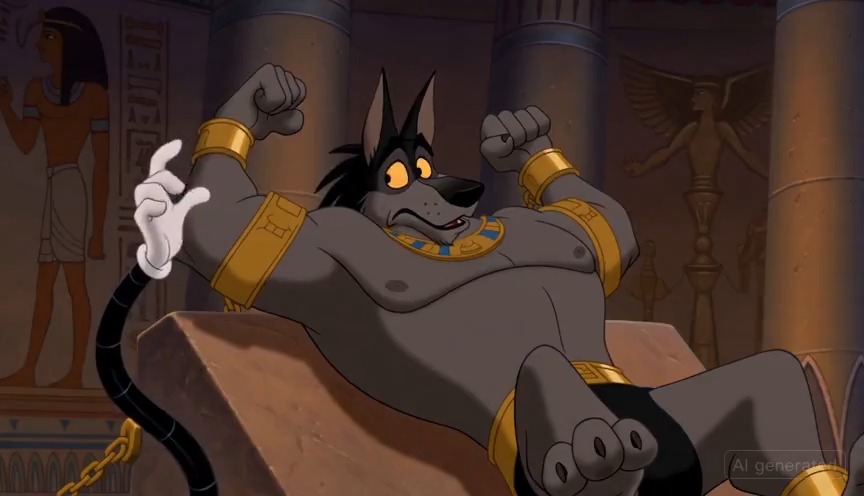
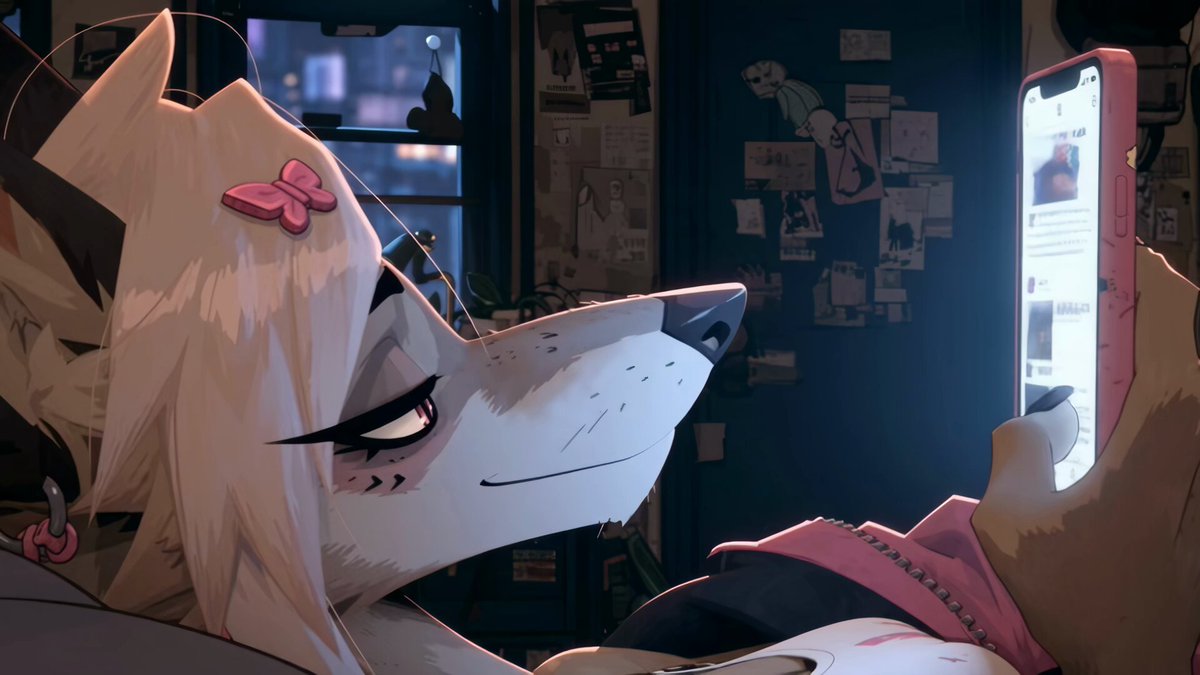
Une planche épurée, façon production, qui dispose neuf scènes d'anime sur une grille de trois colonnes, chacune avec image de début et de fin, timecodes et notes de caméra, de dialogue et de son. On dirait un véritable tableau de réalisateur pour un court métrage animé.

- Modèle
- Seedance
- Type
- Vidéo
- Format d'image
- 16:9
- Partagé
- 24 avr. 2026
- J'aime sur X
- 326
Titre de votre projetVotre sous-titreVotre duréeVotre style graphique 1Votre style graphique 2+42 de plus
Prompt d'image
3,648 caractèresStoryboard Sheet Generation Template ─────────────────── ※ Attach the template below along with your characters and story. ─────────────────── ▼ Project Info Title: "[YOUR_PROJECT_TITLE]" Subtitle: "[YOUR_SUBTITLE]" Format: 16:9 anime theatrical storyboard Total duration: [YOUR_DURATION] (seconds) ▼ Visual Specification **Art style:** [YOUR_ARTSTYLE_1] × [YOUR_ARTSTYLE_2] × [YOUR_ARTSTYLE_3] **Lighting/Atmosphere:** [YOUR_LIGHTING] **Color palette:** - Primary colors: [YOUR_PRIMARY_COLORS] - Accent: [YOUR_ACCENT_COLORS] **World:** [YOUR_WORLD_ELEMENTS] ▼ Storyboard Layout (Professional Layout) On a clean light-beige background, rounded rectangular panels arranged in a 3-column grid across 9 scenes. Each scene panel contains: - A color tag "Scene XX" (pink, blue, green, etc.) - Timecode (e.g., 00:00–00:03) - Scene title - Two side-by-side frames "START FRAME" → "END FRAME" connected by a white arrow - An annotation box at the bottom (CAMERA / DIALOGUE / SFX / ACTION) ▼ Characters (KEY CHARACTERS section) [YOUR_CHARACTER_1_NAME] - Appearance: [YOUR_CHARACTER_1_APPEARANCE] - Vibe: [YOUR_CHARACTER_1_VIBE] [YOUR_CHARACTER_2_NAME] - Appearance: [YOUR_CHARACTER_2_APPEARANCE] - Vibe: [YOUR_CHARACTER_2_VIBE] [YOUR_CHARACTER_3_NAME (optional)] - Appearance: [YOUR_CHARACTER_3_APPEARANCE] - Vibe: [YOUR_CHARACTER_3_VIBE] ▼ The 9 Scenes to Draw **SCENE 01: [YOUR_SCENE_01_TITLE]** Timecode: [YOUR_TIMECODE_01] - START FRAME: [YOUR_START_FRAME_01] - END FRAME: [YOUR_END_FRAME_01] - CAMERA: [YOUR_CAMERA_01] - DIALOGUE: [YOUR_DIALOGUE_01] - SFX: [YOUR_SFX_01] - ACTION: [YOUR_ACTION_01] **SCENE 02: [YOUR_SCENE_02_TITLE]** Timecode: [YOUR_TIMECODE_02] - START FRAME: [YOUR_START_FRAME_02] - END FRAME: [YOUR_END_FRAME_02] - CAMERA: [YOUR_CAMERA_02] - DIALOGUE: [YOUR_DIALOGUE_02] - SFX: [YOUR_SFX_02] - ACTION: [YOUR_ACTION_02] **SCENE 03: [YOUR_SCENE_03_TITLE]** Timecode: [YOUR_TIMECODE_03] [describe in the same format as above] **SCENE 04: [YOUR_SCENE_04_TITLE]** Timecode: [YOUR_TIMECODE_04] [describe in the same format as above] **SCENE 05: [YOUR_SCENE_05_TITLE] (Midpoint)** Timecode: [YOUR_TIMECODE_05] [describe in the same format as above] **SCENE 06: [YOUR_SCENE_06_TITLE]** Timecode: [YOUR_TIMECODE_06] [describe in the same format as above] **SCENE 07: [YOUR_SCENE_07_TITLE]** Timecode: [YOUR_TIMECODE_07] [describe in the same format as above] **SCENE 08: [YOUR_SCENE_08_TITLE]** Timecode: [YOUR_TIMECODE_08] [describe in the same format as above] **SCENE 09: [YOUR_SCENE_09_TITLE] (Final Image)** Timecode: [YOUR_TIMECODE_09] [describe in the same format as above] ▼ Tone & Direction (TONE & DIRECTION section) [YOUR_TONE_AND_DIRECTION_BULLET_1] [YOUR_TONE_AND_DIRECTION_BULLET_2] [YOUR_TONE_AND_DIRECTION_BULLET_3] [YOUR_TONE_AND_DIRECTION_BULLET_4] [YOUR_TONE_AND_DIRECTION_BULLET_5] ▼ Music & VFX Plan (MUSIC & SFX PLAN timeline) [YOUR_MUSIC_SFX_TIMELINE_0_3S] [YOUR_MUSIC_SFX_TIMELINE_3_6S] [YOUR_MUSIC_SFX_TIMELINE_6_9S] [YOUR_MUSIC_SFX_TIMELINE_9_12S] [YOUR_MUSIC_SFX_TIMELINE_12_15S] [YOUR_MUSIC_SFX_TIMELINE_15_18S] [YOUR_MUSIC_SFX_TIMELINE_18_21S] [YOUR_MUSIC_SFX_TIMELINE_21_24S] [YOUR_MUSIC_SFX_TIMELINE_24_30S] ▼ Tech Specs (TECH SPECS box) DURATION: [YOUR_DURATION] ASPECT RATIO: 16:9 RESOLUTION: 1920×1080 FRAME RATE: 24fps COLOR FORMAT: RGB color OUTPUT FORMAT: PNG / MP4 (H.264) MOOD PRESET: [YOUR_MOOD_PRESET] ▼ Design & Aesthetic Specification Clean infographic, thin borders, pastel or modern panel design, highly detailed anime key visual within each frame, professional production-document aesthetic. The background is [YOUR_BACKGROUND_COLOR] (e.g., light beige, white, light gray).
Comment l'utiliser
Ce prompt est conçu comme un modèle à remplir : commencez par remplacer les champs entre crochets par le titre de votre projet, vos personnages et les moments clés de votre histoire. Conservez la structure intacte, car la grille, les paires d'images START et END et les cadres d'annotations donnent à la planche son aspect professionnel. Il a été partagé comme prompt Seedance et convient à un plan vidéo 16:9 dont vous voulez prévisualiser le rythme avant d'animer.
Le créateur n'a partagé que le prompt de l'image source ; la vidéo a été réalisée à partir de cette image.
Partagé publiquement sur X le 24 avr. 2026. Tout le mérite de ce prompt et de son résultat revient à son créateur. Ce prompt est le vôtre ? Demandez une mise à jour ou un retrait.