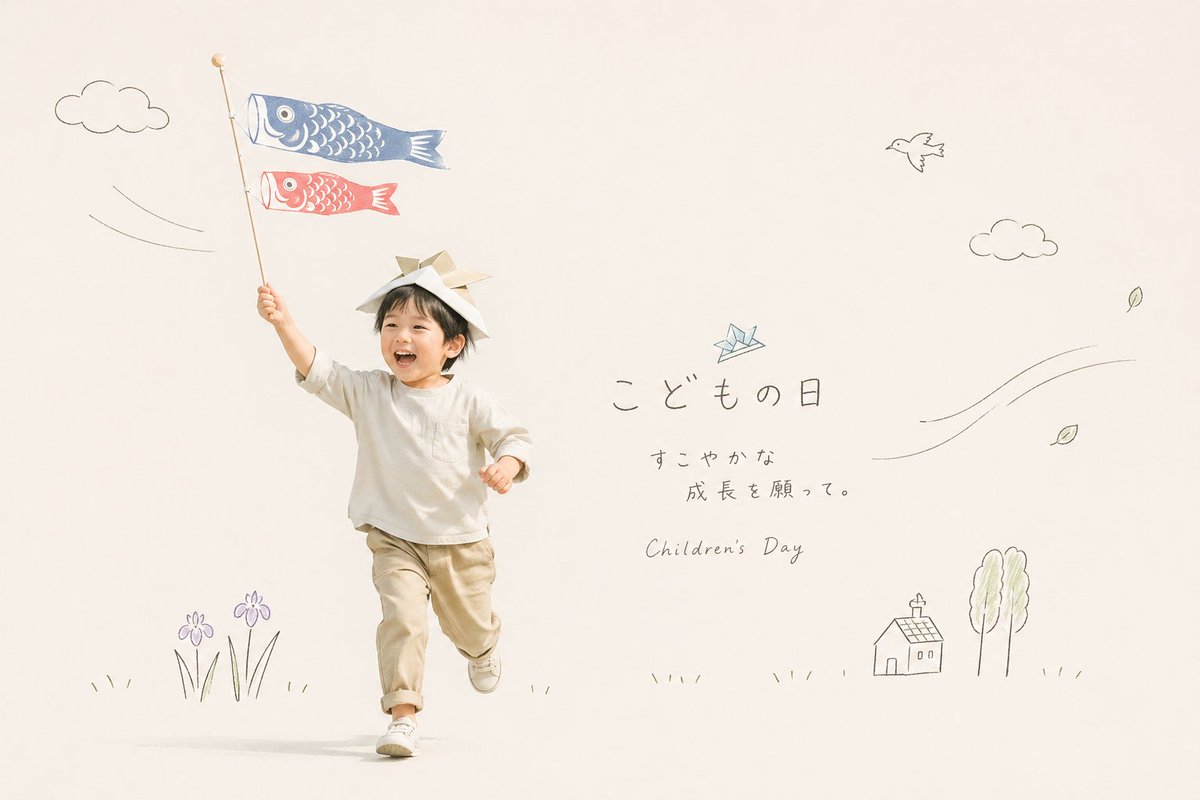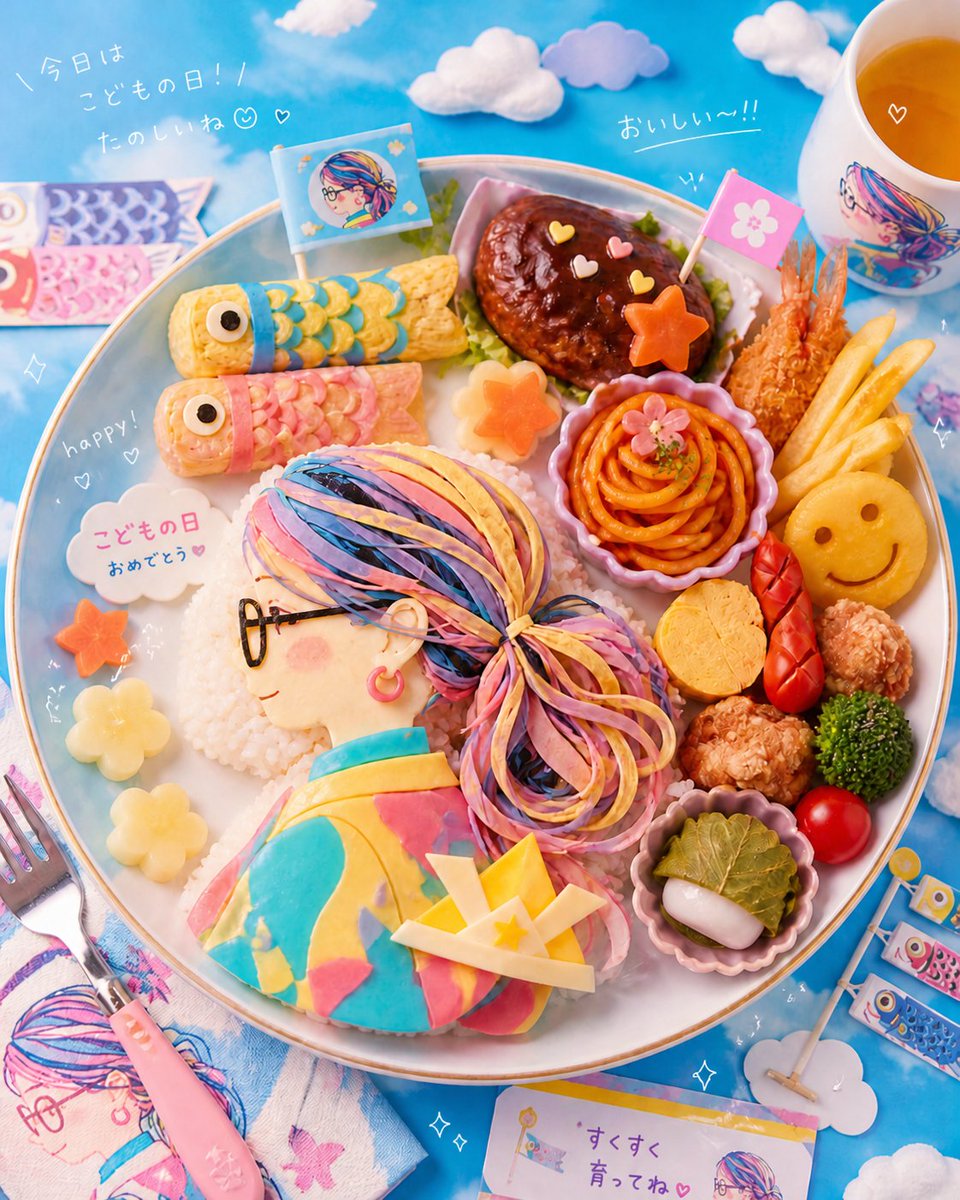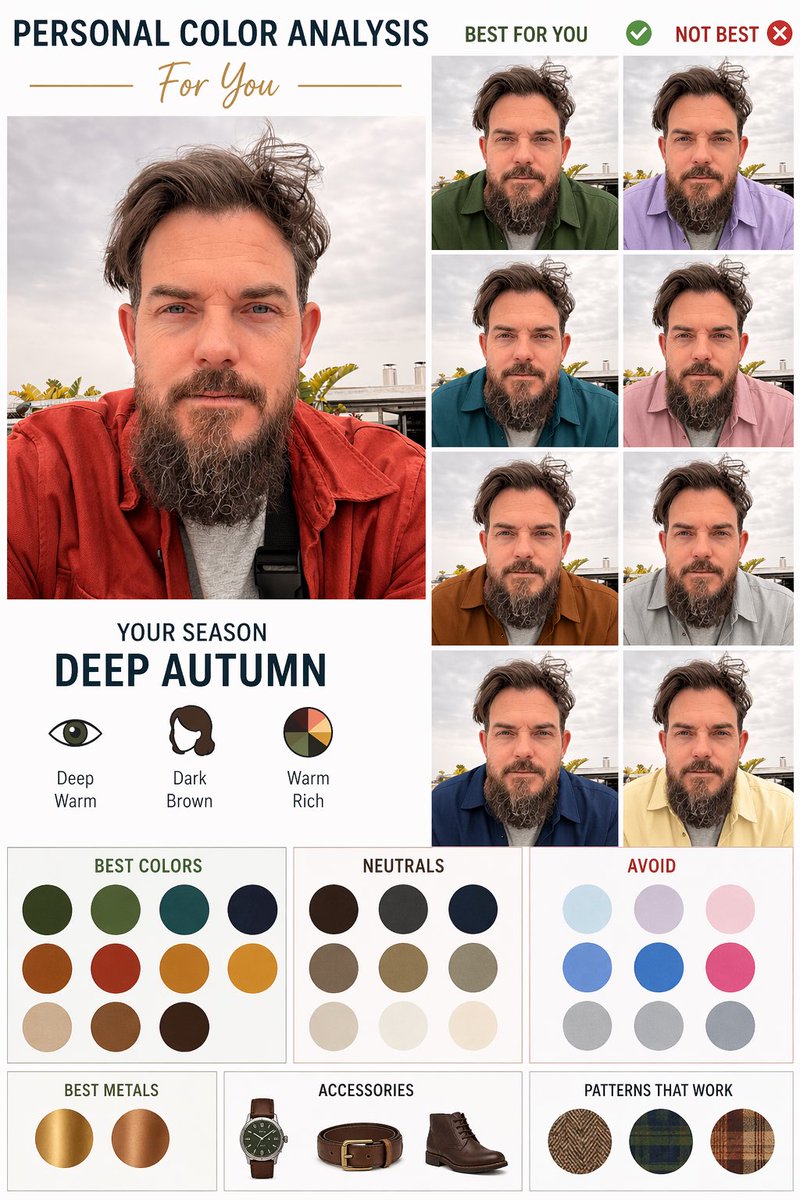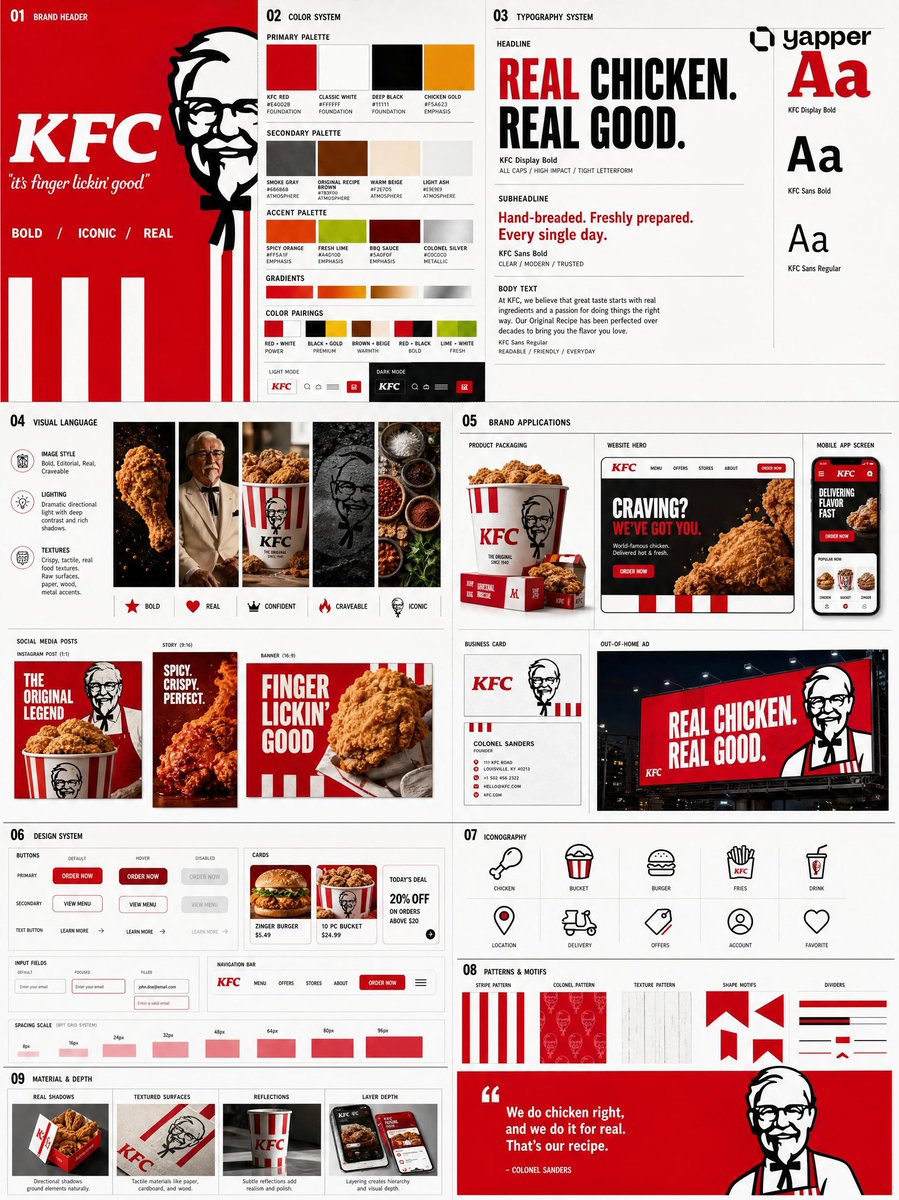
Prompt de imagen Branding y UI Personalizables
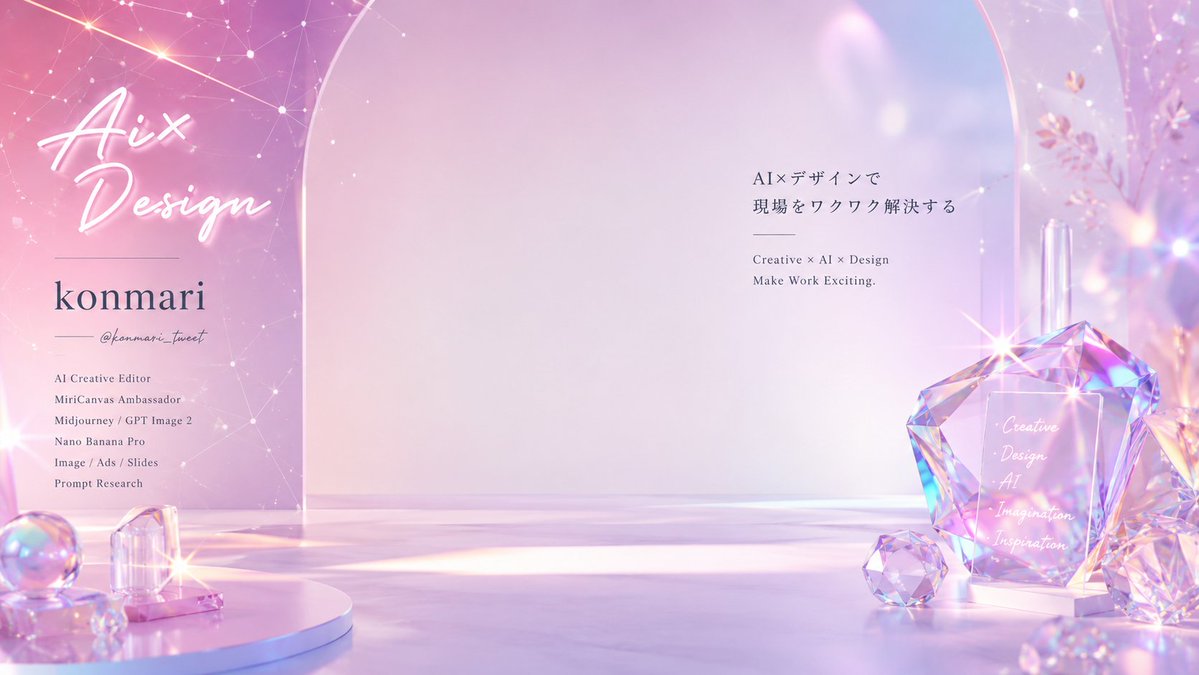
Fondo de videollamada con cosmovisión adaptada al perfil
Un escenario luminoso y arquitectónico construido con la paleta, los motivos y el nombre de la propia persona, con el centro libre para que se siente en él. A primera vista parece una galería de marca y se mantiene lo bastante limpio para una videollamada en directo.

- Modelo
- GPT Image 2
- Tipo
- Imagen
- Relación de aspecto
- 16:9
- Compartido
- 3 jul 2026
- Me gusta en X
- 62
Plataformas de reuniones
Prompt de imagen
3,701 caracteresAnalyze the attached profile image, social media profile, website, landing page, and past post images, and generate one 16:9 virtual background usable on Zoom, Google Meet, and Microsoft Teams. The goal is not just to make a stylish background. It is to create that person's own "worldview background" that, at a single glance, makes people feel: "ah, that's this person," "I've seen this worldview," "this is so them," "it's memorable," "I want to talk with them again." You are the world's top brand director, art director, spatial designer, advertising creative director, Japanese typographer, and UX designer. Don't just make a background—design that person's brand memory. From the profile, read the name, title, handle, brand name, activities, expertise, the temperature of their words, the mood of their photos, color scheme, icon, header, the atmosphere of their posts, values, and the future they want to deliver, and reconstruct it as that person's unique visual "signature." Three points are especially important: 1. Signature color Design a main, sub, and accent color that instantly convey who they are. Don't use too many colors; create a palette that is memorable at first sight. 2. Signature motif Choose only 1 to 3 motifs that symbolize their worldview and place them naturally within the background. E.g.: prism, light, glass, paper, color chips, grid, UI, ribbon, flower, star, architecture, abstract object, hand-drawn line, typography fragment. Use motifs not as decoration but as signs to remember the person by. 3. Signature typography If the name, title, handle, or brand name shown in the image is legible, always incorporate it into the design. Treat text not as description but as beautiful typography, like a brand logo or magazine title. Avoid small text unreadable in an online meeting, and make the name or brand name memorable. Do not guess at text that doesn't exist in the image. Design this background so it is completed when the person appears in the center. Leave 30–40% of the center as space for the person, ensuring no text or important objects overlap the face or upper body. But don't leave the center merely blank—arrange it beautifully with light, negative space, wall surface, depth, and color planes. Design the background as a space that could actually exist. Make architecture, furniture, display stands, walls, glass, acrylic, lighting, floor, shadows, reflections, material thickness, ground contact, and perspective natural. Avoid unnaturally floating structures, broken architecture, huge unsupported objects, and physically impossible spaces. Optimize the direction of the space to fit the profile. Design the stage that best suits the person from among a museum, brand gallery, creative studio, bright atelier, advertising photo set, high-end exhibition space, futuristic brand room, or abstract worldview space. Lighting should be bright, translucent, clean, and high quality, like advertising or architectural photography. Avoid dark rooms, ordinary offices, meeting rooms, plain white walls, just a bookshelf, just a houseplant, Zoom-template style, stock-photo style, info-product style, and backgrounds with a lived-in feel. In the end, create a one-of-a-kind virtual background that is beautiful on its own but, the moment the person enters the center, makes it clear: "ah, this is that person's worldview." Output specs: 16:9, landscape, high resolution, no people, 30–40% center reserved for the person, name/title/handle/brand name placed as needed, signature color, signature motif, signature typography, advertising quality, architectural photography quality, a background that can be used naturally in online meetings.
Cómo usarlo
Sube primero una foto de perfil clara o algunas publicaciones anteriores, ya que la paleta y los motivos se extraen de ellas. Se compartió como prompt de GPT Image 2, así que mantén la petición centrada en leer esas referencias con atención. Cambia el nombre, el cargo y el usuario por tus propios datos, y conserva el espacio central abierto y el lenguaje de iluminación para que la figura se vea bien. Usa el resultado como fondo para reuniones o como banner de perfil.
Compartido públicamente en X el 3 jul 2026. Todo el mérito de este prompt y de su resultado es de su creador. ¿Es tuyo? Pide que se actualice o se elimine.