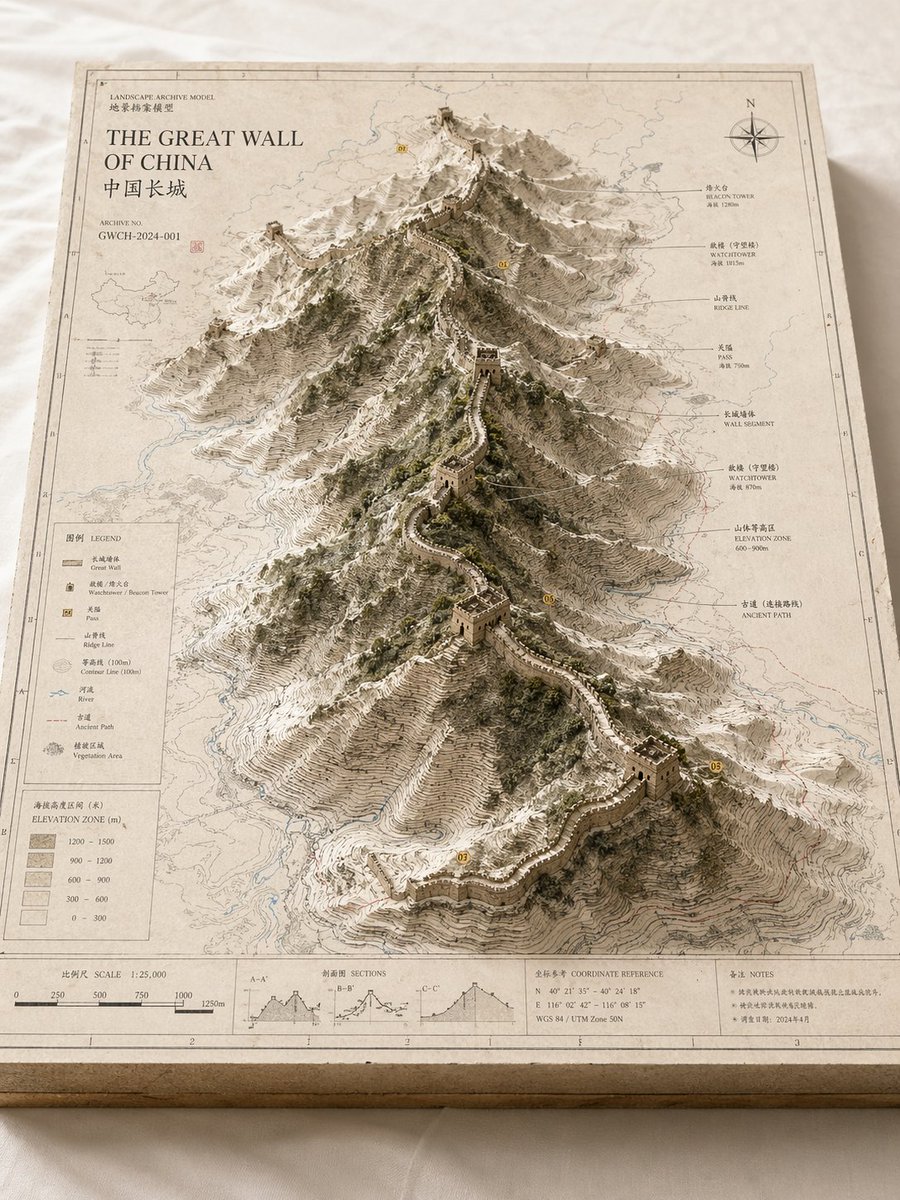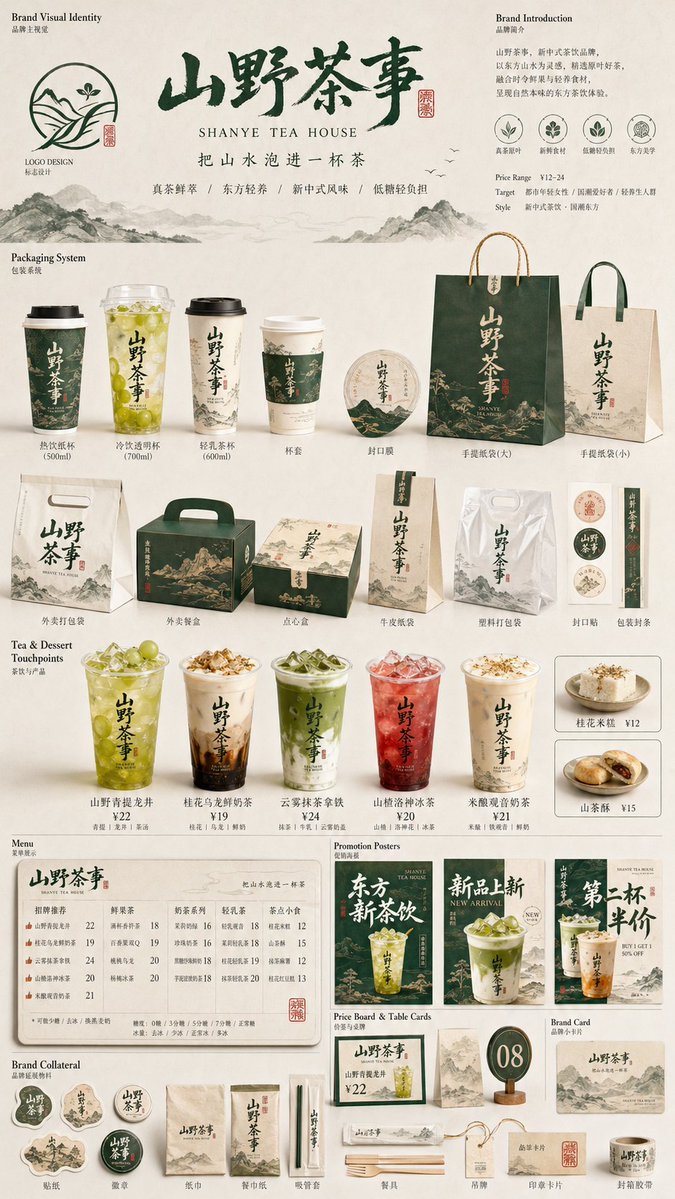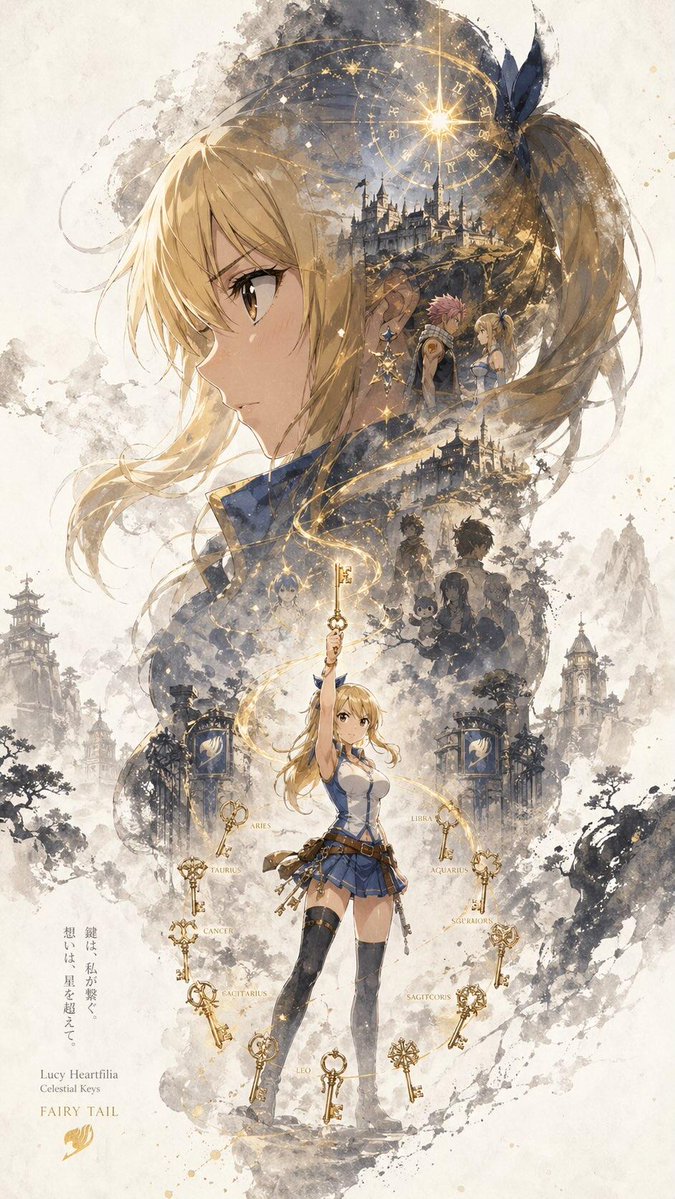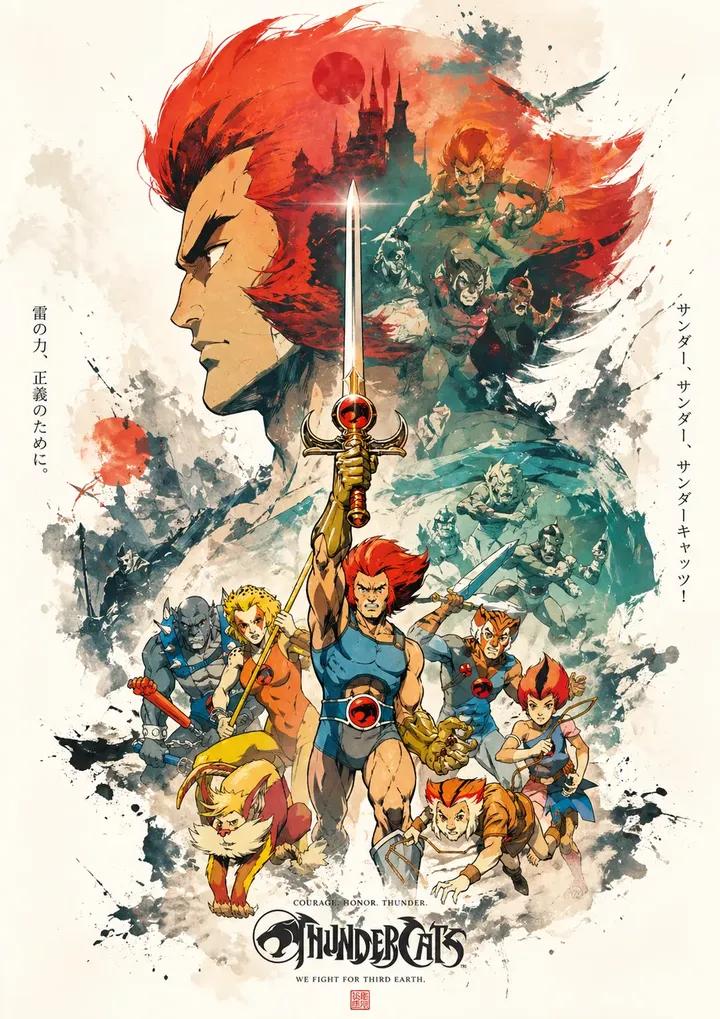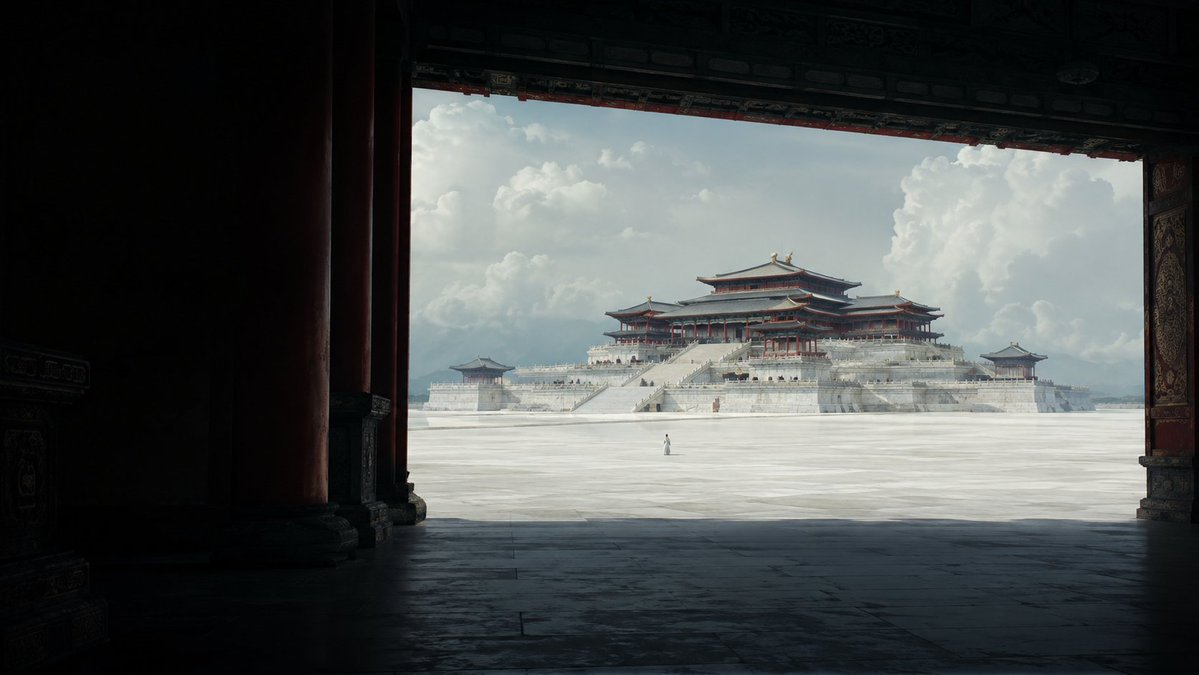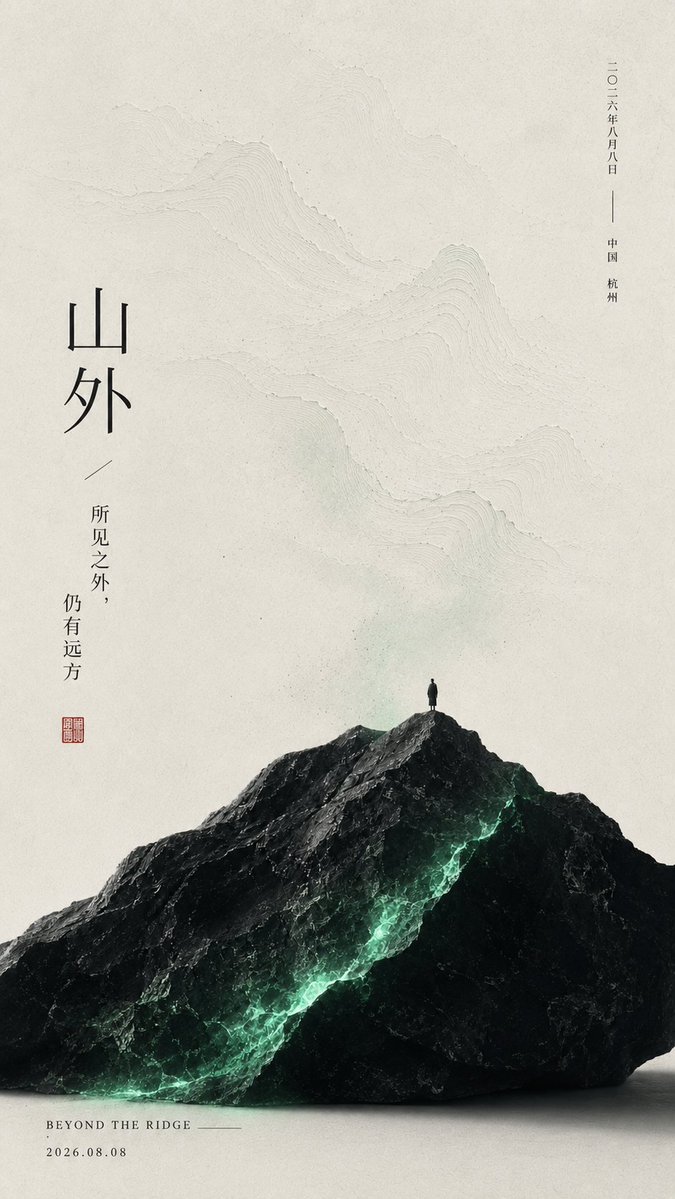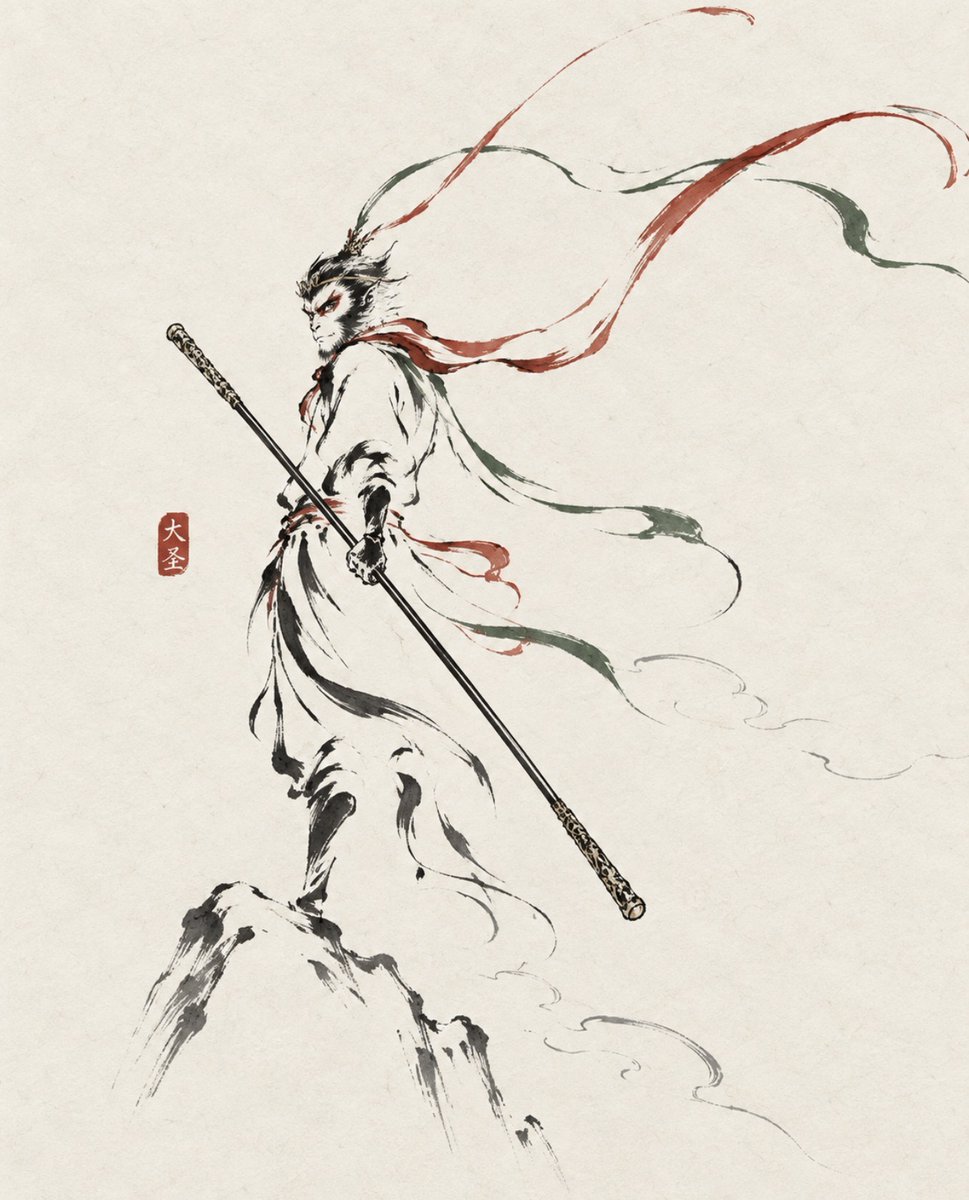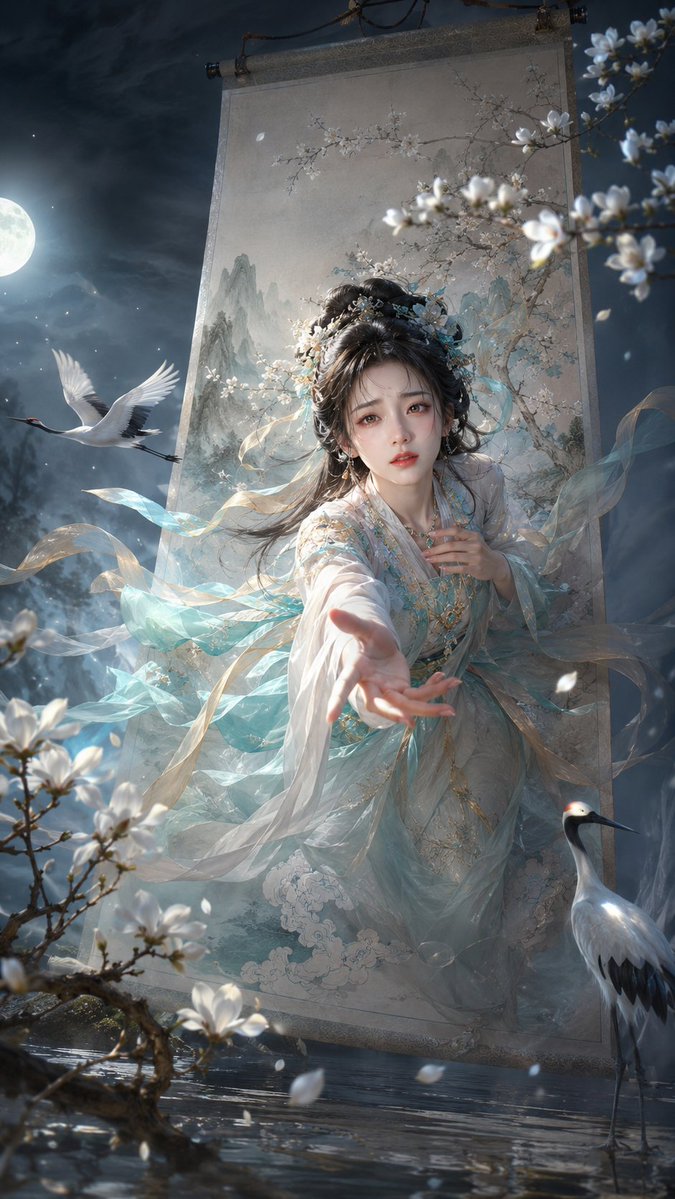
Prompt de imagen Pósters y tipografía Personalizables
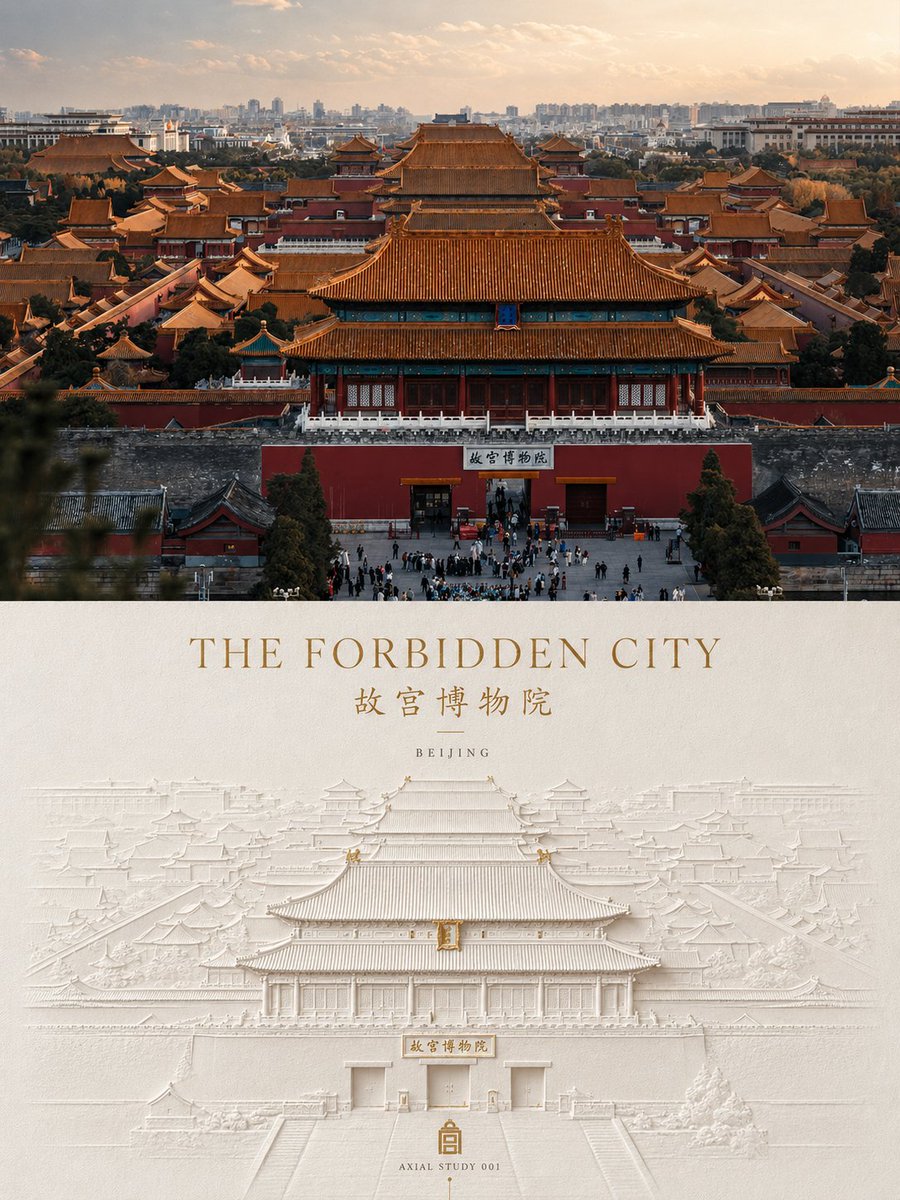
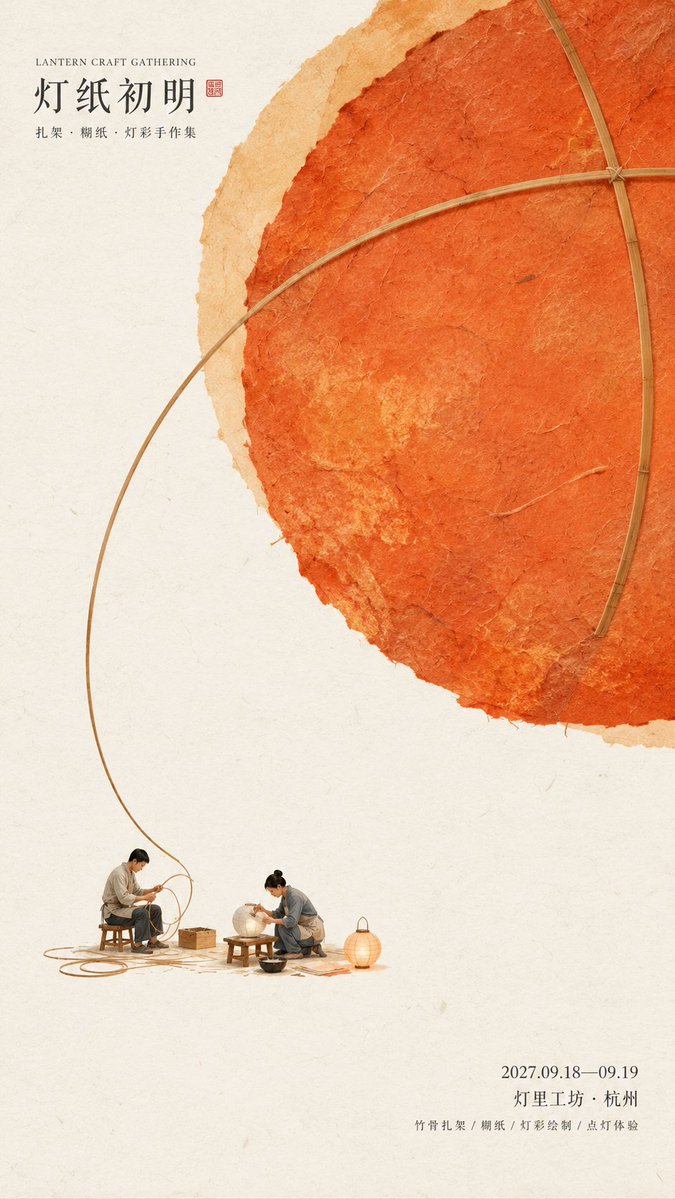
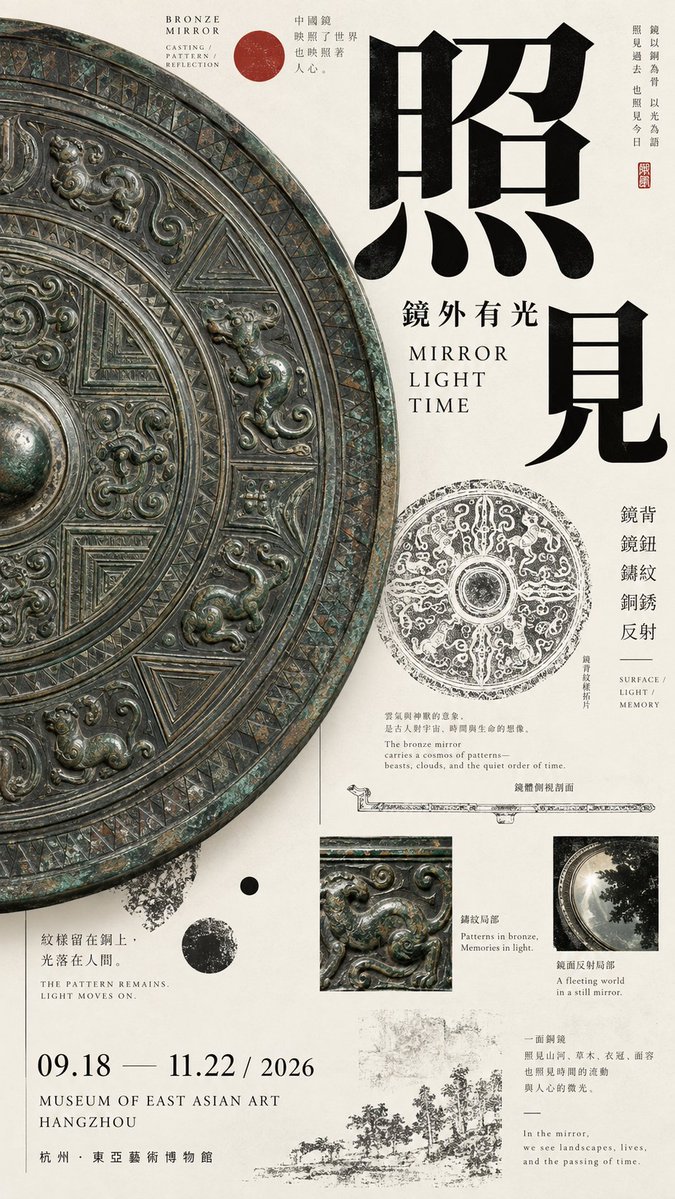
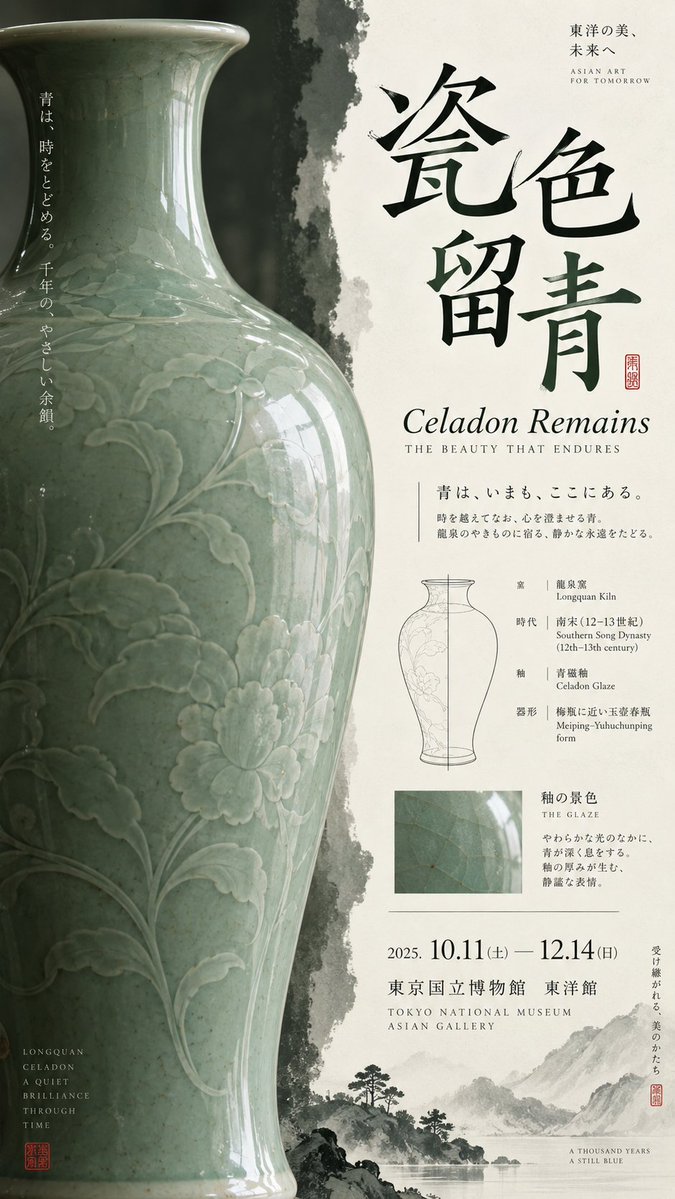
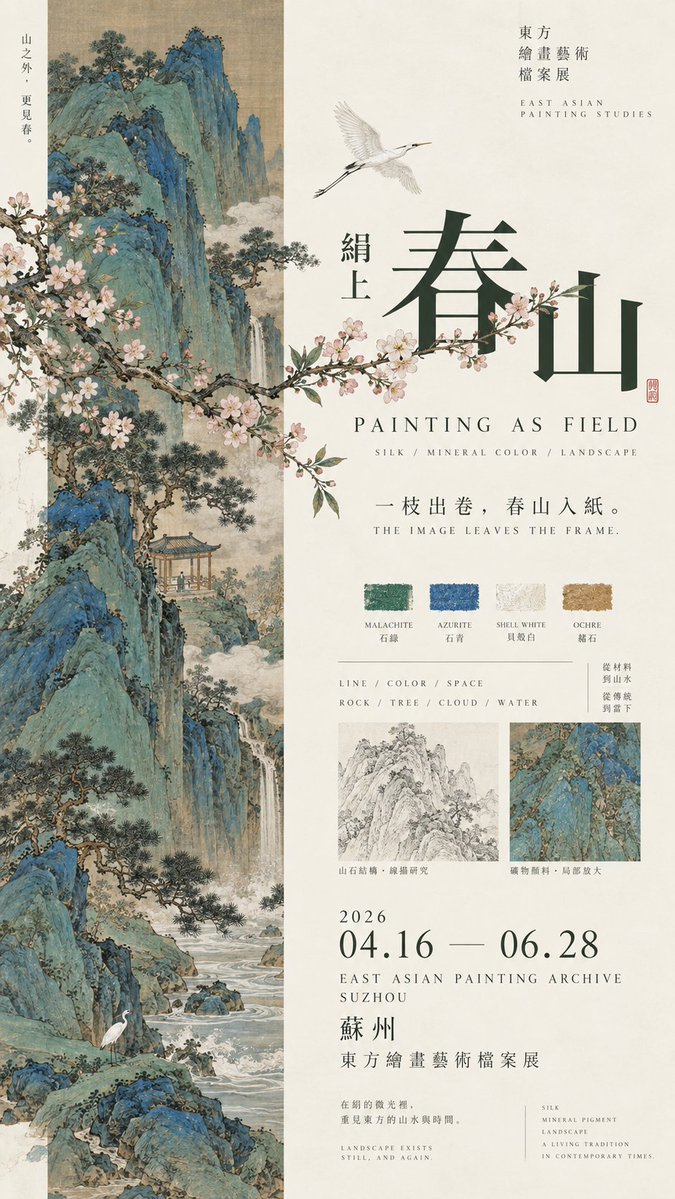
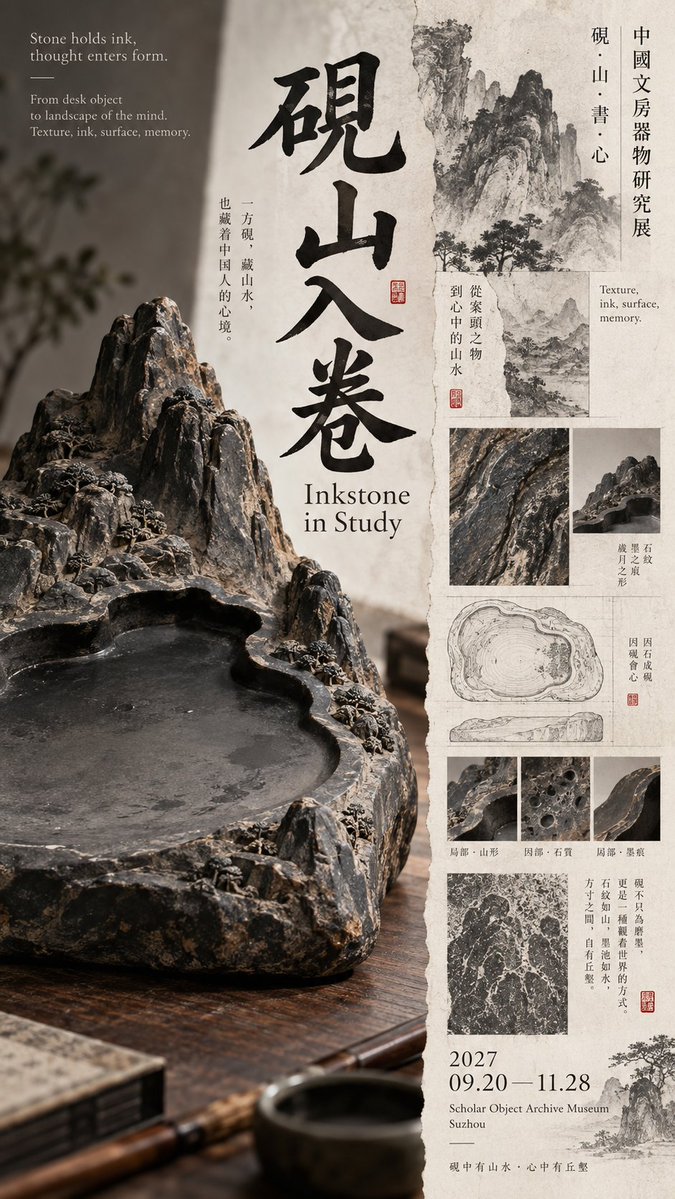
Cartel de museo con diseño oriental asimétrico
Una composición dividida en la que un lado muestra un artefacto grande recortado y el otro lleva un título apilado, finas líneas de investigación y datos de la exposición. La tinta, el blanco hueso y un pequeño acento rojo mantienen el equilibrio.

- Modelo
- GPT Image 2
- Tipo
- 4 imágenes
- Relación de aspecto
- 9:16
- Compartido
- 13 sept 2026
- Me gusta en X
- 24
Título en chinoTítulo en inglésFecha y sedeTema principal
Prompt de imagen
4,517 caracteresPrompt: 【Theme】: 【Chinese title】: 【English title】: 【Core subject】: 【Left-right relationship】: dominant giant object / narrow image band × wide text field / subject × archive / image crossing over / dense × empty / other 【Left-side content】: 【Right-side content】: 【Boundary-crossing elements】: object outline / foliage / large letters / line drawing / pattern / other 【Main color】: 【Accent color】: 【Date / Venue】: 【Aspect ratio】: 9:16 Generate a high-aesthetic, high-information-density Oriental culture exhibition poster using a "left-right composition / asymmetric dual-zone composition." Do not split left and right 50/50; use flexible ratios like 35/65, 40/60, 45/55 based on the subject's volume, text density, and empty-space relationship. The point is not equal area on both sides, but achieving visual balance among image weight, typography, and information density. Choose the method flexibly by theme: Dominant giant object: one side enlarges a large-scale object, artifact, or art piece, allowing bold cropping, occupying the main visual weight; the other side builds reading hierarchy with title, English, small text, structural line drawings, and exhibition info. Narrow image band × wide text field: one side uses an elongated ancient painting, photography, or pattern slice, the other keeps more paper and typography. Foliage, flying birds, clouds, or the subject's outline in the image may actively cross out of the picture core into the text area. Subject × archive: one side keeps a single strong subject, the other combines form line drawings, material macros, rubbings, pattern studies, dimensions, era, and a little explanatory text, forming an art-catalogue feel. Dense × empty: one side forms high-density visuals with images, archive fragments, and research content, the other keeps large controlled empty space, using only a few large letters and key exhibition info. Empty space cannot just be "no content"; it must be precisely designed through letter spacing, thin lines, position, and proportion. The left-right boundary should not be too mechanical. Let object edges, large letters, flower branches, patterns, or research lines cross the divide by about 3%–10%, reconnecting the two sides, but avoid random collage. Typography must be redesigned per each image's subject. Use huge single characters, two staggered characters, a full horizontal title, a mid-scale title, cross-column text, or local color inversion. Maintain the scale contrast "big letters very big, small letters very small," reducing meaningless medium-size letters. Do not fixedly use four vertical characters, nor repeat the "two horizontal + two vertical" template. Information density should reference mature museum posters, Japanese Editorial Design, and Art Catalogue. It may include English subtitle, era, material, craft, venue, date, curatorial short line, and 1–3 research nodes directly related to the theme, such as form line drawings, glaze macro, ancient-painting materials, pattern rubbings, stone-grain studies, or local enlargement. This auxiliary information must serve the theme, not pile up random small text to "look professional." Control color to 3–5 main colors. Prefer restrained colors like bone white, ink black, celadon green, mineral blue-green, dark gray, ochre, then add one clear but very small-area cinnabar red or another accent color. Keep the paper clean, no dirty-yellow antiquing filter. At first glance see the large subject and the left-right weight relationship; second glance see the title and main color blocks; third glance discover how objects, ancient paintings, or foliage break the left-right boundary; finally read material, structure, era, and exhibition archive. Core principle: one side anchors the visual, one side carries the reading; empty space is also weight, information density is also weight; left and right are unequal, but the whole must be balanced. Overall requirements: 9:16, high-definition, sharp, clean paper, real subject texture, sharp typography, thin lines and small text as clear as possible, rich in information but not chaotic, with the finish of a mature museum poster and art publication. Avoid: mechanical 50/50 split, simple image-left text-right, two similar subjects on each side, subject too small, info area like a manual, fixed title template, PPT info boxes, complex UI, random English, severe antiquing, mottled noise, frame numbering, copyright marks, four-pointed starbursts, sparkle, and low-finish AI-poster feel.
Cómo usarlo
Se compartió como prompt de GPT Image 2. Sustituye los huecos de tema, título y sede por los de tu propia exposición y mantén la división irregular de 35/65 a 45/55, ya que esa proporción es la que hace funcionar el diseño. Conserva la nota sobre dejar que los bordes crucen la línea divisoria, porque esa conexión evita que el cartel parezca dos mitades separadas. Usa el resultado como cartel de exposición o editorial en formato 9:16.
Compartido públicamente en X el 13 sept 2026. Todo el mérito de este prompt y de su resultado es de su creador. ¿Es tuyo? Pide que se actualice o se elimine.