Prompt de imagen Branding y UI Personalizables Añade tu foto
Diseño de la interfaz de la pantalla de guardar y cargar partida
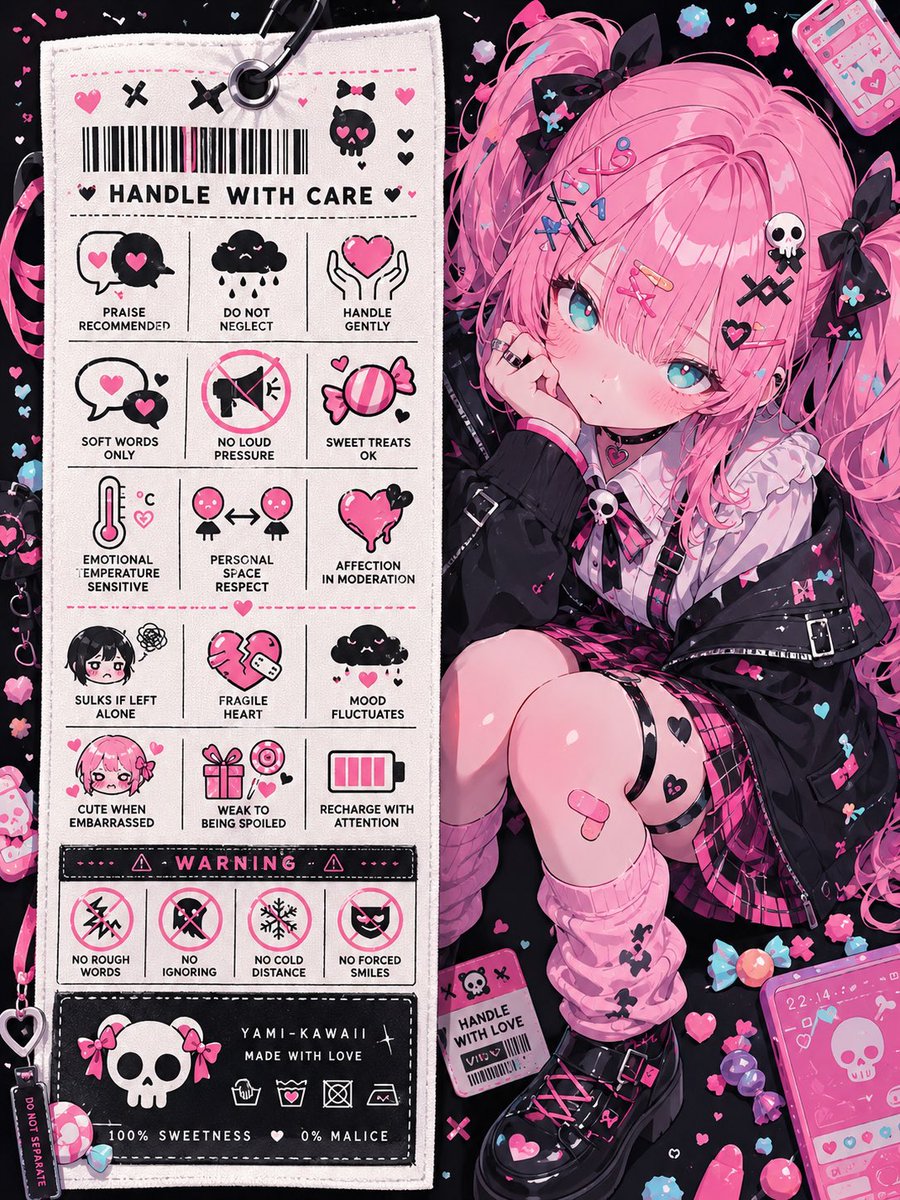
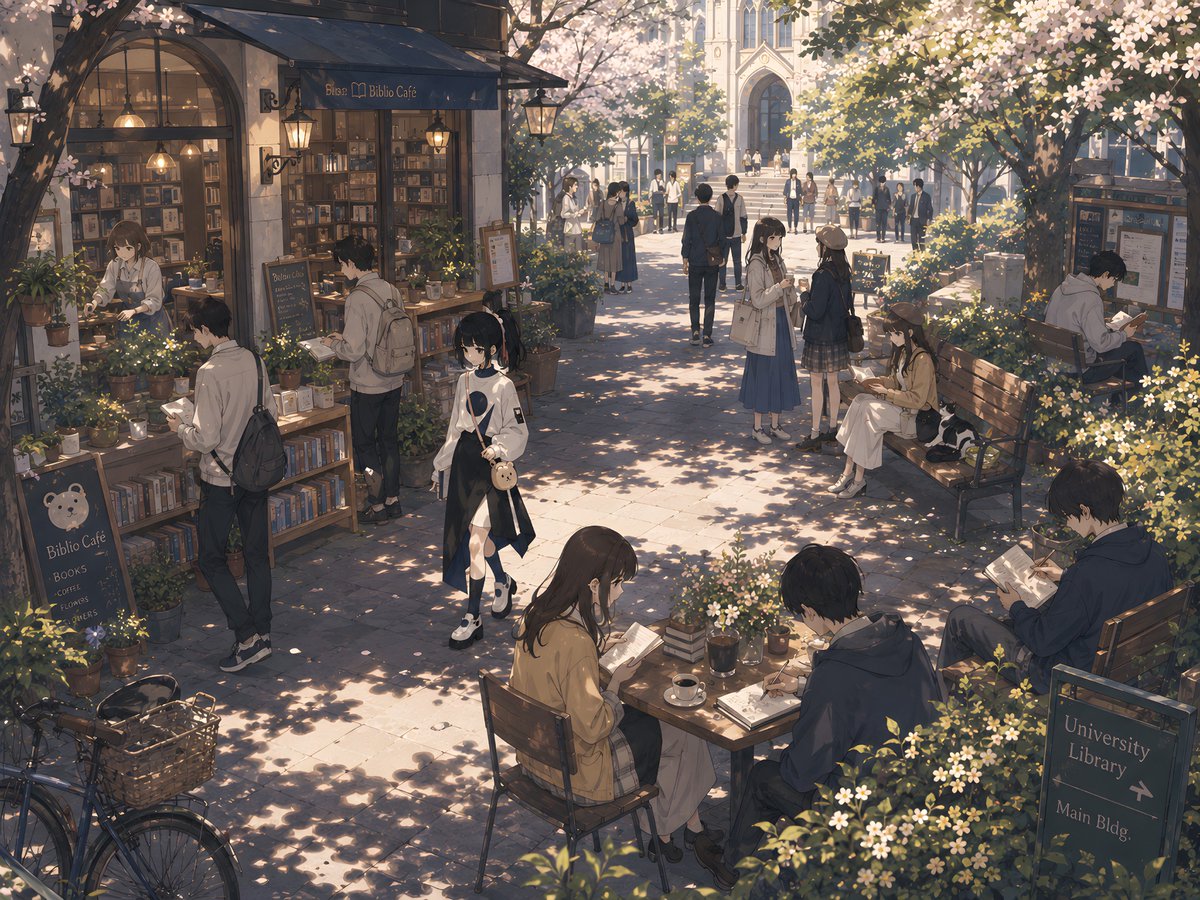
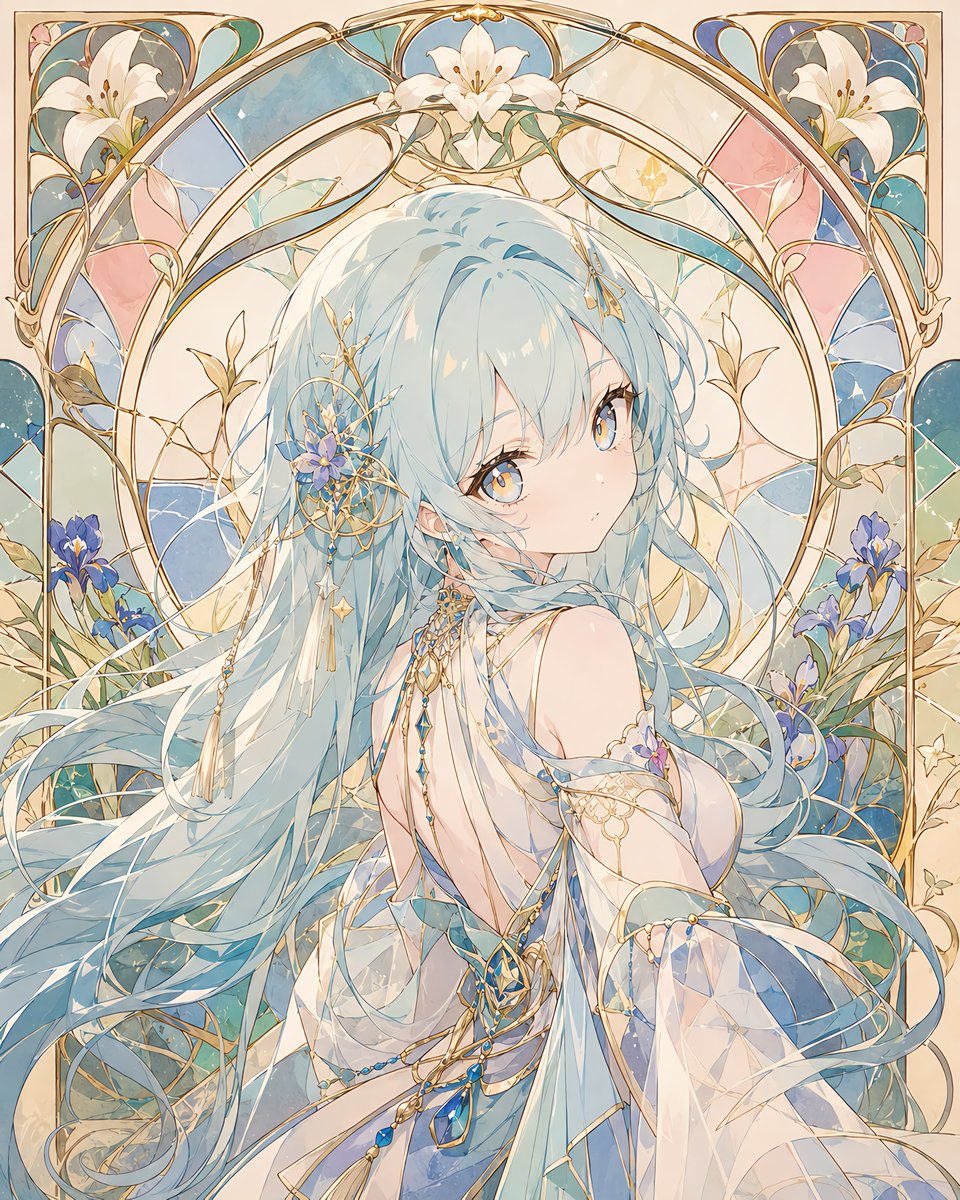
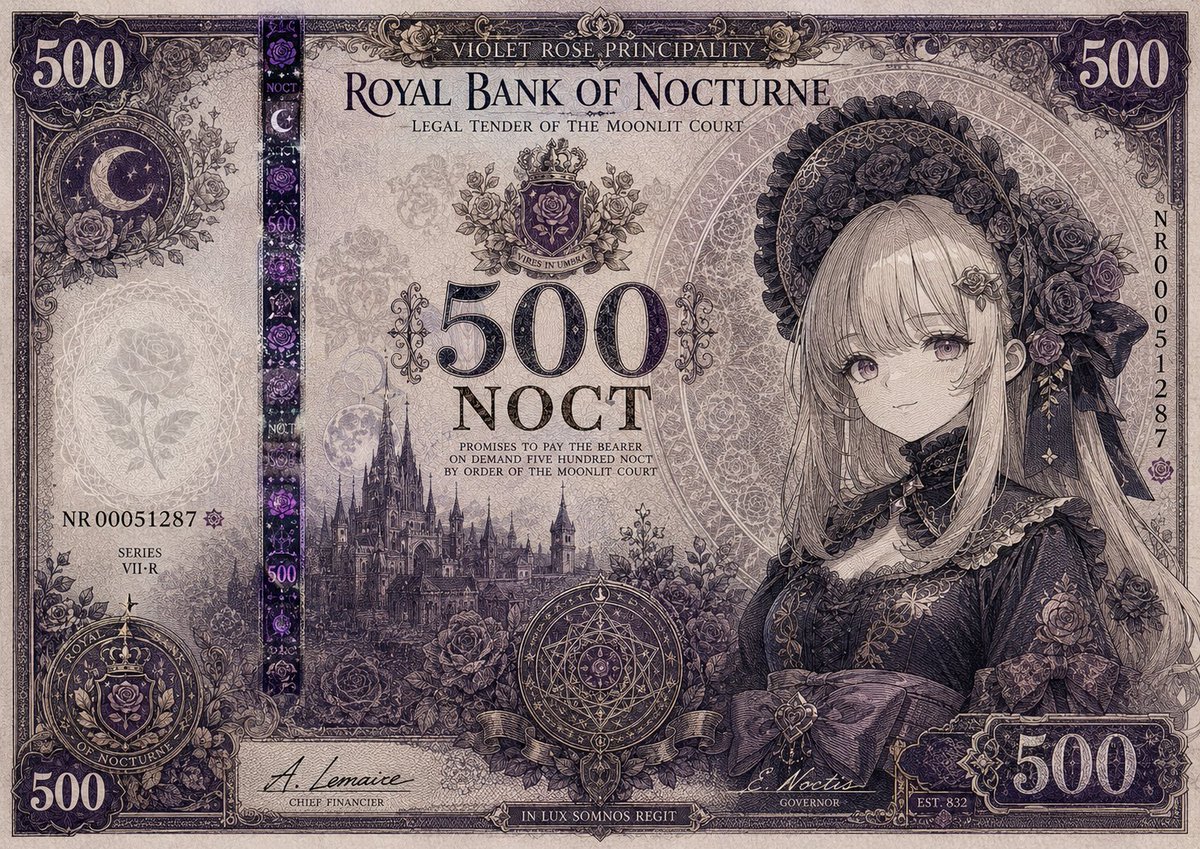
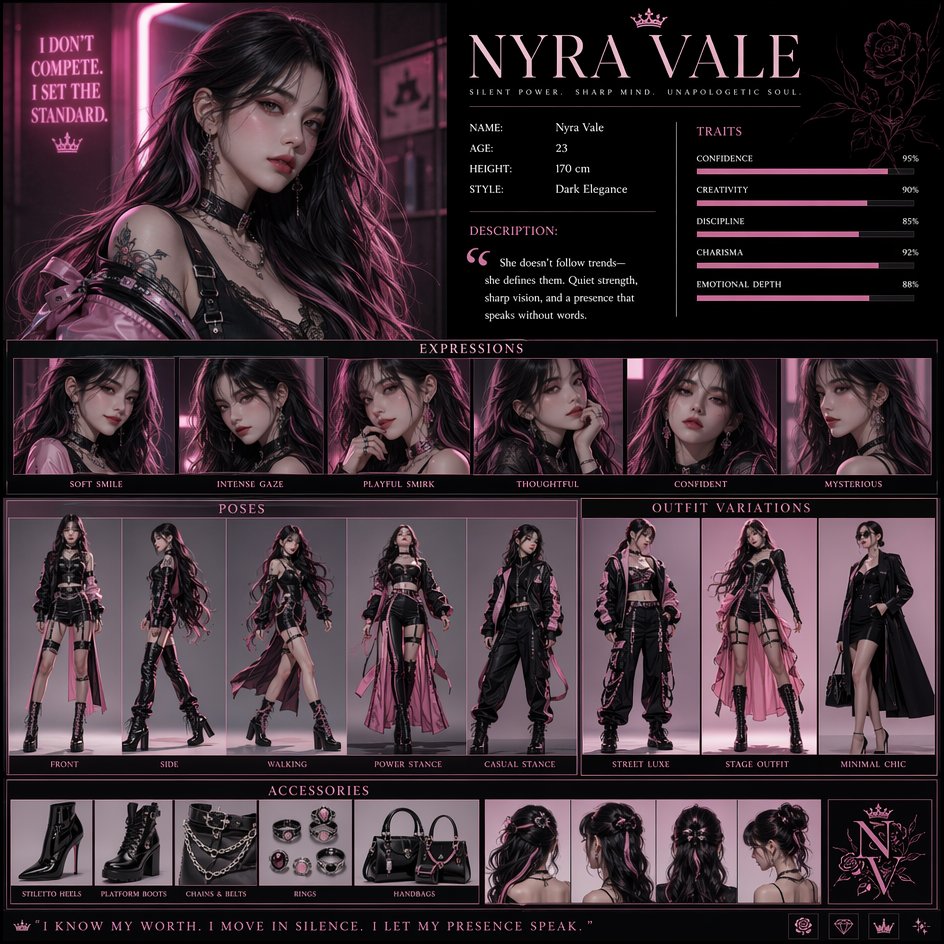
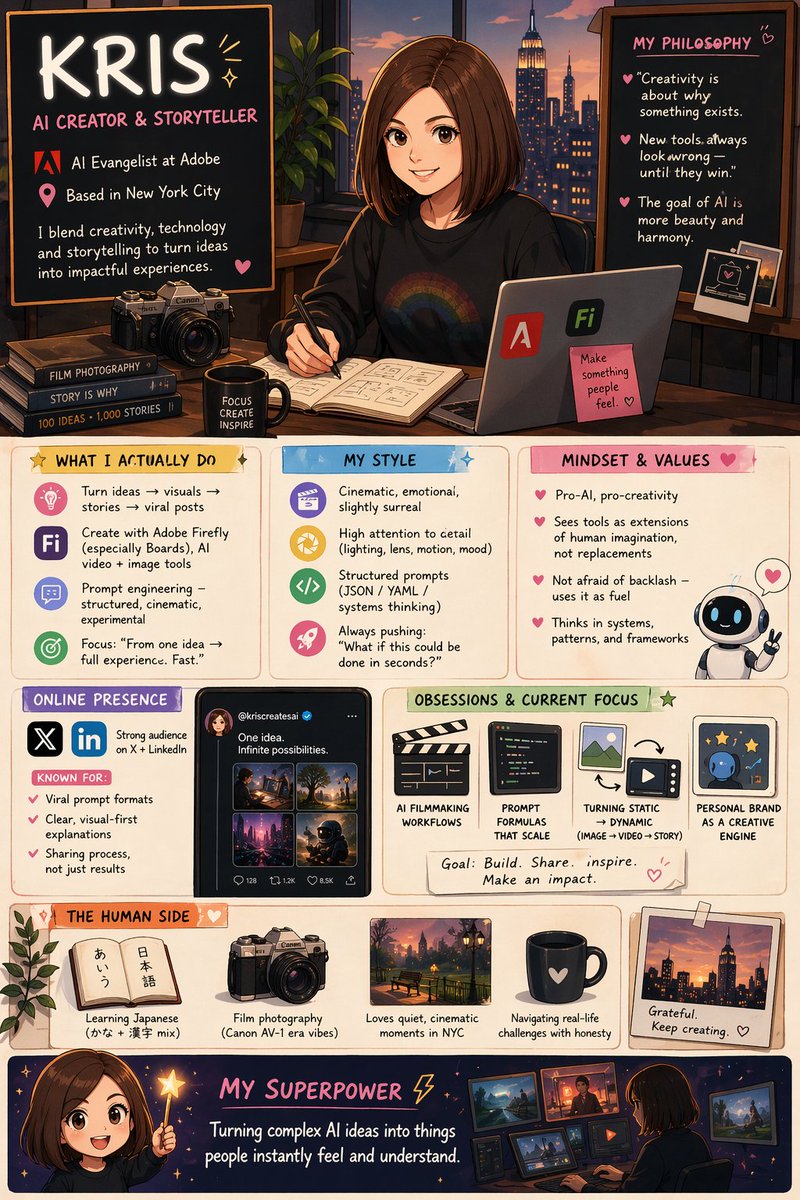
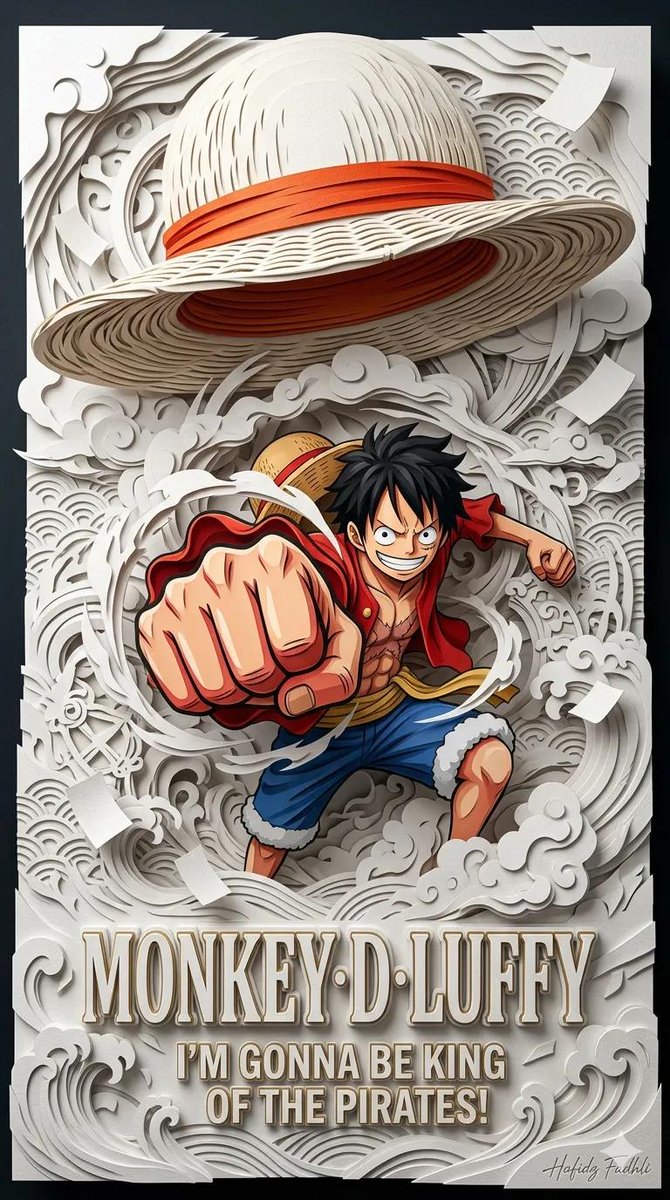
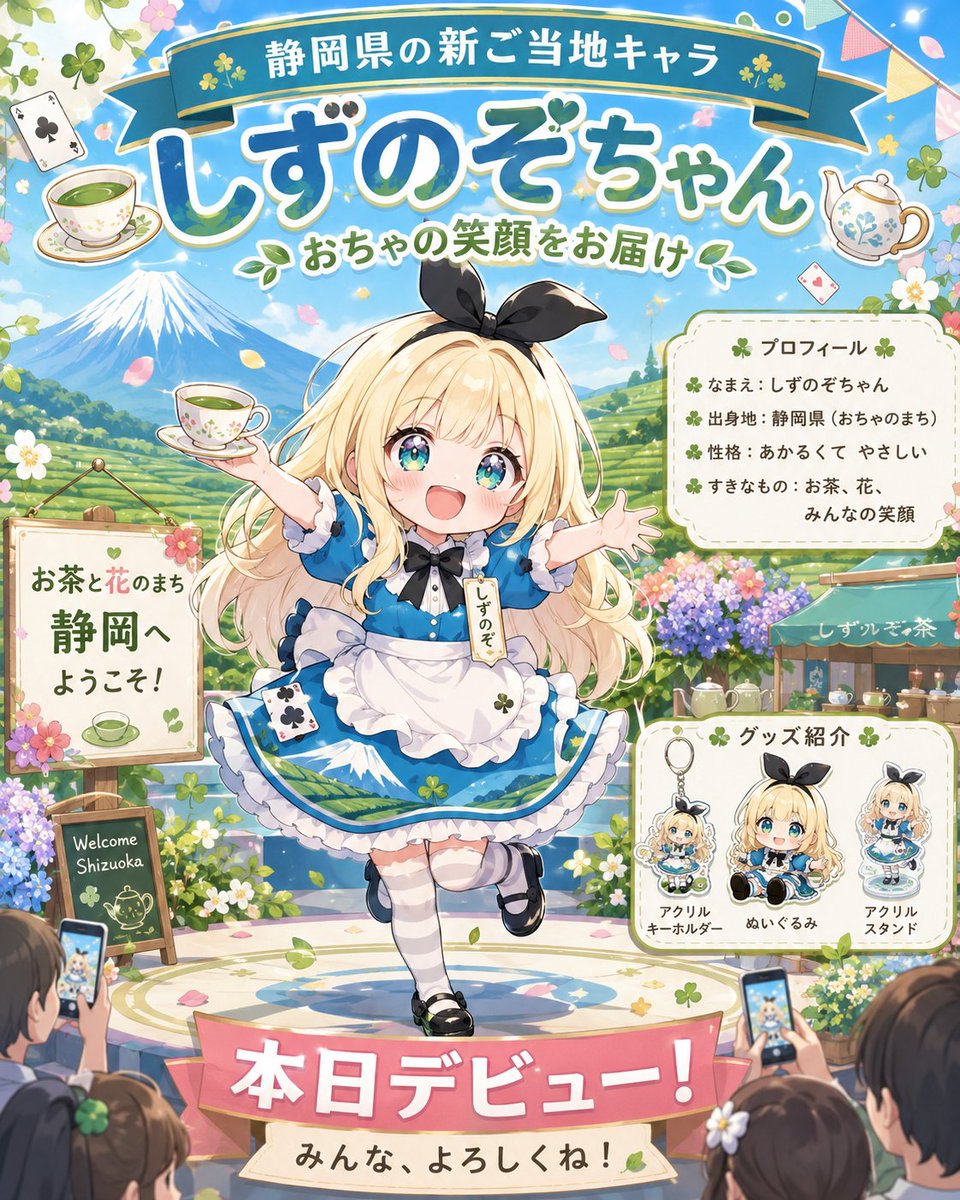
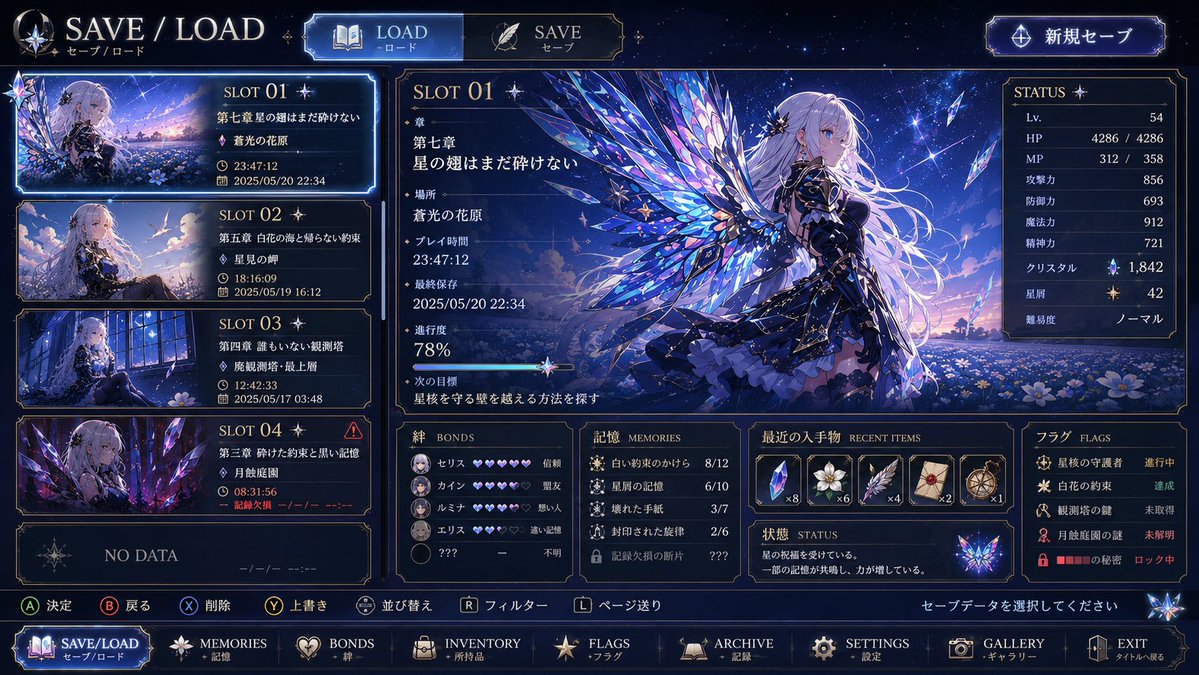
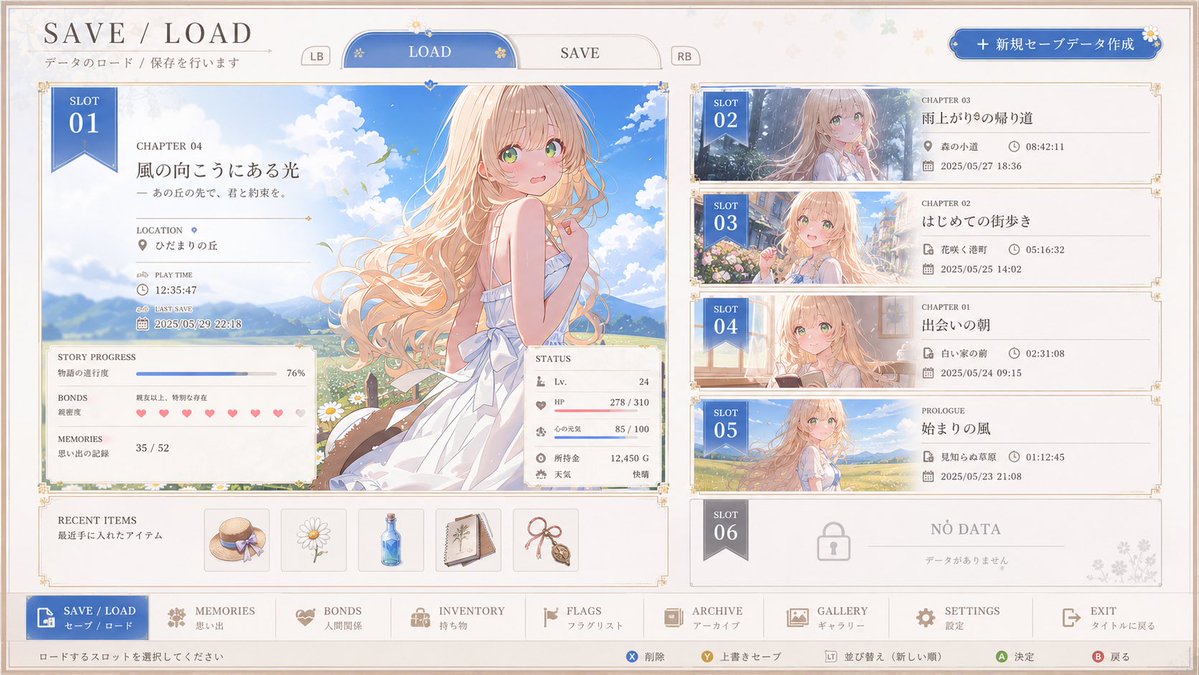
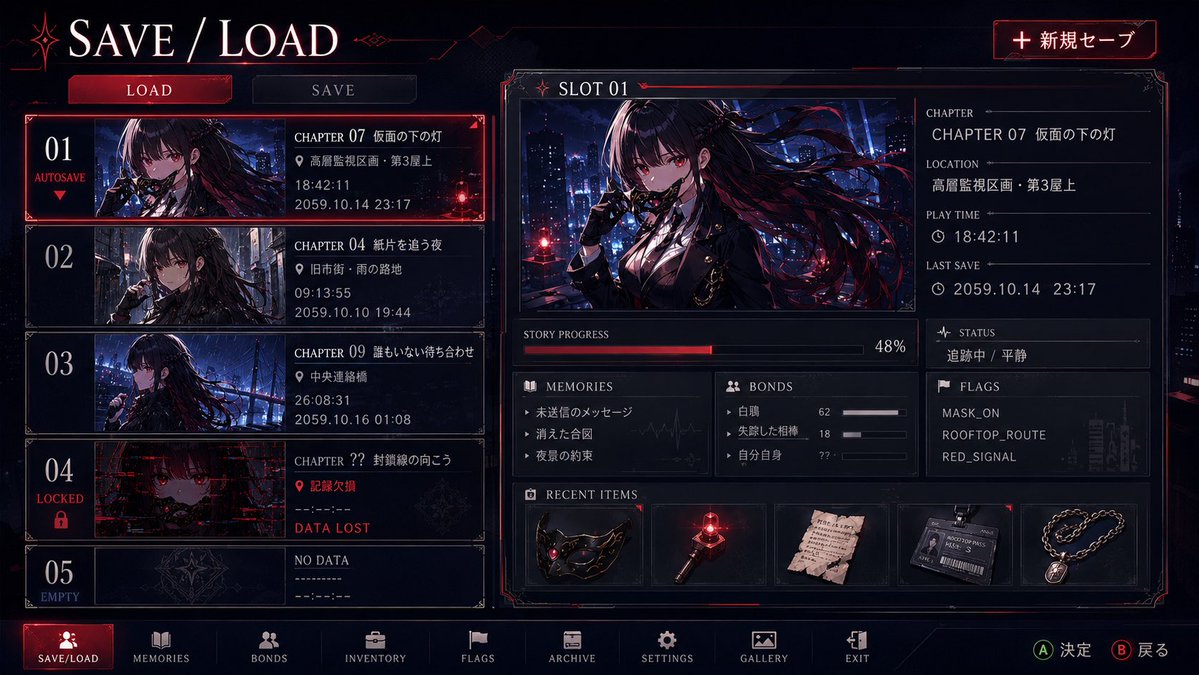
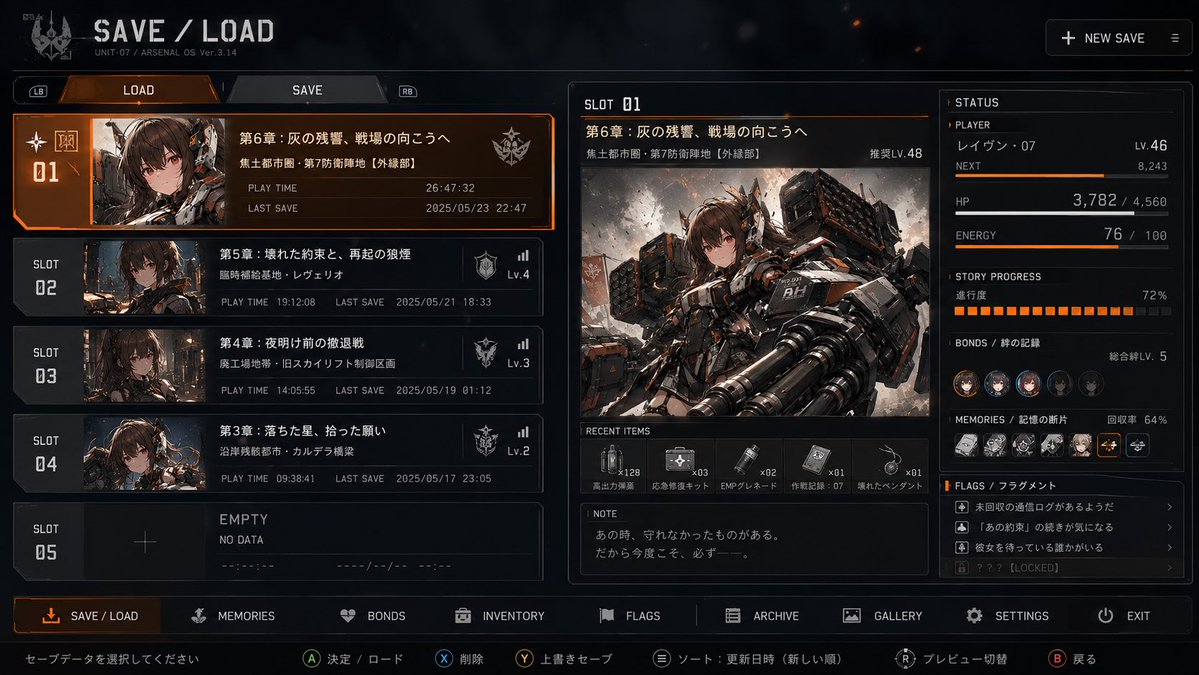
Un menú de guardado de juego creíble, construido alrededor de un solo personaje: una ranura grande seleccionada y puntos de guardado más pequeños que insinúan lo que pasó antes y después de cada momento. Los detalles discretos en los objetos y los paneles de estado cuentan la historia.

- Modelo
- GPT Image 2
- Tipo
- 4 imágenes
- Relación de aspecto
- 16:9
- Compartido
- 19 may 2026
- Me gusta en X
- 376
Título de la pantallaImagen del personaje
Prompt de imagen
4,561 caracteresBased on the input character image, design a "SAVE / LOAD screen" that looks like it would be used in an actual game. Important: This is not a poster or a character introduction, but a genuine save/load menu UI in which that character's story appears to be saved. The entire screen must hold up as the save-data management screen of a high-quality, believable game. The top priority is that at a glance it is clear that "this is a game's save/load screen." First, read the following from the input image: ・facial features, hairstyle, hair color, eyes, sense of age, build ・clothing, ornaments, small items, color scheme ・impression of personality and temperament ・world and atmosphere ・the character's charm and symbolic motifs ・the time they seem to carry, relationships, what they lost, what they want to protect, where they want to go 【Screen composition】 ・At the top, place a clearly recognizable title such as "LOAD / SAVE" or "SAVE / LOAD" ・Place LOAD / SAVE switching tabs ・In the top right, place a new-save button such as NEW SAVE ・The whole screen should be a clearly hierarchical UI where the player seems able to actually select and load save data ・Display language: Japanese 【Save slot composition】 ・Display at least about 5 slots ・Show SLOT 01 as selected, large and in detail ・Arrange SLOT 02 onward as a list ・The last slot may be EMPTY / NO DATA ・In each slot, naturally show number, thumbnail, chapter, location, play time, last save, etc. 【Selected slot】 ・Display SLOT 01 as a large main panel ・Neatly display chapter name, location, play time, last save, story progress, bonds, memories, status, recent items, etc. ・Integrate the character's own illustration naturally as the representative visual of this selected slot ・Do not just place it large like a poster, but integrate it as a record visual within the UI 【Important specification for the other save-data slots】 ・From SLOT 02 onward, they should not be merely different thumbnails or time-of-day variations, but should each look like a different "save point of the story" ・For each slot, differentiate the character's expression, gaze, posture, background, light, atmosphere, chapter title, location, play time, last save time, items, and status display ・That difference should not be only visual, but should let "what they were carrying at that moment" and "before or after what event they stood" seep through ・Create blank space so that just by looking at the other slots, one wants to imagine "what happened at this time" and "why this expression" ・Without over-explaining; by leaving it a little insufficient, make one want to imagine the story ・Chapter titles, place names, status text, the memories field, the flags field, and the inventory field should also have slightly meaningful, emotional content ・While keeping it the same character, make each slot look as if its life temperature, atmosphere, relationships, what was lost, and remaining hope differ ・Among them, there may be slightly uneasy slots, slots with missing information, slots that seem not to be touched yet, locked slots, and so on ・Rather than directly depicting the event itself, hint at it through the quiet unease before/after, leftover traces, changes in expression, missing information, and changes in belongings 【Auxiliary panel】 ・Place a STATUS panel and neatly display information such as Memories, Bonds, Inventory, Flags ・Create a Recent Items field and display a few small-item icons that suit the character ・The information should be game-like yet let emotion and traces of the story seep through 【Lower UI】 ・A brief guide line may be placed at the very bottom ・Operation hints such as DELETE, OVERWRITE, SORT may be inserted ・A navigation bar such as SAVE/LOAD, MEMORIES, BONDS, INVENTORY, FLAGS, ARCHIVE, SETTINGS, GALLERY, EXIT may be inserted ・Operation hints such as A CONFIRM, B BACK may be added 【Design policy】 ・A believable layout that looks genuinely usable as a UI ・Translate the character's colors and atmosphere into the background, frames, buttons, icons, decorative lines, and panel colors ・The whole should be elegant, organized, and readable ・Reconcile the beauty of the world with the functionality of a save screen 【Ideal finish】 While wearing the world of a cute character, make it a high-quality, believable save-data UI that at a glance is clearly "a game's SAVE / LOAD screen." Furthermore, make it a save screen with blank space and emotion that, just by looking at the other slots, makes one want to imagine "what could have happened to this girl at that time."
Cómo usarlo
Sube primero una imagen clara del personaje, porque el resultado depende de sus rasgos y de su paleta. Se compartió como prompt para GPT Image 2. Conserva las instrucciones de diseño, la jerarquía de las ranuras y las notas emocionales de cada una, porque hacen que la pantalla se vea como un menú de juego real. Cambia el texto del título y los nombres de los capítulos para adaptarlos a tu propio mundo, y mantén el idioma japonés de la interfaz si quieres la misma sensación.
En coleccionesPrompts para maquetas de interfaz de apps y webs
Compartido públicamente en X el 19 may 2026. Todo el mérito de este prompt y de su resultado es de su creador. ¿Es tuyo? Pide que se actualice o se elimine.