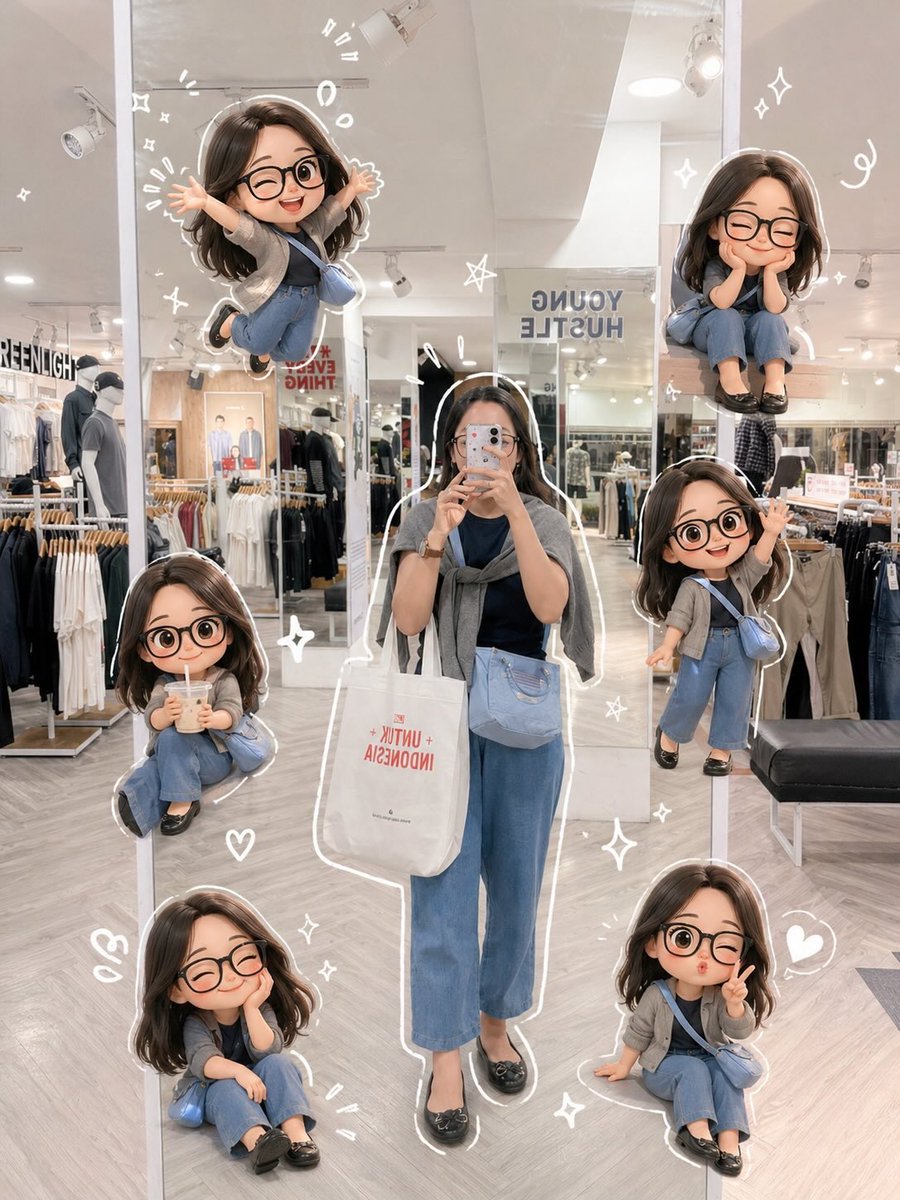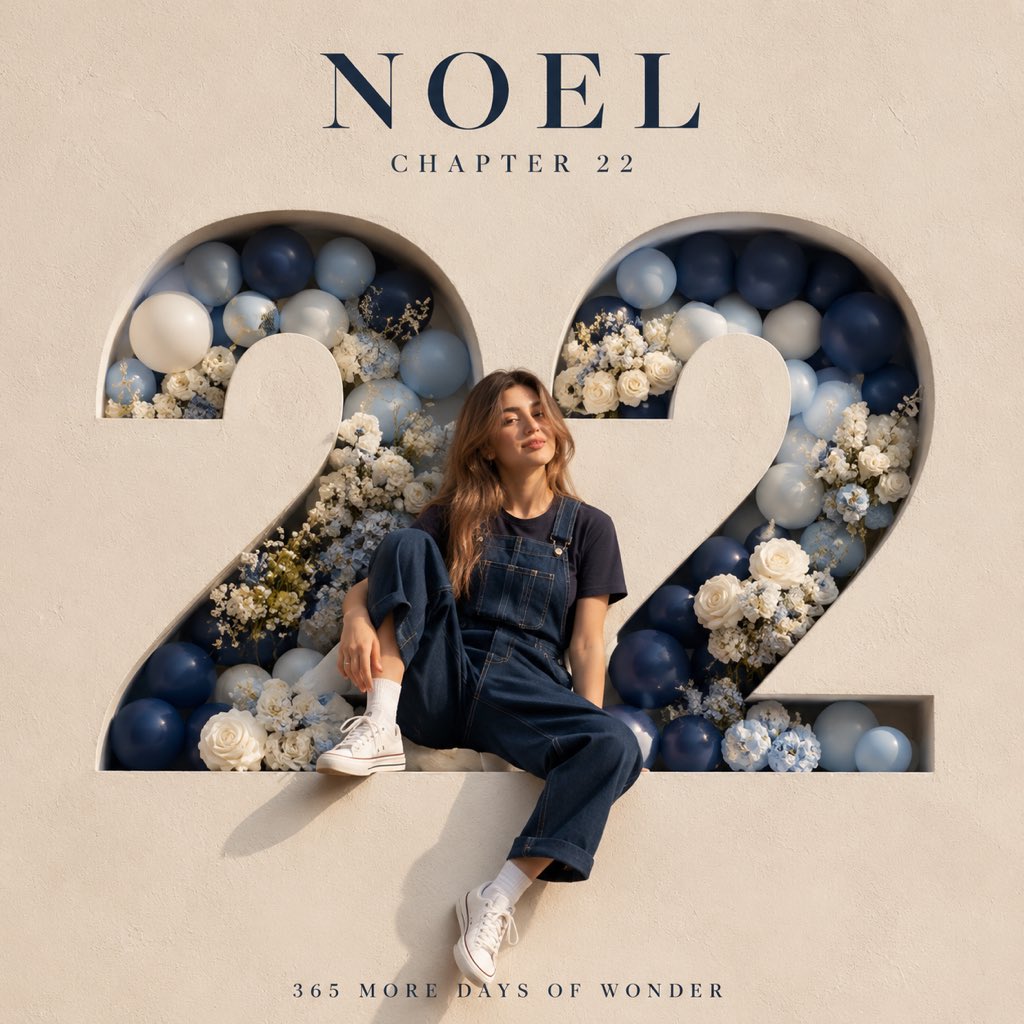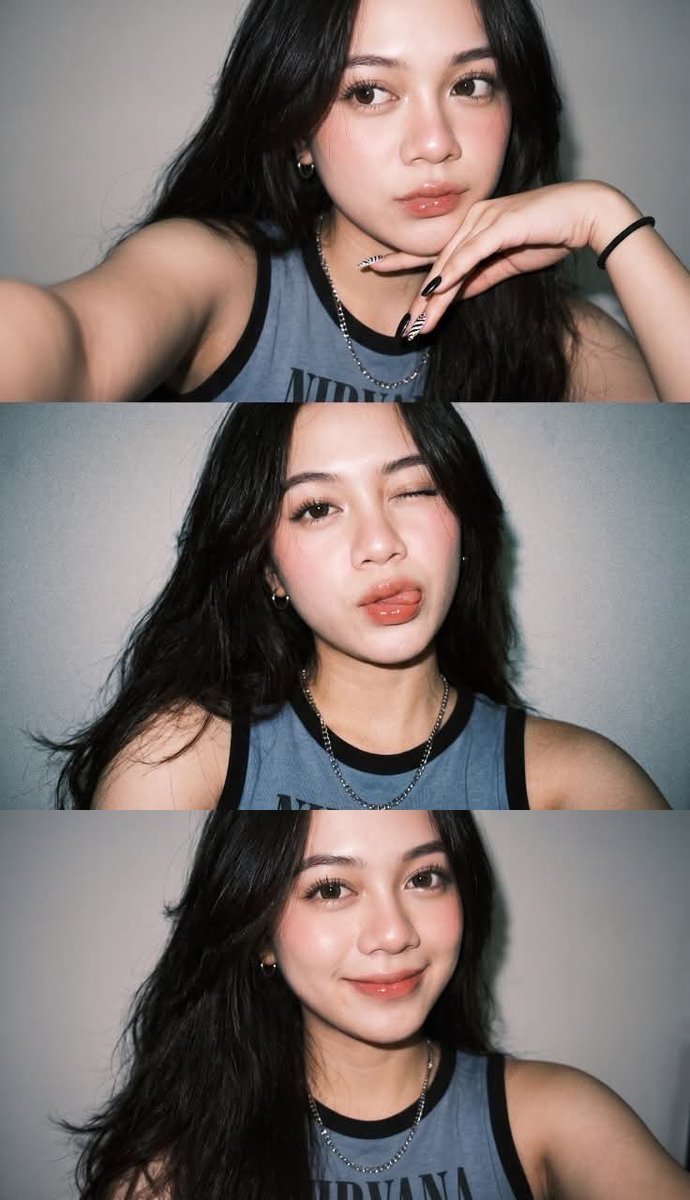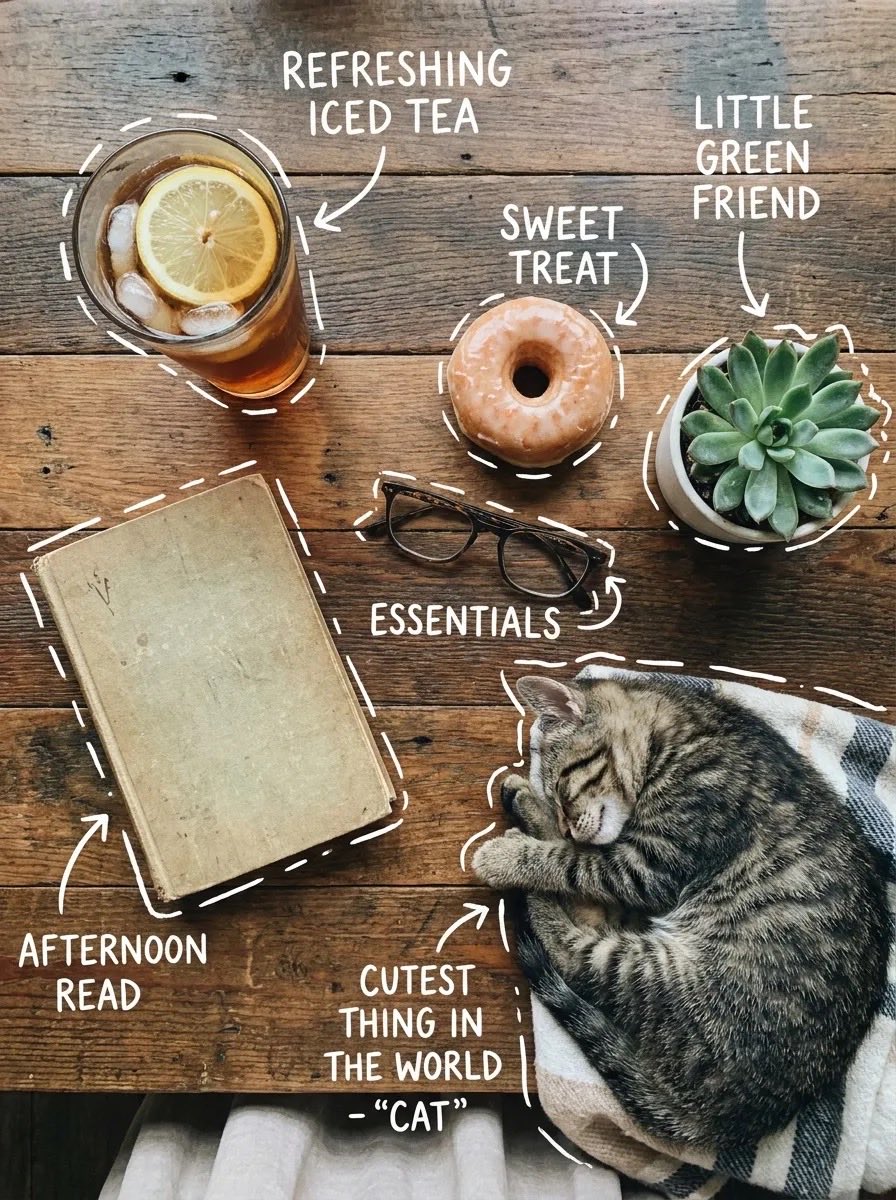
Bild-Prompt Branding & UI Anpassbar Dein Foto hinzufügen
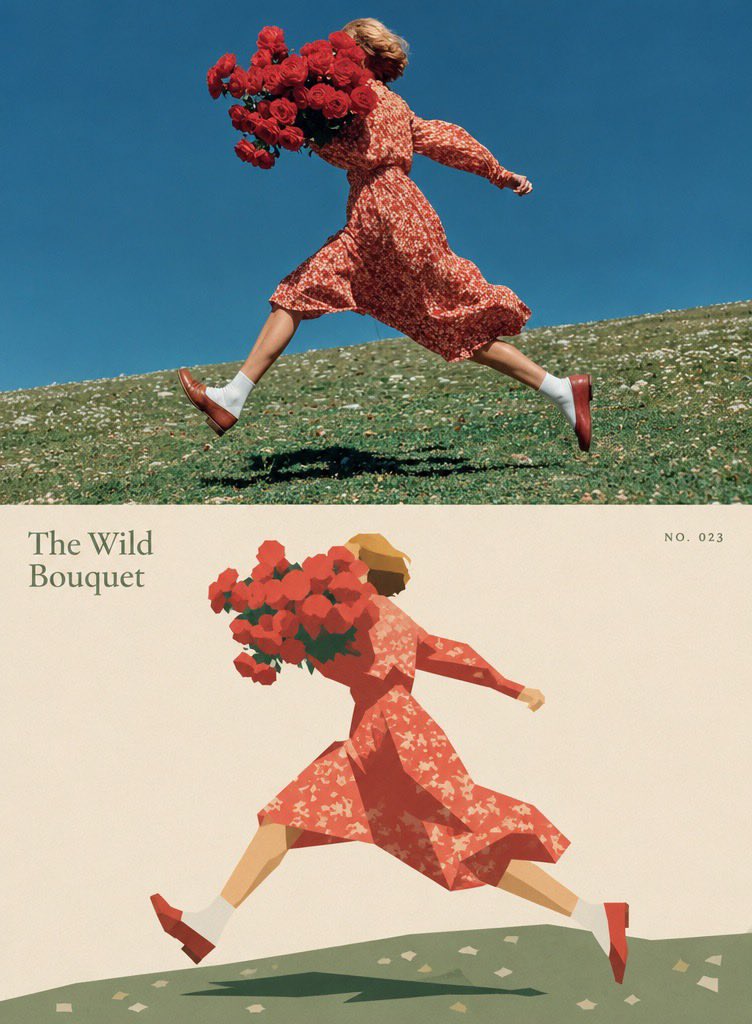
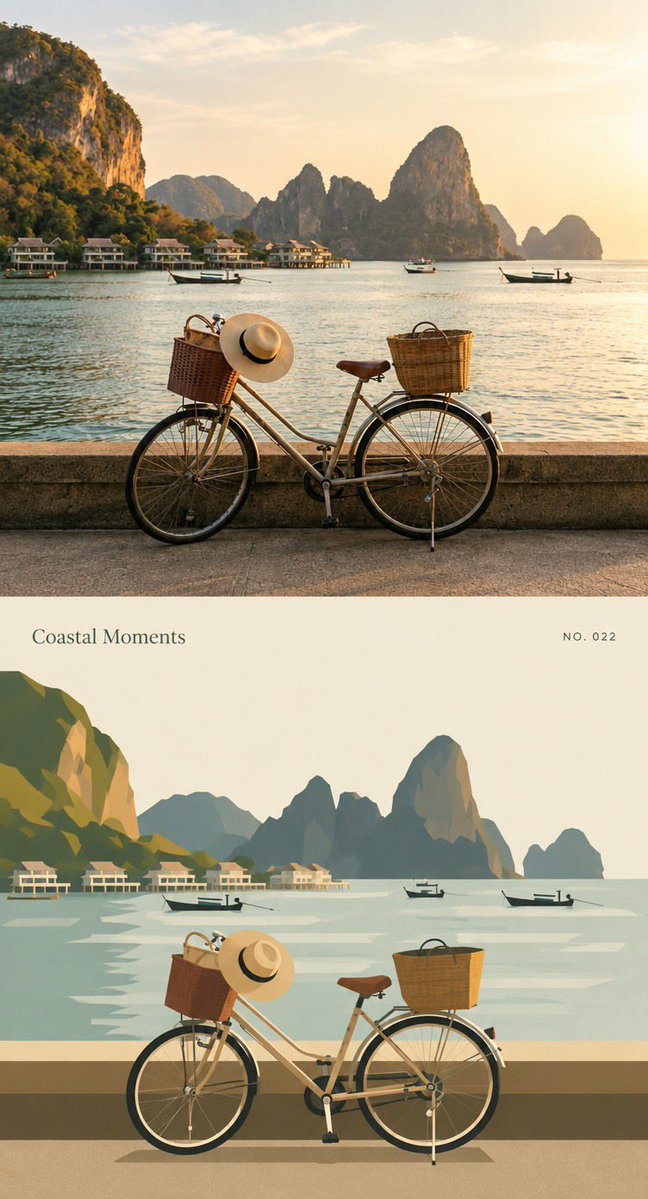
Vorher-nachher-Plakat im geometrischen Kunstbuch-Stil
Ein hohes Plakat kombiniert oben eine reiche Fotografie mit einer flachen, scharf konturierten geometrischen Neuinterpretation darunter. Die untere Hälfte behält Pose und Position des Motivs bei und verzichtet auf Details, sodass beide Hälften wie eine einzige Seite wirken.

- Modell
- GPT Image 2
- Typ
- 2 Bilder
- Seitenverhältnis
- 3:4
- Geteilt
- 21. Sep 2026
- Likes auf X
- 192
Ausgabennummer
Bild-Prompt
3,741 ZeichenUsing the uploaded photo, create a vertical 3:4 “before-and-after” comparison poster. If multiple photos are uploaded, create one separate poster for each photo; do not mix different photos on the same page. The upper and lower sections should each occupy exactly half of the total height, with a seamless transition between them. Do not add borders, arrows, or “Before” / “After” labels. 【TOP SECTION: ORIGINAL PHOTO】 The top section should use the uploaded original photo, filling the full width of the canvas. Preserve the original subject, pose/action, scene, natural lighting, and dominant color palette. Only allow subtle overall color adjustments; do not change the atmosphere or add any filter effects. Maintain the photo’s original aspect ratio and do not stretch the subject. To fit the top section, you may crop unimportant edges; if cropping would remove the main subject, prioritize adding a small amount of background instead, but never invent or alter the subject or key elements of the scene. 【BOTTOM SECTION: GEOMETRIC ABSTRACT】 Using the same photo from the top section as the only reference, recreate the core subject and a few key environmental elements as a hard-edged, geometric, flat-style illustration. Do not add any people, animals, objects, or actions that were not present in the original photo. Preserve the core subject’s left/right position, pose, direction, interactions, and major occlusion relationships from the photo so that the top and bottom sections appear visually aligned at first glance; however, there is no need to reproduce the image pixel-for-pixel. Remove secondary background elements and insignificant details. The subject may be scaled down slightly to create generous negative space around it. Construct objects using a limited number of polygons of varying sizes, simplified curves, and solid color blocks. Preserve enough of the subject’s silhouette, movement, and defining characteristics so that it remains recognizable as the specific subject from the original photo; do not reduce it to a generic icon. Use adjacent color blocks of different shapes and brightness levels to define structure. Do not use gradients, outlines, 3D shadows, or realistic textures. Extract approximately 5–6 representative colors from the original photo and organize them into a cohesive palette with slightly reduced saturation. Use a warm off-white/beige tone as the background color for the lower section. Reserve the darkest tones for a few visual focal points, and retain one accent color that echoes the original photograph. Do not arbitrarily change the most recognizable colors of the core subject. Keep all geometric edges crisp and sharp. Add only an extremely subtle printed grain texture within the color blocks, with slight registration misalignment allowed on a few edges. Do not render the entire image with a rough paper texture or glitch-art effect. 【TEXT】 Add a small amount of archival-style typography to the lower section: automatically generate a short English title based on the content of the photo, accompanied by the small number “NO. 023”. Place the title in an area of negative space where it does not obstruct the subject, and position the number diagonally opposite the title to create visual balance. Do not fabricate real locations, dates, identities, or events, and do not add overly dense explanatory text. The overall composition should resemble a page from a contemporary art book: a rich, realistic photograph on top paired with a bold, highly simplified, orderly geometric interpretation beneath it. Keep the overall work restrained, gentle, and distinctive. Avoid cartoon-like faces, 3D effects, plastic-like materials, clashing neon colors, or random doodles.
So geht's
Laden Sie ein Foto hoch, denn jedes Ausgangsbild erhält ein eigenes Plakat. Der Prompt wurde als GPT-Image-2-Prompt geteilt, behalten Sie daher den Upload und das 3:4-Format in der Anfrage bei. Lassen Sie die Anweisung, Position und Pose des Motivs in beiden Hälften anzugleichen, unverändert, denn genau diese Angleichung macht den Vergleich funktionierend. Ersetzen Sie den generierten Titel durch eigene Worte, die zum Foto passen, und verwenden Sie das fertige Plakat als Druck oder Social-Media-Beitrag.
Am 21. Sep 2026 öffentlich auf X geteilt. Alle Rechte an diesem Prompt und seinem Ergebnis liegen beim Creator. Ist das Ihr Werk? Bitten Sie um Aktualisierung oder Entfernung.