Promptstudio
Maak “Redactionele infographic-poster van een monument” jouw eigen versie
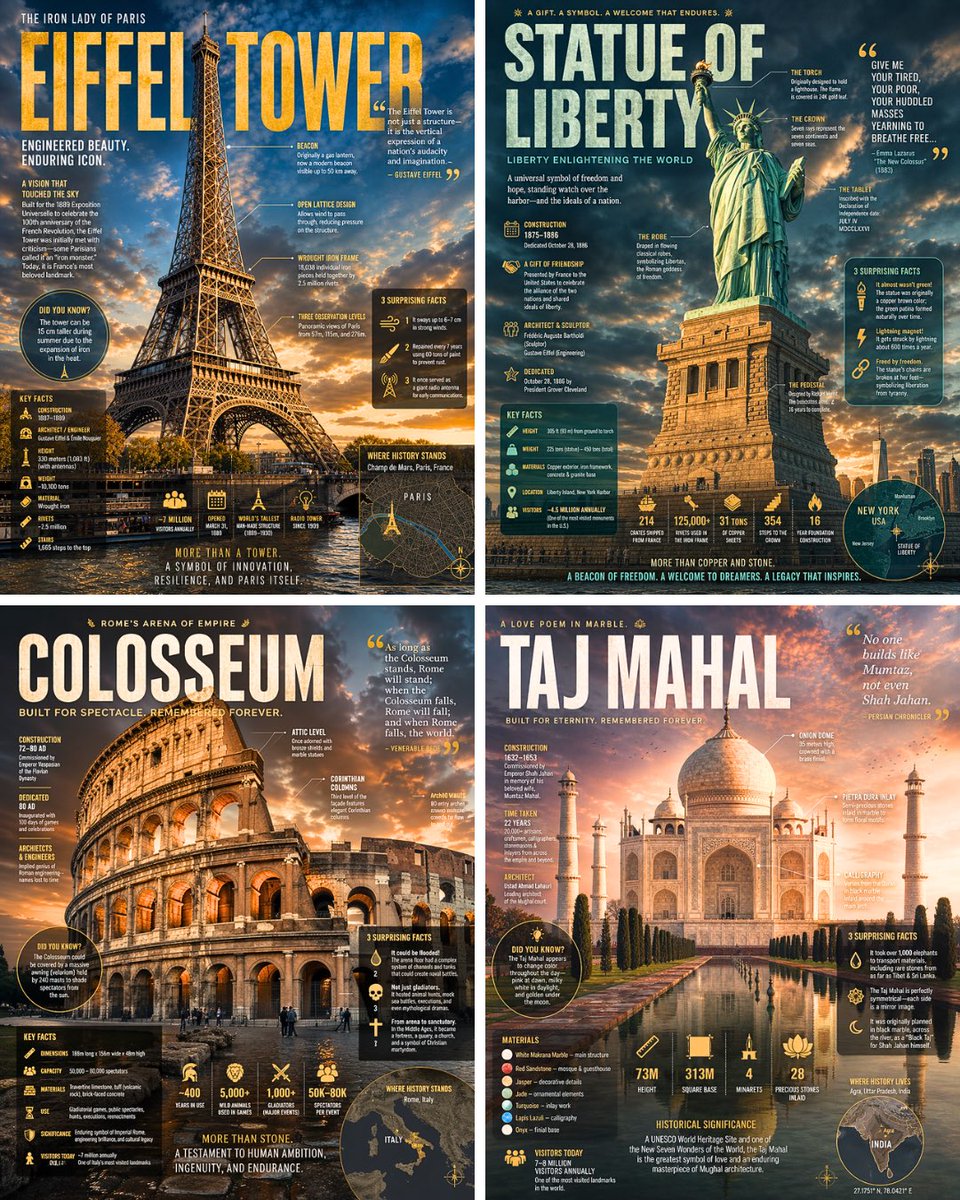
Een fotorealistisch monument over de volledige breedte vult het beeld, terwijl grote letters, verwijslijnen en zwevende datapanelen erbovenop liggen als in een tijdschriftspread. Het kleurenpalet komt uit de steen, het metaal en de lucht van het gebouw zelf, waardoor elke poster verankerd lijkt in zijn omgeving.
 Prompt van @TechieBySA
- Vul hieronder de invulvelden in.
- Zie rechts hoe de prompt zich aanpast.
- Kopieer hem of open hem in een afbeeldingstool.
Afbeeldingsprompt
Search the web for detailed information about [LANDMARK] including its history, construction, architectural features, key facts, and surprising lesser-known details. Then create a dramatic editorial infographic poster about [LANDMARK] in the style of a National Geographic wildlife feature — but for architecture. The [LANDMARK] is the full-bleed atmospheric hero: a photorealistic render filling the entire poster top to bottom, dramatically lit, with depth and mood. Text and graphic panels float naturally over the image like editorial overlays — not boxed magazine layouts. Oversized bold typography for the landmark name dominates the upper portion. Annotated callout lines point directly onto architectural details of the image itself. Floating data panels with semi-transparent dark or colored backgrounds cover: construction date, dimensions, materials, historical significance, visitor numbers, and 3 surprising facts. Include a small location map inset, an icon-based stats row, and a bold pull quote. Color palette and lighting mood drawn entirely from the natural colors, materials, and atmosphere of [LANDMARK] itself — let the landmark dictate the palette. No white background, no magazine grid layout, no boxed sections. Everything layered organically over the full-bleed image like the best National Geographic spreads. Aspect ratio 4:5. Dense, tactile, cinematic.
Prompt gedeeld op X door @TechieBySA. Alle eer gaat naar de maker.
Meer prompts die je kunt aanpassen
 Diagram voor persoonlijke kleuranalyse op basis van een portret
 Voeg je foto toeBrand-identiteitssysteembord uit een logo
 Sportposter met voetballer in gestreept shirt
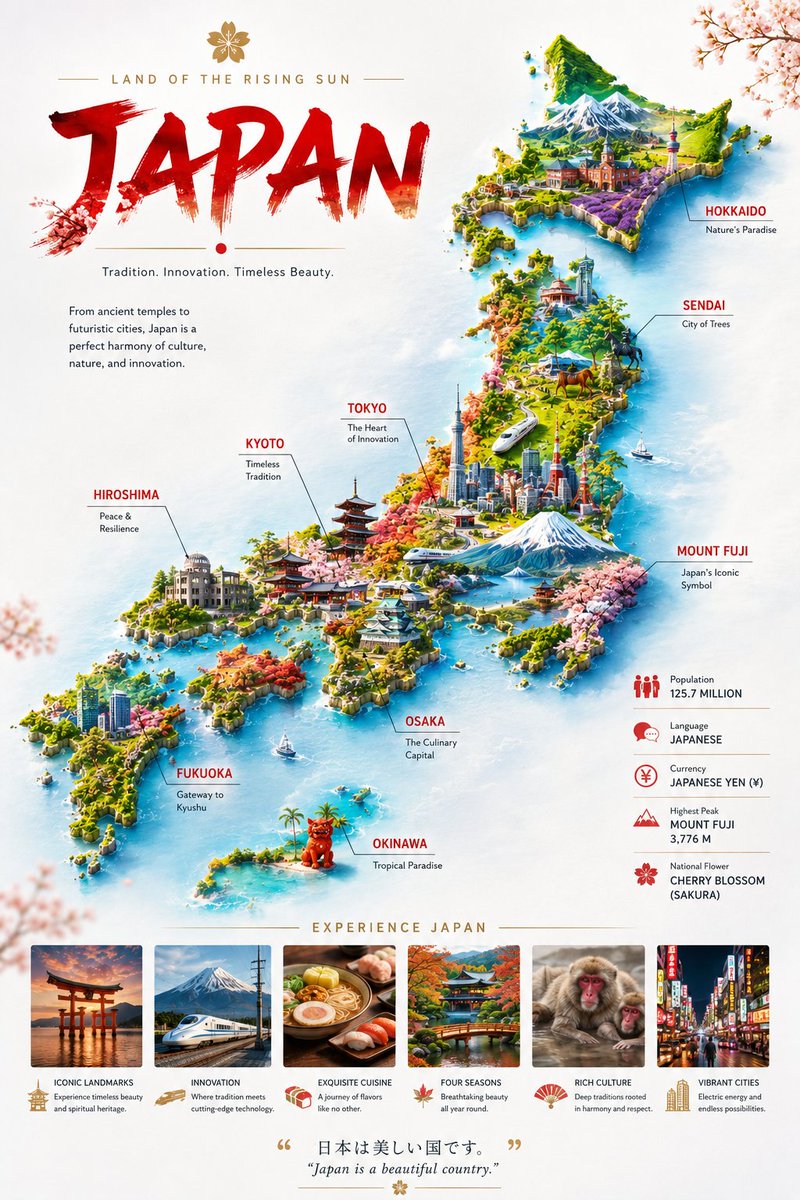 Miniatuur landkaartposter op zwevende wolken
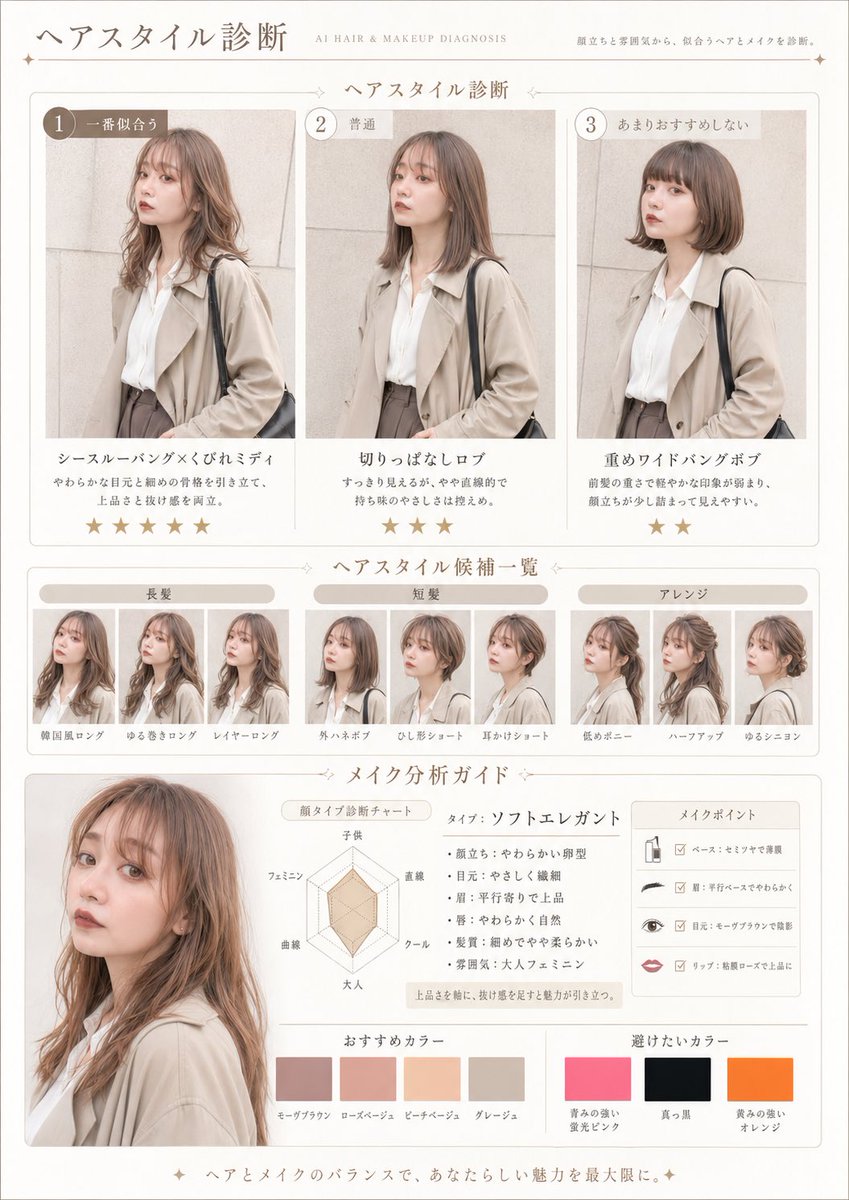 Voeg je foto toePrompt voor haar- en make-updiagnose als tijdschriftpagina
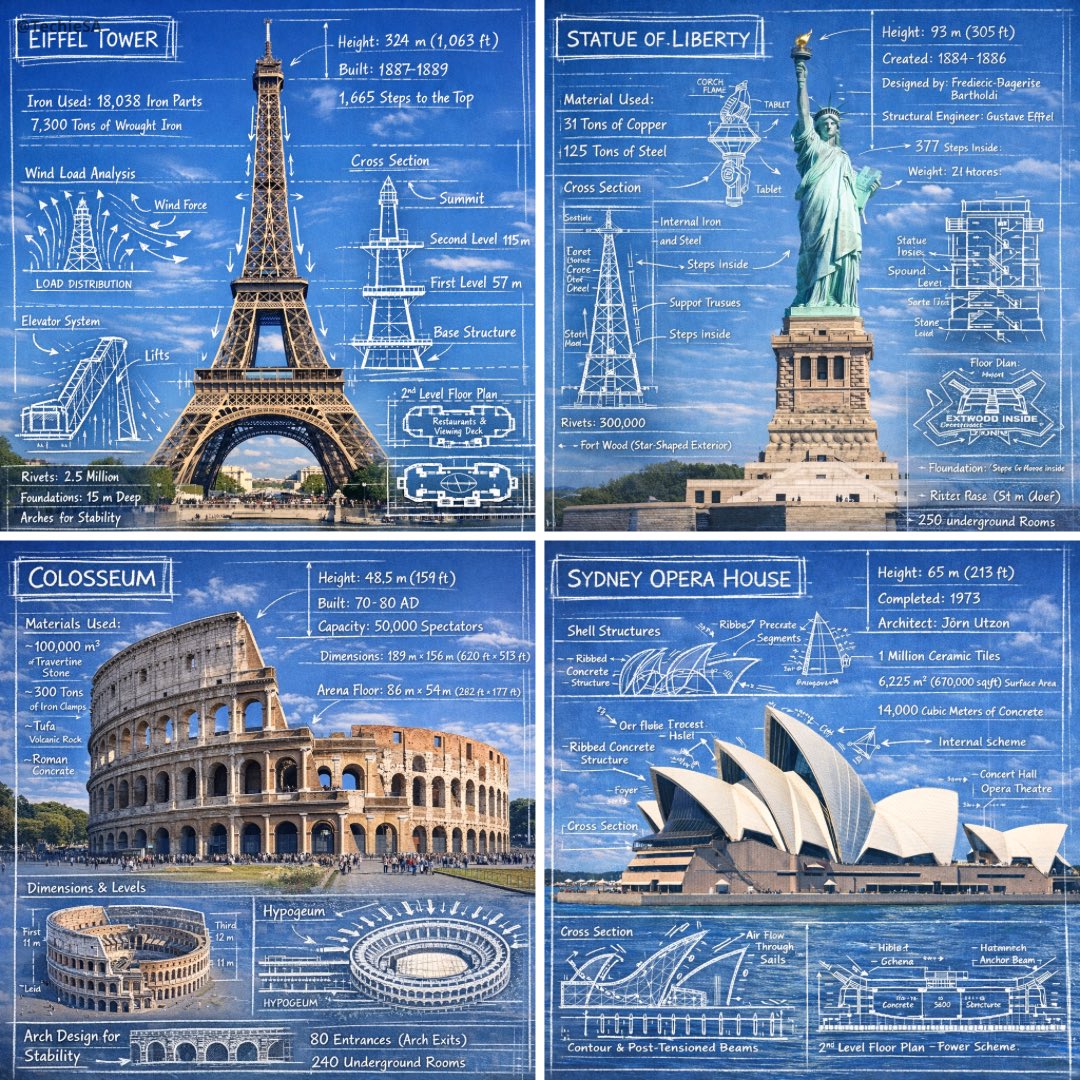 Krijtschetsannotaties op foto's van monumenten
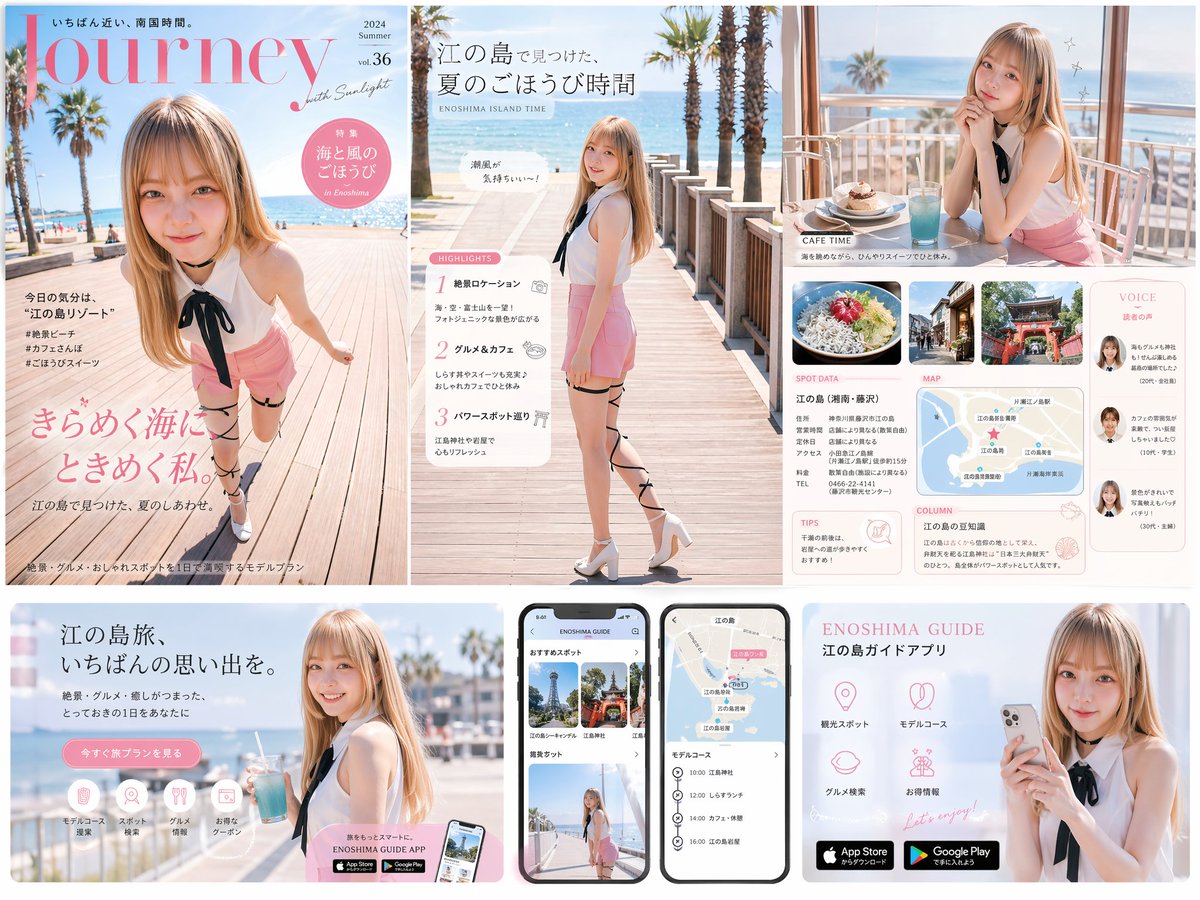 Reismagazine-cover, landingspagina en app-UI-set
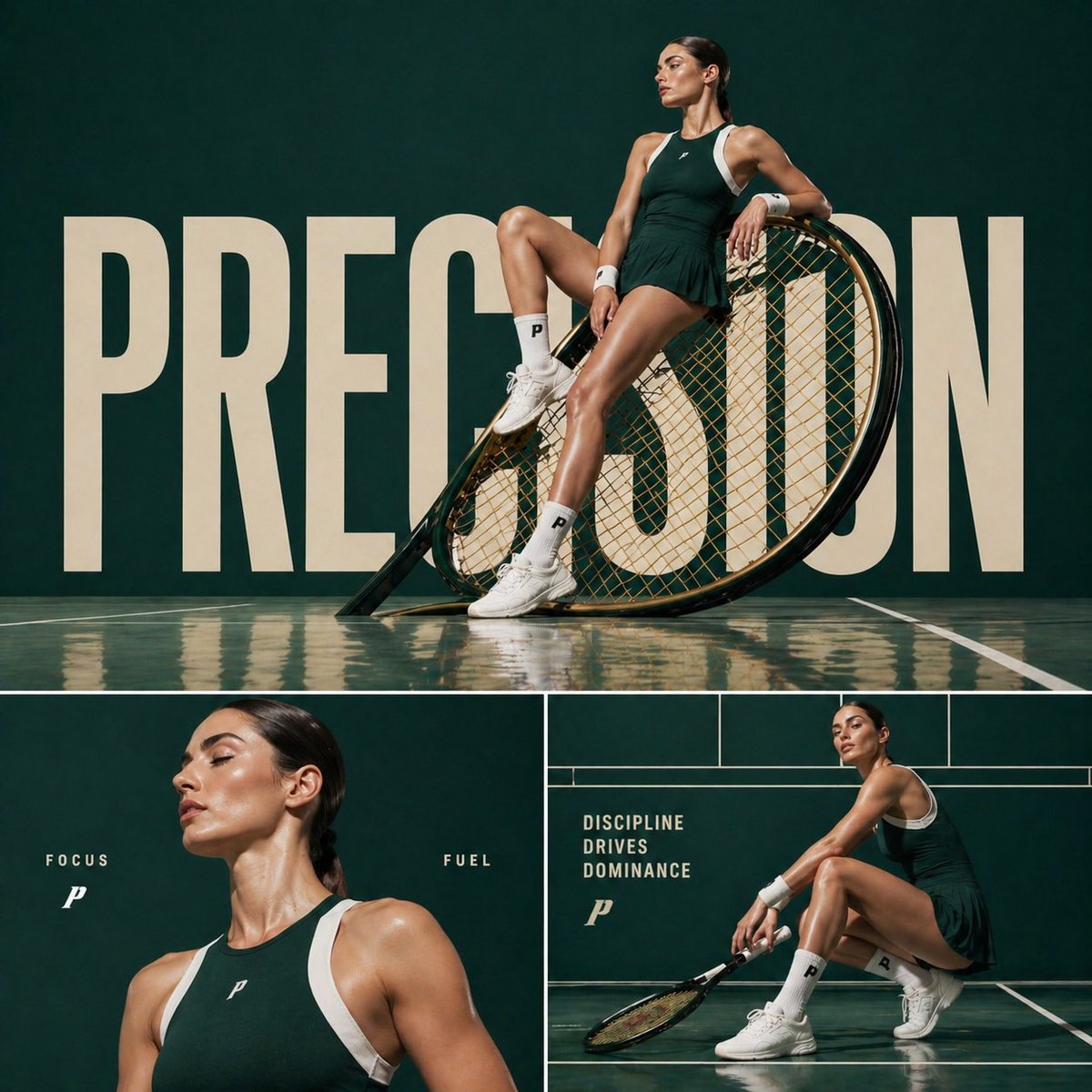 Campagneposter met modecollage van tennisatleet