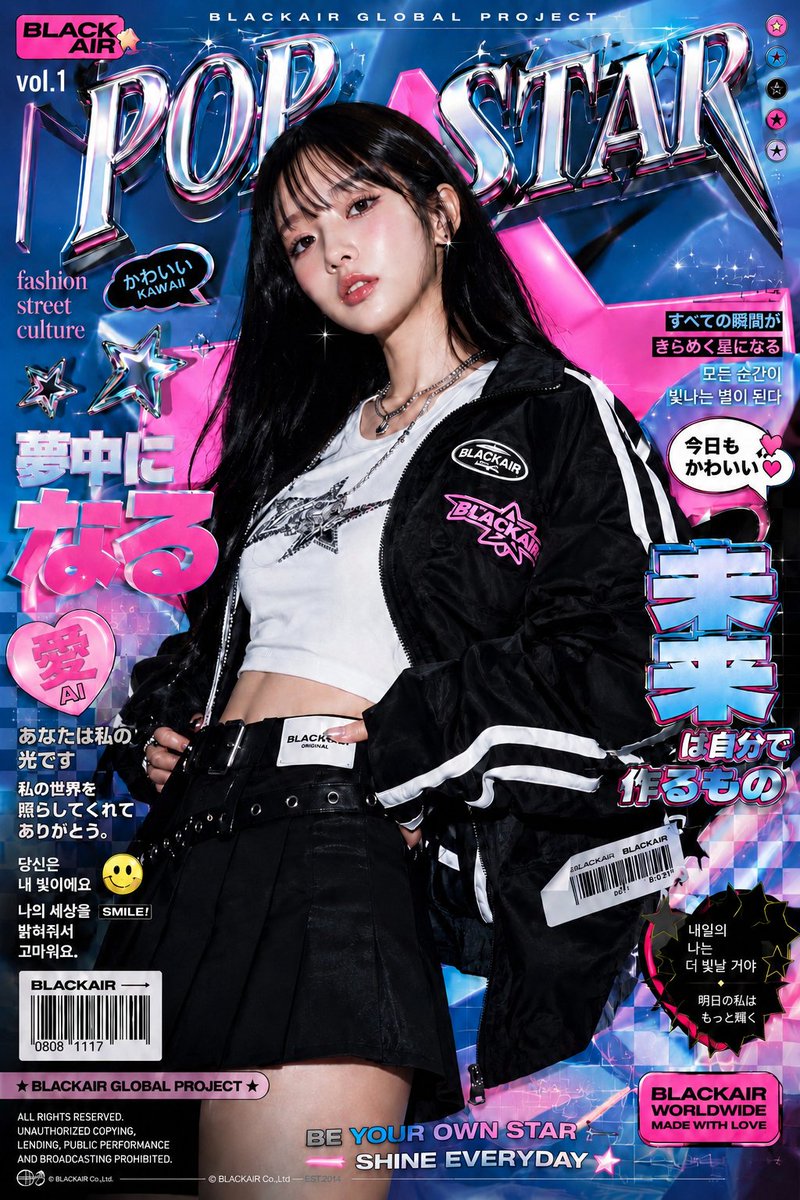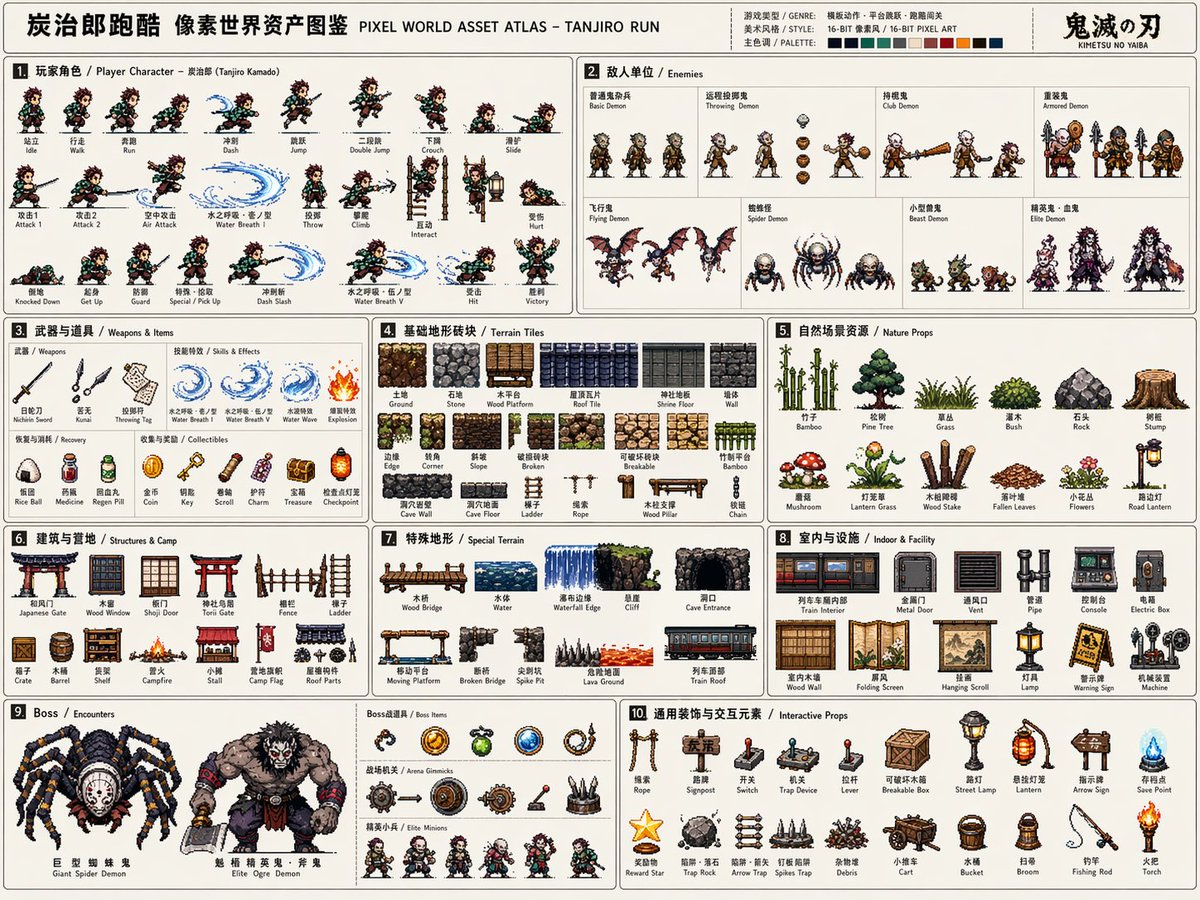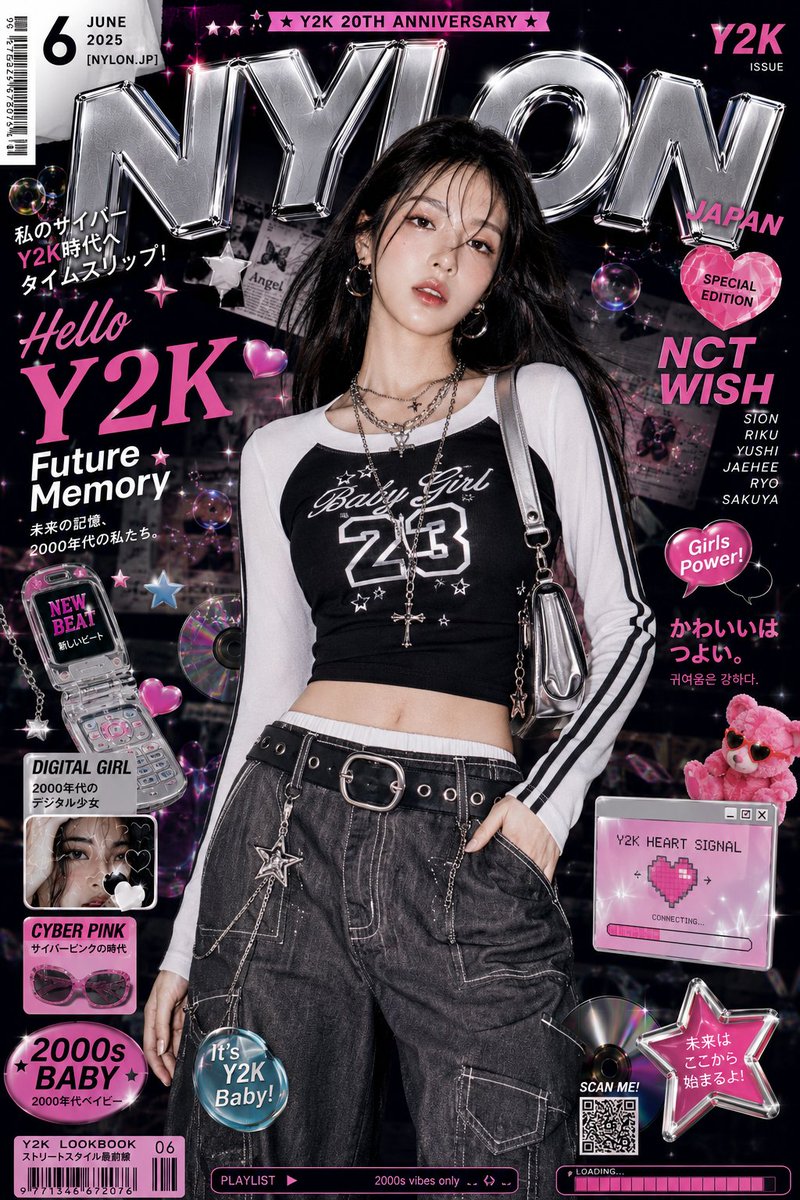
Prompt εικόνας Branding & UI Προσαρμόσιμα
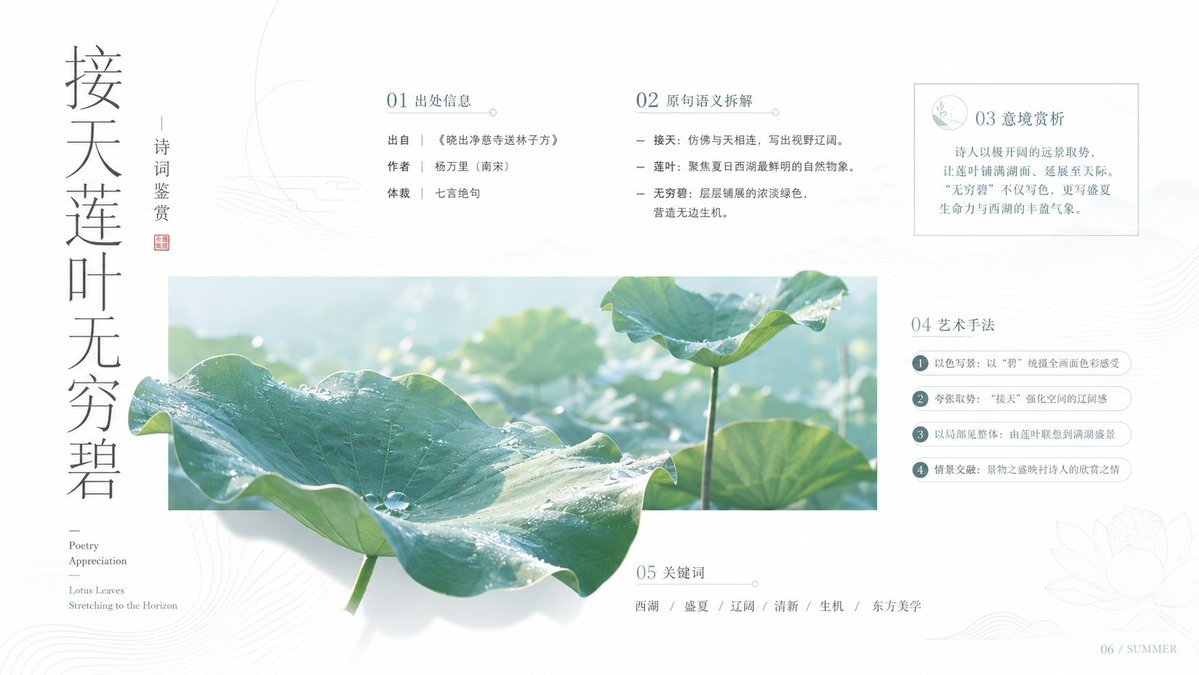
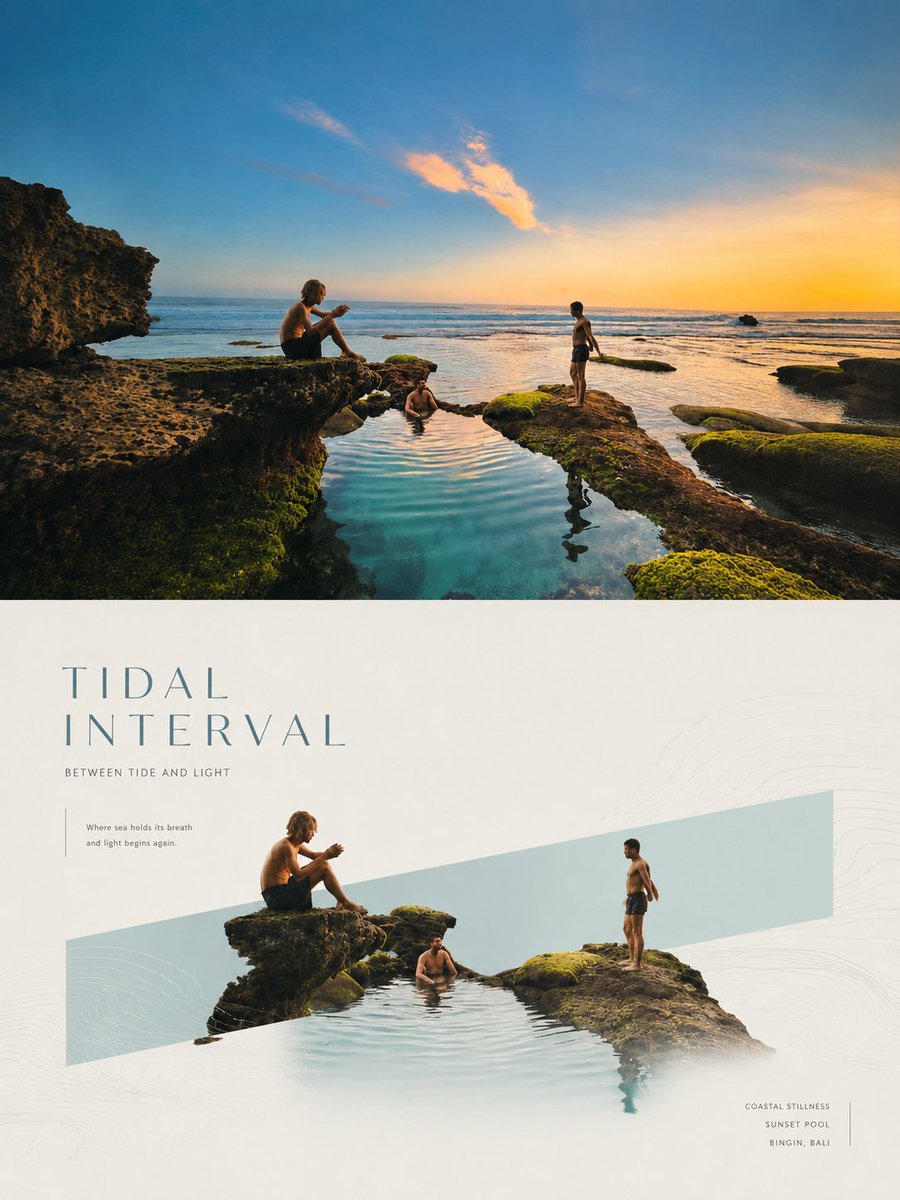
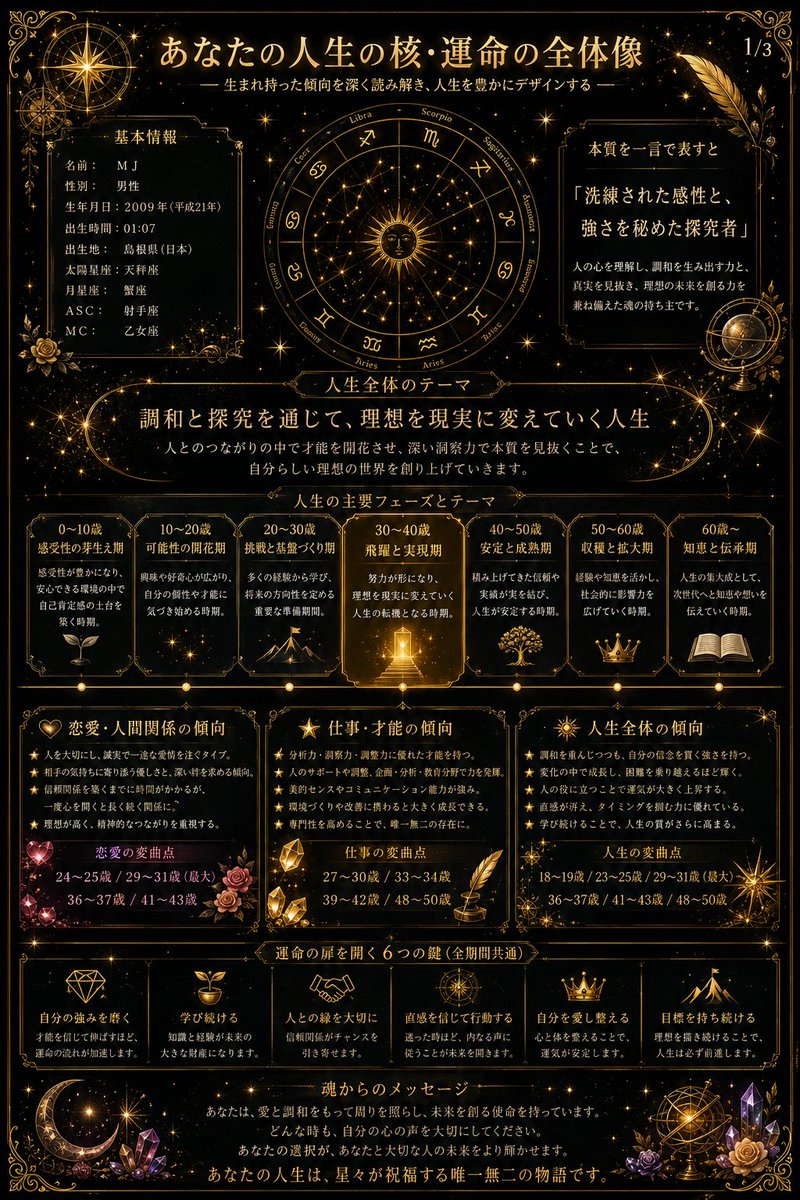
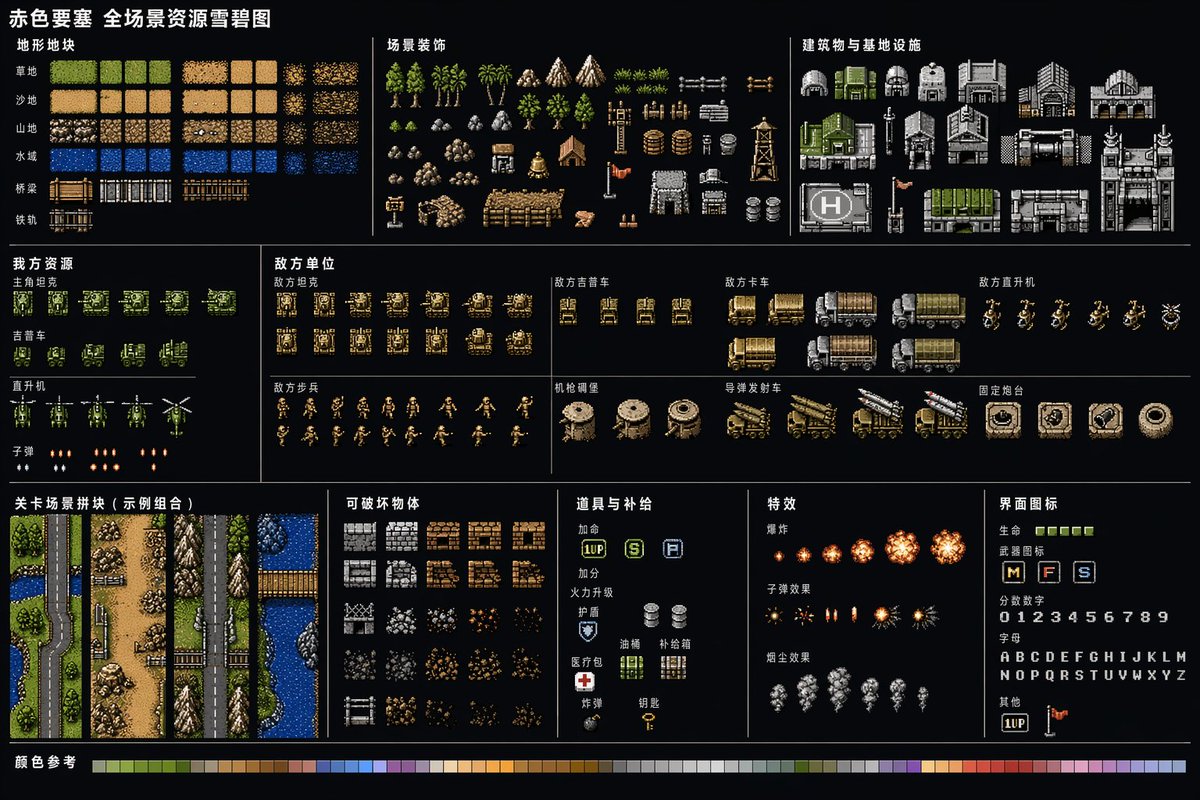
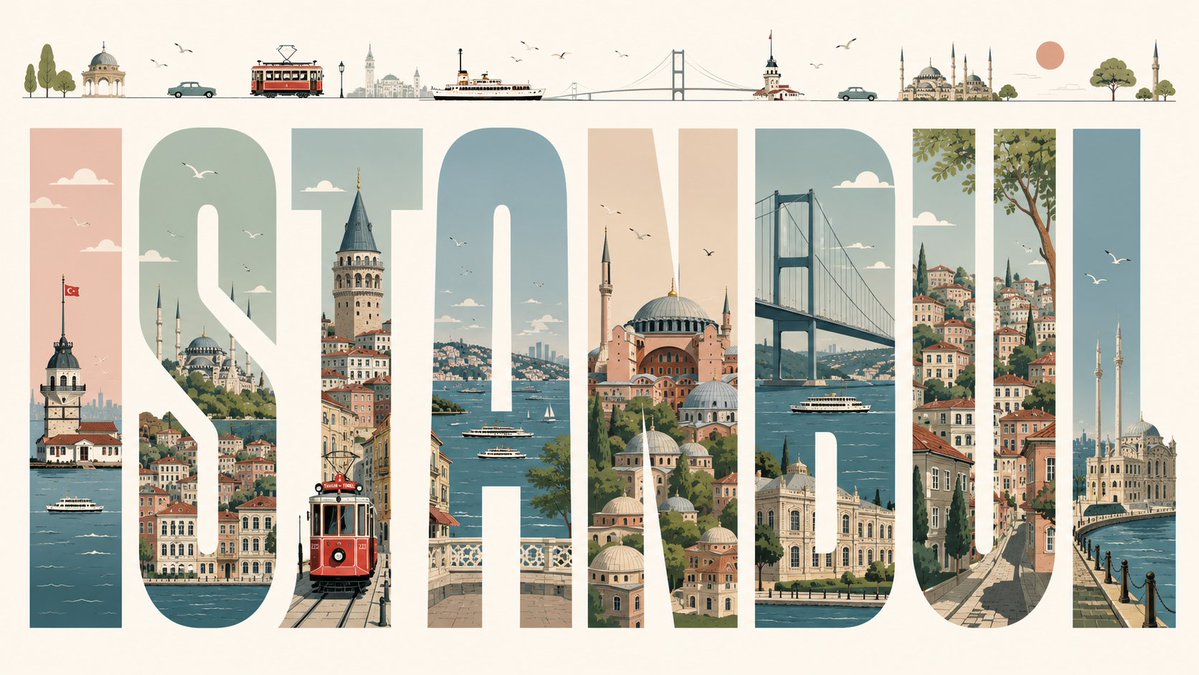
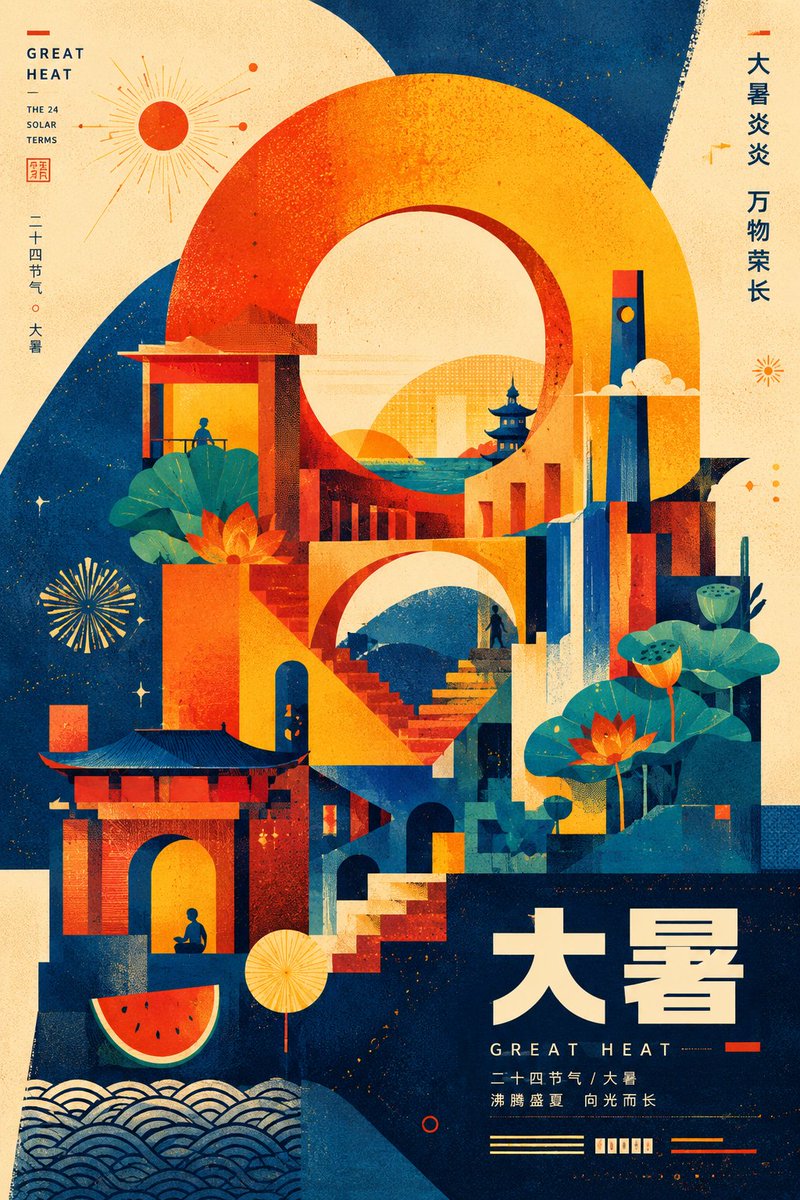
Αφίσα με γεωμετρικό μνημείο σε μοντερνιστικό στυλ
Κάθετη αφίσα όπου ένα τεράστιο γεωμετρικό σύμβολο υψώνεται από το κάτω κέντρο και φέρει μια μικρογραφία πόλης του θέματος, με πύργους, τόξα και σιλουέτες. Ο περιορισμένος χρωματισμός και ο λεπτός κόκκος halftone της δίνουν μια τυπωμένη αίσθηση της δεκαετίας του '50 και '60.

- Μοντέλο
- GPT Image 2
- Τύπος
- Εικόνα
- Αναλογία διαστάσεων
- 2:3
- Κοινοποιήθηκε
- 14 Ιουλ 2026
- Likes στο X
- 13
Θέμα
Prompt εικόνας
3,483 χαρακτήρεςYou are a top-tier poster designer skilled in modernist visual storytelling, geometric composition, urban-imagery collage, and retro print illustration. Create an original vertical themed poster around the "theme" I enter at the end of the prompt. Important principle: Do not copy any existing work, specific designer, brand poster, logo, architectural arrangement, numeral styling, or original composition. What should be extracted and applied is a reusable design method: monumental large-scale composition, a geometric symbol dominating the image, architecturalized theme elements, limited color, retro halftone grain, and overlay of plane and space. The final image should convey a similar visual temperament and design maturity, but must be an original work reconceived for the new theme. Before generating the image, complete the following design reasoning internally; do not output the analysis process, only the final visual result: Step 1: Understand the theme Analyze the theme's emotion, cultural meaning, core values, representative objects, scenes, sense of time, and symbolic significance. Do not merely write the theme's name on the image; instead, transform the theme into a symbolic system that can be visualized. Step 2: Establish the core visual metaphor Choose the most powerful core concept from the theme and transform it into an enormous main visual motif. The main visual motif can be: a number, a letter, a Chinese-character structure, an arch, a ring, the sun, a wave, a mountain peak, a road, a container, a window, a plant silhouette, a mechanical structure, or an abstract geometric symbol newly created from the theme. This enormous symbol must occupy roughly 55% to 75% of the image area, becoming the skeleton of the composition rather than ordinary decoration. The main visual form should satisfy: bold outline, simple structure, strong recognizability; a monumental, architectural, and public-visual feel; can be partially obscured, cut, or interpenetrated; can be seen both as an abstract shape and understood as a symbol of the theme; avoid ordinary centered icons, simple symmetrical emblems, or common template compositions. Step 3: Transform the theme's elements into a "visual city" Automatically select 6 to 12 representative elements based on the theme. Do not depict them realistically; instead geometrize, architecturalize, silhouette, and modularize them. Transformation methods include: turning products into architectural blocks; turning human activities into simple silhouettes or public-sculpture-like forms; turning natural objects into mountains, ripples, arches, rings, or continuous curves; turning technological elements into towers, circuits, windows, light columns, and modules; turning cultural elements into roofs, gateways, patterns, stele forms, and structural nodes; turning abstract concepts into roads, staircases, bridges, rays of light, tracks, or upward forms. These elements should surround, embed into, pass through, or grow within the main visual motif, forming a fantasy city, stage, monument, or spiritual landscape composed of the theme. Step 4: Composition design Use a vertical poster composition, with an aspect ratio of about 2:3. Adopt an asymmetrical but stable composition: the main structure grows upward from the bottom of the image; the visual weight concentrates mainly in the lower-center; keep appropriate breathing space at the top; some shapes may extend beyond the canvas edges; front
Πώς να το χρησιμοποιήσετε
Κοινοποιήθηκε ως prompt για το GPT Image 2. Αντικαταστήστε τη γραμμή θέματος στο τέλος με το δικό σας αντικείμενο, όπως ένα φεστιβάλ, μια σειρά προϊόντων ή ένα μέρος, και κρατήστε τις οδηγίες για περιορισμένα χρώματα και κόκκο halftone, καθώς αυτές δίνουν το ρετρό εφέ. Αν θέλετε η αφίσα να λειτουργεί ως branding, προσθέστε έναν σύντομο τίτλο στο πεδίο κειμένου ώστε το μνημείο και οι λέξεις να μοιράζονται το ίδιο πλέγμα.
Κοινοποιήθηκε δημόσια στο X στις 14 Ιουλ 2026. Όλα τα credits για αυτό το prompt και το αποτέλεσμά του ανήκουν στον δημιουργό του. Είναι δικό σας; Ζητήστε ενημέρωση ή αφαίρεση.